MotionMuse alternative · photo to video · Wan 3 · Kling 3.0 · Veo 3.1
MotionMuse AI alternative — turn a photo into a moving clip
MotionMuse AI's site no longer loads. If you used it to make a still photo move, Kenerate AI does the same job: upload a photo, describe the motion in one line, pick from 50+ video models and download a clip with sound and no watermark.
- Photo to video in one line
- 50+ video models
- Clips up to 30 s
- No watermark
Updated by the Kenerate AI team




Made with Kenerate




On this page
Quick answer

What is the best MotionMuse AI alternative?
MotionMuse AI (motionmuse.ai) is offline: on 18 November 2026 its domain no longer resolved, and the top search result is a Reddit thread saying it closed. For the same photo-to-video job, Kenerate AI works: upload a photo, write one line of motion, and Wan 3 returns a 5-second 720p clip with sound (150 credits); 50+ video models, no watermark.
Key facts
- motionmuse.ai on 18 Nov 2026
- Does not load (domain not found)
- Kenerate input
- One photo + one line of motion
- Clip length
- 2–30 s on Wan 3
- Resolution
- Up to 1080p; 4K on Veo 3.1 and Seedance 2.5
- Video models
- 50+
- Content
- SFW only, no face swap
Real demo
One prompt, four video models
Text to video on the same prompt: "A golden retriever puppy in a tiny yellow raincoat splashes through puddles on a cobblestone street in the rain, slow motion, cinematic, rain and happy barks"
- Veo 3.1. Veo 3.1 text to video, 6 s, 720p, with sound.
- Kling 3.0. Kling 3.0 Pro text to video, 5 s, 1080p, with sound.
- Seedance 2.5. Seedance 2.5 text to video, 5 s, 720p, with sound.
- Wan 3. Wan 3 text to video, 5 s, 720p, with sound.
Unedited outputs from Kenerate's video studio — the model choice a one-template app doesn't give you.
Run your promptReal results
Photos that move — the MotionMuse job, done on Kenerate
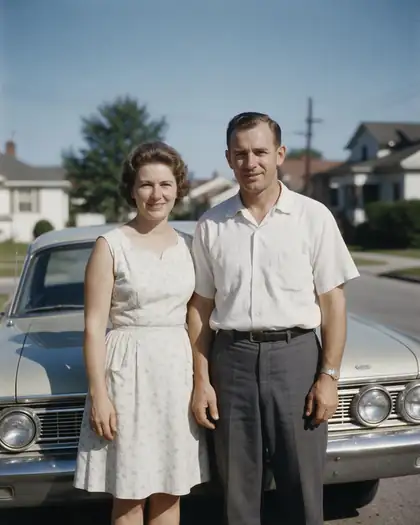
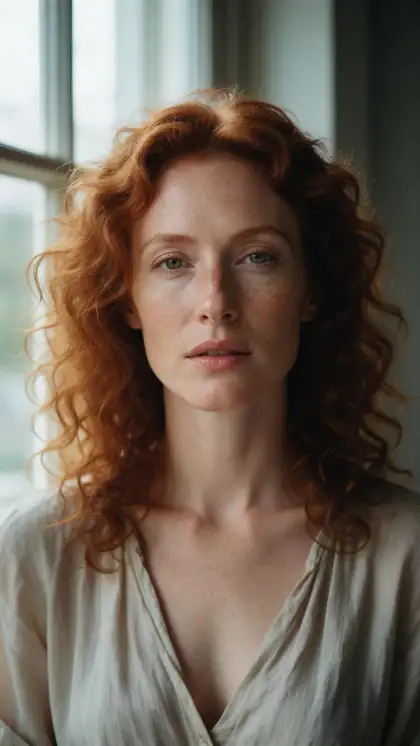
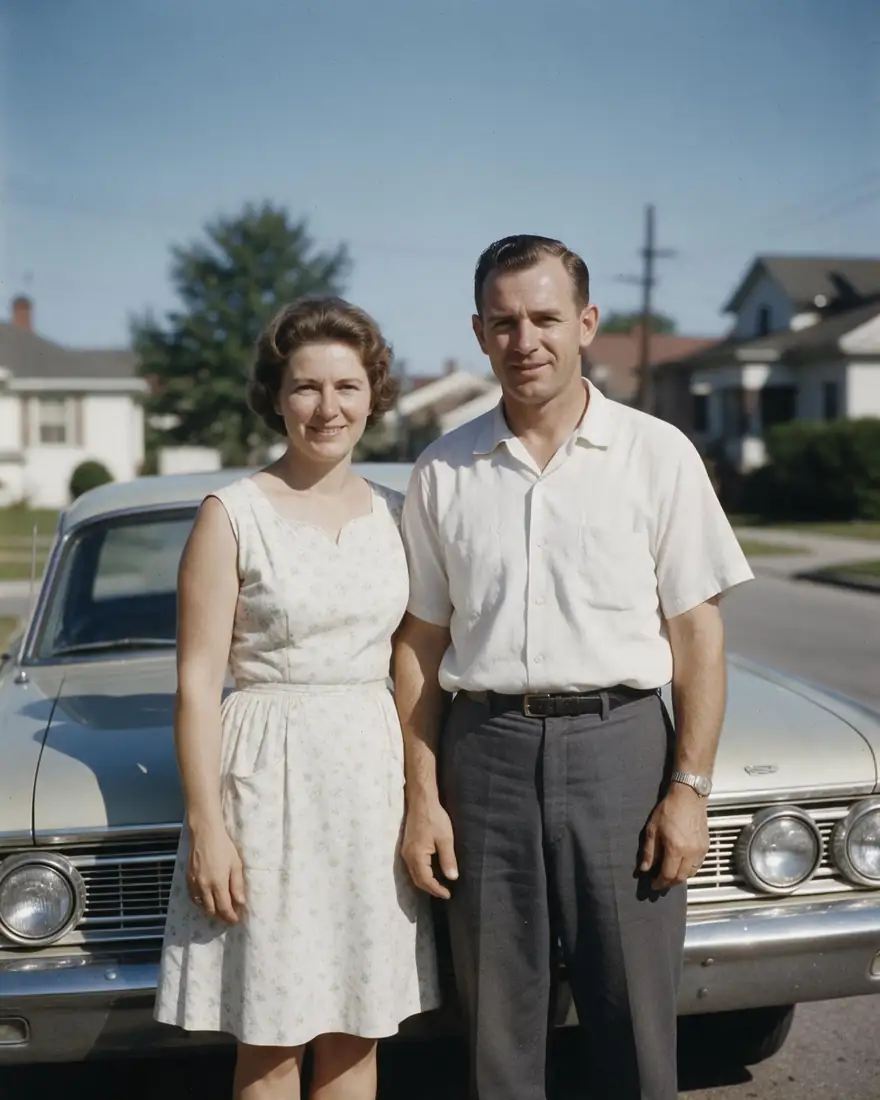
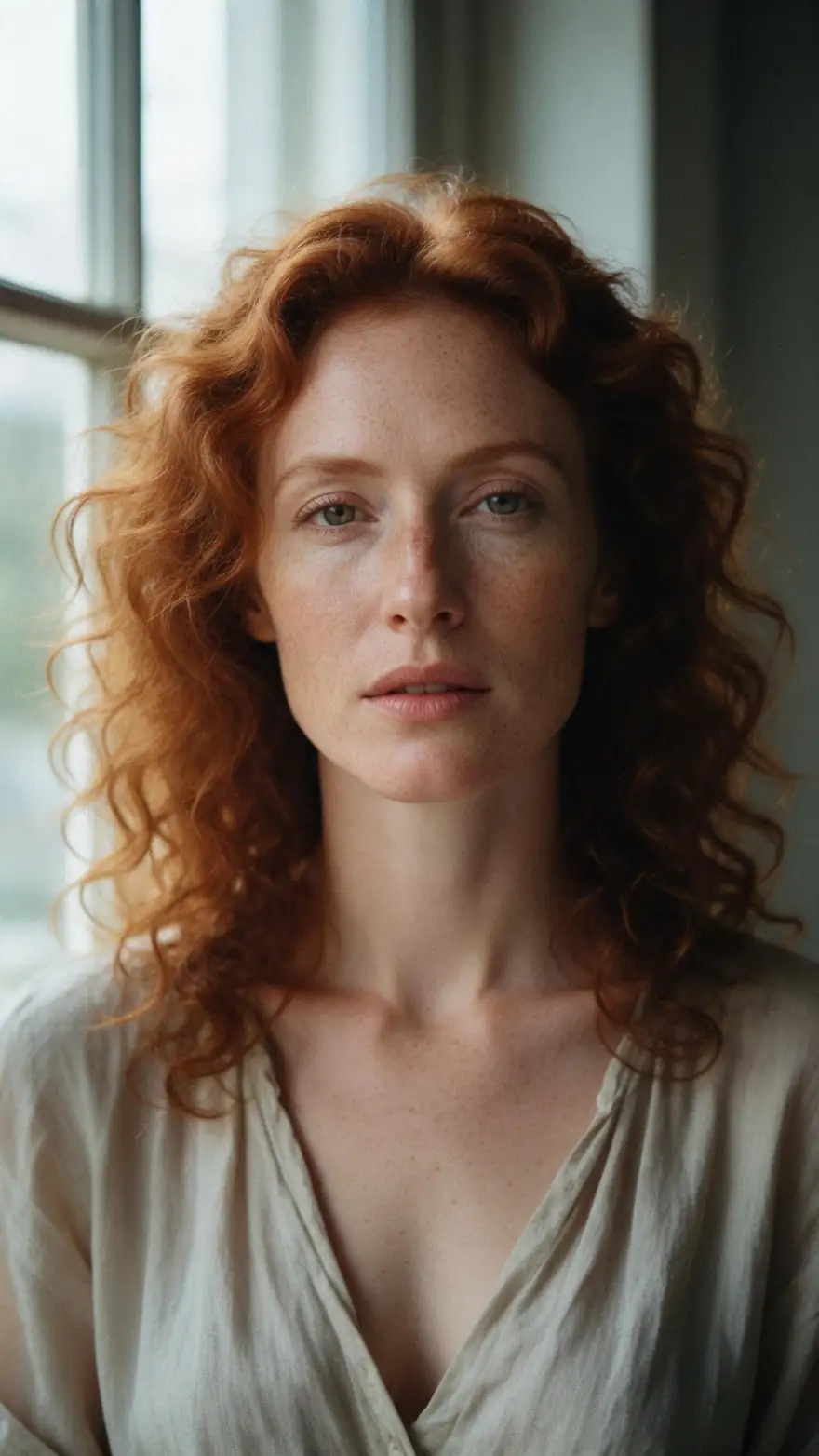
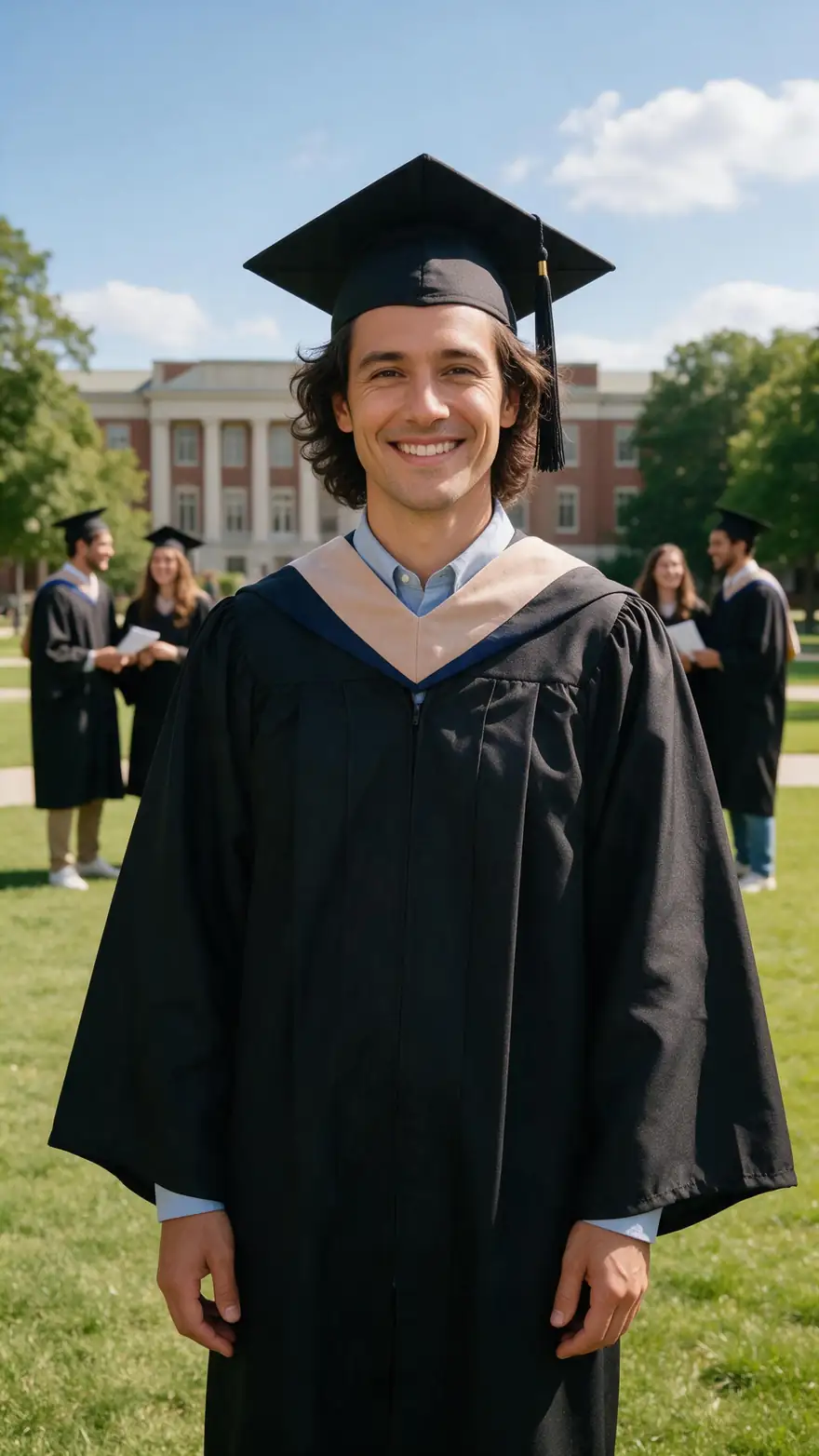
Seven stills turned into 5-second clips with Wan 3 image to video (720p): an old family photo, a portrait, a pet, a trip, a big day, a coffee and a painting.
Real, unedited Kenerate clips. Open one to copy the image prompt and the motion prompt.
How to
How to animate a photo without MotionMuse
- Time needed
- Steps
- 4 steps
Step 1
Upload the photo
Open the video studio (/app/video), choose image to video and add one clear photo you have the right to use.
Step 2
Describe the motion
One line: who moves, how, one camera move and the sound — “she turns to smile, wind and waves”.
Step 3
Pick a model and length
Wan 3 for 2–30 s clips, Kling 3.0 for fast action, Veo 3.1 for speech, Seedance 2.5 for long cinematic shots.
Step 4
Download
Check the clip, rerun with a tweak if needed, upscale to 4K and download with no watermark.
See it in the app

Open Video Studio in Text to Video mode and write the shot — subject, action, camera move and light.


Watch the tour · 1:19
Text, image & reference to video, models, edit, extend & chat
Chapters
Checked 18 November 2026
MotionMuse jobs and where they run on Kenerate
MotionMuse's own pages are offline, so instead of a feature-by-feature table, here is each photo-to-video job and the Kenerate tool for it.
| Job | Kenerate tool | Model to start with |
|---|---|---|
| Make a still photo move | Video studio, image to video | Wan 3 |
| Bring an old family photo to life | Restore in Edit Studio, then image to video | Wan 3 |
| Copy the movement from a video | Motion Control | Kling 3.0 Pro motion engine |
| Make a portrait talk | Talking photo (Avatar Talk) | Your own voice or text to speech |
| Animate a painting or illustration | Video studio, image to video | Wan 3 or Seedance 2.5 |
| Longer or 4K clips | Video studio, then video upscaler | Seedance 2.5 or Veo 3.1 |
motionmuse.ai did not load on 18 Nov 2026, so no MotionMuse feature or price is quoted here.
Sources: Kenerate video studio · Kenerate Motion Control · Kenerate Terms of Service · Reddit r/StableDiffusion search — MotionMuse
Engines
Kenerate models for MotionMuse-style clips
Image to video, plus the tools for copying a movement or making a photo talk.
- Used here
Alibaba
Wan 3
- Input
- Photo + motion line
- Output
- 2–30 s · up to 1080p · sound
Open Wan 3Best for
Everyday photo animation
Kuaishou
Kling 3.0
- Input
- Text or photo
- Output
- 3–15 s · 1080p · sound
Open Kling 3.0Best for
Fast action and dance
Google
Veo 3.1
- Input
- Text, photo or 3 references
- Output
- 4–8 s · up to 4K · sound
Open Veo 3.1Best for
Speech and lip sync
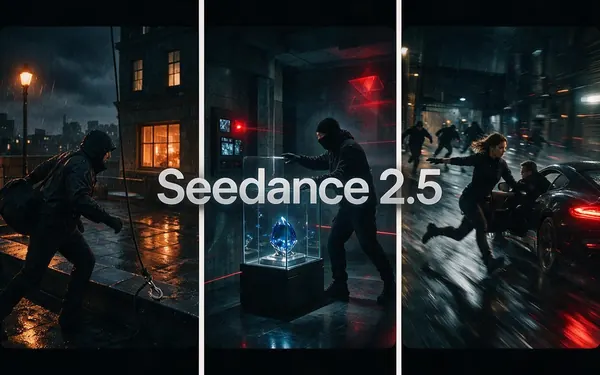
ByteDance
Seedance 2.5
- Input
- Text, photo or 30 references
- Output
- 4–30 s · up to 4K · sound
Open Seedance 2.5Best for
Long, cinematic shots
12 engines
Motion Control
- Input
- Photo + a reference video
- Output
- Follows your clip, up to 2 min
Open Motion ControlBest for
Copy a dance or gesture exactly
Video runs on purchased credits; sign-up credits cover images and tools.
Tips
Getting a natural photo animation
What worked in the clips above.
Describe motion, not the picture: the model already sees the photo.
One action per clip — a smile, a wave, a head turn. Three actions in 5 s look rushed.
Name the sound you want (“waves”, “applause”, “quiet room tone”); Wan 3 adds it.
Old photos: keep the grain in the prompt (“the film grain flickers”) so the clip still looks old.
Want a set movement, like a dance or a gesture from a video? Use Motion Control instead of a prompt.
Draft at 720p, then upscale the take you keep.
FAQ
MotionMuse AI Alternative questions
8 questions

What is the best MotionMuse AI alternative?
For turning a photo into a short moving clip, Kenerate AI: upload the photo, write one line of motion and choose from 50+ video models — Wan 3 for everyday clips, Kling 3.0 for action, Veo 3.1 for speech, Seedance 2.5 for long shots. Clips come with sound and no watermark. Kenerate is SFW only.
Link to this answerIs MotionMuse AI shut down?
It looks that way. On 18 November 2026 motionmuse.ai did not load for us — the domain no longer resolved — and the top search result for the name is a Reddit r/StableDiffusion thread titled "seems like motionmuse has officially closed". We couldn't reach any official MotionMuse statement.
Link to this answerIs MotionMuse AI legit?
We can't check it any more: its site is offline, so its features, prices and terms can't be read. Be careful with lookalike sites using the MotionMuse name, and don't enter payment details on a site you can't trace to a real company.
Link to this answerHow do I turn a photo into a video without MotionMuse?
In Kenerate's video studio choose image to video, upload the photo and describe the motion: “The couple in the old photo come to life, smile at each other and wave at the camera.” Wan 3 returned that 5-second 720p clip with sound, shown first on this page.
Link to this answerIs there a free MotionMuse alternative?
Not for video on Kenerate. New accounts get 25 free credits for images and tools, but video models need purchased credits: a 5-second 720p Wan 3 clip with sound costs 150 credits. Credit packs are one-time and never expire.
Link to this answerCan I copy a movement from a video onto my photo?
Yes, with Motion Control. Upload one character photo and a reference clip of up to 2 minutes, and the character copies the movement; 12 engines are available. It is the closest Kenerate tool to motion templates.
Link to this answerCan I use the clips commercially?
Yes. Kenerate's terms say you own what you generate and can use it commercially. Only animate photos you have the right to use, and never photos of other people without their consent.
Link to this answerIs Kenerate safe for work?
Yes. Kenerate's terms ban sexually explicit content of any person, real or fictional, and face swapping, and every clip on this page is safe for work.
Link to this answerIn depth
MotionMuse AI Alternative, explained
What happened to MotionMuse AI
MotionMuse AI was a browser tool people used to make still photos move. By 18 November 2026 its domain, motionmuse.ai, no longer resolved, and the first search result for the name was a Reddit thread saying it had closed. Search interest stayed high — about 14,800 US searches a month for "motionmuse ai" in November 2026 — so many people are still looking for it.
Because the official site is gone, we describe no MotionMuse feature or price here. Pages that still quote its plans are copying old third-party listings.
Doing the same job on Kenerate
Kenerate is a studio of 50+ video models rather than one app with fixed templates. For photo animation you upload the photo and write the motion; Wan 3 makes 2–30 s clips up to 1080p with sound, and a 5-second 720p clip costs 150 credits. For a movement copied from a video there is Motion Control, and for a portrait that speaks there is a talking-photo tool.
- Pick Kenerate for model choice, clips up to 30 s, 4K upscaling, sound, no watermark and commercial use.
- Know before you start: video needs purchased credits, there are no one-click motion templates, and Kenerate is SFW only with no face swap.
Explore
Every Kenerate video tool
Generators, tools, models and guides — all in one studio.
By the Kenerate AI teamLast updated and reviewed
Sources: Kenerate video studio · Kenerate Motion Control · Kenerate Terms of Service · Reddit r/StableDiffusion search — MotionMuse