

Pony Diffusion V6 XL · SDXL
Pony XL online — Prefect Pony XL for anime and cartoon art
Pony XL is the SDXL anime and cartoon model family started by Pony Diffusion V6 XL. On Kenerate you can run Prefect Pony XL, a popular Pony-based checkpoint, in the browser with score-tag prompts.
- Base model
- Pony Diffusion V6 XL by PurpleSmartAI, a fine-tune of Stable Diffusion XL
- Training data
- About 2.6 million aesthetically ranked images, balanced across anime, cartoon, furry and pony sets
- Prompt tags
- Score tags (score_9, score_8_up …), source_anime / source_cartoon / source_furry, rating_safe and other rating tags
- Prefect Pony XL
- An anime-focused checkpoint merge on Pony by Goofy_Ai, published on Civitai
- Negative prompts
- Pony V6 is designed to not need them in most cases
- On Kenerate
- Prefect Pony XL — text to image, 7 SDXL sizes from 1024×1024 to 1344×768, seed control
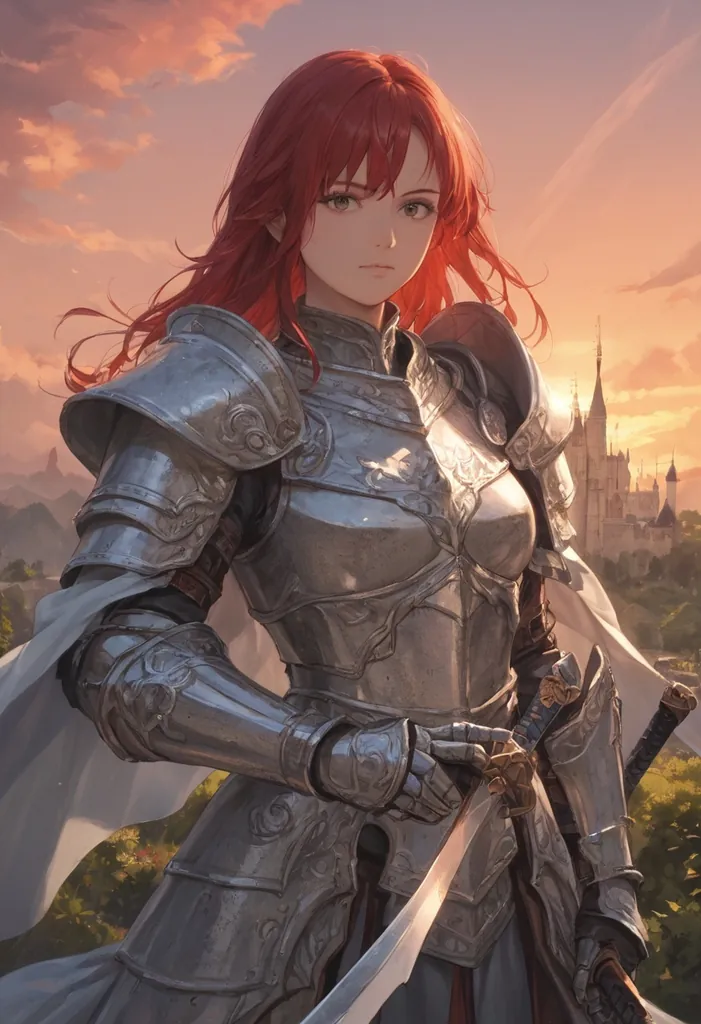

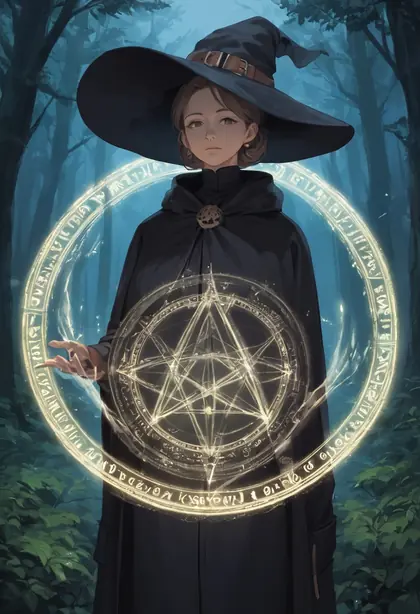
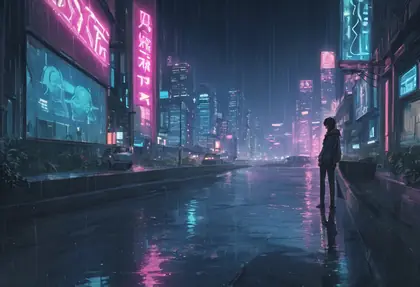
- Real outputs
- Official sources
- Free to start
- No watermark
Updated by the Kenerate AI team




Made with Kenerate
On this page
What is Pony XL?

What is Pony XL?
Pony XL usually means Pony Diffusion V6 XL, an SDXL fine-tune by PurpleSmartAI trained on about 2.6 million ranked anime, cartoon and furry images and steered with score tags. Kenerate AI runs Prefect Pony XL, a popular anime checkpoint built on Pony, in the browser at seven SDXL sizes.
Key facts
- Pony Diffusion V6 XL
- PurpleSmartAI
- Base
- SDXL fine-tune
- Training set
- About 2.6M ranked images
- Styles
- Anime · cartoon · furry
- Prompts
- score_9 … tags + description
- On Kenerate
- Prefect Pony XL
- Prefect Pony XL
- Anime merge by Goofy_Ai
- Sizes
- 7 SDXL sizes, about 1 MP
Gallery
Pony XL examples
Real outputs made on Kenerate. Open any image to copy its prompt and run it yourself.
Models
Pony XL on Kenerate
Every version in the generator, and what each is good at.
Goofy_Ai (on Pony Diffusion V6 XL)
Prefect Pony XL
- Output
- 7 SDXL sizes
Open Prefect Pony XLBest for
Anime and cartoon characters, tag prompts
From our tests
Strengths and limits
Good at
- Clean anime character art from a short tag list — the knight, baker and witch are typical.
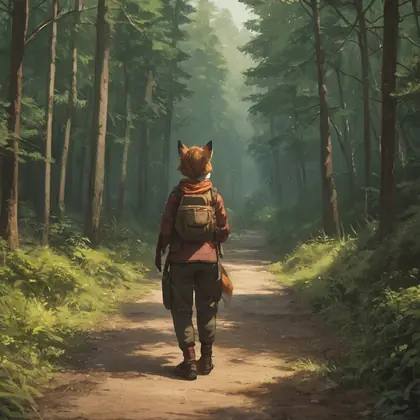
- Switches to a western cartoon look with tags like “cartoon” and “western cartoon style” (see the fox).
- Score tags give you fine control over quality, and rating_safe keeps results SFW.
- Good at backgrounds too: “no humans, scenery” gave the neon city.
Limits
- SDXL sizes only, about 1 megapixel — no HD sizes. Upscale afterwards if you need more.
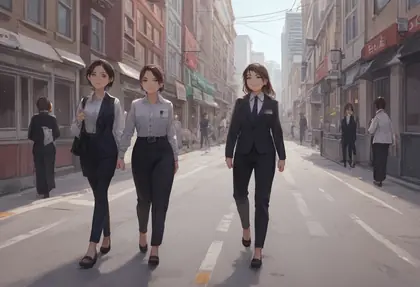
- Counts are loose: “2girls” gave three women in the office scene.
- Text to image only on Kenerate, with no negative-prompt field; put what you want in the tags.
- Not on the free plan — any credit pack unlocks it.
How to
How to use Pony XL on Kenerate
Step 1
Open Prefect Pony XL
Pick it in /app/image. Any credit pack unlocks it.
Step 2
Start with score tags
Begin the prompt with “score_9, score_8_up, score_7_up”, then a rating tag such as “rating_safe”.
Step 3
Add your tags
Character, hair, clothes, pose, place and style, separated by commas — e.g. “1girl, adult woman, silver armor, castle, sunset”.
Step 4
Pick a size and download
Square, portrait 2:3 or 3:4, landscape 3:2 or 4:3, 9:16 or 16:9. No watermark.
See it in the app

Open Image Studio and type what you want to see — subject, style, lighting and mood.


Watch the tour · 1:23
Prompts, styles, references, edit, Arena & chat
Chapters
FAQ
Pony XL questions

What is Pony XL?
Pony XL usually refers to Pony Diffusion V6 XL, a fine-tune of Stable Diffusion XL by PurpleSmartAI. It was trained on about 2.6 million aesthetically ranked images, balanced across anime, cartoon, furry and pony styles, and is steered with score tags. Many popular community checkpoints, such as Prefect Pony XL, are built on top of it.
Link to this answerWhat is Prefect Pony XL?
Prefect Pony XL is an anime-focused checkpoint merge built on Pony Diffusion XL, published on Civitai by Goofy_Ai. It keeps Pony's tag prompting and score tags but leans towards polished anime character art. It is the Pony model Kenerate runs: pick Prefect Pony XL in /app/image and generate in the browser with no download or GPU.
Link to this answerHow do I write Pony XL prompts?
Start with the score tags “score_9, score_8_up, score_7_up”, add a rating tag such as rating_safe, then list comma-separated tags: character, hair, clothes, pose, place and style. Source tags like source_anime or source_cartoon pick the genre. Pony is designed to work without negative prompts in most cases, so Kenerate has no negative field for it.
Link to this answerCan I use Pony XL online without installing anything?
Yes. On Kenerate, Prefect Pony XL runs in the browser: open /app/image, pick the model, paste a tag prompt and choose one of seven SDXL sizes, from 1024×1024 square to 1344×768 widescreen. There is no download, no GPU and no watermark. It is text to image only, so you cannot upload a reference image.
Link to this answerIs Pony XL free on Kenerate?
Prefect Pony XL is not on the Kenerate free plan. Generations are credit-based, the cost of each image is shown before you generate, and credits come in one-time packs that never expire, with no subscription; see /pricing. Any credit pack unlocks Pony XL along with Neta Lumina, Chroma and the other paid models.
Link to this answerPony XL vs Neta Lumina — which is better for anime?
Pick Pony XL if you like tag prompts, score tags and the large Pony ecosystem, or want a western cartoon look. Pick Neta Lumina if you prefer writing natural sentences, or want anime scenery and illustration from a newer Lumina-based model. Both run on Kenerate at SDXL-style sizes, so you can try the same idea on each.
Link to this answerIn depth
Pony XL, in depth
Background, how to prompt it, and when to pick something else.
When to pick Pony XL
Pick Pony XL for anime and cartoon characters from tag prompts. For anime from plain sentences try Neta Lumina; for photoreal images, Chroma or Flux 2.
By the Kenerate AI teamLast updated and reviewed
We run these models in the Kenerate generator. Model facts come from the makers' own pages; specs and limits were checked against our code; the examples are our own outputs.
Sources: PurpleSmartAI — Pony Diffusion V6 XL (Civitai) · Goofy_Ai — Prefect Pony XL (Civitai)
