

Prompt library · Nano Banana 2.1 · Copy or try in one click
Nano Banana prompts — 26 prompts with their real outputs
A Nano Banana prompt library where every prompt sits next to the image it really made with Nano Banana 2.1. Filter by category, copy a prompt, or open it in the generator — plus a short guide to writing your own.
- 26 real outputs
- Exact prompts
- Copy or try in one click
- No watermark
Updated by the Kenerate AI team
On this page
Quick answer
Updated
What are the best Nano Banana prompts?
Nano Banana prompts are plain-language instructions for Google's Nano Banana image models. The best ones name the subject, the style and light, any exact text in quotes, and the ratio and size. Below are 26 prompts with their real Nano Banana 2.1 outputs — the version Google released on 6 October 2026 — to copy or open in one click.
Key facts
- Prompts
- 26, each with its real output
- Model
- Nano Banana 2.1 (Google, 6 Oct 2026)
- Categories
- 19, from posters to 8:1 banners
- Sizes
- 1K · 2K · 4K
- Aspect ratios
- 14 on Kenerate, 1:8 to 8:1
- References
- Up to 14 images per prompt
Prompt library
The Nano Banana prompt library
Every prompt below made the image above it with Nano Banana 2.1 on Kenerate, unedited. Ratio and size are the real output's.
26 prompts shown
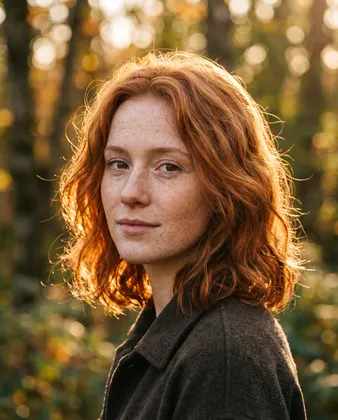 Portrait4:52K
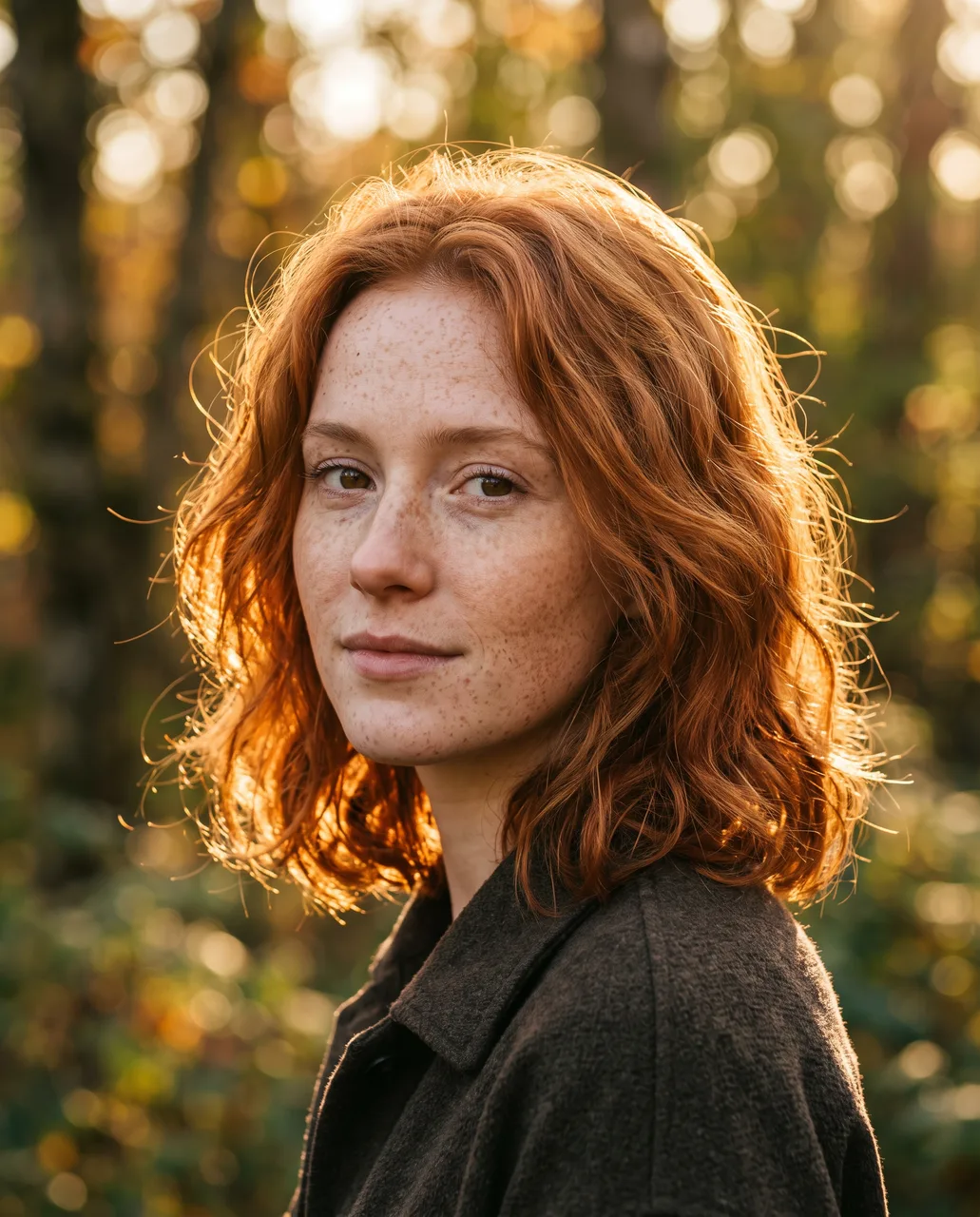
Golden-hour portrait
Close-up portrait of a young woman with freckles and copper hair in golden-hour backlight, shallow depth of field, natural skin texture, 85mm photo
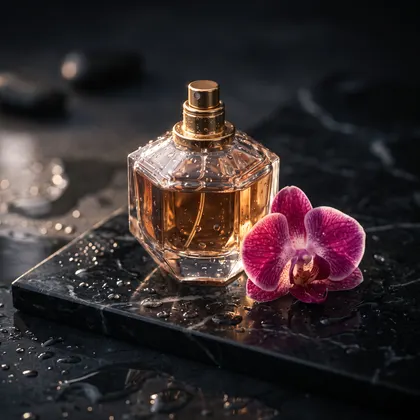 Product1:12K
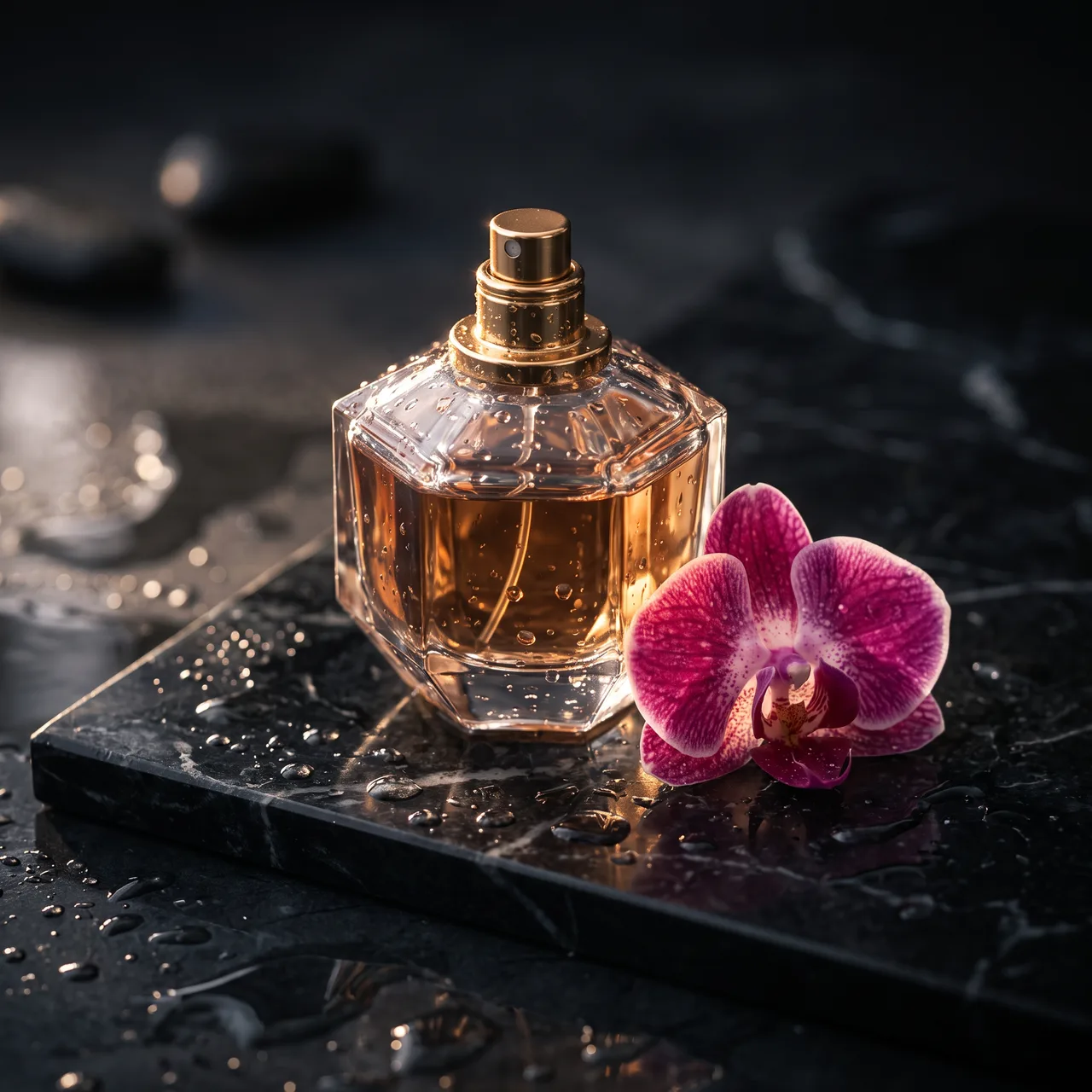
Perfume product shot
Luxury perfume bottle on a wet black marble slab, single orchid, dramatic rim light, droplets, high-end product photography
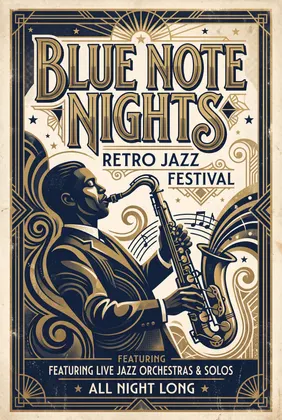 Text & posters2:32K
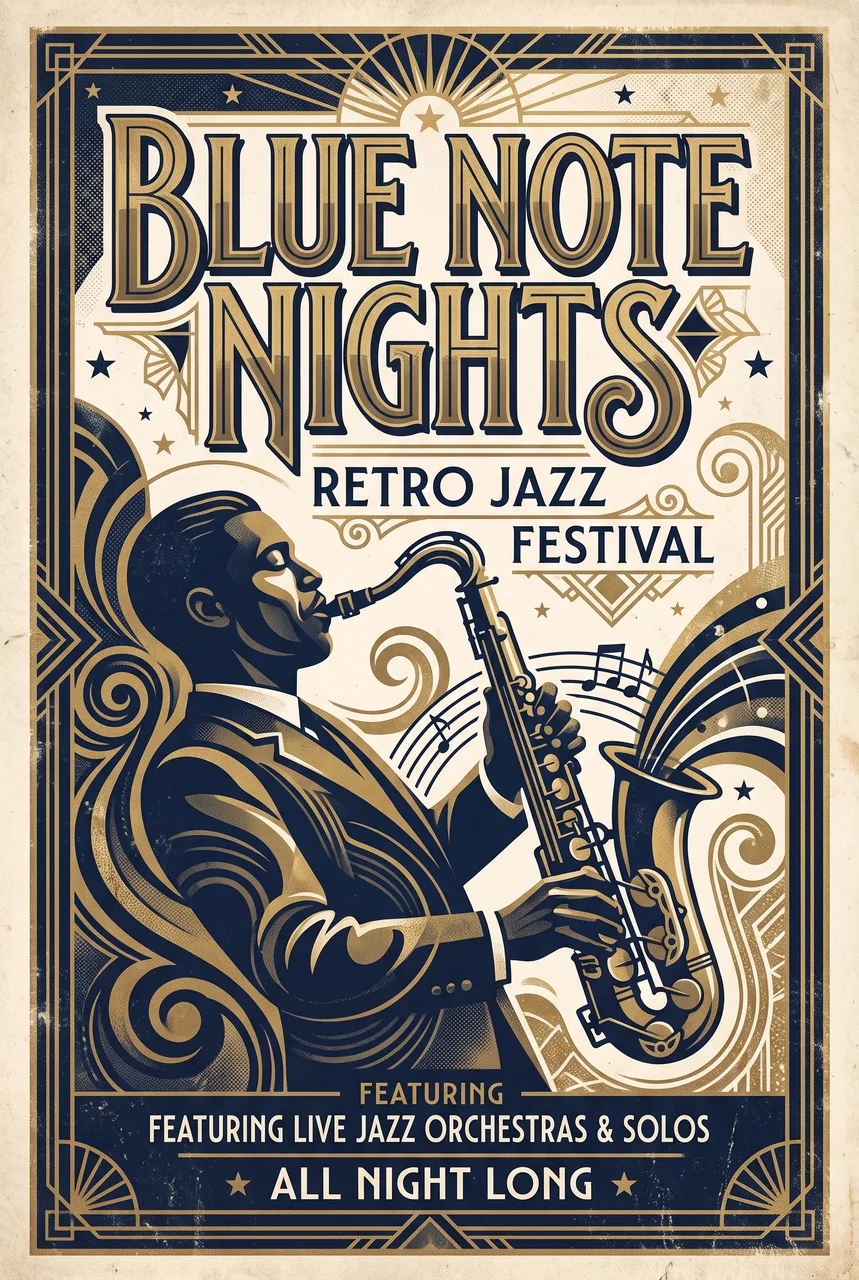
Jazz festival poster
Retro jazz festival poster with the title 'BLUE NOTE NIGHTS' in big art-deco letters, a saxophone silhouette, navy and gold, screen-print texture
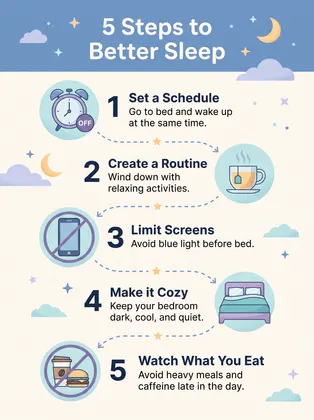 Infographic3:42K
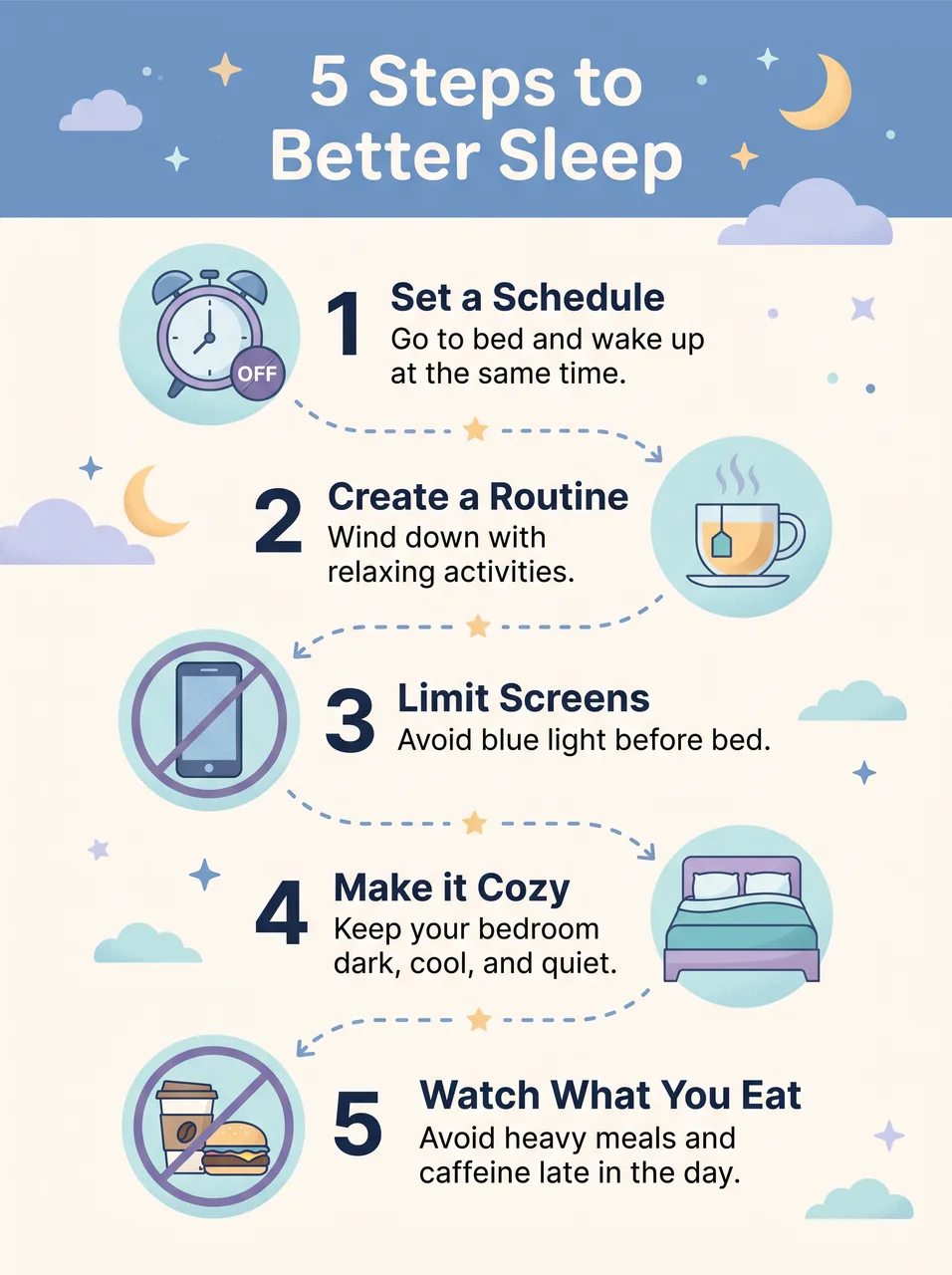
Sleep infographic
Clean infographic titled '5 Steps to Better Sleep' with five numbered steps, simple icons and short labels, soft blue palette, flat vector
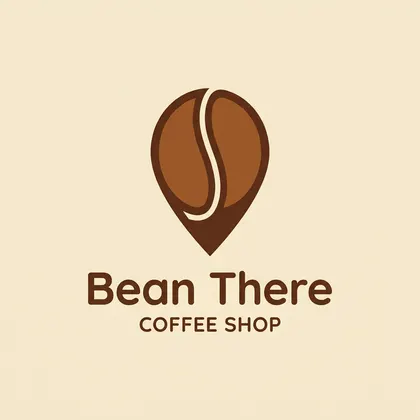 Logo & brand1:11K
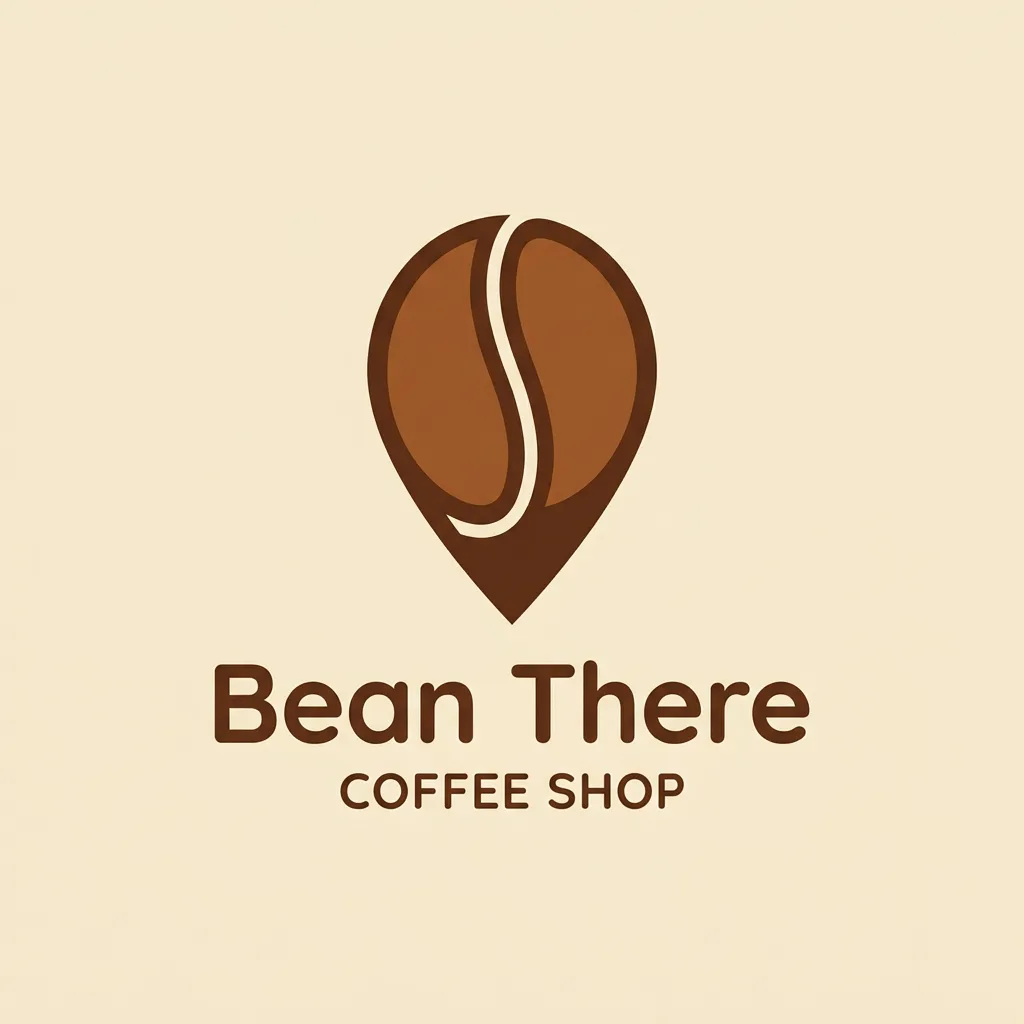
Coffee shop logo
Minimal logo for a coffee shop called 'Bean There' — a coffee bean shaped like a map pin, warm brown on cream, flat vector, centered
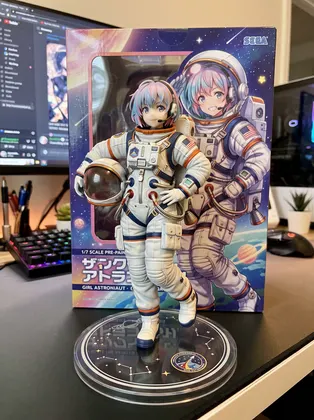 3D figurine3:42K
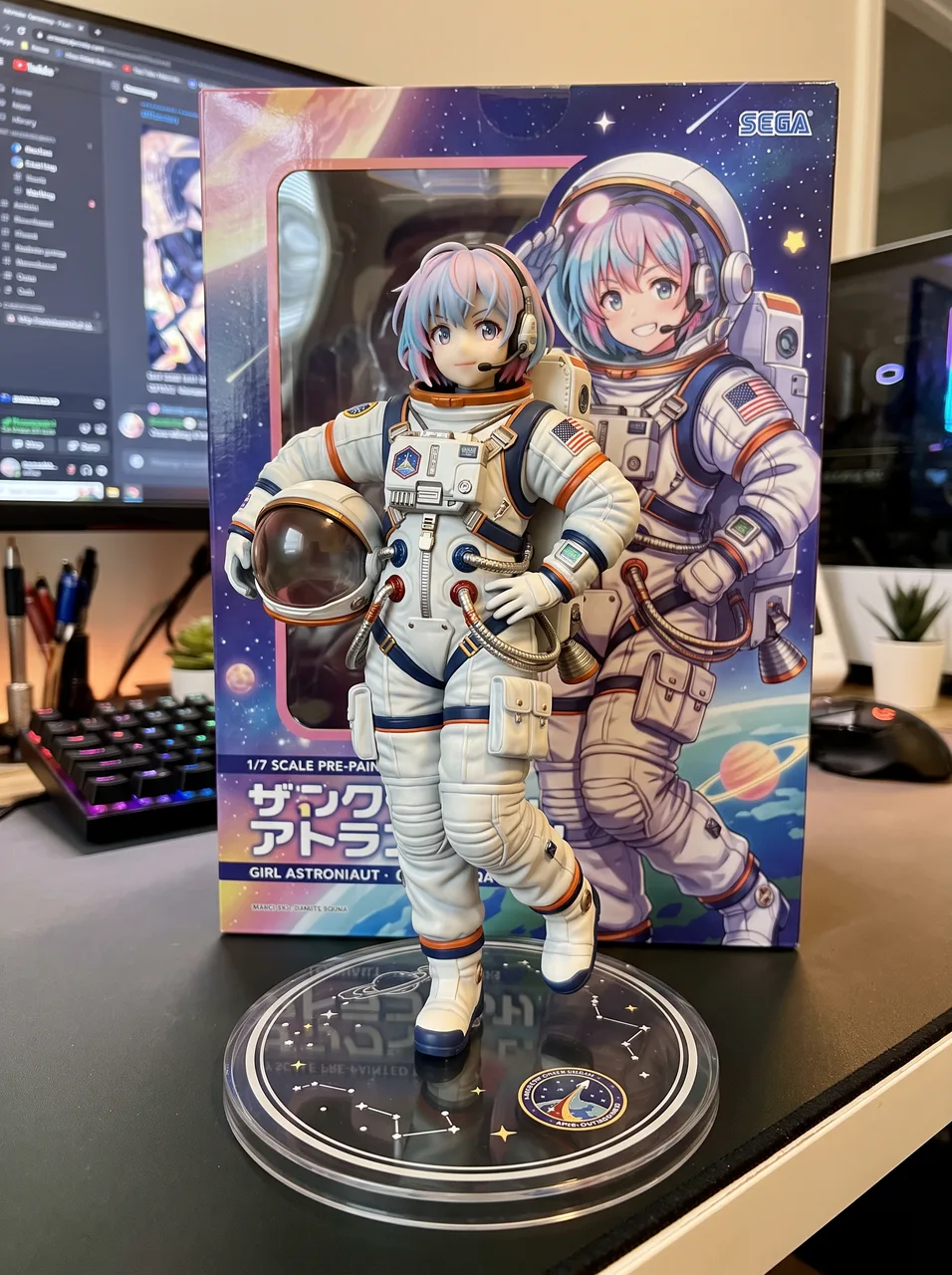
Collectible figurine
Collectible 1/7 scale figurine of a girl astronaut on a round acrylic base on a computer desk, figure box with illustration behind it, realistic product photo
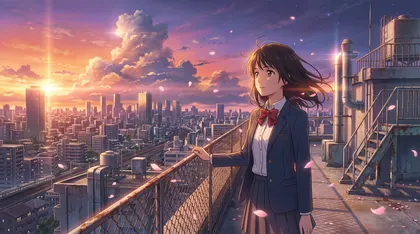 Anime16:92K
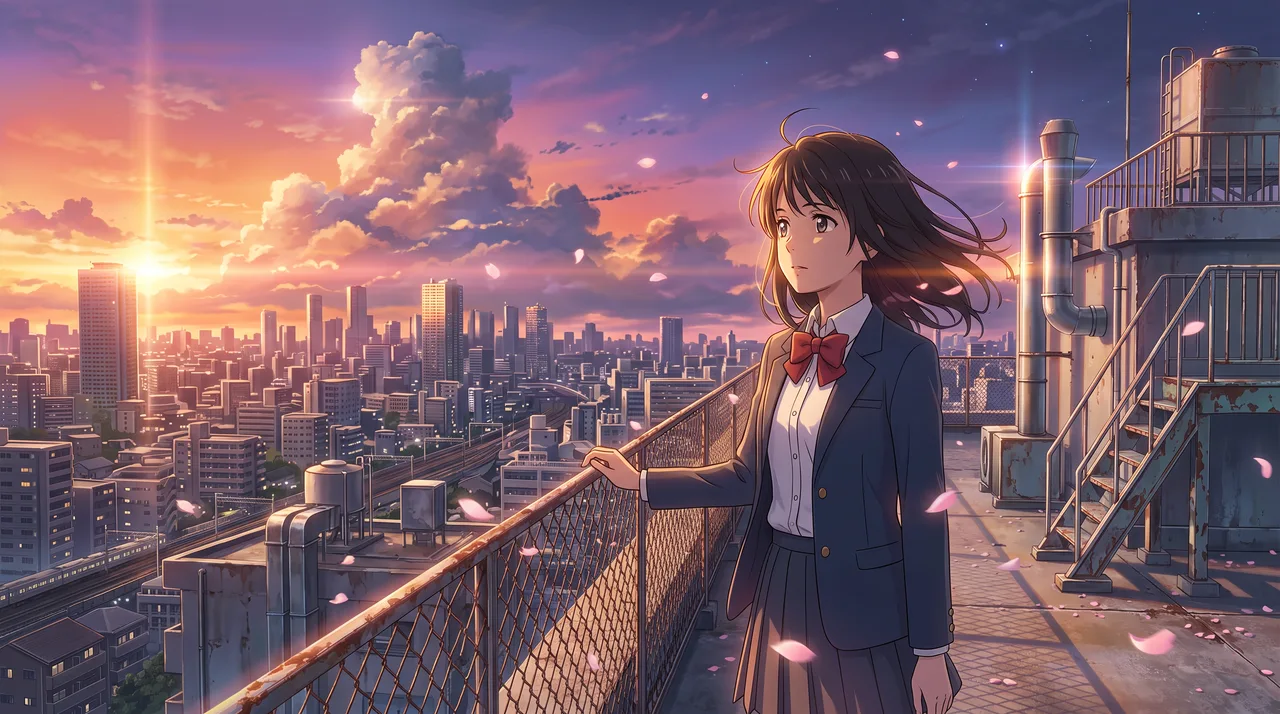
Anime rooftop key visual
Anime key visual of a girl on a rooftop at sunset over a city, wind in her hair, cherry petals, cinematic Makoto Shinkai lighting
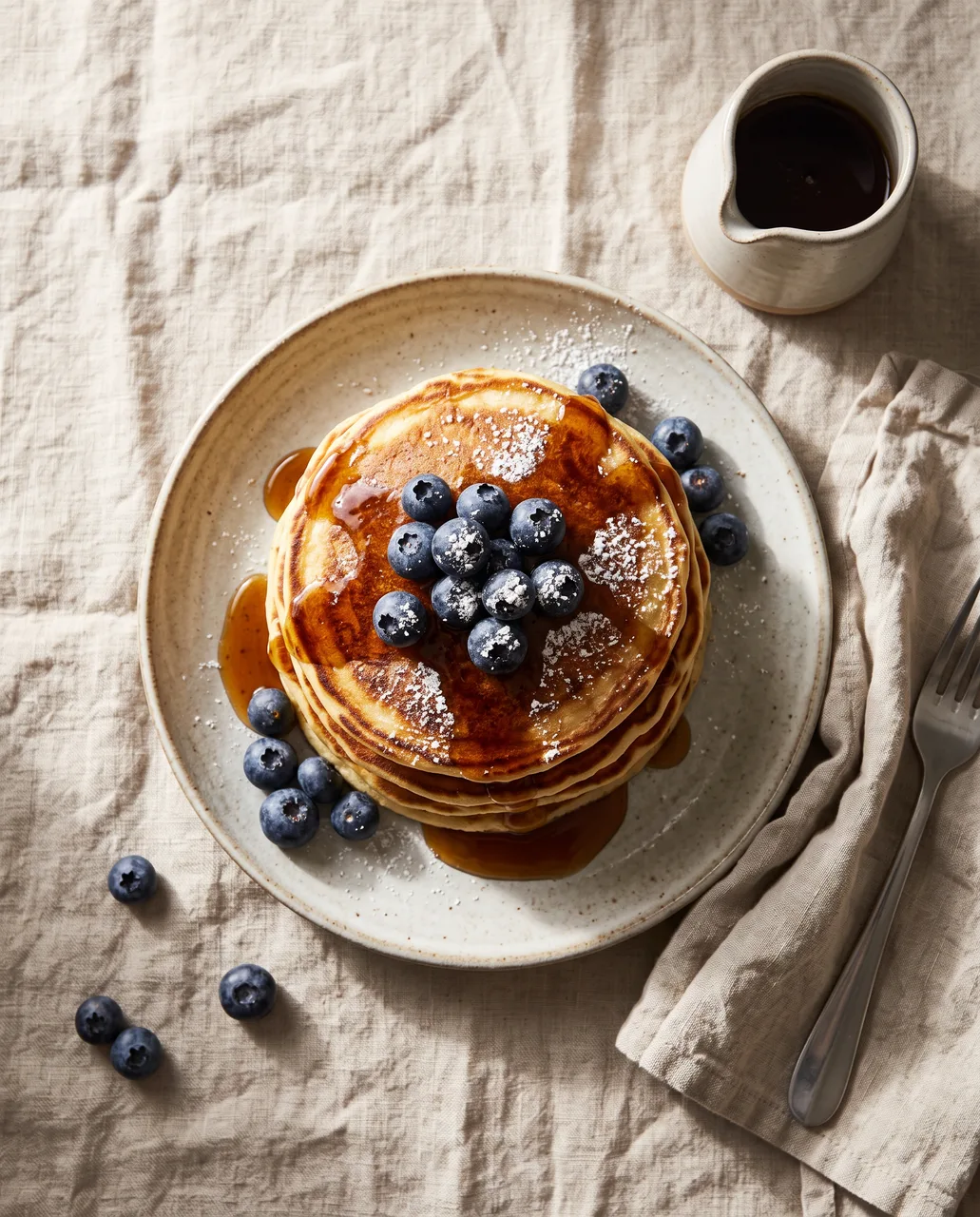
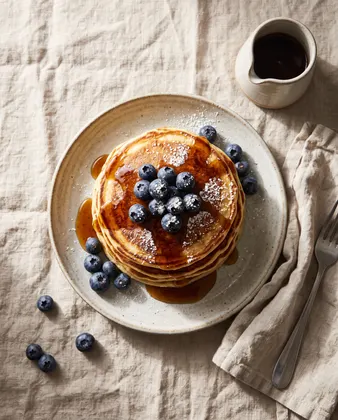 Food4:52K
Pancake food photo
Overhead food photo of a stack of fluffy pancakes with blueberries, maple syrup drip and powdered sugar on a linen table, morning light
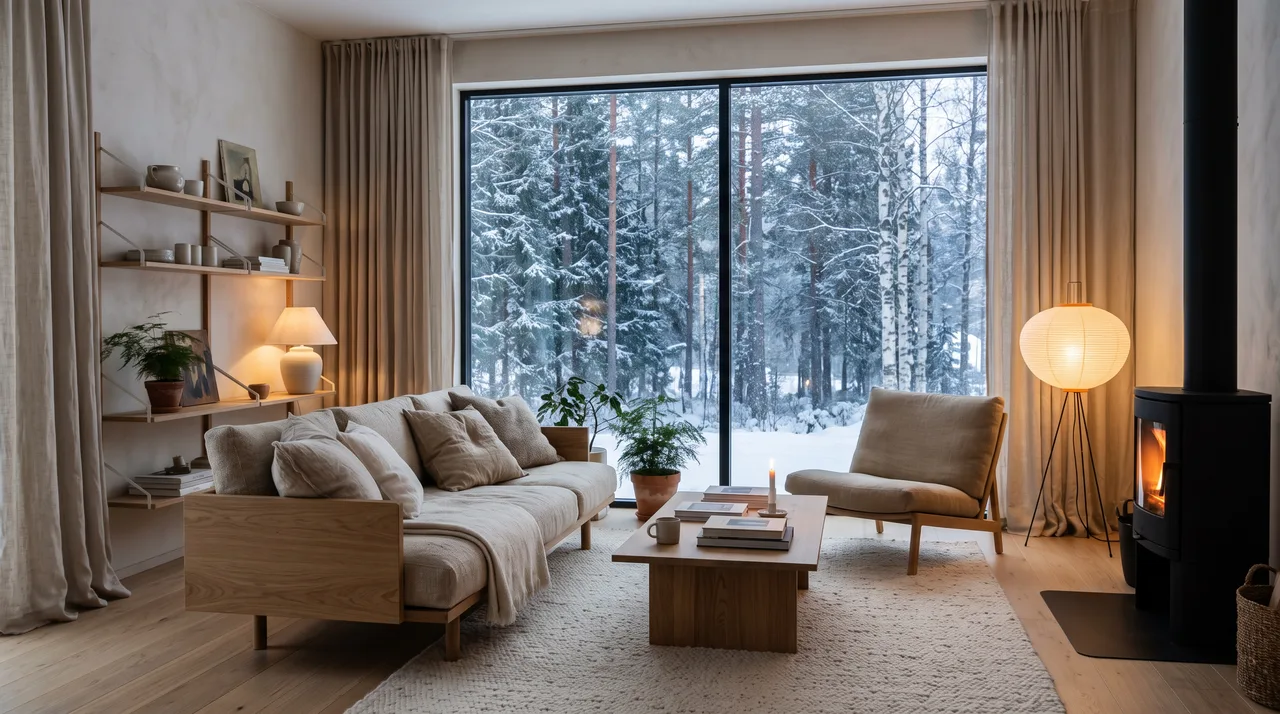
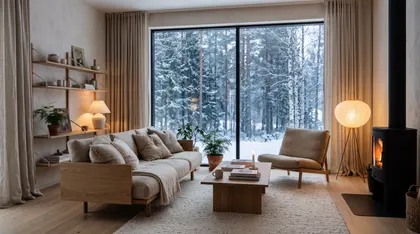 Interior16:92K
Scandinavian living room
Scandinavian living room with a low oak sofa, linen textures, large window with snowy forest view, warm lamps, architectural digest photo
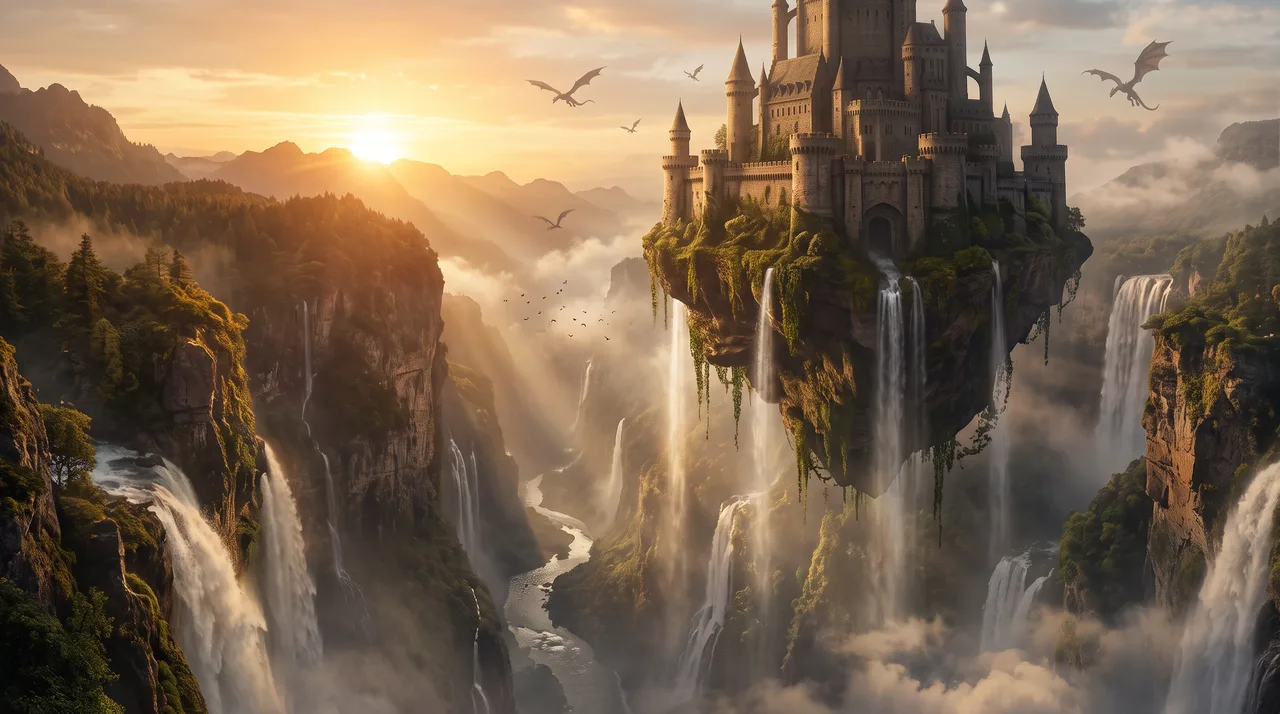
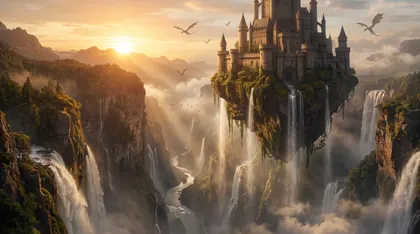 Fantasy16:92K
Floating castle landscape
Epic fantasy landscape: a floating castle above a waterfall canyon at sunrise, dragons in the distance, volumetric light, matte painting
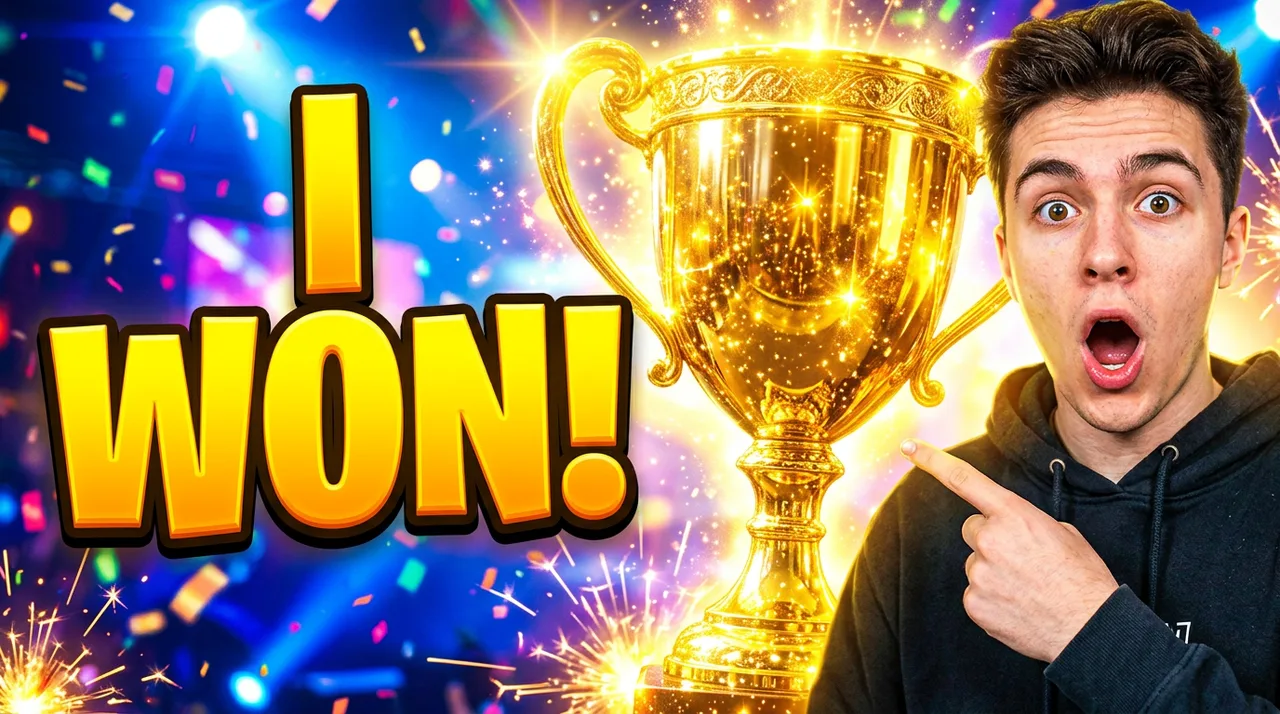
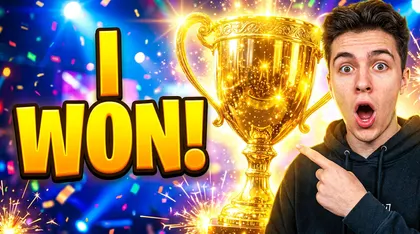 YouTube thumbnail16:91K
YouTube thumbnail
YouTube thumbnail: a shocked young man pointing at a giant glowing golden trophy, bold yellow text 'I WON!' on the left, high contrast, bright background
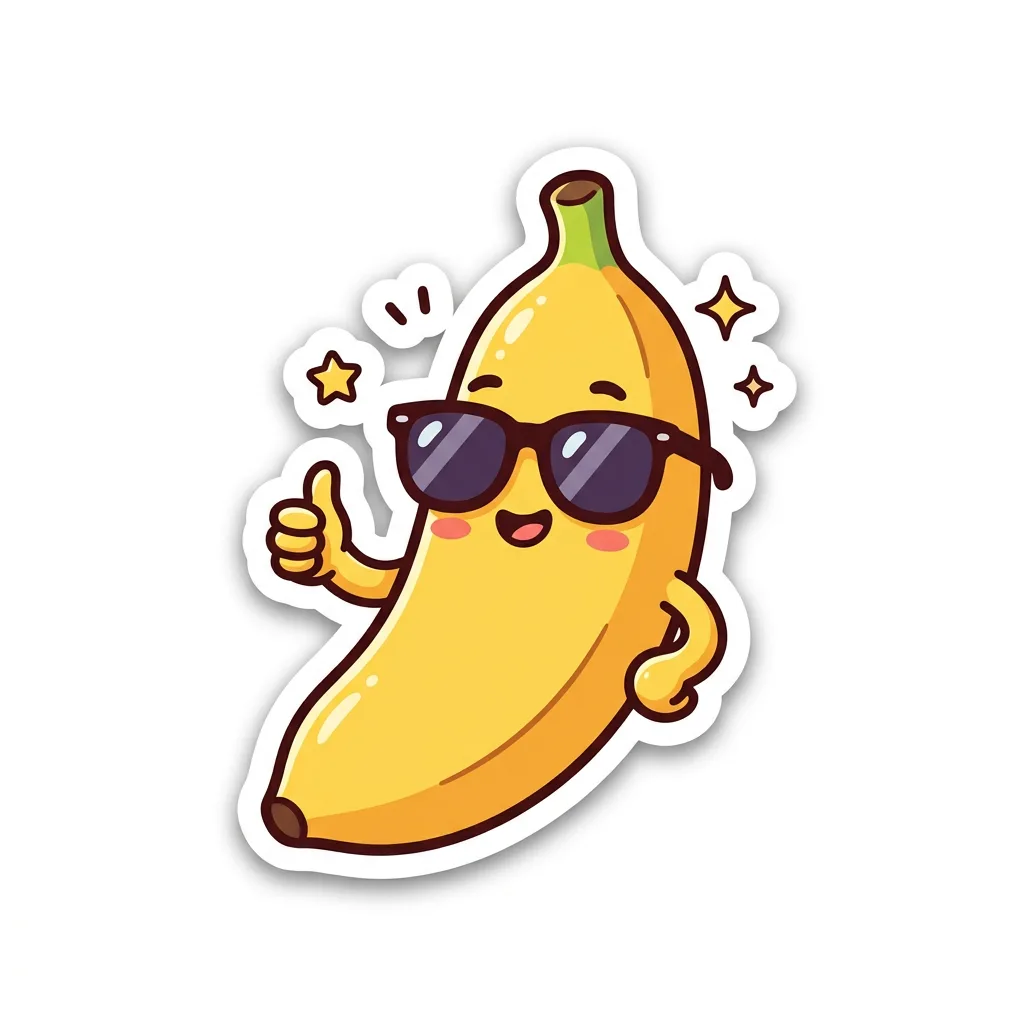
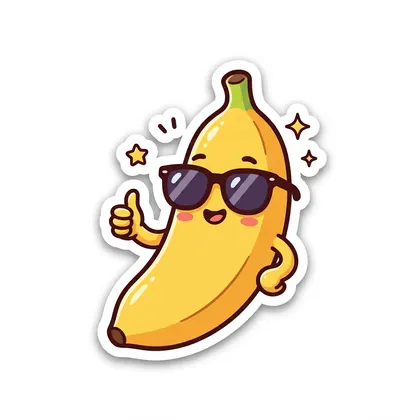 Sticker1:11K
Banana sticker
Cute die-cut sticker of a smiling banana wearing sunglasses giving a thumbs up, thick white border, kawaii style, white background
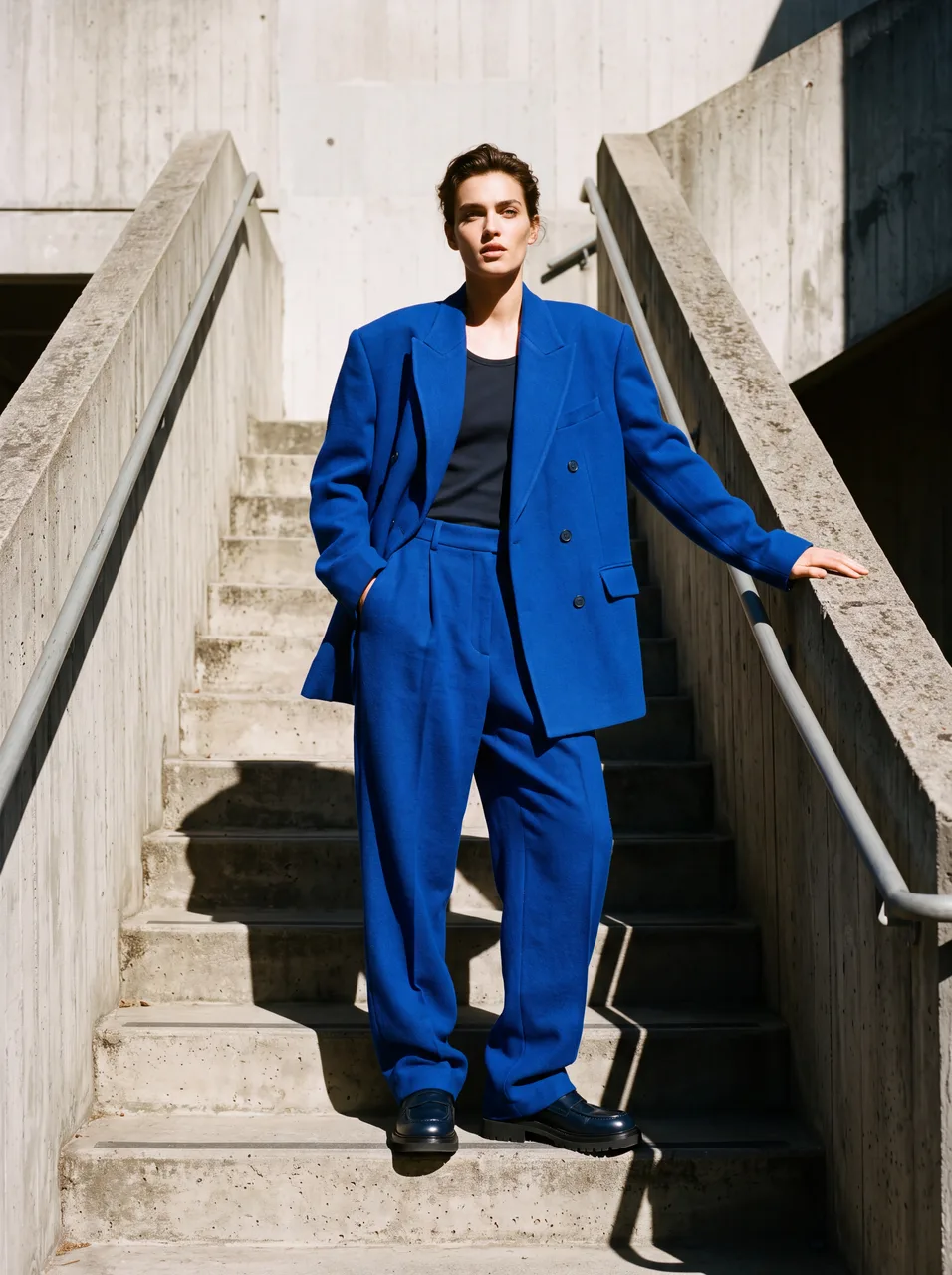
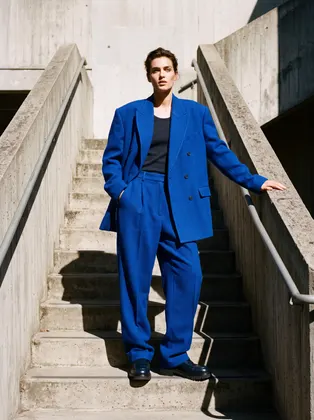 Fashion3:44K
Cobalt suit editorial
Editorial fashion photo of a model in an oversized cobalt-blue suit on a minimal concrete staircase, hard sunlight and long shadows, Vogue style
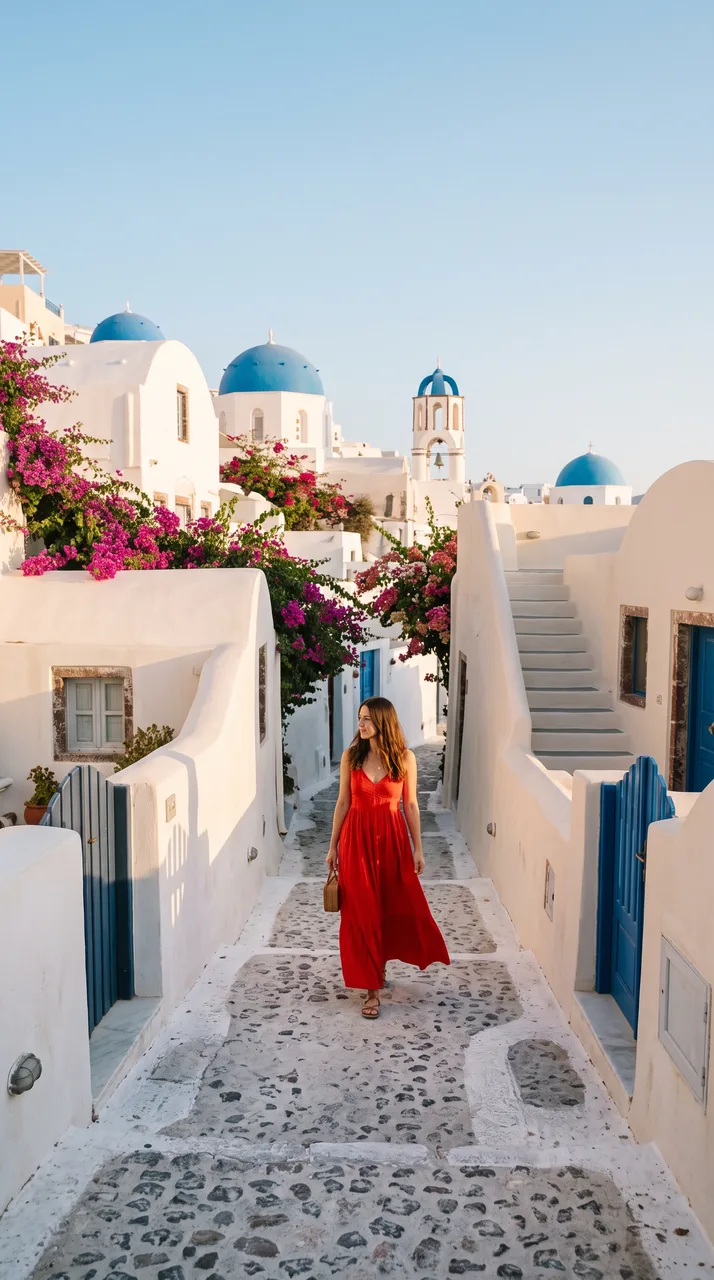
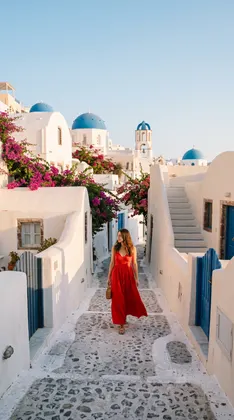 9:16 story9:162K
Santorini 9:16 story
Vertical travel story frame: a woman in a red dress walking through a narrow street in Santorini with white houses and blue domes, morning light
 8:1 banner8:12K
8:1 lake header
Ultra-wide website header banner: panoramic mountain lake at dawn with mist, pine forest silhouettes, a small red canoe, calm and minimal
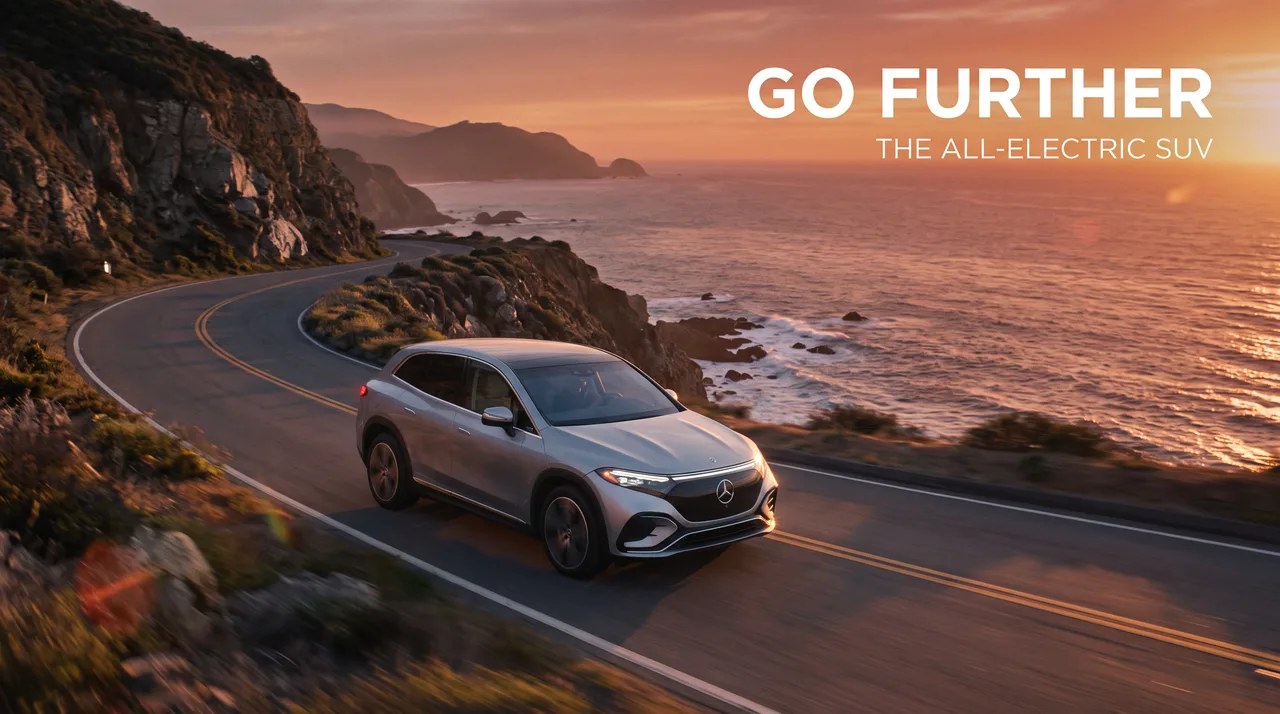
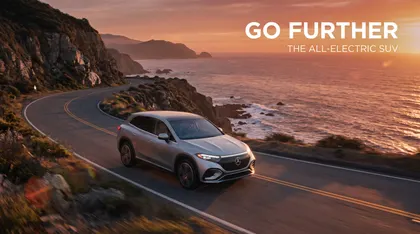 Ad creative16:92K
Electric SUV ad
Car advertisement: a silver electric SUV driving along a coastal cliff road at sunset, the headline 'GO FURTHER' in clean white letters, cinematic
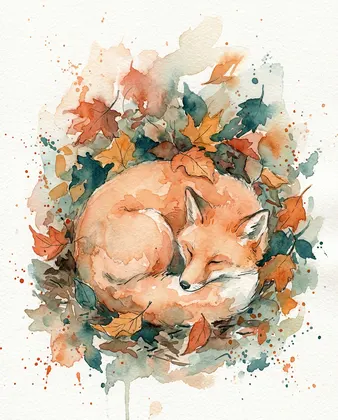 Art style4:51K
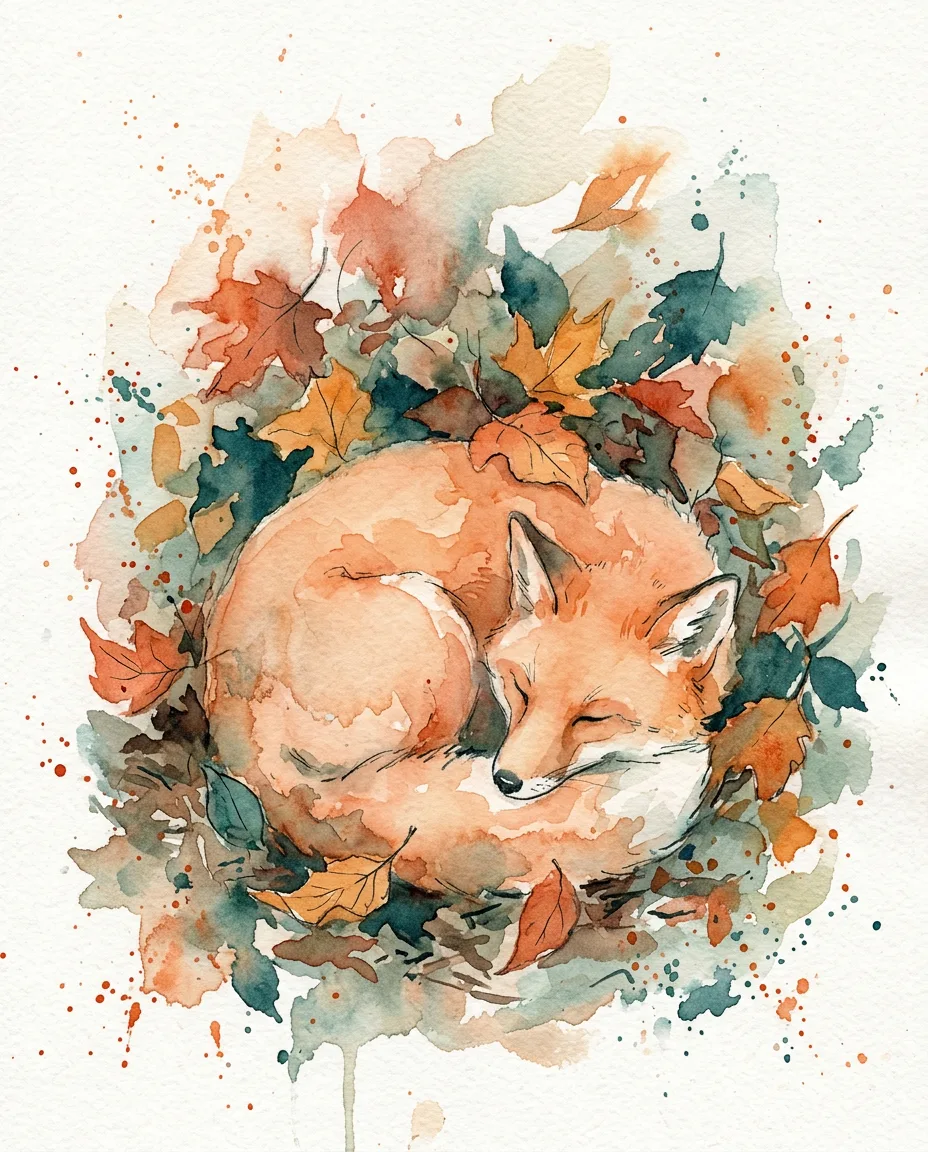
Watercolor fox
Loose watercolor painting of a fox curled up asleep under autumn leaves, soft washes, paper texture, muted orange and teal
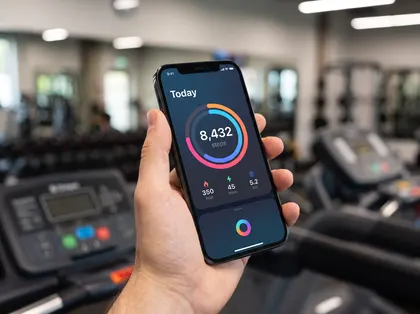 Mockup4:32K
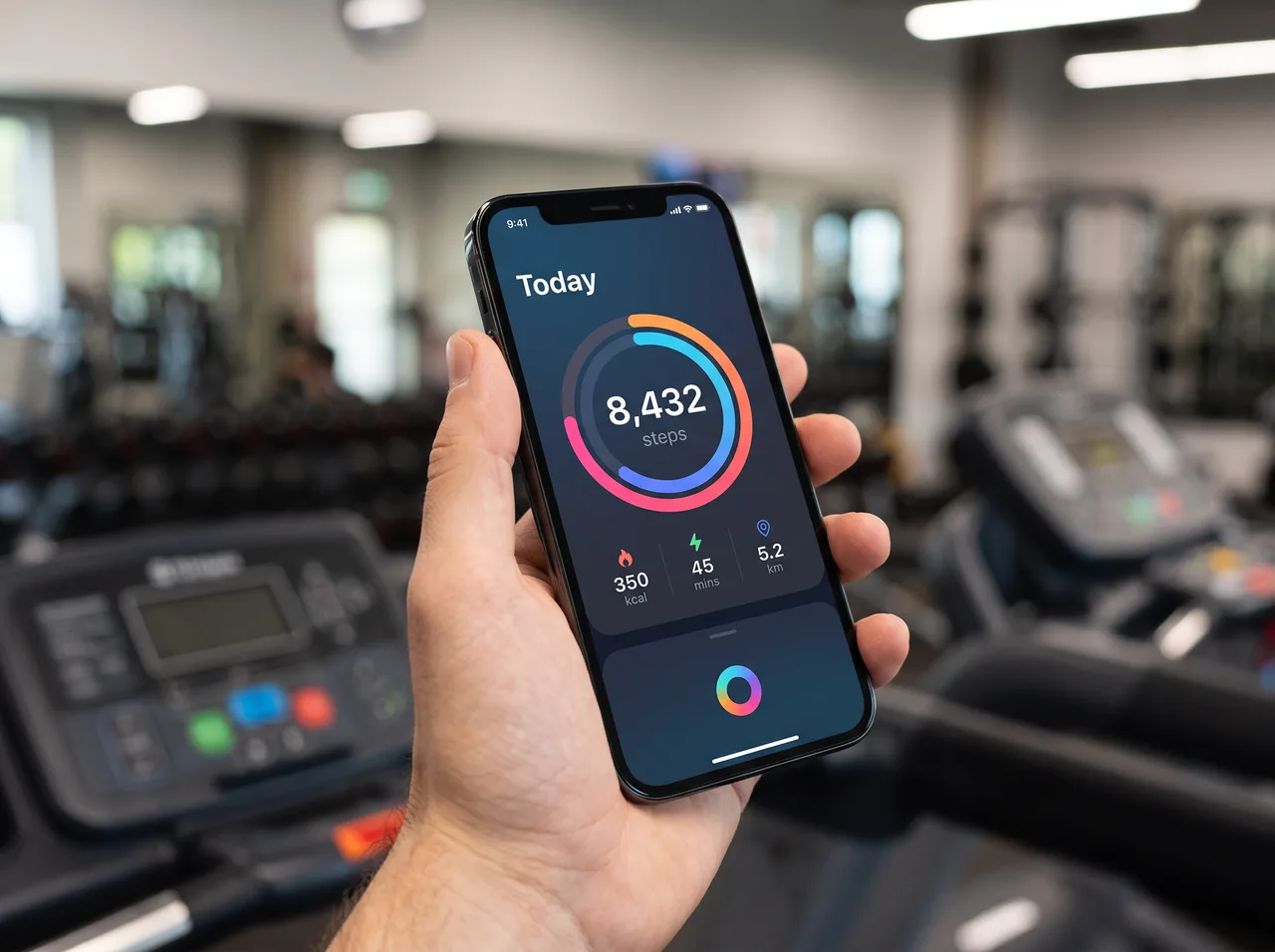
Fitness app mockup
Mobile app mockup on an iPhone held in a hand, the screen shows a clean fitness app dashboard with a ring chart and the text 'Today 8,432 steps', blurred gym background
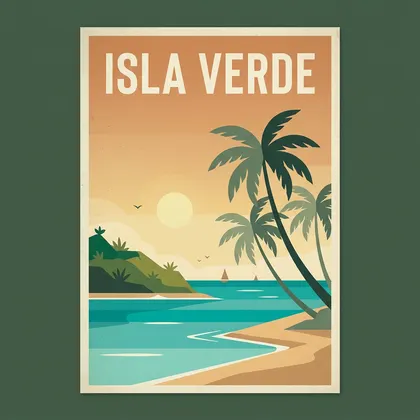 Text & posters1:11K
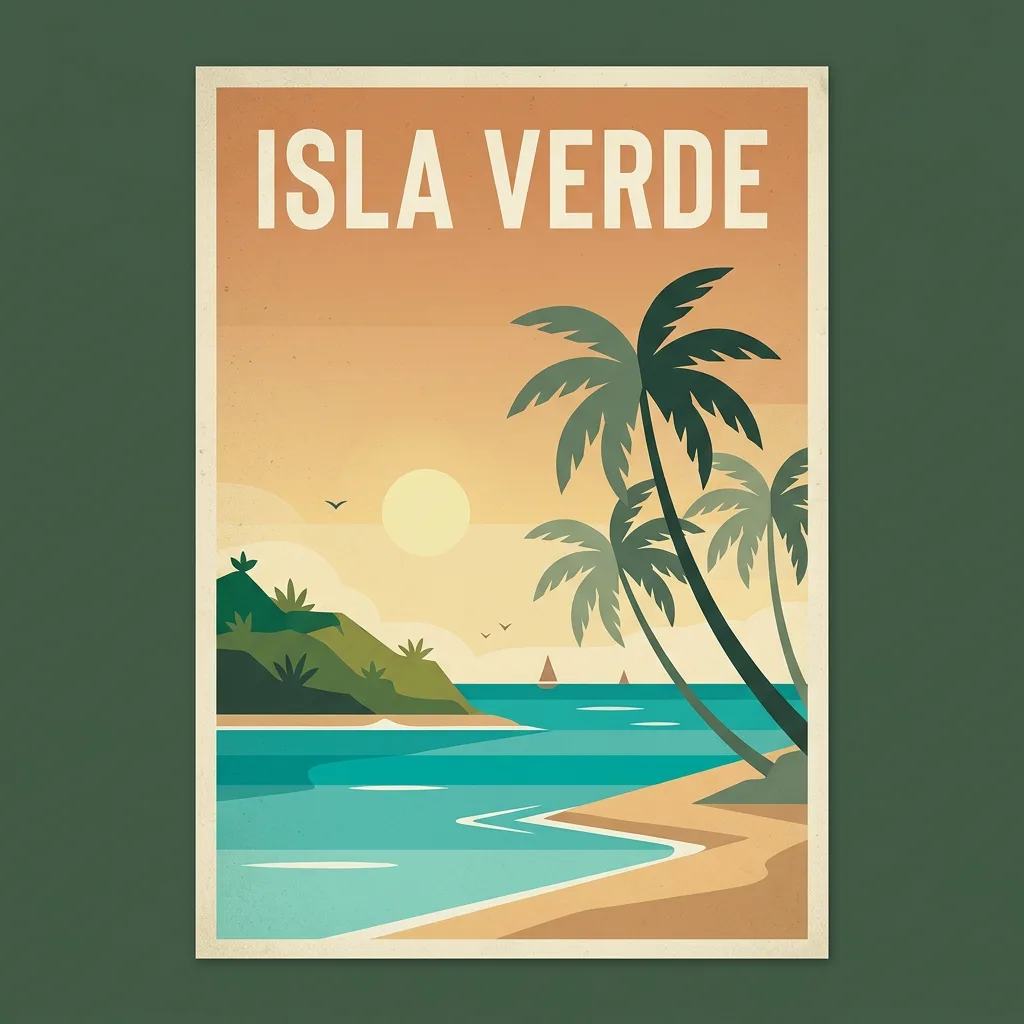
Travel poster with a title
Minimalist travel poster for a fictional island with the bold title text 'ISLA VERDE' at the top, turquoise sea, palm trees, retro flat illustration
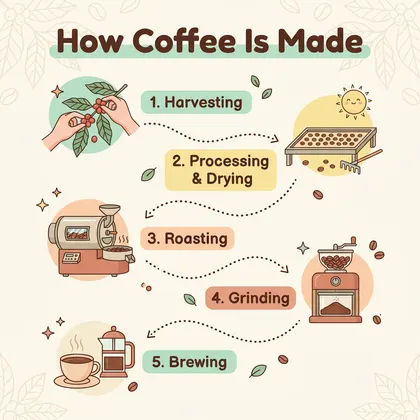 Infographic1:11K
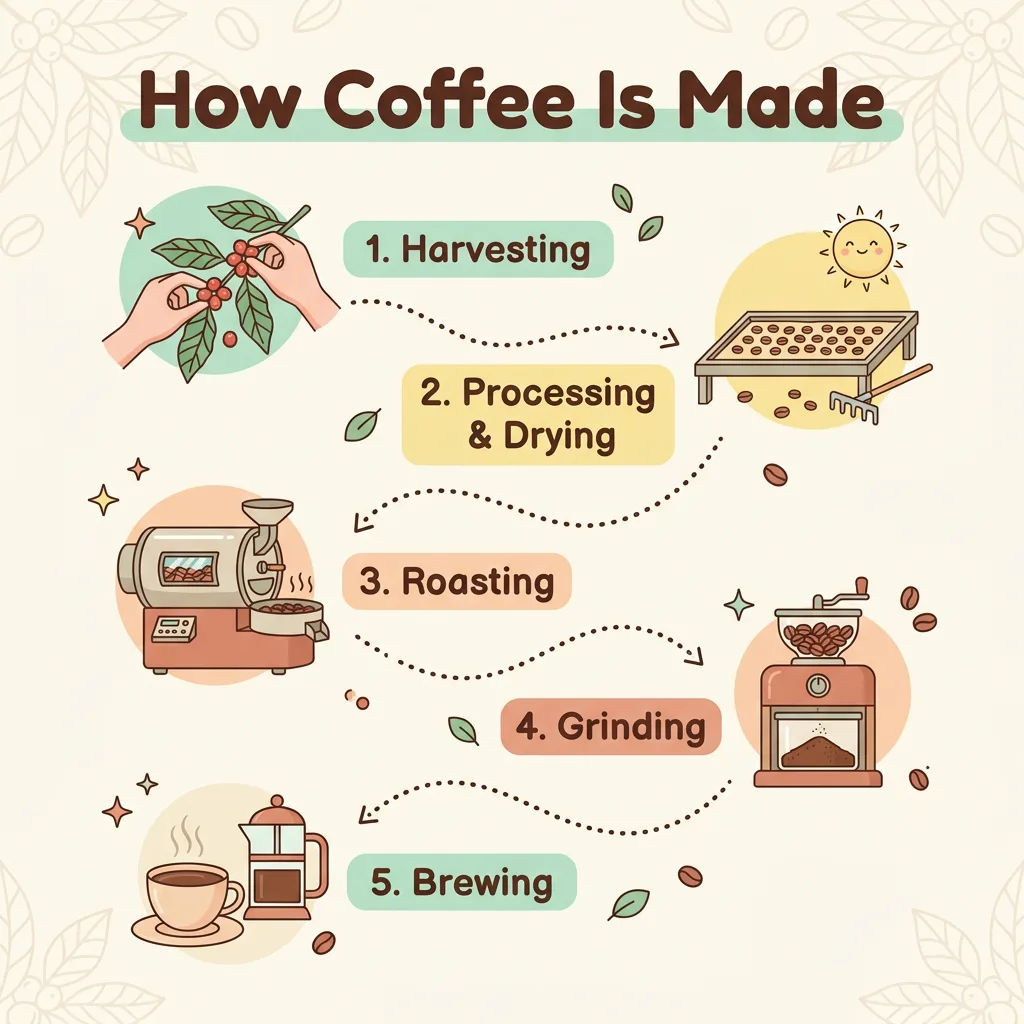
Coffee infographic
Clean infographic titled 'How Coffee Is Made' with 5 numbered steps and small icons from bean to cup, pastel colors, vector style
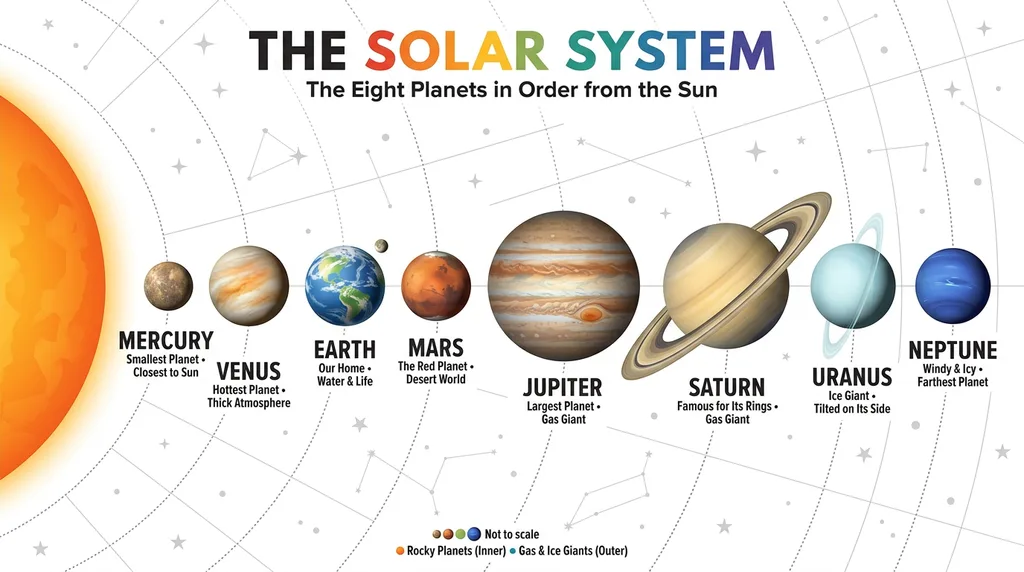
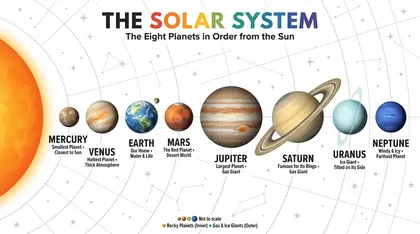 Web search16:91Kweb search on
Web search: solar system
Accurate infographic of the eight planets of the solar system in order from the Sun, each labelled with its name, clean white background, educational poster
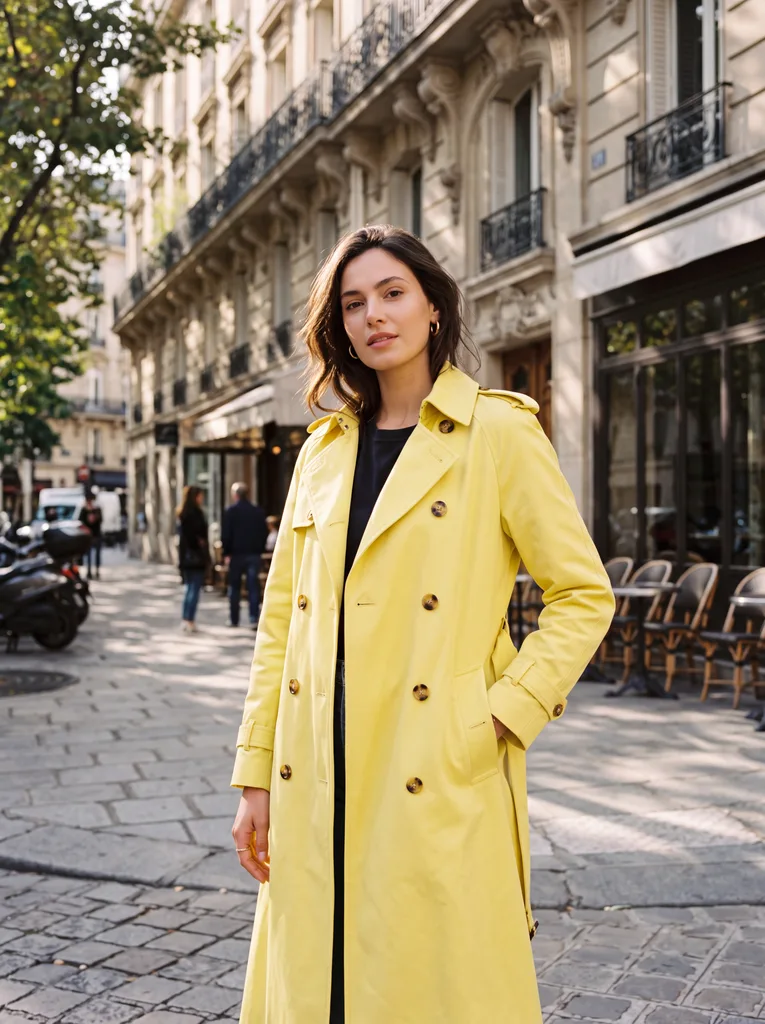
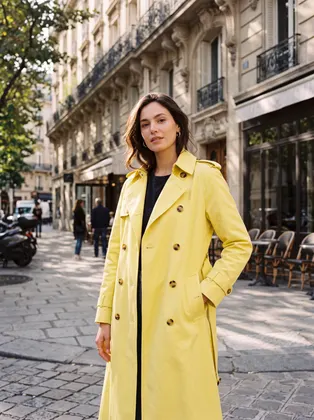 Fashion3:44K
4K fashion portrait
Editorial fashion portrait of a woman in a lemon-yellow trench coat standing in a sunlit Parisian street, crisp fabric texture, shot on medium format
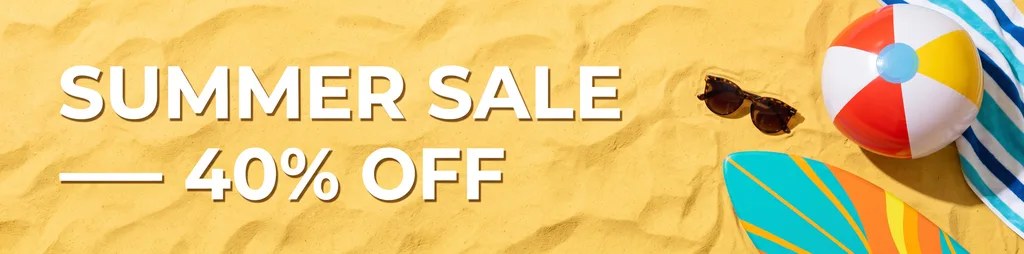
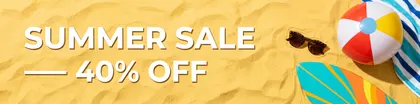 Ad creative4:12K
4:1 sale banner
Wide website banner for a summer sale: the words 'SUMMER SALE — 40% OFF' in bold white letters on the left, sunglasses, a beach ball and a surfboard on bright yellow sand on the right, clean flat lay photo
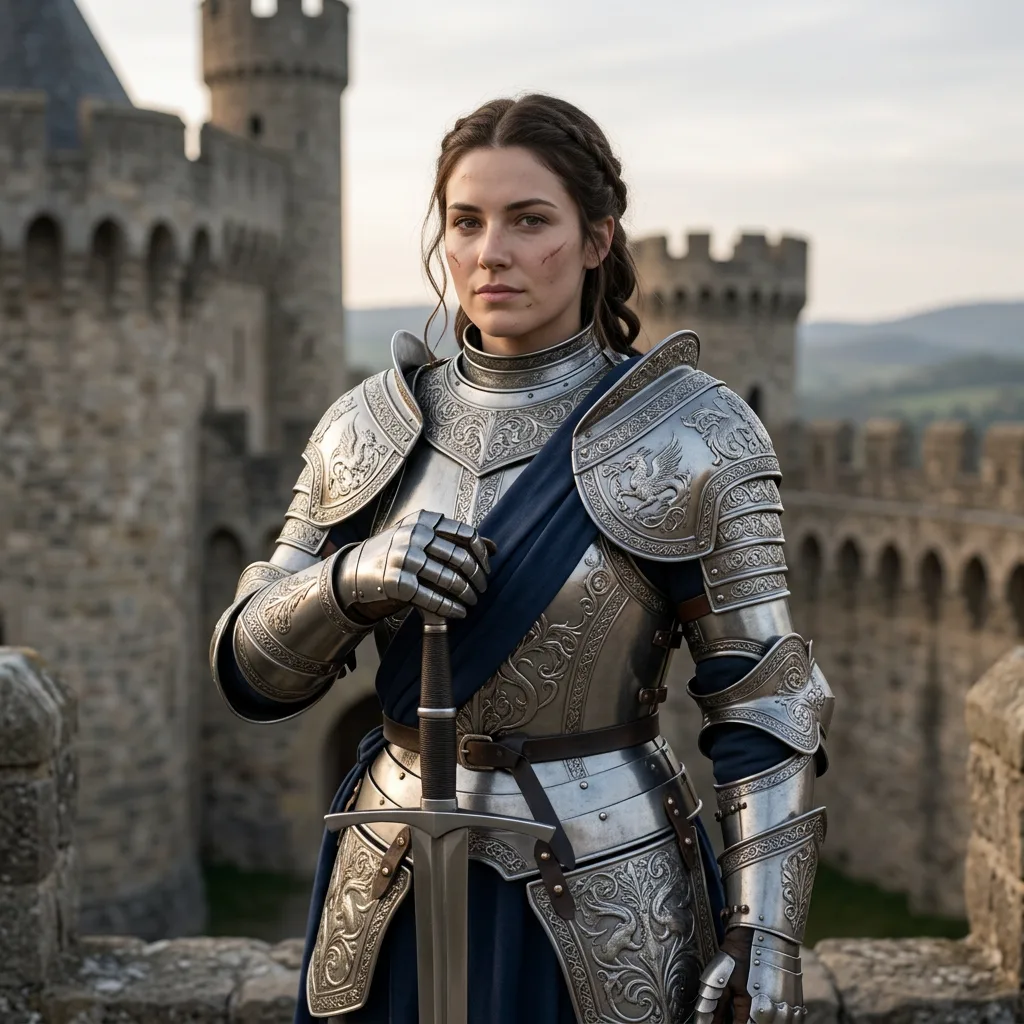
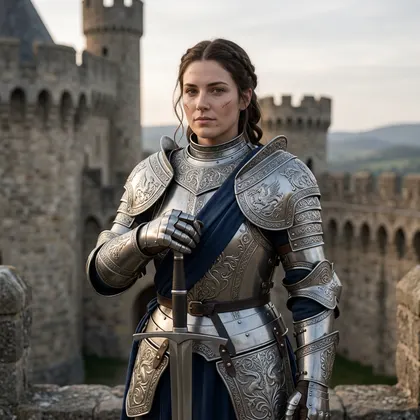 Fantasy1:11K
Knight portrait
Portrait of a female knight in ornate silver armor holding a sword, castle background, detailed, soft light
 Portrait1:11K
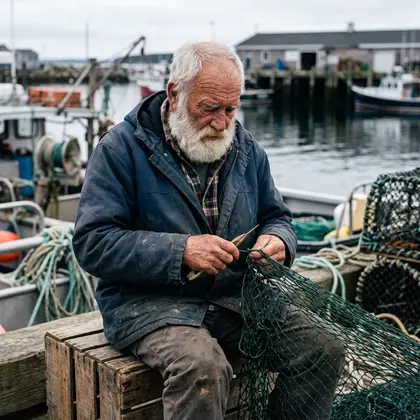
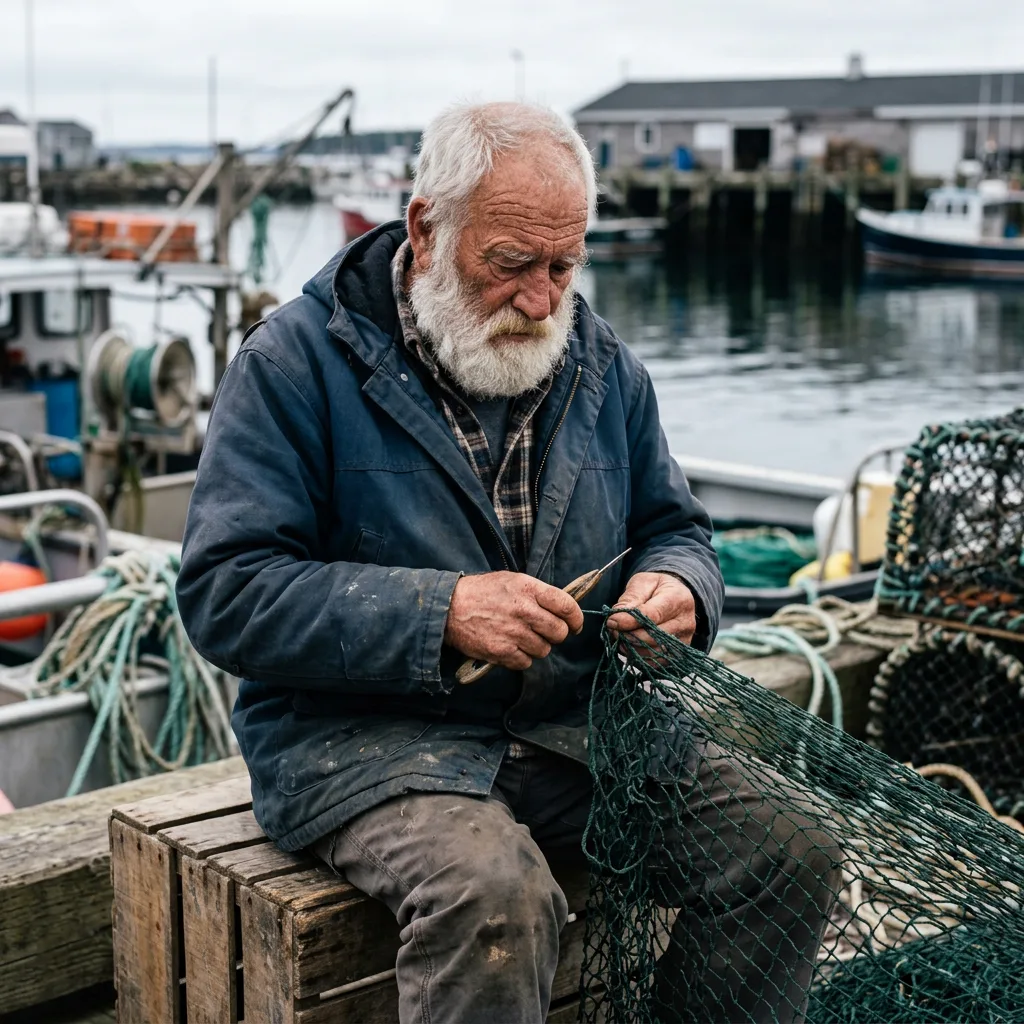
Harbour portrait
Candid street portrait of an elderly fisherman with a white beard mending a net at a harbour, overcast light, 50mm
 Product1:12K
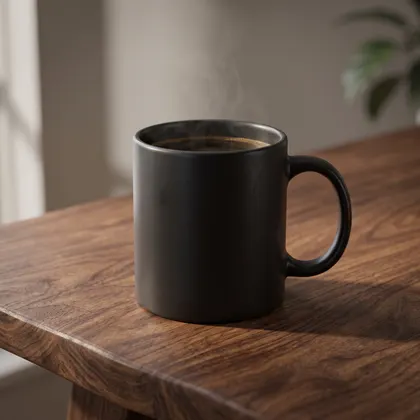
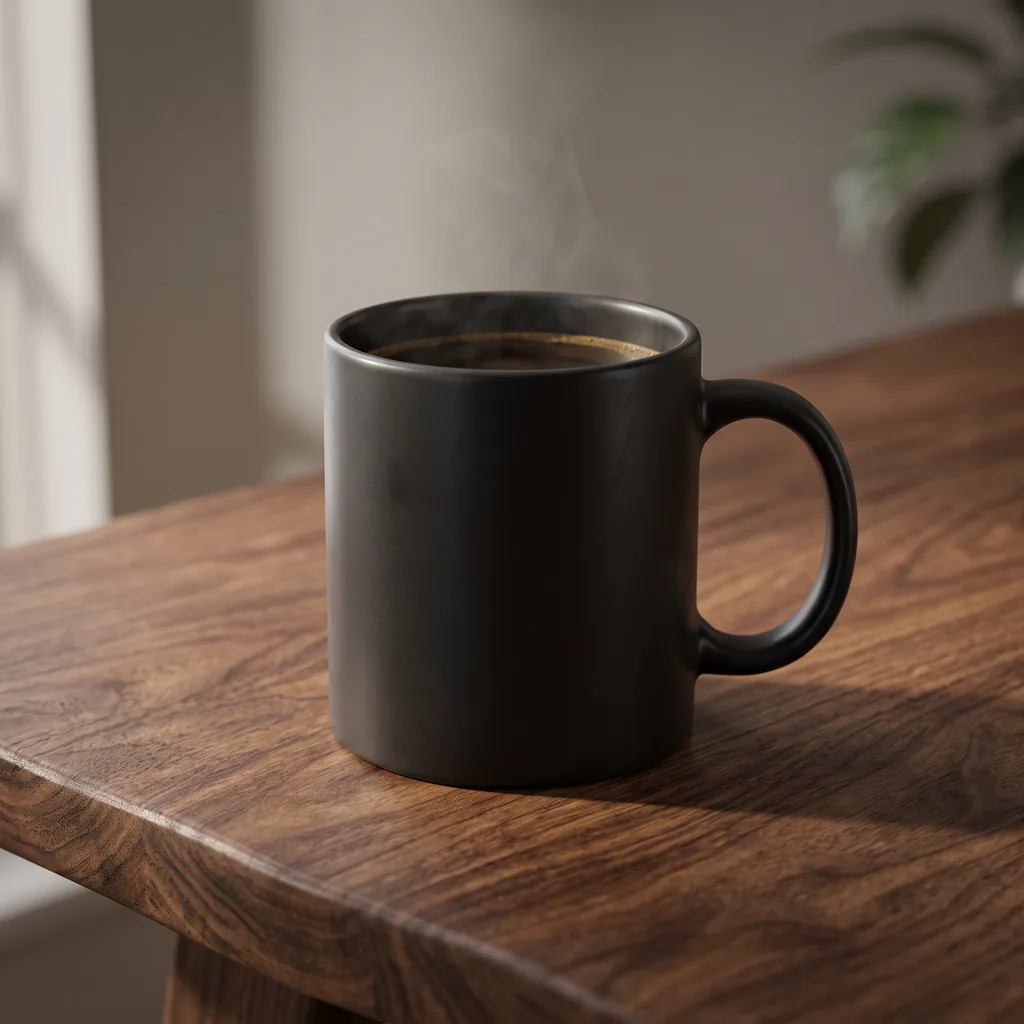
Mug product photo
Studio product photo of a matte black ceramic coffee mug on a walnut table with soft morning light, minimal background

How to
How to use the nano banana prompts
- Time needed
- Steps
- 4 steps
Step 1
Pick a prompt
Filter the library by category and copy the prompt, or press Try this prompt to open it in Image Studio with Nano Banana 2.1 selected.
Step 2
Set ratio and size
Choose one of 14 ratios (the library shows each output's) and 1K, 2K or 4K. Turn on web search if the image needs real facts.
Step 3
Make it yours
Change the subject, the words in quotes or the colours. Add up to 14 reference images and name them 'image 1', 'image 2'.
Step 4
Generate and download
No watermark, commercial use included. Animate the result in /app/video if you want a clip.
See it in the app

Open Image Studio and type what you want to see — subject, style, lighting and mood.


Watch the tour · 1:23
Prompts, styles, references, edit, Arena & chat
Chapters
Tips
How to write a Nano Banana prompt
Six habits behind the prompts in this library.
Put exact text in quotes and say where it goes: the title 'BLUE NOTE NIGHTS' in big art-deco letters.
Name the format first — poster, infographic, YouTube thumbnail, 8:1 website header — then pick the matching ratio in the settings.
Pick 1K for drafts, 2K for most posts and 4K for print or hero images; the size is a setting, not a prompt word.
With references, call them 'image 1', 'image 2' and say which gives what (face, outfit, product, background).
For edits, say what to change and what to keep: 'Keep his face, pose and the light the same.'
Turn on web search when the image needs real facts — planets, landmarks, current products.
Prompt generator
A fill-in Nano Banana prompt generator
Swap the bracketed parts and open the prompt in Nano Banana 2.1. For a free rewrite of your own idea, use the prompt enhancer.
- Format
- poster, product photo, infographic, thumbnail…
- Subject
- who or what, doing what, where
- Text
- exact words in quotes + position
- Style & light
- medium, lens, palette, time of day
- Ratio & size
- set in the settings: 14 ratios, 1K–4K
- References
- 'image 1 gives the face, image 2 the outfit'
Poster
[Event] poster with the title '[TITLE]' in big [style] letters, [main image], [two colours], screen-print texture
Product photo
[Product] on [surface], [one prop], dramatic rim light, high-end product photography
Infographic
Clean infographic titled '[Title]' with [N] numbered steps, simple icons and short labels, [palette], flat vector
Thumbnail
YouTube thumbnail: [person + emotion] pointing at [object], bold yellow text '[3 WORDS]' on the left, high contrast
More prompts (2)
Photo edit
Change [what] to [new thing]. Keep [face / pose / background / light] exactly the same.
Two references
Put the person from image 1 in the outfit from image 2, standing in [place], [light]. Keep the face from image 1.
Models
Nano Banana models on Kenerate
What each model is good at. Open any one straight in the generator.
Google
Nano Banana 2.1
Nano Banana guides
More on Nano Banana
The model itself, photo edits, video and free access.
FAQ
Nano Banana prompts questions
7 questions
What are the best Nano Banana prompts?
The ones that read like a brief: format, subject, style and light, any exact text in quotes, and what to keep when editing. Our 26 prompts cover portraits, products, posters, infographics, logos, figurines, anime, food, interiors, thumbnails, stickers, fashion, 9:16 stories, 8:1 banners, ads, mockups and watercolor — each with the image it really produced.
Link to this answerHow do I use Nano Banana?
On Kenerate: open /app/image, pick Nano Banana 2.1, choose a ratio and 1K, 2K or 4K, paste a prompt and generate. To edit, upload a photo (or up to 14 references) and describe the change. Google also offers Nano Banana in the Gemini app and Google AI Studio.
Link to this answerIs there a Nano Banana prompt generator?
Use the fill-in formula on this page — format, subject, text in quotes, style and light, ratio and size, references — or our free prompt enhancer, which rewrites a short idea into a detailed prompt you can paste into Nano Banana 2.1.
Link to this answerHow do I get text right in a Nano Banana prompt?
Put the exact words in quotes and say where they go and how big, like the title 'BLUE NOTE NIGHTS' in big art-deco letters. Google says Nano Banana 2.1 improved text rendering and infographic layout, but always proofread — small extra text the model adds on its own can still slip.
Link to this answerHow do I use reference images in a Nano Banana prompt?
Upload them and refer to them by order — 'image 1', 'image 2' — saying what each one gives: the face, the outfit, the product, the background. Google's docs allow up to 14 references, with character consistency for up to 4 characters and object fidelity for up to 10 objects.
Link to this answerDo these prompts work in Gemini or Nano Banana Pro?
They are plain-language prompts, so you can paste them into any Nano Banana version. The images on this page come from Nano Banana 2.1 on Kenerate; another version, app or setting will give a different result.
Link to this answerCan I use the images commercially?
Images you make on Kenerate have no watermark and include commercial use. Check that your prompt doesn't copy a real brand, logo or person you don't have rights to.
Link to this answerIn depth
Nano Banana prompts, explained
What works, what to avoid, and how to pick a model.
On this page
Why these prompts work on Nano Banana 2.1
Google says Nano Banana 2.1 brings improved quality at 1K, 2K and 4K, fixed tiling on wide and panoramic ratios, and better text rendering and infographic layout [1], with "notable leaps in visual design, mask-based editing, and subject consistency" [2]. The library leans on exactly those: quoted titles, numbered infographics, an 8:1 header and edits that keep a face.
Text, ratio and size
Quote the words, name their place and style. Pick the ratio in the settings — Kenerate offers 14, from 1:8 to 8:1 — and describe the format in the prompt too ("ultra-wide website header"), so the composition fits the frame. 1K is enough for drafts; use 2K or 4K for final art.
References: image 1, image 2…
Nano Banana 2.1 fuses up to 14 reference images, keeping up to 4 characters and up to 10 objects consistent [1]. Name each upload by order and say what it contributes; for edits, list what must stay the same.
Web search for facts
Google's docs list search grounding with Google Web and Image Search [1]. On Kenerate, switch on web search when the picture depends on real information — our solar-system infographic was made that way.
Sources
Sources
Model facts come from Google; every image is our own Nano Banana 2.1 output from 7 October 2026.