

Krea · distilled 8-step checkpoint
Krea 2 Turbo — Krea's fast, open-weights image model, online
Krea 2 Turbo is the distilled, fastest version of Krea 2. Krea released its weights, but you can run it in the browser here: text to image at 1K or native 2K, or remix your own image with a strength slider.
- What it is
- The fastest Krea 2 model — a distilled checkpoint of Krea's own text-to-image model
- Sampling
- About 8 steps; the undistilled Krea 2 Raw uses 52 and is the base for fine-tuning and LoRAs
- Text encoder · VAE
- Qwen3-VL 4B · Qwen Image VAE (per ComfyUI's Krea 2 workflow)
- Open weights
- Hugging Face krea/Krea-2-Turbo; ComfyUI ships FP8, INT8 and other quantised files
- On Kenerate
- Text to image, or image remix from one upload; 1K or 2K; 15 ratios; optional seed
- Remix strength
- 0 to 1 (default 0.8) — higher repaints more freely; the result keeps your image's shape
- Real outputs
- Official sources
- Free to start
- No watermark
Updated by the Kenerate AI team
Made with Kenerate
On this page
What is Krea 2 Turbo?
What is Krea 2 Turbo?
Krea 2 Turbo is the distilled, few-step version of Krea 2, Krea AI's own image model (announced 12 May 2026). It samples in about 8 steps instead of Raw's 52, and Krea released its open weights on Hugging Face under the Krea AI Community License. On Kenerate AI you can use it in the browser with no GPU: text to image at 1K or native 2K in 15 aspect ratios, or upload one image and remix it with a strength slider.
Key facts
- Maker
- Krea
- Type
- Distilled Krea 2 checkpoint
- Sampling
- 8 steps (Raw: 52)
- Weights
- Open · krea/Krea-2-Turbo
- Licence
- Krea AI Community License
- Output on Kenerate
- 1K or native 2K
- Aspect ratios
- 15, from 1:3 to 3:1 and 21:9
- Image input
- 1 image, strength 0–1
Gallery
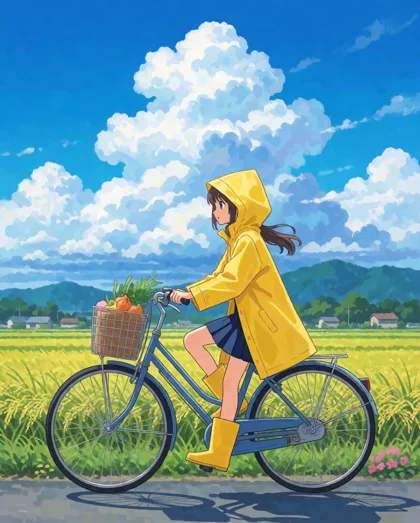
Krea 2 Turbo examples
Real outputs made on Kenerate. Open any image to copy its prompt and run it yourself.
Same prompt
Krea 2 Turbo vs Medium Turbo vs Large
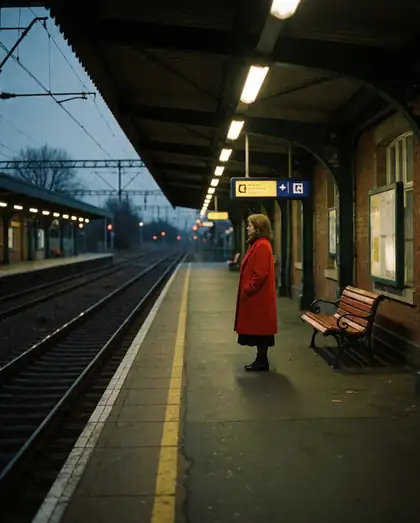
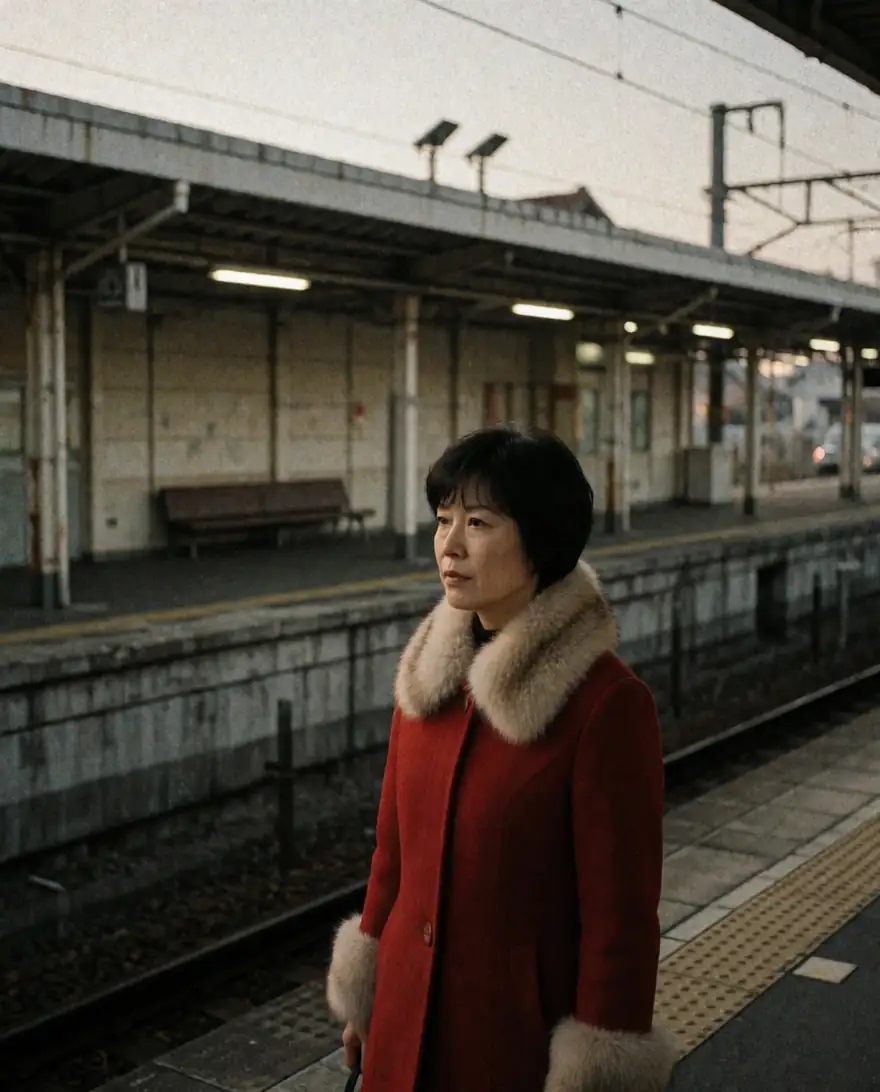
The same film-still prompt on three Krea 2 versions. Turbo keeps the mood for the lowest cost; Large adds texture.
PromptMoody film still of a woman in a red coat waiting at an empty train platform at dusk, 35mm, grain
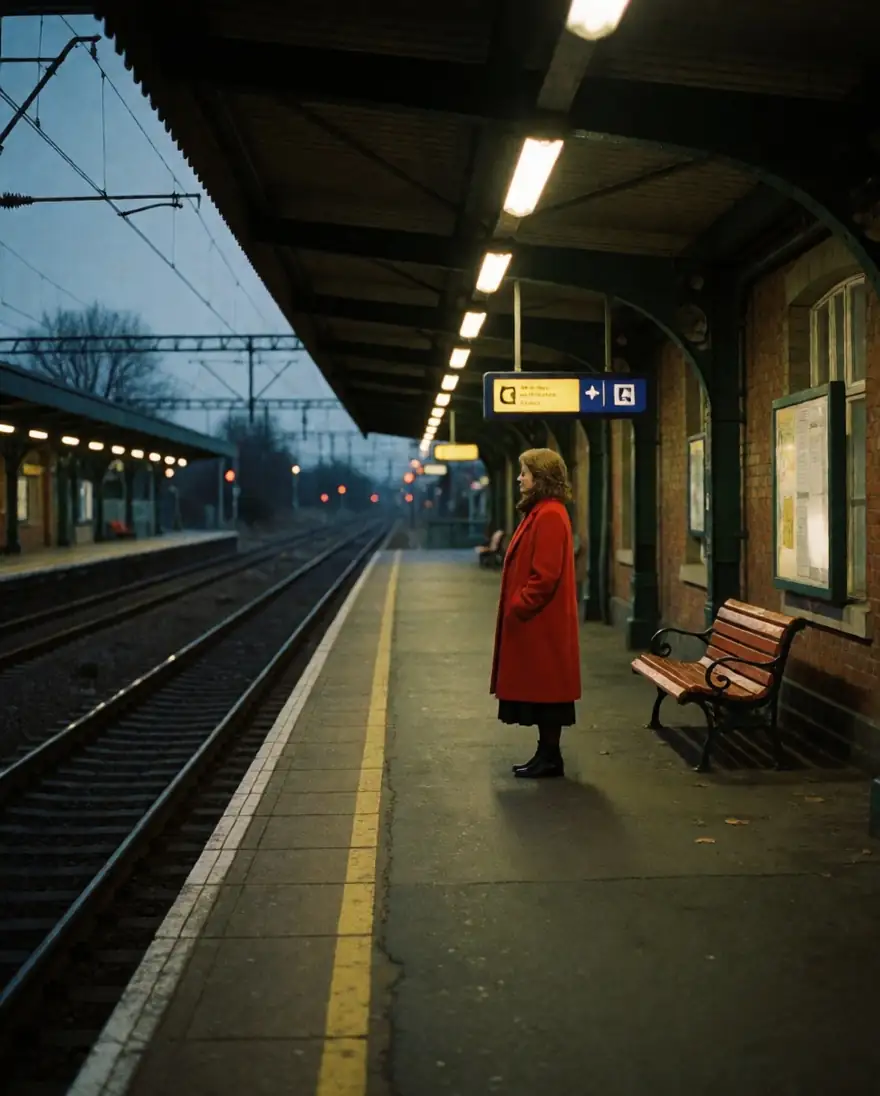 Krea 2 TurboFastest, cheapest
 Krea 2 Medium TurboAdds style refs
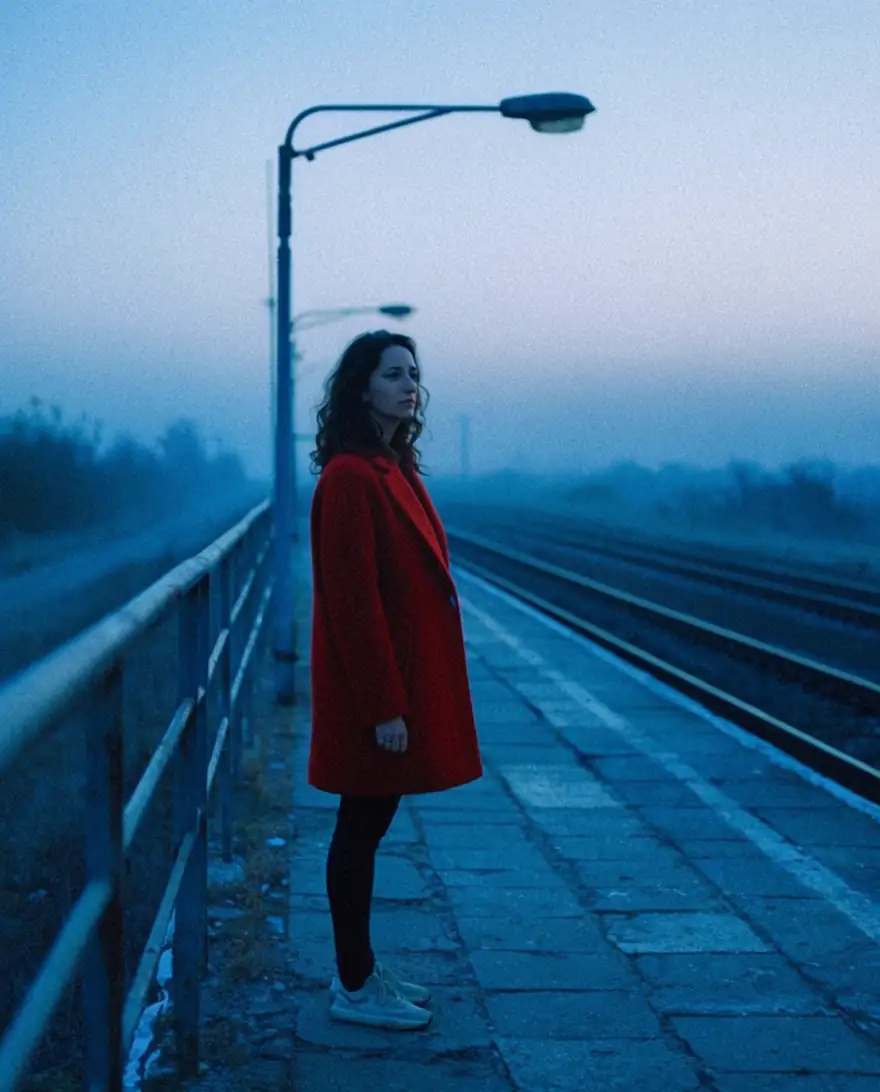 Krea 2 LargeRichest texture
Models
Krea 2 Turbo on Kenerate
Every version in the generator, and what each is good at.
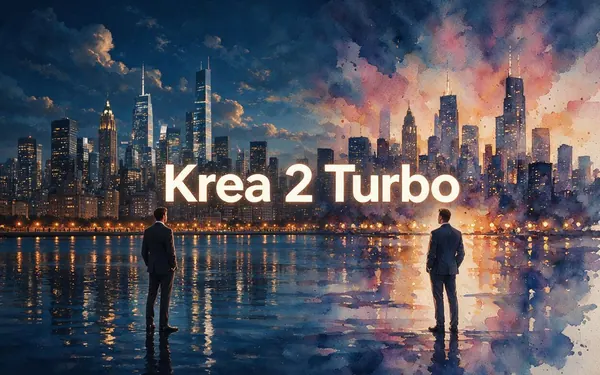
Krea
Krea 2 Turbo
- Reference images
- 1 image (strength)
- Output
- 15 ratios, 1K or 2K
Open Krea 2 TurboBest for
This page — fastest, cheapest, open weights
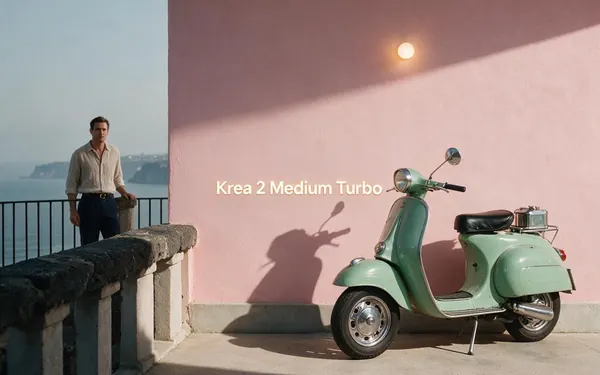
Krea
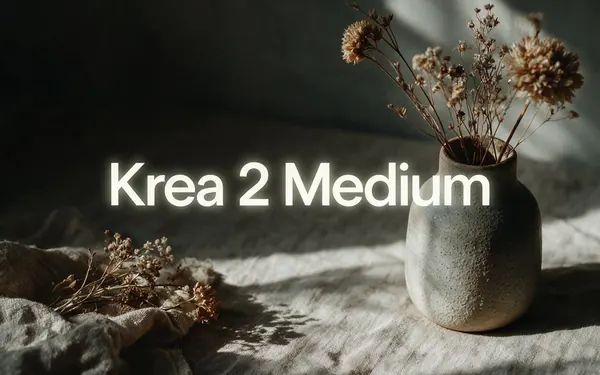
Krea 2 Medium Turbo
- Reference images
- Up to 10 style refs
- Output
- 8 ratios
Open Krea 2 Medium TurboBest for
Fast, with style references
Krea
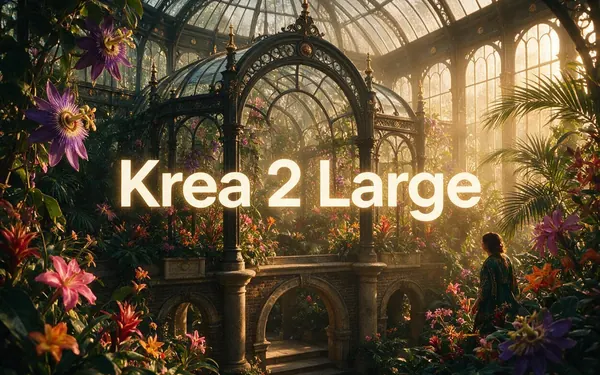
Krea 2 Large
- Reference images
- Up to 10 style refs
- Output
- 8 ratios
Open Krea 2 LargeBest for
Richest, for finals
From our tests
Strengths and limits
Good at
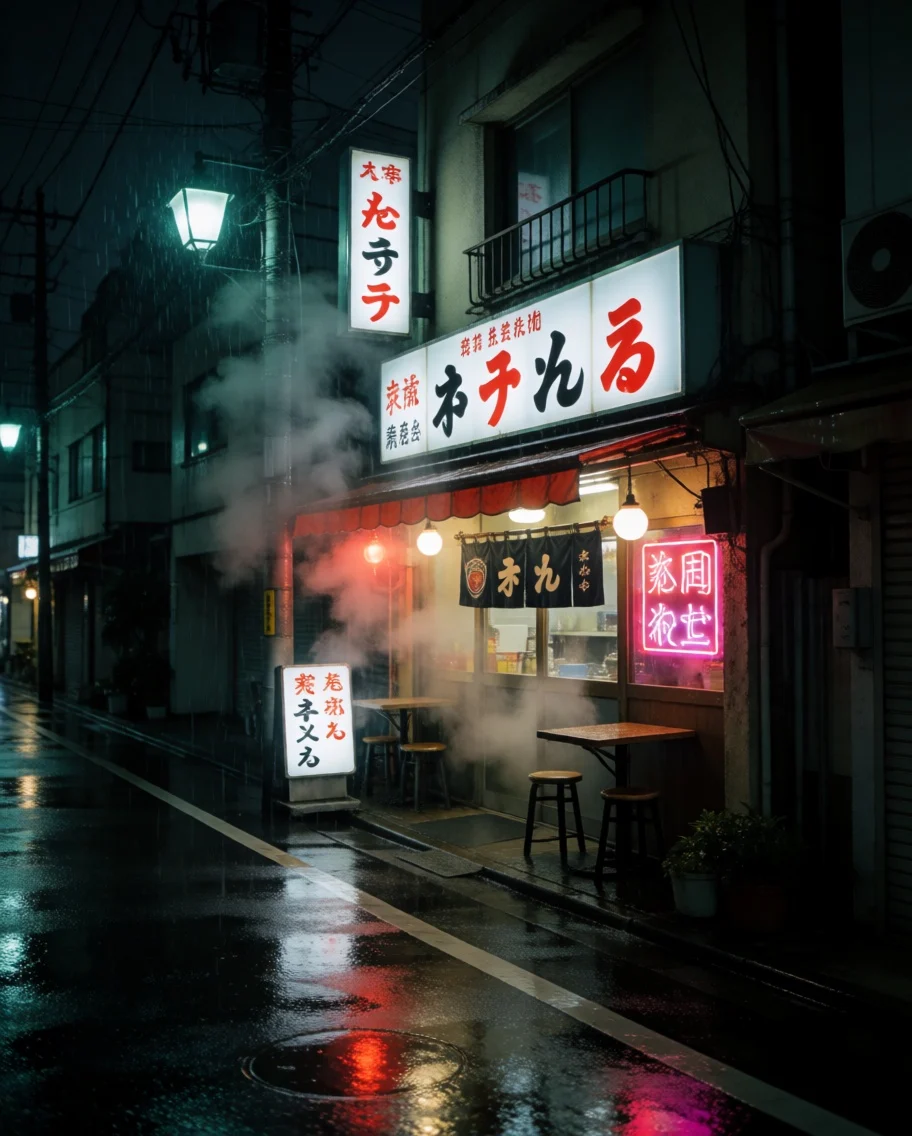
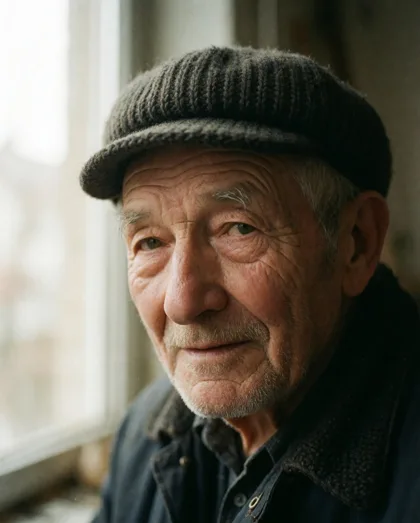
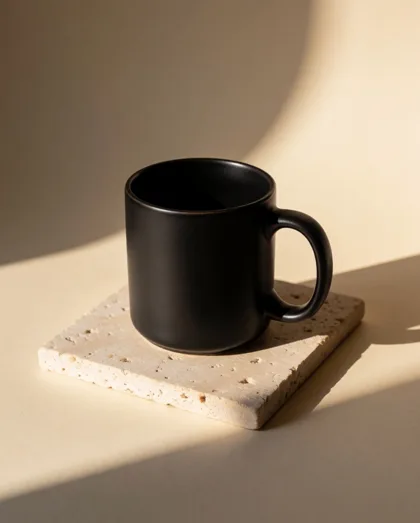
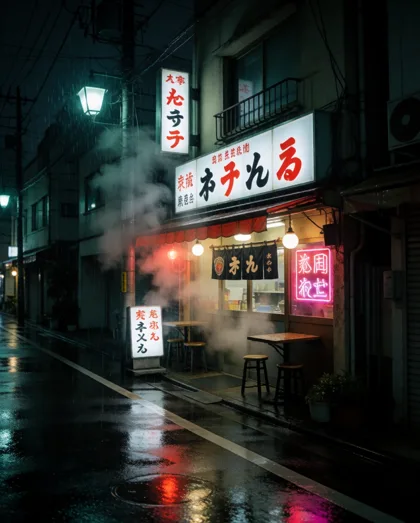
- Keeps Krea's mood and light at the lowest Krea price — the rainy street, portrait and product shot came out art-directed at 1K.
- Native 2K output when you need more pixels, without an upscale step.
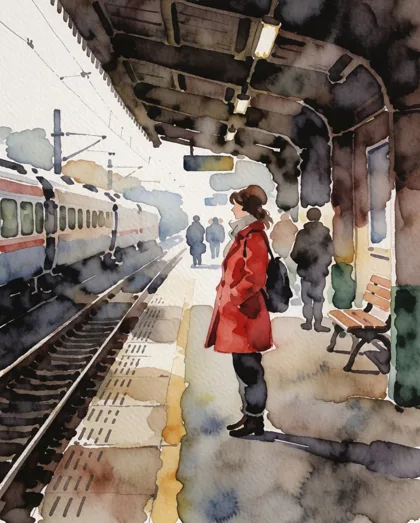
- Image remix: one upload plus a strength slider restyles a photo or sketch while keeping its layout (see the watercolor platform).
- 15 aspect ratios, including tall 1:3 and wide 3:1 banners and 21:9 cinema.
Limits
- Lettering is unreliable: a test travel poster came back with garbled words. Use GPT Image 2 or Recraft for text.
- No style-reference set — for up to 10 style references, use Krea 2 Medium Turbo or Large.
- Krea's community LoRAs need a local ComfyUI setup; the hosted Turbo here doesn't load LoRAs.
- For final campaign images with the most texture, Krea itself points to Medium or Large.
How to
How to use Krea 2 Turbo on Kenerate
Step 1
Open Krea 2 Turbo
Pick Krea 2 Turbo in /app/image. Any one-time credit pack unlocks it.
Step 2
Write the mood
Subject, light, lens and colour — Krea responds to aesthetic words. Choose one of 15 ratios and 1K or 2K.
Step 3
Remix an image (optional)
Upload one picture, describe the change, and set strength: lower keeps more of the original.
Step 4
Iterate, then finish
Fix the seed to compare prompt tweaks, then download without a watermark — or move the winner to Krea 2 Large.
See it in the app

Open Image Studio and type what you want to see — subject, style, lighting and mood.


Watch the tour · 1:23
Prompts, styles, references, edit, Arena & chat
Chapters
FAQ
Krea 2 Turbo questions
8 questions
What is Krea 2 Turbo?
Krea 2 Turbo is the distilled, fastest version of Krea 2, Krea AI's own image model announced on 12 May 2026. It samples in about 8 steps instead of the 52 used by Krea 2 Raw, so it is built for quick exploration. Krea released its weights openly, and on Kenerate you can run it in the browser for text to image or to remix an uploaded image.
Link to this answerCan I download Krea 2 Turbo?
Yes. Krea published the checkpoint on Hugging Face as krea/Krea-2-Turbo, and ComfyUI offers ready files such as krea2_turbo_fp8_scaled.safetensors with a Qwen3-VL 4B text encoder and the Qwen Image VAE. You need a capable GPU and a ComfyUI or Diffusers setup. If you'd rather not install anything, Kenerate runs Krea 2 Turbo online with nothing to download.
Link to this answerIs Krea 2 Turbo free for commercial use?
The open weights come under the Krea AI Community License, and secondary sources describe its terms differently, so read Krea's licence text before using a self-hosted copy in a product. Images you generate on Kenerate are yours to use under Kenerate's terms; Krea 2 Turbo is not on the free plan, so it uses credits from a one-time pack.
Link to this answerIs Krea 2 Turbo an edit model?
It can work as one. Upload one image, describe what should change, and set strength from 0 to 1: low values keep the original close, high values (the default is 0.8) repaint more freely. The result keeps your image's aspect ratio. For multi-image style references or precise local edits, use Krea 2 Medium Turbo, Nano Banana or GPT Image.
Link to this answerKrea 2 Turbo vs Krea 2 Medium Turbo — which should I use?
Turbo is the cheapest Krea 2 on Kenerate, supports native 2K and 15 ratios, and remixes one image. Medium Turbo costs a little more but accepts up to 10 style references and Krea's creativity setting, so it is better for locking a look across a series. Both are fast; explore on Turbo, then switch if you need references.
Link to this answerWhat resolution does Krea 2 Turbo make?
On Kenerate you choose 1K (about 1 megapixel) or 2K (about 4 megapixels, generated natively rather than upscaled). There are 15 aspect ratios: square, 3:4, 2:3, 4:5, 5:4, 9:16, 16:9, 4:3, 3:2, 1:2, 2:1, 1:3, 3:1, 9:21 and 21:9. A 2K image costs twice the credits of a 1K one.
Link to this answerDoes Krea 2 Turbo support LoRAs?
The open checkpoint does: Krea released style LoRAs such as dark brush, dot matrix and retro anime, plus a style-reference LoRA, for ComfyUI. Those need a local setup. The hosted Krea 2 Turbo on Kenerate doesn't load LoRAs; use clear style words in the prompt, or Krea 2 Medium Turbo with style references.
Link to this answerHow much does Krea 2 Turbo cost on Kenerate?
It is the lowest-priced Krea 2 model on Kenerate, charged in credits per image and shown before you generate; 2K costs double 1K, and adding a source image costs nothing extra. Credits come in one-time packs with no subscription required — see /pricing. New accounts can try the free-plan models first.
Link to this answerIn depth
Krea 2 Turbo, in depth
Background, how to prompt it, and when to pick something else.
On this page
Download it or run it online?
Krea published Krea 2 Turbo as an open checkpoint, and ComfyUI's Krea 2 workflow loads it as an 8-step distilled model at 1K to 2K [1]. That route suits people with a GPU who want LoRAs or offline use. Running it on Kenerate skips the install: pick the model, write a prompt and you get the same checkpoint's look in the browser.
When Turbo is the right Krea 2
Krea's own guide recommends Turbo for fast iteration, testing many prompts, expressive illustration and design drafts, and moving to Medium or Large for the most polished, photoreal finals [2]. On Kenerate that maps to a simple workflow:
- Explore ideas on Turbo at 1K.
- Lock the seed and refine the prompt.
- Re-run the winner at 2K, or on Krea 2 Large for extra texture.
Remixing an image
Turbo's image input is a single source picture plus strength. Around 0.4–0.6 keeps composition and colours close; the default 0.8 restyles more boldly, as in the watercolor version of the platform still above. The output keeps your image's shape, so crop it first if you need a different ratio.