

Script · scenes · shots · camera · credit estimate
AI Storyboard Generator — from script to shots to video
Paste a script or describe an idea. Director breaks it into scenes and shots, each with its prompt, length, camera and lines, shows what every shot will cost, and renders the board you approve into video.
- Scenes and shots from your script
- Lens, focal length and aperture per shot
- Credit estimate before rendering
- Board to video in one place
Updated by the Kenerate AI team
Made with Kenerate
On this page
Quick answer
What is an AI storyboard generator, and can it turn a script into video?
An AI storyboard generator turns a script or idea into a sequence of planned shots. Kenerate Director writes that board for you: the script becomes scenes, each scene becomes shots with a prompt, length, camera setting and dialogue or narration, and the production plan shows the credits for every shot before anything renders. You edit, reorder or delete shots, approve, and the board renders as video with consistent characters. For still panels instead, use the Image studio with a reference image. Director runs on paid plans.
Key facts
- Start from
- A script, a written idea, or one of the Director Quick Starts
- Board
- Scene cards, each with its shot tiles; drag to reorder, select many to act on at once
- Each shot
- Prompt, length, camera, dialogue or narration, caption, cast references
- Camera
- 6 lenses · 14–135 mm · f/1.4–f/11
- Before rendering
- Production plan with model, length and credits per shot
- Formats
- 16:9 · 21:9 · 9:16 · 1:1 · 4:3 · 3:4
- Video models
- Seedance 2.0 (default) · 2.0 Mini · 2.5 · Wan 3.0 · Wan 3.0 Prime
- Still panels
- Image studio: GPT Image 2.5 Sunburst (16 refs) or Nano Banana 2.1 (14 refs)
- Access
- Director: paid plans with a verified email · Image studio: free credits to start
Films
Boards that became films
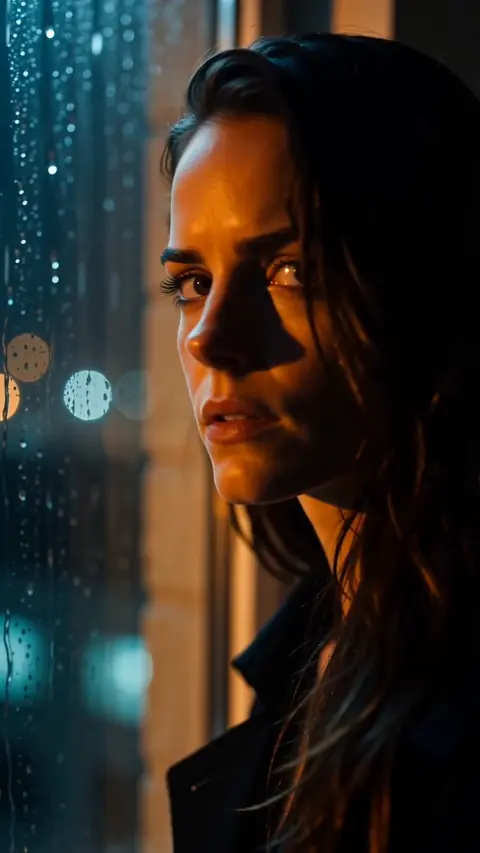
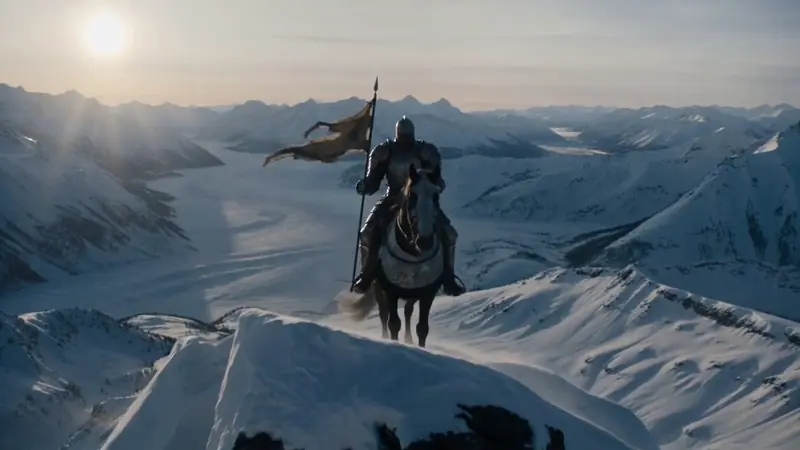
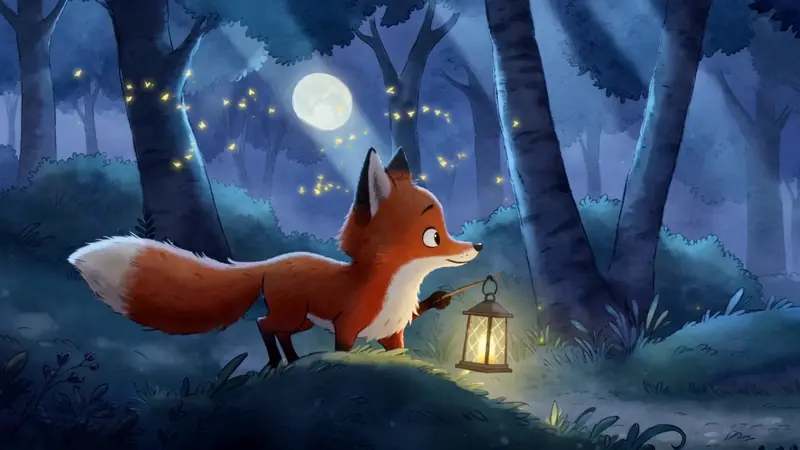
Films from the Director page, each planned as scenes and shots before rendering: original characters, Seedance 2.0 at 720p. Press play for sound.
How to
How to use the AI storyboard generator
- Time needed
- Steps
- 4 steps
Step 1
Paste the script or the idea
Open Director, paste your script or describe the story, and pick the ratio, look and length. A Quick Start such as Short Film or Product Ad fills sensible defaults.
Step 2
Answer the questions, get the board
Director asks a few questions, then lays the story out as scene cards, each with its shots: prompt, length, camera and lines.
Step 3
Edit the board before it costs anything
Change any shot's model, length or camera, reorder, add or delete shots. The plan shows the credits for every shot and the total.
Step 4
Approve and render
Approve the cast sheets and the plan. Shots render in order; re-render only the ones that miss, then edit the cut and export an MP4.
See it in the app

Open Image Studio and type what you want to see — subject, style, lighting and mood.


Watch the tour · 3:32
Brief, questions, script & plan, cast, rendering & review, timeline, music & voice, preview, export & share
Chapters
Tips
How to write a script that boards well
A storyboard is only as clear as the script behind it. What helps Director plan clean shots:
Write one action per sentence: each beat becomes a shot you can judge on its own.
Name the place at the start of each scene (a slugline such as INT. KITCHEN – NIGHT).
Say who is in the shot by name, so the right cast sheet is used as the reference.
Put spoken lines in quotes and mark narration, so the board knows which is which.
Give the camera a job: wide to set the place, close-up for the reaction, 85 mm for faces.
Check the plan's credit total, then cut the shots that don't move the story before you render.
Models
Models behind the board
Director renders the board with these video and image models (every shot can use a different one); the last two draw still panels in the Image studio.

ByteDance
Seedance 2.0
Open Seedance 2.0Best for
Director's default for shots; holds characters from references
Alibaba
Wan 3.0
Open Wan 3.0Best for
Best value, shots up to 30 s


OpenAI
GPT Image 2.5 Sunburst
- Reference images
- 16
- Output
- 1K–4K
Open GPT Image 2.5 SunburstBest for
Still panels with lettering in the Image studio
Google
Nano Banana 2.1
- Reference images
- 14
- Output
- 1K–4K
Open Nano Banana 2.1Best for
Same character across panels from your reference
FAQ
AI Storyboard Generator questions
8 questions
What is an AI storyboard generator?
It is a tool that turns a script or idea into a sequence of planned shots, so you can see the story before you shoot or render it. Most tools draw still panels. Kenerate Director builds the board as scenes and shots with their prompts, lengths and camera settings, and can then render that same board into video.
Link to this answerCan it make a storyboard from a script?
Yes. Paste the script into Director. It reads the scenes, asks a few questions about tone, look and length, and splits the story into scene cards with their shots. Each shot keeps its own dialogue or narration line, and you can change the plan before anything renders.
Link to this answerIs there a free AI storyboard generator?
Director, the storyboard-to-video tool, needs a paid plan and a verified email; anyone can open it and watch the examples. For still panels, a new Kenerate account gets free credits and the free plan includes models such as Qwen Image 3.0 and Flux 2 Dev in the Image studio.
Link to this answerDoes Director draw storyboard panels?
Not as a separate sheet. Before rendering, each shot is a tile with its prompt, length and camera, and the cast sheets show the characters; after rendering, the tile shows the take. If you want drawn panels, make them in the Image studio and ask for a 4- or 6-panel grid in one image.
Link to this answerHow do I keep characters the same across shots?
Director makes a character sheet for each cast member (front, three-quarter, profile and close-up) and every shot with that character uses it as a reference. In the Image studio, upload one picture of the character as a reference; GPT Image 2.5 Sunburst takes up to 16 references and Nano Banana 2.1 up to 14.
Link to this answerCan I set the camera for each shot?
Yes. Each shot can carry a lens (spherical prime, anamorphic, vintage, macro, fisheye or tilt-shift), a focal length from 14 to 135 mm and an aperture from f/1.4 to f/11. The choice is added to the shot's prompt when it renders.
Link to this answerWill I know what it costs before rendering?
Yes. The production plan lists every shot with its model, length and credits, plus the total for new work. Shots that already have a take cost nothing again. You can change models or lengths and see the estimate update before you approve.
Link to this answerCan I turn the storyboard into an animation or a video?
Yes, that is the point of Director: the approved board renders shot by shot with video models such as Seedance 2.0 or Wan 3.0, then you trim and reorder on the timeline, add music and voice, and export one MP4 at 480p, 720p or 1080p.
Link to this answerIn depth
AI Storyboard Generator, explained
What works, what to avoid, and how to pick a model.
On this page
Storyboard, shot list, animatic: what each one is
A storyboard shows the shots in order. A shot list writes down the technical side of each one: framing, lens, length, who is in it. An animatic plays the boards over time with sound. Director's board covers all three in one place: the scene cards are the board, each shot's settings are the shot list, and the rendered takes on the timeline are a moving animatic you can export.
What's on a shot tile
Every shot on the board holds the parts you'd write on a paper storyboard, plus what the video model needs:
- The prompt: what happens in the shot, in plain words.
- Length in seconds, snapped to what the chosen video model can render.
- Camera: lens, focal length and aperture, all optional.
- Dialogue or narration and an optional caption.
- Cast and location references, so faces and places match the other shots.
- Continuity: start from the previous shot's last frame, or from a frame you grabbed.
Editing the board
Drag a tile to reorder shots within a scene or across scenes. Tick several shots, or Select all, to render the ones without a take, switch them all to one model, or delete them (with Undo). Each scene's menu adds a shot, renders its missing shots or moves the scene. Replaced plans and deleted shots go to Earlier cuts, where you can restore them.
Still storyboard panels in the Image studio
If you need a classic panel board for a pitch, a client or a shoot, draw it in the Image studio. Ask for a grid, for example "a 6-panel storyboard, 2 rows of 3, numbered, black-and-white pencil sketch", describe each panel in order, and upload one picture of your character as a reference. GPT Image 2.5 Sunburst handles numbers and short labels inside the image well; Nano Banana 2.1 is strong at keeping one character the same across frames.
Who it's for
Directors and students planning a shoot, agencies pitching an ad, creators planning a Reel or a YouTube short, and anyone who wants to see a story before paying to render it. Director's Quick Starts include Short Film, Micro Drama, Film Trailer, Product Ad, UGC Ad, Explainer and Music Video.
Try the AI storyboard generator
Director runs on paid plans. Watch the example films free, then paste your script.
Tried it? Tell us how it went