

Pykaso alternative · consistent AI characters
Pykaso Alternative
Pykaso was an AI influencer tool: train a character, then make photos and videos of it. Its site now redirects to Pyksel, and Pyksel's app closed on 30 September 2026. Kenerate keeps a character consistent with reference images, then animates it with 57 video models.
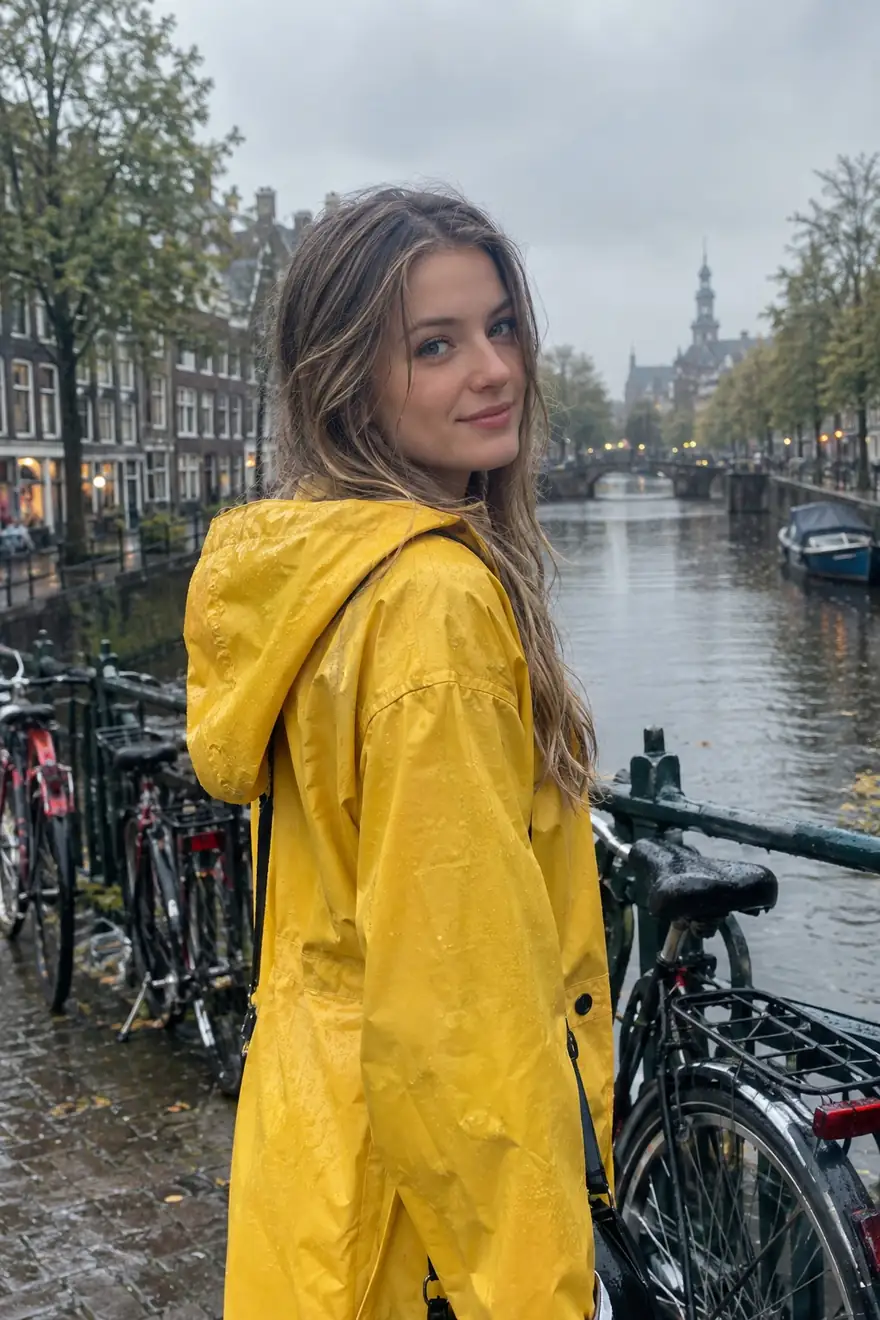
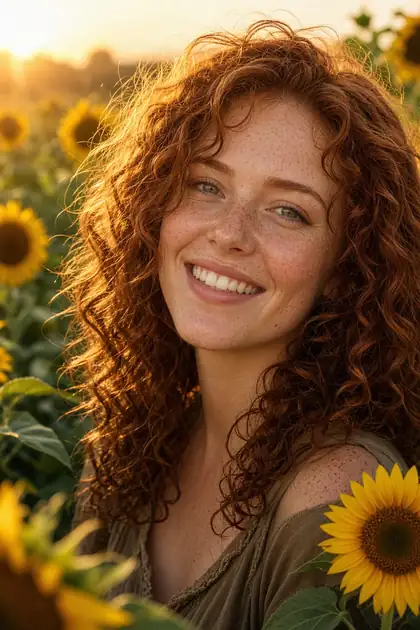

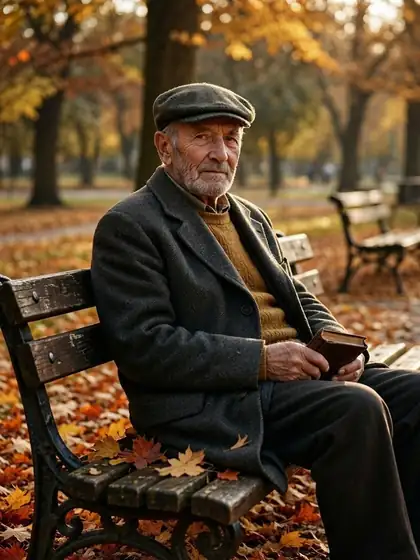
- Free to start
- 80+ models
- No subscription required
- No watermark
Checked
Made with Kenerate

On this page
Quick answer
What is the best Pykaso alternative now?
Pykaso is no longer available: pykaso.ai now redirects to Pyksel, and Pyksel's app says it closed on 30 September 2026 — signing in, generating and downloading have stopped. A Pykaso alternative for consistent AI characters is Kenerate AI: upload your character's photos as references (up to 14 on Nano Banana 2.1, 16 on GPT Image 2.5 Sunburst), make new shots, then animate them with 57 video models — no training step, on credits that never expire.
Key facts
- pykaso.ai today
- Redirects to pyksel.ai
- Pyksel app
- Closed 30 September 2026
- Sign-in and downloads
- No longer available (Pyksel)
- Consistent character on Kenerate
- Reference images, no training
- References per image
- Up to 14 (Nano Banana 2.1) · 16 (GPT Image 2.5)
- Video models
- 57 on a paid pack
Side by side
Pykaso vs Kenerate
What each offers, from Pykaso's own pages and Kenerate's code.
| Pykaso | Kenerate | |
|---|---|---|
| Status (20 Oct 2026) | pykaso.ai redirects to Pyksel; Pyksel's app closed on 30 September 2026 | Open: Image Studio, Edit Studio and video studio |
| Consistent character | Trained a custom character model | Reference images: up to 14 on Nano Banana 2.1, 16 on GPT Image 2.5 Sunburst, 10 on Seedream 5.0 Pro |
| Images | AI images, image to image with your character, AI image editor | 80+ image models, one-sentence edits, Change Region, Camera Angle |
| Video | AI videos from an image or a prompt | 57 video models, e.g. Seedance 2.5, Veo 3.1, Kling 3.0, Wan 3 (paid pack) |
| Talking avatar | Lipsync from audio | Talking photo from your image and a voice |
| Upscaling | Skin Enhancer (upscaler) | Upscale up to 8K in Edit Studio |
| Currency | Gems | Credits — one-time packs, never expire |
Pykaso facts checked 20 October 2026. Plans change; confirm on their site.
Sources: Pykaso
Honest verdict
Kenerate or Pykaso: which should you pick?
Pykaso is a good product. Here is when each one is the better choice.
Pick Kenerate if…
- It's still open
- No training wait
- Photos and video in one place
- Credits that don't expire
When to pick Pykaso
- There is no staying: Pyksel's app says signing in, generating and downloading are no longer available.
- If you need your old files, check Pyksel's official channels — its closing page gives no download route.
- If you relied on a trained character model, plan to rebuild the look from your saved images.
Why people switch
Why try Kenerate instead of Pykaso
It's still open
Pyksel's app closed on 30 September 2026; Kenerate's studios are running.
No training wait
Add your character's photos as references and generate straight away.
Photos and video in one place
Make the shot with Nano Banana 2.1 or GPT Image 2.5, then animate it on 57 video models.
Credits that don't expire
One-time packs, no subscription — nothing to lose if a plan ends.
Gallery
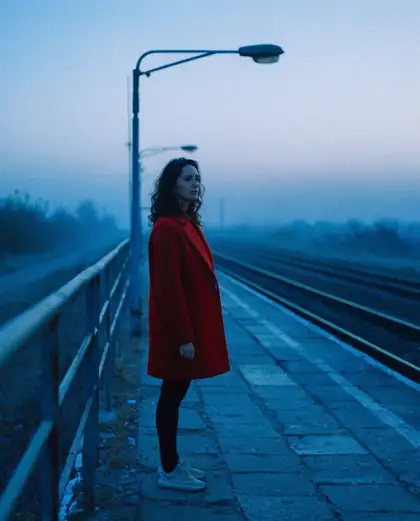
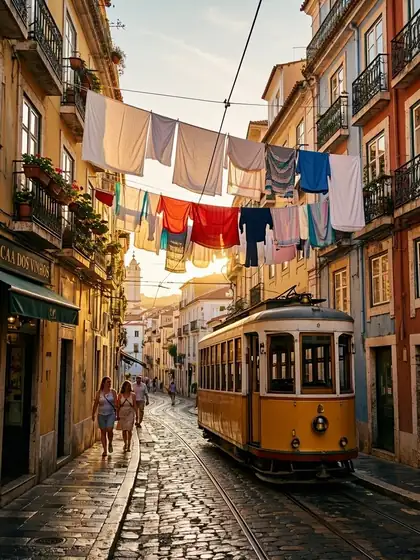
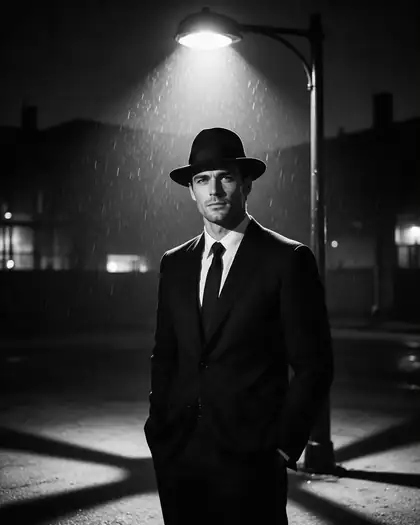
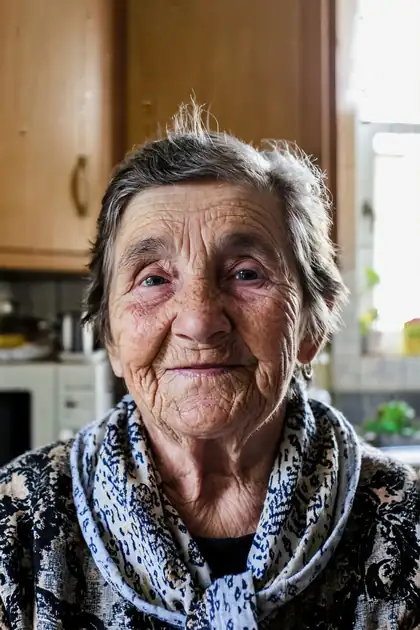
What Kenerate makes
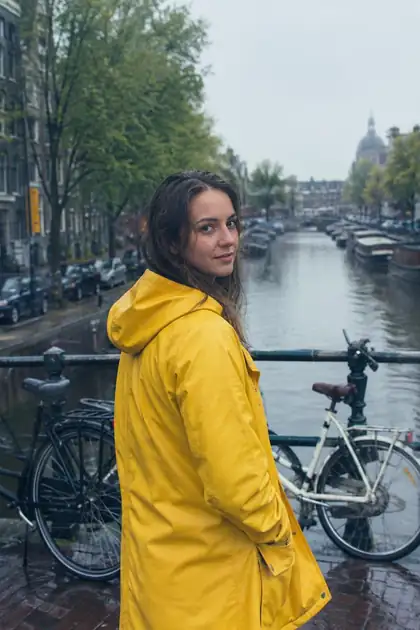
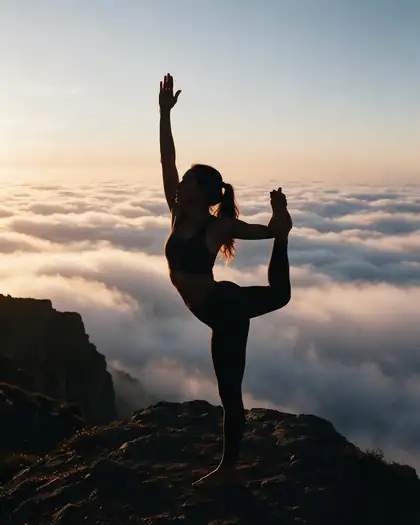
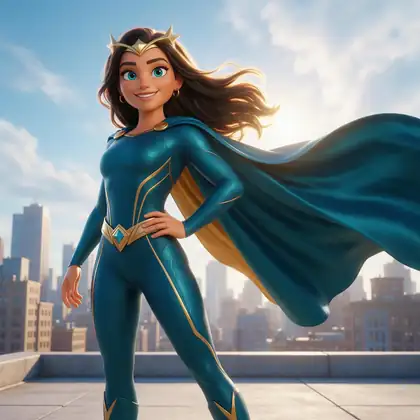
Real, SFW outputs from Kenerate. Open any image to copy its prompt and run it yourself.
Switching
How to switch from Pykaso
Bring your prompts and start free.
Step 1
Gather your character's images
Any Pykaso images you saved before the closure: a clear face shot, a full-body shot, and two or three angles.
Step 2
Sign in free and upload them
In /app/image, add the images as references to Nano Banana 2.1 or GPT Image 2.5 Sunburst.
Step 3
Describe the new shot
Say “keep the same face, hair and build” and describe the outfit, place and pose.
Step 4
Animate or make it talk
Send the still to the video studio or the talking-photo tool (paid pack).
See it in the app

Open Image Studio and type what you want to see — subject, style, lighting and mood.


Watch the tour · 1:23
Prompts, styles, references, edit, Arena & chat
Chapters
FAQ
Pykaso alternative questions
8 questions
Is Pykaso shut down?
Yes, in effect. On 20 October 2026 pykaso.ai redirected to pyksel.ai, and Pyksel's app showed a page saying “Pyksel has been shut down”, closed on 30 September 2026, with signing in, generating and downloading no longer available. The page doesn't give a reason.
Link to this answerWhat happened to Pykaso AI?
Pykaso became Pyksel: pykaso.ai now redirects to pyksel.ai, and listings such as GetApp describe Pykaso as acquired by Pyksel. Pyksel's homepage pitched AI UGC actors and AI ads built on the same character tools — training an AI influencer, image to image, AI video and a skin enhancer — before the app closed on 30 September 2026.
Link to this answerWhat is the best Pykaso alternative?
For keeping one AI character consistent across photos and videos, Kenerate AI: upload your character's images as references — up to 14 on Nano Banana 2.1 or 16 on GPT Image 2.5 Sunburst — generate new shots, then animate them with 57 video models or make them talk. There's no training step and credits never expire.
Link to this answerCan I still download my Pykaso or Pyksel images?
According to Pyksel's closing page, downloading is no longer available. Before the closure its app banner asked users to download their content and use their Gems before 30 September 2026. If you still need files, contact Pyksel through its official channels.
Link to this answerDoes Kenerate train a character like Pykaso did?
No. Kenerate doesn't train a model on your character. Instead you attach reference images to each generation, and models built for consistency — Nano Banana 2.1, GPT Image 2.5 Sunburst and Seedream 5.0 Pro — keep the face, hair and build. It's faster to start; for very long series, keep using the same three or four reference images.
Link to this answerHow do I recreate my AI influencer from Pykaso?
Collect the best images you saved: one front-facing close-up, one full-body shot and a couple of angles. Upload them as references in Kenerate's Image Studio, then prompt “the same woman as in the reference images” with a new outfit, place and pose. Make a few test shots and keep the references that hold the face best.
Link to this answerCan I make videos of my character?
Yes, on a paid credit pack. Generate the still first, then use it as the start image in the video studio — Seedance 2.5, Veo 3.1, Kling 3.0 or Wan 3 — so the face stays the same. For a speaking clip, use the talking-photo tool with a voice.
Link to this answerIs Kenerate free?
Free to start: a new account gets starter credits for images, and free-plan models such as Qwen Image 3.0 cost nothing to try. Nano Banana 2.1, GPT Image 2.5 and video use credits from one-time packs, from $15 for 1,300 credits, with no subscription and no expiry.
Link to this answerIn depth
Pykaso vs Kenerate, in depth
How we compared, and what matters when you choose.
From Pykaso to Pyksel to closed
Pykaso was known for AI influencer work: train a character on a set of faces, then generate consistent photos, image-to-image swaps and short videos of it, paid in Gems. The pykaso.ai domain now forwards to Pyksel, which repositioned the same tools as AI UGC actors and AI ads. On 30 September 2026 Pyksel's app closed; its own page says signing in, generating and downloading are no longer available.
Rebuilding a consistent character without training
Training a character model was Pykaso's core idea. Today's reference-image models get close without it: you attach the same few images to every generation and describe only what changes.
- Use 3–4 references: a front close-up, a ¾ view, a full-body shot.
- Keep lighting in the references neutral, so new scenes can relight the face.
- Name what must stay: face, hair colour and length, skin tone, build.
- Change one thing per prompt — outfit, place or pose — and keep the rest.
- Animate from the still, so the video starts from the face you approved.