FLUX.2 · Qwen-Image · HiDream · Z-Image · Hunyuan
Open source AI image generator — the open models, their licences, and where to run them
The best open image models in 2026 are FLUX.2, Qwen-Image, HiDream-I1, Z-Image and HunyuanImage 3.0. Here is what each licence lets you do, which ones fit on your own GPU, and 20 open models you can run in the browser with no setup.
- Licence per model
- Run locally or online
- 20 open models online
- No GPU needed online
Updated by the Kenerate AI team
On this page
Quick answer
What is the best open source AI image generator?
An open source AI image generator is an image model whose weights you can download and run yourself. The strongest in 2026 are FLUX.2 (Black Forest Labs), Qwen-Image (Alibaba), HiDream-I1, Z-Image and HunyuanImage 3.0 (Tencent). Licences differ: Qwen-Image, Z-Image and FLUX.2 [klein] 4B are Apache 2.0, HiDream-I1 is MIT, while FLUX.2 [dev] weights are non-commercial. To skip the GPU, Kenerate runs 20 open models online.
Key facts
- Apache 2.0
- Qwen-Image, Z-Image, FLUX.2 [klein] 4B, Chroma1-HD
- MIT
- HiDream-I1
- Non-commercial weights
- FLUX.2 [dev], FLUX.2 [klein] 9B
- Own licence
- HunyuanImage (not EU, UK, South Korea)
- Smallest to run locally
- FLUX.2 [klein] 4B, about 13 GB VRAM
- Online on Kenerate
- 20 open models, Flux 2 Dev on the free plan
Licences
Open-weight image models in 2026, and what their licences allow
Licence and size as each model card states them on Hugging Face (checked 20 October 2026). Licences cover the weights; read the full text before commercial use.
| Model | Maker | Licence | Size | On Kenerate |
|---|---|---|---|---|
| FLUX.2 [dev] | Black Forest Labs | FLUX Non-Commercial License | 32B | Flux 2 Dev (free plan) |
| FLUX.2 [klein] 4B | Black Forest Labs | Apache 2.0 | 4B, ~13 GB VRAM | Flux 2 Klein (free plan), Klein Base 4B |
| FLUX.2 [klein] Base 9B | Black Forest Labs | FLUX Non-Commercial License | 9B | Flux 2 Klein Base 9B |
| FLUX.1 [schnell] / [dev] | Black Forest Labs | Apache 2.0 / FLUX.1 [dev] Non-Commercial | 12B | Flux Schnell, Flux Dev |
| Qwen-Image / Qwen-Image-2512 | Alibaba (Qwen) | Apache 2.0 | 20B | Qwen Image, Qwen Image 2512 |
| HiDream-I1 Full / Dev | HiDream.ai | MIT | 17B | HiDream I1 Full, I1 Dev |
| Z-Image | Alibaba (Tongyi-MAI) | Apache 2.0 | 6B; Turbo fits 16 GB | Z Image Base |
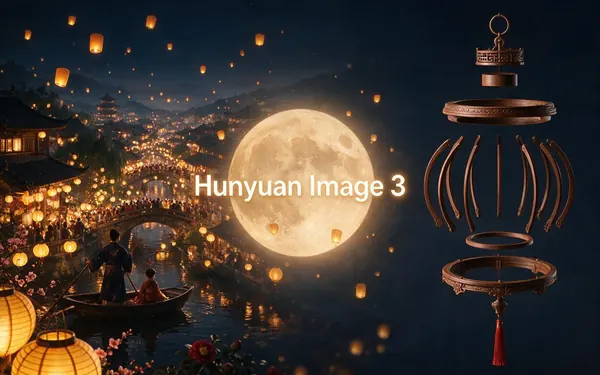
| HunyuanImage 3.0 / 2.1 | Tencent | Tencent Hunyuan Community (excludes EU, UK, South Korea) | 3.0: 80B MoE, 13B active | Hunyuan Image 3, Hunyuan Image 2.1 |
| Chroma1-HD | lodestones | Apache 2.0 | 8.9B (from FLUX.1 schnell) | Chroma |
| Neta Lumina | Neta.art | Apache 2.0 | Built on Lumina-Image 2.0 | Neta Lumina |
| LongCat-Image | Meituan | Apache 2.0 | 6B, ~17 GB VRAM with offload | LongCat Image |
| ERNIE-Image | Baidu | Apache 2.0 | 8B | ERNIE Image |
| BitDance-14B | BitDance | Apache 2.0 | 14B | BitDance 14B |
| Nucleus-Image | NucleusAI | Apache 2.0 | Sparse MoE | Nucleus Image |
| SDXL 1.0 (and Pony fine-tunes) | Stability AI | CreativeML Open RAIL++-M; fine-tunes add their own terms | — | Prefect Pony XL |
| Stable Diffusion 3.5 Large | Stability AI | Stability AI Community (free under US$1M revenue) | 8B | Not on Kenerate — run locally |
Where to run
Run an open model locally, or online?
Same weights, two ways to use them.
| Run locally (ComfyUI, Diffusers) | Run online (Kenerate) | |
|---|---|---|
| Hardware | An NVIDIA GPU: about 13 GB VRAM for FLUX.2 [klein] 4B, 16 GB for Z-Image Turbo, far more for 20B+ models | Any browser, phone included |
| Setup | Install ComfyUI or Diffusers, download weights (some gated), keep drivers updated | None — pick the model and type |
| Cost | Your GPU and electricity; no per-image fee | Credits per image; Flux 2 Dev and Klein on the free plan |
| Licence | You accept each model's licence when you download it | You use the hosted model through Kenerate's terms |
| Custom LoRAs and nodes | Yes — any LoRA, ControlNet or workflow | No custom LoRAs; reference images and edits instead |
| Privacy | Images never leave your machine | Private mode keeps results out of the public feed |
| Switching models | Download and test each one | 20 open models plus closed ones in one picker |
Gallery
Made with open models
Real outputs of two open-weight models on Kenerate, each labelled with the model that made it. Open one to copy the prompt.
How to
How to use the open source AI image generator
- Time needed
- Steps
- 4 steps
Step 1
Open Image Studio
Sign in free for starter credits — Flux 2 Dev and Flux 2 Klein are on the free plan.
Step 2
Pick an open model
Flux 2, Qwen Image, HiDream, Z Image, Hunyuan Image, Chroma and others are in the model picker.
Step 3
Write the prompt
Sentence-style prompts for FLUX.2, Qwen and HiDream; tags for Pony-style models.
Step 4
Compare and download
Run the same prompt on two open models, keep the best, download without a watermark.
See it in the app

Open Image Studio and type what you want to see — subject, style, lighting and mood.


Watch the tour · 1:23
Prompts, styles, references, edit, Arena & chat
Chapters
Tips
Picking an open model
What matters more than the benchmark chart.
Selling the images or building a product? Start with Apache 2.0 or MIT models: Qwen-Image, Z-Image, FLUX.2 [klein] 4B, HiDream-I1.
FLUX.2 [dev] and [klein] 9B weights are non-commercial — read Black Forest Labs' licence, or buy a commercial one.
In the EU, UK or South Korea, the Tencent Hunyuan Community Licence doesn't apply — check before you download.
Text inside the picture: Qwen-Image 2512 and ERNIE-Image are tagged for text rendering.
Only 12–16 GB of VRAM? FLUX.2 [klein] 4B and Z-Image Turbo are built to fit.
Want anime: Neta Lumina is built for it, and Pony fine-tunes read tag-style prompts.
Models
Open models to try online
What each model is good at. Open any one straight in the generator.
- Free plan
- Free plan
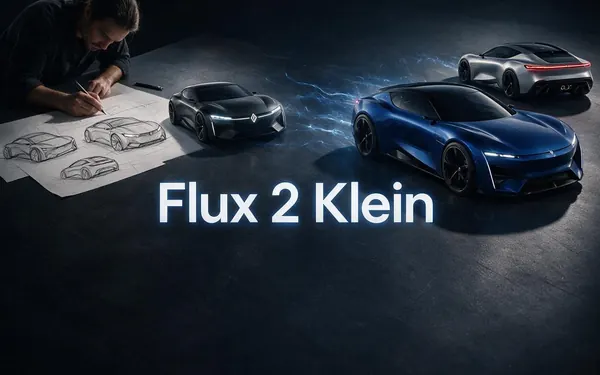
Black Forest Labs
Flux 2 Klein
- Reference images
- Up to 3
Open Flux 2 KleinBest for
Apache 2.0 4B · free plan
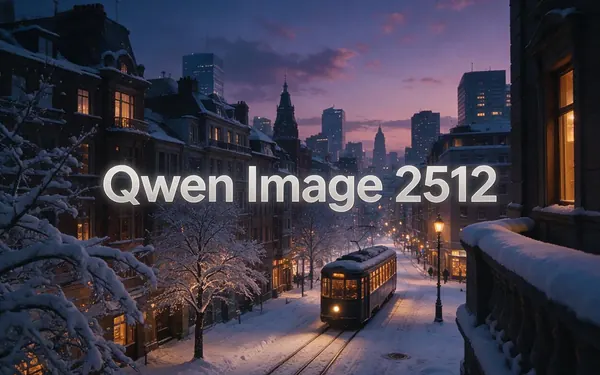
Alibaba
Qwen Image 2512
- Reference images
- Up to 3
Open Qwen Image 2512Best for
Apache 2.0 · text in images
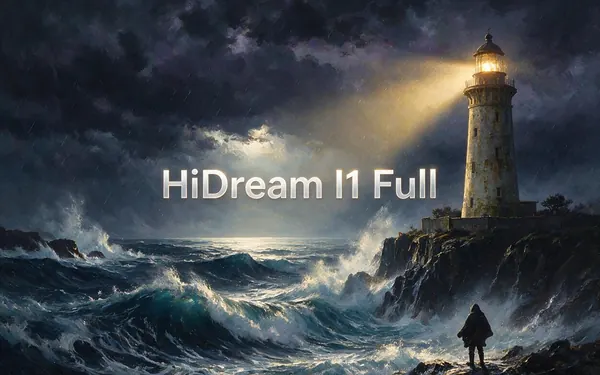
HiDream.ai
HiDream I1 Full
- Reference images
- 1
Open HiDream I1 FullBest for
MIT · detailed, faithful images
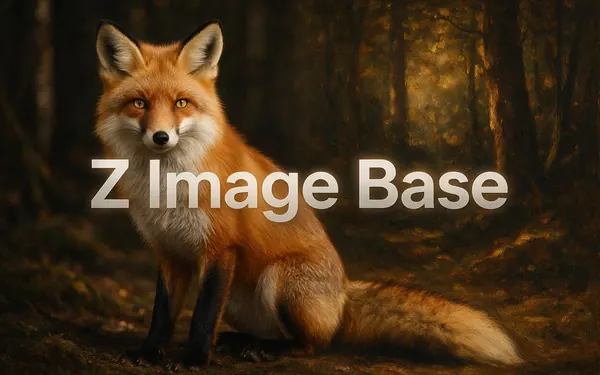
Alibaba
Z Image Base
- Reference images
- 1
- Output
- 512–2048 px
Open Z Image BaseBest for
Apache 2.0 · quick iterations
FAQ
Open Source AI Image Generator questions
8 questions
What is the best open source AI image generator?
In 2026 the strongest open-weight image models are FLUX.2 from Black Forest Labs, Qwen-Image from Alibaba, HiDream-I1, Z-Image and Tencent's HunyuanImage 3.0. For commercial projects, pick an Apache 2.0 or MIT model — Qwen-Image, Z-Image, FLUX.2 [klein] 4B or HiDream-I1. All five families run on Kenerate without a GPU.
Link to this answerIs FLUX.2 open source?
Its weights are open, but not all under the same licence. FLUX.2 [klein] 4B is Apache 2.0, so it can be used commercially. FLUX.2 [dev] and FLUX.2 [klein] 9B are released under the FLUX Non-Commercial License, according to their Hugging Face model cards. Black Forest Labs sells commercial licences and runs its own API for the larger models.
Link to this answerWhich open source image models can be used commercially?
Models under Apache 2.0 or MIT allow commercial use under those licences' terms: Qwen-Image and Qwen-Image-2512, Z-Image, FLUX.2 [klein] 4B, FLUX.1 [schnell], Chroma1-HD, Neta Lumina, LongCat-Image, ERNIE-Image, BitDance-14B and Nucleus-Image (Apache 2.0), and HiDream-I1 (MIT). Stable Diffusion 3.5 is free for organisations under US$1 million annual revenue.
Link to this answerCan I run an open source image generator on my own PC?
Yes, with an NVIDIA GPU and ComfyUI or Hugging Face Diffusers. The compact models are built for it: Black Forest Labs says FLUX.2 [klein] 4B fits in about 13 GB of VRAM (RTX 3090 or 4070 and up), and Tongyi-MAI says Z-Image Turbo fits within 16 GB. 20B-and-up models such as Qwen-Image or HunyuanImage 3.0 need far more memory.
Link to this answerIs there a free open source AI image generator online?
Yes. On Kenerate, Flux 2 Dev and Flux 2 Klein are on the free plan, and a new account gets starter credits for other open models such as Qwen Image, HiDream, Z Image and Hunyuan Image. Nothing to install, and downloads carry no watermark.
Link to this answerIs Stable Diffusion still the best open source option?
It's still the biggest ecosystem: SDXL fine-tunes such as Pony, thousands of LoRAs and ControlNets. For raw image quality and prompt following, newer open models — FLUX.2, Qwen-Image, HiDream-I1, Z-Image — have overtaken it. Kenerate runs Prefect Pony XL from the SDXL family; for SD in the browser, see Stable Diffusion online free.
Link to this answerWhat is the difference between open source and open weights?
Open weights means you can download the trained model file. Open source in the strict sense also means a licence that lets anyone use, change and share it, including commercially. So Apache 2.0 or MIT models like Qwen-Image and HiDream-I1 are open in both senses, while FLUX.2 [dev] is open-weight but non-commercial.
Link to this answerIs HunyuanImage 3.0 open source?
Its weights are public under the Tencent Hunyuan Community License, not Apache or MIT. The licence text says it does not apply in the European Union, the United Kingdom or South Korea. Tencent's card describes it as a Mixture-of-Experts model with 80 billion parameters, 13 billion active per token. Kenerate runs it as Hunyuan Image 3.
Link to this answerIn depth
Open Source AI Image Generator, explained
What works, what to avoid, and how to pick a model.
On this page
Models vs apps
Many 'open source image generator' lists mix two things. Models are the trained weights — FLUX.2, Qwen-Image, HiDream-I1. Apps are what you run them in — ComfyUI, InvokeAI, Fooocus, Automatic1111, or a hosted studio like Kenerate. The model decides image quality and the licence; the app decides how easy it is to use.
Reading an image model licence
Three questions cover most cases:
- Can I use it commercially? Apache 2.0 and MIT: yes. FLUX non-commercial: not without a separate licence. Stability Community: yes under US$1M revenue.
- Where can I use it? The Tencent Hunyuan licence excludes the EU, UK and South Korea.
- Do fine-tunes change it? A LoRA or merge usually carries the base model's licence plus its author's own terms.
Why run an open model online
Running locally gives you privacy, custom LoRAs and no per-image fee — if you have the GPU. Online, you skip the download and can run the same prompt on FLUX.2, Qwen-Image and HiDream in a minute to see which one suits the job, then keep using it locally if you like.