

Backgrounds · character sheets · pixel art · wall art
AI 2D Art Generator — game art, pixel art and flat illustration
Describe it and get flat 2D art: side-scroller backgrounds, character turnaround sheets, 16-bit pixel scenes, vector illustrations and wall-art posters. Pick the model that suits the style.
- Game backgrounds and sheets
- Pixel art and vector
- Free-plan model
- No watermark
Updated by the Kenerate AI team
Made with Kenerate
On this page
Quick answer
What is a 2D art generator?
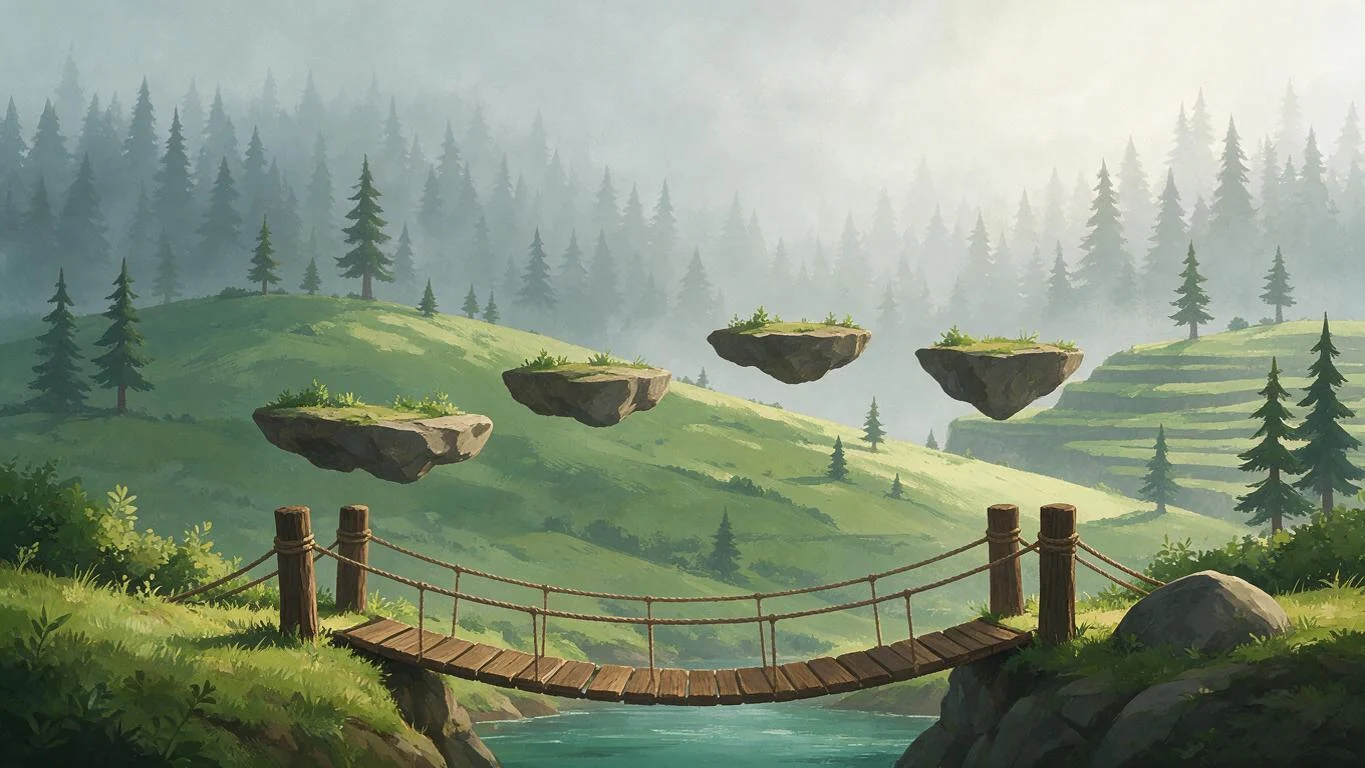
A 2D art generator turns a text prompt into flat, two-dimensional artwork — game backgrounds, character sheets, pixel art, vector illustrations and posters — instead of photos or 3D renders. On Kenerate AI, Seedream 5.0 Pro (13.5 credits at 1K) made the backgrounds, sheet and poster on this page in one try each; Recraft V4.1 does clean vector art, Recraft 20B has a built-in pixel-art style, and Qwen Image 3.0 runs on the free plan. Output is a flat image (PNG/JPG), not layered sprites or vectors.
Key facts
- Styles shown
- 8 (game, sheet, pixel, vector, poster…)
- Free plan
- Qwen Image 3.0
- Output
- Flat image — not layered or vector
- Watermark
- None
Gallery
Eight kinds of 2D art, real outputs
The first three were made for this page, one try each; the rest come from our pixel-art, vector and cartoon pages. Open any one to copy the prompt.
How to
How to use the 2D art generator
- Time needed
- Steps
- 4 steps
Step 1
Open Image Studio
Go to /app/image and sign in free for starter credits.
Step 2
Pick a model
Seedream 5.0 Pro for game art and posters, Recraft V4.1 for vector, Recraft 20B's Pixel art style, or Qwen Image 3.0 on the free plan.
Step 3
Describe the 2D art
Subject, “2D” plus the style, colours, and what to leave out (text, UI, characters). Choose the aspect ratio.
Step 4
Download
Regenerate or tweak the prompt, then download without a watermark.
See it in the app

Open Image Studio and type what you want to see — subject, style, lighting and mood.


Watch the tour · 1:23
Prompts, styles, references, edit, Arena & chat
Chapters
Tips
Prompts that give clean 2D art
What worked in our tests.
Say “2D” and name the look: flat, cel-shaded, hand-painted, pixel art, vector or paper-cut.
For game backgrounds, add “no characters, no text, no UI” so the scene stays usable behind sprites.
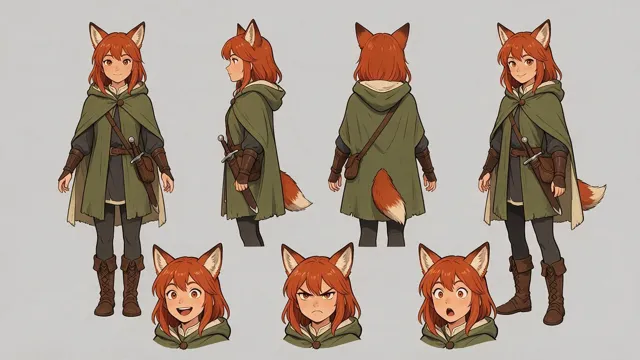
For character sheets, list the views (“front, side, back, three-quarter”) and ask for “consistent proportions” on a plain background.
For pixel art, give the era (“16-bit”, “32-bit”) and “limited palette”; add “isometric” for top-down rooms and maps.
Name 3–4 colours for posters and wall art — a short palette keeps it flat and printable.
Wide 16:9 for backgrounds and sheets, 1:1 for icons and tiles, 4:5 for posters.
Models
Models for 2D art
What each model is good at. Open any one straight in the generator.

ByteDance
Seedream 5.0 Pro
- Reference images
- Up to 10
- Output
- 2K
Open Seedream 5.0 ProBest for
Game backgrounds, sheets, pixel scenes, posters

Recraft
Recraft V4.1
- Reference images
- None
- Output
- 1K
Open Recraft V4.1Best for
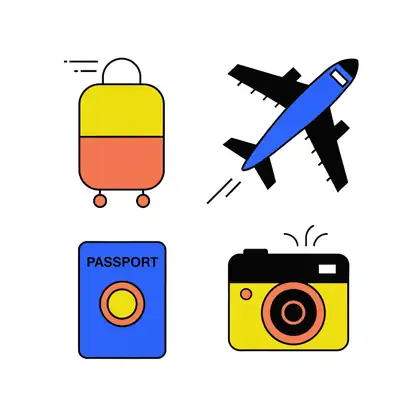
Clean flat vector, icons, logos
Recraft
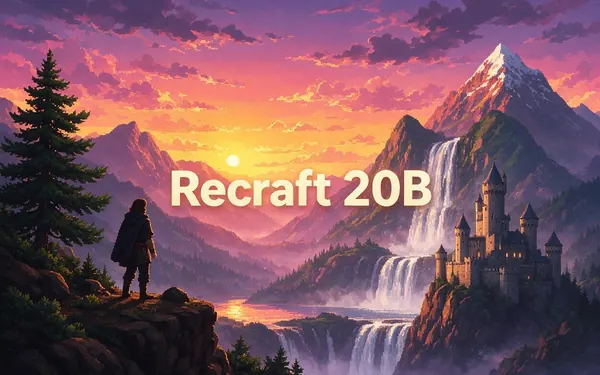
Recraft 20B
- Reference images
- None
- Output
- 1K
Open Recraft 20BBest for
Style presets: Pixel art, Kawaii, 2D art poster
Prefect
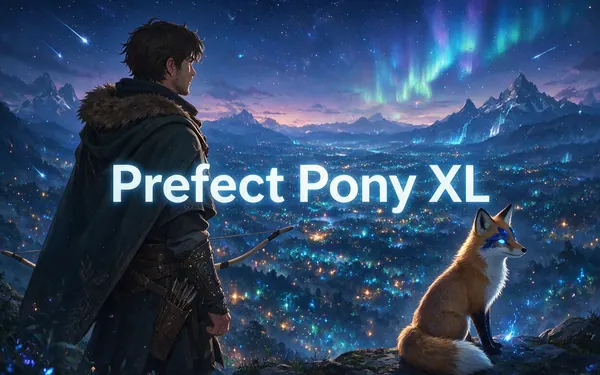
Prefect Pony XL
- Reference images
- None
- Output
- SDXL sizes
Open Prefect Pony XLBest for
Stylised anime and cartoon characters
- Free plan

Alibaba
Qwen Image 3.0
- Reference images
- Up to 3
- Output
- 1K · 2K
Open Qwen Image 3.0Best for
Free plan; posters with text
FAQ
2D Art Generator questions
8 questions
What is a 2D art generator?
A tool that turns a text prompt into flat, two-dimensional artwork — game backgrounds, character sheets, pixel art, vector illustrations, icons and posters — rather than photos or 3D models. On Kenerate AI you type the prompt in Image Studio and pick a model; Seedream 5.0 Pro made the side-scroller background, character sheet and poster on this page in one try each.
Link to this answerIs there a free AI 2D art generator?
Yes. A new Kenerate account gets starter credits on sign-up, and Qwen Image 3.0 is on the free plan. Seedream 5.0 Pro (13.5 credits at 1K), Recraft V4.1 (12) and Recraft 20B (6.6) use credits from one-time packs that never expire — no subscription needed. Downloads carry no watermark.
Link to this answerCan it make 2D game art?
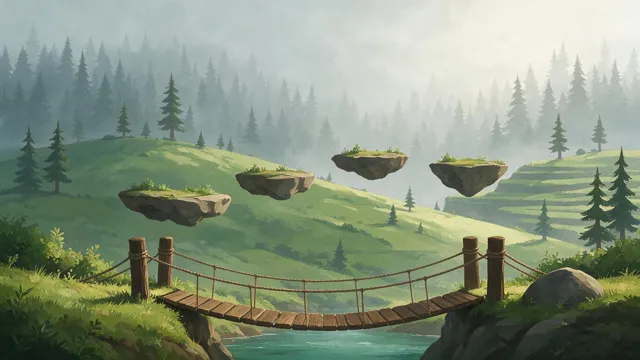
Yes — backgrounds, character turnaround sheets, item icons and pixel-art scenes. Our side-scroller prompt gave a forest level with floating platforms and a rope bridge. It comes back as one flat image, so for real parallax you would cut it into layers or generate each layer (sky, far trees, hills, foreground) separately on a plain background.
Link to this answerCan I make a 2D character sheet?
Yes. List the views (front, side, back, three-quarter), add a few expressions, and ask for consistent proportions on a plain background. Seedream 5.0 Pro kept our fox-eared adventurer's cloak, satchel, sword and colours the same across four views and three expressions. Check small details like straps and hands before you animate from it.
Link to this answerWhat is the best AI for 2D pixel art?
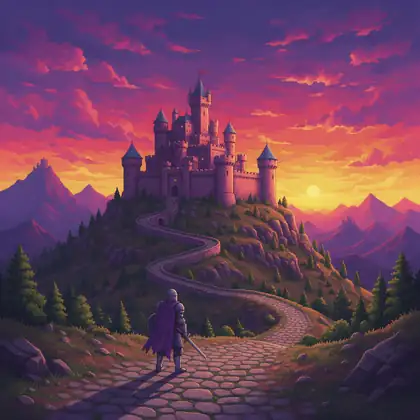
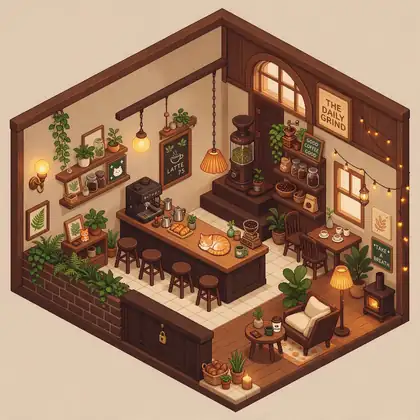
For pixel scenes from text, Seedream 5.0 Pro gave the crispest results in our tests (16-bit castle, isometric cafe). Recraft 20B has a dedicated Pixel art style for cheaper drafts at 6.6 credits. To convert an existing photo into pixels, use our image-to-pixel-art tool instead.
Link to this answerCan I use it for 2D wall art?
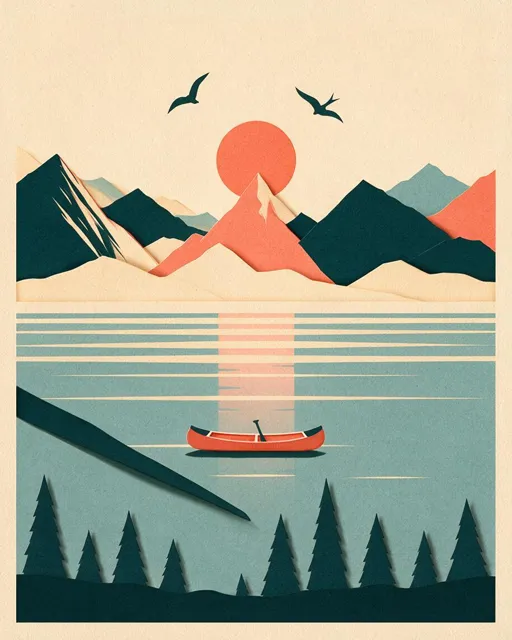
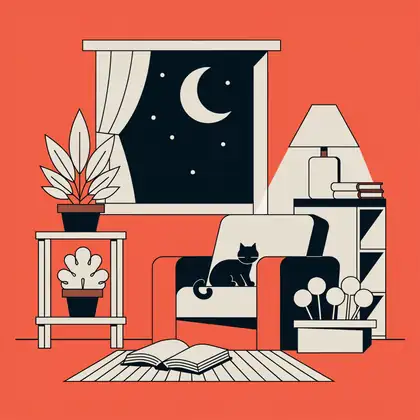
Yes. Ask for a flat poster with a short palette — “paper-cut mountains, teal, coral and cream, mid-century illustration”. Seedream 5.0 Pro gives up to 2K; for large prints, upscale the result in Kenerate's upscaler. Our poster had one stray paper strip in a corner, so check edges before printing.
Link to this answerAre the results vector or layered files?
No. Every model here outputs a flat raster image (PNG/JPG). Recraft V4.1 imitates a clean vector look, but if you need SVG or separate layers you trace or split it in a vector or layered editor afterwards.
Link to this answerCan I use the 2D art commercially?
Downloads carry no watermark. Under Kenerate's terms you are responsible for how you use what you generate, so check the terms and each model's licence for your project, and don't prompt for trademarked game characters or other artists' work you don't have rights to.
Link to this answerIn depth
2D Art Generator, explained
What works, what to avoid, and how to pick a model.
On this page
What counts as 2D art
2D art is anything drawn on a flat plane: no 3D model, no camera, just shapes, lines and colour. In games that means backgrounds, sprites, tiles, icons and UI; outside games it means illustrations, posters, stickers and wall art.
An image model can draw all of these, but it needs the word “2D” and a named style. Without them it drifts towards painterly 3D lighting or a photo look.
2D game art: what works and what doesn't
Our forest level and character sheet were usable as concept art straight away. Two limits to plan for:
- One image, not layers: parallax needs each layer generated separately on a plain or flat-colour background.
- Not a sprite sheet: animation frames drift between generations, so use the sheet as a reference and draw or rig frames from it.
- Tiles: ask for “seamless” and a 1:1 ratio, then test the tile edges in your engine.
- Keep text out of game art and add it in your engine or editor.
Picking a model
Match the model to the look:
- Painted backgrounds, character sheets, pixel scenes, posters: Seedream 5.0 Pro.
- Clean flat vector, icons, clipart: Recraft V4.1.
- Cheap drafts with a fixed style (Pixel art, Kawaii, 2D art poster): Recraft 20B.
- Stylised anime or cartoon characters: Prefect Pony XL.
- Free plan, or posters with readable text: Qwen Image 3.0.