

Text to drawing · photo to drawing · 8 hand-drawn media
AI drawing generator — pencil, charcoal, ink and technical drawings
Describe a subject or upload a photo and get it drawn in the medium you pick — graphite pencil, charcoal, ink pen, ballpoint, coloured pencil, pen and wash or a technical-style line drawing.
- Text or photo
- 8 drawing media
- Free-plan model
- No watermark
Updated by the Kenerate AI team
Made with Kenerate

On this page
Quick answer
How do you make a drawing with AI?
To make a drawing with AI, describe the subject and name the medium — "a graphite pencil drawing of an old lighthouse on a cliff, fine hatching, on white sketch paper" — or upload a photo and write "turn this photo into a charcoal drawing; keep the face the same". Kenerate's AI drawing generator runs both in Image Studio on models such as Qwen Image 3.0 (free plan), Seedream 5.0 Pro and GPT Image 2.5 Sunburst. The medium words decide the look; the result is a PNG or JPG picture, not a measured CAD file.
Key facts
- Two ways in
- Text to drawing · photo to drawing (edit)
- Media
- Pencil, charcoal, ink, ballpoint, coloured pencil, pen and wash, technical, conté
- Our tests
- 6 photo-to-drawing edits, faces kept
- Output
- PNG or JPG — no SVG, DXF or DWG
- Watermark
- None
Drawing media
Drawing media, what they look like, and the words that get them
Add the prompt words to your subject (text) or to “turn this photo into…” (photo). Naming the paper helps as much as naming the tool.
| Medium | Looks like | Good for | Prompt words |
|---|---|---|---|
| Graphite pencil | Grey tones, fine hatching, soft blending | Portraits, still life, study drawings | realistic graphite pencil drawing, fine hatching and soft shading, white sketch paper |
| Charcoal | Deep blacks, smudged edges, rough texture | Moody portraits, figures in clothing, landscapes | expressive charcoal drawing, bold dark strokes, smudged shading, textured paper |
| Ink pen | Crisp black lines with hatching for tone | Urban sketching, book illustration | black ink pen drawing, cross-hatching for shadows, white paper |
| Ballpoint pen | Blue or black biro lines built up in layers | Notebook sketches, product ideas | blue ballpoint pen sketch, layered loose strokes, lined notebook paper |
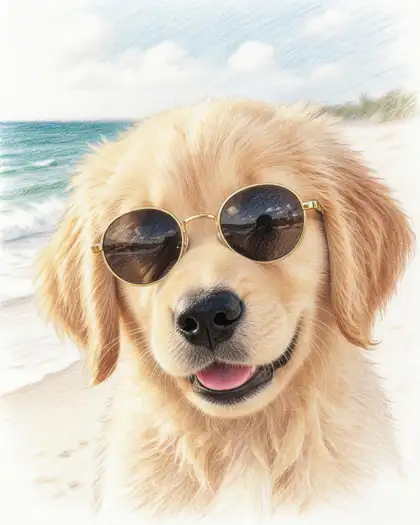
| Coloured pencil | Soft layered colour with visible strokes | Pets, kids' book art, cards | coloured pencil drawing, soft layered strokes, visible paper grain |
| Pen and wash | Ink lines with a light watercolour wash | Travel journals, house portraits | ink line drawing with a light watercolour wash, loose urban-sketch style |
| Technical / CAD-style | Ruled lines, orthographic views, dimension-style marks | Concept sheets, presentations, mood boards | technical drawing, orthographic front and side views, thin ruled black lines, white background |
| Conté / sanguine | Warm red-brown chalk on toned paper | Classical figure studies, portraits | sanguine conté crayon drawing on toned paper, old-master study |
Prompts
Drawing prompts to copy
The photo prompt needs an upload; the rest work from text alone. Each one opens Image Studio with the prompt filled in.
- Subject
- What to draw, or “this photo”
- Medium
- Pencil, charcoal, ink…
- Technique
- Hatching, smudging, wash
- Paper
- White, cream, toned, notebook
Pencil landscape
A graphite pencil drawing of an old lighthouse on a rocky cliff with waves below: fine hatching, soft shading, white sketch paper, the edges of the drawing left unfinished.
Charcoal portrait
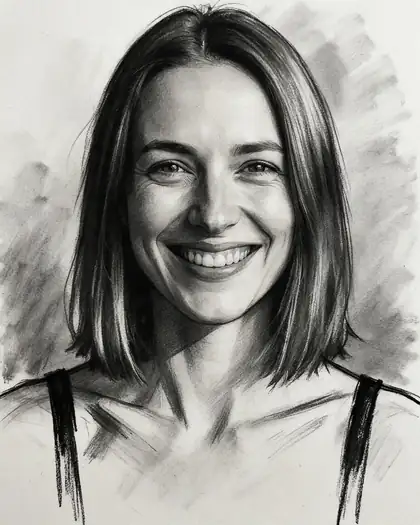
An expressive charcoal portrait of an elderly fisherman in a knitted wool hat, bold dark strokes, smudged shading, textured cream paper.
Ink city sketch
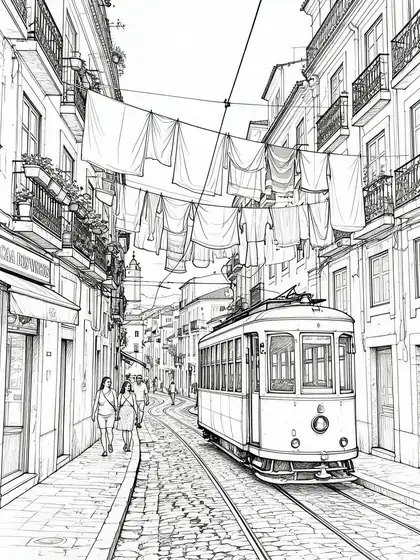
A black ink pen drawing of a narrow street in Lisbon with a tram and hanging laundry, cross-hatching for the shadows, white paper, urban-sketch style.
Ballpoint product idea
A blue ballpoint pen sketch of a desk lamp design, three-quarter view and side view, loose layered strokes, small note arrows, lined notebook paper.
More prompts (2)
Technical drawing
A technical drawing of a vintage film camera: orthographic front, top and side views, thin ruled black lines, dimension-style arrows without numbers, white background.
Photo to drawing
Turn this photo into a realistic graphite pencil drawing on white paper, fine hatching and shading. Keep the face, pose and proportions exactly the same.
Gallery
Six photos, six drawings
Real photo-to-drawing edits, one try each — five on Seedream 5.0 Pro, one on GPT Image 2.5 Sunburst. Open any one to copy the prompt.
Same prompt
The photo, then the drawing
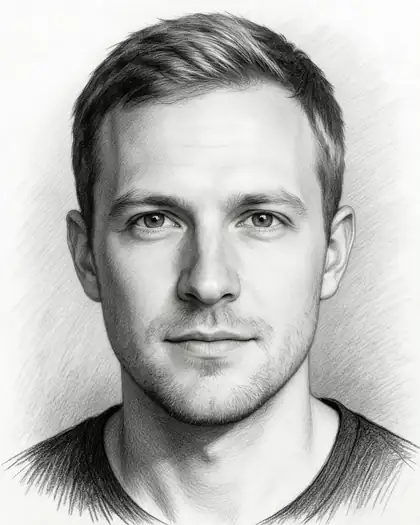
Two of our test photos in pencil and charcoal. Faces, hair and expression carried over; the background was simplified.
PromptTurn this photo into a realistic graphite pencil sketch on white paper, fine hatching and shading. Keep his face and identity the same.
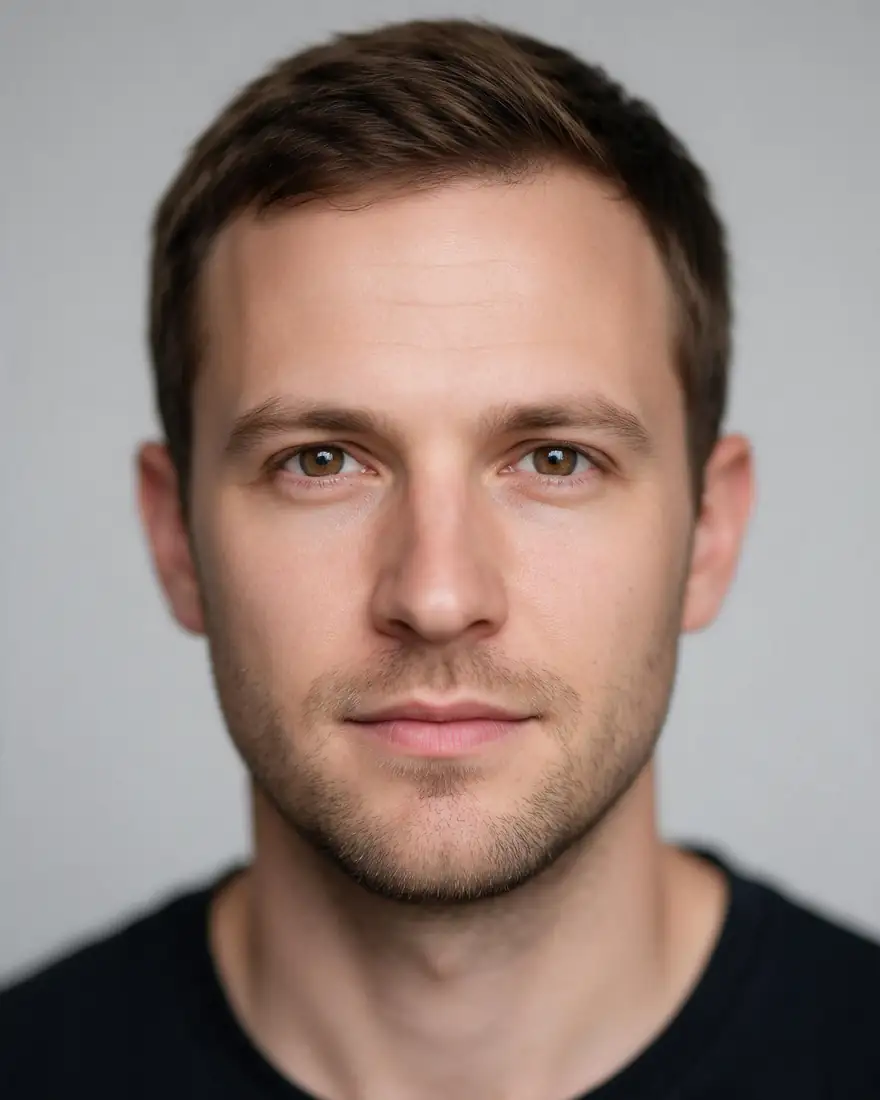 PhotoInput
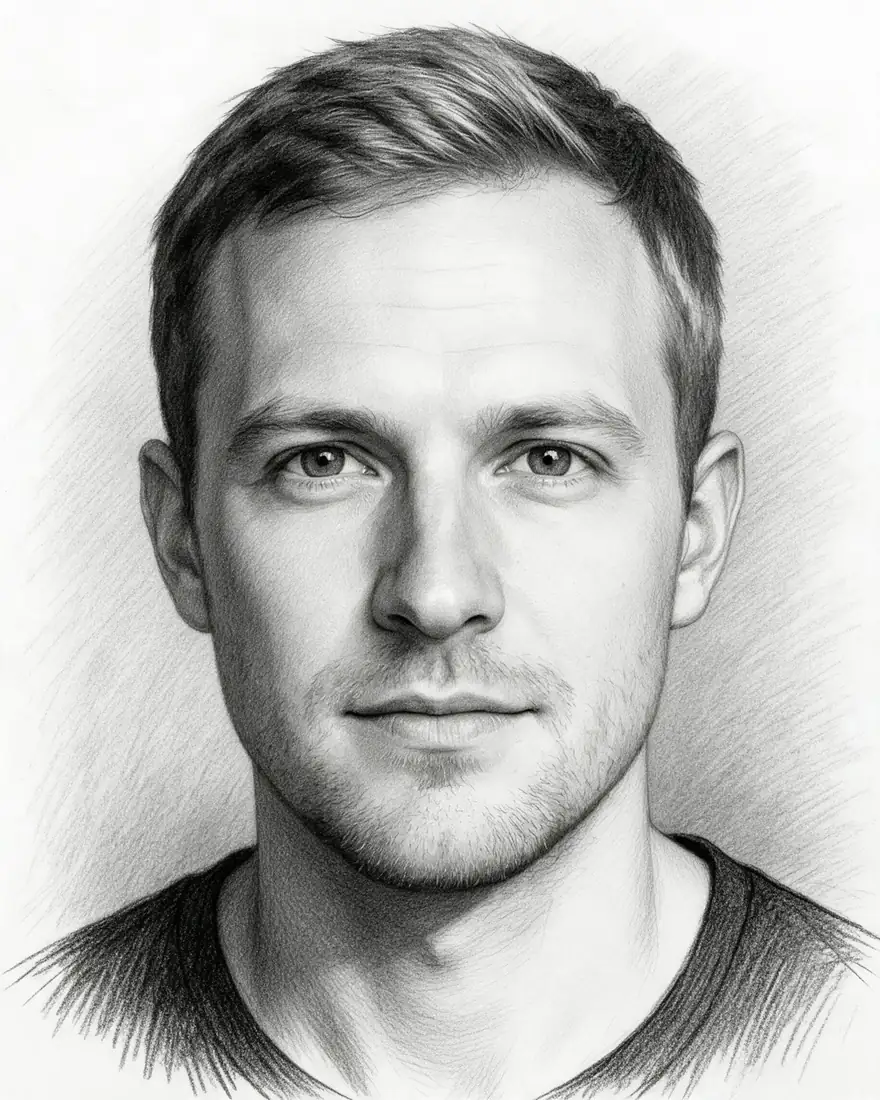 Graphite pencilSeedream 5.0 Pro · 2K
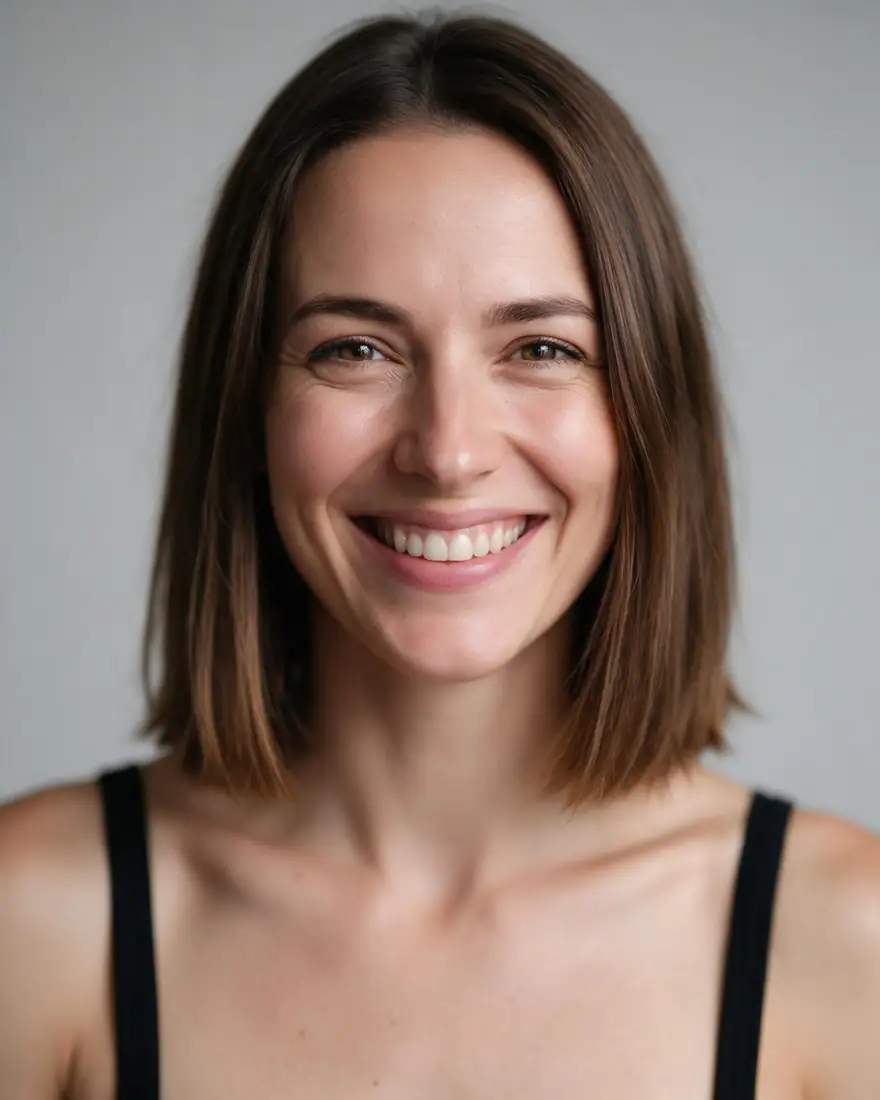 PhotoInput
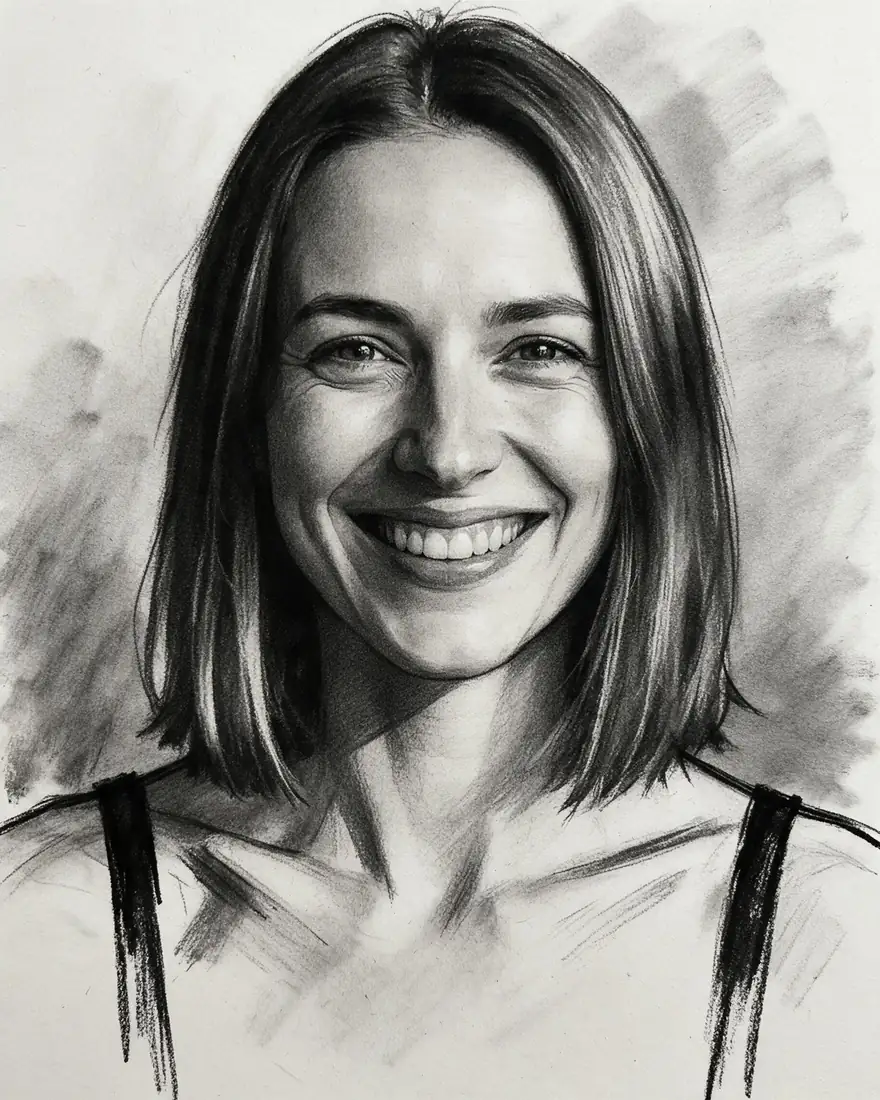 CharcoalSeedream 5.0 Pro · 2K
How to
How to use the AI drawing generator
- Time needed
- Steps
- 4 steps
Step 1
Open Image Studio
Press “Make a drawing”. Image Studio opens on Qwen Image 3.0, a free-plan model. Sign in free for 25 starter credits.
Step 2
Add a photo, or skip it
For photo to drawing, upload a clear, well-lit photo. For text to drawing, leave the upload empty.
Step 3
Name the subject and the medium
Describe what to draw, then pick a medium from the table — pencil, charcoal, ink, ballpoint, coloured pencil, pen and wash or technical — and the paper.
Step 4
Create and download
Press Create, pick the take you like, upscale it for print if needed, and download without a watermark.
See it in the app

Open Image Studio and type what you want to see — subject, style, lighting and mood.


Watch the tour · 1:23
Prompts, styles, references, edit, Arena & chat
Chapters
Tips
Get a drawing, not a filtered photo
What makes the result read as hand-drawn.
Name the tool and the paper: “graphite on white sketch paper”, “charcoal on textured cream paper”, “ballpoint on lined notebook paper”.
Say how the tone is built: hatching, cross-hatching, smudged shading — or “no shading” for pure lines.
Ask for unfinished edges or visible construction lines; finished-to-the-corner pictures look like photos.
From a photo, add “keep the face, pose and proportions the same” — the model then only changes the medium.
For technical-style drawings, ask for orthographic views and “thin ruled lines”, and leave numbers out — the model guesses them.
Printing large? Upscale the drawing first so the pencil grain stays sharp.
Models
Models for drawings
What each model is good at. Open any one straight in the generator.
- Free plan

Alibaba
Qwen Image 3.0
- Reference images
- Up to 3
- Output
- 1K or 2K
Open Qwen Image 3.0Best for
Default here · free plan · text and photo

ByteDance
Seedream 5.0 Pro
- Reference images
- Up to 10
- Output
- Up to 2K
Open Seedream 5.0 ProBest for
Made five of the six drawings above

OpenAI
GPT Image 2.5 Sunburst
- Reference images
- Up to 16
- Output
- 1K to 4K
Open GPT Image 2.5 SunburstBest for
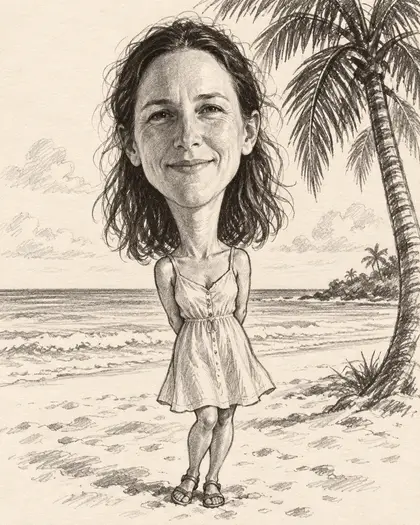
Made the pencil caricature
- Free plan
FAQ
AI Drawing Generator questions
8 questions
What is drawing AI?
Drawing AI is an image model that produces pictures in a hand-drawn medium — pencil, charcoal, ink, ballpoint or coloured pencil — from a text description or from a photo you upload. It doesn't move a pen; it generates a finished image that imitates the strokes, shading and paper of that medium.
Link to this answerHow do I turn a photo into a drawing?
Upload the photo in Image Studio and write, for example: “Turn this photo into a realistic graphite pencil drawing on white paper, fine hatching and shading; keep the face the same.” In our tests Seedream 5.0 Pro kept faces recognisable in pencil and charcoal. For a photo-only workflow with presets, see Photo to sketch.
Link to this answerCan I make a drawing from text, without a photo?
Yes. Leave the upload empty and describe the subject plus the medium and paper: “a black ink pen drawing of a narrow Lisbon street with a tram, cross-hatching, white paper”. Every model in the table works from text alone.
Link to this answerWhat is the best AI for pencil drawings?
In our photo-to-drawing tests, Seedream 5.0 Pro gave the most convincing graphite hatching and kept faces; GPT Image 2.5 Sunburst made a good pencil caricature. Qwen Image 3.0 is the free-plan option to start with. We haven't run a side-by-side text-to-pencil test yet, so try two models on the same prompt.
Link to this answerCan AI make CAD or technical drawings?
It can make a picture in a technical-drawing style — ruled lines, orthographic views, dimension-style arrows — which works for concept sheets and presentations. It is not a CAD file: there are no real measurements, layers or DXF/DWG export, and any numbers it draws are guesses. For measured drawings, use CAD software; research such as Text2CAD shows true text-to-CAD is still early.
Link to this answerIs the AI drawing generator free?
Free to start. A new Kenerate account gets 25 credits, and Qwen Image 3.0 (9 credits a drawing) and Flux 2 Dev are free-plan models. Seedream 5.0 Pro and GPT Image 2.5 Sunburst use credits from one-time packs with no subscription. Downloads carry no watermark.
Link to this answerHow is this different from the line art generator?
Line art is outlines only — black lines on white, no tone. A drawing here can carry shading, texture and colour: graphite hatching, smudged charcoal, coloured pencil. Use the line art generator for colouring pages, stencils and clean outlines; use this page for drawings that look sketched by hand.
Link to this answerCan I sell or print the drawings?
You can download them without a watermark and print them; upscale first for large prints. Don't draw real people without their consent, and if you sell what you make, check the subject isn't someone else's character, logo or artwork.
Link to this answerIn depth
AI Drawing Generator, explained
What works, what to avoid, and how to pick a model.
On this page
Text to drawing or photo to drawing?
Use a photo when the drawing has to look like something real — a face, a pet, your house. The photo fixes the shapes; your prompt only changes the medium. Use text when you're inventing the scene: a lighthouse study, a product idea in ballpoint, a figure study in sanguine conté.
Drawing vs line art vs sketch to image
Three neighbouring tools, each with its own page:
- Drawing (this page): any hand-drawn medium, with tone and texture, from text or a photo.
- Line art: clean outlines only, no shading — for colouring pages, stencils and tracing.
- Sketch to image: the reverse — your drawing goes in and a finished render or photo comes out.
What a “CAD drawing” from AI is — and isn't
Image models are good at the look of a technical drawing: thin ruled lines, front, top and side views, hatching for sections. They don't measure anything. Use the result as a concept sheet or a mood-board image, then rebuild it to size in CAD software if it has to be manufactured or built.