

FaceApp alternative · Web · your own photos
FaceApp Alternative
FaceApp is a phone app with 60+ one-tap face filters. Kenerate is a web AI photo editor: upload your own photo, describe the change — a smile, a new hairstyle, bangs, a beard, ten years older — and download it without a watermark.
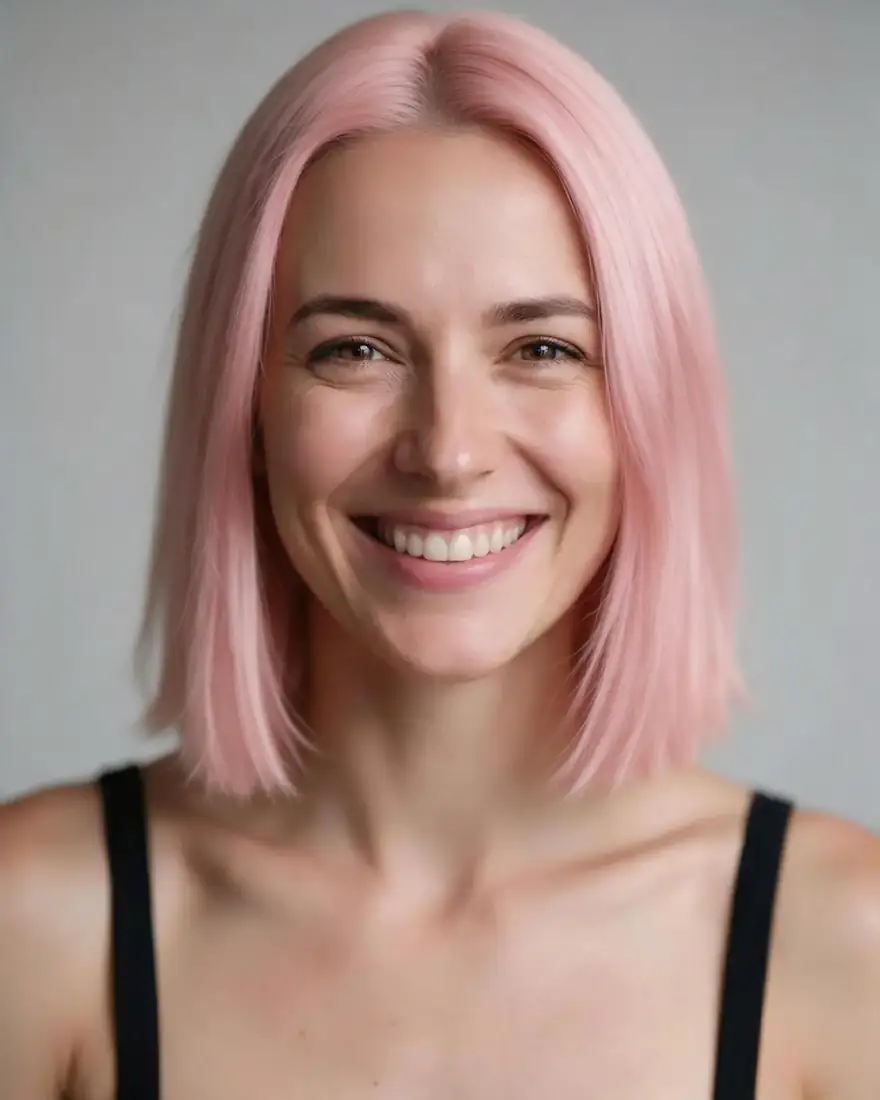



- Free to start
- 80+ models
- No subscription required
- No watermark
Checked
Made with Kenerate



On this page
Quick answer
What is the best FaceApp alternative?
A good FaceApp alternative for the web is Kenerate AI: upload your own photo in the browser and describe the change — a natural smile, a new hairstyle, bangs, a beard, an older or younger you — and an AI editor such as Qwen Image 3.0 (free plan) or Nano Banana 2.1 makes it, with no watermark and no app to install. FaceApp is still faster for one-tap filters on a phone; it has no official web version, free exports carry a watermark, and its terms limit use to personal, non-commercial (checked 20 October 2026).
Key facts
- FaceApp platforms
- iPhone, iPad and Android apps; no web version
- FaceApp free
- Many filters; Pro removes watermarks
- FaceApp Pro
- Subscription via App Store or Google Play
- Kenerate
- Web browser, nothing to install
- Kenerate edits
- Describe any change; free-plan model included
- Kenerate credits
- 25 on sign-up; packs never expire
Side by side
FaceApp vs Kenerate
What each offers, from FaceApp's own pages and Kenerate's code.
| FaceApp | Kenerate | |
|---|---|---|
| What it is | Face editing app with 60+ photorealistic filters | AI image studio: edit a photo by describing the change, plus 80+ image models |
| Where it runs | iPhone and iPad (iOS 17+) and Android; no official web or desktop version | Any web browser; no mobile app |
| How you edit | Tap a filter: Impression, Makeup, Hairstyle, Beard, Retouch, Reshape and more | Write the edit in a sentence, or open a face page with the instruction filled in |
| Age | Old and Young filters, in free and Pro | Older or younger by prompt (AI age progression page) |
| Hair | Hairstyles, hair colour, hair volume, bangs | Any hairstyle, colour, bangs or grey hair you can describe |
| Beard | Beard and mustache filters | 12 beard styles with prompt words (add beard page) |
| Watermark | On free exports; Pro removes it | None |
| Pricing | Free, then FaceApp Pro subscription; US store listings show in-app prices from about $5 to $100 | 25 starter credits; one-time packs from $15 (1,300 credits) that never expire |
| Use of results | Personal, non-commercial use (FaceApp terms) | You own your outputs, commercial use allowed (Kenerate terms) |
| Video | Being removed from FaceApp, per its App Store reply | Animate the edited photo with an image-to-video model (paid pack) |
FaceApp facts checked 20 October 2026. Plans change; confirm on their site.
Sources: FaceApp
Honest verdict
Kenerate or FaceApp: which should you pick?
FaceApp is a good product. Here is when each one is the better choice.
Pick Kenerate if…
- Works in the browser
- Any edit you can describe
- No watermark
- Pay once, keep the credits
When to pick FaceApp
- You edit on your phone and want one-tap filters, not prompts.
- You like FaceApp's Compare slider and Impression or Makeup filters.
- You want Gender Swap or weight filters, which Kenerate doesn't offer as presets.
- You prefer photos deleted from the cloud within 48 hours, as FaceApp's policy states.
Why people switch
Why try Kenerate instead of FaceApp
Works in the browser
On a laptop or a phone browser, with nothing to install and no app-store subscription.
Any edit you can describe
Not limited to a filter list: name the smile, the cut, the colour or the age and what must stay the same.
No watermark
Every download is clean, including results from the free-plan model.
Pay once, keep the credits
25 starter credits on sign-up; a Qwen Image 3.0 edit costs about 10. Packs never expire.
Gallery
What Kenerate makes
Real, SFW outputs from Kenerate. Open any image to copy its prompt and run it yourself.
Switching
How to switch from FaceApp
Bring your prompts and start free.
Step 1
Sign in free
One click with Google, GitHub or Discord — 25 starter credits are added.
Step 2
Upload your own photo
A clear, front-facing photo of yourself, or one the person agreed to. The upload turns the model into an editor.
Step 3
Describe the change and what stays
For example: "add a natural smile with smiling eyes; keep my face, hair and background the same".
Step 4
Create, compare, download
Run it twice and keep the take that looks most like you — no watermark.
See it in the app

Open Image Studio and type what you want to see — subject, style, lighting and mood.


Watch the tour · 1:23
Prompts, styles, references, edit, Arena & chat
Chapters
FAQ
FaceApp alternative questions
8 questions
What is the best FaceApp alternative?
For editing your own photos in a browser, Kenerate AI: you upload a photo and describe the change — a smile, a hairstyle, bangs, a beard, an older or younger you — with models such as Qwen Image 3.0 (on the free plan), Nano Banana 2.1 or Seedream 5.0 Pro. Downloads have no watermark. FaceApp is still the quicker pick for one-tap filters on a phone.
Link to this answerIs there a FaceApp web version or FaceApp for PC?
No official one. On 20 October 2026 faceapp.com linked only to the App Store and Google Play, and the App Store lists iPhone and iPad (iOS 17 or later). Browser extensions that promise FaceApp for Windows or Mac come from other developers. Kenerate runs in any browser, so it works on a PC or Mac without installing anything.
Link to this answerIs FaceApp free?
Partly. FaceApp's FAQ says many popular filters are free and the aging and young filters work in both free and Pro, while FaceApp Pro unlocks all filters and tools and removes watermarks. Kenerate gives 25 starter credits on sign-up, Qwen Image 3.0 is on the free plan, and nothing is watermarked.
Link to this answerHow much does FaceApp Pro cost?
FaceApp doesn't publish prices on its site; its FAQ says to check the PRO section in the app, in your local currency, with monthly and annual plans billed through Apple or Google. On 20 October 2026 the US App Store listed FaceApp PRO in-app purchases from $10 to $100, and Google Play showed $4.99–$99.99 per item. Kenerate has no subscription: packs start at $15 for 1,300 credits and never expire.
Link to this answerWhat happens to my photos on FaceApp?
FaceApp's privacy policy (updated 4 November 2024) says only the photos you select for editing are uploaded, processed on Google Cloud and AWS, and deleted automatically 24 to 48 hours after your last edit; you can ask for earlier deletion in the app's settings. Its terms say you keep ownership of your content.
Link to this answerCan Kenerate age my face like FaceApp?
Yes, by prompt. Upload your photo and ask for a specific age, for example "show me at 60 with natural grey hair and soft wrinkles; keep my face, skin tone and background the same". The AI age progression page has tested prompts and notes where models drift at very old ages.
Link to this answerCan I use Kenerate edits commercially?
Kenerate's terms say you own what you generate and may use it commercially. FaceApp's terms limit use to personal, non-commercial purposes. Either way, only edit photos of yourself or of people who agreed, and never use an edit to mislead about a real person.
Link to this answerDoes Kenerate have a FaceApp-style app?
No. Kenerate runs in the browser on desktop and mobile. If you want one-tap filters inside a phone app, FaceApp is built for that; if you want to write exactly what changes, use Kenerate.
Link to this answerIn depth
FaceApp vs Kenerate, in depth
How we compared, and what matters when you choose.
On this page
Filters vs describing the edit
FaceApp works from a menu: tap Impression, Hairstyle, Beard or Old, and the app applies that look. It's fast, and the results are consistent because each filter is tuned for one job.
Kenerate works from a sentence. You upload your photo and say what changes and what must stay — "curtain bangs, same hair colour; keep my face and the background". That takes a few more seconds to write, but you're not limited to the filters someone built, and you can run the same photo through several models and keep the best take.
Face edits on Kenerate, by page
Each of these opens the image editor with a tested instruction filled in:
- Smile: closed-mouth, natural with teeth, or a laugh, with smiling eyes.
- Age: older or younger, keeping your skin tone.
- Hairstyle and bangs: try a cut before the salon.
- Beard: 12 styles from stubble to a full beard.
- Grey hair and eye colour: small changes, same face.
What you give up by switching
Be honest about the trade:
- No phone app — Kenerate runs in the browser.
- No one-tap Gender Swap, weight or Impression presets.
- No Compare slider; you compare by downloading or re-running.
- FaceApp states a 24–48 hour cloud deletion window; Kenerate's policy lets you ask for your account and media to be deleted, but states no fixed window.
Edit only your own photos
Face edits change how someone looks. Use your own photos or photos of people who agreed, never public figures, and never anyone under 18. Kenerate's content rules apply to every edit.