

Baidu's ERNIE-Image team (released 15 April 2026, per Gigazine)
ERNIE-Image
Baidu's open 8-billion-parameter image model in your browser: posters, comic panels and pictures with dense in-image text, from English or Chinese prompts — plus the 8-step ERNIE-Image-Turbo at a third of the price. No GPU and no download.
- Architecture
- 8-billion-parameter single-stream Diffusion Transformer (DiT), plus a lightweight Prompt Enhancer that expands short prompts into structured descriptions
- Strengths
- Dense, layout-sensitive text in the picture, complex instructions, posters, comics, storyboards — realistic and stylized
- Versions
- ERNIE-Image (SFT, 50 steps, guidance 4.0) and ERNIE-Image-Turbo (DMD + RL, 8 steps, guidance 1.0)
- Weights
- Open, BF16, Apache 2.0; about 24 GB of VRAM; ComfyUI supports both models
- Prompts
- English and Chinese (Baidu benchmarks both); Japanese works with weaker prompt-following, per Gigazine's test
- On Kenerate
- kenerate/ernie-image and kenerate/ernie-image-turbo — text to image in the card's 7 recommended sizes
- Real specs
- Official sources
- Free to start
- No watermark
Updated by the Kenerate AI team
On this page
What is ERNIE-Image?
What is ERNIE-Image?
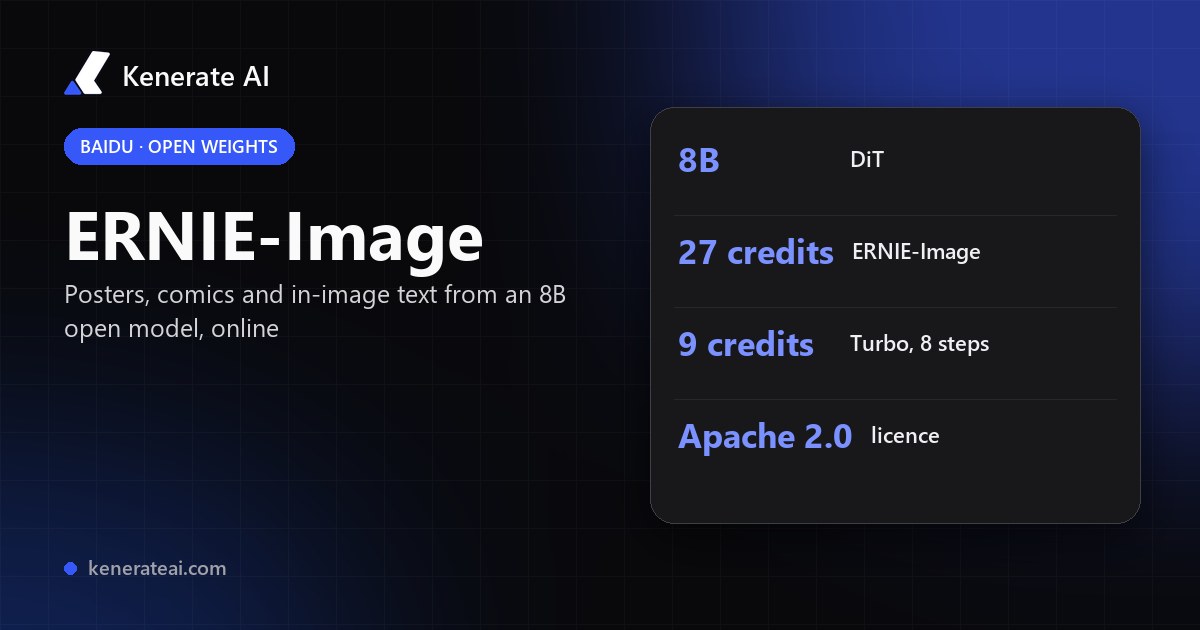
ERNIE-Image is Baidu's open text-to-image model, released in April 2026: an 8-billion-parameter single-stream Diffusion Transformer with a Prompt Enhancer, built for dense in-image text, posters, comics and layouts. Its weights are Apache 2.0 and need a 24 GB GPU. On Kenerate AI it runs in the browser for 27 credits per image, and the 8-step ERNIE-Image-Turbo for 9 credits, in 7 sizes from 768×1376 to 1376×768.
Key facts
- Official name
- ERNIE-Image · ERNIE-Image-Turbo
- Hugging Face ID
- baidu/ERNIE-Image
- Maker
- Baidu
- Released
- April 2026
- Size
- 8B DiT parameters · BF16
- Licence
- Apache 2.0
- Local VRAM
- 24 GB
- Inputs
- Text prompt only
- Sizes on Kenerate
- 7, from 768×1376 to 1376×768
Models
ERNIE-Image on Kenerate
Every version in the generator, and what each is good at.
Baidu
ERNIE Image
Baidu
ERNIE Image Turbo
- Reference images
- Text only
- Output
- 1376 px
Open ERNIE Image TurboBest for
8-step Turbo, a third of the price
Alibaba Tongyi
Z Image Base
- Reference images
- 1 image + strength
- Output
- 2048 px
Open Z Image BaseBest for
Open 6B model, cheapest
- Free plan

Alibaba
Qwen Image 3.0
- Reference images
- Up to 3
- Output
- Up to 2K
Open Qwen Image 3.0Best for
Text in images, free plan
Black Forest Labs
Flux 2 Klein Base 4B
- Reference images
- Up to 3
- Output
- 1536 px
Open Flux 2 Klein Base 4BBest for
Open Apache 2.0 4B with edits
From our tests
Strengths and limits
Good at
- Built for text inside the picture: Baidu reports 0.9733 on LongText-Bench with the Prompt Enhancer (Turbo 0.9655).
- Structured layouts — posters, comic pages and storyboards — are what Baidu designed it for.
- Apache 2.0 weights, so self-hosted copies can be used commercially; in the browser it needs no 24 GB GPU.
- Turbo gives the same family at 9 credits an image, with Baidu's own scores close to the full model.
Limits
- No real ERNIE-Image outputs on this page yet — we only show a model's own images, so try a 9-credit Turbo run first.
- Text to image only on Kenerate: no reference images, edits, seed or negative prompt.
- Not on the free plan — for free text-in-image drafts use Qwen Image 3.0.
- Long text is strong but not perfect: Gigazine's stamp-sheet test still changed the meaning of a phrase; check every word.
How to
How to use ERNIE-Image on Kenerate
Step 1
Open the model
Go to /app/image and pick ERNIE Image or ERNIE Image Turbo (the button on this page selects ERNIE Image). Sign in free to get started.
Step 2
Write the prompt
Name the format first (poster, comic page, menu, infographic), then the layout, style and colours. Put every word that must appear in quotes.
Step 3
Pick a size
Choose one of 7 sizes: square 1024×1024, portrait 896×1200 or 848×1264, landscape 1200×896 or 1264×848, 9:16 768×1376 or 16:9 1376×768.
Step 4
Draft on Turbo, finish on ERNIE-Image
Test layouts on Turbo at 9 credits, then render the keeper on the full model at 27 credits and check the text.
See it in the app

Open Image Studio and type what you want to see — subject, style, lighting and mood.


Watch the tour · 1:23
Prompts, styles, references, edit, Arena & chat
Chapters
FAQ
ERNIE-Image questions
10 questions
What is ERNIE-Image?
ERNIE-Image is Baidu's open-weight text-to-image model, published on Hugging Face as baidu/ERNIE-Image. It is an 8-billion-parameter single-stream Diffusion Transformer with a lightweight Prompt Enhancer that turns short prompts into fuller descriptions. Baidu built it for dense in-image text, complex instructions and structured images such as posters, comics and storyboards.
Link to this answerERNIE-Image vs ERNIE-Image-Turbo — what's the difference?
ERNIE-Image is the SFT model: Baidu's example uses 50 steps and guidance 4.0 for the best instruction fidelity. ERNIE-Image-Turbo is optimized with DMD and reinforcement learning to run in 8 steps at guidance 1.0. Baidu's own scores are close (LongText-Bench 0.9733 vs 0.9655). On Kenerate ERNIE Image costs 27 credits and Turbo 9.
Link to this answerIs ERNIE-Image free?
The weights are free under Apache 2.0, but they need a GPU with about 24 GB of VRAM. On Kenerate ERNIE Image and ERNIE Image Turbo are paid models (27 and 9 credits per image) from one-time credit packs, with no subscription. The free plan includes other image models such as Qwen Image 3.0 and Flux 2 Dev.
Link to this answerCan I use ERNIE-Image online without a GPU?
Yes. Kenerate AI runs ERNIE Image and ERNIE Image Turbo in the browser, with no download or ComfyUI setup. Pick one in /app/image, write the prompt and choose one of the 7 sizes Baidu recommends.
Link to this answerCan ERNIE-Image edit images?
Not on Kenerate: both ERNIE models are text to image only, with no reference upload. To edit a picture, use an edit model such as Flux 2 Klein Base 4B (up to 3 references) or Z Image Base (one image with a strength slider).
Link to this answerWhat languages does ERNIE-Image understand?
Baidu benchmarks it on English and Chinese prompts, including long text in both. Japanese prompts also work, but Gigazine's test found weaker prompt-following than in English, so write important instructions in English or Chinese.
Link to this answerHow do I run ERNIE-Image in ComfyUI?
ComfyUI supports ERNIE-Image and ERNIE-Image-Turbo natively; download the weights from Baidu's Hugging Face repos and use a GPU with about 24 GB of VRAM. Use 50 steps and guidance 4.0 for ERNIE-Image, or 8 steps and guidance 1.0 for Turbo, at one of the 7 recommended sizes. If you don't have the hardware, Kenerate runs both online.
Link to this answerERNIE-Image-Turbo vs Z-Image — which is better?
They suit different jobs. ERNIE-Image-Turbo is an 8B model tuned for text-heavy layouts and costs 9 credits on Kenerate. Z-Image is Alibaba Tongyi's 6B open model; on Kenerate Z Image Base costs 3 credits and can remix an uploaded image with a strength slider. Use ERNIE for posters and lettering, Z Image for cheap photo drafts and image-to-image.
Link to this answerIs ERNIE-Image good for anime and comics?
Baidu lists comics, storyboards and stylized images among its strengths, alongside realistic photos. Describe the panel layout, the art style (for example clean anime line art with flat colours) and put speech-bubble text in quotes. For anime characters without text, a dedicated anime model may be cheaper.
Link to this answerWhat licence does ERNIE-Image use?
Apache 2.0, according to Baidu's Hugging Face model card and GitHub repo, so self-hosted copies can be used commercially under that licence's terms. Images you generate on Kenerate follow Kenerate's terms of service.
Link to this answerIn depth
ERNIE-Image, in depth
Background, how to prompt it, and when to pick something else.
On this page
ERNIE-Image or ERNIE-Image-Turbo?
Both share the same 8B architecture and Prompt Enhancer [1]. The difference is how many sampling steps they take and what Baidu tuned them for [2].
- ERNIE-Image — 50 steps, guidance 4.0; the strongest instruction fidelity. 27 credits on Kenerate.
- ERNIE-Image-Turbo — 8 steps, guidance 1.0, tuned with DMD and RL for speed and aesthetics. 9 credits on Kenerate.
- Workflow — draft layouts on Turbo, then render the final poster on ERNIE-Image.
Running ERNIE-Image locally vs online
Locally you need about 24 GB of VRAM [1]; ComfyUI supports both models [3][4], and the Prompt Enhancer — a fine-tuned 3B model based on Ministral 3B, per Gigazine [3] — can run as its own server [2]. On Kenerate nothing is installed: pick ERNIE Image or ERNIE Image Turbo, choose one of the 7 recommended sizes and pay per image.
Prompting ERNIE-Image for text and layouts
Start with the format and the grid: "A4 concert poster, title at the top, three lines of details at the bottom". Put every word that must appear in quotes, keep each text block short, and say the font style (bold sans serif, hand lettering). For comics, number the panels and give each one its caption or speech bubble. Proof-read the result — even strong text models can swap a word [3].