

OpenDream alternative · 80+ models
OpenDream Alternative
OpenDream is a simple AI art generator built on four Stable Diffusion-era models and sold as monthly plans. Kenerate runs 80+ current image models, plus image editing and video, with one-time credits that never expire.
- Free to start
- 80+ models
- No subscription required
- No watermark
Checked
Made with Kenerate


On this page
Quick answer
What is the best OpenDream alternative?
The best OpenDream alternative for newer models is Kenerate AI: 80+ image models such as Seedream 5.0 Pro, GPT Image 2, Nano Banana and Flux 2, plus image-to-image editing and video, with one-time credits that never expire. As of 22 October 2026, OpenDream lists four models (Dreamlike Photoreal 2.0, Dreamlike Anime 1.0, Stable Diffusion 2.1 and Deliberate) and plans from $12 a month.
Key facts
- OpenDream models
- 4 (Dreamlike, SD 2.1, Deliberate)
- Kenerate models
- 80+ image models
- Kenerate free plan
- 7 models + 25 sign-up credits
- Kenerate credits
- One-time packs, never expire
- Checked
- 22 Oct 2026
Side by side
OpenDream vs Kenerate
What each offers, from OpenDream's own pages and Kenerate's code.
| OpenDream | Kenerate | |
|---|---|---|
| Image models | 4: Dreamlike Photoreal 2.0, Dreamlike Anime 1.0, Stable Diffusion 2.1, Deliberate | 80+: Seedream 5.0 Pro, GPT Image 2, Nano Banana, Flux 2, Qwen Image, Recraft and more |
| Free plan | 24 credits a day, low priority, 1 generation at a time, Dreamlike models only | 25 credits on sign-up and 7 free-plan models (Flux 2 and Qwen Image) |
| Paid plans | Core $12/mo (3,000 credits), Pro $24/mo (12,000 credits), 20% off yearly | One-time credit packs; no subscription required |
| When credits run out | Account drops back to the free plan | Top up with a pack; unused credits never expire |
| Image-to-image | Not listed on its site | Edit with reference images — up to 16 on GPT Image 2 |
| Video | Not listed on its site | Image-to-video and text-to-video on paid credits |
| Commercial use | Listed on the Free and Core plans | You own your outputs, including commercial use |
| Styles | Templates: logos, anime, 3D, children's book and more | Any style by prompt; logo, anime and 3D models included |
OpenDream facts checked 22 October 2026. Plans change; confirm on their site.
Sources: OpenDream
Honest verdict
Kenerate or OpenDream: which should you pick?
OpenDream is a good product. Here is when each one is the better choice.
Pick Kenerate if…
- Newer models
- Credits that never expire
- Edit, not just generate
- Video in the same account
When to pick OpenDream
- You only need quick photoreal or anime images from the Dreamlike models.
- You like starting from OpenDream's ready-made templates.
- A small daily free allowance covers everything you make.
Why people switch
Why try Kenerate instead of OpenDream
Newer models
Seedream 5.0 Pro, GPT Image 2 and Nano Banana handle text, hands and faces far better than SD 2.1-era models.
Credits that never expire
Buy a pack once and use it whenever — no monthly plan to keep paying.
Edit, not just generate
Change an outfit, a background or a style in one sentence, or combine several reference images.
Video in the same account
Turn a finished image into a clip without moving to another app.
Gallery
What Kenerate makes
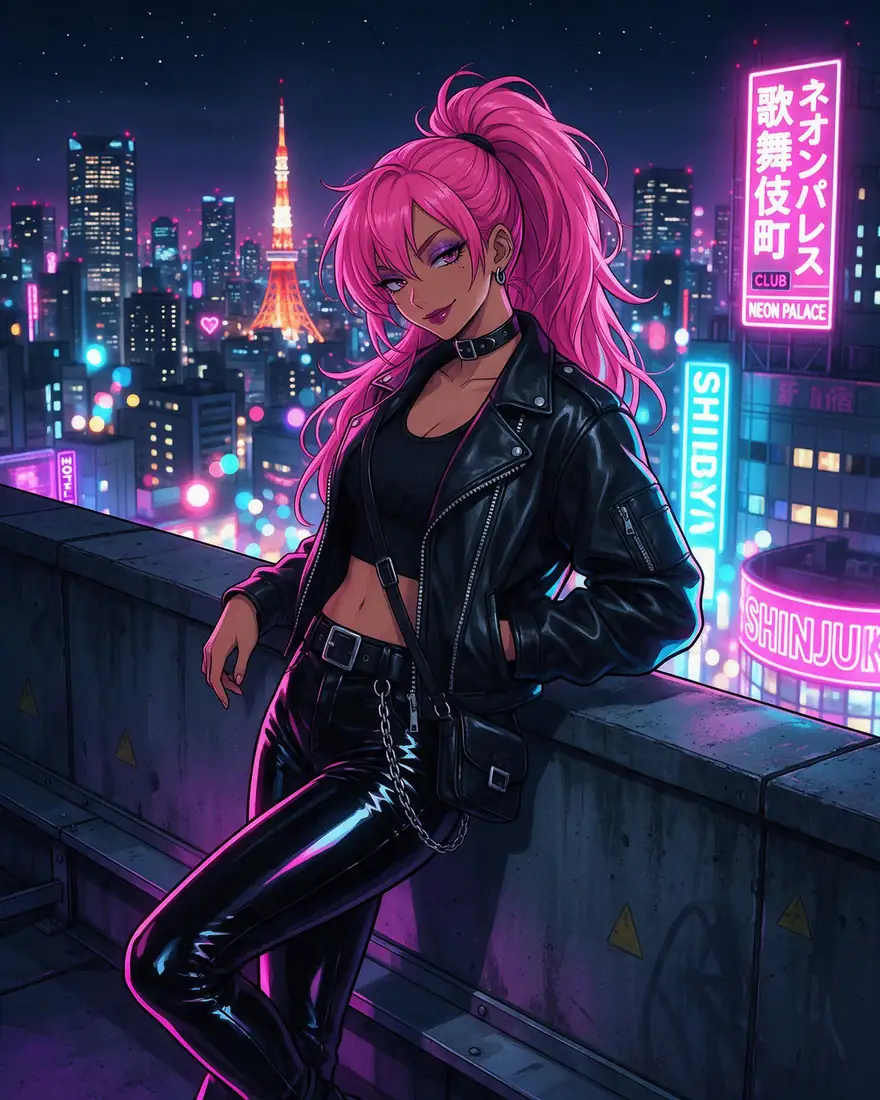
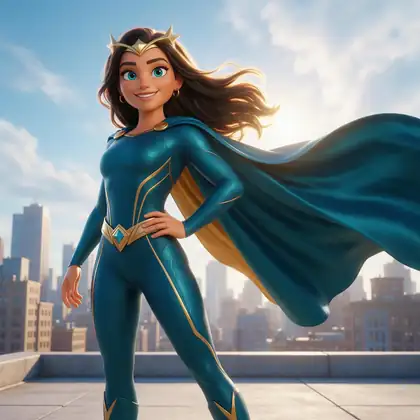
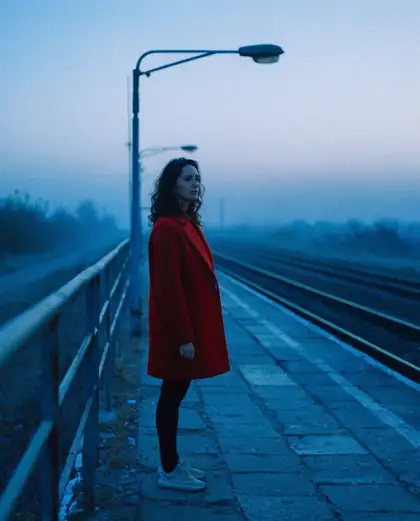
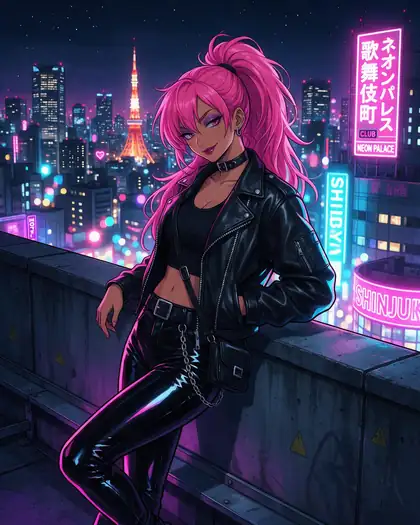
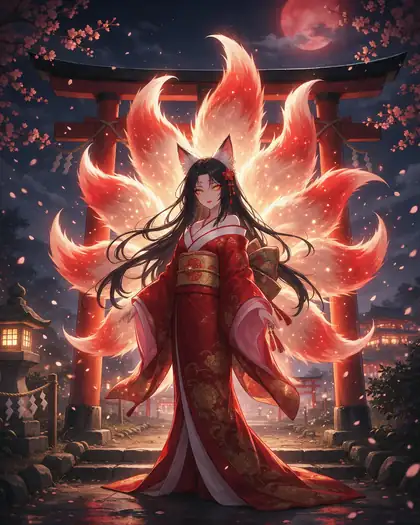
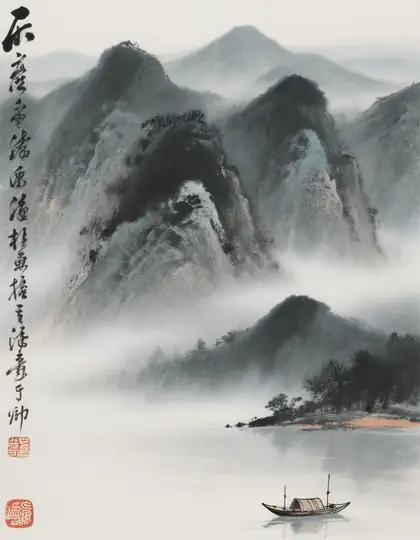
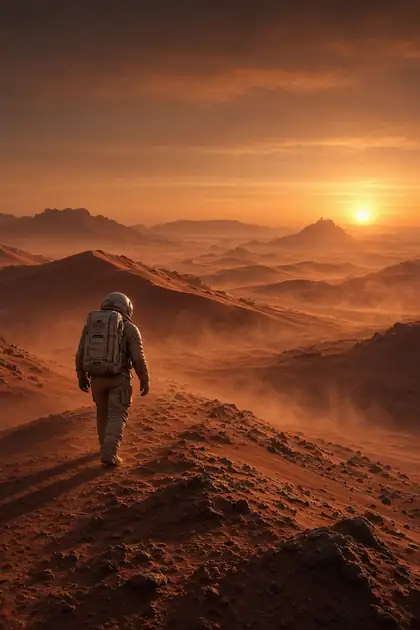
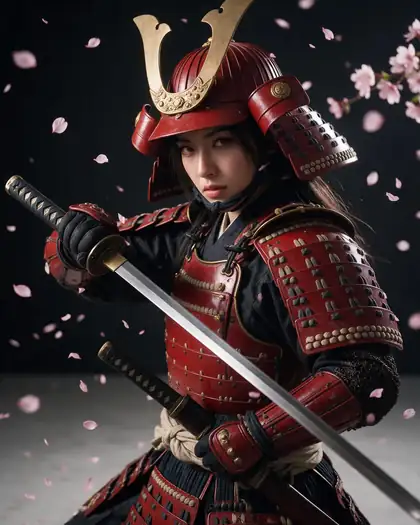
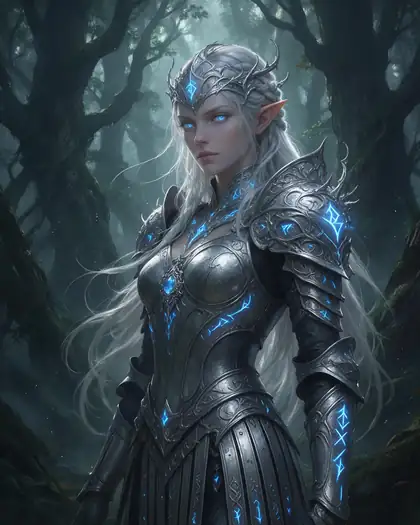
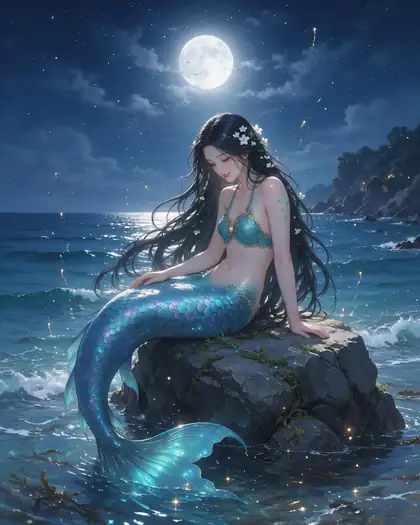
Real, SFW outputs from Kenerate. Open any image to copy its prompt and run it yourself.
Switching
How to switch from OpenDream
Bring your prompts and start free.
Step 1
Sign in free
One click with Google, GitHub or Discord — 25 starter credits are added.
Step 2
Paste your OpenDream prompt
Most prompts work as-is; try Flux 2 for free drafts or Seedream 5.0 Pro for detail.
Step 3
Pick a style model
Recraft for logos and posters, Seedream for anime and illustration, GPT Image 2 for photoreal people.
Step 4
Edit or animate
Upload a reference to edit it, or send the result to video.
See it in the app

Open Image Studio and type what you want to see — subject, style, lighting and mood.


Watch the tour · 1:23
Prompts, styles, references, edit, Arena & chat
Chapters
FAQ
OpenDream alternative questions
8 questions
What is the best OpenDream alternative?
Kenerate AI, if you want newer models and credits that never expire. It runs 80+ image models, including Seedream 5.0 Pro, GPT Image 2, Nano Banana and Flux 2, adds image-to-image editing and video, and sells one-time credit packs instead of a monthly plan. OpenDream still suits quick, simple images from its four Dreamlike and Stable Diffusion models.
Link to this answerWhat is OpenDream AI?
OpenDream (opendream.ai) is a web-based AI art generator: you type a prompt and it returns an image in seconds. As of 22 October 2026 its site lists four models, Dreamlike Photoreal 2.0, Dreamlike Anime 1.0, Stable Diffusion 2.1 and Deliberate, plus templates for logos, anime characters, 3D and children's book art.
Link to this answerIs OpenDream AI free?
Partly. OpenDream's free plan gives 24 credits a day with low-priority generation, one generation at a time and only the two Dreamlike models. Paid plans were Core at $12 a month with 3,000 credits and Pro at $24 a month with 12,000 credits on 22 October 2026, with 20% off yearly billing. Kenerate is free to start too: 25 credits on sign-up and seven free-plan models.
Link to this answerWhat happens when OpenDream credits run out?
According to OpenDream's plans page, once you use up your credits the account is downgraded to the free plan, and refunds are only possible if you have used less than 2% of the plan's credits. On Kenerate there is no plan to drop out of: you buy one-time credit packs, and unused credits never expire.
Link to this answerDoes OpenDream do image-to-image or video?
Neither is listed on OpenDream's home or plans pages as of 22 October 2026; it focuses on text-to-image. Kenerate does both: upload reference images to edit or combine them (up to 16 on GPT Image 2), and turn a finished image into a video clip on paid credits.
Link to this answerWhat are some sites like OpenDream?
Other AI image generators people compare with OpenDream include Kenerate, OpenArt, NightCafe and Mage.space. Kenerate stands out for the number of current models in one account, 80+, and for credits that never expire. Our OpenArt and NightCafe comparisons cover those two in detail.
Link to this answerCan I use Kenerate images commercially?
Yes. Kenerate's terms say you own what you generate, including for commercial use such as ads, products and publishing; you remain responsible for how you use it. OpenDream lists commercial use on its Free and Core plans.
Link to this answerWill my OpenDream prompts work on Kenerate?
Mostly, yes. Plain sentence prompts carry over directly. Older Stable Diffusion habits, like long keyword lists and heavy weighting, aren't needed on newer models such as Seedream 5.0 Pro or GPT Image 2, so shorter, descriptive prompts usually give better results.
Link to this answerIn depth
OpenDream vs Kenerate, in depth
How we compared, and what matters when you choose.
Stable Diffusion 2.1-era models vs 2026 models
OpenDream's models come from the Stable Diffusion 1.5 and 2.1 generation. Newer models such as Seedream 5.0 Pro, GPT Image 2 and Flux 2 follow long prompts more closely and handle readable text, hands and faces much better, which matters for logos, posters and portraits.
Monthly plans vs one-time credits
Monthly plans suit steady use. If you generate in bursts, one-time packs keep their value until you use them, and there is no plan to fall back from when credits run out.