Up to 30 s per clip · extend · multi-shot
Long AI Video Generator — 30-second clips you can extend to minutes
Wan 3.0 and Seedance 2.5 render up to 30 seconds in one go — about as long as a single AI generation gets today. To go past that, extend the clip with what happens next, or plan it as several shots and join them in your editor.




- Up to 30 s per clip
- Extend +30 s per step
- Sound on Wan 3 and Seedance 2.5
Updated by the Kenerate AI team
On this page
Quick answer
Which AI video generator makes the longest videos?
The longest single AI video clip on Kenerate is 30 seconds, made by Wan 3.0 (from 15 credits a second at 480p, with sound) or Seedance 2.5 (cinematic, up to 4K). Sora 2 Pro, FLUX 3 Video and LTX run up to 20 seconds; most other models stop at 10–16. For anything longer, extend the clip — Wan 3 adds up to 30 more seconds per step and continues the same shot — or plan the piece as several clips and join them in a video editor. A 1-minute video on Wan 3.0 at 480p costs about 900 credits (30 s + 30 s). No AI model renders a 10-minute video in one go. Video needs a paid plan.
Key facts
- Longest single clip
- 30 s — Wan 3.0, Wan 3 Prime, Seedance 2.5
- 20-second models
- Sora 2 Pro, FLUX 3 Video, LTX 2 / 2.3 / 2.5
- Going longer
- Extend (up to +30 s per step on Wan 3) or join clips in an editor
- Plan needed
- Paid plan for video
Gallery
Start frames for a longer piece
Each of these Seedream 5.0 Pro stills was animated by Wan 3 on our image-to-video page. Use a still like this as shot one, then extend it or reuse it as the reference for the next shot so the look stays the same.
How to
How to use the long AI video generator
- Time needed
- Steps
- 4 steps
Step 1
Plan the shots
Split the video into beats of 10–30 seconds: an opening shot, the action, the ending. Write one prompt per beat, with the same subject description each time.
Step 2
Make the first clip
Open the video studio, pick Wan 3.0 (up to 30 s, from 15 credits/s) or Seedance 2.5 (cinematic, up to 4K), add a start image if a face or product must stay exact, and set the length.
Step 3
Extend or add the next shot
For one continuous take, open the clip in Video Extend and describe what happens next — Wan 3 adds up to 30 seconds per step. For a new angle, generate the next clip from the same start image or the last frame.
Step 4
Join and finish
Download the MP4s from your history and put them in order in any editor (CapCut, DaVinci Resolve, Premiere or ffmpeg). Add a voice-over or music track across the whole cut there.
See it in the app

Open Video Studio in Text to Video mode and write the shot — subject, action, camera move and light.


Watch the tour · 1:23
Prompts, styles, references, edit, Arena & chat
Chapters
Tips
Make long AI videos that hold together
What keeps a minute-long piece consistent.
Start from an image. A start frame fixes the face, product and style, so every later clip and extension matches.
Write one action per 10–15 seconds. A 30-second clip with six things happening drifts; two or three beats stay clean.
Extend instead of re-generating when it's one continuous shot — the extension picks up the last frames, so motion and light carry on.
Cut to a new shot when the scene changes. Viewers accept a cut; they notice a face that slowly morphs.
Keep audio for the edit: generate native sound per clip, or turn it off and lay one voice-over and music track over the whole cut.
Models
How long each video model goes in one clip
What each model is good at. Open any one straight in the generator.
Alibaba
Wan 3.0
- Reference images
- Up to 10
- Output
- 2–30 s · up to 1080p
Open Wan 3.0Best for
Longest clip for the price — 450 credits for 30 s at 480p, sound included, extend +30 s
ByteDance
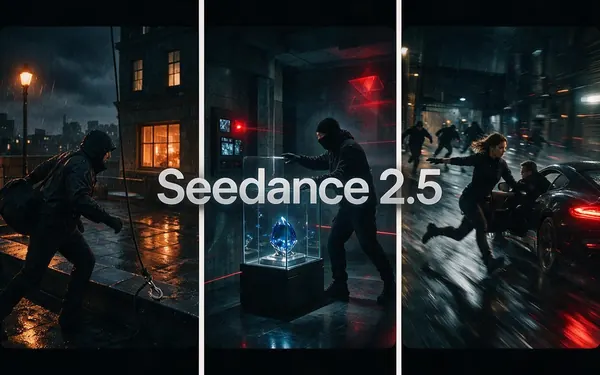
Seedance 2.5
- Reference images
- Up to 30
- Output
- 4–30 s · up to 4K
Open Seedance 2.5Best for
Cinematic 30 s multi-shot clips — 3,240 credits for 30 s at 720p, extend supported
OpenAI
Sora 2 Pro

Black Forest Labs
FLUX 3 Video
- Output
- 5–20 s · up to 1080p
Open FLUX 3 VideoBest for
20 s with sound at 720p — 850 credits
Lightricks
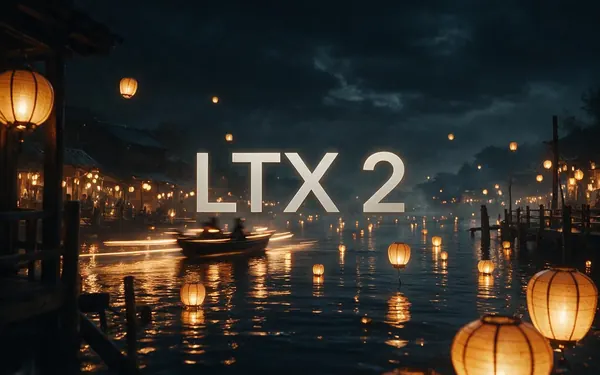
LTX 2
- Output
- 5–20 s · up to 1080p
Open LTX 2Best for
Cheapest long draft — 72 credits for 20 s at 480p, silent
Shengshu
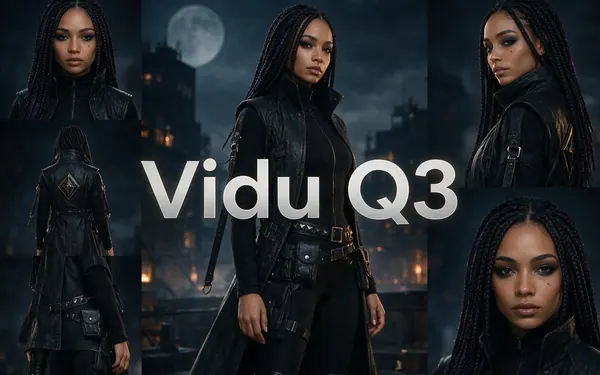
Vidu Q3
- Reference images
- Yes
- Output
- 1–16 s · up to 1080p
Open Vidu Q3Best for
16 s with sound — 336 credits at 540p
FAQ
Long AI Video Generator questions
10 questions
Which AI video generator makes the longest videos?
On Kenerate, Wan 3.0, Wan 3 Prime and Seedance 2.5 make the longest single clips: up to 30 seconds. Sora 2 Pro, FLUX 3 Video and the LTX models go up to 20 seconds, Vidu Q3 to 16, Seedance 2.0, Kling 3 and most others to 15, and Veo 3.1 to 8. Longer videos are built from several clips.
Link to this answerCan AI make a 1-minute video?
Yes, in two or more pieces. Make a 30-second clip on Wan 3.0, then extend it by another 30 seconds so it plays as one take, or make two 30-second shots and join them in an editor. At 480p that's about 900 credits on Wan 3.0; at 720p about 1,800.
Link to this answerCan AI make a 10-minute video?
Not in one generation — no current video model renders that much in a single clip. You'd build it from about 20 clips of 30 seconds, extended or cut together in an editor. On Wan 3.0 at 480p that's around 9,000 credits. Tools that advertise long videos in one click usually stitch short clips or use stock footage and an avatar.
Link to this answerHow much does a 60-second AI video cost?
It depends on the model and resolution. Wan 3.0: about 900 credits at 480p, 1,800 at 720p and 3,600 at 1080p (two 30-second parts). Seedance 2.5 at 720p: 3,240 credits for the first 30 seconds plus 2,310 for a 30-second extension. LTX 2 is cheapest for silent drafts: three 20-second clips at 480p cost 216 credits.
Link to this answerWhat's the difference between extending and joining clips?
Extending continues the same shot: the model reads the end of your clip and generates what happens next, so motion, light and camera carry on. Joining is an edit: separate clips placed one after another with a cut. Extend for one continuous take, join when the scene or angle changes.
Link to this answerWhich models can extend a video?
Wan 3.0, Wan 3 Prime, Seedance 2.5, Seedance 2.0 (and Fast / Mini), Veo 3.1, Wan 2.7, Wan 2.6, Wan 2.5, LTX 2.3, Seedance 1.5 and others — 17 models in the studio have Video Extend. Wan 3 adds 2–30 seconds per step.
Link to this answerHow do I keep the same character across a long video?
Start every clip from the same image or reference set. Wan 3.0 takes up to 10 reference images and Seedance 2.5 up to 30, so the face, outfit and product stay the same between shots. Repeat the same description of the subject in every prompt and keep each clip to a few clear actions.
Link to this answerCan a long AI video have sound?
Yes. Wan 3.0, Seedance 2.5, FLUX 3 Video and Vidu Q3 generate sound in the clip itself — effects, ambience and lines written in quotes. For a long piece it's often cleaner to turn sound off and add one voice-over and music track across the whole edit.
Link to this answerDoes Kenerate join the clips for me?
No, the studio makes and extends clips; the final edit happens in your own video editor. Download the MP4s from your history and arrange them in CapCut, DaVinci Resolve, Premiere or ffmpeg.
Link to this answerIs there a free long AI video generator?
Not on Kenerate: video needs a paid plan. New accounts get free credits for images. The cheapest long clip is LTX 2 — 72 credits for 20 silent seconds at 480p — and with sound, Wan 3.0 at 450 credits for 30 seconds at 480p.
Link to this answerIn depth
Long AI Video Generator, explained
What works, what to avoid, and how to pick a model.
On this page
Why AI clips stop at 30 seconds
Video models generate every frame of a clip together, and the compute grows quickly with length. Holding a face, an object and the camera steady also gets harder the longer a clip runs, so vendors cap clip length where quality stays reliable — 30 seconds on Wan 3.0 and Seedance 2.5, 20 on Sora 2 Pro, 8 on Veo 3.1.
Long-video tools work around that cap in one of three ways: they extend a clip from its last frames, they generate several shots from a shared reference, or they cut short clips together with stock footage or an avatar. On Kenerate you do the first two in the studio and the cut in your editor.
Which route to pick
Match the method to the video:
- One continuous shot longer than 30 seconds → make the clip, then Video Extend with what happens next.
- A story or ad with several scenes → one clip per scene from the same start image, cut together in an editor.
- A multi-angle scene in one render → Seedance 2.5 multi-shot prompts, up to 30 seconds.
- A narrated explainer of several minutes → clips as b-roll, plus an AI voice-over across the edit.
- Cheap rough cut to test the idea → LTX 2 or Wan 3.0 at 480p, then re-render the keepers.
Cost of common lengths on Wan 3.0
Wan 3.0 charges by the second — 15 credits at 480p, 30 at 720p, 60 at 1080p — and an extension costs the same per second as a new clip:
- 15 seconds: 225 credits at 480p, 450 at 720p.
- 30 seconds: 450 credits at 480p, 900 at 720p, 1,800 at 1080p.
- 60 seconds: about 900 credits at 480p, 1,800 at 720p.
- 3 minutes: about 2,700 credits at 480p (six 30-second parts).