

Nano Banana 2.1 · Text to image · Up to 14 references
Nano Banana image generator — type a prompt, get a 1K to 4K image
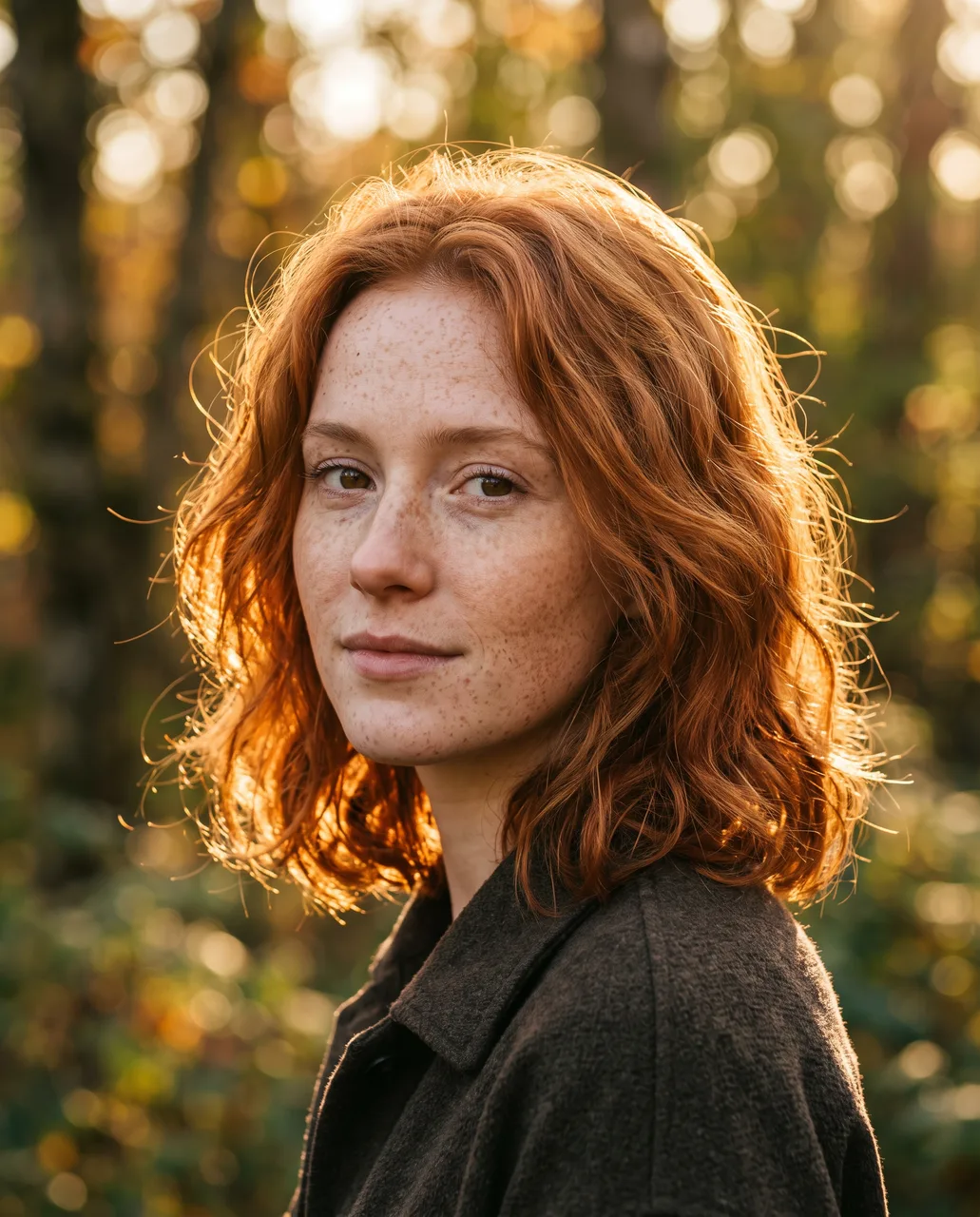
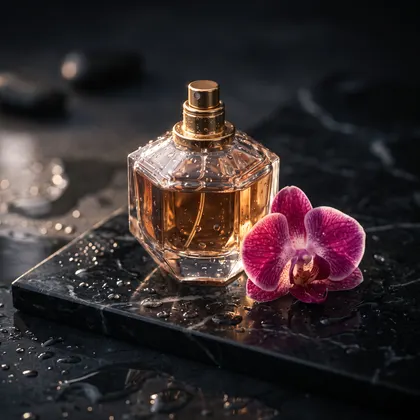
Describe the picture, pick one of 14 aspect ratios and 1K, 2K or 4K, and Nano Banana 2.1 draws it in your browser. Add up to 14 reference images when a face, product or character has to stay the same. Every example below is a real Nano Banana 2.1 output with its prompt.
- Real 2.1 outputs + prompts
- 1K · 2K · 4K
- 14 aspect ratios
- No visible watermark
Updated by the Kenerate AI team
Made with Kenerate
On this page
Quick answer
What is the Nano Banana image generator?
A Nano Banana image generator is a tool that runs Google's Nano Banana image model: you type what you want and it returns a finished picture. On Kenerate AI it runs Nano Banana 2.1, which Google released on 6 October 2026, in Image Studio: text to image or up to 14 reference images, 14 aspect ratios and 1K, 2K or 4K output, with optional web search. An image costs 21 credits at 1K.
Key facts
- Model
- Nano Banana 2.1 (Google) · gemini-nano-banana-2.1
- Released
- 6 October 2026
- Input
- Text, or text + up to 14 reference images
- Output
- 1K · 2K · 4K
- Aspect ratios
- 14, from 1:8 to 8:1
- Web search
- Optional switch
- Credits per image
- 21 at 1K · 31.5 at 2K · 42 at 4K (+4.2 web search)
- On the free plan
- No: unlocks with any credit pack
- Watermark
- None visible; Google adds invisible SynthID
Gallery
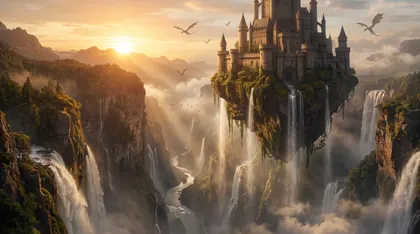
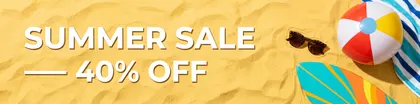
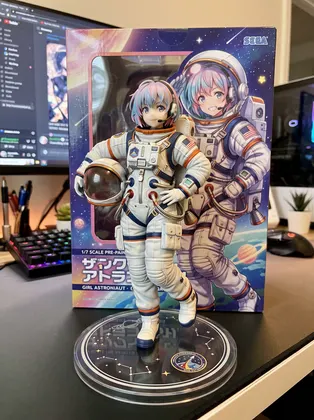
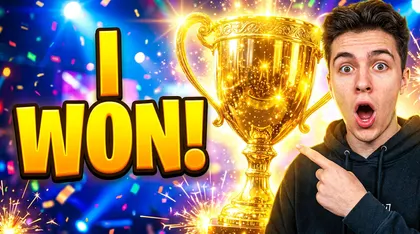
14 images from the Nano Banana image generator
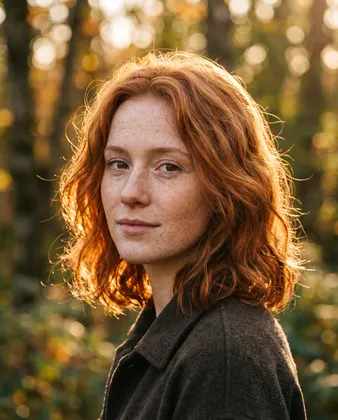
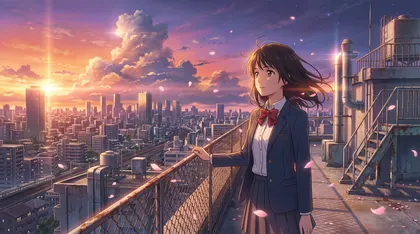
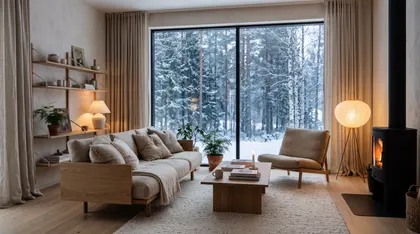
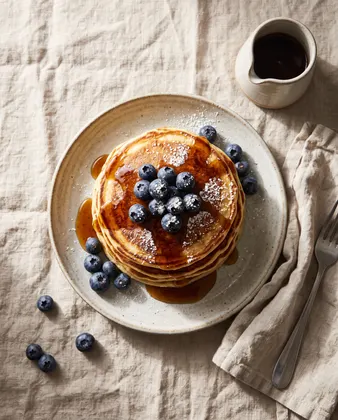
Twelve made from text alone, two with a reference image. All are unretouched Nano Banana 2.1 outputs; the model and size are under every image. Open one to copy the prompt or run it.
Settings
What you set in the Nano Banana generator
The controls Image Studio shows when Nano Banana 2.1 is selected, straight from the app's model settings.
Prompt
Plain sentences work best: subject, setting, style, light. Put any words that must appear in quotes.
Up to 14 references
Drop in photos of a face, product, logo or character and say which is which: 'image 1 is the bottle'.
14 aspect ratios
1:1, 4:5, 3:4, 2:3, 9:16, 1:4, 1:8, 5:4, 4:3, 3:2, 16:9, 21:9, 4:1 and 8:1 — square posts to 8:1 web banners.
1K, 2K or 4K
1K for drafts, 2K for most posts, 4K for print and large screens. The credit cost shows before you generate.
Web search
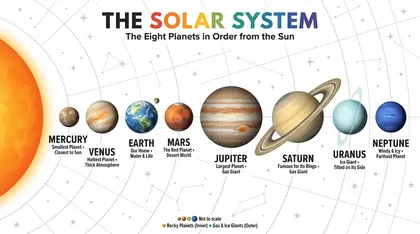
Switch it on when the image depends on real facts — planets in order, a landmark, a recent event.
Download
Save the image with no visible watermark, or open it in Edit Studio to change one part.
How to
How to use the nano banana image generator
- Time needed
- Steps
- 4 steps
Step 1
Open Nano Banana 2.1
Go to Image Studio with Nano Banana 2.1 selected (kenerateai.com/app/image?model=nano-banana-2.1). Any one-time credit pack unlocks it.
Step 2
Describe the image
Type the prompt. To keep a face, product or character, add up to 14 reference images and say what each one is.
Step 3
Pick ratio, size and web search
Choose one of 14 aspect ratios, 1K, 2K or 4K, and switch on web search if the picture needs real-world facts.
Step 4
Generate and download
Press generate, then download the image with no visible watermark or keep editing it.
See it in the app

Open Image Studio and type what you want to see — subject, style, lighting and mood.


Watch the tour · 1:23
Prompts, styles, references, edit, Arena & chat
Chapters
Tips
How to get good images from Nano Banana
What worked for the 14 images above.
Write a short brief, not a keyword list: 'Overhead food photo of a stack of pancakes with blueberries… morning light'.
Name the format first — poster, infographic, product photo, sticker, thumbnail — so the layout follows it.
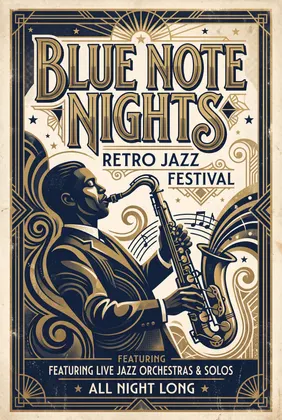
Quote exact text and keep it short: 'the title BLUE NOTE NIGHTS in big art-deco letters'. Proofread the result.
Pick the aspect ratio for where the image goes (9:16 story, 16:9 thumbnail, 8:1 banner) instead of cropping later.
For the same face or product in a new picture, attach it as a reference and say what must stay identical.
Generate at 1K until the prompt is right, then run the keeper at 2K or 4K.
Models
Nano Banana 2.1 or another generator?
What each model is good at. Open any one straight in the generator.
Google
Nano Banana 2.1
- Reference images
- Up to 14
- Output
- 1K · 2K · 4K, 14 ratios
Open Nano Banana 2.1Best for
Every image on this page; same face or product across shots
Google
Nano Banana 2
- Reference images
- Up to 14
- Output
- 1K
Open Nano Banana 2Best for
The previous Nano Banana

OpenAI
GPT Image 2.5 Sunburst
- Reference images
- Up to 16
- Output
- 1K–4K
Open GPT Image 2.5 SunburstBest for
Posters, logos and dense text

ByteDance
Seedream 5.0 Pro
- Reference images
- Up to 10
- Output
- Up to 2K
Open Seedream 5.0 ProBest for
Illustration, anime and detailed art
Nano Banana guides
More on Nano Banana
The model itself, a prompt library, photo edits, video and free access.
FAQ
Nano Banana image generator questions
9 questions
What is the Nano Banana image generator?
It's any tool that runs Google's Nano Banana image model to turn a written prompt into a picture. Google's newest version is Nano Banana 2.1 (model ID gemini-nano-banana-2.1), released on 6 October 2026. On Kenerate AI you use it in Image Studio: type a prompt, optionally add reference images, choose a ratio and size, and generate.
Link to this answerHow do I generate images with Nano Banana?
Open kenerateai.com/app/image?model=nano-banana-2.1, write what you want — for example "Overhead food photo of a stack of fluffy pancakes with blueberries, maple syrup drip and powdered sugar on a linen table, morning light" — pick an aspect ratio and 1K, 2K or 4K, and press generate. Every example on this page shows the exact prompt that made it.
Link to this answerIs the Nano Banana image generator free?
Not on Kenerate: Nano Banana models are not on the free plan and unlock with any one-time credit pack, after which a 1K image costs 21 credits (31.5 at 2K, 42 at 4K). The 25 free sign-up credits work on the free-plan models such as Qwen Image 3.0 and Flux 2. Google offers Nano Banana in the Gemini app within usage limits. Our Nano Banana free page compares every option.
Link to this answerCan Nano Banana make images from my own photos?
Yes. Nano Banana 2.1 takes up to 14 reference images per prompt, on Kenerate and in Google's docs. Attach the photo, say what to keep ("same face, same curly hair") and describe the new picture — the poster on this page was made that way from one photo. To change an existing photo rather than make a new one, see the Nano Banana image editor.
Link to this answerWhat sizes and aspect ratios does Nano Banana 2.1 make?
On Kenerate: 1K, 2K or 4K, in 14 aspect ratios — 1:1, 4:5, 3:4, 2:3, 9:16, 1:4, 1:8, 5:4, 4:3, 3:2, 16:9, 21:9, 4:1 and 8:1. Google's docs list 1K, 2K and 4K for 2.1 and say it fixed tiling artifacts on wide and panoramic ratios.
Link to this answerCan Nano Banana put readable text in images?
Usually, if the text is short and quoted. Google says 2.1 improved text rendering and infographic layout, and the titles on the poster, infographic and thumbnail examples here are legible and spelled right. Nano Banana also likes to add lines you didn't ask for (the jazz poster gained a subtitle and a footer), so end the prompt with "no other text". Long paragraphs and tiny labels can still break, so proofread before you publish.
Link to this answerDo Nano Banana images have a watermark?
Kenerate adds no visible watermark. Google states that all images its Nano Banana models generate include SynthID, an invisible digital watermark that identifies them as AI-made.
Link to this answerWhat is web search in the Nano Banana generator?
An optional switch that lets Nano Banana 2.1 look things up with Google Search before drawing, so facts in the picture are more likely to be right. Our solar-system infographic used it. It adds 4.2 credits per image on Kenerate.
Link to this answerNano Banana 2.1 vs the Nano Banana in Gemini — what's the difference?
Same model family, different app. Google's Gemini app gives image generation with Nano Banana 2 to users without a paid plan at standard limits (Google's limits page, as we checked on 23 October 2026). Kenerate runs Nano Banana 2.1 with the ratio, resolution, reference and web-search controls exposed, pay-per-image with credits that never expire.
Link to this answerIn depth
Nano Banana image generator, explained
What works, what to avoid, and how to pick a model.
On this page
Text to image or reference images?
With text alone, Nano Banana 2.1 invents everything from the prompt — fine for posters, infographics, landscapes and product ideas. When something has to look like a real face, a product you sell or a character you already designed, attach it: Google's docs allow up to 14 reference images in one request [1][4], and Kenerate passes all 14 through.
Name each reference in the prompt ('image 1 is the bottle, image 2 is the label') and list what must not change. That is how the library scene and the movie poster above kept the character and the face.
What changed in Nano Banana 2.1
Google calls 2.1 its "latest image generation and editing model", with leaps in visual design, mask-based editing and subject consistency [2]. The Gemini API docs describe it as an update to Nano Banana 2 with better quality across 1K, 2K and 4K, fixed tiling on wide and panoramic ratios, and better text rendering and infographic layout [1]. For the full model comparison with Nano Banana 2 and Pro, see the Nano Banana 2.1 model page.
When to use a different generator
Nano Banana 2.1 is the pick when consistency matters — the same face, product or character across shots. For long, dense text and logos many users start with GPT Image 2.5 Sunburst; for illustration and anime at a lower cost, Seedream 5.0 Pro. All of them sit in the same Image Studio, so you can run one prompt on two models and keep the better image.
About the examples
The twelve text-only images are unretouched Nano Banana 2.1 outputs made on 7 October 2026 for our Nano Banana pages. The library scene (one anime design as reference) and THE LOST TRAIL poster (one AI-made test photo as reference) are Nano Banana 2.1 outputs first published on our OC maker and movie poster pages. No new images were generated for this page.
Sources
Sources
Model facts come from Google; settings and credits from Kenerate's model config. Checked 31 October 2026.