

From a few words or a picture · then draw it
AI Character Description Generator — look, personality and backstory
Give a name, a genre and two or three ideas — or upload a picture — and get a full character profile: appearance, outfit, personality, voice and backstory. Then turn the description into the character's portrait in the same chat.
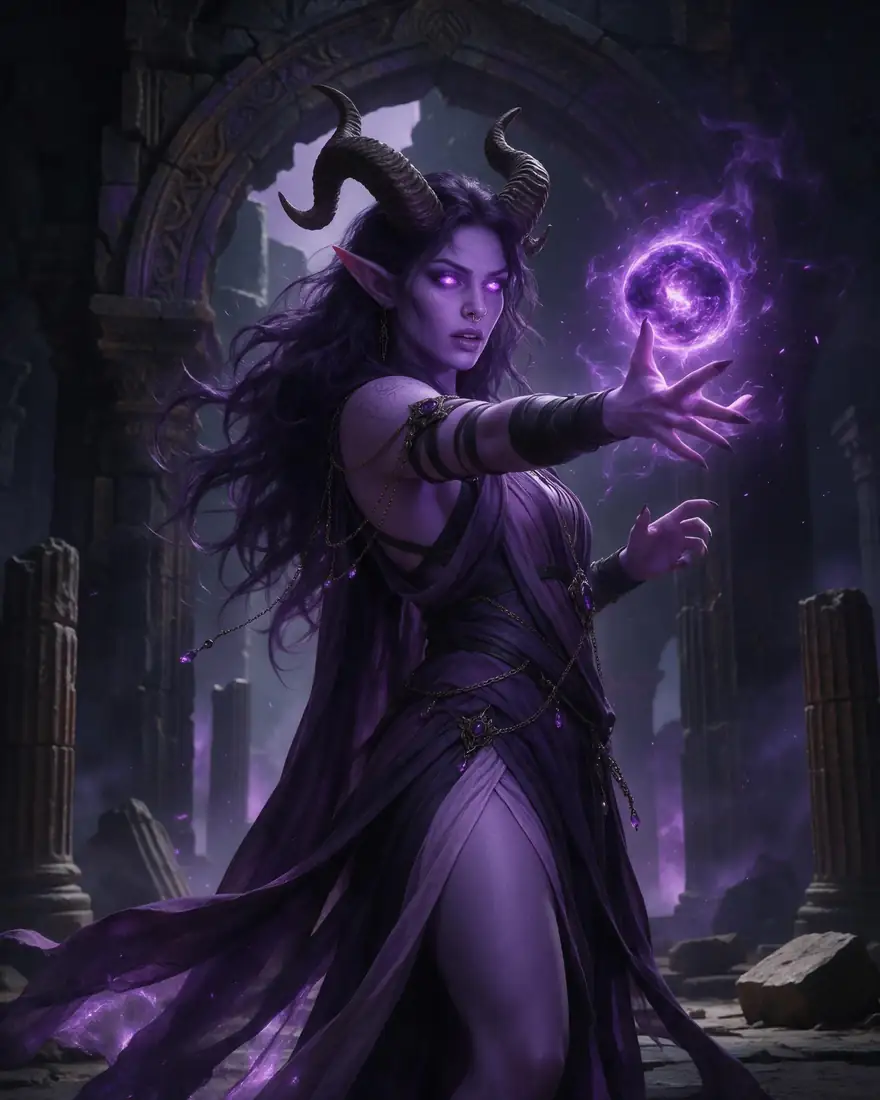
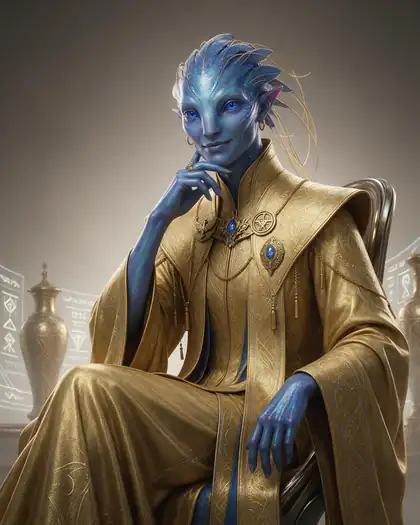
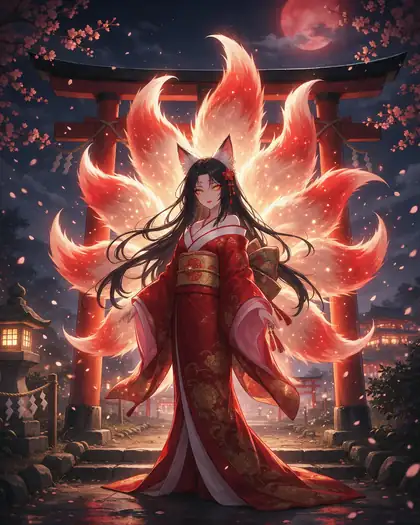
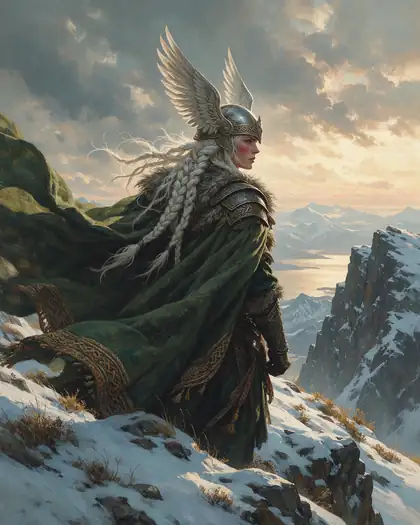
- From text or from an image
- Appearance, personality, backstory
- Fantasy, sci-fi, anime, D&D
- Then draw the character
Updated by the Kenerate AI team
Made with Kenerate
On this page
Quick answer
How do you generate a character description with AI?
An AI character description generator turns a short idea — a name, a role, a genre, a few traits — into a full character profile: appearance, outfit, personality, voice and backstory. On Kenerate AI you do it in Kenerate Agent at /app/chat: type the idea or upload a picture (the chat reads up to 6 images per message), and a model such as Claude Opus 5.5 or GPT-6 writes the profile. Ask for a one-line visual summary and the same chat draws the character for you.
Key facts
- Where
- Kenerate Agent — kenerateai.com/app/chat
- Input
- A few words, a full brief, or up to 6 images per message
- Writes
- Appearance · outfit · personality · voice · backstory · goals
- Chat models
- 6, incl. Claude Opus 5.5, GPT-6 and Gemini 3.6 Flash
- Then
- Draws the character in the same chat, or paste the description into /app/image
- Free start
- Free account with starter credits; verify your email to send
- Watermark
- None on the pictures
Gallery
From a description to a character
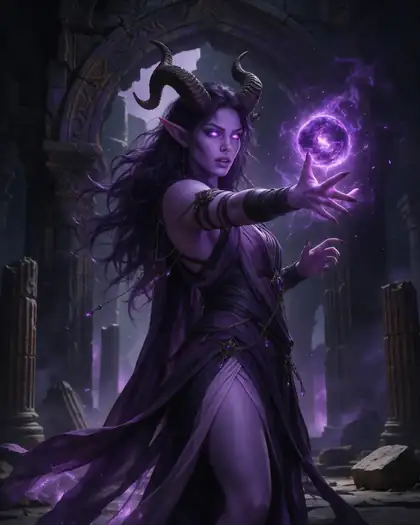
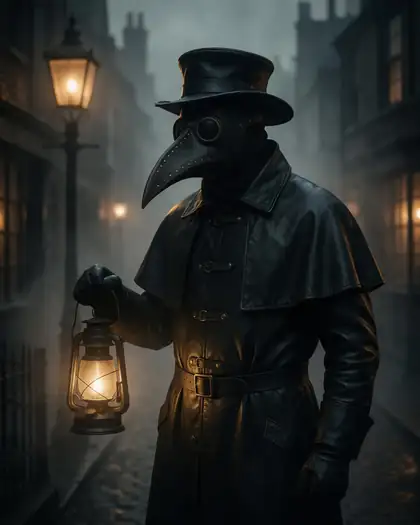
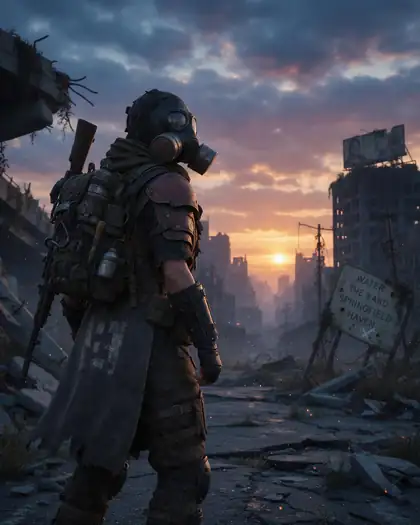
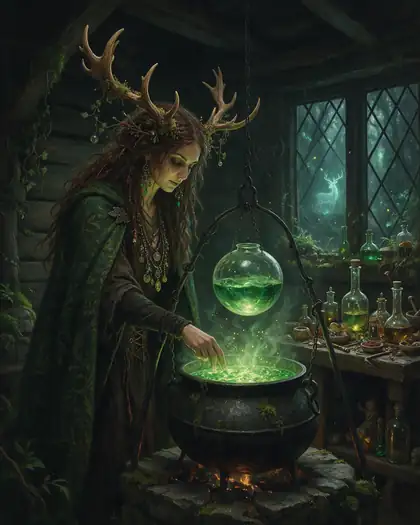
Real Seedream 5.0 Pro characters. Each one came from the short visual line shown under it — the line to ask the chat for at the end of a profile. Open one to copy it.
How to
How to use the AI character description generator
- Time needed
- Steps
- 4 steps
Step 1
Open Kenerate Agent
Go to /app/chat and sign in free. New accounts get starter credits; verify your email to send.
Step 2
Give the idea or a picture
Type a name, genre and a few traits, or attach up to 6 images of the character.
Step 3
Ask for the profile
Name the sections you want: appearance, outfit, personality, voice, backstory, goals. Edit anything and ask again.
Step 4
Draw the character
Ask for a one-line visual description, then ask the chat to make the image — or paste the line into /app/image.
See it in the app

Open Image Studio and type what you want to see — subject, style, lighting and mood.


Watch the tour · 1:23
Prompts, styles, references, edit, Arena & chat
Chapters
Tips
Get a description you can actually use
What makes a profile useful for a story, a campaign or a picture.
Say what it's for — a novel, a D&D session, a game, a VTuber — so the length and tone fit.
Give the genre and one hook: “a retired dragon hunter who now fears fire”.
Ask for named sections: appearance, outfit, personality, voice, backstory, goal.
Ask for one flaw and one secret — that is what makes a character feel real.
From a picture: upload it and ask the chat to describe only what it sees, then invent the rest.
End with “a one-line visual description for an image model” and use that line for the portrait.
Models
Models to draw the character
What each model is good at. Open any one straight in the generator.

ByteDance
Seedream 5.0 Pro
- Reference images
- Up to 10
- Output
- Up to 2K
Open Seedream 5.0 ProBest for
Made every character on this page
Google
Nano Banana 2.1

OpenAI
GPT Image 2.5 Sunburst
- Reference images
- Up to 16
- Output
- 1K–4K
Open GPT Image 2.5 SunburstBest for
Character sheets with names and labels
- Free plan

FAQ
AI Character Description Generator questions
8 questions
What is an AI character description generator?
A tool that turns a short idea — a name, a role, a genre, a few traits — into a full written character profile: appearance, clothing, personality, voice, backstory and goals. Writers use it for novels and scripts, players for D&D and roleplay, and artists to get a precise description before drawing. On Kenerate it is Kenerate Agent, the chat at /app/chat.
Link to this answerIs there a free AI character description generator?
Kenerate is free to start: a new account gets starter credits, and the chat works on any plan — you only need to sign in and verify your email. Each reply uses a small amount of credits based on the chat model; GPT-6 Luna and Gemini 3.6 Flash are the lowest-cost options. Pictures of the character can be made on Qwen Image 3.0, a free-plan model, with no watermark.
Link to this answerCan it write a character description from an image?
Yes. Attach the picture in Kenerate Agent — up to 6 images per message — and ask it to describe the character. The chat model sees the image, so it can describe hair, face, build, outfit and pose, then invent a personality and backstory that fit. Tell it which parts to read from the picture and which to make up.
Link to this answerHow do I generate a character's appearance description?
Ask for appearance only, in a fixed order: build and height, face and eyes, hair, skin, distinguishing marks, outfit and gear, how they move. Add “keep it under 120 words” for a short version. Then ask for “a one-line visual description for an image model” — that line works as an image prompt.
Link to this answerCan it write anime character descriptions?
Yes — say “anime” and the setting, for example “a shonen rival from a rival academy” or “a magical-girl mentor”. Ask for hair colour and style, eye colour, signature outfit, a catchphrase and a role in the story. Give every character an adult age (18+). For the picture, ask for anime cel-shading in the visual line.
Link to this answerHow do I make a D&D character description?
Give race, class, background and alignment — “tiefling sorcerer, criminal background, chaotic good” — and ask for appearance, personality traits, ideals, bonds, flaws and a short backstory hook for the table. The chat follows the same sections as a 5e character sheet if you ask for them by name.
Link to this answerCan I turn the description into a picture?
Yes, in the same conversation. Ask the chat for a one-line visual description, then ask it to make the image — Kenerate Agent uses the Image Studio's models. Or paste the line into /app/image and pick a model: Seedream 5.0 Pro made every character on this page; Nano Banana 2.1 keeps the same face across many scenes.
Link to this answerWhich chat model writes the best character descriptions?
Claude Opus 5.5 is the default all-rounder and good at voice and backstory; Claude Fable 5.1 and GPT-6 Astra are the strongest for long, layered profiles; GPT-6 Luna and Gemini 3.6 Flash are the fastest and cheapest for quick ideas. You can switch models in the chat and regenerate the same request to compare.
Link to this answerIn depth
AI Character Description Generator, explained
What works, what to avoid, and how to pick a model.
On this page
A character description template
Paste this into the chat and fill in what you know; leave the rest for the AI:
- Name and role — “Mara Vell, a smuggler pilot”.
- Age — an adult age, e.g. 34.
- Genre and world — sci-fi frontier, high fantasy, modern noir, anime academy.
- Look — build, face, hair, eyes, skin, one distinguishing mark.
- Outfit and gear — materials, colours, one signature item.
- Personality — three traits, one flaw, one secret.
- Voice — how they talk, a phrase they repeat.
- Backstory and goal — where they come from, what they want now, what stands in the way.
- Visual line — “a one-line visual description for an image model”.
Example prompts to start from
Six requests that work as they are — change the details to make the character yours:
- Fantasy: “Write a character description for an elven cartographer who maps cursed forests. Appearance, outfit, personality with one flaw, backstory in 100 words.”
- Sci-fi: “Describe a retired starship engineer running a repair shop on a mining moon — look, tools she always carries, how she talks, and the debt she's hiding.”
- Anime: “Create an anime rival character for a fencing academy story: hair, eyes, uniform, catchphrase, personality, and why he wants to beat the hero.”
- D&D: “Tiefling sorcerer, criminal background, chaotic good. Give appearance, personality traits, ideal, bond, flaw and a backstory hook for my DM.”
- Horror: “A Victorian plague doctor who is secretly kind. Describe the mask, coat and tools, how people react to him, and what he's searching for.”
- From an image: “Here is my character's picture. Describe exactly what you see, then invent a personality, a voice and a backstory that fit the look.”
From description to picture
A full profile is too long for an image model; a single visual line works better. Ask the chat to compress the look into one sentence: who, two signature features, the outfit, a setting and the art style. Every character on this page came from a line like that.
Want the same character in more scenes? Keep the first image and use it as a reference — Seedream 5.0 Pro takes up to 10, Nano Banana 2.1 up to 14 and GPT Image 2.5 Sunburst up to 16 — and only change the scene.