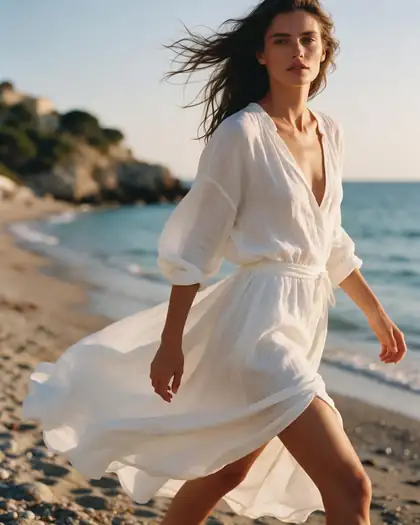
Silhouette · neckline · lace · train
AI Wedding Dress Designer — design your own wedding dress
Describe the gown you have in mind — silhouette, neckline, sleeves, fabric, lace and train — or start from a sketch or a dress you love, and see it as a realistic bridal photo. Change one detail at a time, then take the picture to your dressmaker.
- From text, a sketch or a photo
- Change one detail at a time
- Try the gown on your photo
- No watermark
Updated by the Kenerate AI team
On this page
Quick answer
Can you design your own wedding dress with AI?
Yes. On Kenerate AI you design your own wedding dress by describing it in the Image Studio — silhouette (A-line, ball gown, mermaid, sheath), neckline, sleeves, fabric, lace or beading and train — and the model renders it as a realistic bridal photo on a fictional adult model. Add a sketch or a photo of a gown you like as a reference to turn it into a finished concept, or your own photo to see the dress on you. The result is a design picture to share with a dressmaker, not a sewing pattern or a fit prediction.
Key facts
- Input
- A text description; optional sketch, gown photo or your own photo
- Output
- Realistic bridal photo or illustration of the gown
- Polished gowns
- Seedream 5.0 Pro · GPT Image 2.5 Sunburst
- Same bride, many gowns
- Nano Banana 2.1, up to 14 reference images
- Most references
- GPT Image 2.5 Sunburst, up to 16
- Watermark
- None
Gallery
Gowns and dresses made on Kenerate
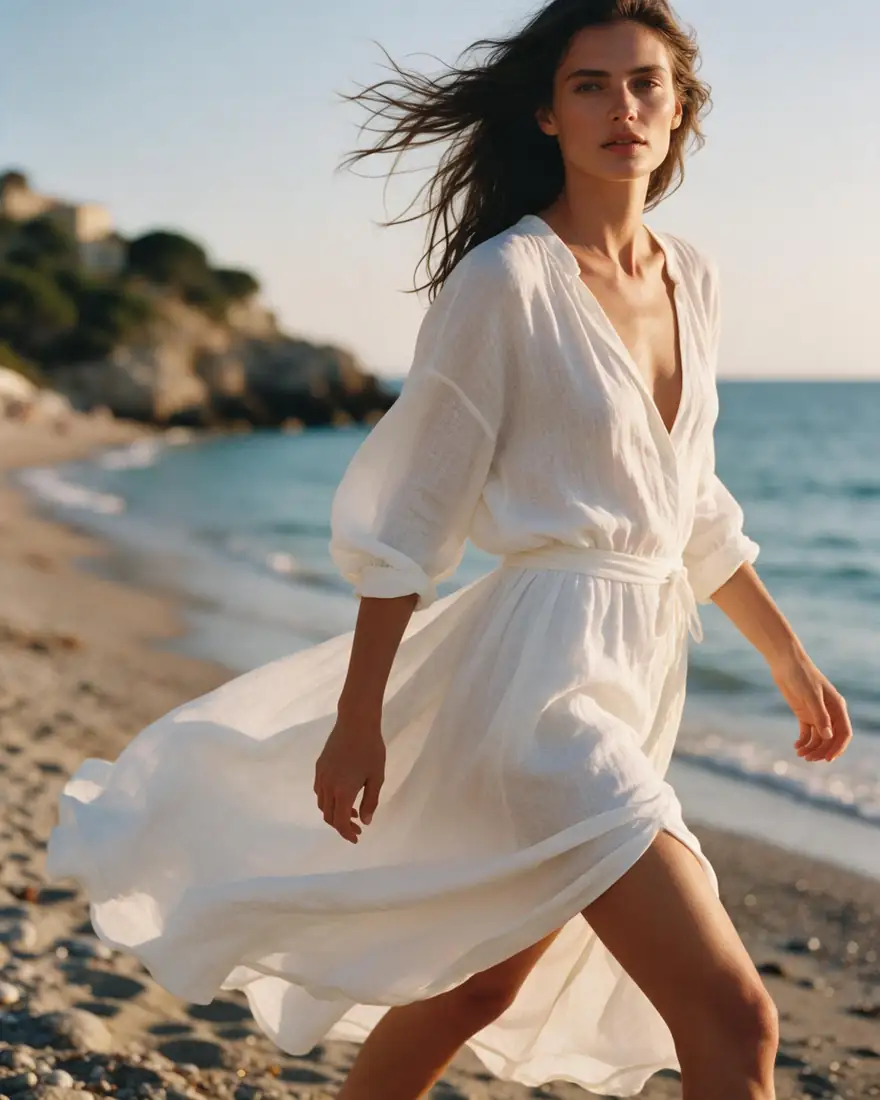
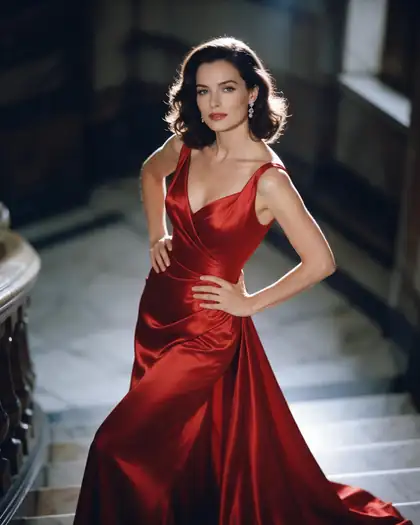
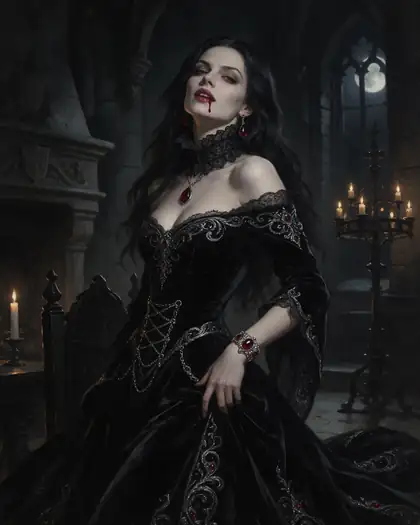
These are earlier real Seedream 5.0 Pro outputs — not wedding dresses — showing how the model handles flowing linen, satin and a lace collar. Open one to copy the prompt, then swap in your bridal details.
How to
How to use the AI wedding dress designer
- Time needed
- Steps
- 4 steps
Step 1
Open the Image Studio
Go to /app/image. Sign in free for 25 starter credits.
Step 2
Pick a model
Seedream 5.0 Pro or GPT Image 2.5 Sunburst for a realistic gown; Nano Banana 2.1 to keep the same bride across many versions.
Step 3
Describe the gown
Silhouette, neckline, sleeves, fabric, lace, train — add a sketch or a gown photo as a reference if you have one.
Step 4
Refine and download
Change one detail per try, put the final gown on your own photo if you like, then download without a watermark for your dressmaker.
See it in the app

Open Image Studio and type what you want to see — subject, style, lighting and mood.


Watch the tour · 1:23
Prompts, styles, references, edit, Arena & chat
Chapters
Tips
Write a wedding dress prompt a dressmaker can read
Name each part of the gown, the way a bridal shop would.
Start with the silhouette: A-line, ball gown, mermaid, trumpet, sheath or empire waist.
Then the bodice: neckline (sweetheart, V, square, off-the-shoulder, high neck), sleeves or straps, and the back.
Name the fabric and finish: ivory silk crepe, champagne satin, tulle skirt, Chantilly-style lace, pearl beading.
Say the train and length: floor-length, chapel train, cathedral train, detachable overskirt.
Ask for “full-length, front view, plain studio background” so the dress is the subject — then a second one from the back.
Change one thing per try (“same gown, long lace sleeves”) so you can compare versions side by side.
Models
Models for wedding dress design
What each model is good at. Open any one straight in the generator.
ByteDance
Seedream 5.0 Pro
- Reference images
- Up to 10
- Output
- Up to 2K
Open Seedream 5.0 ProBest for
Made the gown examples here
OpenAI
GPT Image 2.5 Sunburst
- Reference images
- Up to 16
- Output
- 1K–4K
Open GPT Image 2.5 SunburstBest for
Long, detailed gown briefs; gown on your photo
Google
Nano Banana 2.1
Kenerate AI
Kenerate Flash
- Free plan
FAQ
AI Wedding Dress Designer questions
9 questions
Can I design my own wedding dress with AI?
Yes. Describe the gown in Kenerate's Image Studio — silhouette, neckline, sleeves, fabric, lace and train — and the model renders it as a realistic bridal photo. You can start from words alone, from a sketch, or from a photo of a dress you like.
Link to this answerIs the AI wedding dress designer free?
Free to start. A new Kenerate account gets 25 credits, and Qwen Image 3.0 is on the free plan. Credit packs are one-time and never expire, and downloads have no watermark.
Link to this answerCan I see the wedding dress on myself?
Yes, as a picture. Add your own photo and the gown image as references in GPT Image 2.5 Sunburst or Nano Banana 2.1 and ask for “this gown on this person, keep the face and pose”. It is a visual preview, not a fitting: proportions and details can shift.
Link to this answerCan I turn a sketch into a realistic wedding dress?
Yes. Upload the sketch as a reference and write “turn this sketch into a realistic photo of the gown, same silhouette and neckline, ivory silk, studio light”. Name the fabric and lace, because a pencil sketch does not show them.
Link to this answerWill a dressmaker be able to make it?
Use the picture as a brief, not a pattern. The AI does not produce measurements or sewing patterns and may draw details that are hard to build. Make a front and a back view, list the fabrics, and let the dressmaker decide construction and fit.
Link to this answerWhich silhouette suits me?
The AI cannot tell you what fits your body; a bridal consultant can. What it can do is show the same gown idea as an A-line, a ball gown, a mermaid and a sheath side by side, so you walk into a fitting knowing which shapes you want to try.
Link to this answerCan I keep the same bride across many gown versions?
Yes. Use one generated model, or your own photo, as a reference and change only the dress. Nano Banana 2.1 takes up to 14 references and is good at keeping the same face across a set.
Link to this answerWhat about bridesmaid dresses or a reception outfit?
Same method: describe each dress and keep the colour palette in every prompt. For everyday or wedding-guest outfits, the AI outfit generator is the better starting point.
Link to this answerWho can appear in the pictures?
Fictional adults made by the model, or yourself if you upload your own photo. Upload only photos of people who agreed.
Link to this answerIn depth
AI Wedding Dress Designer, explained
What works, what to avoid, and how to pick a model.
On this page
Wedding dress words to put in your prompt
Pick one from each line and you have a complete gown brief:
- Silhouette: A-line, ball gown, mermaid, trumpet, sheath or column, empire waist.
- Neckline: sweetheart, V-neck, square, bateau, off-the-shoulder, halter, high neck.
- Sleeves and back: strapless, spaghetti straps, cap sleeves, long lace sleeves, illusion back, button-back, low open back.
- Fabric: silk crepe, satin, mikado, tulle, organza, chiffon — plus the colour: ivory, off-white, champagne, blush.
- Details: lace appliqué, pearl or crystal beading, corset bodice, pleats, bow, pockets.
- Train and length: floor-length, tea-length, sweep, chapel or cathedral train, detachable overskirt, veil length.
Wedding dress styles to try
Name a style and the model fills in the rest — then adjust one piece at a time:
- Minimalist: sheath in silk crepe, square neck, no lace, clean low back.
- Romantic: tulle ball gown, sweetheart corset, lace appliqué, cathedral veil.
- Boho: flowing chiffon A-line, long bell sleeves, crochet-style lace, barefoot beach setting.
- Old Hollywood: satin mermaid, off-the-shoulder, long train, sleek finish.
- Modern: structured mikado, sculptural bow or cape, or a jumpsuit with an overskirt.
- Vintage: high lace collar, long sleeves, covered buttons down the back.
How this differs from the wedding photo generator
This page is for designing the dress itself — concepts you compare and take to a dressmaker. The AI wedding photo generator is for wedding-day portraits of the two of you made from your own photos. Many couples use both: design the gown here, then put it into a portrait there.