Blocks · ores · items · resource packs
Minecraft Texture Generator — AI block and item textures
Describe a block or an item and get a blocky, Minecraft-style pixel texture in seconds — cobblestone, ores, planks, swords. Then shrink it to 16×16 or 32×32, drop it in the right folder and load it as your own resource pack.
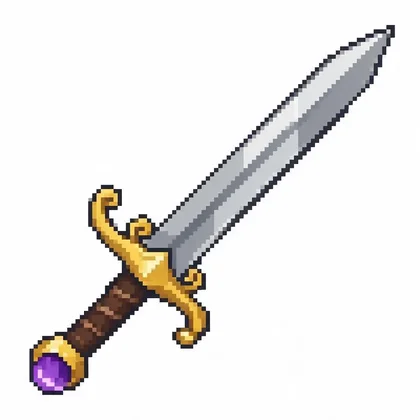
- Tileable block faces
- Item icons
- Free credits to start
- No watermark
Updated by the Kenerate AI team
On this page
Quick answer
Can AI make Minecraft textures?
Yes. A Minecraft texture generator turns a prompt like “seamless tileable pixel texture of mossy cobblestone” into a blocky, game-style texture. On Kenerate AI, Seedream 5.0 Pro made every example on this page in one try (13.5 credits each at 1K), and Recraft 20B has a built-in Pixel art style for 6.6 credits. The AI draws at about 1024 px, so you downscale with nearest-neighbour to 16×16 (vanilla) or 32×32, save it as a PNG under `assets/minecraft/textures/block` or `/item`, and add a `pack.mcmeta` to load it as a resource pack.
Key facts
- Vanilla texture size
- 16×16 px (HD packs: 32×, 64× and up)
- Free plan
- Qwen Image 3.0
- Output
- PNG / JPEG at ~1K — downscale yourself
- Pack export
- No — folder + pack.mcmeta by hand (guide below)
- Free start
- 25 starter credits on sign-up
- Affiliation
- Not affiliated with Mojang or Microsoft
Gallery
Minecraft-style textures made with AI
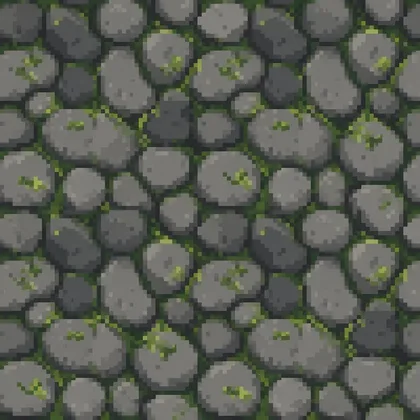
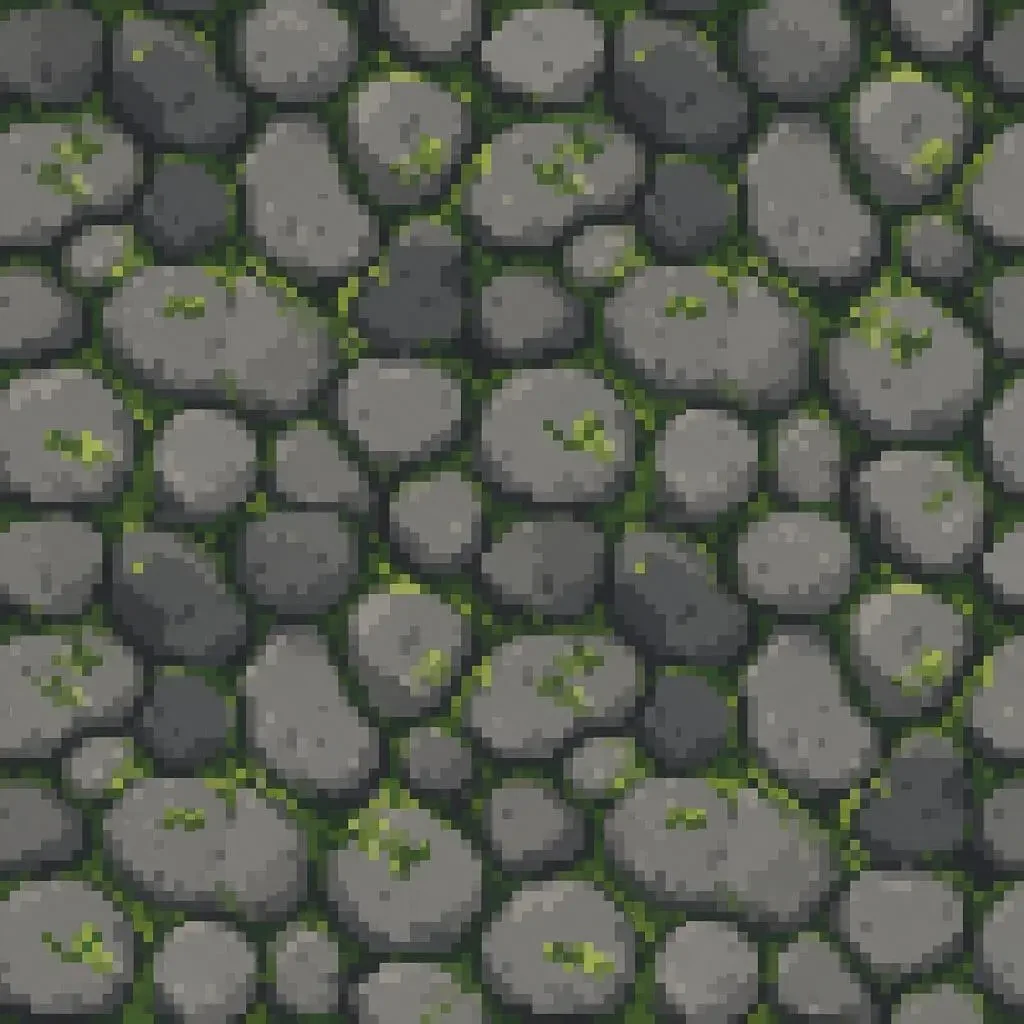
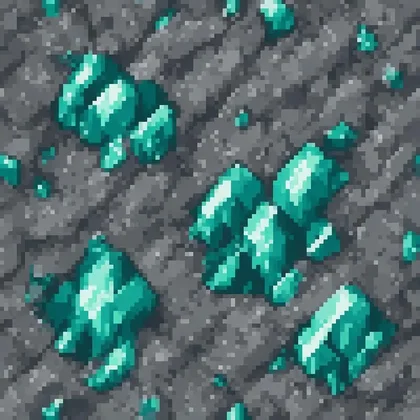
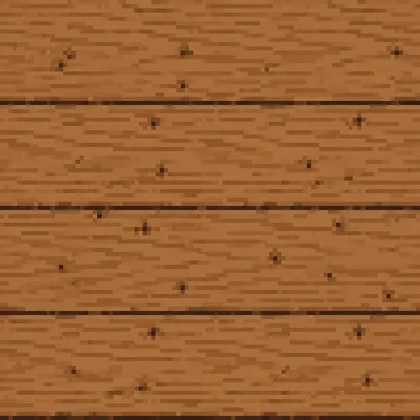
Four real outputs from Seedream 5.0 Pro, one try each, before any cleanup. The prompt is under every image.
How to
How to use the minecraft texture generator
- Time needed
- Steps
- 4 steps
Step 1
Generate the texture
In /app/image pick Seedream 5.0 Pro or Recraft 20B (Pixel art style), set 1:1 and describe the block or item. Sign in free for 25 starter credits.
Step 2
Shrink it to game size
Resize to 16×16 (or 32×32 for an HD pack) with nearest-neighbour, not smooth resampling. Fix stray pixels and check the edges tile in a pixel editor.
Step 3
Put it in a pack folder
Save it as a PNG with the vanilla file name under assets/minecraft/textures/block or /item, and add a pack.mcmeta file in the pack root.
Step 4
Load it in Minecraft
Copy the folder (or a .zip of it) into .minecraft/resourcepacks, then turn it on under Options › Resource Packs.
See it in the app

Open Image Studio and type what you want to see — subject, style, lighting and mood.


Watch the tour · 1:23
Prompts, styles, references, edit, Arena & chat
Chapters
Tips
How do you prompt a Minecraft texture?
Say what the block is, that it tiles, and how chunky the pixels are.
Start with “seamless tileable pixel art texture of …” for blocks, and “pixel art item icon of … on a flat white background” for items.
Name the pixel size you want it to look like — “16x16 pixel grid look, large crisp square pixels” — even though the file comes out at ~1K.
Keep the palette small and say it: “limited 12-colour palette, no gradients, no anti-aliasing”.
Ask for “flat even lighting” so the block doesn't have a baked-in shadow that looks wrong when it's repeated.
Say “fills the whole square edge to edge, no border” for block faces; borders show up as a grid once tiled.
Draw items diagonally, bottom-left to top-right, like the vanilla tools, so they look right in the hand.
Models
Which AI model is best for Minecraft textures?
What each model is good at. Open any one straight in the generator.

ByteDance
Seedream 5.0 Pro
- Reference images
- Up to 10
- Output
- Up to 2K
Open Seedream 5.0 ProBest for
Made every example here; clean blocky pixels
Recraft
Recraft 20B
- Reference images
- None
- Output
- 1K
Open Recraft 20BBest for
Built-in Pixel art, Voxel and Seamless styles
Google
Nano Banana 2.1
- Reference images
- Up to 14
- Output
- Up to 4K
Open Nano Banana 2.1Best for
Match a set: attach one texture, make the rest in its style
- Free plan

Alibaba
Qwen Image 3.0
- Reference images
- Up to 3
- Output
- 1K · 2K
Open Qwen Image 3.0Best for
Free plan; quick drafts
FAQ
Minecraft Texture Generator questions
9 questions
Is there a free Minecraft texture generator?
Kenerate is free to start: a new account gets 25 credits on sign-up and Qwen Image 3.0 is on the free plan. Seedream 5.0 Pro costs 13.5 credits per texture at 1K and Recraft 20B 6.6. After that, credits come in one-time packs with no subscription, and downloads carry no watermark.
Link to this answerWhat size are Minecraft textures?
Vanilla block and item textures are 16×16 pixels. HD resource packs use 32×32, 64×64 or larger; bigger packs look sharper in screenshots but use more video memory. Pick one size for the whole pack so blocks don't look mismatched.
Link to this answerDoes the AI output real 16×16 pixel art?
No. Image models draw at about 1024 px, so each “pixel” is a block of real pixels and edges can be a little soft. Downscale the image with nearest-neighbour to 16×16 or 32×32, then fix stray pixels in a pixel editor. Ask for a “16x16 pixel grid look” in the prompt so the shrink loses less detail.
Link to this answerHow do I make a texture seamless?
Put “seamless tileable” and “fills the whole square edge to edge, no border” in the prompt, and ask for flat, even lighting. Then check it: tile it 3×3 in an editor (or offset it by half) and touch up any visible seam. A seam that's invisible at 1K can still show once the texture is 16 px wide.
Link to this answerHow do I make a Minecraft resource pack from AI textures?
Make a folder with a pack.mcmeta file in its root and your PNGs under assets/minecraft/textures/block and assets/minecraft/textures/item, named exactly like the vanilla texture you're replacing. Add an optional pack.png thumbnail. Copy the folder or a .zip of it into .minecraft/resourcepacks and switch it on in Options › Resource Packs.
Link to this answerWhat goes in pack.mcmeta?
A small JSON file with a “pack” object: a description, plus min_format and max_format set to the resource pack format of your Minecraft version. The format number changes with releases, so take it from the Minecraft Wiki's pack format table. Packs that also target versions before 1.21.9 need the older pack_format field too.
Link to this answerDoes it work for Bedrock Edition?
The textures do; the packaging is different. Bedrock packs use a manifest.json and pack_icon.png instead of pack.mcmeta and pack.png, live in com.mojang/resource_packs, and keep textures in a textures folder. You can import them as a .mcpack or .zip.
Link to this answerCan I make a whole matching texture pack?
Yes, with references. Make one texture you like, then attach it in Nano Banana 2.1 or Seedream 5.0 Pro and ask for the next block “in exactly the same palette and pixel style”. Change one block at a time and keep the palette list in your prompt.
Link to this answerCan I upload Mojang's textures and restyle them?
Restyling vanilla textures into a fan pack is something many creators do, but those files belong to Mojang — check the Minecraft Usage Guidelines before you share or sell a pack. The safest route is what we did here: describe original blocks from scratch. Kenerate AI is not affiliated with Mojang or Microsoft.
Link to this answerIn depth
Minecraft Texture Generator, explained
What works, what to avoid, and how to pick a model.
On this page
Minecraft texture prompts you can copy
Generate at 1:1. Swap the material and colours; keep the pixel and tiling words:
- Grass top: “Seamless tileable pixel art texture of a grass block top, short green grass with a few lighter blades, 16x16 pixel grid look, limited palette, no anti-aliasing, flat lighting, edge to edge.”
- Stone bricks: “Seamless tileable pixel art texture of grey stone bricks in a running bond, dark mortar lines, a few cracks, 16x16 pixel grid look, flat lighting, no border.”
- Custom ore: “Seamless tileable pixel art texture of dark stone with glowing orange ore specks, blocky voxel game style, large crisp square pixels, limited palette.”
- Leaves: “Seamless tileable pixel art texture of dense oak leaves, three shades of green with small dark gaps, 16x16 pixel grid look, no anti-aliasing.”
- Lava or magma: “Seamless tileable pixel art texture of cracked dark rock with bright orange glowing seams, flat lighting, edge to edge, limited palette.”
- Item: “Pixel art item icon of a golden apple, blocky inventory item style, dark outline, limited palette, centred on a flat pure white background.”
Shrinking an AI texture to 16×16 without mush
This step decides whether the texture looks like Minecraft or like a blurry photo:
- Use nearest-neighbour (in Photoshop “Nearest Neighbor (hard edges)”, in GIMP Interpolation: None, in Aseprite the default).
- Go straight from ~1024 px to 16 or 32 px; don't step down in stages with smooth resampling.
- Reduce to a fixed palette of 8–16 colours so nearby blocks match.
- Tile the result 3×3 and fix any seam pixel by pixel — at 16 px every pixel shows.
- For items, remove the white background so the PNG has transparency, and keep a one-pixel dark outline.
- Keep the 1K original: it's your source if you later make a 64× HD version.
Resource pack folder layout
A Java Edition pack is a folder (or .zip) with pack.mcmeta in the root. Block textures go in assets/minecraft/textures/block, items in assets/minecraft/textures/item, and each PNG must use the vanilla file name you want to replace. pack.png is an optional thumbnail for the pack list.
pack.mcmeta is JSON with a “pack” object holding a description and min_format / max_format for your game version — check the current number in the Minecraft Wiki's pack format table, since it changes with releases. Drop the folder into .minecraft/resourcepacks, or drag it onto the Resource Packs screen.
What AI does well — and what you still do by hand
Being honest about this saves time:
- Does well: materials and colour ideas, ores and blocks that don't exist in vanilla, item icons, a matching style across a set when you attach a reference.
- Mostly right: seamless tiling on simple materials (stone, planks, leaves) when you ask for it.
- Not reliable: true 16-pixel grids, exact vanilla layouts (log ends, furnace faces), animated textures.
- Not done at all: file naming, folder structure, pack.mcmeta, 3D block models — that's the guide above.