

Alibaba's Wan (Tongyi Wanxiang) team; Wan 2.7 reached ComfyUI's Partner Nodes on 3 April 2026, described as a comprehensive upgrade over 2.6 in image quality, motion, stylization and consistency
Wan 2.7
Alibaba's Wan 2.7 in your browser: 2–15 second clips from text, a start and end frame or up to 5 reference images and clips, at 720p or 1080p — plus video editing, video extend and the Wan 2.7 image models. No GPU, no API key.
- Modes on Kenerate
- Text to video, image to video (start frame, plus an optional end frame), reference to video, video edit and video extend
- Length
- Text and image to video: any whole length from 2 to 15 seconds. Reference to video: 2–10. Extend: you pick the final length, 5–15 seconds
- Resolution and shape
- 720p or 1080p, in 16:9, 9:16, 1:1, 4:3 or 3:4 (image to video follows the start frame)
- References
- 1–5 files per clip, images and short videos together, to cast the same person, animal or product in a new scene
- Video edit
- Restyle or change a 2–10 second clip with a text prompt and up to 3 reference images; the output follows the input length
- Audio
- Attach a wav or mp3 track to drive lip-sync and timing in image to video and extend. Wan 2.7 has no sound on/off switch on Kenerate
- Real outputs
- Official sources
- Free to start
- No watermark
Updated by the Kenerate AI team
Made with Kenerate
On this page
What is Wan 2.7?
What is Wan 2.7?
Wan 2.7 is Alibaba's AI video model, released in April 2026 as a full upgrade of Wan 2.6, that makes 2–15 second clips from text, a start and end frame, or up to 5 reference images and clips, and can edit and extend existing videos. On Kenerate AI it costs 30 credits a second at 720p and 45 at 1080p — 150 credits for a 5-second 720p clip — and the Wan 2.7 and Wan 2.7 Pro image models make stills from 9 and 22.5 credits.
Key facts
- Official name
- Wan 2.7 (Wan2.7)
- API ID
- alibaba/wan-2.7
- Maker
- Alibaba (Tongyi Wanxiang)
- Released
- April 2026
- Clip length
- 2–15 s · reference 2–10 s
- Resolution
- 720p · 1080p
- Aspect ratios
- 16:9 · 9:16 · 1:1 · 4:3 · 3:4
- Frames
- Start frame + optional end frame
- References
- Up to 5 images and clips
Real clips
Real Wan 2.7 clips
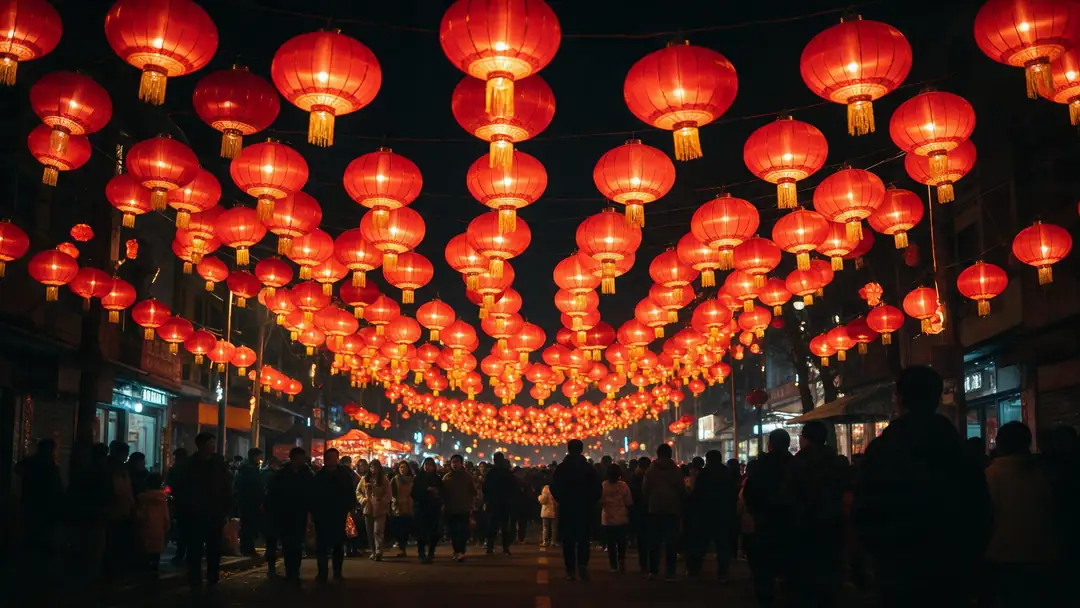
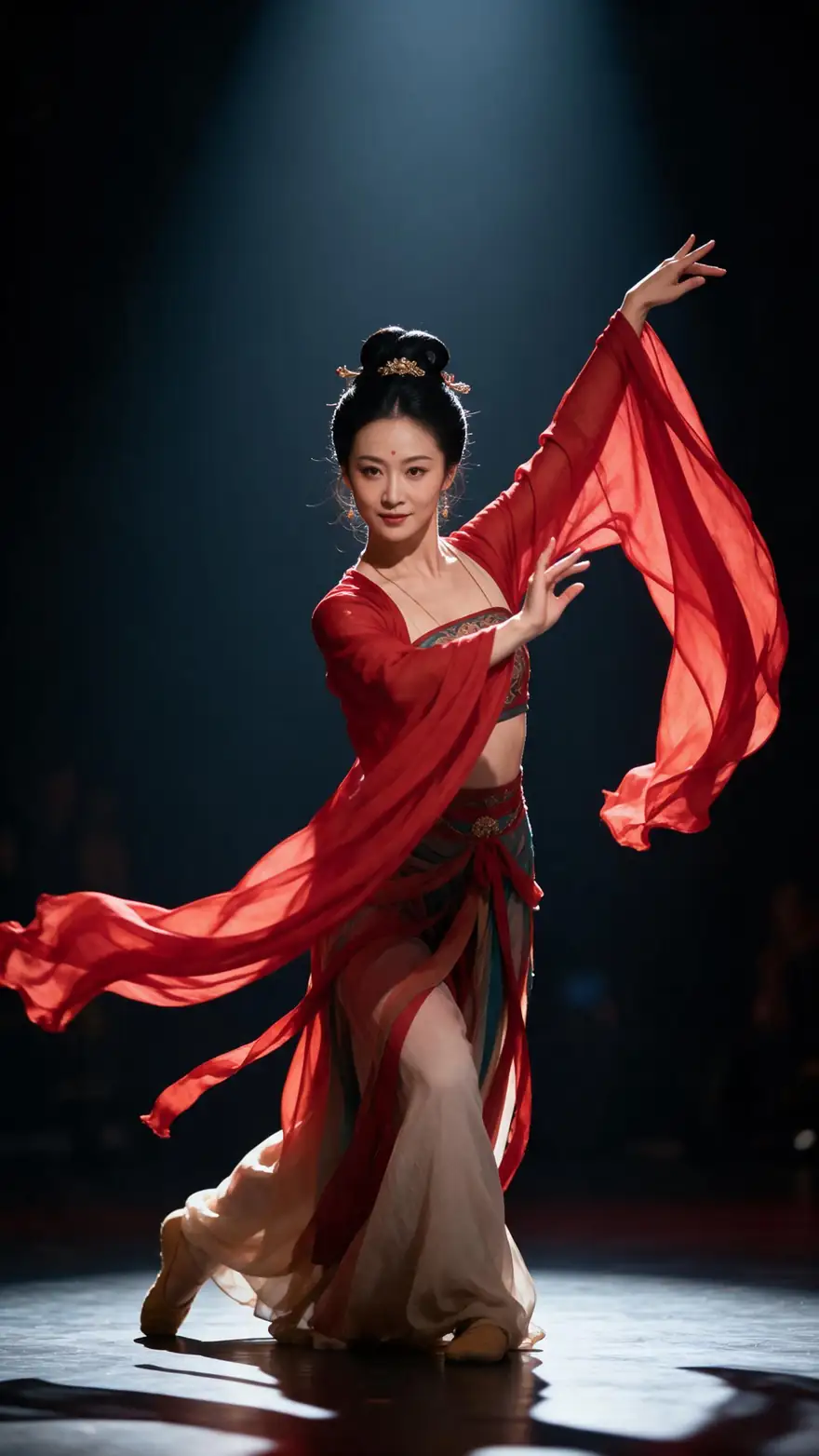
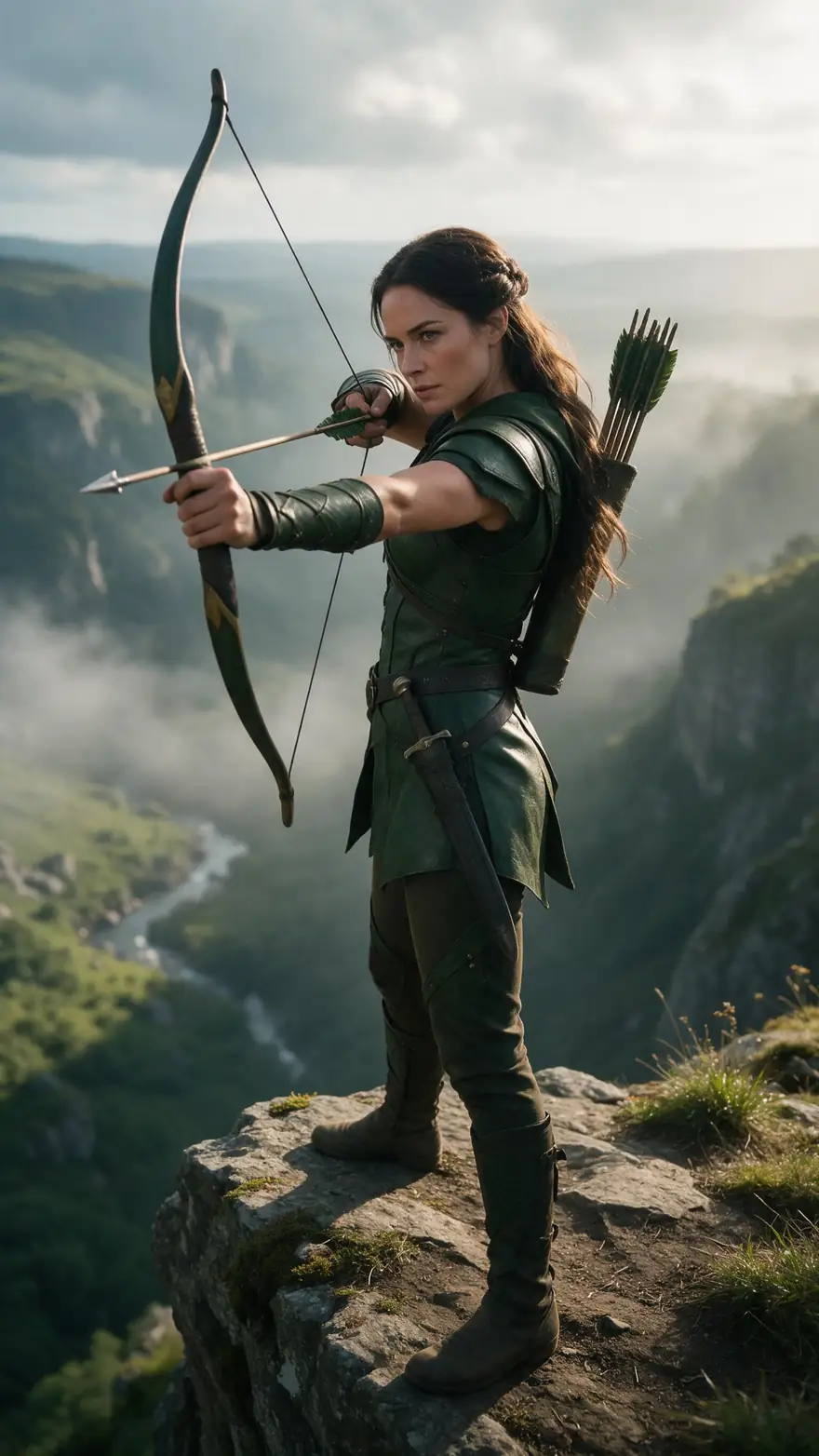
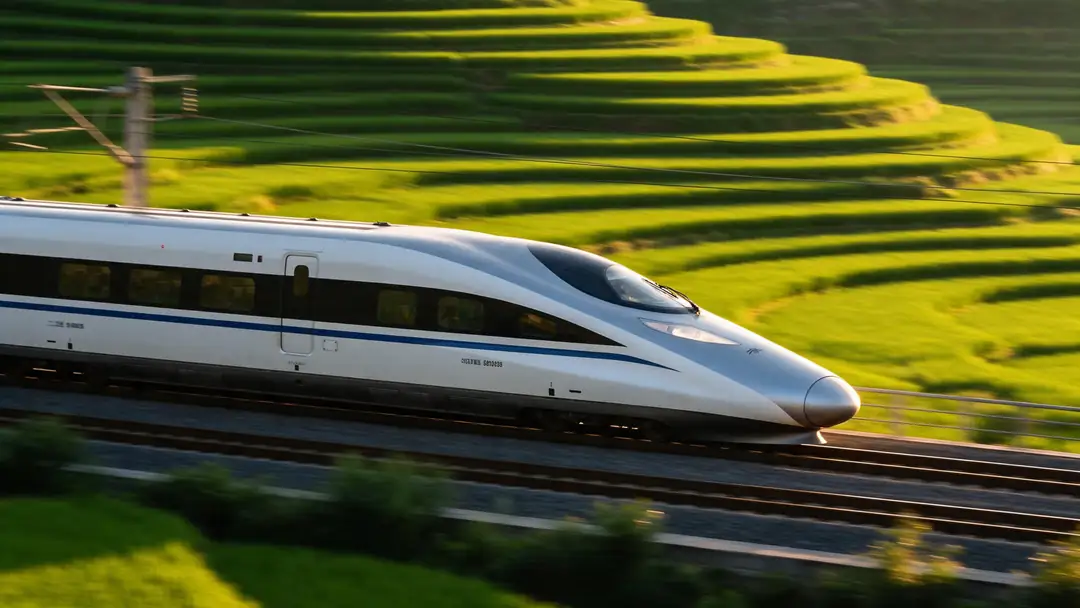
Five unedited Wan 2.7 image-to-video clips from Kenerate's studio, 5 seconds at 720p, each animated from a still.
Models
Wan 2.7 on Kenerate
Every version in the generator, and what each is good at.
Alibaba
Wan 2.5
- Reference images
- Start frame · audio track
- Output
- 3–10 s · 480p–1080p
Open Wan 2.5Best for
Cheapest drafts at 480p
Alibaba
Wan 2.6
- Reference images
- Start frame · up to 5 references
- Output
- 5, 10 or 15 s · 720p–1080p
Open Wan 2.6Best for
Previous version — 15 s and reference to video
Alibaba
Wan 2.7
- Reference images
- Start + end frame · up to 5 references
- Output
- 2–15 s · 720p–1080p
Open Wan 2.7Best for
This model — end frames, video edit, 5 aspect ratios
Alibaba
Wan 3.0
- Reference images
- Start frame · references
- Output
- 2–30 s · 480p–1080p · sound
Open Wan 3.0Best for
Newest Wan — generated sound and 30-second clips
From our tests
Strengths and limits
Good at
- Start and end frame: lock where the clip begins and where it lands — the most reliable way to hit a product reveal or a transition.
- Video edit: restyle or change an existing 2–10 second clip with a prompt and up to 3 reference images, no re-shoot.
- Any length from 2 to 15 seconds, so a 3-second b-roll cut costs 90 credits at 720p instead of a fixed 5-second minimum.
- Same per-second price as Wan 2.6, with end frames, editing and three more aspect ratios (1:1, 4:3, 3:4) on top.
Limits
- No generated sound on Kenerate: Wan 2.7 follows an audio file you attach. For sound written from the prompt, use Wan 3.0.
- No 480p: the cheapest 5-second clip is 150 credits. Draft on Wan 2.5 at 480p or Wan 3.0 for cheaper tests.
- Reference to video stops at 10 seconds and video edit takes clips of 2–10 seconds.
- Video needs a paid plan: any one-time credit pack, from $15 for 1,300 credits. The clips here are image to video only.
How to
How to use Wan 2.7 on Kenerate
Step 1
Open the video studio
Go to /app/video and pick Wan 2.7 (the button on this page selects it). Video needs any one-time credit pack.
Step 2
Choose a mode
Text to video, image to video (add a second image as the end frame), reference to video for up to 5 images and clips, video edit, or extend.
Step 3
Describe the motion
For image to video, describe the movement and the camera, not what's already in the frame. Attach a wav or mp3 if lips or timing should follow it.
Step 4
Pick length and resolution
2–15 seconds (2–10 for references), 720p to test and 1080p to finish. The credit cost shows before you generate.
See it in the app

Open Video Studio in Text to Video mode and write the shot — subject, action, camera move and light.


Watch the tour · 1:19
Text, image & reference to video, models, edit, extend & chat
Chapters
FAQ
Wan 2.7 questions
10 questions
What is Wan 2.7?
Wan 2.7 is Alibaba's AI video model from April 2026, a comprehensive upgrade of Wan 2.6. It does text to video with multi-shot narration, image to video from a first frame or a first and last frame, audio-driven video, reference to video that keeps a subject's look across scenes, video continuation and video editing. Alibaba also released Wan 2.7 image models alongside it.
Link to this answerIs Wan 2.7 open source?
Not as far as Alibaba has published: only Wan 2.1 and Wan 2.2 have open weights under Apache 2.0. Wan 2.7 is offered as a hosted model through Alibaba Cloud and API partners — even ComfyUI runs it through Partner Nodes, which call an API rather than local weights. You run it online, for example in Kenerate's video studio.
Link to this answerHow much does Wan 2.7 cost on Kenerate?
It's billed per second: 30 credits at 720p and 45 at 1080p, so a 5-second clip is 150 or 225 credits and 15 seconds at 1080p is 675. Reference to video costs 300 credits for 5 seconds at 720p (480 at 1080p). Video edit bills the input and output seconds. Credit packs are one-time and start at $15 for 1,300 credits.
Link to this answerDoes Wan 2.7 support a first and last frame?
Yes. In image to video, upload a start image and a second image as the end frame, and Wan 2.7 generates the motion between them. It's the best way to land a product reveal, a before-and-after or a transition into the next shot. Wan 2.6 doesn't take an end frame.
Link to this answerHow long can Wan 2.7 videos be?
Up to 15 seconds per clip, in any whole number of seconds from 2. Reference to video runs 2–10 seconds. Video extend lets you set a final length of 5–15 seconds from an existing clip, and for longer edits you can start a new clip from the last frame of the previous one.
Link to this answerDoes Wan 2.7 generate sound?
Sources differ, and on Kenerate it has no sound switch. What it reliably does is follow an audio track: attach a wav or mp3 in image to video or extend and the motion and lip-sync are timed to it. If you want effects, ambience or speech generated from the prompt alone, Wan 3.0 is the more predictable choice.
Link to this answerCan Wan 2.7 edit a video?
Yes. Video edit takes a 2–10 second clip plus a text prompt and up to 3 reference images, and returns a changed or restyled version the same length as the input. Because input and output are both billed, a 5-second edit costs 300 credits at 720p or 450 at 1080p.
Link to this answerWhat is the Wan 2.7 image model?
It's Alibaba's image model from the same family, listed in Kenerate's image studio as Wan 2.7 and Wan 2.7 Pro. Both have a thinking mode for better-planned compositions and take up to 9 reference images for edits. Wan 2.7 costs 9 credits an image at sizes up to 2048 px; Wan 2.7 Pro costs 22.5 and goes up to 4K.
Link to this answerIs Wan 2.7 free?
Not on Kenerate's free plan: video needs a paid plan, which means buying any one-time credit pack. New accounts get starter credits for images on free-plan models. The Wan 2.7 image models are not free-plan models either.
Link to this answerWan 2.7 vs Wan 2.6 vs Wan 3.0 — which should I use?
Wan 2.7 costs the same as Wan 2.6 per second and adds end frames, video editing, 2-second minimum lengths and square and 4:3 shapes, so it's the better pick for most image-to-video work. Wan 3.0 is the choice for clips up to 30 seconds with sound generated from the prompt, and Wan 2.5 for the cheapest 480p drafts.
Link to this answerIn depth
Wan 2.7, in depth
Background, how to prompt it, and when to pick something else.
On this page
What each Wan 2.7 clip costs
Wan 2.7's price on Kenerate depends on mode, length and resolution:
- 3 s at 720p — 90 credits. A short b-roll cut or a quick motion test.
- 5 s at 720p — 150 credits; 15 s at 1080p — 675 credits for the final render.
- Reference to video, 5 s — 300 credits at 720p, 480 at 1080p.
- Video edit of a 5 s clip — 300 credits at 720p, 450 at 1080p (input and output seconds).
- Extend — the final length you ask for, 5–15 s, at 30 or 45 credits a second.
What changed from Wan 2.6
Wan 2.6 (December 2025) brought 15-second clips and reference to video. Wan 2.7 (April 2026) keeps both and adds first-and-last-frame image to video, audio-driven generation, video continuation and a video edit mode that changes a clip from a prompt, a reference image or a style [1]. API platforms list it at 2–15 seconds, 720p or 1080p, in five aspect ratios [2], at the same per-second rate as 2.6 [3].
On Kenerate the practical difference is control: you can fix the last frame, cut clips as short as 2 seconds and work in square or 4:3, all at Wan 2.6's price.
Prompting Wan 2.7
For image to video, describe motion plus camera — "she spins and throws the sleeves into the air, slow push-in" — and leave out what the frame already shows. With an end frame, describe the change between the two images, not either image. For text to video, write subject, scene and action, then light and lens, and for multi-shot clips list the shots in order with the same character description each time.