

ByteDance Intelligent Creation; paper "OmniHuman-1.5: Instilling an Active Mind in Avatars via Cognitive Simulation"
OmniHuman 1.5
ByteDance's OmniHuman 1.5 in your browser: give it one photo and up to a minute of speech, and it returns a talking video where the face, hands and body act out what is being said — not just the lips. No GPU, no API key.
- What it does
- Animates a single image to a speech track — lip sync plus facial expression, gestures, posture and body motion that match the rhythm and meaning of the words
- How it plans motion
- A multimodal LLM reads the audio, image and context and writes structured guidance (the slow "System 2" plan); a multimodal diffusion transformer renders the motion frame by frame (the fast "System 1" reaction)
- Subjects
- Real people, plus animals, anthropomorphic characters and stylised cartoons, per the project page
- Length
- Up to 60 seconds of speech per video on Kenerate; billed per second, from 1 second
- Resolution
- No size picker — the engine returns its own output size
- Input files
- One face or character image (JPG / PNG) and one speech file (WAV / MP3)
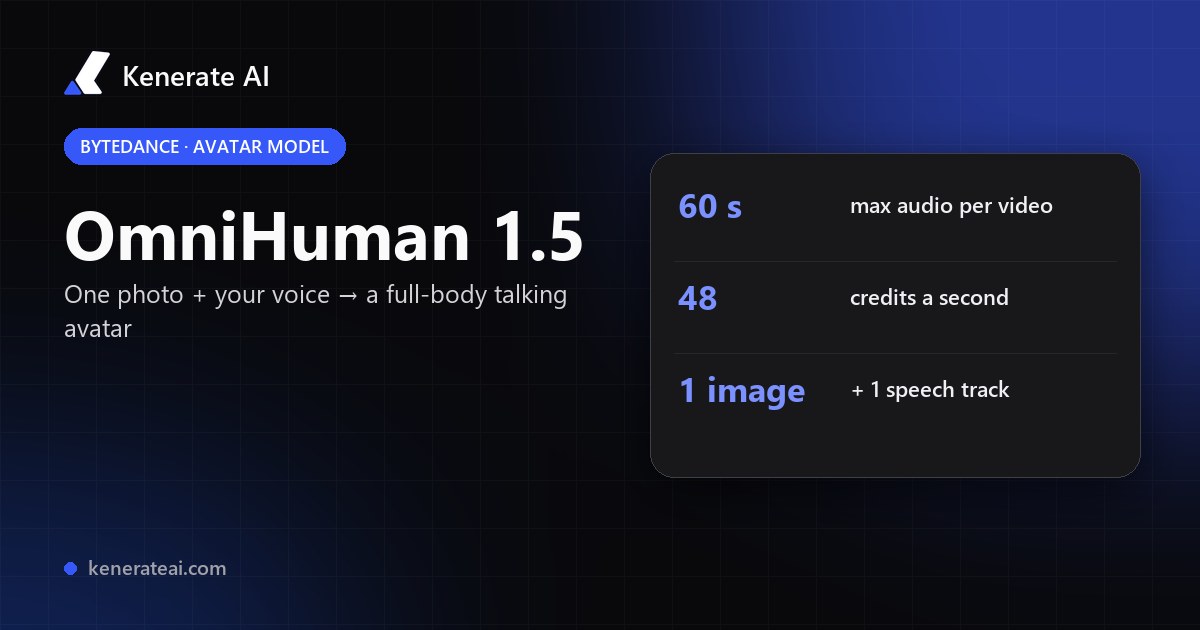
- Real specs
- Official sources
- Free to start
- No watermark
Updated by the Kenerate AI team
On this page
What is OmniHuman 1.5?
What is OmniHuman 1.5?
OmniHuman 1.5 is ByteDance's audio-driven avatar model, published on 26 August 2025 (arXiv 2508.19209), that turns one image and a voice track into a video where lips, expression, gestures and body motion follow the meaning of the speech. It pairs a multimodal language model that plans the performance with a diffusion transformer that renders it. On Kenerate AI it runs in Avatar Talk for up to 60 seconds of audio at 48 credits a second — a 10-second clip is 480 credits.
Key facts
- Official name
- OmniHuman-1.5
- Maker
- ByteDance (Intelligent Creation)
- Published
- 26 August 2025 (arXiv 2508.19209)
- Architecture
- Multimodal LLM + Diffusion Transformer
- Inputs
- 1 image (JPG / PNG) + speech (WAV / MP3)
- Subjects
- People, animals, cartoon characters
- Length on Kenerate
- 1 s to 60 s of audio
- Resolution
- Set by the engine
Models
OmniHuman 1.5 on Kenerate
Every version in the generator, and what each is good at.
ByteDance
OmniHuman 1.5
- Reference images
- 1 image · 1 audio
- Output
- Up to 60 s
Open OmniHuman 1.5Best for
Full-body, cinematic avatar performance that acts out the speech
From our tests
Strengths and limits
Good at
- Acts, not just talks: gestures, posture and expression follow what is said, not only the mouth shapes.
- Works beyond human portraits — the makers show animals, mascots and cartoon characters.
- One image and one audio file — no driving video, no rigging, no green screen.
- Billed per second from 1 second, so a 5-second hook costs 240 credits.
Limits
- No OmniHuman clips on this page yet — try a 5–10 second test with your own image first.
- 60 seconds of speech per video. For long presenter videos (up to 10 min), Kenerate Avatar or InfiniteTalk in the same studio fit better.
- One of the pricier avatar engines at 48 credits a second; InfiniteTalk Fast is 4.5 for long drafts.
- Our studio has no prompt or seed field for this engine, and no resolution choice — the performance comes from the image and the audio.
How to
How to use OmniHuman 1.5 on Kenerate
Step 1
Open Avatar Talk
Go to /app/avatar-talk and pick OmniHuman 1.5 (the button on this page selects it), in Talking photo mode.
Step 2
Add the image
Upload a clear, well-lit JPG or PNG. A half-body or full-body shot gives OmniHuman room for gestures; a character or mascot image works too.
Step 3
Add the voice
Upload clean speech up to 60 seconds (WAV or MP3), or make it in Kenerate's voice studio first.
Step 4
Generate
Check the credit cost (48 a second of audio) and generate. Renders usually take a few minutes; the video lands in your library.
See it in the app

Open Video Studio in Text to Video mode and write the shot — subject, action, camera move and light.


Watch the tour · 2:23
Talking photos, script to video, engines, any language, presenters, lip sync & chat
Chapters
FAQ
OmniHuman 1.5 questions
9 questions
What is OmniHuman 1.5?
OmniHuman 1.5 is an audio-driven video model from ByteDance's Intelligent Creation team, described in the paper "OmniHuman-1.5: Instilling an Active Mind in Avatars via Cognitive Simulation" (arXiv 2508.19209, 26 August 2025). From one image and a voice track it generates a video in which the character speaks with matching lips, expression, gestures and body language.
Link to this answerHow is OmniHuman 1.5 different from OmniHuman 1?
The 1.5 paper adds a multimodal language model that first works out the meaning, emotion and intent of the speech and writes a plan for the performance, which a diffusion transformer then renders. The makers say this produces motion that fits what is being said rather than just following the audio's rhythm, and extends to multi-person scenes and non-human characters.
Link to this answerHow much does OmniHuman 1.5 cost on Kenerate?
48 credits per second of audio, billed from 1 second. A 5-second clip is 240 credits, 10 seconds is 480, 30 seconds is 1,440 and the maximum 60 seconds is 2,880. The exact cost shows before you generate.
Link to this answerIs OmniHuman 1.5 free?
ByteDance hasn't linked open weights or code from the project page, so it is used through hosted services. On Kenerate, Avatar Talk doesn't require a paid plan — the starter credits on a new, verified account can cover a short test clip. More credits come in one-time packs that never expire.
Link to this answerHow long can an OmniHuman 1.5 video be?
Up to 60 seconds of speech per video on Kenerate. The research page shows videos of over a minute, but hosted versions cap each request; for longer talks, split the script and generate each part from the same image.
Link to this answerCan OmniHuman 1.5 animate cartoons or animals?
Yes. The project page shows real animals, anthropomorphic characters and stylised cartoons as well as people. Results are best when the character has a clearly visible face and mouth.
Link to this answerDoes OmniHuman 1.5 do full-body motion?
Yes — that's its main strength. If the image shows the upper body or the whole figure, the model adds hand gestures, posture shifts and body movement that match the speech. A tight headshot gives it less to animate.
Link to this answerCan I control OmniHuman 1.5 with a text prompt?
The research model accepts optional text prompts for camera moves and actions. In Kenerate's Avatar Talk this engine takes only the image and the audio, so the performance is driven by the speech itself. If you want prompt-guided motion, Kenerate Avatar and Kling Avatar 2 in the same studio accept a prompt.
Link to this answerOmniHuman 1.5 vs InfiniteTalk vs Kenerate Avatar — which should I use?
OmniHuman 1.5 is the pick for short, expressive hero clips with full-body acting, up to 60 seconds. InfiniteTalk is far cheaper for long talking heads (up to 10 minutes) and can re-dub existing video. Kenerate Avatar suits clean 1080p presenter videos up to 10 minutes. All three are in Avatar Talk, so you can test each on the same image.
Link to this answerIn depth
OmniHuman 1.5, in depth
Background, how to prompt it, and when to pick something else.
On this page
What an OmniHuman 1.5 video costs
Price depends only on how long your audio is — 48 credits a second:
- 5 s — 240 credits. A social hook or a reaction clip.
- 10 s — 480 credits. A product line or a short greeting.
- 30 s — 1,440 credits. An ad read or an intro.
- 60 s — 2,880 credits. The longest single video.
How OmniHuman 1.5 works
Most avatar models map sound to motion directly, so the face keeps time with the audio but the gestures don't fit the words. OmniHuman 1.5 splits the job in two, borrowing the "System 1 and System 2" idea from psychology: a multimodal language model first reads the speech, the image and the context and writes a structured plan of emotion, intent and actions; a diffusion transformer then renders the frames from that plan, the image and the audio [1][2].
The paper adds a "Pseudo Last Frame" design so the image, audio and text conditions don't fight each other, and reports gains in lip-sync accuracy, video quality, motion naturalness and prompt following over earlier methods [2]. The same approach handles several speakers in one frame and non-human characters [1].
Getting good results
Pick an image that shows enough of the body for the gestures you expect — half-body is a good default. Keep the lighting even and the face unobstructed. Use clean, expressive speech without music: OmniHuman reads tone and meaning, so a flat read gives a flat performance. Start with a 5–10 second test before a full minute.