ByteDance Seed — the Seedream 4.5 upgrade to Seedream 4.0, later followed by the Seedream 5.0 family
Seedream 4.5
ByteDance's Seedream 4.5 in your browser: posters, product shots and multi-panel layouts with clean typography, plus edits with up to 10 reference images, at 2K or 4K — no API key.
- Focus
- Typography and dense text, poster and logo layouts, brand visuals, consistent multi-image edits
- Editing
- Edits one or several input images while keeping facial features, lighting and colour tone, per ByteDance
- Resolution
- 2K and 4K only — the model rejects anything under about 2560×1440 pixels
- On Kenerate
- kenerate/seedream-v4.5 — text to image and edit with up to 10 references, 8 sizes at 2K and 5 at 4K
- Licence
- Closed model; images you generate on Kenerate follow Kenerate's terms of service


- Real outputs
- Official sources
- Free to start
- No watermark
Updated by the Kenerate AI team
On this page
What is Seedream 4.5?
What is Seedream 4.5?
Seedream 4.5 is ByteDance's image generation and editing model, released in December 2025 as the upgrade to Seedream 4.0, with sharper typography, dense small text and poster layouts. It renders at 2K to 4K and edits from several input images while keeping faces, light and colour. On Kenerate AI it costs 12 credits per image at any size, takes up to 10 reference images and offers 13 sizes up to 4096×4096.
Key facts
- Official name
- Seedream 4.5
- Model ID
- bytedance/seedream-4.5 (BytePlus: doubao-seedream-4-5-251128)
- Maker
- ByteDance Seed
- Released
- December 2025
- Abilities
- Text to image · multi-image editing
- Output
- 2K to 4K
- References
- Up to 10
- Sizes
- 13 presets, 2048×2048 to 4096×4096
- Weights
- Closed (API only)
Gallery
Seedream 4.5 examples
Real outputs made on Kenerate. Open any image to copy its prompt and run it yourself.
Models
Seedream 4.5 on Kenerate
Every version in the generator, and what each is good at.
ByteDance
Seedream 4.5
- Reference images
- Up to 10
- Output
- 2K–4K
Open Seedream 4.5Best for
This model — typography and posters

ByteDance
Seedream 5.0 Pro
- Reference images
- Up to 10
- Output
- 1K–2K
Open Seedream 5.0 ProBest for
Newest flagship, best detail
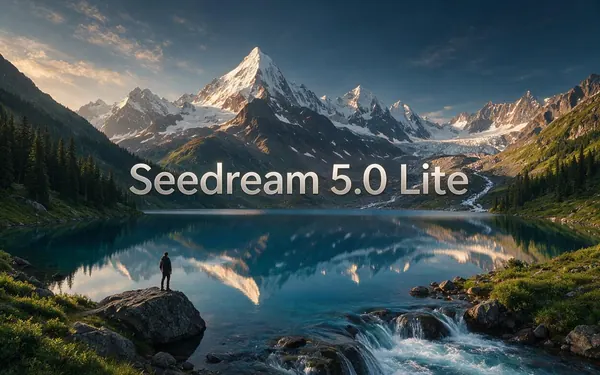
ByteDance
Seedream 5.0 Lite
- Reference images
- Up to 10
- Output
- 2K–4K
Open Seedream 5.0 LiteBest for
Newer, cheaper 4K
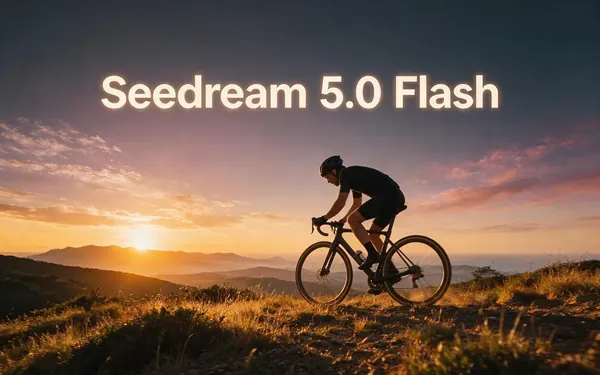
ByteDance
Seedream 5.0 Flash
- Reference images
- Up to 10
- Output
- 1K–2K
Open Seedream 5.0 FlashBest for
Fast drafts
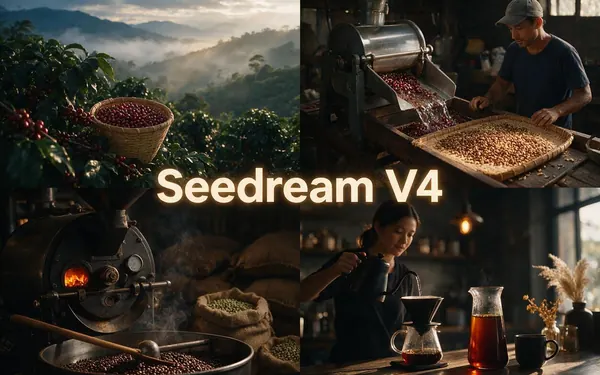
ByteDance
Seedream V4
- Reference images
- Up to 10
- Output
- 1K–4K
Open Seedream V4Best for
Previous version, 1K drafts
From our tests
Strengths and limits
Good at
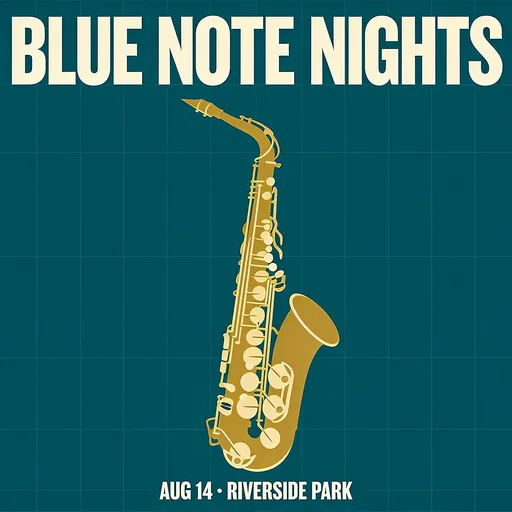
- Text came out right first try: “BLUE NOTE NIGHTS” and the small “AUG 14 · RIVERSIDE PARK” line on the poster, and the “LUMEN SERUM” label.
- Clean poster layouts — a centred subject, a headline and a footer line landed where the prompt put them.
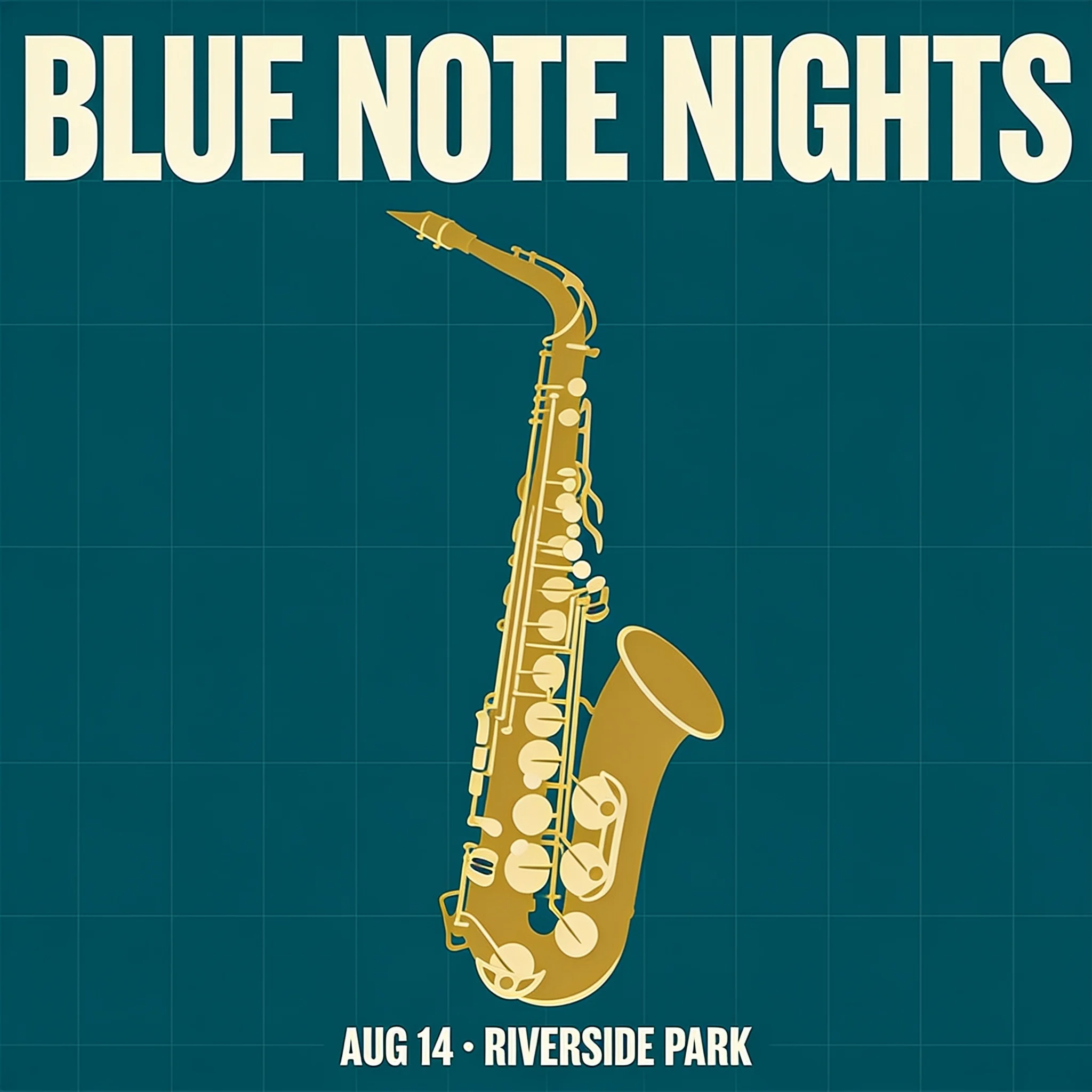
- The same robot character held its shape and colours across all four comic panels.
- Natural photo detail at 2K: clay on the potter's hands and apron, warm window light, believable depth of field.
Limits
- 2K minimum: there are no cheap 1K drafts — use Seedream 5.0 Flash or Seedream V4 for quick tests.
- On Kenerate, Seedream 5.0 Lite also does 2K–4K and costs less (10.5 credits); 4.5 is worth it mainly for type-heavy layouts.
- Not on Kenerate's free plan — it is a paid model (12 credits per image).
- Small storytelling slips happen: in our comic, panel one already showed a sprout next to the seed being planted.
How to
How to use Seedream 4.5 on Kenerate
Step 1
Open the model
Go to /app/image and pick Seedream 4.5 (the button on this page selects it for you). Sign in free to get started.
Step 2
Write the prompt
Describe layout, subject, style and light in plain sentences. Put every on-image word in quotes and say where it goes.
Step 3
Pick a size
Choose one of 8 sizes at 2K or 5 at 4K — square, portrait, story, widescreen, poster or photo. The price is the same.
Step 4
Edit with references
Upload up to 10 images and describe the change and what must stay — logo, face, product or colours.
See it in the app

Open Video Studio in Text to Video mode and write the shot — subject, action, camera move and light.


Watch the tour · 1:23
Prompts, styles, references, edit, Arena & chat
Chapters
FAQ
Seedream 4.5 questions
9 questions
What is Seedream 4.5?
Seedream 4.5 is ByteDance Seed's image generation and editing model, released in December 2025 as the upgrade to Seedream 4.0. ByteDance says it improves typography, dense small text, poster and logo layouts, and keeps faces, lighting and colour tone when editing. It renders at 2K to 4K and is a closed model, available through APIs and apps such as Kenerate AI.
Link to this answerHow do I use Seedream 4.5 online?
Open Kenerate AI's image studio, pick Seedream 4.5, write a prompt and choose a size. It runs in the browser with no API key or install. Each image costs 12 credits at any size, from 2048×2048 up to 4096×4096, and you can upload up to 10 reference images to edit or keep a product, logo or character consistent.
Link to this answerIs Seedream 4.5 free?
Not on Kenerate: Seedream 4.5 is a paid model at 12 credits per image, bought as one-time credit packs (no subscription required). The free plan covers models such as Flux 2 Dev, Flux 2 Klein and Qwen Image 2.0. Other sites list Seedream 4.5 API prices around $0.036–$0.04 per image.
Link to this answerWhat is the difference between Seedream 4.5 and Seedream 4.0?
Seedream 4.5 is the newer of the two. ByteDance reports better prompt adherence, alignment and aesthetics on its internal MagicBench benchmark, plus stronger typography and small-text rendering. On Kenerate, 4.5 renders 2K–4K for 12 credits, while Seedream V4 also offers 1K sizes and costs 8.1 credits.
Link to this answerSeedream 4.5 or Seedream 5.0 — which should I use?
For most new work, try the 5.0 family first: Seedream 5.0 Pro gives the most detail and the best edits, and 5.0 Lite renders 2K–4K for 10.5 credits. Seedream 4.5 is still a good choice for posters, labels and multi-panel layouts where exact text matters, and for keeping results consistent with earlier 4.5 projects.
Link to this answerHow good is Seedream 4.5 at text in images?
Strong in our tests. A jazz poster with a large headline and a small date line, and a product label reading “LUMEN SERUM”, both came out spelled correctly on the first try. Put the exact words in quotes and say where they go — top, bottom, on the label.
Link to this answerHow many reference images does Seedream 4.5 take?
Up to 10 on Kenerate. Some API providers list up to 14. Upload a product, a logo, a face or a style reference and describe what should change and what must stay; an edit costs the same 12 credits as a new image.
Link to this answerWhat resolutions does Seedream 4.5 support?
Only 2K and 4K — the model rejects images under roughly 2560×1440 pixels. On Kenerate that means 8 sizes at 2K (square, 3:4, 4:3, 9:16, 16:9, 2:3, 3:2, 21:9) and 5 at 4K, up to 4096×4096. The price is 12 credits at every size.
Link to this answerCan I use Seedream 4.5 images commercially?
Images you generate on Kenerate follow Kenerate's terms of service. Seedream 4.5 itself is a closed ByteDance model with no downloadable weights, so there is no separate model licence to accept. Check trademarks and likeness rights for anything you put in a poster or ad.
Link to this answerIn depth
Seedream 4.5, in depth
Background, how to prompt it, and when to pick something else.
What changed from Seedream 4.0
ByteDance describes Seedream 4.5 as an overall scale-up of Seedream 4.0, with better typography and dense small-text rendering, and editing that keeps a reference's face, lighting and colour tone [1]. Its own MagicBench comparison reports gains in prompt adherence, alignment and aesthetics, but publishes no numbers in text, so we don't quote any.
- Posters, logos and brand visuals — the use cases ByteDance highlights.
- Multi-image editing — pick out one element from several inputs and change material, colour or text.
- 2K–4K output only, with no 1K draft size [2].
Where Seedream 4.5 fits on Kenerate
Kenerate runs five Seedream versions. Seedream 5.0 Pro is the newest and most detailed; 5.0 Lite gives 2K–4K for less; 5.0 Flash and V4 are the cheap draft options. Seedream 4.5 sits between them at a flat 12 credits for any size — a good pick for type-heavy posters, packaging and comic panels at 4K.