Wedding · personal · brand · embroidery · transparent PNG
AI Monogram Generator — your exact initials for weddings, brands and embroidery
Type your initials in the order you want them, pick a style — classic serif, script, vine frame, crest or modern interlock — and get a monogram with the letters spelled exactly. Use it on invitations, a logo, or hand it to an embroiderer.
- Exact letters in your order
- Wedding and couple layouts
- Transparent PNG option
- No watermark
Updated by the Kenerate AI team
On this page
Quick answer
How do you make a monogram with AI?
An AI monogram generator turns two or three initials into a designed mark — interlocked, stacked, in a circle or a crest. On Kenerate AI, put the letters in quotes and say which goes in the centre: GPT Image 2.5 Sunburst draws it for 7.2 credits at 1K (21 at 4K), and GPT Image 1.5 can return a transparent PNG. The result is a PNG or JPG, not an SVG or an embroidery file, so trace it for vector use or have it digitised to a stitch file such as DST or PES.
Key facts
- Best for
- Wedding monograms, personal initials, brand marks, embroidery
- Letters
- Any 1–3 initials, in quotes, in your order
- Couple layout
- Partner initial · shared LAST initial (larger) · partner initial
- Output
- PNG / JPG — trace to SVG; digitise to DST / PES for embroidery
- Print size
- Up to 4K, or upscale to 8K
- Free start
- 25 starter credits · Qwen Image 3.0 on the free plan
- Watermark
- None
Gallery
A real AI monogram
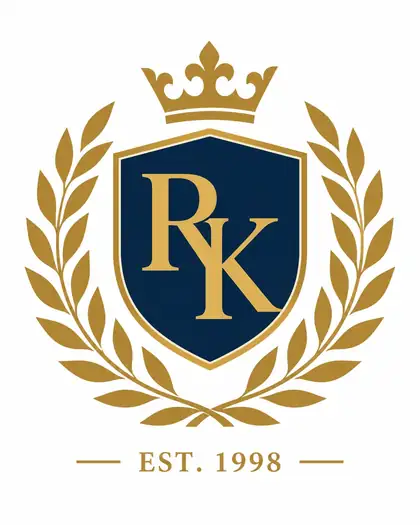
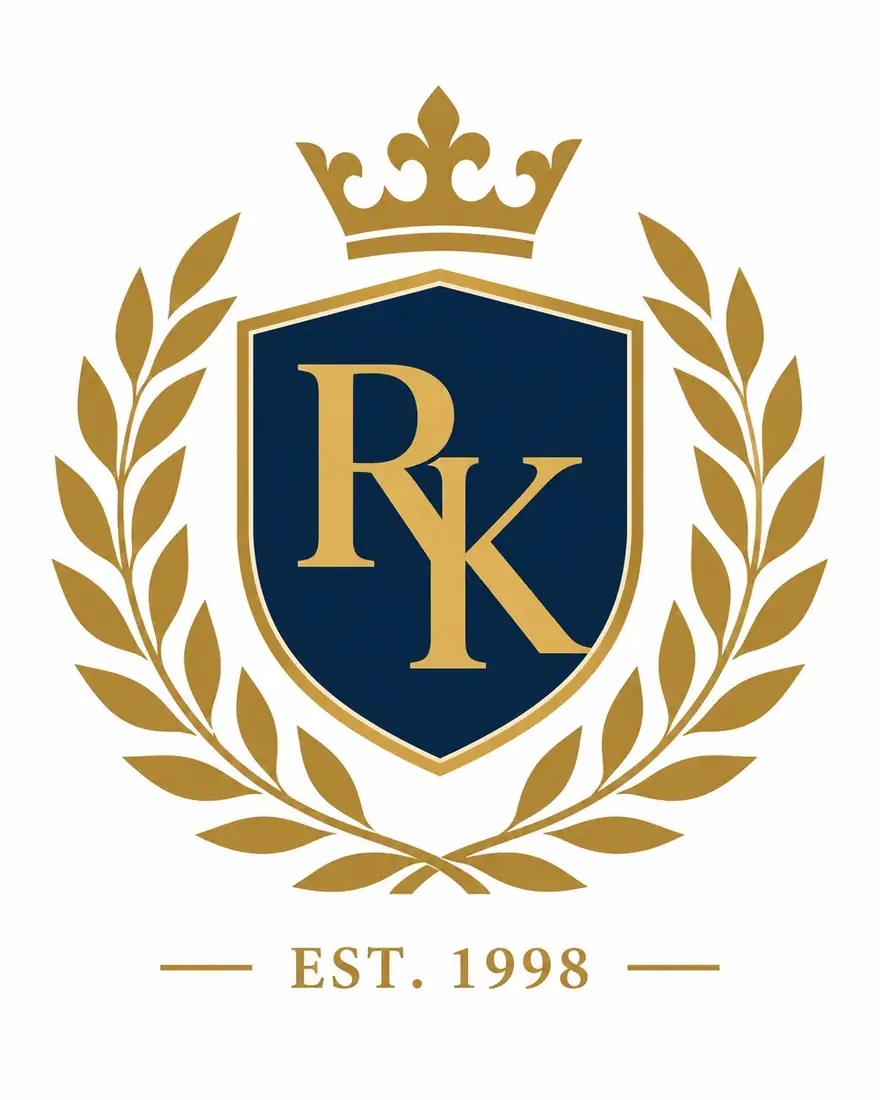
Made with GPT Image 2 for our family crest maker. Both letters and the year came out exactly as typed. Fourteen more monogram prompts are in the guide below.
How to
How to use the AI monogram generator
- Time needed
- Steps
- 4 steps
Step 1
Open Image Studio
Go to /app/image and pick GPT Image 2.5 Sunburst (or GPT Image 1.5 for a transparent PNG). Sign in free for 25 starter credits.
Step 2
Decide the letter order
One person: first, LAST (large, centre), middle. A couple: one partner's first initial, the shared last initial in the centre, the other partner's first initial.
Step 3
Describe the monogram
The letters in quotes and in order, the layout (interlocked, stacked, circle, vine frame, crest), the type style, colours and “no other text”.
Step 4
Check and export
Zoom in on every letter, upscale to 4K or 8K for print, remove the background if needed, and send the PNG to your printer or embroiderer.
See it in the app

Open Image Studio and type what you want to see — subject, style, lighting and mood.


Watch the tour · 1:23
Prompts, styles, references, edit, Arena & chat
Chapters
Tips
Get the letters exactly right
A monogram with a wrong or extra letter is useless. These habits keep the initials exact.
Put each letter in quotes and give the order left to right: “three letters only: ‘a’, ‘S’, ‘g’, with the ‘S’ larger in the centre”.
Say “no other letters or words” — models like to add a name or a date you didn't ask for.
For interlocked letters, add “each letter still clearly readable”; tight overlaps can turn an E into an F.
Pick a type style by name: “classic serif”, “flowing script”, “Art Deco”, “blackletter”, “clean sans-serif”.
For embroidery or foil, ask for “flat, solid colours, no gradients, no fine shading”.
Zoom in on every letter before you download, then make four variants and keep the cleanest.
Models
Which AI model is best for monograms?
What each model is good at. Open any one straight in the generator.

OpenAI
GPT Image 2.5 Sunburst
- Reference images
- Up to 16
- Output
- 1K–4K · 15 ratios
Open GPT Image 2.5 SunburstBest for
Exact letters; attach a font sample or old monogram

OpenAI
GPT Image 2
- Reference images
- Up to 16
- Output
- 1K–4K
Open GPT Image 2Best for
The R & K crest above; reliable lettering
OpenAI
GPT Image 1.5
- Reference images
- Up to 10
- Output
- 1024–1536 px
Open GPT Image 1.5Best for
Transparent-background PNGs for stickers, foil and merch

Recraft
Recraft V4.1
- Output
- 5 ratios
Open Recraft V4.1Best for
Logo-style monograms with sharp typography
- Free plan

FAQ
AI Monogram Generator questions
9 questions
How do I make a monogram with AI?
Open Kenerate's Image Studio, pick GPT Image 2.5 Sunburst, and describe the letters and the look: “a wedding monogram of three letters only, ‘a’, ‘S’, ‘g’, with a larger ‘S’ in the centre, elegant script, inside a thin gold circle with olive leaves, white background, no other text”. Make a few versions, zoom in on every letter and download the cleanest.
Link to this answerWhat order do the letters go in a monogram?
For one person, the traditional three-letter monogram is first initial, LAST initial (larger, in the centre), middle initial — Sage Abigail Collins becomes sCa. A married person who kept a maiden name often uses first, married last, maiden. A couple's monogram puts the shared last initial in the centre with each partner's first initial on either side. Two letters are simply first and last.
Link to this answerWhat is a wedding or couple monogram?
It's a mark for the two of you, used on invitations, cake toppers, napkins and signs. The classic version is three letters — one partner's first initial, the shared last initial in the centre and larger, then the other partner's — or just your two first initials joined by an ampersand. If you're keeping different last names, many couples use both first initials with an ampersand, or both last initials larger in the centre.
Link to this answerWill the AI get my initials right?
Usually, with text-strong models such as GPT Image 2.5 Sunburst, GPT Image 2, Recraft V4.1 and Ideogram v4 — the R & K crest above came out exactly as typed. Put each letter in quotes, give the order, and add “no other letters”. Always zoom in before you use it: tight interlocks and ornate scripts are where a letter most often goes wrong.
Link to this answerCan I get a monogram with a transparent background?
Yes. GPT Image 1.5 can render a transparent-background PNG directly (12 credits at 1024×1024), or make the monogram with any model on a plain white background and use Remove BG in Kenerate's Edit Studio (1.2 credits). Transparent PNGs drop straight onto invitations, labels and product mockups.
Link to this answerCan I get my monogram as an SVG or vector file?
Not directly — Kenerate's image models return raster images (PNG or JPG). For a vector file, upscale the monogram, then trace it in Inkscape (Path > Trace Bitmap) or Illustrator's Image Trace. Flat, single-colour monograms trace cleanly; ornate shaded ones need tidying by hand. Foil printers, engravers and vinyl cutters usually want the vector version.
Link to this answerCan I use an AI monogram for embroidery?
Yes, as the artwork — but an embroidery machine can't stitch a PNG. It has to be digitised into a stitch file such as DST, PES, EXP or JEF, which sets stitch types, direction and density. Ask for flat colours with no gradients. Fourthwall's embroidery guide, for example, asks for capital letters at least 0.3 in tall, lowercase at least 0.25 in, details at least 0.05 in and no more than six thread colours.
Link to this answerCan I use an AI monogram as my brand logo?
Yes. Two-letter monograms make strong logos for studios, boutiques and personal brands. Ask for a simple, bold mark that still reads at a small size, test it as a favicon and on a business card, and avoid anything resembling a famous fashion-house monogram — those are registered trademarks. For a full logo with a name and icon, the AI logo generator is the better start.
Link to this answerIs the AI monogram generator free?
Free to start. A new Kenerate account gets 25 credits on sign-up — three GPT Image 2.5 Sunburst monograms at 1K — and Qwen Image 3.0 is a free-plan model. After that, credits come in one-time packs that never expire, with no subscription. Downloads carry no watermark.
Link to this answerIn depth
AI Monogram Generator, explained
What works, what to avoid, and how to pick a model.
On this page
Monogram letter order, with examples
Etiquette guides differ on the details, but these are the common conventions. Lowercase = small letter, capital = the larger centre letter:
- One person, three letters: first, LAST, middle — Sage Abigail Collins → sCa.
- Married, keeping a maiden name: first, married LAST, maiden — Abigail Collins Smith → aSc.
- Couple, traditional: partner one's first, shared LAST, partner two's first — Abigail and Geoffrey Smith → aSg (some couples reverse the outer letters).
- Couple, two first initials: A & G, often with a decorative ampersand.
- Two letters for a brand: first and last, both capitals — Richard Kent → RK.
14 monogram prompt ideas
Swap in your own letters, and keep “no other text” at the end of each:
- Wedding: ‘a’, ‘S’, ‘g’ with a larger ‘S’, flowing script, inside a thin gold circle with olive branches, white background.
- Wedding, modern: ‘A & G’ in a clean serif with a large italic ampersand, black on ivory, lots of space.
- Vine monogram: a single ‘M’ in classic serif wrapped in delicate ivy leaves, sage green.
- Crest: ‘R’ and ‘K’ on a navy shield with a crown and laurel wreath, flat navy and gold.
- Art Deco: ‘L’ and ‘B’ inside a gold geometric diamond frame, black background.
- Stacked: ‘J’ above ‘W’, bold sans-serif, a thin square frame, single colour.
- Interlocked luxury brand mark: ‘N’ and ‘V’ overlapping, thin elegant serif, each letter clearly readable, black on white.
- Embroidery-ready towel monogram: ‘eMr’ with a larger ‘M’, classic serif, flat navy, no gradients.
- Blackletter: a single ‘H’ in ornate gothic blackletter, deep red, for a wax-seal look.
- Circle monogram: ‘dLk’ with a larger ‘L’ in a bold circle, letters shaped to fill the circle, single colour.
- Botanical: ‘E’ framed by watercolour peonies, blush and green, for a bridal shower.
- Minimal studio logo: ‘SR’ in a geometric sans-serif, the letters sharing one vertical stroke, black.
- Pet monogram: ‘B’ in playful rounded type with a small paw print, teal.
- Stationery: ‘C’ in copperplate script inside a slim oval frame, foil-gold on cream.
From AI monogram to print, foil and embroidery
Each use needs a slightly different file:
- Invitations and signs: render at 4K or upscale to 8K; place the PNG in your design tool.
- Transparent background: generate with GPT Image 1.5, or use Remove BG in Edit Studio.
- Foil, laser engraving, vinyl cutting: trace to vector in Inkscape or Illustrator and send an SVG or PDF.
- Embroidery: keep it flat with few colours, then have a digitiser (or your embroidery software) convert it to DST, PES or your machine's format; stitch a test first.
- Fix one wrong letter: use Edit Text in Image in Edit Studio, or regenerate with the letters spelled out again.
What an AI monogram generator can't do
It doesn't export SVG or embroidery files — those come from tracing and digitising. It can't promise a specific font's licence-free letterforms; if you need an exact typeface, set the letters in that font yourself and attach the image as a reference. And ornate scripts are where AI most often slips, so check every letter before it goes on 120 invitations.