

Tattoo try-on · your own skin
Add a Tattoo to Your Photo
Upload a photo of the spot, describe the tattoo or add your own design, and see how it looks on your skin. Same arm, same light, same background — only the ink is new.
- Your photo + any design
- Arm, back, neck, leg
- Free to start
- No watermark
Updated by the Kenerate AI team




Made with Kenerate

On this page
Quick answer

How do you add a tattoo to a photo?
To add a tattoo to a photo, upload a clear picture of the body part, then describe the tattoo in one sentence (style, size, spot) or upload your design as a second image. Kenerate AI's image editor draws the ink onto the skin, following its curve and the photo's light, and keeps everything else the same — so you can try a placement before you get inked.
Key facts
- Works on
- Your own photo
- Inputs
- Photo + text, or photo + design
- Placements
- Arm · back · neck · leg · hand
- Default model
- Qwen Image 3.0 (free plan)
- Paint a spot
- Change Region in Edit Studio
- Watermark
- None
Gallery
Tattoos on skin, and designs to place
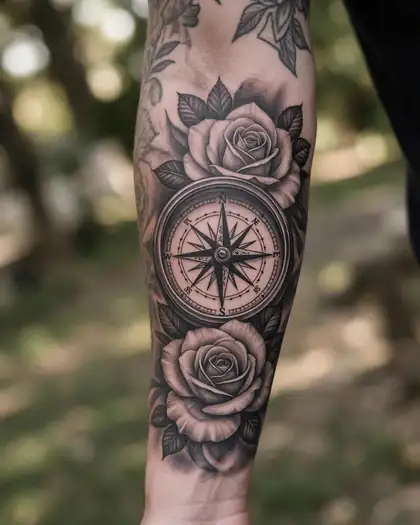
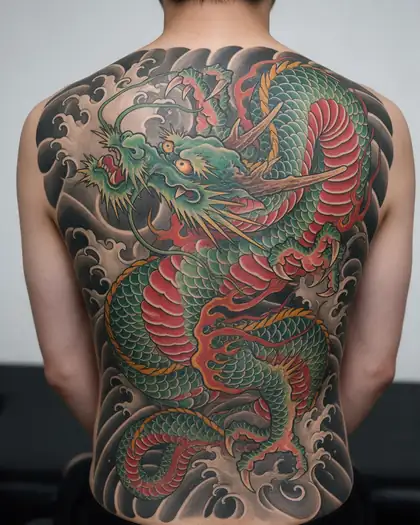
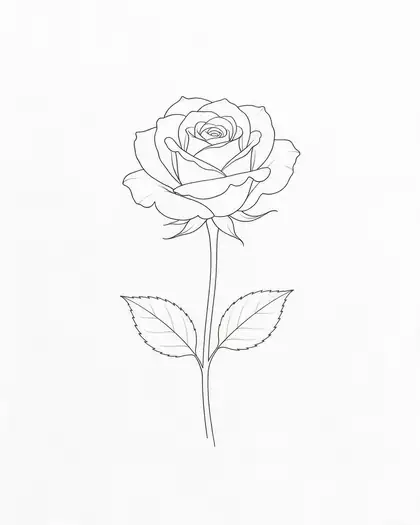
Real Seedream 5.0 Pro outputs: a try-on edit, two tattoo-on-skin photos and flash designs you can put on your own photo.
Same prompt
Your photo + a design = a preview on your skin
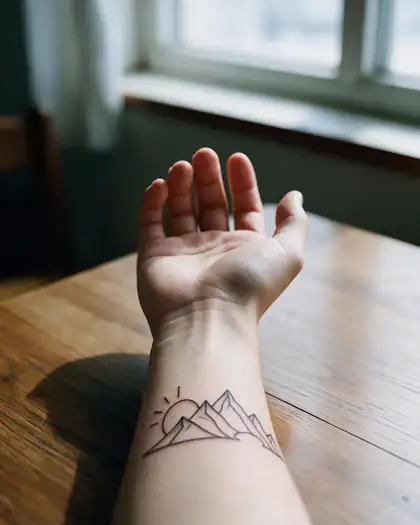
Two images in, one sentence: a bare forearm and a mountain line design became a realistic preview (a real Seedream 5.0 Pro edit).
PromptPut the mountain line tattoo from image 2 on the inner forearm in image 1 as a realistic fresh black-ink tattoo, following the skin's curve. Keep the arm, table and light the same.
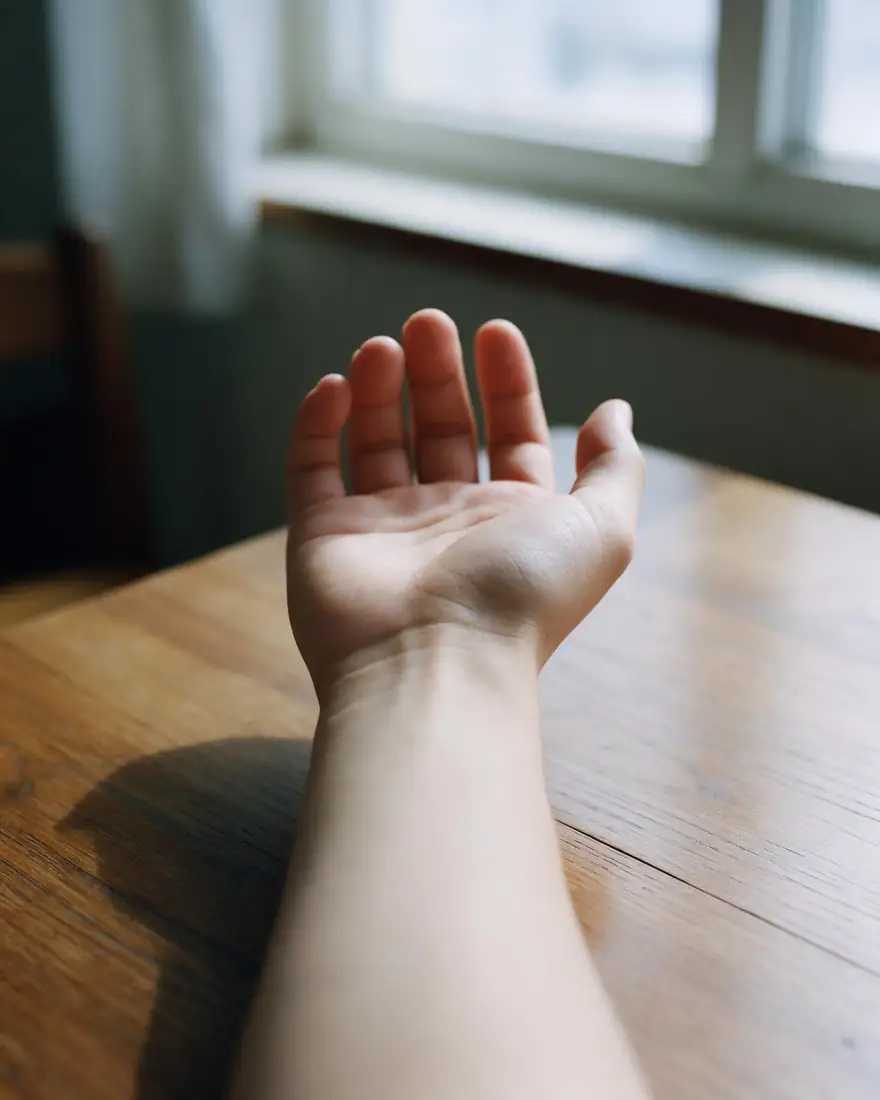 Image 1: your armYour photo
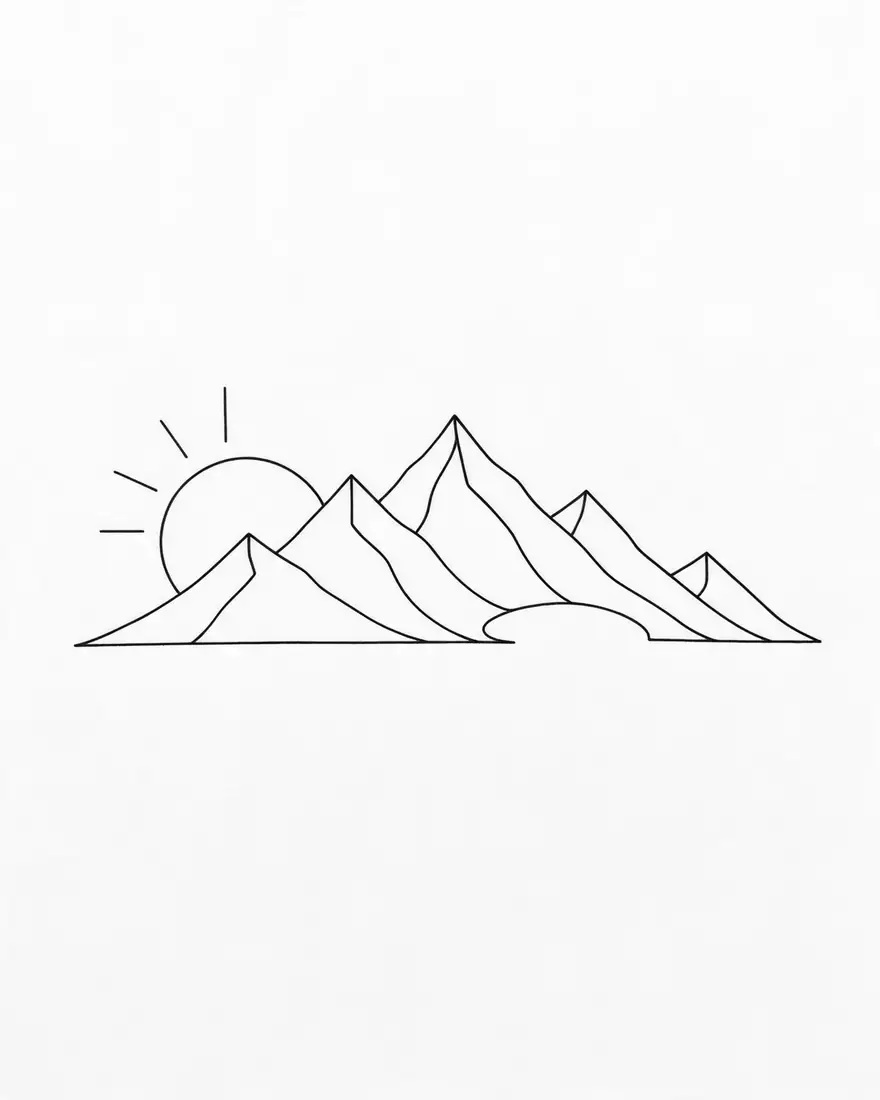 Image 2: the designMade in /ai-tattoo-generator
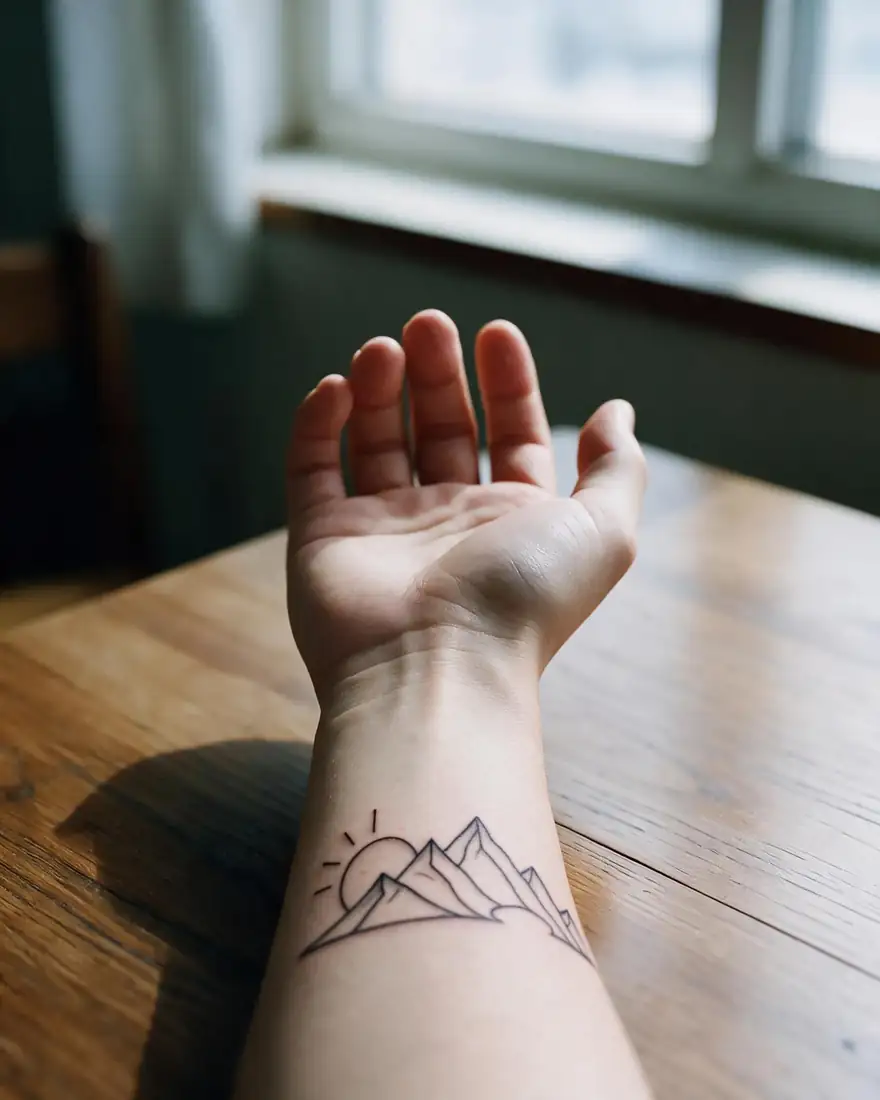 ResultSeedream 5.0 Pro edit
How to
How to use the add tattoo to photo
- Time needed
- Steps
- 4 steps
Step 1
Open the editor
Press “Add your photo”. The image studio opens with a tattoo instruction in the prompt box. Sign in free for starter credits.
Step 2
Upload your photo (and your design)
Add a clear photo of the arm, back, neck or leg. If you have a design or a tattoo artist's sketch, add it as a second image.
Step 3
Describe the tattoo and create
Change the style, size and spot in the prompt, keep the line about keeping the rest the same, then press Create.
Step 4
Compare and download
Try a few sizes and placements, then download the ones you like without a watermark and show them to your artist.
See it in the app

Open Image Studio and type what you want to see — subject, style, lighting and mood.


Watch the tour · 1:23
Prompts, styles, references, edit, Arena & chat
Chapters
Tips
Get a tattoo preview that looks real
A tattoo try-on is only as good as the photo and the sentence.
Use a sharp, well-lit photo with the whole spot visible and no other tattoo in the way.
Name the spot and size: “palm-sized on the outer forearm”, “small behind the right ear”.
Name the style: fine line, blackwork, American traditional, watercolor, Japanese, script.
Say “healed” for settled ink or “fresh” for a just-done look with slight redness.
Have a design already? Add it as image 2 and write “the tattoo from image 2”.
To place it exactly, open Edit Studio → Change Region, paint the spot and describe the tattoo.
Models
Models that add tattoos to photos
What each model is good at. Open any one straight in the generator.
- Free plan

Alibaba
Qwen Image 3.0
- Reference images
- Up to 3
- Output
- 1K or 2K
Open Qwen Image 3.0Best for
Default here · free plan

ByteDance
Seedream 5.0 Pro
- Reference images
- Up to 10
- Output
- 2K
Open Seedream 5.0 ProBest for
Used for the try-on above; Change Region default

Google
Nano Banana 2
- Reference images
- Up to 14
- Output
- 1K (square today)
Open Nano Banana 2Best for
Good at placing a design from a second image
FAQ
Add Tattoo to Photo questions
8 questions

How do I add a tattoo to a photo with AI?
Upload a clear photo of the body part, describe the tattoo in one sentence (style, size and where it goes), and press Create. Kenerate AI opens its image editor with a tattoo instruction already filled in; change it to your idea and keep the line that tells the model to leave your skin, background and light as they are.
Link to this answerIs it free to add a tattoo to a photo?
Yes, to start. A new Kenerate account gets free starter credits, which work on free-plan models such as Qwen Image 3.0, the default on this page. Seedream 5.0 Pro and Nano Banana 2 need a one-time credit pack rather than a subscription, and credits you buy never expire. Results download without a watermark.
Link to this answerCan I put my own tattoo design on my photo?
Yes. Upload your body photo as image 1 and the design (a sketch, flash sheet or a design from the AI tattoo generator) as image 2, then write “put the tattoo from image 2 on my forearm in image 1”. Qwen Image 3.0 takes up to 3 images; Seedream 5.0 Pro takes up to 10.
Link to this answerCan I choose exactly where the tattoo goes?
Describe the spot in words (“inner left wrist”, “between the shoulder blades”) or use Edit Studio's Change Region tool: paint over the area, describe the tattoo, and only the painted part changes.
Link to this answerWhat tattoo styles can I try on?
Any you can name: fine line, blackwork, American traditional, neo-traditional, Japanese, realism, watercolor, tribal, geometric, dotwork, script and minimalist line art. Add colour or “black and grey” to the sentence for the look you want.
Link to this answerDoes the tattoo look realistic on skin?
The models draw the ink to follow the skin's curve and the photo's light, so a sharp, well-lit photo gives a believable preview. Small text and very fine lines can come out uneven; re-run or make the design larger. It is a preview, not a stencil — your artist decides the final linework.
Link to this answerCan I remove a tattoo from a photo?
Yes. Open Edit Studio → Magic Eraser, paint over the tattoo and the model fills in the skin. You can also write “remove the tattoo on the forearm, keep everything else the same” in the image editor.
Link to this answerCan I add a tattoo to someone else's photo?
Only with their permission. A tattoo preview still edits a real person's likeness, so use your own photo or one the person agreed to, and share the result only with their consent. Never upload a photo of a minor. Kenerate's content rules apply to every edit.
Link to this answerIn depth
Add Tattoo to Photo, explained
What works, what to avoid, and how to pick a model.
On this page
How adding a tattoo to a photo works
It is an instruction edit. Your photo, an optional design image and one sentence go to an image model's edit endpoint. The model draws the tattoo where you say, wraps it around the arm or shoulder, matches shadows and skin texture, and leaves the rest of the picture alone. Change the sentence and run it again to compare sizes or styles side by side.
Text prompt, design image or painted spot?
Three ways to place a tattoo, from quickest to most exact:
- Text only — describe the tattoo and the spot; best for exploring ideas.
- Photo + design — upload your sketch or flash as a second image; best when you already know the design.
- Change Region (Edit Studio) — paint the exact area, then describe the tattoo; best for precise placement.
Before you book the real tattoo
The preview helps you decide on size, spot and style. For the real thing, take your favourite previews to a licensed tattoo artist, ask how the design will age on that spot, and let them adapt the linework to your skin.
By the Kenerate AI teamLast updated and reviewed
We build and run the Kenerate generator. Every example is a real output of the model named under it; models and presets were checked against the app's code.
