

Hotpot AI alternative · image, edit and video studio
Hotpot AI Alternative
Hotpot.ai covers AI art, headshots, photo editing and templates in one site. Kenerate covers the same jobs in one account: 80+ curated models, one-sentence edits, headshots, restoration and upscaling, plus video on the paid plan.

- Free to start
- 80+ models
- No subscription required
- No watermark
Checked
Made with Kenerate






On this page
Quick answer

What is the best Hotpot AI alternative?
The best Hotpot AI alternative for most people is Kenerate AI: an image generator and editor in one account, with 80+ curated models, one-sentence edits, AI headshots, photo restoration, upscaling and background removal. New accounts get 25 credits, the free-plan models include Flux 2 Dev at 3 credits per image, and packs start at $15 for 1,300 credits with no subscription. Hotpot.ai remains a good choice if you want its classic social and app-store templates.
Key facts
- Hotpot AI
- Art, headshots, editing, templates
- Kenerate
- 80+ curated models
- Free start
- 25 sign-up credits
- Checked
- 29 Oct 2026
Side by side
Hotpot AI vs Kenerate
What each offers, from Hotpot AI's own pages and Kenerate's code.
| Hotpot AI | Kenerate | |
|---|---|---|
| What it is | AI image generator with editing, headshots, video and design templates | AI image generator, editor and video studio |
| Image generation | Text-to-image with sub-tools for art, characters, fantasy, logos and anime | 80+ models, from Seedream 5.0 Pro and GPT Image 2 to open models such as Flux 2 Dev |
| Editing | AI editor, style transfer, upscaler, colorizer, restorer, background remover, AI eraser | One-sentence edits, 16-image combines, background removal, Magic Eraser and upscaling |
| Headshots | Stylised portraits from one photo of you, including corporate and creative looks | AI headshot generator with corporate, LinkedIn and creative presets |
| Video | AI video generator from an image or a text description | Seedance 2.5 and Wan 3.0, up to 30 s (paid plan) |
| Templates | Editable designs for app-store screenshots, social posts and YouTube thumbnails | Image studio only; no template library |
| Pricing | Free plan and credits page on hotpot.ai; prices are not on the homepage | 25 free credits, then one-time packs from $15 for 1,300 credits, no subscription |
Hotpot AI facts checked 29 October 2026. Plans change; confirm on their site.
Sources: Hotpot AI
Honest verdict
Kenerate or Hotpot AI: which should you pick?
Hotpot AI is a good product. Here is when each one is the better choice.
Pick Kenerate if…

- Named models, one account
- Headshots and restoration
- Edit with a sentence
- Video when you need it
When to pick Hotpot AI
- You want Hotpot's ready-made app-store screenshots, LinkedIn banners and YouTube thumbnail templates.
- You want a design editor rather than a generator.
- You prefer a free tool with no account to start with.
Why people switch
Why try Kenerate instead of Hotpot AI
Named models, one account
Seedream 5.0 Pro, GPT Image 2, Nano Banana 2.1 and Flux 2 Dev side by side, each with its credit price shown before you run it.
Headshots and restoration
Turn one photo into a headshot with the AI headshot generator, or restore and upscale an old photo, in the same account.
Edit with a sentence
Change the background, outfit or hair colour by describing it, and add a second image as a reference.
Video when you need it
Animate a picture with Seedance 2.5 or Wan 3.0, up to 30 seconds (paid plan).
Gallery
What Kenerate makes
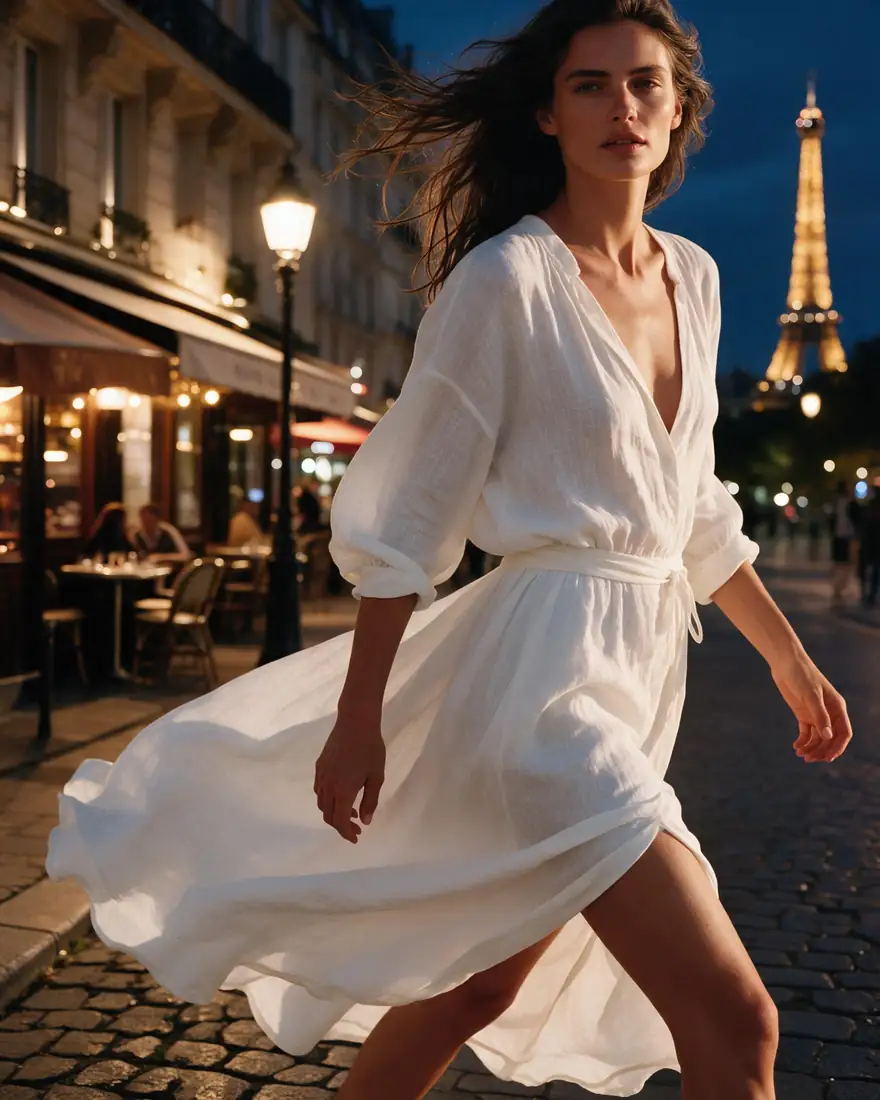
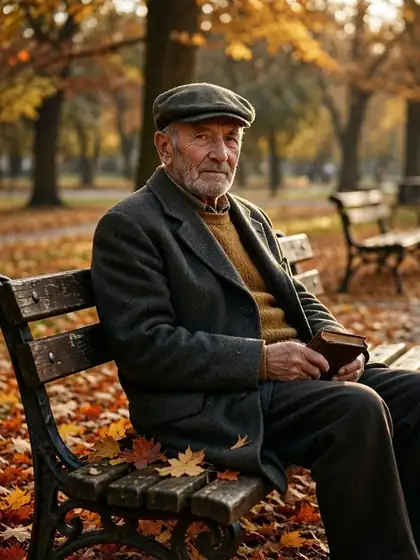
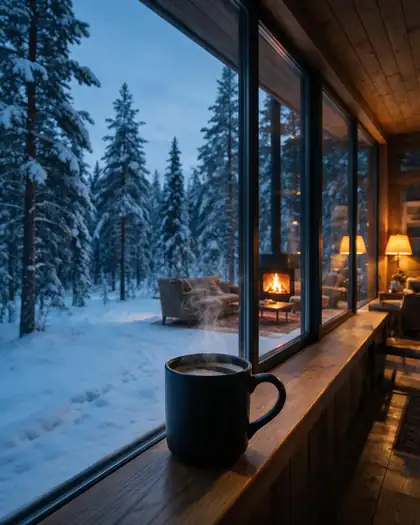
Real, SFW outputs from Kenerate. Open any image to copy its prompt and run it yourself.
Switching
How to switch from Hotpot AI
Bring your prompts and start free.
Step 1
Sign up free
Sign in with Google, GitHub or Discord and 25 credits are added.
Step 2
Pick a model
Flux 2 Dev for everyday art on the free plan, Seedream 5.0 Pro for detailed images, GPT Image 2 when text in the image must be spelled right.
Step 3
Edit or restore
Describe the change, or upload an old photo for restoration and upscaling.
Step 4
Make a headshot or a clip
Use the headshot presets for portraits, or animate a still on the paid plan.
See it in the app

Open Image Studio and type what you want to see — subject, style, lighting and mood.


Watch the tour · 1:23
Prompts, styles, references, edit, Arena & chat
Chapters
FAQ
Hotpot AI alternative questions

What is the best Hotpot AI alternative?
Kenerate, if you want an image generator and editor with a curated set of 80+ models, headshots, restoration and upscaling in one account. It has no subscription: credit packs start at $15 for 1,300 credits, and a new account gets 25 credits. Hotpot.ai is still a good pick if you mainly want its classic templates for app stores and social posts.
Link to this answerIs there a free Hotpot AI alternative?
Kenerate is free to start: new accounts get 25 credits on sign-up, and the free-plan models include Flux 2 Dev, Flux 2 Turbo, Flux 2 Flash, Flux 2 Klein 4B and Qwen Image. Hotpot.ai has a free plan too; compare the limits on its free-plan and credits pages.
Link to this answerDoes Kenerate do AI headshots like Hotpot?
Yes. The AI headshot generator turns one photo into corporate, LinkedIn, creative and other portrait looks. Flux 2 Dev headshots cost 3 credits; Seedream 5.0 Pro is 13.5 credits at 1K.
Link to this answerCan Kenerate restore and upscale old photos?
Yes. Photo restoration and image upscaling are separate tools on the site, and the credit cost is shown before each run.
Link to this answerDoes Kenerate have an AI image editor like Hotpot?
Yes. Describe the change in one sentence, and use reference images to keep a face, product or character consistent. GPT Image 2 takes up to 16 reference images.
Link to this answerCan I use Kenerate images commercially?
Yes. Kenerate's Terms say you own what you generate and can use it for commercial work.
Link to this answerIn depth
Hotpot AI vs Kenerate, in depth
How we compared, and what matters when you choose.
Hotpot.ai's tools, mapped to Kenerate
Hotpot.ai lists an AI image generator, an AI video generator, AI headshots, an AI editor with upscaler, restorer and background remover, and classic design templates. Kenerate covers the generator, the headshots, the editing and upscaling, and video on the paid plan. It has no template library.
Pricing: one-time credits
Kenerate prices each model in credits and shows the cost before a run. Credit packs are one-time, start at $15 for 1,300 credits, and there is no subscription. Hotpot.ai's prices are on its own pricing and credits pages, and this page does not quote them.



By the Kenerate AI teamLast updated and reviewed
We build Kenerate, so we're not neutral — which is why every Hotpot AI fact here links to Hotpot AI's own site, and we list when Hotpot AI is the better choice.
Sources: Hotpot AI
