

Lovart AI alternative · posters, logos and product images
Lovart AI Alternative
Lovart is an AI design agent: you describe a project and it arranges templates for e-commerce, social, brand and ads. Kenerate is a model studio. You pick the model, generate or edit the image, and set the final layout in your own design tool, paying one-time credits instead of a monthly plan.
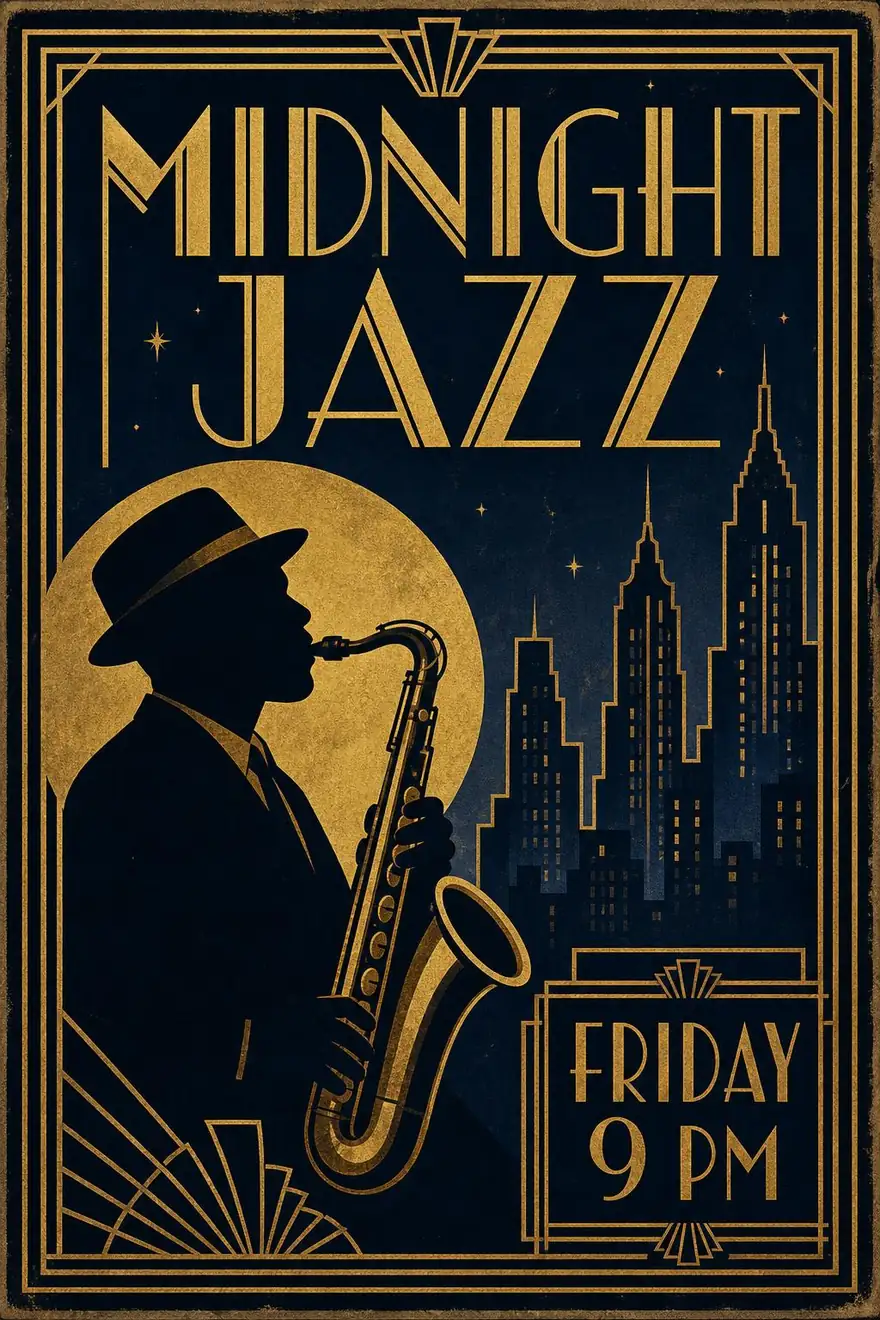
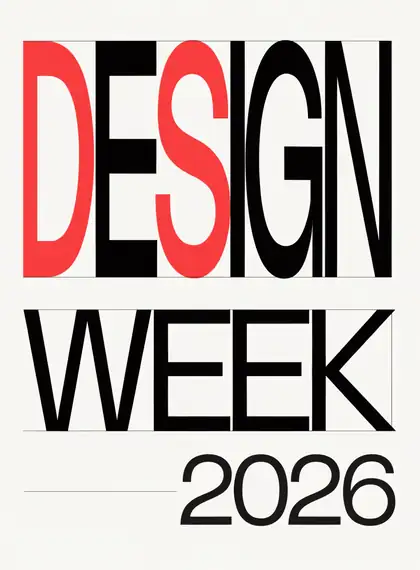

- Free to start
- 80+ models
- No subscription required
- No watermark
Checked
Made with Kenerate









On this page
Quick answer

What is the best Lovart AI alternative?
The best Lovart AI alternative if you mainly need the images (posters, logos, product shots and ad visuals) is Kenerate AI: 80+ curated models, including GPT Image 2.5 Sunburst for text in the picture, Nano Banana 2.1 and Recraft V4.1 for logos, with one-sentence edits and background removal. New accounts get 25 credits, and packs start at $15 for 1,300 credits with no subscription. Lovart remains the better pick if you want an agent that lays out whole multi-asset projects from templates.
Key facts
- Lovart AI
- AI design agent with templates
- Kenerate
- 80+ curated models
- Free start
- 25 sign-up credits
- Checked
- 29 Oct 2026
Side by side
Lovart AI vs Kenerate
What each offers, from Lovart AI's own pages and Kenerate's code.
| Lovart AI | Kenerate | |
|---|---|---|
| What it is | AI design agent that builds projects from templates: e-commerce, social, brand, creative and website | Curated image generator and editor, plus video on the paid plan |
| Start from | A brief to the agent, or a Quick Start such as Logo System or Amazon Product Main Image | A prompt, a reference image, or a model's own edit tool |
| Image models | Models run inside the agent; plan limits differ | 80+: GPT Image 2.5 Sunburst, Nano Banana 2.1, Seedream 5.0 Pro, Recraft V4.1, Flux 2 and more |
| Text in images | Designed layouts with type | GPT Image 2.5 Sunburst and Nano Banana 2.1 render text in the image; check spelling before you publish |
| Editing | Remove BG, Extend Video, Upscale, Touch edit and Mock-up tools | One-sentence edits, up to 16 references, background removal and upscaling |
| Layout and brand kit | Yes: templates, brand applications and project files | No layout canvas or brand kit; export the image and lay it out in your design tool |
| Pricing | Monthly subscription plans with a credit pool; check lovart.ai/pricing for current numbers | 25 free credits, then one-time packs from $15 for 1,300 credits, no subscription |
Lovart AI facts checked 29 October 2026. Plans change; confirm on their site.
Sources: Lovart AI
Honest verdict
Kenerate or Lovart AI: which should you pick?
Lovart AI is a good product. Here is when each one is the better choice.
Pick Kenerate if…

- Pay per image, not per month
- Text that matches your copy
- Logos and posters from named models
- Keep the product or face
When to pick Lovart AI
- You want an agent to plan and lay out a whole project, such as a brand kit or a set of Amazon listing images.
- You want templates and project files you can reopen and change in one place.
- You want the Motion Poster or UGC ad video workflows as they are built in Lovart.
Why people switch
Why try Kenerate instead of Lovart AI
Pay per image, not per month
One-time credit packs from $15 for 1,300 credits, with no subscription. Each model shows its credit price before you run it.
Text that matches your copy
GPT Image 2.5 Sunburst and Nano Banana 2.1 write titles and dates into the picture. Check the spelling before you publish.
Logos and posters from named models
Recraft V4.1 for flat logos and typographic posters, and Seedream 5.0 Pro for detailed art, with each model's price on its card.
Keep the product or face
Upload up to 16 references to GPT Image 2.5 Sunburst, or 14 to Nano Banana 2.1, to keep a product or character consistent across shots.
Gallery
What Kenerate makes
Real, SFW outputs from Kenerate. Open any image to copy its prompt and run it yourself.
Switching
How to switch from Lovart AI
Bring your prompts and start free.
Step 1
Sign up free
Sign in with Google, GitHub or Discord and 25 credits are added.
Step 2
Pick the model for the job
GPT Image 2.5 Sunburst for posters with text, Recraft V4.1 for logos, Seedream 5.0 Pro for illustrated art.
Step 3
Generate or edit
Describe the poster or product shot, or upload a photo and describe the change. Check the credit cost on the model card first.
Step 4
Lay out and export
Add titles, prices and logos in your own design tool, then export the finished image.
See it in the app

Open Image Studio and type what you want to see — subject, style, lighting and mood.


Watch the tour · 1:23
Prompts, styles, references, edit, Arena & chat
Chapters
FAQ
Lovart AI alternative questions
7 questions

What is the best Lovart AI alternative?
For images, Kenerate: a curated set of 80+ models, including GPT Image 2.5 Sunburst for text in posters and Recraft V4.1 for logos, with edits and background removal. You pay one-time credit packs from $15 for 1,300 credits, with no subscription. Lovart is the better fit if you want an agent that builds whole projects from templates.
Link to this answerIs there a free Lovart AI alternative?
Kenerate is free to start: a new account gets 25 credits on sign-up, and the free-plan models include Flux 2 and Qwen Image. Lovart has free access too, but its free-tier size and plan limits vary by source, so check lovart.ai before relying on it.
Link to this answerIs lavart ai the same as Lovart AI?
Yes, lavart ai is a common misspelling of Lovart AI. This page covers the same design-agent tool and its alternatives.
Link to this answerCan Kenerate make posters with text, like Lovart?
Yes. GPT Image 2.5 Sunburst and Nano Banana 2.1 render titles and dates into the image. Check the spelling in the output before you publish, and add final typography in your design tool if you need exact fonts.
Link to this answerDoes Kenerate make logos?
Yes. Recraft V4.1 is built for flat logos and typographic marks. Kenerate generates the logo image; a logo system with brand colours and sizes is a layout job you do in your own design tool.
Link to this answerDoes Kenerate have brand kits or templates like Lovart?
No. Kenerate is an image generator and editor: there are no template libraries or brand-kit projects. Export the image and lay it out in the design tool you already use.
Link to this answerCan I use Kenerate images commercially?
Yes. Kenerate's Terms say you own what you generate and can use it for commercial work.
Link to this answerIn depth
Lovart AI vs Kenerate, in depth
How we compared, and what matters when you choose.
An agent for projects vs a studio for images
Lovart is built around a design agent: you describe a project, and it arranges templates for e-commerce, social, brand, creative and website work, with tools such as Remove BG, Upscale and Mock-up. Kenerate gives you the models directly. Each image is one generation or edit, and the layout is yours.
Monthly plans vs one-time credits
Lovart sells monthly subscription plans with a credit pool. Kenerate prices each model in credits and sells one-time packs, from $15 for 1,300 credits, with no subscription. The credit cost of each model shows before you run it.



By the Kenerate AI teamLast updated and reviewed
We build Kenerate, so we're not neutral — which is why every Lovart AI fact here links to Lovart AI's own site, and we list when Lovart AI is the better choice.
Sources: Lovart AI
