

Microsoft AI's Superintelligence team; successor to MAI-Image-1 (October 2025) and MAI-Image-2
MAI-Image-2.5
Microsoft AI's in-house image model — the default in Bing Image Creator — in your browser, with its Pro version for hero images. Natural, photographic results in 10 aspect ratios up to 21:9, plus one-photo edits. No Microsoft account or Foundry setup.
- Versions
- MAI-Image-2.5 (full fidelity), MAI-Image-2.5-Flash (fast, Microsoft Foundry) and MAI-Image-2.5-Pro (highest fidelity, public preview)
- Abilities
- Text to image and localised edits — replace an object, update text, remove motion blur — keeping the face the same across edits
- Where Microsoft uses it
- Bing Image Creator (default since 23 July 2026), PowerPoint, OneDrive photo edits, MAI Playground
- On Kenerate
- kenerate/mai-image-2.5 — 1:1, 3:4, 2:3, 9:16, 4:5, 5:4, 4:3, 3:2, 16:9, 21:9; kenerate/mai-image-2.5-pro — 1:1, 3:4, 2:3, 9:16, 4:3, 3:2, 16:9; 1 reference; PNG, JPEG or WebP
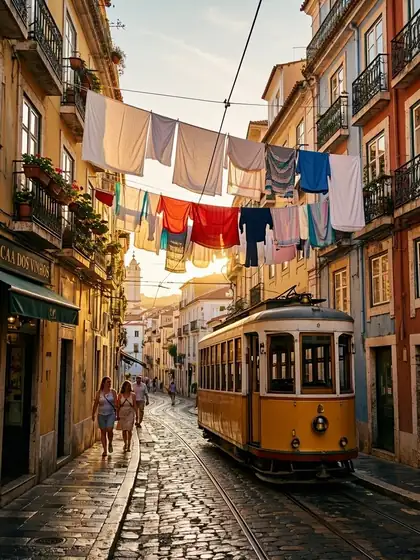
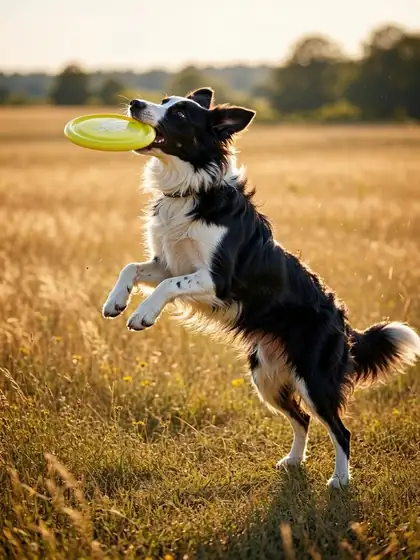

- Real outputs
- Official sources
- Free to start
- No watermark
Updated by the Kenerate AI team




Made with Kenerate

On this page
What is MAI Image 2.5?

What is MAI Image 2.5?
MAI-Image-2.5 is Microsoft AI's in-house image model, launched on 2 June 2026 and the default model in Bing Image Creator since 23 July 2026. Microsoft ranks it No. 2 on Arena's image-editing leaderboard and No. 3 for text to image, with its biggest gains over MAI-Image-2 in text rendering. On Kenerate AI it runs in the browser in 10 aspect ratios up to 21:9 for 15 credits an image (17.4 for an edit), and MAI-Image-2.5 Pro, Microsoft's highest-fidelity version, for 54.
Key facts
- Official name
- MAI-Image-2.5 · MAI-Image-2.5-Pro
- Maker
- Microsoft AI
- Released
- 2.5: 2 June 2026 · Pro: 23 July 2026
- Arena (Microsoft)
- No. 2 image editing · No. 3 text to image
- Aspect ratios
- 10 on 2.5 (up to 21:9) · 7 on Pro
- References
- 1 (edits)
- Free plan
- No
- Weights
- Closed (API only)
Gallery
MAI Image 2.5 examples
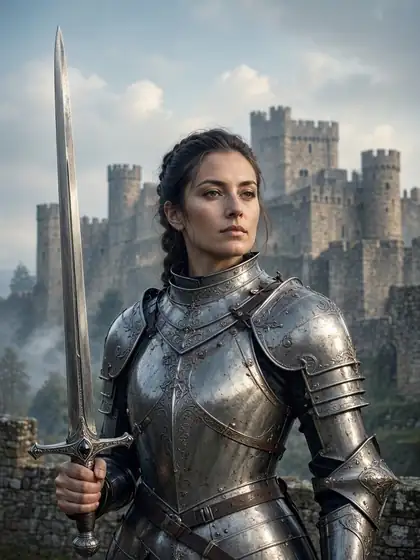
Real outputs made on Kenerate. Open any image to copy its prompt and run it yourself.
Same prompt
MAI Image 2.5 vs MAI Image 2.5 Pro
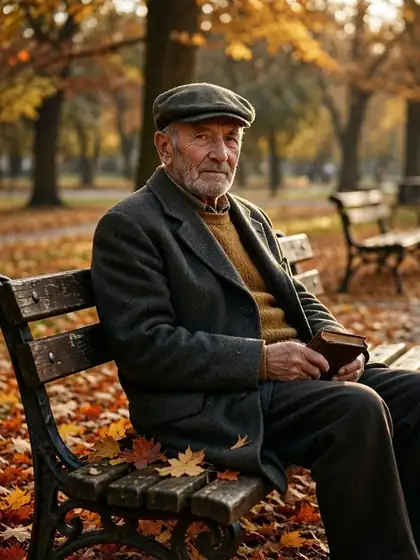
The same portrait prompt on both Microsoft models on Kenerate: 15 credits for 2.5, 54 for Pro.
PromptNatural light portrait of an elderly man with a flat cap on a park bench, autumn leaves, 85mm
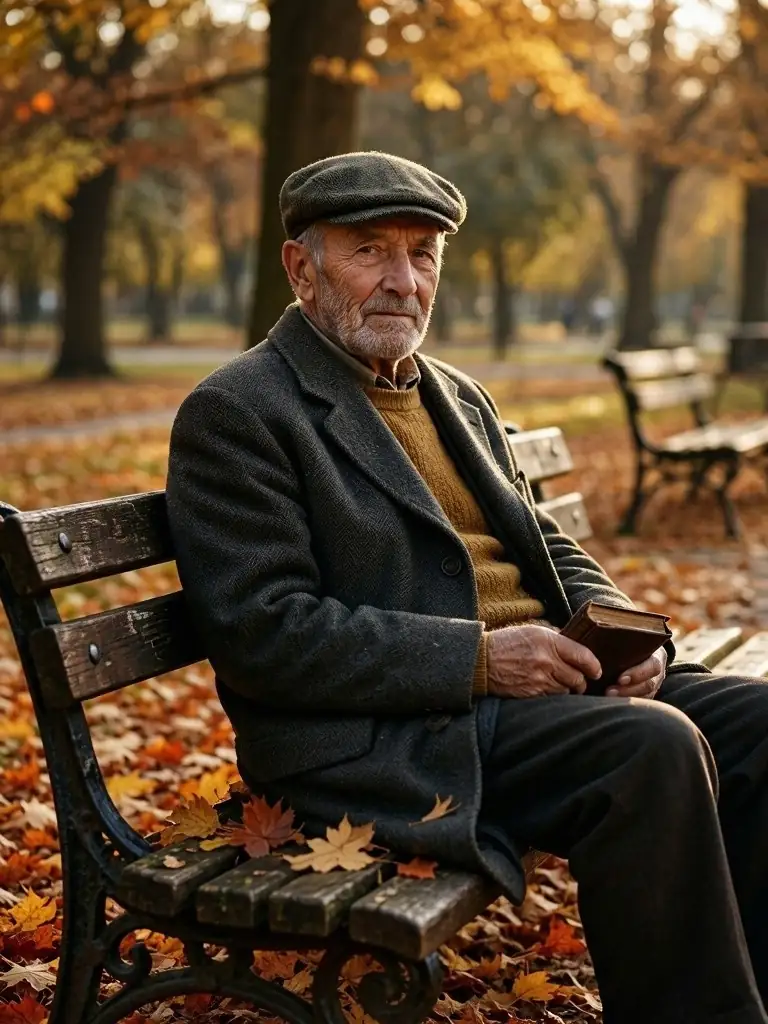 MAI Image 2.515 credits
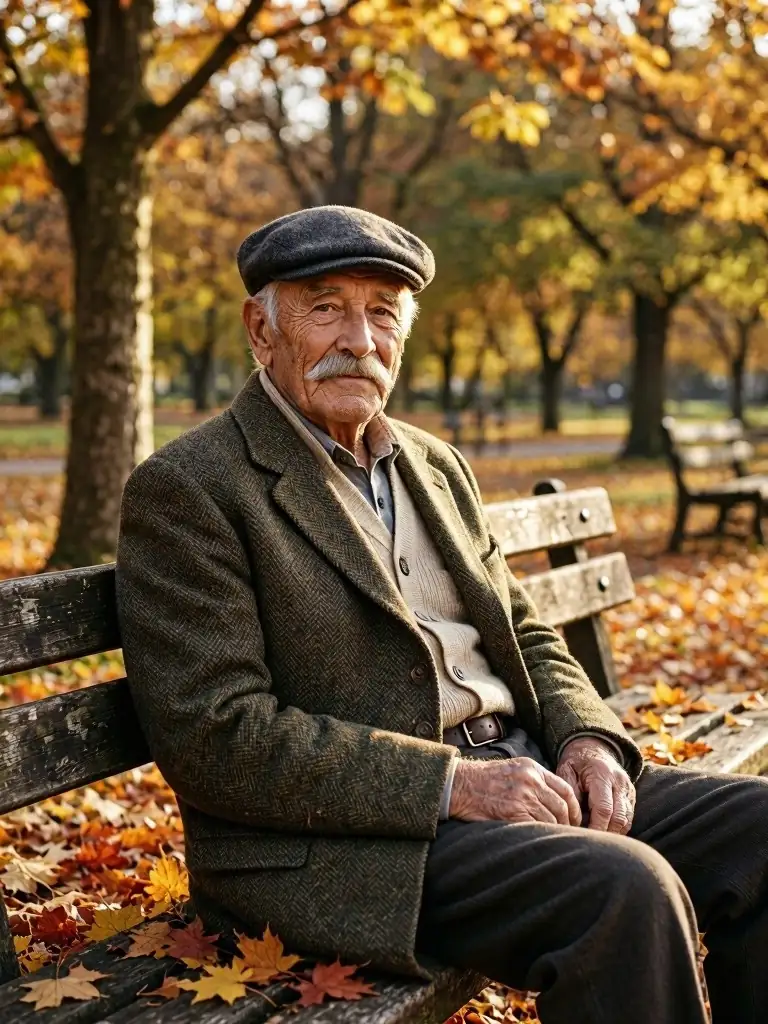 MAI Image 2.5 Pro54 credits
Models
MAI Image 2.5 on Kenerate
Every version in the generator, and what each is good at.
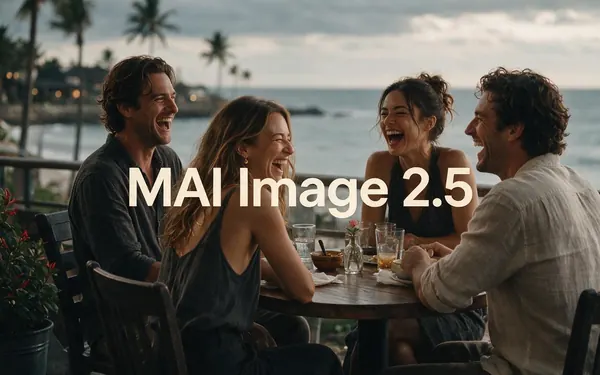
Microsoft
MAI Image 2.5
- Reference images
- 1
- Output
- 10 ratios up to 21:9
Open MAI Image 2.5Best for
Natural, photographic
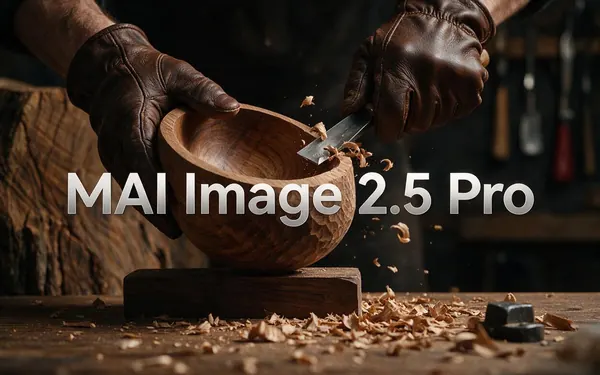
Microsoft
MAI Image 2.5 Pro
- Reference images
- 1
- Output
- 7 ratios
Open MAI Image 2.5 ProBest for
Highest fidelity

OpenAI
GPT Image 2.5 Sunburst
- Reference images
- Up to 16
- Output
- 1K to 4K
Open GPT Image 2.5 SunburstBest for
Dense text, many references
Google
Nano Banana 2.1
- Free plan

Alibaba
Qwen Image 3.0
- Reference images
- Up to 3
- Output
- 1K or 2K
Open Qwen Image 3.0Best for
Free-plan option
From our tests
Strengths and limits
Good at

- Photographic by default: our portrait, travel, food, pet and interior prompts all came back looking like real photos, from short prompts.
- Wide ratios: 21:9 for banners and website headers, plus 4:5 and 5:4 for feeds.
- Strong editor: Microsoft reports No. 2 on Arena's image-editing leaderboard and faces kept across edits.
- The same model Bing Image Creator uses by default, with no daily boost limits — you pay per image.
Limits
- One reference image only — for multi-image composites use GPT Image 2.5 (16) or Nano Banana 2.1 (14).
- Edits on MAI Image 2.5 come in 7 ratios, not the full 10.
- No seed and no negative prompt, so an exact image can't be repeated.
- Not on Kenerate's free plan; Pro costs 54 credits, so draft on 2.5 first.
How to
How to use MAI Image 2.5 on Kenerate
Step 1
Open MAI Image 2.5
Go to /app/image and pick MAI Image 2.5 (the button on this page selects it). Sign in free to get started.
Step 2
Write a photographic prompt
Name the subject, the place, the light and the lens — “natural light portrait … 85mm” is enough.
Step 3
Pick a ratio
One of 10, from 9:16 stories to 21:9 cinema banners. Each image is 15 credits.
Step 4
Edit or upgrade
Upload one photo and describe the change (17.4 credits), or re-run the final on MAI Image 2.5 Pro (54) for hero images.
See it in the app

Open Image Studio and type what you want to see — subject, style, lighting and mood.


Watch the tour · 1:23
Prompts, styles, references, edit, Arena & chat
Chapters
FAQ
MAI Image 2.5 questions
9 questions

What is MAI-Image-2.5?
MAI-Image-2.5 is Microsoft AI's in-house image generation and editing model, launched on 2 June 2026. Microsoft calls it its strongest image model at launch, with better text rendering, product imagery and prompt adherence than MAI-Image-2, precise localised edits and faces kept the same across edits. It has been the default model in Bing Image Creator since 23 July 2026.
Link to this answerMAI Image 2.5 vs 2.5 Pro — what's the difference?
MAI-Image-2.5-Pro, released on 23 July 2026, is Microsoft's highest-fidelity image model, meant for hero images, detailed edits and precise in-image text. On Kenerate, 2.5 costs 15 credits an image and Pro 54; 2.5 offers 10 aspect ratios and Pro 7. Draft on 2.5 and re-run only the final on Pro — compare the two on the same prompt above.
Link to this answerIs MAI Image 2.5 free?
Not on Kenerate's free plan. New accounts get 25 credits on sign-up — one MAI Image 2.5 image costs 15 — and more come from one-time packs with no subscription. Bing Image Creator also uses MAI-Image-2.5 for free with daily limits. For free drafts on Kenerate, use Qwen Image 3.0.
Link to this answerHow much does MAI Image 2.5 cost?
On Kenerate: 15 credits per image (about $0.05) and 17.4 per edit; MAI Image 2.5 Pro costs 54 per image and 87 per edit. In Microsoft Foundry it is billed by tokens: $47 per million image-output tokens for 2.5 and $106 for Pro, with $5 text input and $8 image input.
Link to this answerWhat is the difference between MAI Image 2 and MAI Image 2.5?
MAI-Image-2.5 is the newer generation. Microsoft reports a 75-point overall Arena gain over MAI-Image-2, with the biggest jumps in text rendering (+107) and cartoon, anime and fantasy (+90), plus stronger localised editing. Kenerate runs 2.5 and 2.5 Pro; the full family history is on our MAI Image page.
Link to this answerWhat aspect ratios does MAI Image 2.5 support?
On Kenerate MAI Image 2.5 makes 10 ratios: 1:1, 3:4, 2:3, 9:16, 4:5, 5:4, 4:3, 3:2, 16:9 and 21:9. Edits and MAI Image 2.5 Pro use 7: 1:1, 3:4, 2:3, 9:16, 4:3, 3:2 and 16:9.
Link to this answerCan MAI Image 2.5 edit photos?
Yes. Upload one photo in /app/image, pick MAI Image 2.5 and describe only the change — swap an object, change the text on a sign, clean up blur. Microsoft built it to keep the rest of the image and the person's face the same. An edit costs 17.4 credits, or 87 on Pro.
Link to this answerIs this the same model as Bing Image Creator?
Yes, the same model. Microsoft says Bing Image Creator runs on MAI-Image-2.5 by default since 23 July 2026. On Kenerate you get it without daily boost limits, in 10 ratios, with the Pro version and 80+ other models in the same studio.
Link to this answerCan I use MAI Image 2.5 without Azure or an API key?
Yes. Kenerate AI runs MAI Image 2.5 and 2.5 Pro in the browser: sign in, pick the model in /app/image and pay per image with credits. There is no Microsoft Foundry deployment, Azure subscription or API key to set up.
Link to this answerIn depth
MAI Image 2.5, in depth
Background, how to prompt it, and when to pick something else.
On this page
MAI-Image-2.5, Flash and Pro
Microsoft ships the 2.5 generation in three versions [1][2]. Kenerate runs the two quality versions.
- MAI-Image-2.5 — full fidelity, the Bing Image Creator default; on Kenerate 15 credits in 10 ratios.
- MAI-Image-2.5-Flash — a cheaper, faster version for production workloads in Microsoft Foundry [1].
- MAI-Image-2.5-Pro — Microsoft's highest-fidelity model, for hero images, detailed edits and precise text [2]; on Kenerate 54 credits.
What changed from MAI-Image-2
Microsoft's own Arena chart shows a 75-point overall gain over MAI-Image-2, led by text rendering (+107) and cartoon, anime and fantasy (+90), with scores as of 1 June 2026 [1]. It also ranks No. 2 on Arena's image-editing leaderboard and No. 3 for text to image. Editing got localised: replace an object, update text or remove motion blur without touching the rest, and keep a face the same across pose and expression changes.
Prompting MAI Image 2.5
Short, photographic prompts work: subject, place, light and lens. Every output on this page came from one or two lines. For banners, pick 21:9 before you write so the composition is wide from the start. For edits, upload one photo and describe only the change and what must stay.
By the Kenerate AI teamLast updated and reviewed
We run these models in the Kenerate generator. Model facts come from the makers' own pages; specs and limits were checked against our code; the examples are our own outputs.
Sources: MAI-Image-2.5 launches at No. 2 for image editing on Arena — Microsoft AI · Introducing MAI-Image-2.5-Pro and MAI-Voice-2-Flash — Microsoft AI · MAI-Image-2.5-Pro — Microsoft Foundry model catalog
