

StarryAI alternative · 80+ named models
StarryAI Alternative
StarryAI is a mobile-first AI art app: pick one of 1000+ styles, type a prompt and get daily free images on iOS, Android or the web. Kenerate is a browser studio where you choose the exact model — 80+ of them — then edit, combine, upscale and animate in the same account.

- Free to start
- 80+ models
- No subscription required
- No watermark
Checked
Made with Kenerate


On this page
Quick answer

What is the best StarryAI alternative?
The best StarryAI alternative if you want to choose the exact model rather than a style is Kenerate AI: 80+ named models such as Seedream 5.0 Pro, GPT Image 2, Nano Banana 2.1 and Flux 2, one-sentence editing, image combining with up to 16 references, and video with Seedance 2.5 or Wan 3.0 up to 30 s (paid plan). New accounts get 25 credits; packs start at $15 for 1,300 credits with no subscription required. StarryAI is still the better pick for a native phone app, 1000+ ready styles and daily free images.
Key facts
- StarryAI apps
- iOS, Android and web
- StarryAI free
- Daily free images, no watermark
- StarryAI sign-up
- 5 lumens (25 images)
- StarryAI styles
- 1000+
- Kenerate models
- 80+, picked by name
- Kenerate free start
- 25 sign-up credits
- Checked
- 31 Oct 2026
Side by side
StarryAI vs Kenerate
What each offers, from StarryAI's own pages and Kenerate's code.
| StarryAI | Kenerate | |
|---|---|---|
| Where it runs | Native iOS and Android apps, plus a web app | Web app in any desktop or phone browser; no native app |
| Free option | Daily free images without watermarks; 5 lumens (25 images) on sign-up | 25 credits on sign-up; free-plan models include Flux 2 and Qwen Image; no watermark |
| Paid | In-app subscriptions (Starter Pro, Unlimited Pro) and Lumen packs, per its App Store listing | One-time credit packs from $15 for 1,300 credits, no subscription required |
| How you pick a look | 1000+ styles; custom styles trained on your own images | 80+ named models (Seedream 5.0 Pro, GPT Image 2, Nano Banana 2.1, Flux 2, Recraft V4.1…) plus reference images |
| Editing | Reimagine, Enhance, Upscale, Remove Background; Nano Banana photo edits | One-sentence edits, up to 16-image combines, Remove BG, Image Upscale, Expand Image |
| Video | Text-to-video and image-to-video; 10-second clips with Nova Ultra (App Store listing) | Seedance 2.5, Wan 3.0, Veo 3.1, Kling v3 and more, up to 30 s (paid plan) |
| Community | Community feed with prompts, weekly challenge, Daily Edit | No community feed — a private studio |
| Ownership | You own what you create | Terms give you ownership, commercial use allowed |
StarryAI facts checked 31 October 2026. Plans change; confirm on their site.
Sources: StarryAI
Honest verdict
Kenerate or StarryAI: which should you pick?
StarryAI is a good product. Here is when each one is the better choice.
Pick Kenerate if…

- Pick the model, not a style
- Edit with a sentence
- Longer video
- No subscription required
When to pick StarryAI
- You mostly create on your phone and want a native iOS or Android app.
- You like browsing 1000+ ready styles instead of choosing models.
- You enjoy the community feed, weekly challenges and Daily Edit.
- Daily free images are all you need.
Why people switch
Why try Kenerate instead of StarryAI
Pick the model, not a style
Every image names the model behind it — Seedream 5.0 Pro for detailed art, GPT Image 2 for exact text, Nano Banana 2.1 for product and character consistency.
Edit with a sentence
Change an outfit or a background in words, or combine up to 16 images into one scene.
Longer video
Animate a finished image with Seedance 2.5 or Wan 3.0, up to 30 seconds (paid plan).
No subscription required
One-time packs from $15 for 1,300 credits; the cost shows before you generate.
Gallery
What Kenerate makes
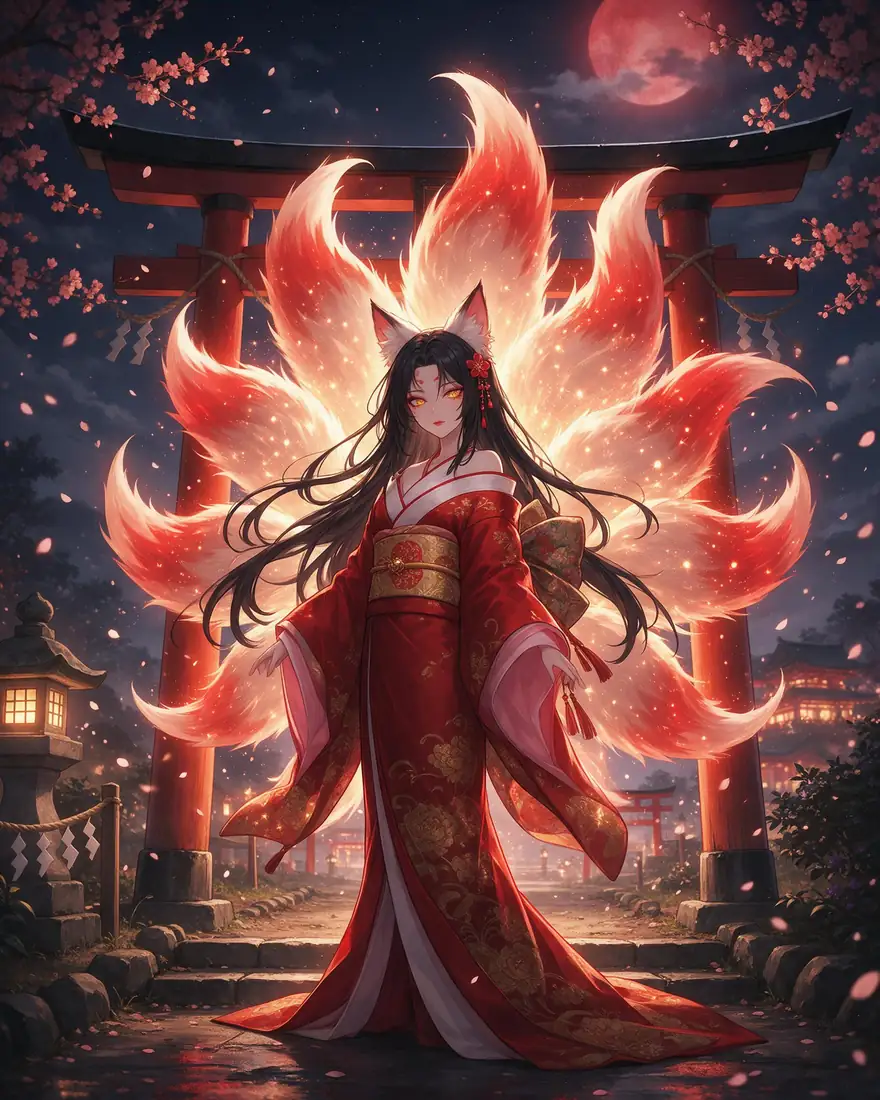
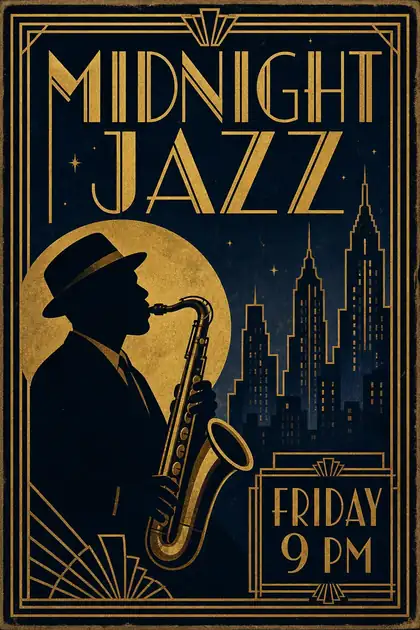
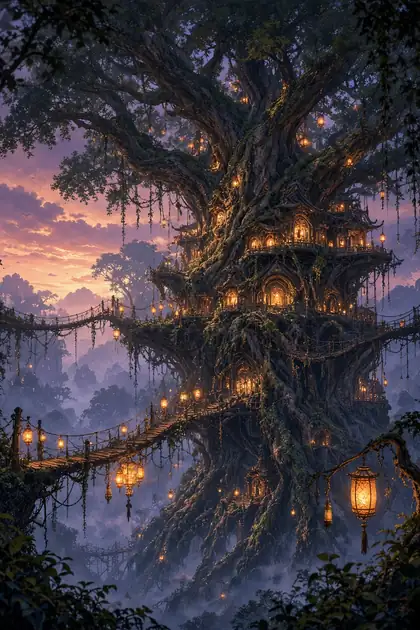
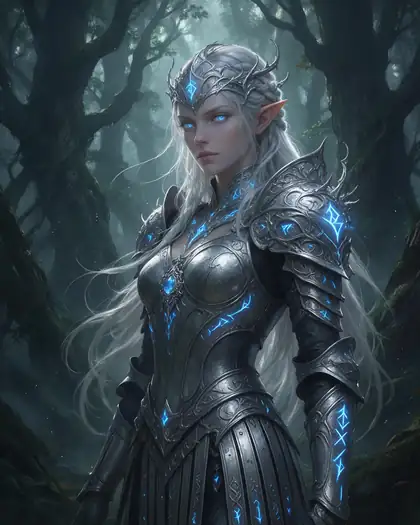
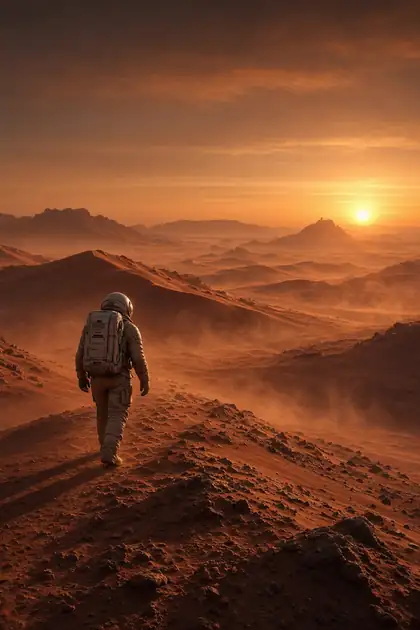
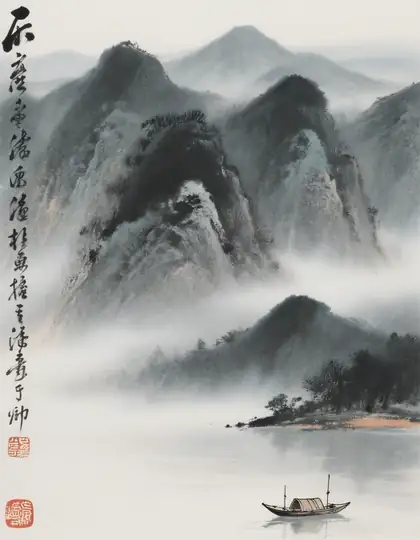
Real, SFW outputs from Kenerate. Open any image to copy its prompt and run it yourself.
Switching
How to switch from StarryAI
Bring your prompts and start free.
Step 1
Sign in free
One click with Google, GitHub or Discord — 25 credits are added. It works in your phone's browser too.
Step 2
Paste your StarryAI prompt
Drop the style name and describe the look in words instead: Seedream 5.0 Pro for illustration and detailed art, GPT Image 2 for photos and lettering, Flux 2 on the free plan.
Step 3
Bring your references
Instead of training a custom style, upload a few of your own images as references to keep a character or look consistent.
Step 4
Edit, upscale or animate
Fix details with a sentence, upscale the keeper, or turn it into a clip in the video studio (paid plan).
See it in the app

Open Image Studio and type what you want to see — subject, style, lighting and mood.


Watch the tour · 1:23
Prompts, styles, references, edit, Arena & chat
Chapters
FAQ
StarryAI alternative questions
7 questions

What is the best StarryAI alternative?
Kenerate AI, if you want to choose the exact model and keep editing and video in one place. It runs 80+ named models — Seedream 5.0 Pro, GPT Image 2, Nano Banana 2.1, Flux 2 and more — with one-sentence edits, up to 16-image combines and video up to 30 seconds on a paid plan. If you want a native phone app with ready-made styles and daily free images, StarryAI itself is hard to beat.
Link to this answerIs StarryAI free?
Partly. StarryAI's site says you get daily free AI images without watermarks, and new accounts are topped up with 5 lumens, worth 25 images. Its App Store listing shows paid subscriptions such as Starter Pro and Unlimited Pro, plus Lumen packs, as in-app purchases. Prices vary by store and region, so check the app before you buy.
Link to this answerIs Kenerate free?
Yes, to start. A new account gets 25 credits on sign-up, and the free plan includes models such as Flux 2 and Qwen Image. After that, one-time credit packs start at $15 for 1,300 credits, with no subscription required and no watermark on downloads.
Link to this answerDoes Kenerate have a mobile app like StarryAI?
No. Kenerate is a web app. It works in a phone browser, but there is no native iOS or Android app — that's one of StarryAI's real advantages.
Link to this answerCan Kenerate make videos like StarryAI?
Yes, on a paid plan. StarryAI's App Store listing describes 10-second videos with Nova Ultra. Kenerate's video studio runs Seedance 2.5 and Wan 3.0 up to 30 seconds, plus Veo 3.1, Kling v3 and others, so you can animate an image you just made.
Link to this answerCan I use my StarryAI styles on Kenerate?
Not directly — Kenerate has no style library or custom-style training. Describe the style in your prompt instead ("watercolour", "80s anime", "3D clay"), pick a model that suits it, and add your own images as references to keep the look consistent.
Link to this answerCan I use Kenerate images commercially?
Yes. Kenerate's Terms say you own what you generate and can use it for commercial work. StarryAI also says you own the images you create with it.
Link to this answerIn depth
StarryAI vs Kenerate, in depth
How we compared, and what matters when you choose.
On this page
Styles vs models
StarryAI is built around styles: you pick one of 1000+ looks, type a prompt and the app handles the rest, and you can train a custom style on your own images [1][3]. That's quick on a phone, but the model behind each style isn't the point.
Kenerate works the other way round. You pick the model by name and steer the look with words and reference images. That takes a sentence more effort, but you know exactly what you're getting — GPT Image 2 for readable text, Seedream 5.0 Pro for detailed illustration, Nano Banana 2.1 for keeping a product or character the same across shots.
Daily free images vs one-time credits
StarryAI's free route is daily free images, plus 5 lumens (25 images) at sign-up [1]; heavier use moves to an in-app subscription or Lumen packs [3]. Kenerate gives 25 credits once, then sells one-time packs from $15 for 1,300 credits, with no subscription required — better for occasional big jobs, less generous if you only want a few free images every day.
Beyond the image
Both now do more than text-to-image. What Kenerate adds in the same account:
- One-sentence edits and up to 16-image combines.
- Remove BG, Image Upscale and Expand Image tools.
- Video up to 30 seconds with Seedance 2.5 or Wan 3.0 (paid plan) — StarryAI's listing describes 10-second clips [3].
- Voice, music and talking avatars, if the image becomes part of a video.



By the Kenerate AI teamLast updated and reviewed
We build Kenerate, so we're not neutral — which is why every StarryAI fact here links to StarryAI's own site, and we list when StarryAI is the better choice.
Sources: StarryAI — home page · StarryAI — AI video generator · StarryAI — App Store listing
