Text or photo to doodle · line style you choose
AI Doodle Generator — doodles from a prompt or a photo
Describe a doodle, or add a photo as a reference, and get a hand-drawn, black-line picture with a simple white background — ready for slides, stickers, notebooks and social posts.
- Describe it or add a photo
- Thin pen or thick marker
- Simple white background
- Ready for slides and stickers
Updated by the Kenerate AI team




On this page
Quick answer

How do you make a doodle with AI?
An AI doodle generator turns a short prompt into a loose, hand-drawn picture: simple shapes, uneven pen lines and a few playful marks. On Kenerate AI you describe the subject and name the line — thin pen, thick marker or crayon — and GPT Image 2.5 Sunburst draws it. Our two test doodles, a party-hat cat and a lightbulb with a rocket, came back as clean black linework on white for 7.2 credits each at 1K, and a new account starts with 25 free credits.
Key facts
- Doodles made for this page
- 2 (party-hat cat · lightbulb and rocket)
- Model
- GPT Image 2.5 Sunburst (OpenAI)
- Format
- 4:5 in our tests; image file, not vector
- Background
- Plain white when you ask for it
- Watermark
- None
Gallery
Two prompts, two doodles
Real GPT Image 2.5 Sunburst renders, one try each. Open any one to copy the prompt.
Same prompt
The prompt, then the doodle
Same recipe for both: a short subject, the line named, a plain background and no text.
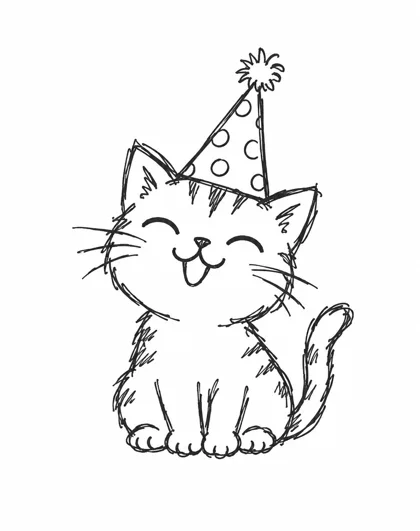
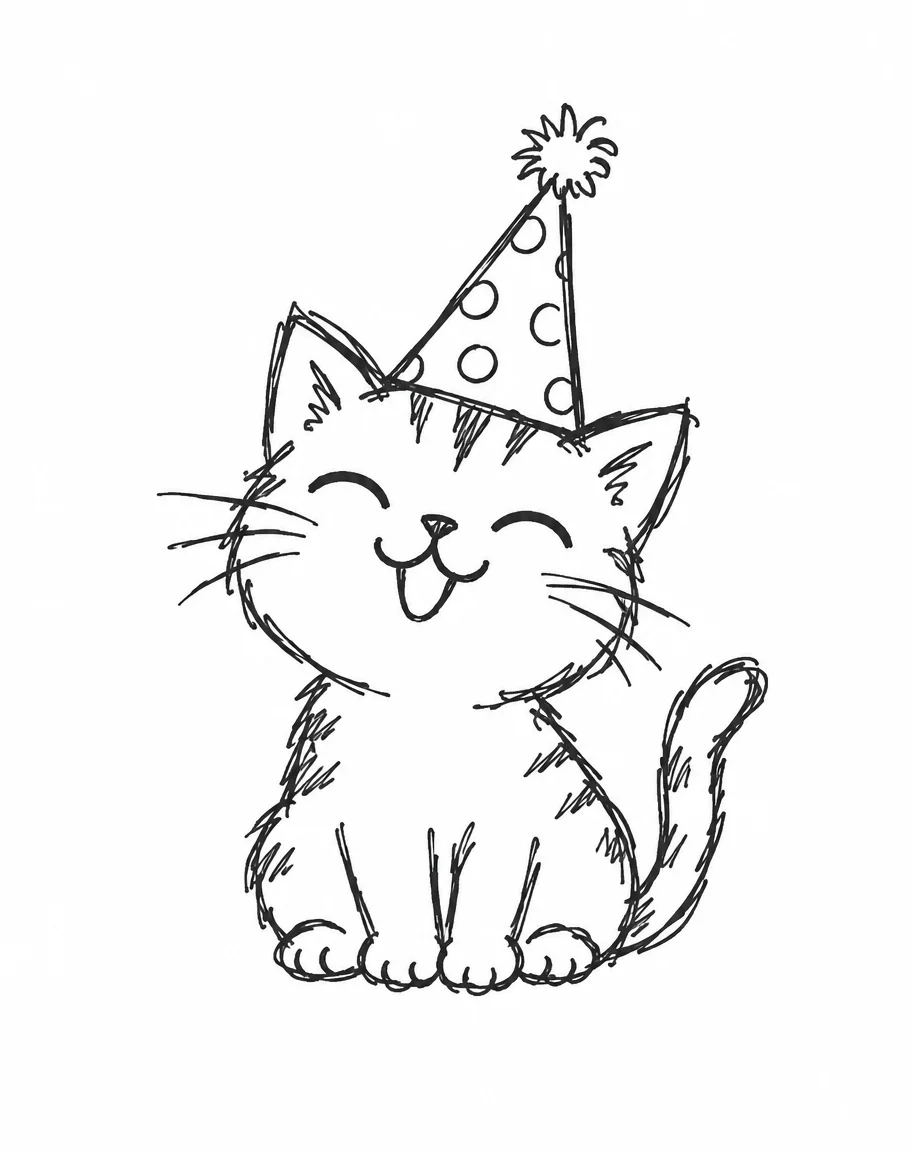
PromptLoose hand-drawn doodle of a smiling cat wearing a party hat, thin uneven black pen lines, simple white background, playful and compact, no text
- Party-hat catGPT Image 2.5 Sunburst
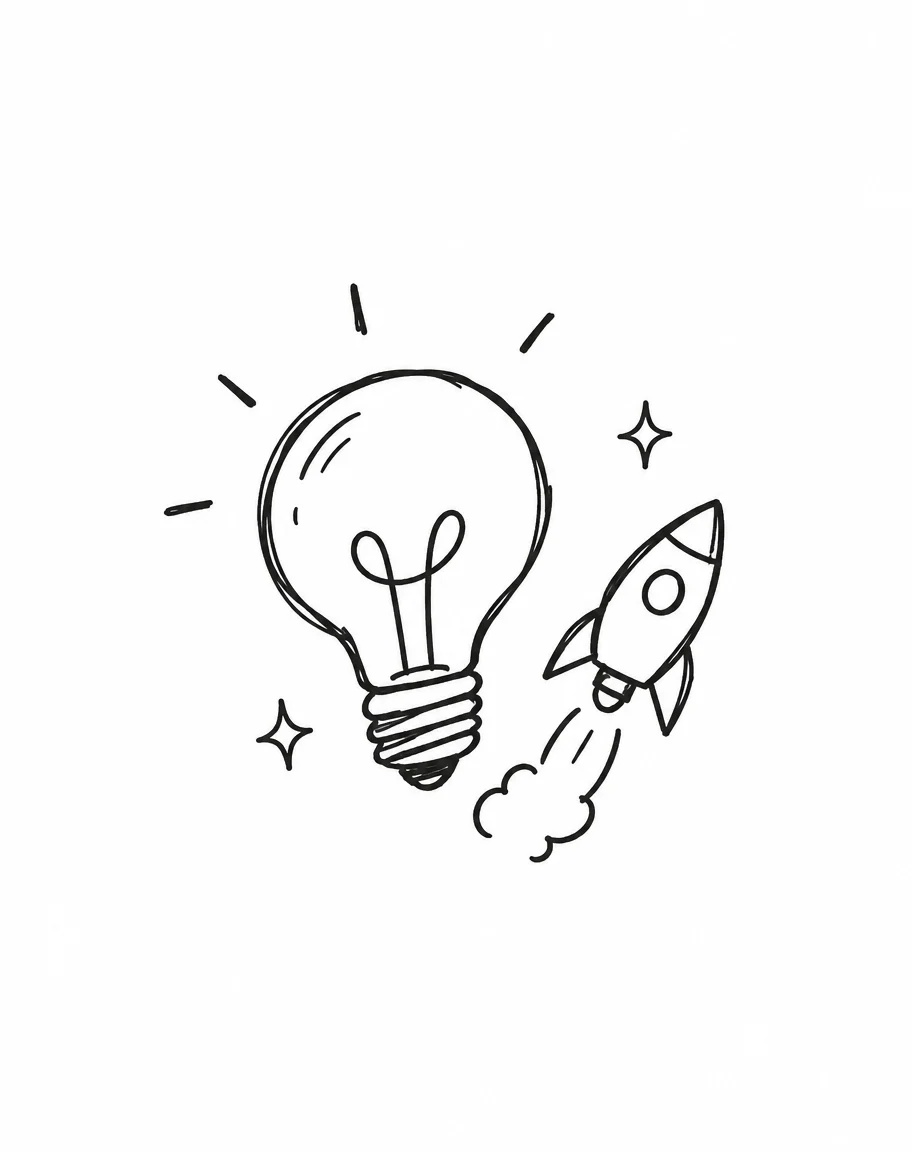 Idea with a rocketGPT Image 2.5 Sunburst
How to
How to use the AI doodle generator
- Time needed
- Steps
- 4 steps
Step 1
Describe the doodle
Name the subject, the line (thin pen, thick marker) and the background in one sentence.
Step 2
Pick GPT Image 2.5 Sunburst
It made both of our doodles with clean black linework on white.
Step 3
Add a photo if you want one
Upload a reference in the image studio and describe the doodle treatment. A photo edit costs 11.7 credits.
Step 4
Download
Regenerate for a different line or pose, then download without a watermark.
See it in the app

Open Image Studio and type what you want to see — subject, style, lighting and mood.


Watch the tour · 1:23
Prompts, styles, references, edit, Arena & chat
Chapters
Tips
Get a doodle that looks hand-drawn
What we saw in our two tests, and what the page's competitors also recommend.
Name the line first: “thin uneven pen lines” or “thick imperfect marker outline”.
Keep one subject with a compact outline — a cat, a bulb, a mug — rather than a scene.
Ask for a plain white background, or lined notebook paper if you want that look.
Say “no text” if you don't want the model to add words or labels.
For a set, keep the same line words in every prompt so the doodles match.
Want a photo turned into a doodle? Add it as a reference and describe the treatment: loose black ink, simple linework.
Models
Models for doodles
What each model is good at. Open any one straight in the generator.

OpenAI
GPT Image 2.5 Sunburst
- Reference images
- Up to 16
- Output
- 1K–4K
Open GPT Image 2.5 SunburstBest for
Made both example doodles
Google
Nano Banana 2.1
- Reference images
- Up to 14
- Output
- Up to 4K
Open Nano Banana 2.1Best for
Use when a photo must keep its details
FAQ
AI Doodle Generator questions
9 questions

How do I make a doodle with AI?
Open the image studio, pick GPT Image 2.5 Sunburst and write one sentence: the subject, the line and the background, such as “a smiling cat in a party hat, thin uneven black pen lines, plain white background, no text”. Our cat came back as a loose black-line doodle in one try.
Link to this answerCan I turn a photo into a doodle?
Yes. Upload the photo as a reference and describe the treatment: “loose black ink doodle of this person, simple linework, white background”. Keep the photo to one clear subject. We have not yet published a photo-to-doodle example on this page, so check the first result before you use it.
Link to this answerWhat is the difference between a doodle, a sketch and line art?
A doodle is loose, playful and simplified, with uneven lines and small marks. A sketch is broader and often shows shading and construction lines. Line art is cleaner, mostly contours, and high in contrast. Name the one you want in the prompt — “doodle” alone can come back as a sketch.
Link to this answerCan I make black-and-white doodles?
Yes — say “black-and-white” or “black pen lines on white”. Both of our examples came back as black linework on a white background with no colour fill.
Link to this answerCan I make a set of matching doodles?
Yes, by repeating the same line and background words in every prompt, one subject per image. Each image is separate, so line weight and small details still vary a little between them. Pick the strongest and regenerate the rest.
Link to this answerCan I remove the background from a doodle?
The doodle comes back on a white background. To get a transparent version, use the background remover on the finished image, then reuse it in slides, stickers or a website.
Link to this answerCan I animate a doodle?
Generate the doodle as a still first, then use it as the first frame of an image-to-video model. Animating is a separate step with its own credit cost, so check the price before you run it.
Link to this answerHow much does the AI doodle generator cost?
A doodle from text on GPT Image 2.5 Sunburst at 1K costs 7.2 credits. Adding one photo as a reference makes it 11.7 credits. A new account gets 25 credits on sign-up, which is enough for two doodles from text or two photo-based ones with credits left over. Credits come in one-time packs that never expire, with no subscription.
Link to this answerIs the output mine to use?
Doodles from Kenerate carry no watermark. Check the terms for your use, and do not upload a photo of anyone who has not agreed to it.
Link to this answerIn depth
AI Doodle Generator, explained
What works, what to avoid, and how to pick a model.
On this page
Doodle, sketch or line art: pick the word that matches the picture
The three words overlap in everyday talk, and an image model follows the word you use. A doodle is loose and playful with uneven lines and small marks. A sketch is broader, often with shading and visible construction lines. Line art is cleaner and mostly contours.
If you want a doodle, say so and name the line. The model guesses otherwise.
A doodle prompt, written out
The two examples on this page used the same four parts:
- Subject: “a smiling cat”, “a lightbulb with a small rocket”.
- Props or marks: “a polka-dot party hat”, “a few spark marks”.
- Line: “thin uneven black pen lines” or “thick imperfect marker outline”.
- Background and text: “simple white background, no text”.
Doodles for slides, stickers and notebooks
Doodles work best as small, single-subject pictures. A lightbulb beside a rocket reads as “new idea” on a slide; a cat in a party hat suits a birthday card or a sticker sheet.
Keep the subject compact. Complex scenes tend to lose the hand-drawn feel and turn into a busy illustration.
What we got
Two doodles, one try each, on GPT Image 2.5 Sunburst at 4:5:
- Party-hat cat: a clean outline, dotted hat and fur marks, with the line weight we asked for.
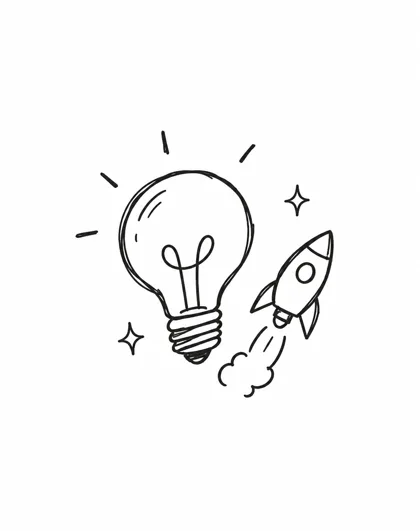
- Lightbulb and rocket: a clear idea icon with spark marks and a trail, on a plain white background.
By the Kenerate AI teamLast updated and reviewed
We build and run the Kenerate generator. Every example is a real output of the model named under it; models and presets were checked against the app's code.
Sources: Kenerate Image Studio · getimg.ai — AI Doodle Generator (competitor page, read 29 Oct 2026)