Free · no sign-up · PNG download
Brat Generator — lime green text covers, free
Type your word, pick the colour, set the blur and download a PNG. It runs in your browser, so it costs nothing and needs no account.
- No sign-up
- No watermark
- Square, 4:5 or story
- Any background colour
Updated by the Kenerate AI team




On this page
Quick answer

What is a brat generator?
A brat generator turns your text into the lime green cover meme: short lowercase words in a plain narrow black font, slightly blurred, on a flat colour. The maker on this page does it in your browser for free: type your text, choose a background and blur level, pick square, 4:5 or story size, and download a 1080-pixel-wide PNG with no watermark and no account. The usual green is #8ACE00. If you want more than text on colour, the same look also works as an AI prompt on GPT Image 2.5 Sunburst at 7.2 credits an image.
Key facts
- Cost
- Free in the maker · no credits, no sign-up
- Download
- PNG, no watermark
- Sizes
- 1080×1080 · 1080×1350 · 1080×1920
- Default colour
- #8ACE00 lime green
- Other colours
- White, pink, blue, black or any custom colour
- Blur
- 7 levels, from sharp to soft
- Your text
- Drawn in your browser, not uploaded
Gallery
The same look from an AI model
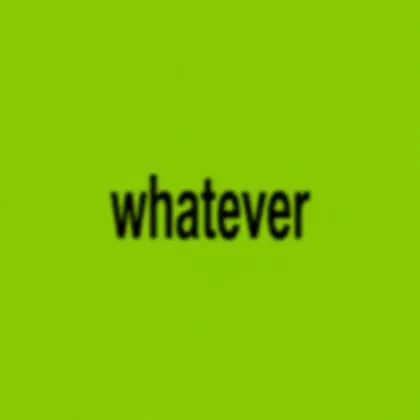
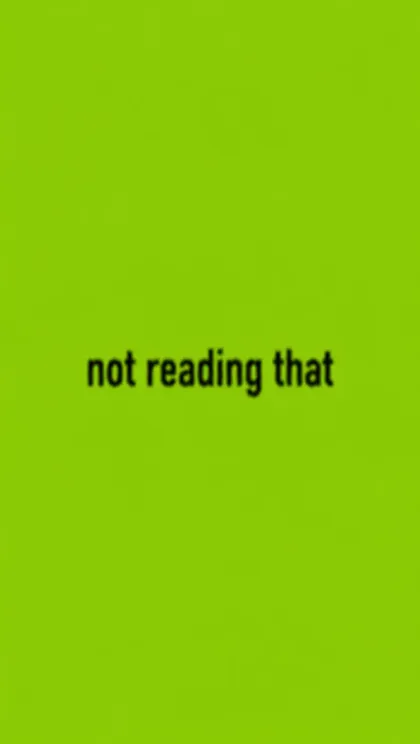
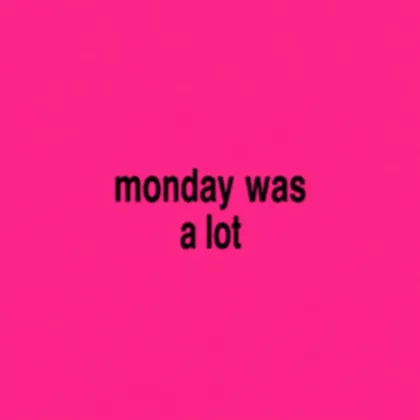
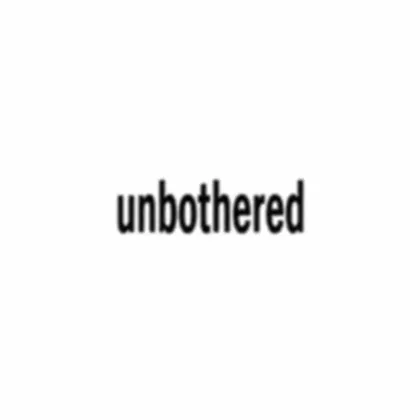
Four real GPT Image 2.5 Sunburst images, one try each, every word spelled right. Open any one to copy the prompt.
How to
How to use the brat generator
- Time needed
- Steps
- 4 steps
Step 1
Type your text
Enter your word or phrase in the box. Press Enter to force a new line.
Step 2
Pick a colour
Keep the lime green, choose white, pink, blue or black, or set any custom colour.
Step 3
Set the blur and size
Move the blur slider, then choose square, 4:5 or story.
Step 4
Download
Press Download PNG. The file saves to your device with no watermark.
See it in the app

Open Image Studio and type what you want to see — subject, style, lighting and mood.


Watch the tour · 1:23
Prompts, styles, references, edit, Arena & chat
Chapters
Tips
Make it look right
Small choices carry this style, because there is so little in it.
Keep it short: one to four words read best.
Stay lowercase. Capitals lose the look straight away.
Use a little blur. Too much and the words stop being readable at phone size.
Leave the space empty. No icons, borders or second font.
Use the story size for Instagram and TikTok so nothing gets cropped.
Want the exact green? Use the maker. The AI model got close, not exact.
Models
Models for the AI version
What each model is good at. Open any one straight in the generator.

OpenAI
GPT Image 2.5 Sunburst
- Reference images
- Up to 16
- Output
- 1K–4K
Open GPT Image 2.5 SunburstBest for
Made all four examples
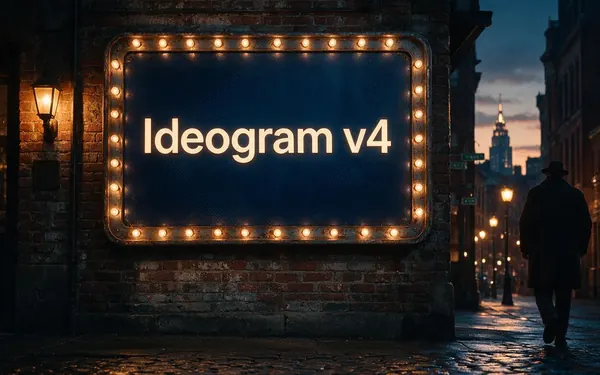
Ideogram
Ideogram v4
- Reference images
- None
- Output
- 1K
Open Ideogram v4Best for
Text specialist, not tested here
- Free plan

Alibaba
Qwen Image 3.0
- Reference images
- Up to 3
- Output
- 1K · 2K
Open Qwen Image 3.0Best for
Free plan, not tested here
FAQ
Brat Generator questions
9 questions

What is a brat generator?
A brat generator is a small tool that puts your own words into the lime green text cover style: lowercase, narrow black font, a slight blur and a flat colour behind it. The look spread as a meme in 2024, and people still use it for posts, stories and profile pictures.
Link to this answerIs this brat generator free?
Yes. The maker on this page is free, with no credits, no account and no watermark. It draws the image in your browser. Only the optional AI version uses credits: 7.2 per image on GPT Image 2.5 Sunburst, and a new account starts with 25 free credits.
Link to this answerWhat is the brat green hex code?
The value most brat generators use is #8ACE00, and it's the default here. You can change it with the colour picker if you prefer a brighter or softer green.
Link to this answerWhat font does the brat style use?
It's a plain narrow sans-serif, and guides usually compare it to Arial Narrow. The maker uses Arial Narrow where your device has it. Otherwise it squeezes Arial or your device's sans-serif to a similar width, so the letters can differ slightly between devices.
Link to this answerCan I change the background colour?
Yes. Pick lime green, white, pink, blue or black, or choose any colour with the custom picker. The text switches between black and white by itself so it stays readable.
Link to this answerHow do I change the blur?
Move the blur slider. Level 0 is sharp and level 6 is the softest. The preview updates as you move it, and the download matches the preview.
Link to this answerWhat size should I use for Instagram or TikTok?
Use Story (1080×1920) for stories, Reels and TikTok, 4:5 (1080×1350) for feed posts, and Square (1080×1080) for profile pictures and cover-style posts.
Link to this answerIs my text uploaded anywhere?
No. The maker draws your image on your own device and the PNG is created there. Your text only leaves the browser if you choose the AI button, which opens Kenerate Image Studio with your text in the prompt.
Link to this answerCan I use a brat cover commercially?
A plain coloured square with your own words is a style, not a copy of anyone's artwork. Don't use real album art, a real person's likeness or anything that suggests an artist endorsed you. For anything important, like merchandise or ads, get your own legal advice.
Link to this answerIn depth
Brat Generator, explained
What works, what to avoid, and how to pick a model.
On this page
Maker or AI: which one do you need?
For words on a flat colour, use the maker. It's free and instant, the colour is exact, and the spelling is always what you typed.
Use an AI model when you want something the maker can't draw, such as the text on a poster in a street, on a phone screen or on a T-shirt mock-up. That costs credits, and you need to check the spelling and the colour.
What we got from the AI model
Four images on GPT Image 2.5 Sunburst, one try each:
- Spelling: all four came back correct, including the two-line one.
- Blur: all four had the soft, low-resolution edges we asked for.
- Colour: we asked for #8ACE00 and measured #8EC905 and #8ACA05, close but not exact.
- Background: flat to the eye, with faint texture when you zoom in. The maker's background is perfectly flat.
A prompt you can copy
Swap in your own word and keep the rest. Put the exact words in quotes and say what must stay out:
- Flat solid lime green square background, colour #8ACE00, no texture.
- One centered lowercase word "yourword" in a plain condensed black sans-serif like Arial Narrow.
- Slightly blurred and soft at the edges, as if low resolution.
- Nothing else in the image: no people, no logos, no other text.
By the Kenerate AI teamLast updated and reviewed
We build and run the Kenerate generator. Every example is a real output of the model named under it; models and presets were checked against the app's code.
Sources: Kenerate Image Studio