Halftone dots · colour grids · speech bubbles
Pop Art Generator — turn a photo or a prompt into pop art
Type an idea or upload a photo and get bold pop art: flat primary colours, halftone dots, thick black outlines, a speech bubble or a four-panel colour grid.
- Text or photo
- Four-panel grids
- Readable speech bubbles
- No watermark
Updated by the Kenerate AI team




On this page
Quick answer

How do you make pop art with AI?
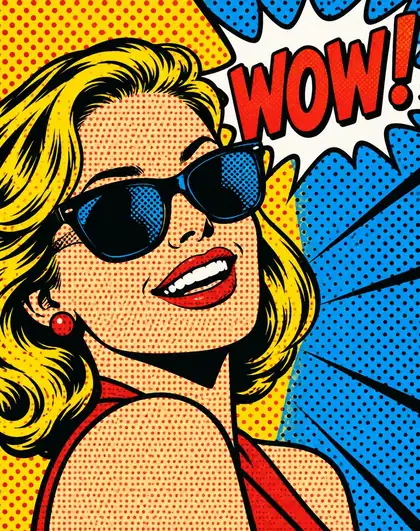
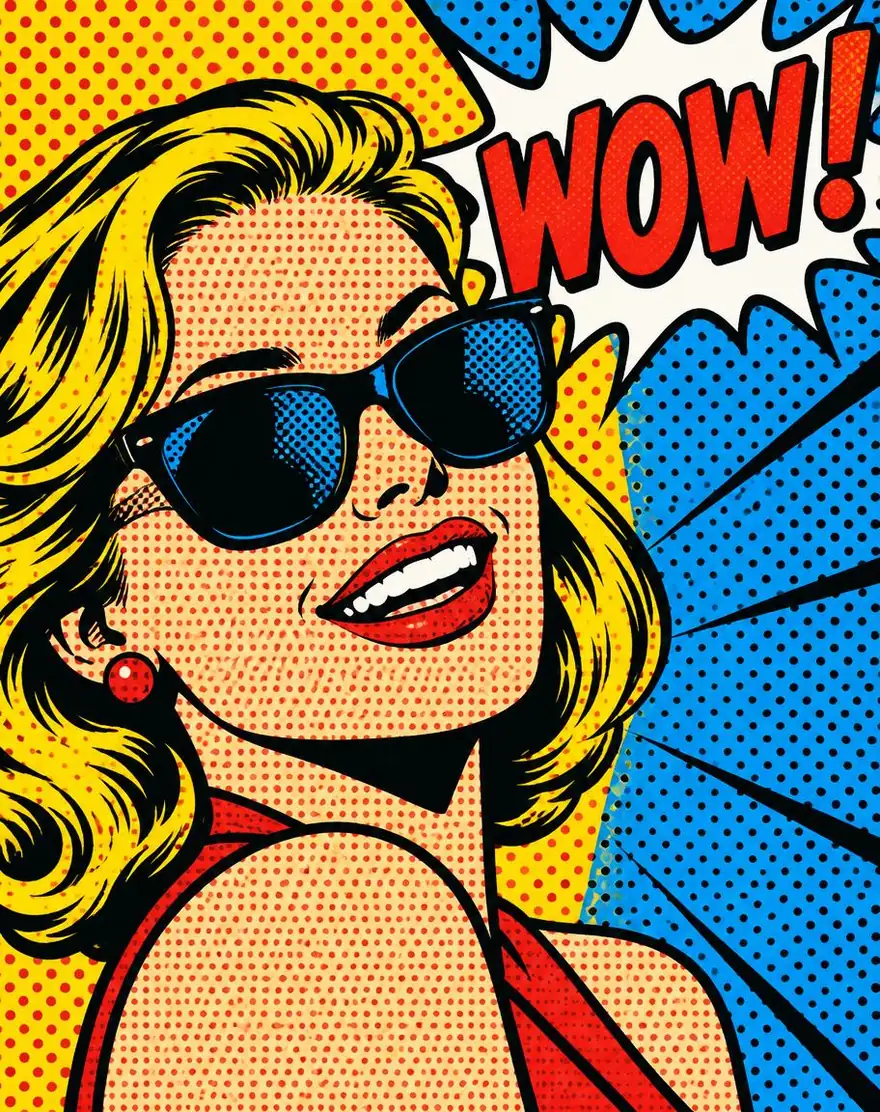
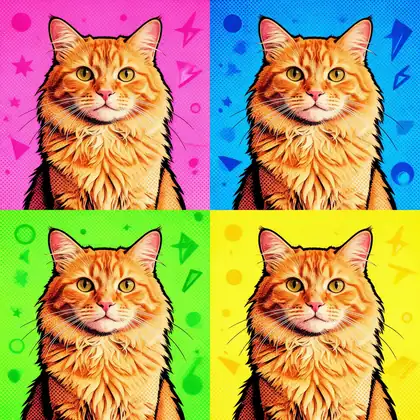
A pop art generator turns a prompt or a photo into artwork in the 1960s pop art look: flat saturated colours, halftone dots, bold black outlines, often with a speech bubble or a repeated four-panel grid. On Kenerate AI you can type a prompt in Image Studio — GPT Image 2.5 Sunburst drew our comic portrait with a clean “WOW!” bubble for 7.2 credits — or upload a photo and pick the Pop Art look in AI Filter. Our cat photo came back as a four-colour grid with the same cat.
Key facts
- Ways in
- Text prompt or your photo
- Text in bubbles
- GPT Image 2.5 Sunburst
- Photo to pop art
- AI Filter “Pop Art” look or a Seedream 5.0 Pro edit
- Free start
- Starter credits; Qwen Image 3.0 on the free plan
- Watermark
- None
Gallery
Pop art made on Kenerate
Three real outputs, one from a text prompt and two from photos. Open any one to copy the prompt.
Same prompt
The photo, then the pop art
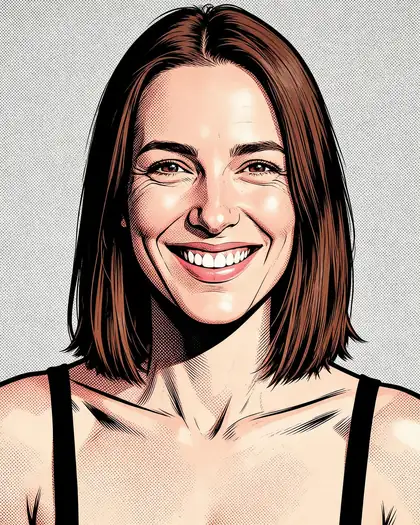
Two photos in, two prints out. The cat kept its fur and face across all four panels; the portrait kept the face and hair under the halftone.
PromptTurn this cat into a bright four-panel pop art print with different neon colour backgrounds in each panel. Keep the same cat.
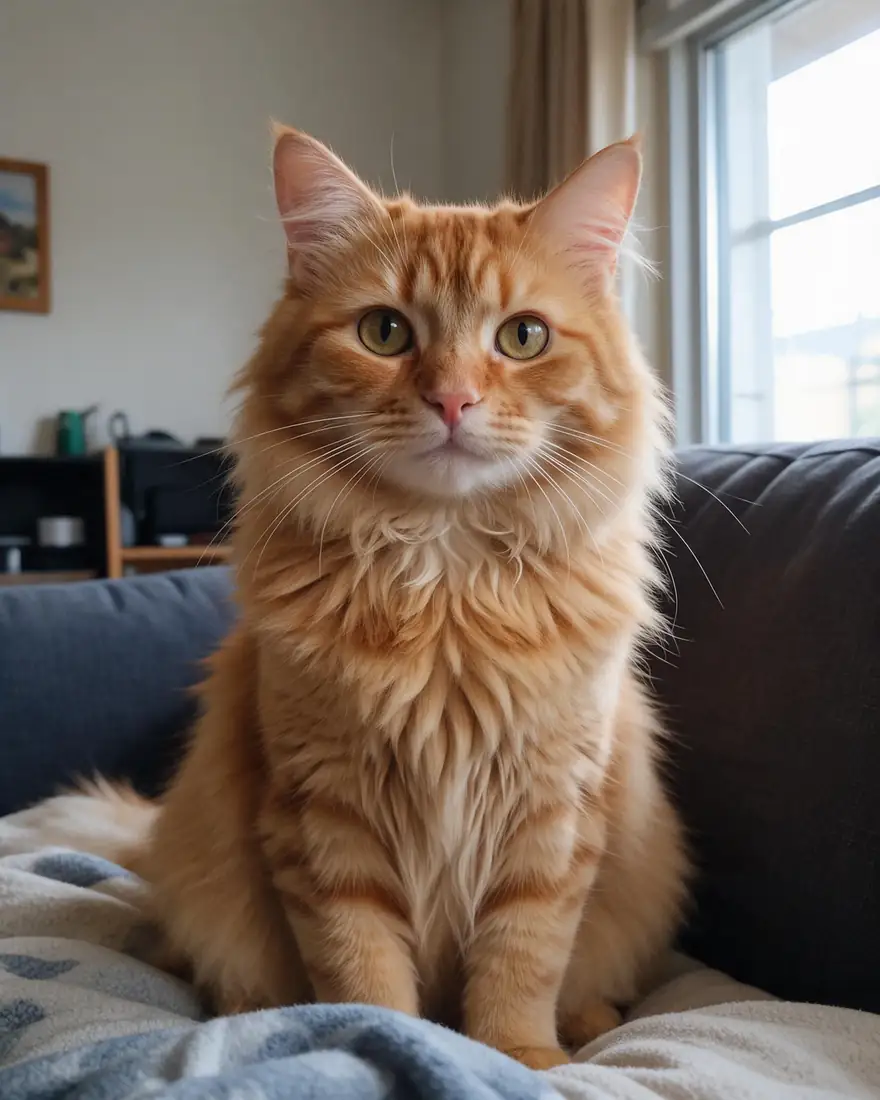 PhotoInput
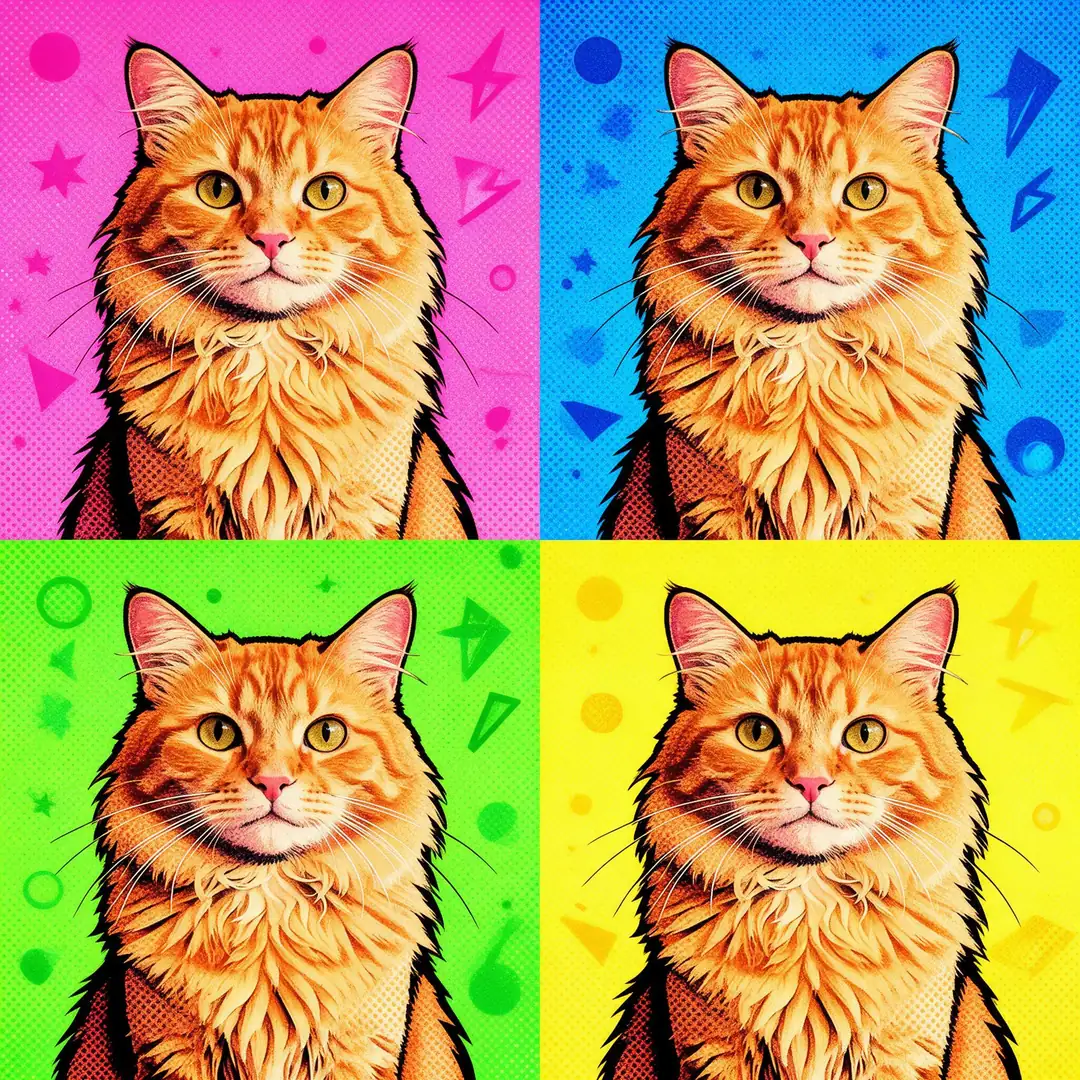 Four-panel gridSeedream 5.0 Pro · 2K
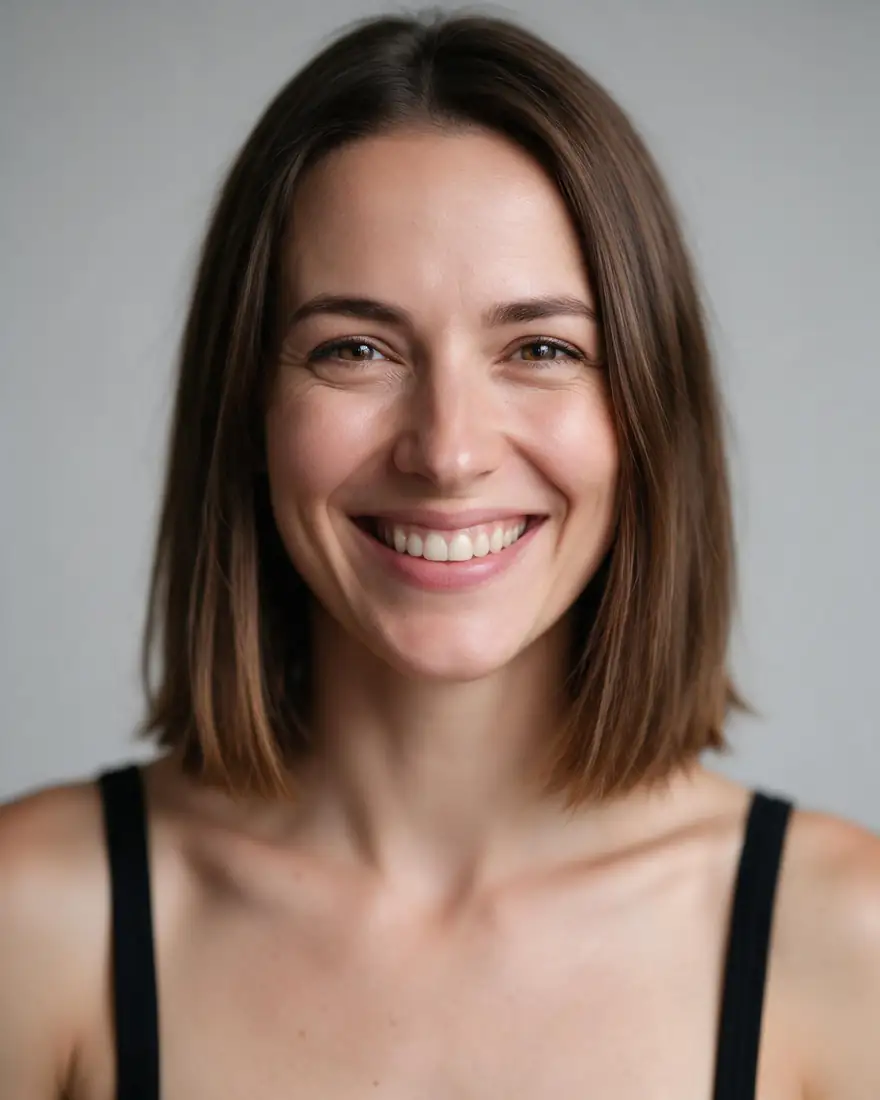 PhotoInput
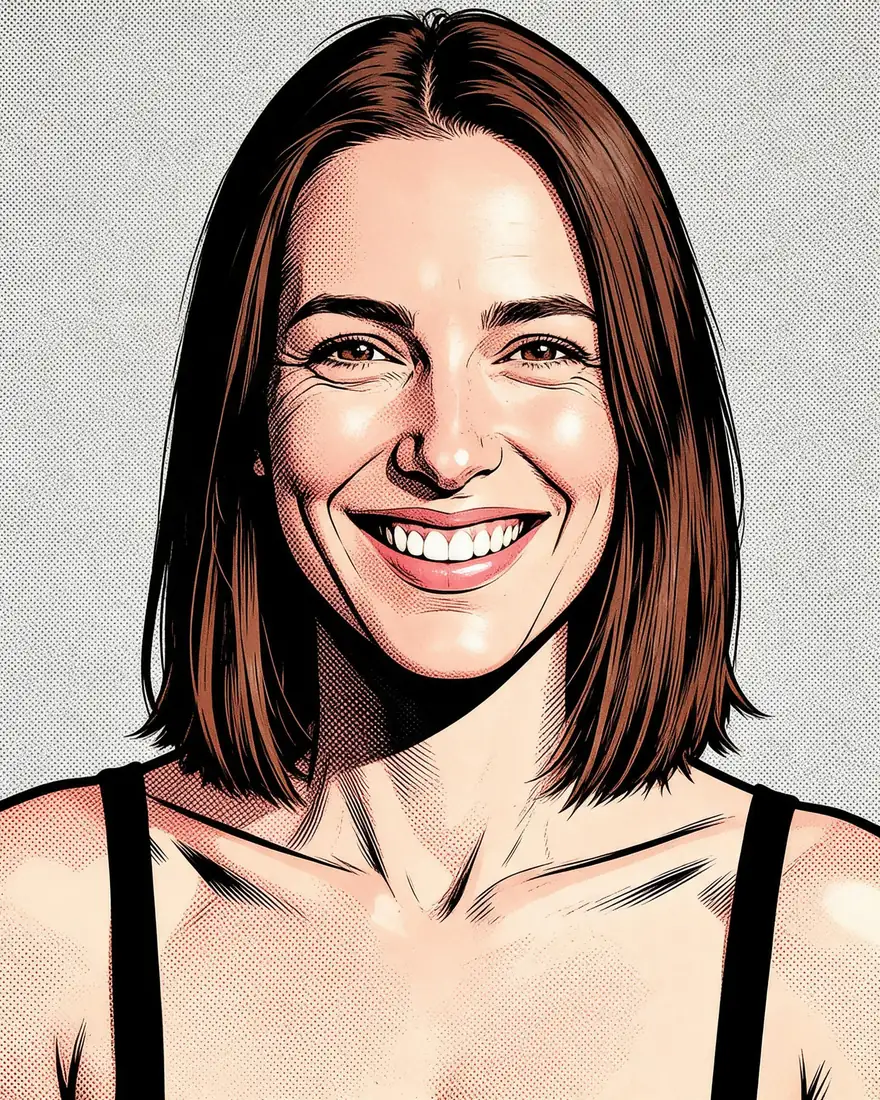 Comic halftoneSeedream 5.0 Pro · 2K
How to
How to use the pop art generator
- Time needed
- Steps
- 4 steps
Step 1
Open a tool
Image Studio for text prompts, or AI Filter with the Pop Art look for a photo. Sign in free for starter credits.
Step 2
Add a photo or write a prompt
Name the techniques — halftone dots, bold outlines, flat primary colours — and any speech-bubble text in quotes.
Step 3
Pick the model
GPT Image 2.5 Sunburst for lettering; Seedream 5.0 Pro or the AI Filter engines for photos.
Step 4
Download
Regenerate or change the palette, then download without a watermark.
See it in the app

Open Image Studio and type what you want to see — subject, style, lighting and mood.


Watch the tour · 1:23
Prompts, styles, references, edit, Arena & chat
Chapters
Tips
Prompts that read as pop art
Name the techniques, not just the movement.
Say the technique: “halftone dots”, “Ben-Day dots”, “flat colour blocks”, “thick black outlines”.
Pick a palette: primary red, yellow and blue, or neon pink, cyan and lime.
For the grid look, ask for “a four-panel print with a different colour background in each panel”.
Put speech-bubble text in quotes — “speech bubble 'WOW!'” — and keep it to one or two words.
From a photo, add “keep the same face” (or “the same cat”) so the likeness survives.
Keep the background simple; pop art works best with one subject and a flat or dotted backdrop.
Models
Models for pop art
What each model is good at. Open any one straight in the generator.

OpenAI
GPT Image 2.5 Sunburst
- Reference images
- Up to 16
- Output
- 1K–4K
Open GPT Image 2.5 SunburstBest for
Made the WOW! portrait; clean bubble text

ByteDance
Seedream 5.0 Pro
- Reference images
- Up to 10
- Output
- 2K
Open Seedream 5.0 ProBest for
Made both photo-to-pop-art edits
- Free plan

Alibaba
Qwen Image 3.0
- Reference images
- Up to 3
- Output
- 1K · 2K
Open Qwen Image 3.0Best for
Free plan; default AI Filter engine
FAQ
Pop Art Generator questions
8 questions

How do I make pop art from a photo?
Two ways on Kenerate. The quickest is AI Filter: upload the photo, pick the Pop Art look and it redraws the picture with flat colour blocks, halftone dots and bold outlines while keeping the face and pose — 10 credits on the default engine. Or upload the photo in Image Studio and write your own pop art prompt, as we did for the four-panel cat.
Link to this answerCan I make pop art from text only?
Yes. Describe the subject and the techniques: “Pop art portrait of a smiling woman with sunglasses in bold halftone dots, bright primary colours, comic-book outlines, speech bubble 'WOW!'”. That exact prompt made the portrait on this page on GPT Image 2.5 Sunburst for 7.2 credits.
Link to this answerWhat makes an image look like pop art?
Flat, saturated colours; halftone or Ben-Day dots instead of smooth shading; thick black outlines; and often repetition or comic lettering. The style grew out of 1950s–60s commercial printing — screen prints and comic books — so prompts that name those printing techniques get closer than “pop art” alone.
Link to this answerHow do I get the four-panel colour grid?
Ask for it directly: “a bright four-panel pop art print with a different colour background in each panel, keep the same subject”. Our cat came back in pink, blue, green and yellow panels on Seedream 5.0 Pro. AI Filter's Pop Art look also aims for a four-panel, colour-shifted feel.
Link to this answerCan it add speech bubbles and text?
Yes. Put the words in quotes and keep them short. GPT Image 2.5 Sunburst wrote “WOW!” cleanly in our test; it is the model to pick when the lettering matters. Long sentences in a bubble are more likely to come out with mistakes, so regenerate or shorten if a word is wrong.
Link to this answerWhat is the difference between pop art and comic art?
They share halftone dots and bold inks, but pop art lifts those comic and advertising techniques into a single bold image — often a close-up face, a product or a repeated grid — while comic art tells a story across panels. For multi-panel stories, see the AI comic generator.
Link to this answerIs the pop art generator free?
Free to start. A new Kenerate account gets starter credits on sign-up, and Qwen Image 3.0 — also AI Filter's default engine — is on the free plan. GPT Image 2.5 Sunburst and Seedream 5.0 Pro use credits from one-time packs that never expire, with no subscription. Downloads carry no watermark.
Link to this answerCan I use the pop art for prints or products?
You can download the full-resolution file without a watermark, up to 4K on GPT Image 2.5 Sunburst. Only upload photos you have the right to use, and avoid copying a specific artist's existing artwork or a brand's logo — describe the style instead.
Link to this answerIn depth
Pop Art Generator, explained
What works, what to avoid, and how to pick a model.
On this page
What pop art looks like
Pop art took the look of mass printing — comic books, adverts, packaging, screen prints — and made it the subject. That gives an image model a short list of visual cues to follow: flat colour, printed dots, heavy outlines and repetition.
The more of those cues you name, the more the result reads as pop art rather than a generic cartoon. “Pop art” alone often gives you a bright illustration; “halftone dots, flat primary colours, thick black outlines” gives you the print.
Three pop art looks and how to prompt them
Most pop art requests fall into one of these:
- Screen-print grid: “four-panel pop art print, a different colour background in each panel, same subject”.
- Comic halftone close-up: “comic-book portrait, Ben-Day halftone dots, thick black inks, speech bubble 'WOW!'”.
- Bold product poster: “pop art poster of a soda can, flat red and yellow, halftone shadow, bold outline”.
Filter or prompt?
AI Filter is the fast route from a photo: one upload, the Pop Art look, one result that keeps the face and pose. A prompt in Image Studio takes a minute longer but lets you choose the palette, the grid, the lettering and the composition — and works from text alone.
By the Kenerate AI teamLast updated and reviewed
We build and run the Kenerate generator. Every example is a real output of the model named under it; models and presets were checked against the app's code.
Sources: Kenerate Image Studio · Kenerate AI Filter — Pop Art look · Pop art — Tate art terms