

Brief → script → shot plan → cast → render → edit → MP4
AI director — an agent that plans, shoots and cuts your video
An AI director doesn't just make a clip. Kenerate Director asks what you want, writes the script, plans every shot, casts characters that stay the same, renders the shots, checks them for continuity and edits them with music and voice into one film.

- Asks, plans, then renders
- Same characters in every shot
- You approve the plan and cast
- MP4 up to 1080p
Updated by the Kenerate AI team




Made with Kenerate
On this page
Quick answer

What is an AI director?
An AI director is an AI agent that runs a whole video production from one brief instead of making one clip. Kenerate Director asks a few questions, writes the script, plans scenes and shots, draws character sheets so faces stay the same, renders each shot with Seedance 2.0 or another video model, reviews the frames for continuity and cuts a film of up to 10 minutes per episode. It runs on paid plans.
Key facts
- What it is
- An AI agent with its own production tools, in /app/director
- You give it
- An idea, a script, photos, a song, or one of 13 Quick Starts
- It does
- Questions · script · shot plan · cast sheets · renders · continuity check · edit · music · voice
- You approve
- The plan and the cast before anything renders; then any shot
- Length
- Up to 10 min per episode; longer stories as episodes
- Video models
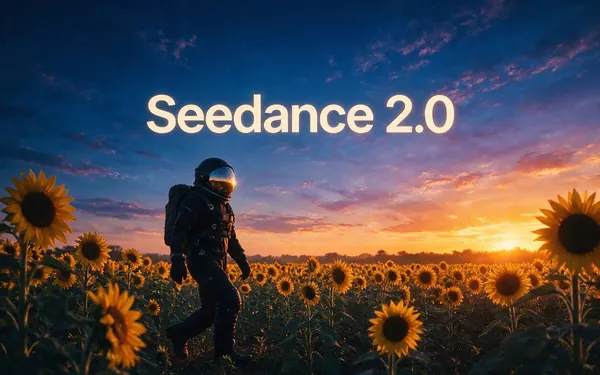
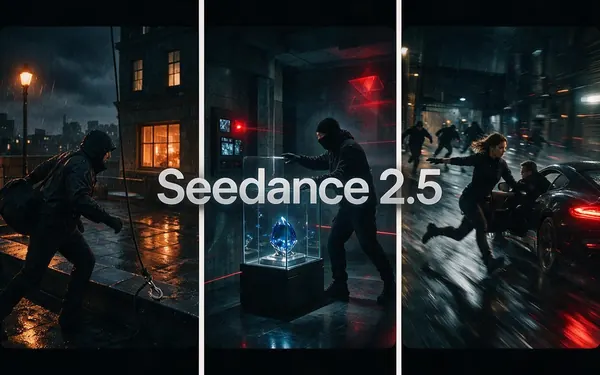
- Seedance 2.0 (default) · 2.0 Mini · 2.5 · Wan 3.0 · Wan 3.0 Prime
- Export
- One MP4 · 480p, 720p or 1080p · 16:9, 9:16, 1:1, 4:3, 3:4, 21:9
- Access
- Paid plans with a verified email; anyone can watch the examples
Clip or film
AI video generator vs AI director
A video model makes one shot. A director makes the many shots agree and turns them into a film.
| Compared | AI video generator | AI director (Kenerate Director) |
|---|---|---|
| You give it | One prompt per clip | One brief for the whole video |
| Script and plan | You write them | Written for you as scenes and shots; you approve |
| Characters | Can drift between clips | Character sheets used as references in every shot |
| Continuity | You check it | It looks at each shot's first and last frame and fixes misses |
| Sound | Per clip | Narrator, score and clip audio mixed across the cut |
| Editing | In another app | Timeline: reorder, trim, split, re-render, extend |
| Result | A 5–15 s clip | One MP4, up to 10 min per episode |
Films
Films made with Director
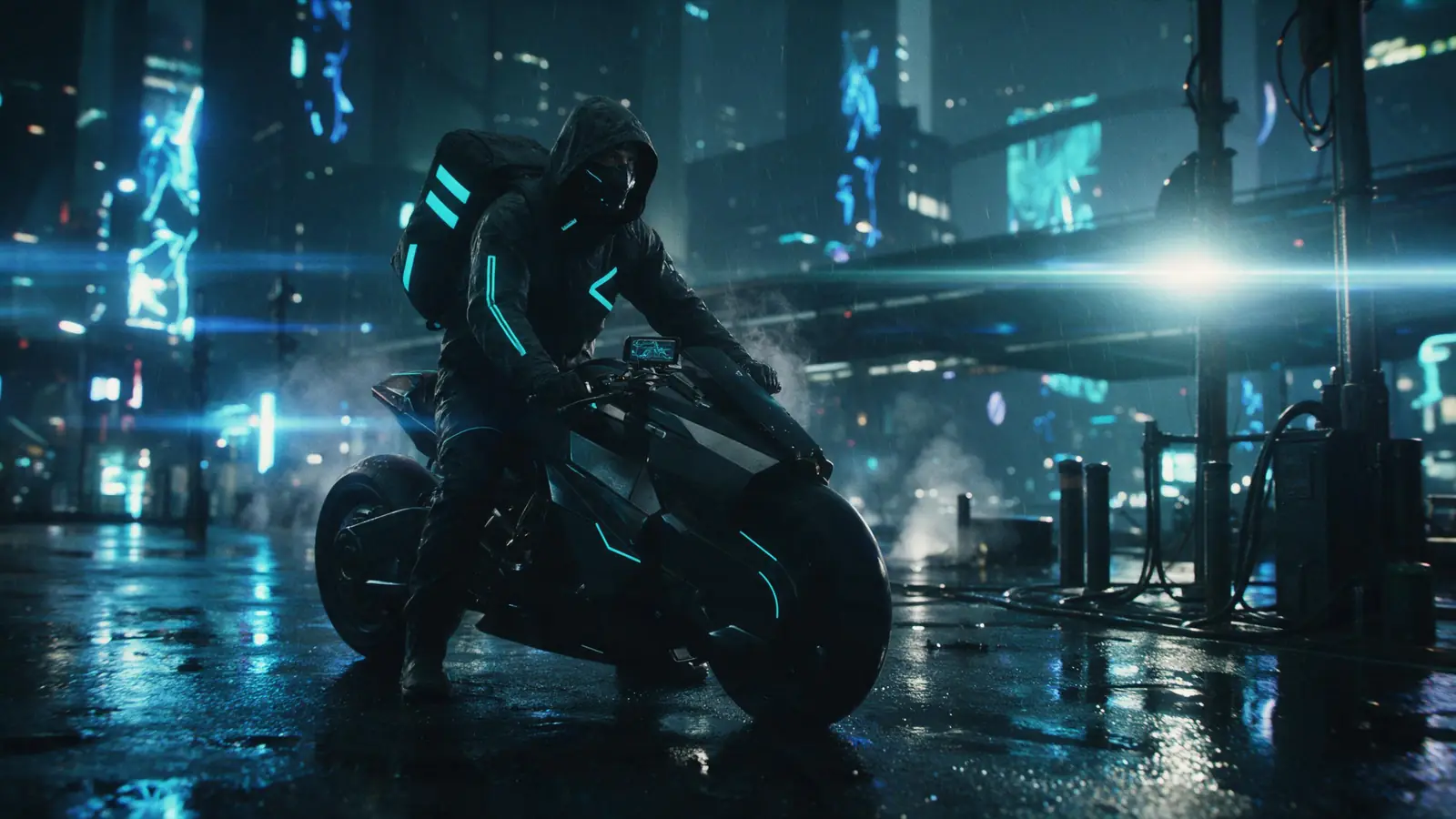
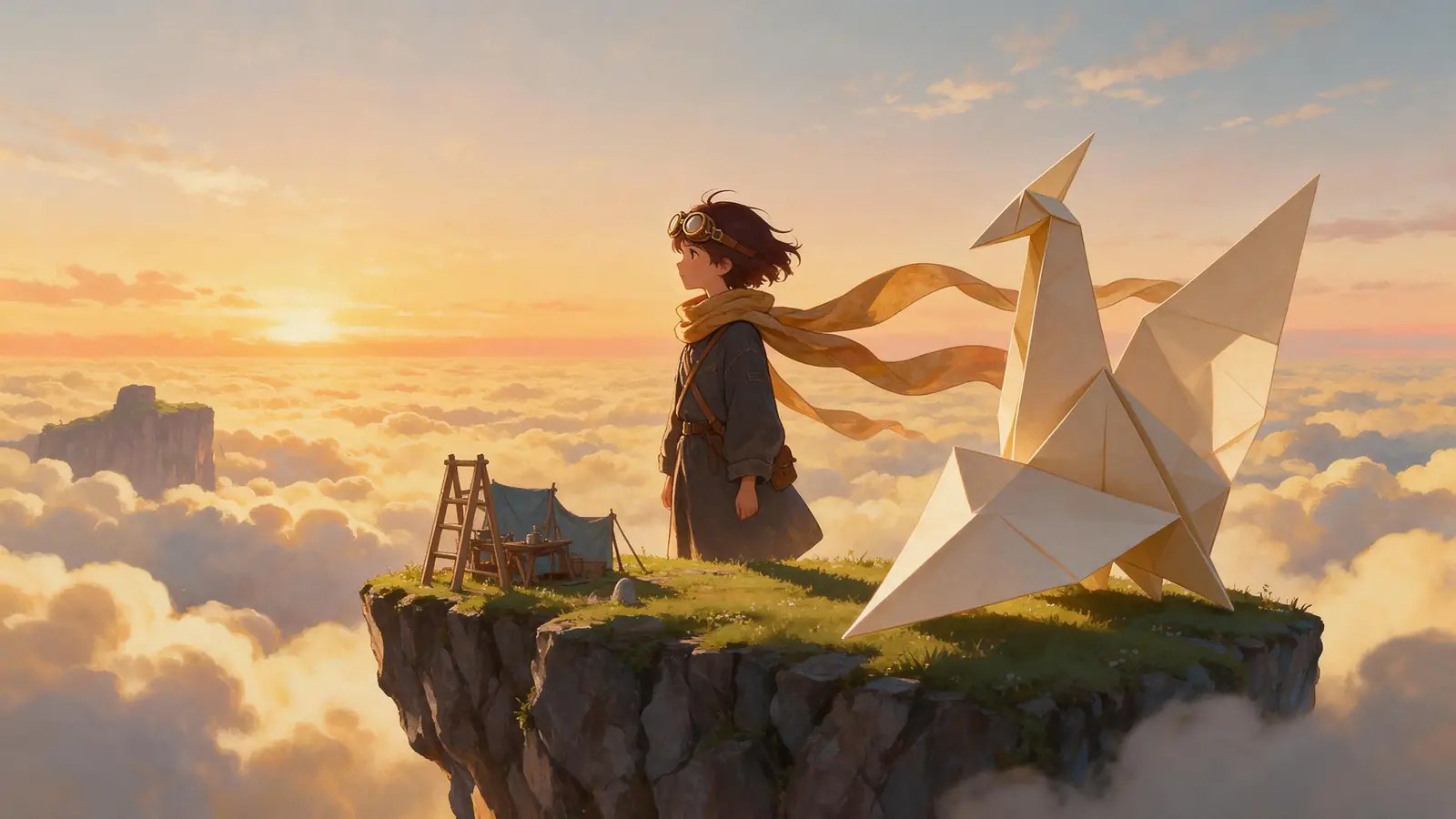
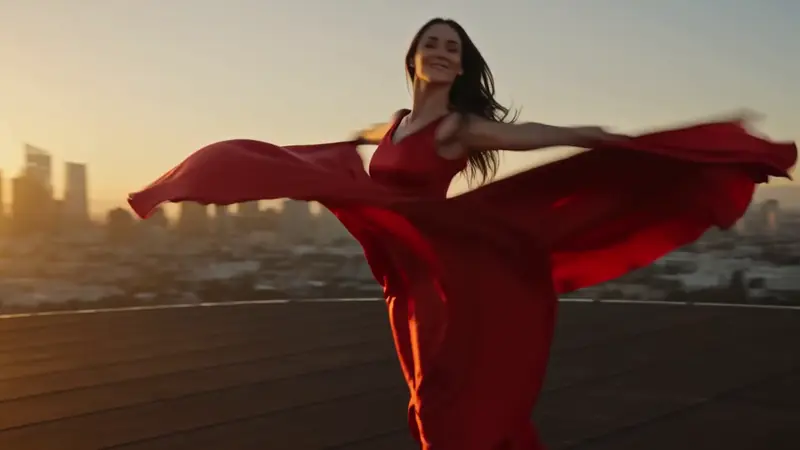
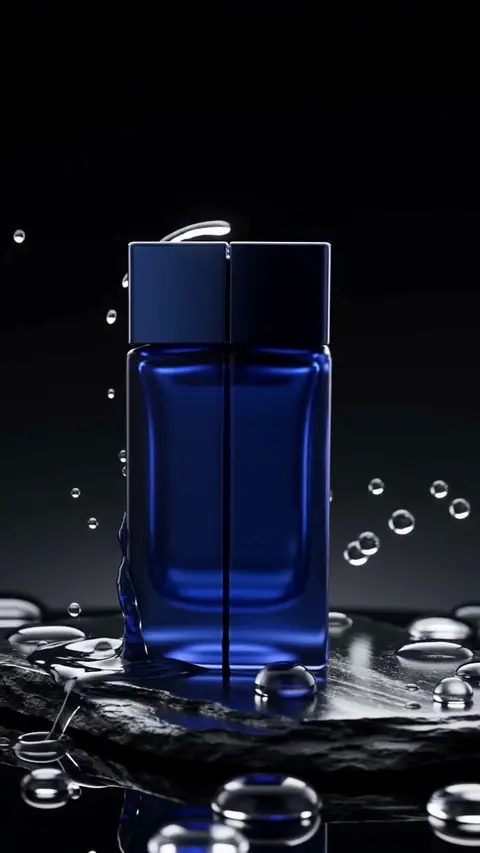
The showcase films and Quick Start examples from the Director page: original characters, made with Seedance 2.0 at 720p. Press play for sound.
How to
How to use the AI director
- Time needed
- Steps
- 4 steps
Step 1
Open Director and give it the brief
Type an idea or paste a script, add photos or a song if you have them, or pick one of the 13 Quick Starts.
Step 2
Answer its questions, approve the plan
Director asks a few questions, then writes the script and a scene-by-shot plan you can change before anything renders.
Step 3
Approve the cast
It draws character sheets, locations and voices, so every shot keeps the same faces, places and narrator.
Step 4
Let it render, review and edit
Shots render in order; it checks continuity, adds music and voice, and you trim, reorder or re-render on the timeline before exporting the MP4.
See it in the app

Open Image Studio and type what you want to see — subject, style, lighting and mood.


Watch the tour · 3:32
Brief, questions, script & plan, cast, rendering & review, timeline, music & voice, preview, export & share
Chapters
Tips
How to direct the AI director
It plans well from a clear brief. These are the inputs that change the result most.
Write the brief as a story or a goal: who, what happens, how it ends, or what the ad must make people do.
Answer its questions; tone, look, ratio and length shape the whole plan.
Approve the cast before rendering; every shot uses those sheets as references.
Pick a Quick Start that matches the job: Short Film, Music Video, Product Ad, Explainer, Micro Drama…
Ask for changes in plain words (“make shot 4 a close-up”, “add a scene at the end”); earlier cuts are kept.
Re-render only the shots that miss, then export.
Models
Models the AI director works with
The video and image models Director offers. Every shot can use a different one.
Alibaba
Wan 3.0
Open Wan 3.0Best for
Best value, strong consistency, shots up to 30 s
FAQ
AI Director questions
8 questions

What is an AI director?
An AI director is an AI agent that runs a whole video production from one brief: it asks questions, writes the script, plans the shots, keeps the characters consistent, renders the shots with video models and edits them into one film. Kenerate Director works this way; a plain AI video generator makes one clip per prompt and leaves the rest to you.
Link to this answerIs there a free AI director?
Not on Kenerate. Anyone can open Director and watch the example films, but making a film needs a paid plan and a verified email address; free accounts see an upgrade message. A failed export is refunded automatically. For single clips on the free plan, use the AI video generator instead.
Link to this answerHow long can a video from the AI director be?
Up to 10 minutes per episode. A longer story continues as Episode 2, 3 and so on in the same project. Each shot is usually 4 to 15 seconds, and up to 30 seconds on Seedance 2.5 and Wan 3.0.
Link to this answerDoes the AI director keep the same characters in every scene?
Yes. It makes a character sheet for each cast member, with front, three-quarter, profile and close-up views, and every shot with that character uses the sheet as a reference. It then looks at the first and last frame of finished shots to check faces, outfits, places and light across the cuts, and re-renders a shot that drifted.
Link to this answerHow much control do I have?
As much as you want. You approve the script, the shot plan and the cast before anything renders, and you can change any shot afterwards: re-render it, edit or extend the take, change the camera, or reorder, trim and split shots on the timeline. You can also tell it to just make the whole film in one go.
Link to this answerWhat can the AI director make?
Short films, film trailers, music videos (including lyric videos and visualizers), micro dramas, narrated stories, brand films, explainers, promo videos, product ads, UGC ads, social reels, real-estate tours and remakes of an existing ad. Each has a Quick Start with sensible defaults.
Link to this answerWhat's the difference between Kenerate Director and Kenerate Agent?
Director is the agent built for one video project, with production tools: script, shot plan, cast, render, review and edit. Kenerate Agent is the general chat with 23 tools for images, video, music, voice, 3D and documents, one request at a time. Use Director for a finished film, Agent for everything else.
Link to this answerWhich AI models does the director use?
Video shots render on Seedance 2.0 by default, or Seedance 2.0 Mini, Seedance 2.5, Wan 3.0 or Wan 3.0 Prime. Cast sheets, locations and first frames use GPT Image 2 by default. The score uses Ken Music and the narrator ElevenLabs voices; each shot can use a different video model.
Link to this answerIn depth
AI Director, explained
What works, what to avoid, and how to pick a model.
On this page
What the AI director actually does, step by step
Director is an agent: a language model with its own production tools for one project. These are the jobs it can do, in roughly the order it does them:
- Ask: a few multiple-choice questions about tone, look, length and format.
- Write: the script, and update it when you ask.
- Plan: scenes and shots, each with its prompt, length, camera, lines and caption.
- Cast: character sheets, locations and props, and a designed voice for each speaking part.
- Render: each shot with the video model you pick, as text-, image- or reference-to-video; recreate or modify a take.
- Review: look at each finished shot's first and last frame to check faces, outfits, places and light across cuts.
- Sound: a narrator, a Ken Music score or your own track (it can analyse the beat of a song).
- Edit: reorder, trim, split and re-time shots, then export one MP4.
Automatic, but not unsupervised
Spending steps such as rendering wait for your approval unless you tell it to just make the film. One turn can take up to 22 steps and 30 tool calls, so a short film can go from brief to rough cut in one go. Plans never throw work away: replacing a plan keeps the old scenes as an earlier cut you can restore.
Who it's for
Anyone who needs a finished video rather than a clip: a creator making a short film or music video, a small business making an ad or a property tour, a teacher making an explainer. Trailers, music videos and short films each have their own guide; see the related pages below.
By the Kenerate AI teamLast updated and reviewed
We build and run the Kenerate generator. Every example is a real output of the model named under it; models and presets were checked against the app's code.
Sources: Kenerate Director (the studio)

Try the AI director
Director runs on paid plans. Watch the example films free, then give it your brief.
Tried it? Tell us how it went