

Interior · brand · fashion · film look
AI Moodboard Generator — a whole look from one brief
Describe a mood once and generate a set of images that share it — the same palette, materials and light — or upload up to 16 reference photos and get new images in their style. Then pin them on your board.
- One brief, many images
- Up to 16 references
- Free models to start
- No watermark
Updated by the Kenerate AI team
Made with Kenerate
On this page
Quick answer
How do you make a moodboard with AI?
An AI moodboard generator turns a written mood — a style, a palette, materials and light — into a set of matching images you can pin on a board, instead of hunting for stock photos. On Kenerate AI you write one brief and reuse it across prompts, or upload reference photos (up to 10 on Seedream 5.0 Pro, 14 on Nano Banana 2.1, 16 on GPT Image 2.5 Sunburst) so every new image follows their look. Kenerate makes the images; you arrange them in Figma, Canva, Milanote or a slide.
Key facts
- What you get
- A set of on-mood images
- References
- Up to 16 (GPT Image 2.5 Sunburst)
- Seedream 5.0 Pro
- Up to 10 references
- Nano Banana 2.1
- Up to 14 references
- Board layout
- In your own tool — no canvas here
- Free start
- Starter credits + free-plan model
- Watermark
- None
Gallery
Two boards from real outputs
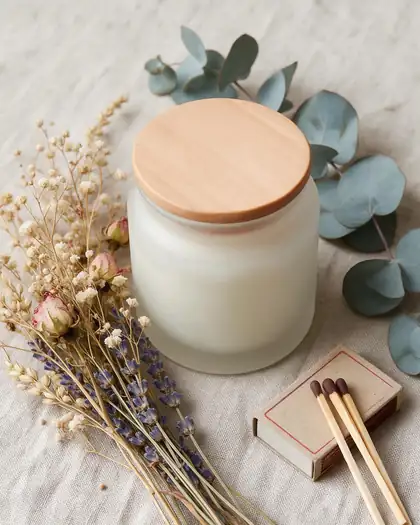
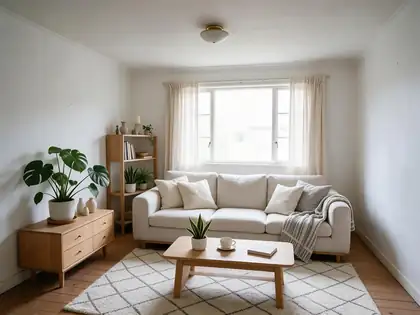
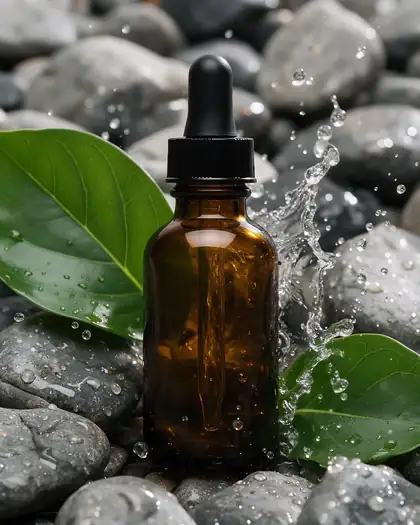
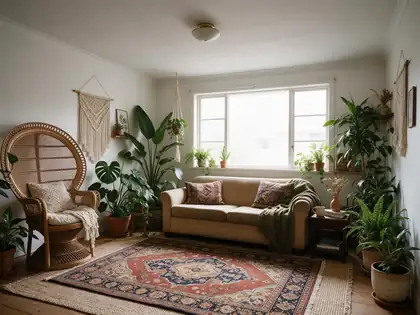
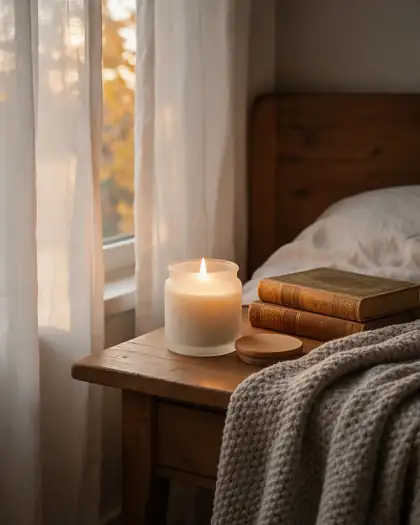
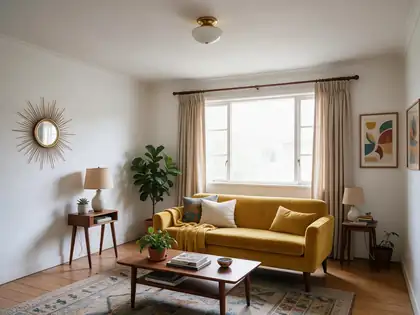
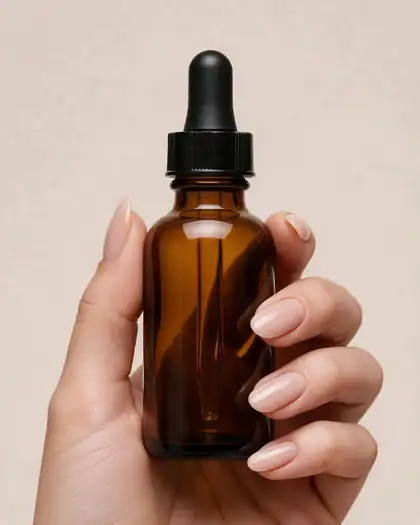
Real Seedream 5.0 Pro edits from our interior and product pages, one try each, grouped by mood: a calm natural-materials interior board and a soft, earthy skincare-and-home brand board. Open any one to copy the prompt.
Same prompt
One room, four moods
The same living-room photo pushed into four directions — the quickest way to choose a mood before you build the full board.
PromptRedesign this living room in Japandi style: low wooden furniture, linen sofa, paper lamp, neutral earthy tones, minimal decor. Keep the same room, window and camera angle.
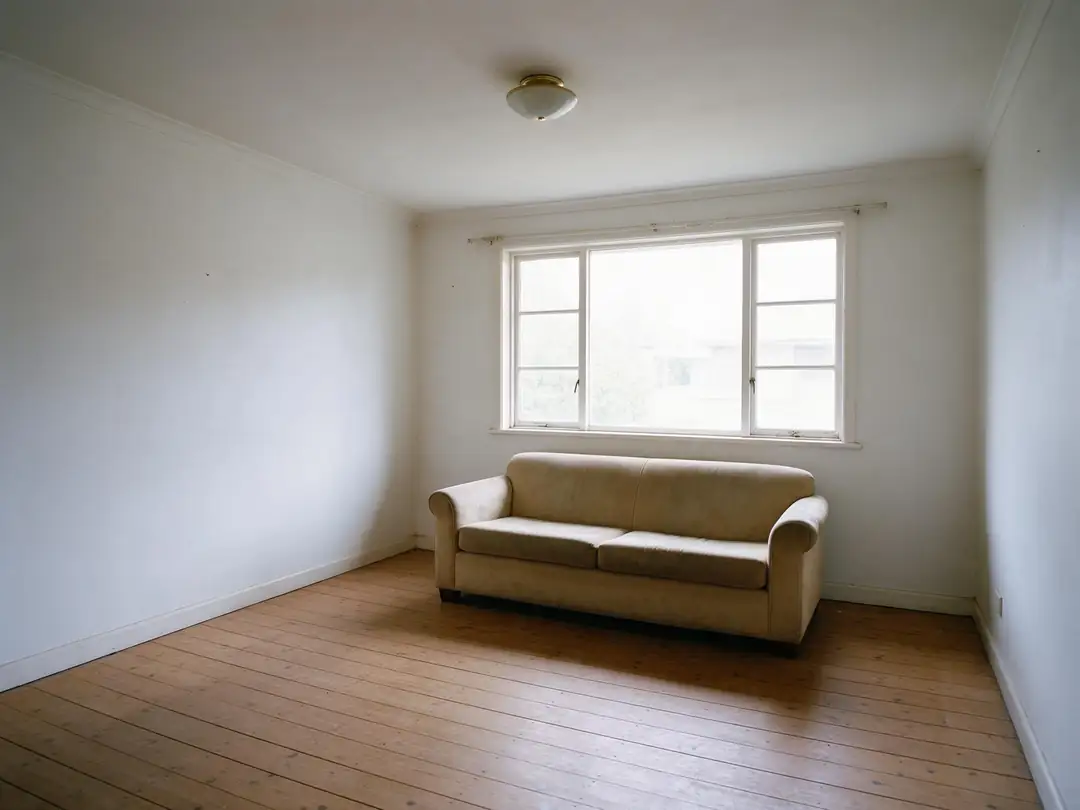 OriginalPhoto
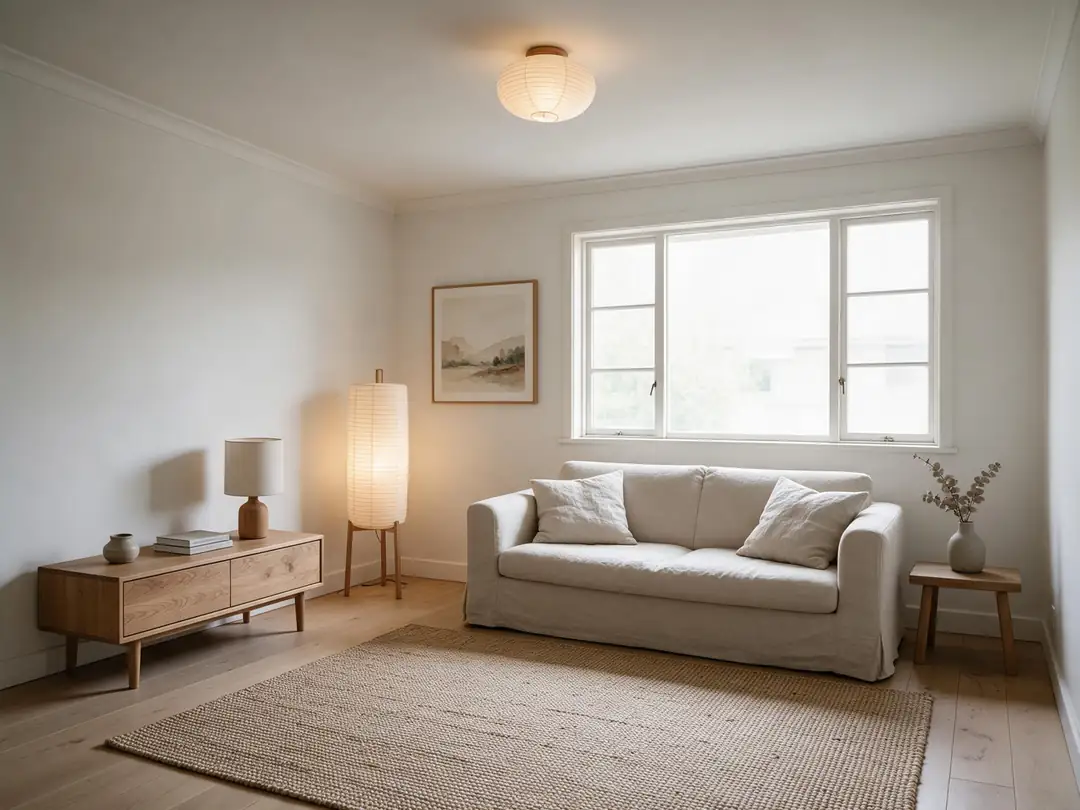 JapandiSeedream 5.0 Pro
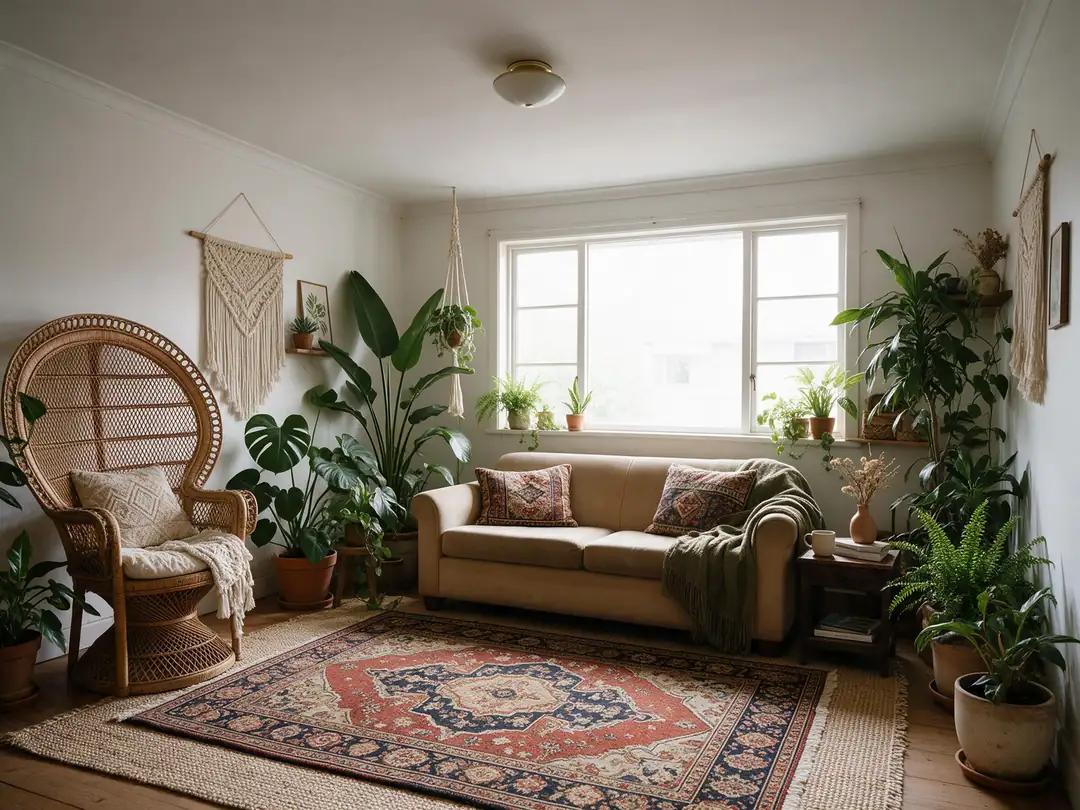 BohoSeedream 5.0 Pro
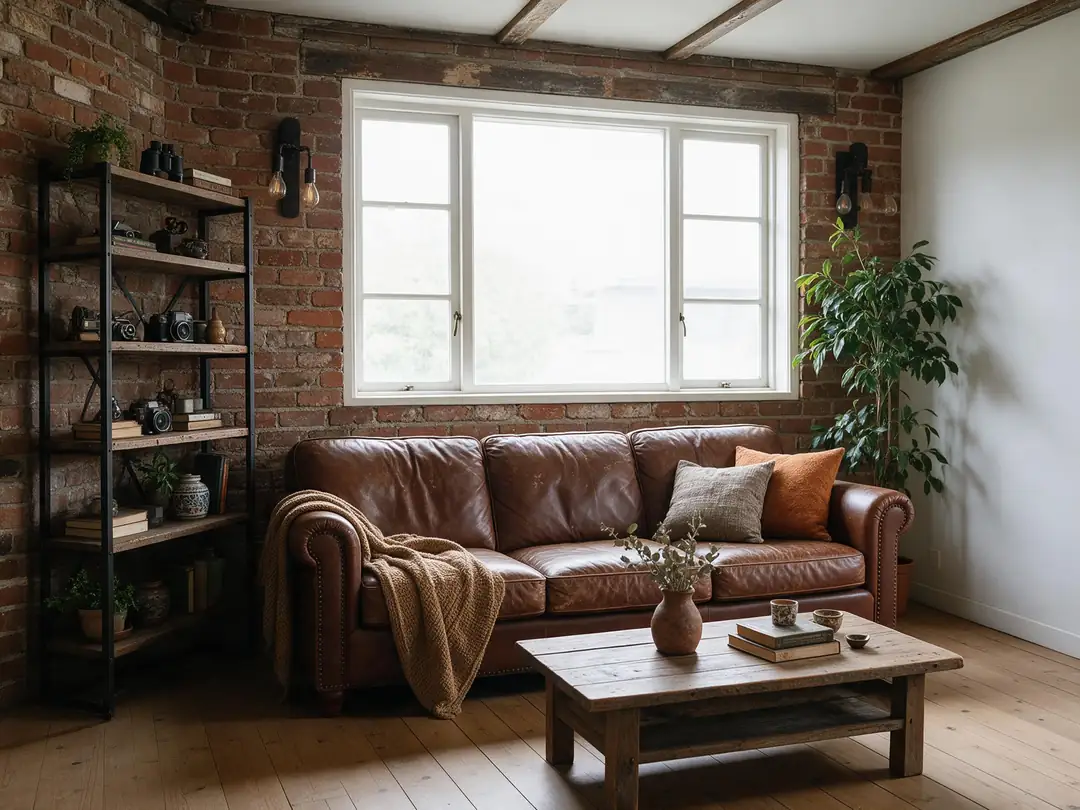 IndustrialSeedream 5.0 Pro
How to
How to use the AI moodboard generator
- Time needed
- Steps
- 4 steps
Step 1
Write the mood
In /app/image, write one sentence for the look: style, 3–5 colours, materials and light. Sign in free for starter credits.
Step 2
Add references (optional)
Upload photos whose style you want to follow — up to 10 on Seedream 5.0 Pro, 14 on Nano Banana 2.1, 16 on GPT Image 2.5 Sunburst.
Step 3
Generate the set
Reuse the mood sentence with different subjects — a room, a texture, an object, a detail — or ask for a 2x2 grid in one image.
Step 4
Lay out the board
Download without a watermark and arrange the images in Figma, Canva, Milanote or a slide with your notes and swatches.
See it in the app

Open Image Studio and type what you want to see — subject, style, lighting and mood.


Watch the tour · 1:23
Prompts, styles, references, edit, Arena & chat
Chapters
Tips
Write a brief that holds a board together
A moodboard works when every image clearly belongs to the same world. These keep it that way.
Write the mood once — palette, materials, light, era — and paste the same sentence into every prompt.
Name 3–5 colours in words (“oat, sage, terracotta, warm white”) so they repeat across images.
Keep the light the same: “soft daylight” or “warm evening light” on every image, not a mix.
Vary the subject, not the mood: a room, a close-up texture, an object, a person, a detail.
To match photos you already love, upload them as references and say “in the same style as the references”.
Ask for a 2x2 or 3x3 grid in one image when you want a quick, consistent overview — then crop or regenerate single tiles.
Models
Models for moodboard images
What each model is good at. Open any one straight in the generator.
ByteDance
Seedream 5.0 Pro
- Reference images
- Up to 10
- Output
- Up to 2K
Open Seedream 5.0 ProBest for
Made every image on this page; natural light and materials
Google
Nano Banana 2.1
- Reference images
- Up to 14
- Output
- Up to 4K
Open Nano Banana 2.1Best for
Same product or character across many images
OpenAI
GPT Image 2.5 Sunburst
- Reference images
- Up to 16
- Output
- 1K–4K
Open GPT Image 2.5 SunburstBest for
Most references; follows long briefs and grid layouts
- Free plan
FAQ
AI Moodboard Generator questions
8 questions
What is an AI moodboard generator?
A tool that makes the images for a moodboard from a written mood instead of collecting them from stock sites or Pinterest. You describe the style, colours, materials and light; the model generates matching pictures. On Kenerate you get the images and lay them out in the board tool you already use.
Link to this answerHow do I make a moodboard with AI?
Write one sentence for the mood — for example “Japandi, oat and sage, oak and linen, soft daylight” — and reuse it in several prompts with different subjects: a room, a chair, a texture close-up, a detail. Or upload photos you like as references so new images follow their look. Download the set and arrange it on your board.
Link to this answerCan it make the whole moodboard in one image?
You can ask for a 2x2 or 3x3 grid in a single image, which keeps colours and light consistent across the tiles. It is a good quick overview; for a board you will present, generating each image separately gives you sharper tiles you can swap one at a time.
Link to this answerHow many reference images can I upload?
It depends on the model: up to 10 on Seedream 5.0 Pro, up to 14 on Nano Banana 2.1 and up to 16 on GPT Image 2.5 Sunburst. Qwen Image 3.0, the free-plan model, takes up to 3.
Link to this answerIs there a moodboard canvas on Kenerate?
No. Kenerate generates and edits the images; it does not have a drag-and-drop board. Download the images (no watermark) and arrange them in Figma, Canva, Milanote, Miro or a slide deck.
Link to this answerHow is this different from Krea moodboards?
Krea's Moodboards feature lets you upload up to 250 images so its Krea 2 model learns their style, then pick that moodboard when generating. On Kenerate you steer the style with up to 16 reference images per generation or with a written mood. Both give you on-style images; neither replaces the board you present.
Link to this answerIs the AI moodboard generator free?
Free to start. A new account gets starter credits on sign-up, and Qwen Image 3.0 is on the free plan. Seedream 5.0 Pro, used on this page, runs on credits from one-time packs that never expire — no subscription needed. Downloads carry no watermark.
Link to this answerWhat kinds of moodboards work best?
Interior and home (one room in several styles), brand and product (packaging, props and light for a launch), fashion (palettes, fabrics, flat lays) and film or photo looks (lighting, colour grade, locations). Anything that is defined by palette, materials and light is a good fit.
Link to this answerIn depth
AI Moodboard Generator, explained
What works, what to avoid, and how to pick a model.
On this page
What goes on a moodboard
A moodboard is a page of images that sets a direction before anyone designs, shoots or buys anything. It is not a gallery of favourites — every picture should say the same thing about colour, texture and light, so a client or a team can agree on the feeling in one look.
AI helps with the slow part: finding images that all match. Instead of twenty stock photos from twenty photographers, you get a set made from the same brief.
- Hero image: the one picture that sums up the mood.
- Palette: 3–5 colours that repeat across the board.
- Materials and textures: wood, linen, stone, metal, fabric close-ups.
- Objects and details: the props, furniture or products that belong in that world.
- Light: daylight, golden hour, warm evening, studio.
Two ways to keep a board consistent
Our two boards above were made from one-sentence briefs, one try per image. What keeps a set together:
- A shared mood sentence: the same colours, materials and light pasted into every prompt.
- References: upload the photos you already like and ask for new images “in the same style as the references”.
- One grid: a 2x2 or 3x3 grid in a single image shares light and palette by construction.
Moodboards by use case
The same method works for different jobs — only the subjects change:
- Interior: one room photo in several styles, then the winning style as close-ups of materials.
- Brand and product: the product in three or four scenes that share props, palette and light.
- Fashion: flat lays, fabric close-ups and a full look in one palette.
- Film and photo: the same location at different times of day, colour grade and lens notes.