

GPT Image 2.6 · no ChatGPT plan · no watermark
ChatGPT Image Generator
Make images with the model behind ChatGPT Images — GPT Image 2.6 — right in your browser. Describe a poster, card, thumbnail or product shot, or upload a photo to edit. No ChatGPT subscription or API key; pay per image.
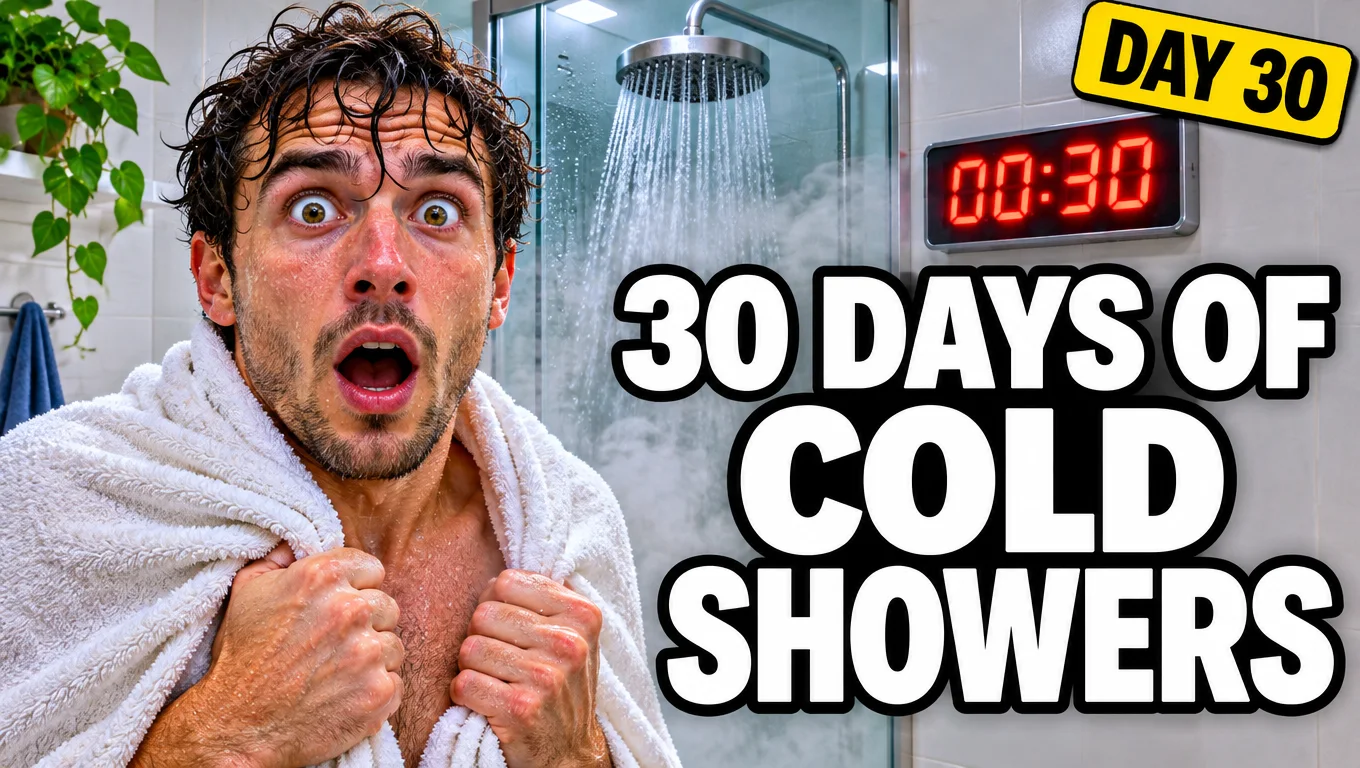
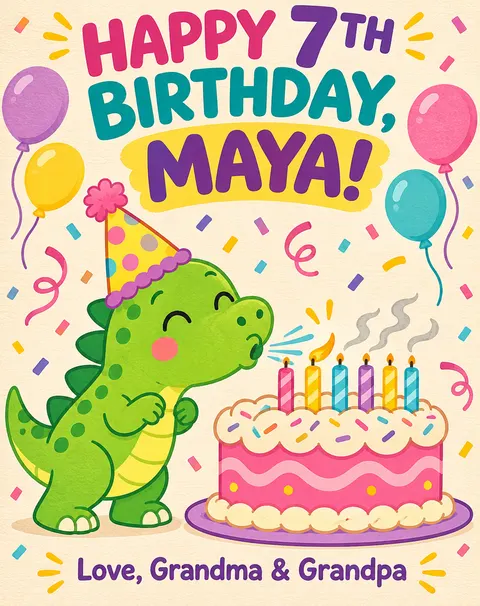
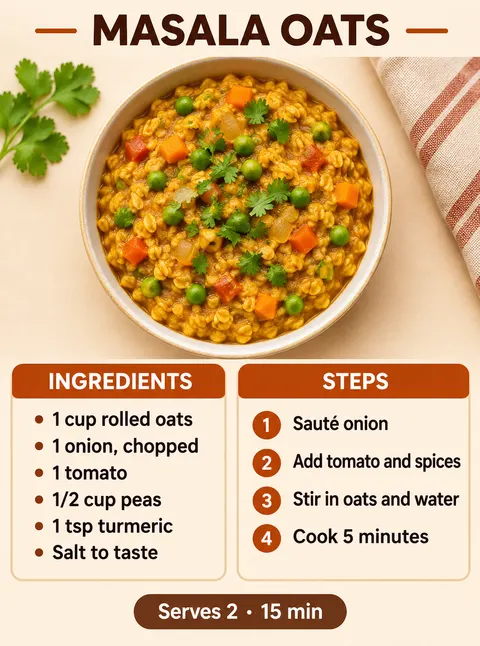
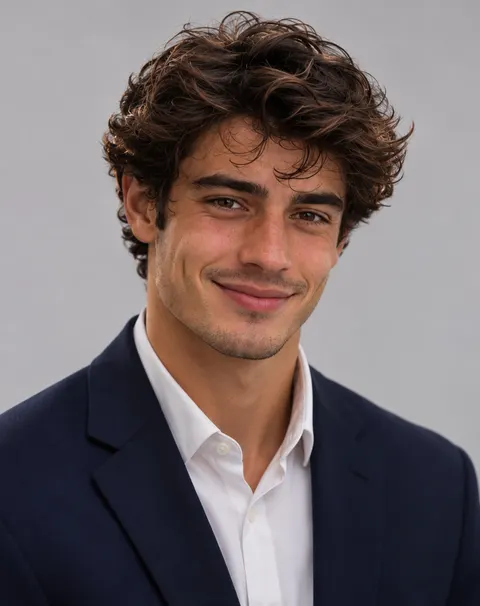
- Same model as ChatGPT Images 2.6
- Text spelled right
- Edit your own photos
- No watermark
Updated by the Kenerate AI team




Made with Kenerate
On this page
Quick answer

What is the ChatGPT image generator?
The ChatGPT image generator is Images 2.6, the image feature inside ChatGPT, powered by OpenAI's GPT Image 2.6 model (released 4 November 2026). It turns a text prompt into an image, edits uploaded photos, spells text inside images reliably and can now make animated GIFs and SVG files. On Kenerate AI you can run the same model — GPT Image 2.6 Sunburst or Flare — without a ChatGPT plan, with control over quality, size (1K to 4K), aspect ratio and up to 16 reference images.
Key facts
- Model
- GPT Image 2.6 (OpenAI)
- Released
- 4 November 2026
- Versions
- Sunburst · Flare
- Output
- PNG · JPG · WEBP · GIF · SVG
- Size
- 1K, 2K or 4K · 15 ratios
- References
- Up to 16 images
- ChatGPT plan
- Not needed
- Watermark
- None
Gallery
Made with the ChatGPT image model
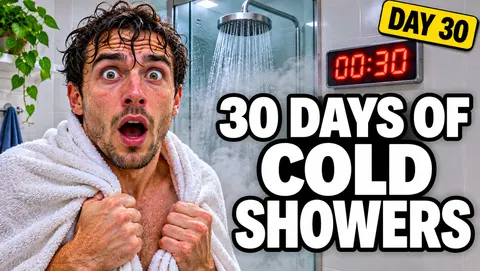
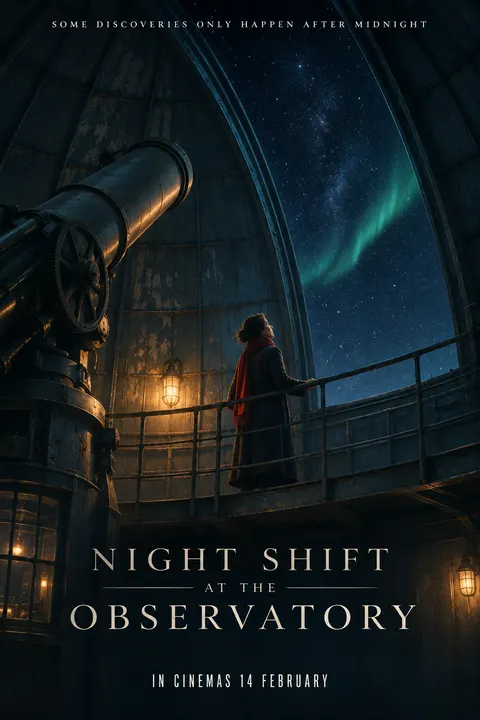
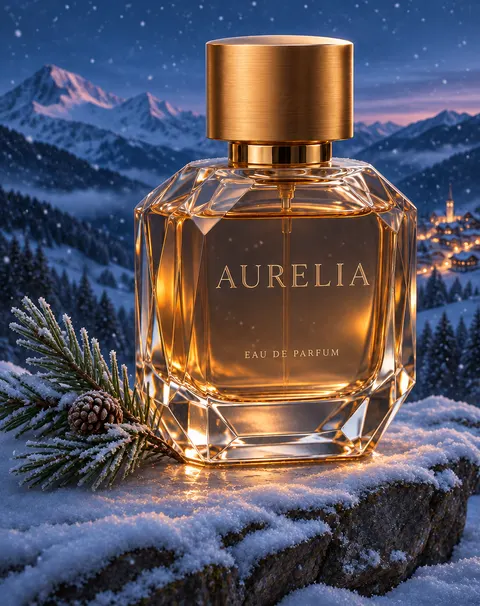
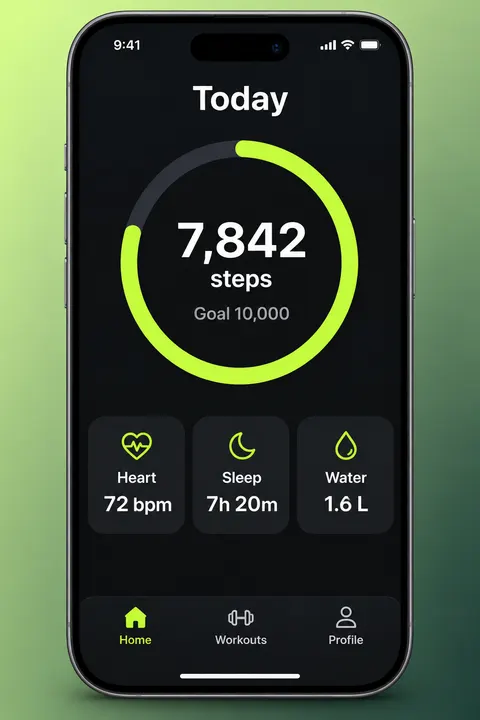
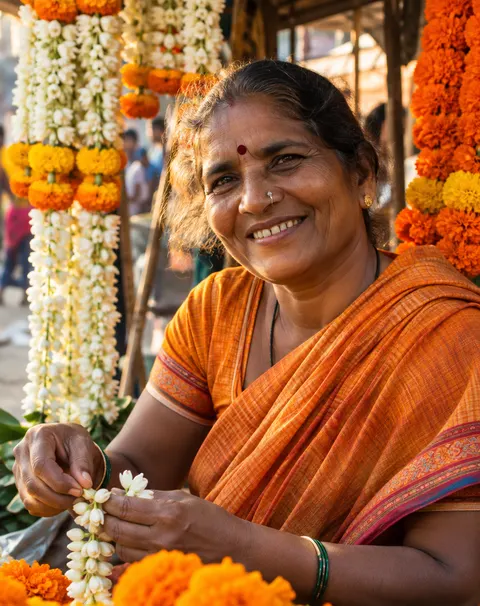
Real GPT Image 2.6 Sunburst outputs on Kenerate, one try each — posters, cards, thumbnails, edits of an uploaded photo, a GIF and a logo. Open any image to copy its prompt and run it.
How to
How to use the ChatGPT image generator
- Time needed
- Steps
- 4 steps
Step 1
Open the generator
Go to /app/image — GPT Image 2.6 Sunburst is preselected from this page. Sign in; GPT Image 2.6 needs a one-time credit pack.
Step 2
Describe the image
Format, subject, setting, style and any text in quotes. To edit, upload up to 16 photos and describe the change.
Step 3
Pick size and format
Choose one of 15 aspect ratios, 1K, 2K or 4K, a quality tier, and PNG, JPG, WEBP, GIF or SVG.
Step 4
Generate and download
Check every word, then download. No watermark, commercial use included.
See it in the app

Open Image Studio and type what you want to see — subject, style, lighting and mood.


Watch the tour · 1:23
Prompts, styles, references, edit, Arena & chat
Chapters
Tips
How to prompt the ChatGPT image generator
GPT Image 2.6 follows plain, specific sentences. These habits gave us clean first tries.
Name the format first: "YouTube thumbnail", "recipe card", "birthday card", "app screen".
Put every word that must appear in quotes and add "spell exactly, no other text".
Say where text goes: "headline on the right", "small text at the bottom".
For edits, upload the photo and say what must stay: "keep his face and hair exactly the same".
Check counts and details — our 7th-birthday card came back with six candles.
Draft fast on Flare, then render the keeper on Sunburst.
Models
Image models on Kenerate
What each model is good at. Open any one straight in the generator.
OpenAI
GPT Image 2.6 Sunburst
- Reference images
- Up to 16
- Output
- 1K to 4K · GIF · SVG
Open GPT Image 2.6 SunburstBest for
ChatGPT's newest model, best detail
OpenAI
GPT Image 2.6 Flare
OpenAI
GPT Image 2.5
Google
Nano Banana 2.1
- Free plan

Alibaba
Qwen Image 3.0
- Reference images
- Up to 3
- Output
- 1K or 2K
Open Qwen Image 3.0Best for
On the free plan
FAQ
ChatGPT Image Generator questions
8 questions

What is the ChatGPT image generator?
It is Images 2.6, the image feature in ChatGPT, powered by OpenAI's GPT Image 2.6 model since 4 November 2026. It makes images from text, edits uploaded photos, renders text inside images and can output GIFs and SVGs. Kenerate AI runs the same model in the browser without a ChatGPT plan.
Link to this answerIs this the same model ChatGPT uses?
Yes. ChatGPT's Images 2.6 runs on GPT Image 2.6, and OpenAI offers it to developers as GPT-Image-2.6 Sunburst and GPT-Image-2.6 Flare. Kenerate uses those API models, so you get the same model with direct control over quality, size and format.
Link to this answerCan I use the ChatGPT image generator for free?
In ChatGPT, Images 2.6 is on every subscription tier within each plan's limits. On Kenerate, new accounts get 25 free credits for the free models (Flux 2 and Qwen Image); GPT Image 2.6 needs a one-time credit pack, and credits never expire. See our guide on whether GPT Image 2.6 is free for every option.
Link to this answerCan I use it without logging in to ChatGPT?
Yes. You don't need a ChatGPT or OpenAI account on Kenerate — sign in to Kenerate, pick GPT Image 2.6 in /app/image and generate. You do need a Kenerate account so your images and credits are saved.
Link to this answerCan it edit my own photos?
Yes. Upload up to 16 reference images and describe the change. In our test it turned a café photo of a man into a studio headshot in a navy blazer and kept his face and curly hair.
Link to this answerIs it good at text in images?
Very good: on our tests the poster, recipe card, birthday card, thumbnail and app screen were all spelled right on the first try. Details like counts can slip — the 7th-birthday card had six candles — so check before you print.
Link to this answerCan the ChatGPT image generator make GIFs or SVGs?
Yes, since GPT Image 2.6. Choose GIF for a short looping animation (2–16 frames) or SVG for a scalable vector logo or icon (text to image only). See our AI GIF generator and AI SVG generator pages for examples.
Link to this answerCan I use the images commercially?
Yes. Images you generate on Kenerate carry no watermark and include commercial use. Avoid prompts that copy real people, brands or trademarked characters.
Link to this answerIn depth
ChatGPT Image Generator, explained
What works, what to avoid, and how to pick a model.
ChatGPT vs Kenerate for the same model
Both run GPT Image 2.6 [1]. The difference is control and billing:
- ChatGPT — included in your plan within its usage limits; you describe the image in a chat and ChatGPT picks most settings.
- Kenerate — pay per image with credits that never expire; you pick Sunburst or Flare, the quality tier, 1K/2K/4K, one of 15 ratios and the output format, and can compare other models on the same prompt.
What GPT Image 2.6 is best at
Text-heavy layouts (posters, cards, menus, thumbnails, app screens), product shots and edits that must keep a face or product, plus short GIF loops and vector logos. For very wide banners or long structured lists, compare with Nano Banana 2.1; for cheap volume, GPT Image 2.5 or Qwen Image.
By the Kenerate AI teamLast updated and reviewed
We build and run the Kenerate generator. Every example is a real output of the model named under it; models and presets were checked against the app's code.
Sources: Introducing Images 2.6 — OpenAI · OpenAI on X — GPT-Image-2.6 Flare and Sunburst
