Easter Sunday: 28 March 2027 · Zoom · stories · posts · banners · slides
Easter background — for calls, posts, stories and slides
Eight original Easter backgrounds made on Kenerate, each in the shape its use needs and with the empty space where your face, headline or sticker goes — a call room, an egg flat lay, hanging eggs for a story, a watercolor banner, a bunny pattern. Download one or describe your own.
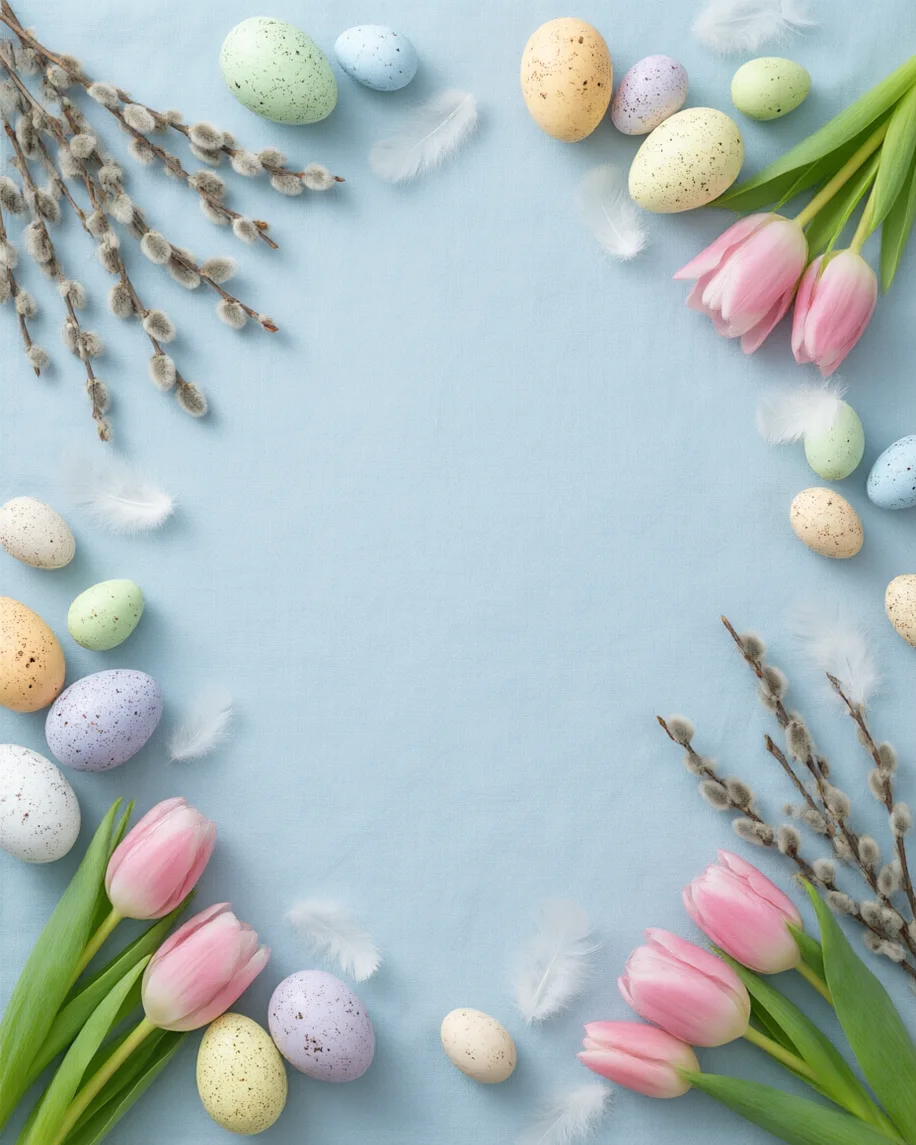
- 8 real backgrounds to download
- 16:9, 9:16, 4:5, 1:1 and 3:1
- Empty space where text or your face goes
- Every prompt to copy
Updated by the Kenerate AI team




Made with Kenerate
On this page
Quick answer

How do I make an Easter background?
To make an Easter background, describe the scene and say where the empty space goes — “a large empty space in the centre” for text, “the centre plain” for a Zoom call — then pick the shape: 16:9 for calls and slides, 9:16 for stories, 4:5 or 1:1 for posts, 3:1 for banners. Image Studio opens on Qwen Image 3.0, a free-plan model at 9 credits.
Key facts
- Backgrounds to download
- 8 — call room, egg flat lay, banner, story, nest post, bunny pattern, meadow slide, pastel glow
- Shapes
- 16:9 (3) · 9:16 · 4:5 · 1:1 (2) · 3:1
- Made with
- Qwen Image 3.0 (5) · Seedream 5.5 (2) · Seedream 5.0 Pro (1)
- Easter 2027
- Sunday 28 March
- Zoom
- At least 1280 × 720, PNG or JPG (Zoom Support) · Teams: JPG, PNG or BMP
- Text on it
- Leave the space empty, then type with Edit Studio's text tool
More Easter background ideas
More Easter background ideas: the prompt, the size and a tip
Not made on this page — prompts to try. Set the size in Image Studio before you press Create, and keep “no text” at the end.
| Background | Size · model | Prompt | Tip |
|---|---|---|---|
| Easter brunch invitation | 4:5 · Qwen Image 3.0 | Top-down Easter brunch table on white linen, a plate of hot cross buns, pastel eggs in egg cups and a jar of tulips around the edges, the centre empty for text, soft daylight, photographic, no text | Type the time and place in the centre with Edit Studio |
| Cute Easter background | 1:1 · Seedream 5.5 | Cute flat illustration of a small round white bunny and a fluffy yellow chick sitting in grass at the bottom, pastel eggs around them, plain mint sky above, simple rounded shapes, no text | Write “small round bunny” and “fluffy chick” — the filter blocks child words |
| Egg hunt flyer background | 4:5 · Qwen Image 3.0 | Spring garden lawn with colourful painted eggs hidden in the grass along the bottom and in a flower bed on the right, bright daylight, the top half open blue sky, photographic, no text | Leave the sky empty for the event details |
| Plain pastel Easter background | 16:9 or 1:1 · Qwen Image 3.0 | Smooth pastel gradient from mint to lilac with three tiny speckled eggs in the lower right corner, minimal, no objects in the centre, no text | The plainest option for long headlines |
| Easter church bulletin header | 3:1 · Seedream 5.5 | Wide soft watercolor header with white lilies and green leaves at both ends, a pale gold wash in the middle, the centre empty, no text | Keep the flowers at the ends so the title sits in the middle |
| “Happy Easter” lettered background | 16:9 · GPT Image 2.5 Sunburst | Pastel Easter background, painted eggs and tulips along the bottom, the words “Happy Easter” in soft script in the centre, light airy palette | Use a text-rendering model and read every letter |
Gallery
Easter background examples
Eight real Easter backgrounds — for a call, a story, posts, a banner, a slide and a desktop. Open one to see its prompt and model; download them below.
Download
Download the Easter backgrounds
JPG files, no watermark. The story, flat lay and nest were upscaled with Kenerate's Image Upscaler; the 16:9 files are 1365 × 768, above Zoom's 1280 × 720 minimum, and the banner is wider than a 1500 × 500 header.
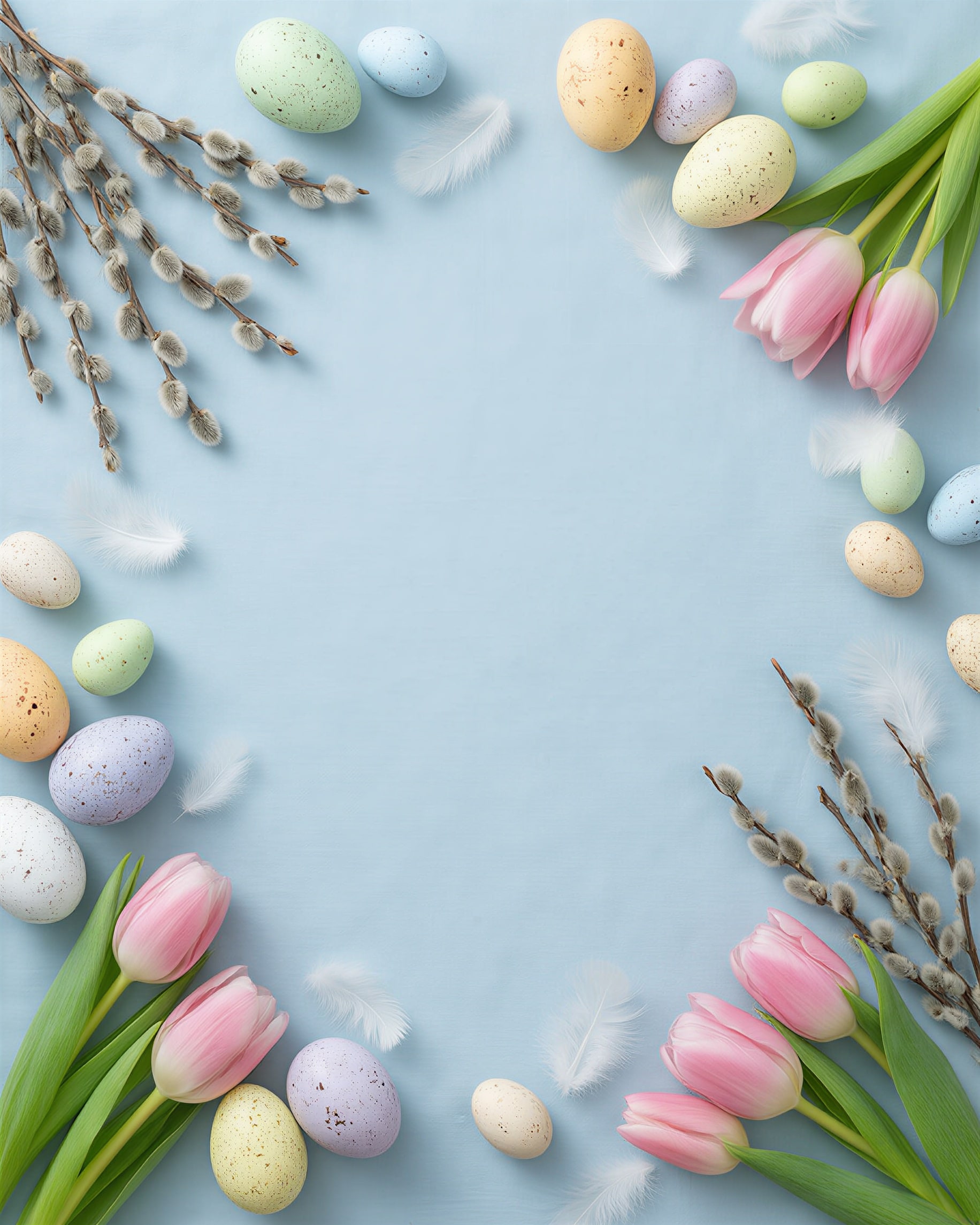
 Egg flat lay with space for textPost 4:5 · 1832 × 2290 JPG · Qwen Image 3.0Download
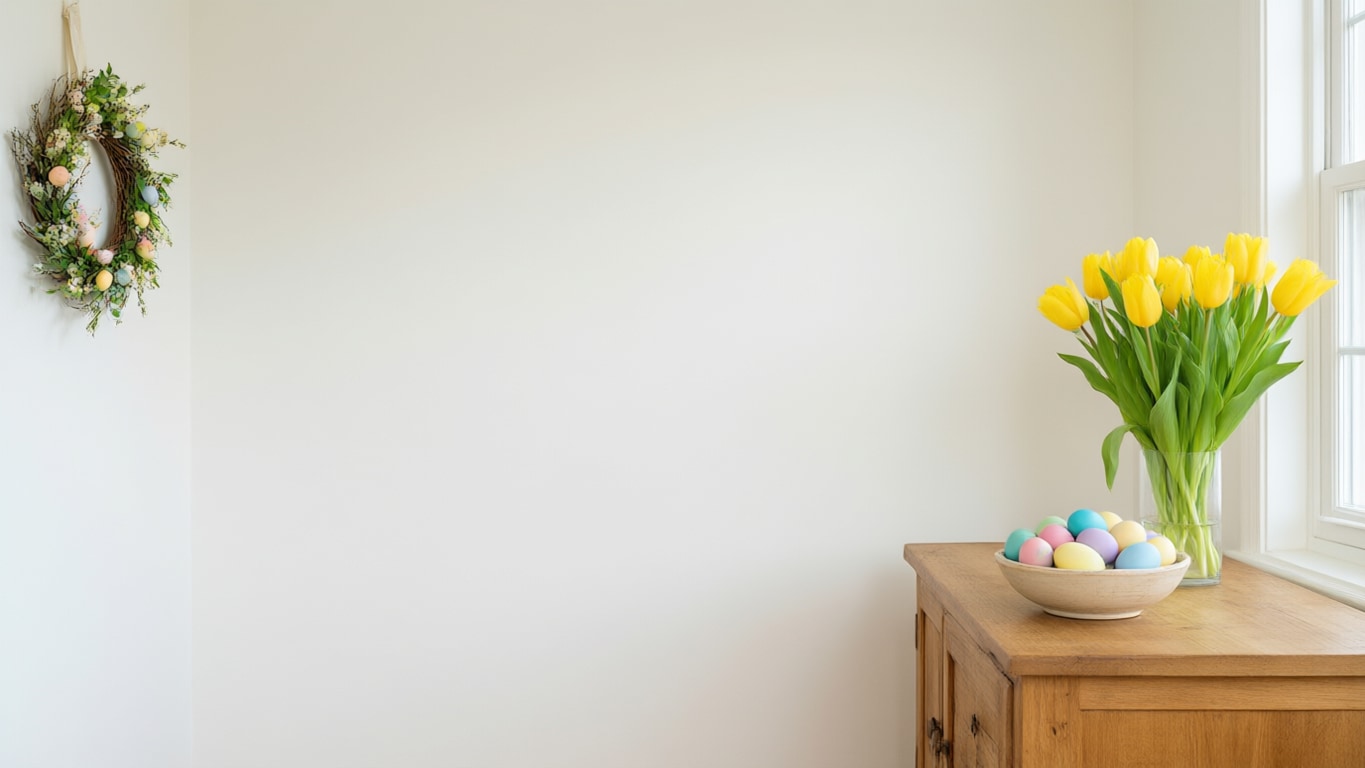
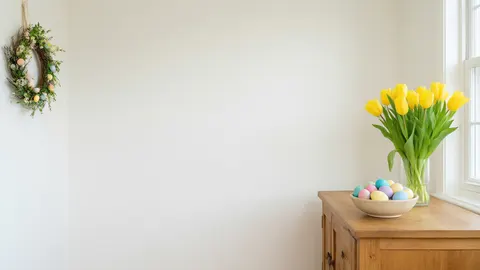 Easter room for Zoom or TeamsCall 16:9 · 1365 × 768 JPG · Qwen Image 3.0Download
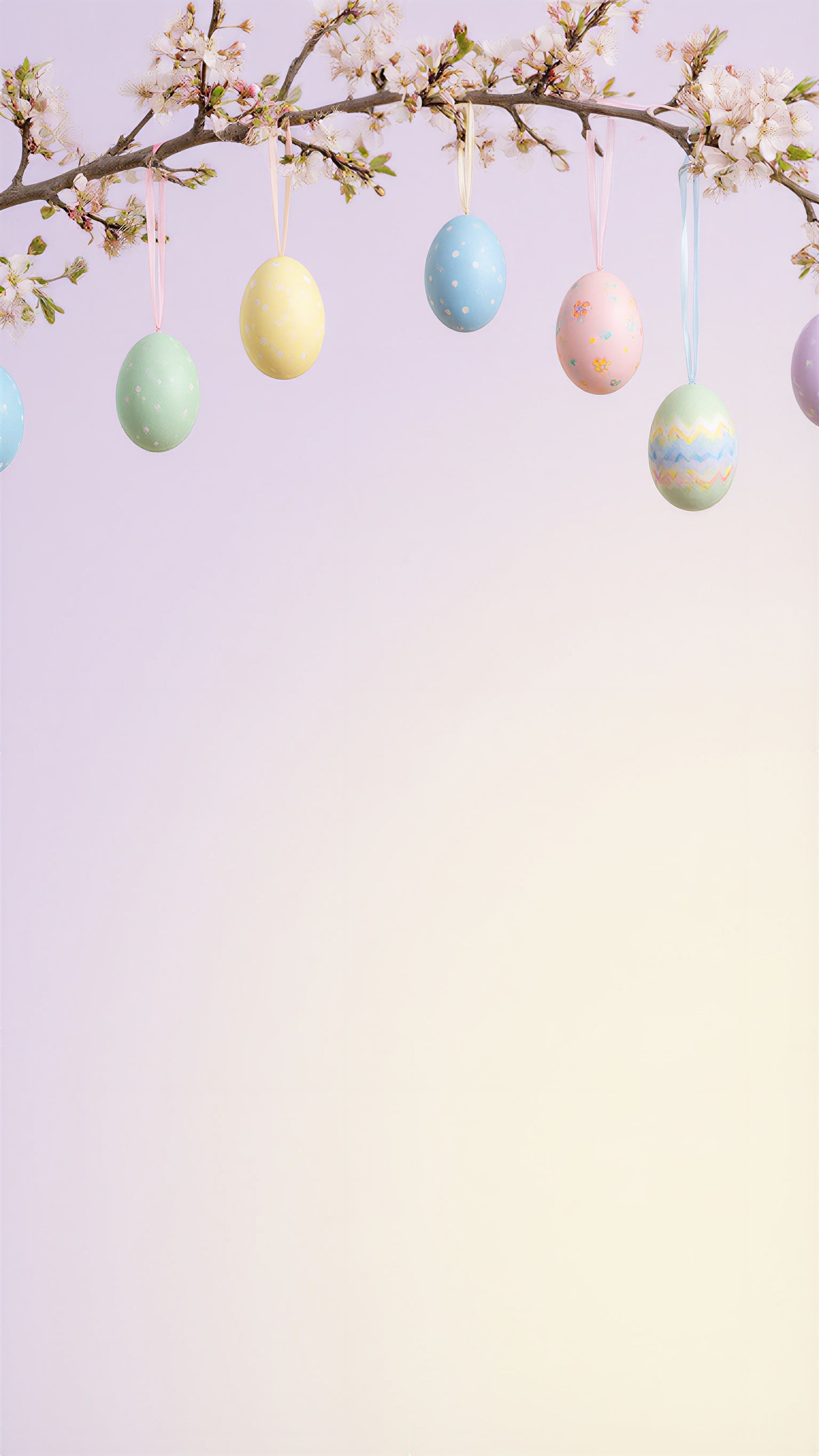
 Hanging eggs story backgroundStory 9:16 · 1536 × 2730 JPG · Qwen Image 3.0Download
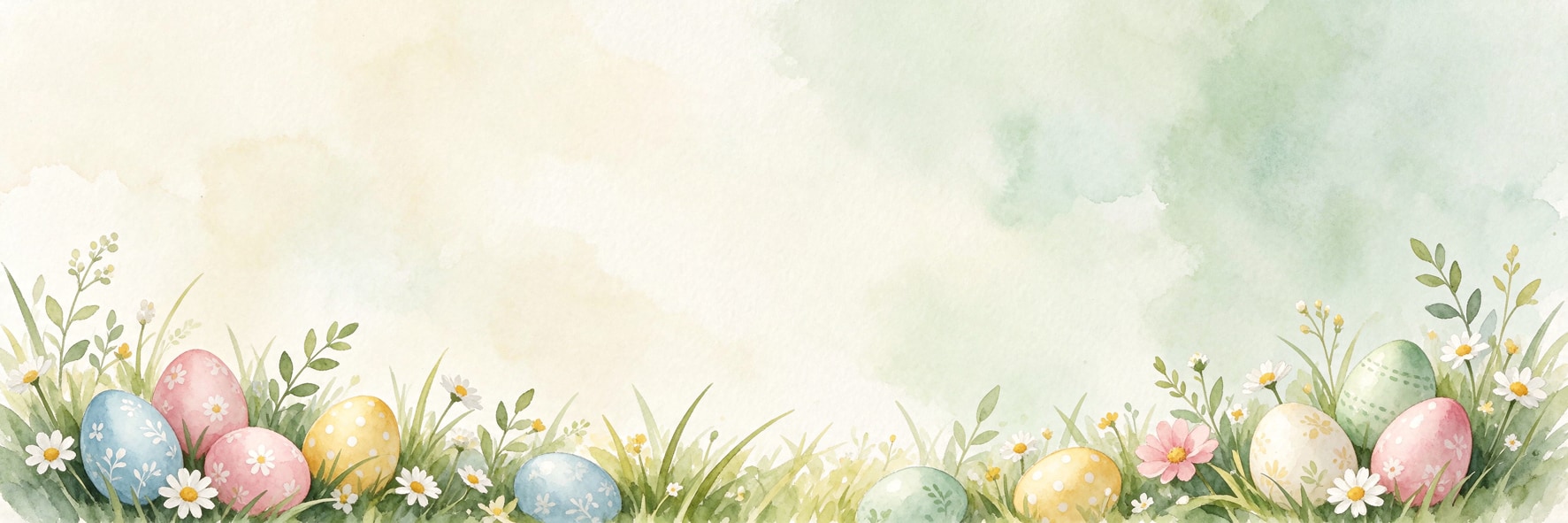
 Watercolor egg bannerBanner 3:1 · 1773 × 591 JPG · Seedream 5.5Download
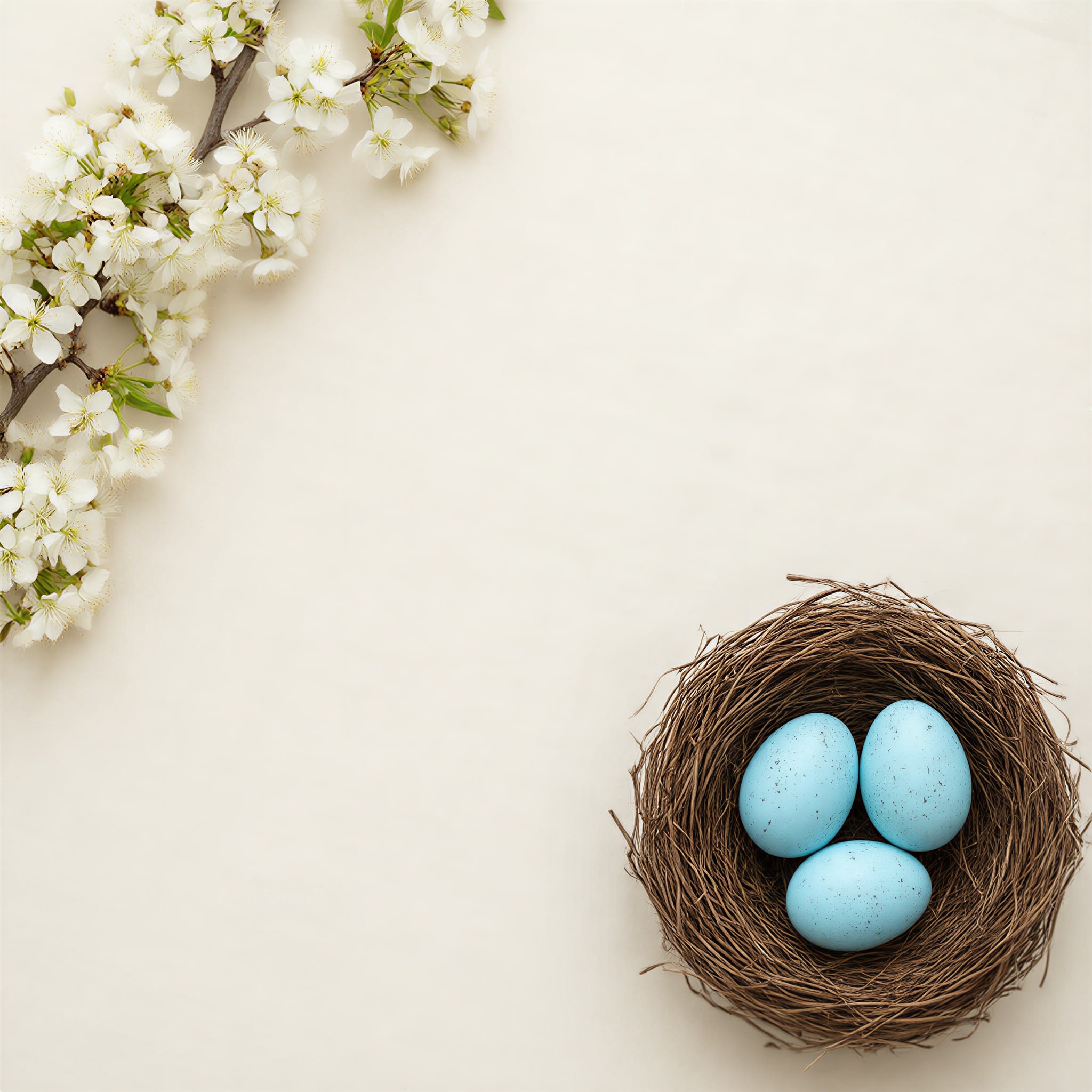
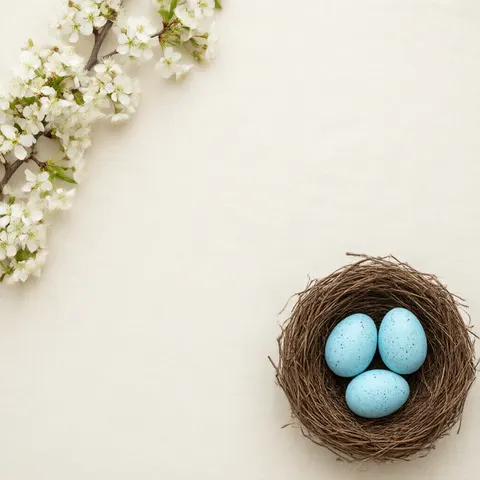 Blue eggs in a nest, postPost 1:1 · 2048 × 2048 JPG · Qwen Image 3.0Download
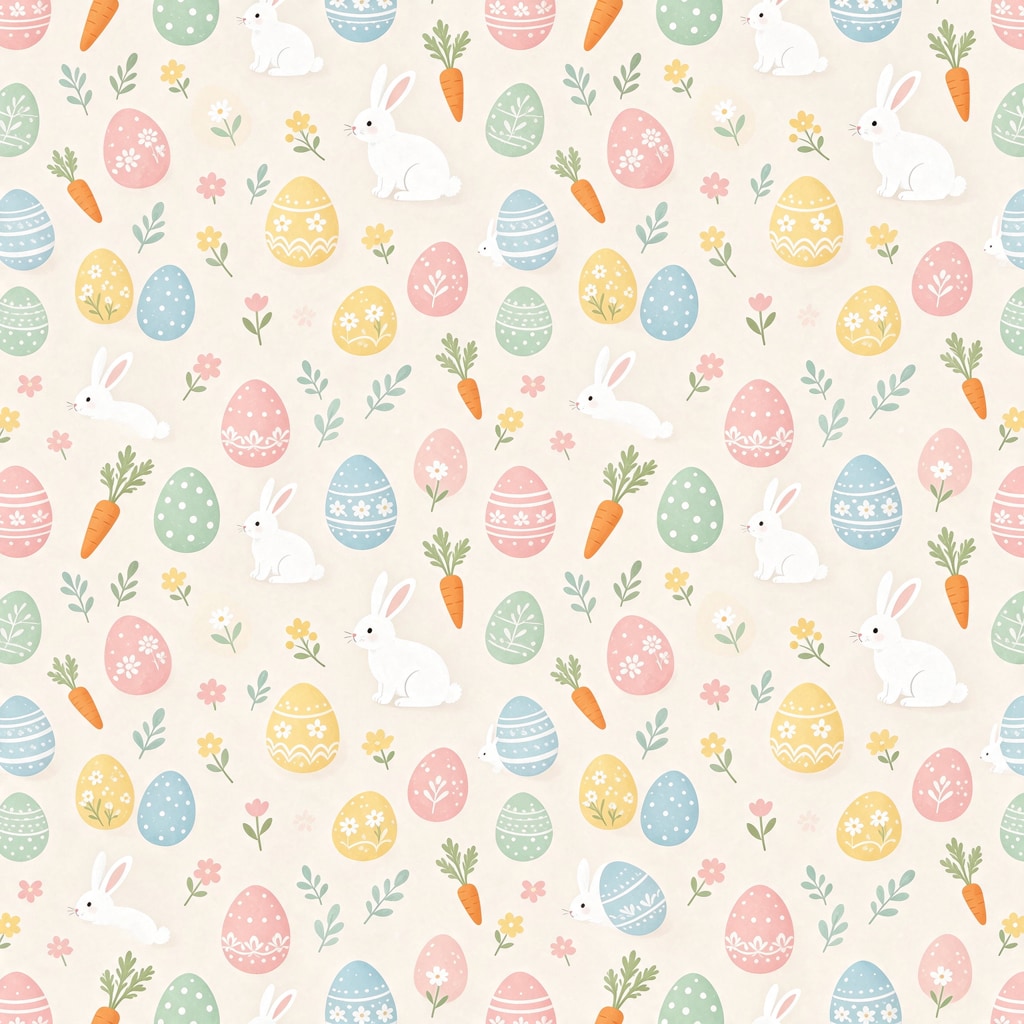
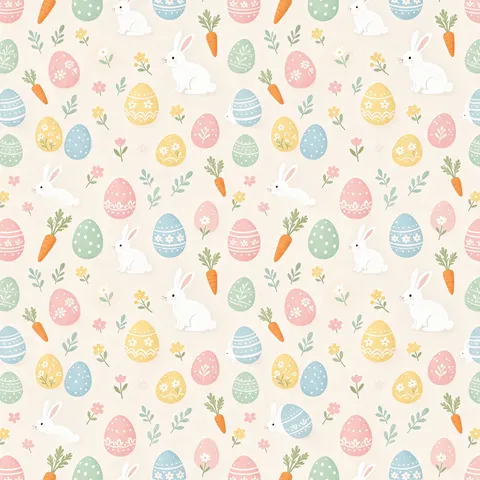 Bunny, egg and carrot patternPattern 1:1 · 1024 × 1024 JPG · Seedream 5.5Download
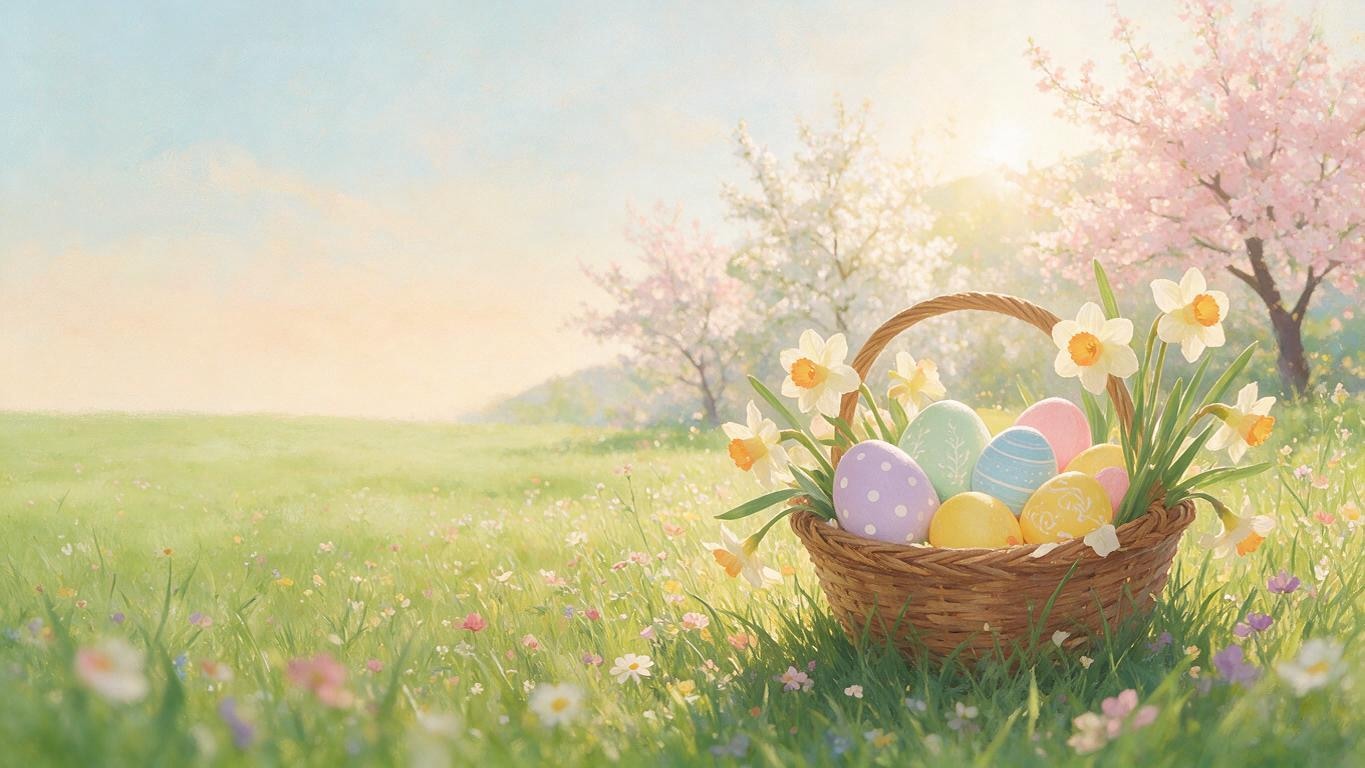
 Egg basket meadow slideSlide 16:9 · 1365 × 768 JPG · Seedream 5.0 ProDownload
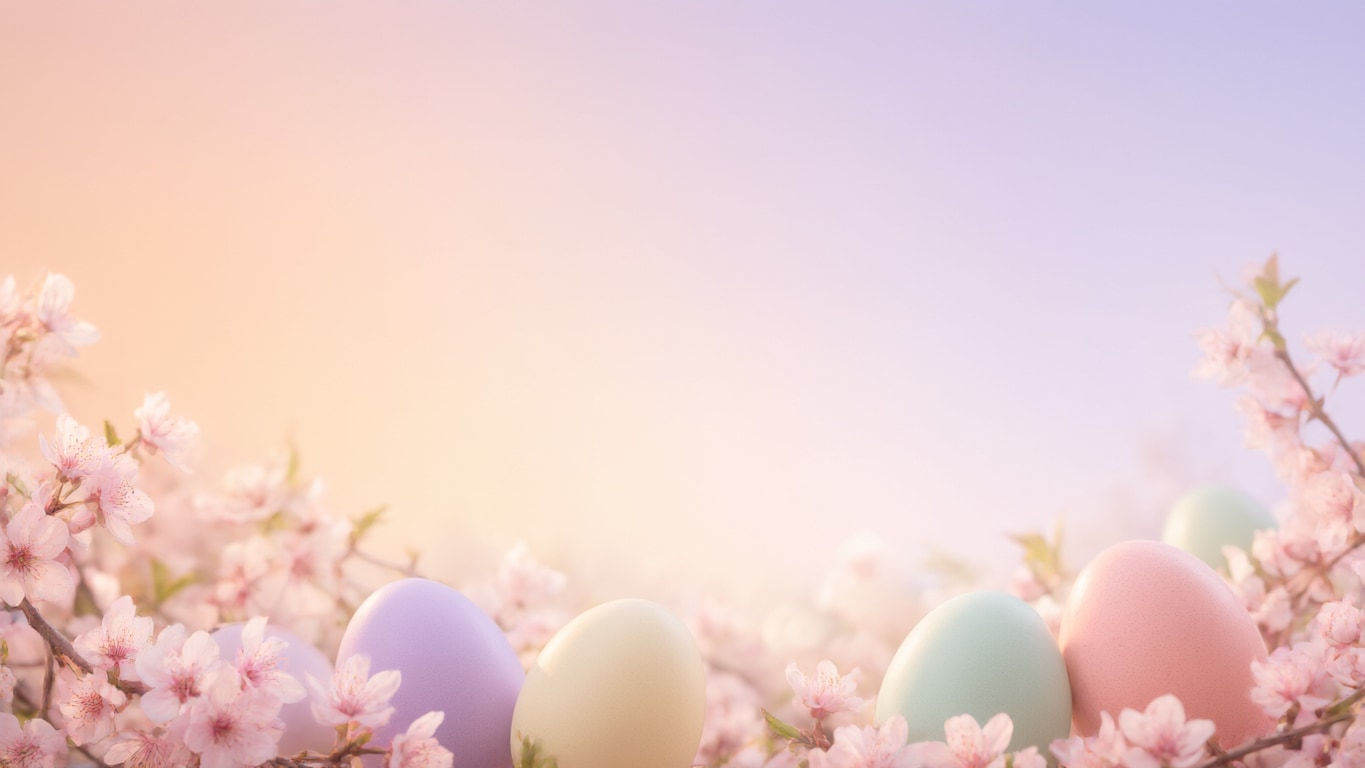
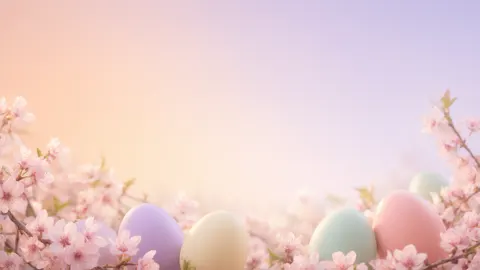 Pastel glow with eggs, aestheticDesktop 16:9 · 1365 × 768 JPG · Qwen Image 3.0Download
How to
How to use the easter background
- Time needed
- Steps
- 4 steps
Step 1
Download one, or open the generator
Download a background above, or press “Make my Easter background”. Image Studio opens with Qwen Image 3.0 and the egg flat lay prompt. Sign in with Google, GitHub or Discord for starter credits.
Step 2
Pick a scene and a shape
Keep the flat lay or paste a prompt from the gallery or the ideas table. Set the size: 16:9 for a call or slide, 9:16 for a story, 4:5 or 1:1 for a post, 3:1 for a banner.
Step 3
Create and check the empty space
Press Create and check the space is where your face, headline or sticker goes; if not, say where it goes and run it again.
Step 4
Download and use it
Download it and upload it in Zoom or Teams, set it as a slide background, or open it in Edit Studio to add text.
See it in the app

Open Remove & Erase and drop in a photo — products, people and pets all work.


Watch the tour · 1:34
Cutout, HD for hair & fur, Object Pick, Magic Eraser, new backgrounds, hand-offs & chat
Chapters
Tips
Get an Easter background that fits and leaves room
Most backgrounds go wrong in two places: the shape, and where the busy part sits.
Pick the size before you press Create — Image Studio opens on Square 1:1. 16:9 for calls and slides, 9:16 for stories, 4:5 or 1:1 for posts, 3:1 for banners.
Say where the empty space goes: “a large empty space in the centre”, “the left half calm”, “the middle and lower two thirds empty”.
On a call you sit in the middle, so put the eggs, flowers and wreath at the edges of a realistic, evenly lit room.
For a banner, ask for “a narrow band along the very bottom edge” — the Easter banner here kept its band thin that way.
Ask for a “small round bunny” or a “fluffy chick”: the prompt filter blocks child words such as “baby”.
End with “no text”, then type your words with Edit Studio's text tool so the spelling is exactly yours.
Models
Models for Easter backgrounds
What each model is good at. Open any one straight in the generator.
- Free plan

Alibaba
Qwen Image 3.0
- Reference images
- Up to 3
- Output
- 1K or 2K · 15 ratios incl. 3:1, 4:5, 9:16
Open Qwen Image 3.0Best for
Default here · free plan · rooms, flat lays, gradients
ByteDance
Seedream 5.5
- Reference images
- Up to 10
- Output
- 1K / 1.5K / 2K · 15 ratios incl. 3:1
Open Seedream 5.5Best for
Watercolor banners and patterns

ByteDance
Seedream 5.0 Pro
- Reference images
- Up to 10
- Output
- 1K / 1.5K / 2K · 15 ratios
Open Seedream 5.0 ProBest for
Painterly slide backgrounds

OpenAI
GPT Image 2.5 Sunburst
- Reference images
- Up to 16
- Output
- 1K to 4K · 15 ratios
Open GPT Image 2.5 SunburstBest for
“Happy Easter” lettering in the picture
FAQ
Easter Background questions
8 questions

Where can I download an Easter background?
Right on this page. The downloads section has eight Easter backgrounds made with Kenerate — a 16:9 call room, a 16:9 slide, a 16:9 pastel glow, a 9:16 story, a 4:5 flat lay, a 1:1 nest, a 1:1 bunny pattern and a 3:1 banner — as JPG files. Downloading them costs nothing and needs no account.
Link to this answerHow do I make an Easter background?
Describe the scene in Image Studio and say where the empty space goes — “a large empty space in the centre”, “the left half calm” — then pick the shape for where it will sit and press Create. The button on this page opens Qwen Image 3.0 with the egg flat lay prompt filled in.
Link to this answerIs it free to make an Easter background?
Free to start. Sign in with Google, GitHub or Discord — no card — and a new account gets 25 credits. Qwen Image 3.0 is on the free plan at 9 credits an image, so the starter credits make two backgrounds. Seedream 5.5 (6 credits), Seedream 5.0 Pro (13.5) and the Image Upscaler (3 credits a run) use credits from one-time packs; the Starter pack is $15 for 1,300 credits.
Link to this answerHow do I make an Easter Zoom background?
Make a 16:9 image of a realistic, evenly lit room with the Easter decorations at the edges and the centre plain, like the Easter room here. Zoom asks for at least 1280 × 720 in PNG or JPG; Teams takes JPG, PNG or BMP. Upload it in the app's background settings.
Link to this answerWhat is a cute Easter background?
Flat illustration with rounded shapes and pastel colours — the bunny, egg and carrot pattern here, or “a small round white bunny and a fluffy yellow chick in grass, plain mint sky” from the ideas table. Avoid child words such as “baby bunny”; the prompt filter blocks them.
Link to this answerCan I add “Happy Easter” to a background?
Yes. Leave the space empty in the prompt, then open the background in Edit Studio and type with the text tool — the spelling is exactly what you type. For lettering drawn into the picture, use GPT Image 2.5 Sunburst and read every letter.
Link to this answerWhen is Easter 2027?
Easter Sunday 2027 is 28 March for Western churches, so Good Friday is 26 March.
Link to this answerHow is this different from the Easter wallpaper page?
This page is for backgrounds that sit behind something — your face on a call, a headline, a sticker, a slide title. The Easter wallpaper page is for your own phone and desktop, with phone and 4K desktop downloads.
Link to this answerIn depth
Easter Background, explained
What works, what to avoid, and how to pick a model.
On this page
Which shape for which use?
Every model here starts on a square, so the shape is the first thing to set:
- Zoom, Teams, Google Meet, slides, desktop: 16:9. Zoom asks for at least 1280 × 720; the 16:9 backgrounds here are 1365 × 768.
- Instagram, Facebook and WhatsApp stories: 9:16. Keep the top and bottom quiet; app buttons sit there.
- Feed posts and invitations: 4:5 or 1:1.
- Social banners, church or school newsletter headers: 3:1, then crop to 1500 × 500 on Edit Studio's banner canvas.
- Bigger than the model makes: the Image Upscaler takes any background to 2K, 4K or 8K for 3 credits a run.
Put the empty space where it's needed
Say in the prompt where the calm area goes: “the centre plain and uncluttered” (call room), “a large empty space in the centre” (flat lay), “the middle and lower two thirds empty” (hanging eggs story), “the left half calm with room for a title” (meadow slide).
Keep decorations at the edges and corners — a nest in one corner and blossoms in the opposite one leave a clean diagonal of space, as in the nest post here.
Downloading an Easter background vs making your own
Most “easter background” results are stock libraries — Canva, Pinterest, Unsplash — in sizes for no use in particular and each with its own licence. The eight here are original Kenerate outputs in the shapes above. Making your own puts the space exactly where your text goes; Kenerate's Terms say you own what you generate.
One caveat: the US Copyright Office's 2025 report ties copyright to human authorship, so a picture made entirely from a prompt may not be protected against others copying it.
By the Kenerate AI teamLast updated and reviewed
We build and run the Kenerate generator. Every example is a real output of the model named under it; models and presets were checked against the app's code.
Sources: Zoom Support — Changing your virtual background image · Microsoft Support — Change your background for a Teams meeting · US Copyright Office — Copyright and Artificial Intelligence (Part 2: Copyrightability, 29 January 2025) · Kenerate AI — Terms of Service