Phone 9:16 · desktop and Zoom 16:9 · square 1:1 · 2K and 4K JPG downloads · no text
Flower background — wildflowers, pastel florals, dark roses and cherry blossom
Eight original flower backgrounds made on Kenerate, each in the shape its use needs: pastel florals, a wildflower meadow, pressed flowers, dark moody roses and peonies, watercolour roses, cherry blossom, a sunflower field and a retro daisy pattern. Download one or describe your own.
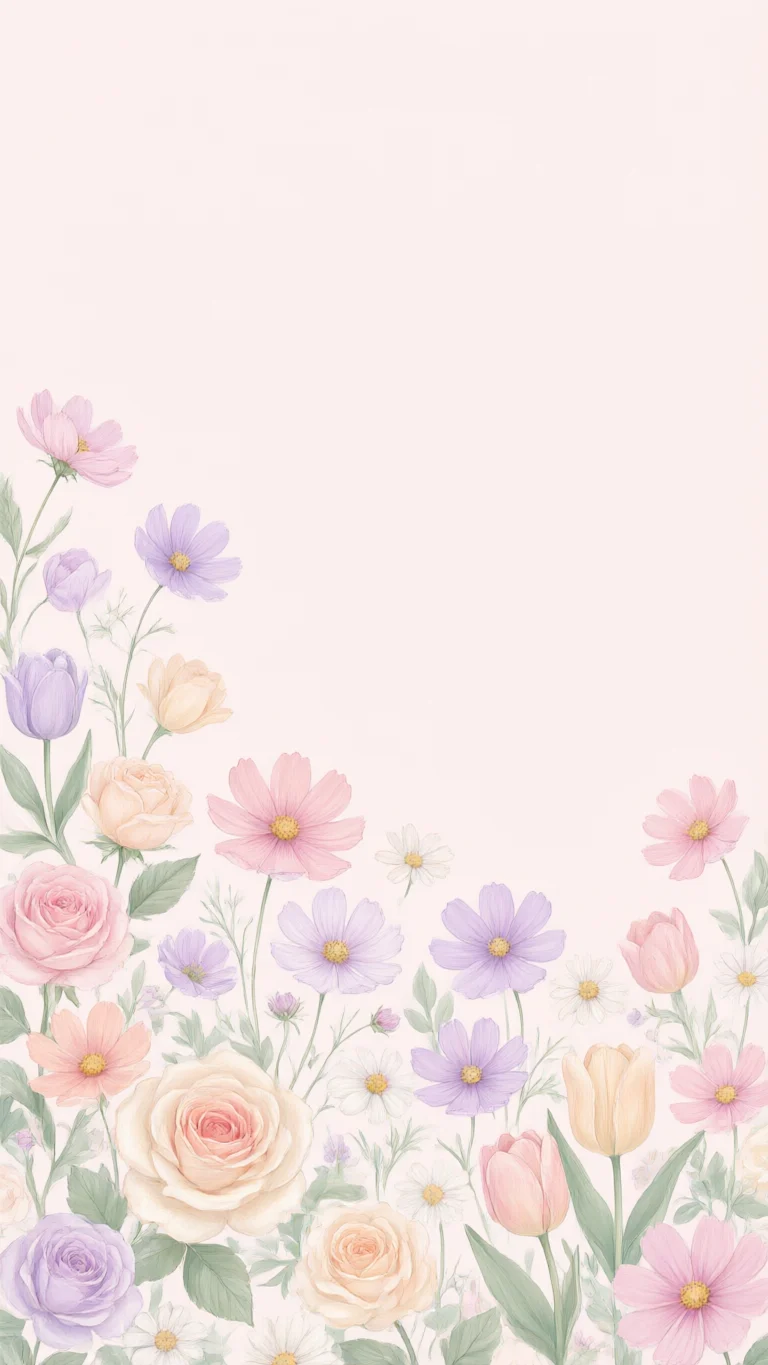
- 8 real flower backgrounds to download
- Phone 9:16, desktop 16:9, square 1:1
- Upscaled 2K and 4K JPGs
- Every prompt to copy
Updated by the Kenerate AI team




Made with Kenerate
On this page
Quick answer
How do I make a flower background?
To make a flower background, describe the flowers in Kenerate's Image Studio — a wildflower meadow, pressed flowers, pastel florals, dark moody roses, watercolour roses or cherry blossom — say where they go and where the empty space is, end with “no text”, and pick 9:16, 16:9 or 1:1. Qwen Image 3.0 is on the free plan at 9 credits; the 8 here are free 2K and 4K JPG downloads.
Key facts
- Backgrounds to download
- 8 — pastel florals, wildflower meadow, pressed flowers, dark moody florals, watercolour roses, cherry blossom, sunflower field, daisy pattern
- Shapes
- 9:16 (3) · 16:9 (4) · 1:1 (1)
- Download sizes
- Phone 1536 × 2730 or 1539 × 2725 · 16:9 5461 × 3072 or 5451 × 3078 · square 2048 × 2048 (upscaled)
- Made with
- Qwen Image 3.0 (4) · GPT Image 2.5 Sunburst (4) · Image Upscaler
- Zoom
- At least 1280 × 720, PNG or JPG (Zoom Support)
- Text
- None in any image; add your own with Edit Studio's text tool
More flower background ideas
More flower background ideas: the prompt, the size and a tip
Not made on this page — prompts to try. Set the size in Image Studio before you press Create, and keep “no text” at the end.
| Background | Size · model | Prompt | Tip |
|---|---|---|---|
| Lavender field | 16:9 · GPT Image 2.5 Sunburst | Rows of purple lavender running toward a soft hazy horizon at golden hour, the nearest stems sharp at the bottom, a pale apricot sky in the upper half, realistic photo, no people, no buildings, no text | Rows that run to the horizon lead the eye to the centre — good behind a face |
| Tulip field, spring | 9:16 · Qwen Image 3.0 | Rows of red, pink and yellow tulips in the lower half under a clear pale blue sky, bright daylight, the top third open sky for the clock, realistic photo, no windmills, no text | Add “no windmills” to keep it to plain fields |
| Floral frame for an invitation | 16:9 · Qwen Image 3.0 | A soft watercolour frame of eucalyptus leaves and white roses around all four edges, a wide plain cream centre for text, delicate and airy, no text | A frame leaves a clean centre for a title or names |
| Hibiscus, tropical | 1:1 · GPT Image 2.5 Sunburst | Bright red and coral hibiscus flowers with glossy green leaves scattered over a deep teal background, flat illustration, evenly spread, no text | Square tropical patterns work for posts and phone cases |
| Wisteria tunnel | 9:16 · GPT Image 2.5 Sunburst | Hanging lilac wisteria blossoms draping from the top of the frame over a soft blurred garden path, dreamy pastel light, the lower third calm, realistic photo, no people, no text | Hanging flowers cover the top of a phone screen, so the clock sits on blossom |
| Single rose, minimal | 16:9 · Qwen Image 3.0 | One long-stemmed pale pink rose lying diagonally on the right third of a plain warm white linen background, soft daylight, the left two thirds empty, no text | One flower on plain fabric is the calmest flower background |
Gallery
Flower background examples
Eight real flower backgrounds — three for a phone, four for a desktop, call or slide, one square pattern. Open one to see its prompt and model; the note under each says what the model did. Download them below.
Download
Download the flower backgrounds
Each file is the background above, upscaled with Kenerate's Image Upscaler: phone backgrounds at 1536 × 2730 or 1539 × 2725, 16:9 backgrounds at about 5460 × 3075 (larger than a 3840 × 2160 4K screen and well above Zoom's 1280 × 720 minimum), the daisy pattern at 2048 × 2048. JPG, no watermark, no text.
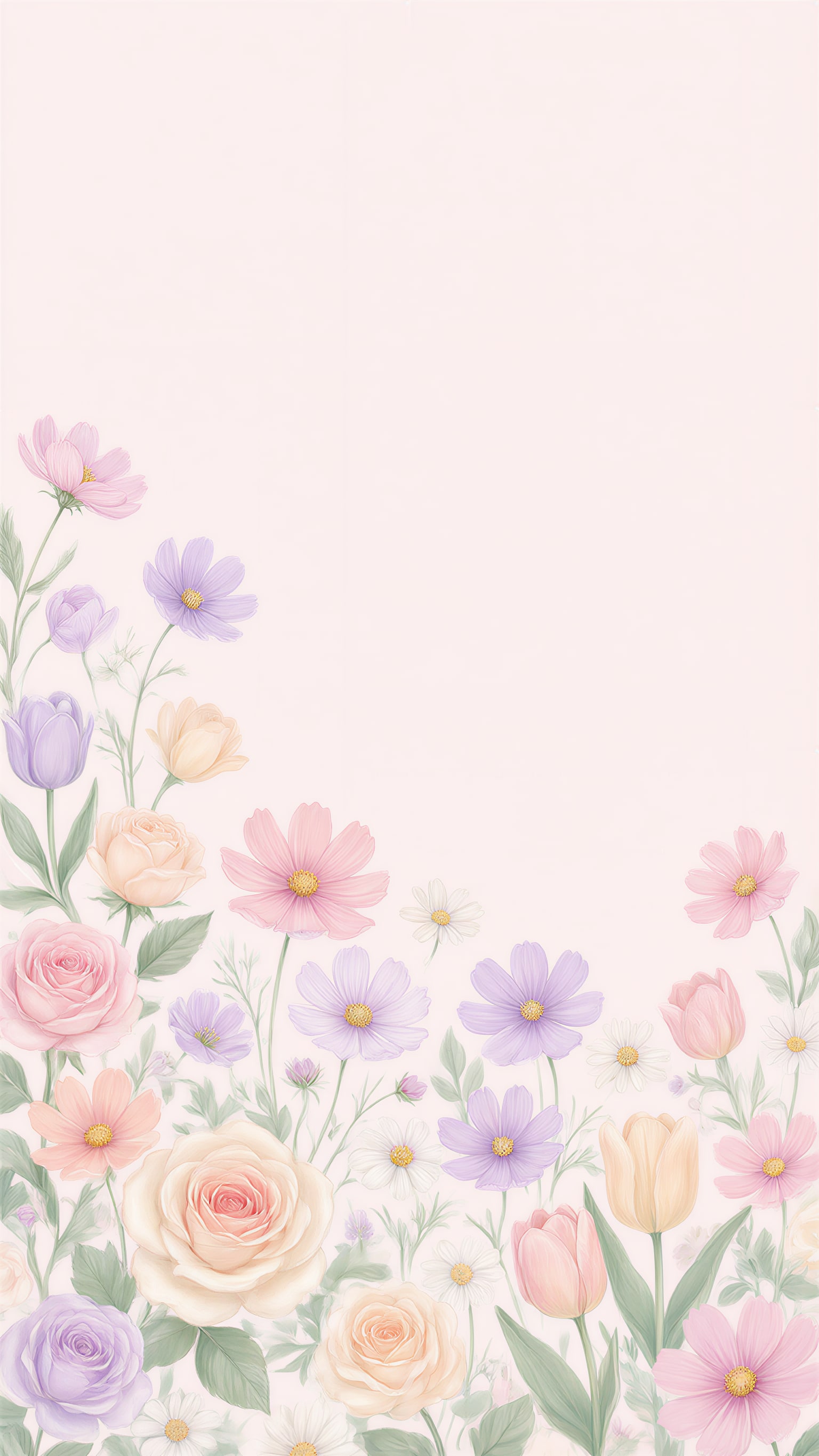
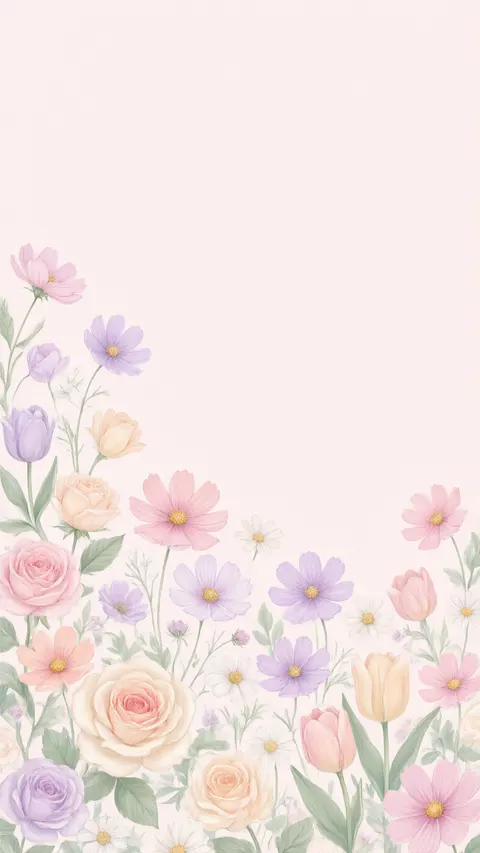 Pastel floralsPhone 9:16 · 1536 × 2730 JPG · Qwen Image 3.0Download
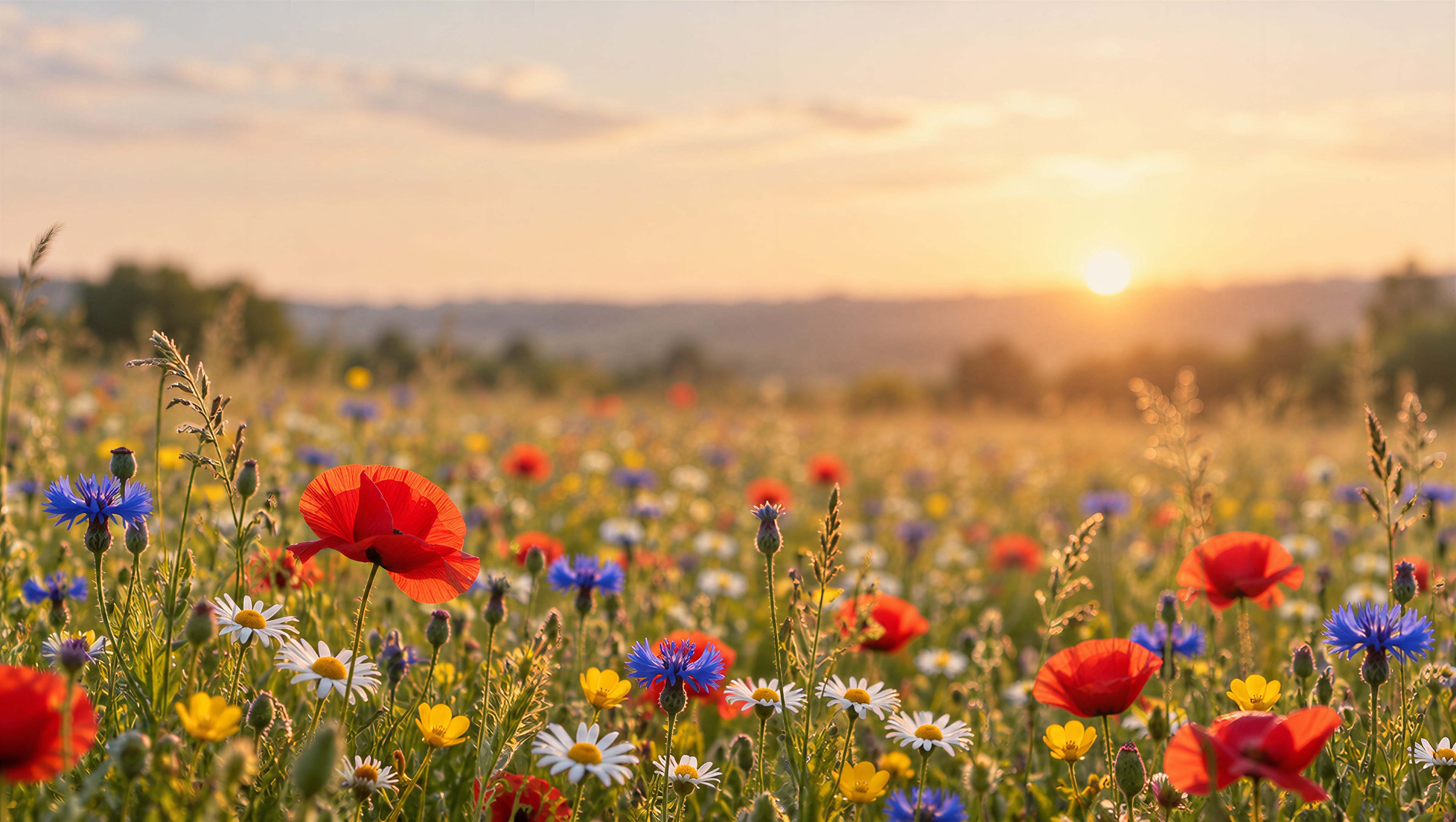
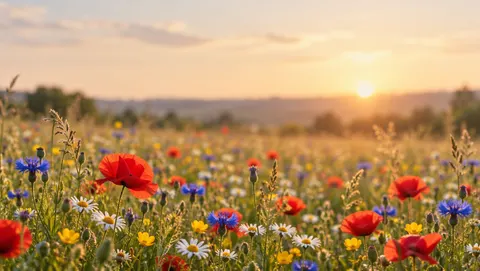 Wildflower meadowCall 16:9 · 5451 × 3078 JPG · GPT Image 2.5 SunburstDownload
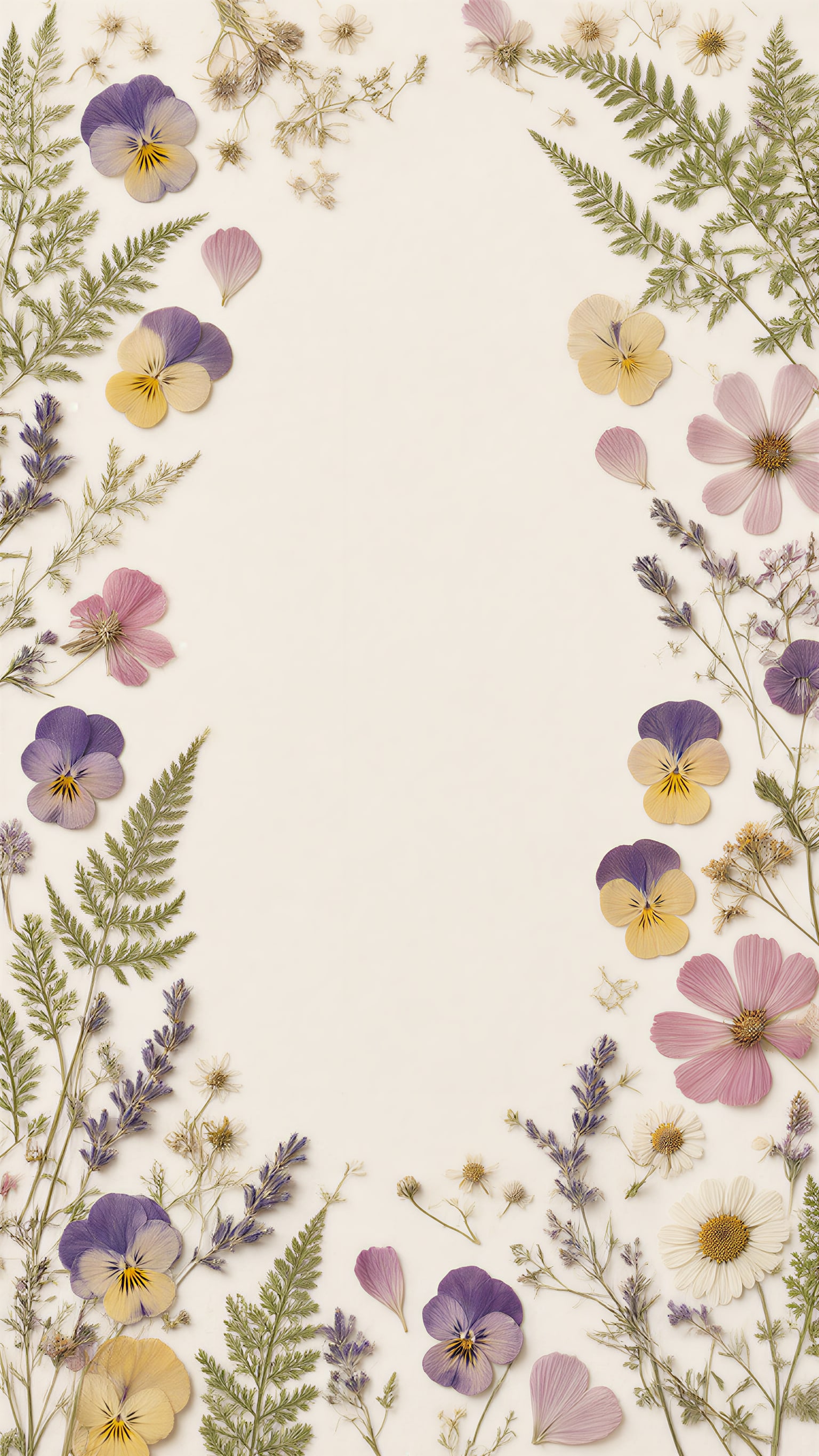
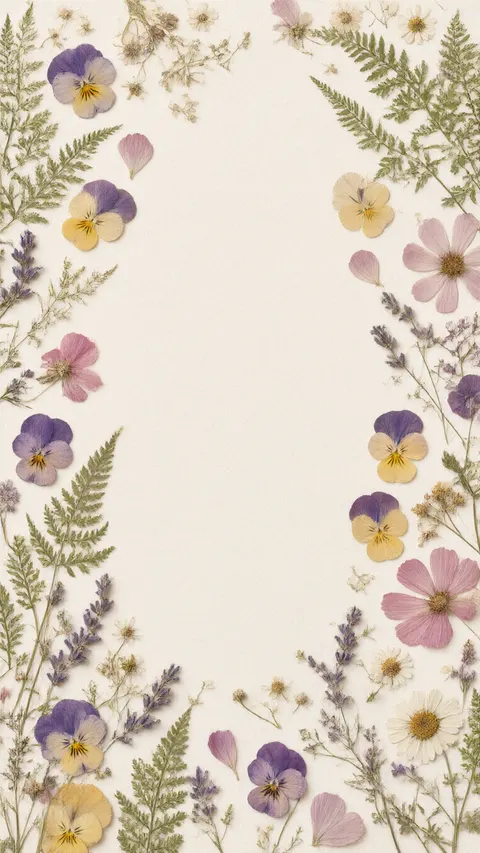 Pressed flowersPhone 9:16 · 1536 × 2730 JPG · Qwen Image 3.0Download
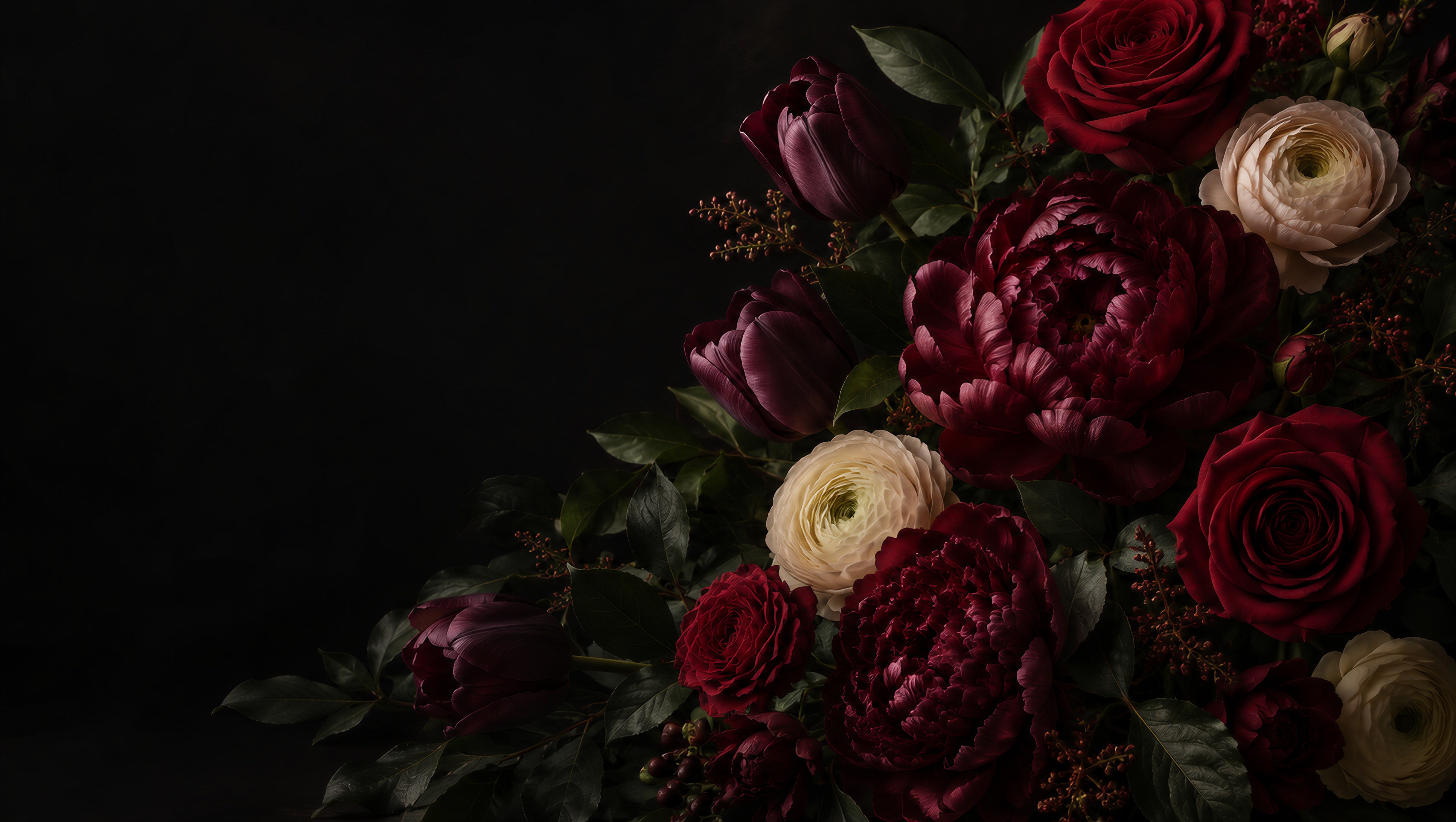
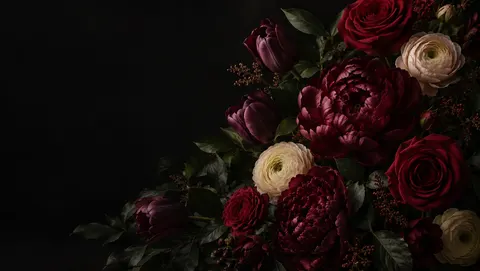 Dark moody floralsDesktop 16:9 · 5451 × 3078 JPG · GPT Image 2.5 SunburstDownload
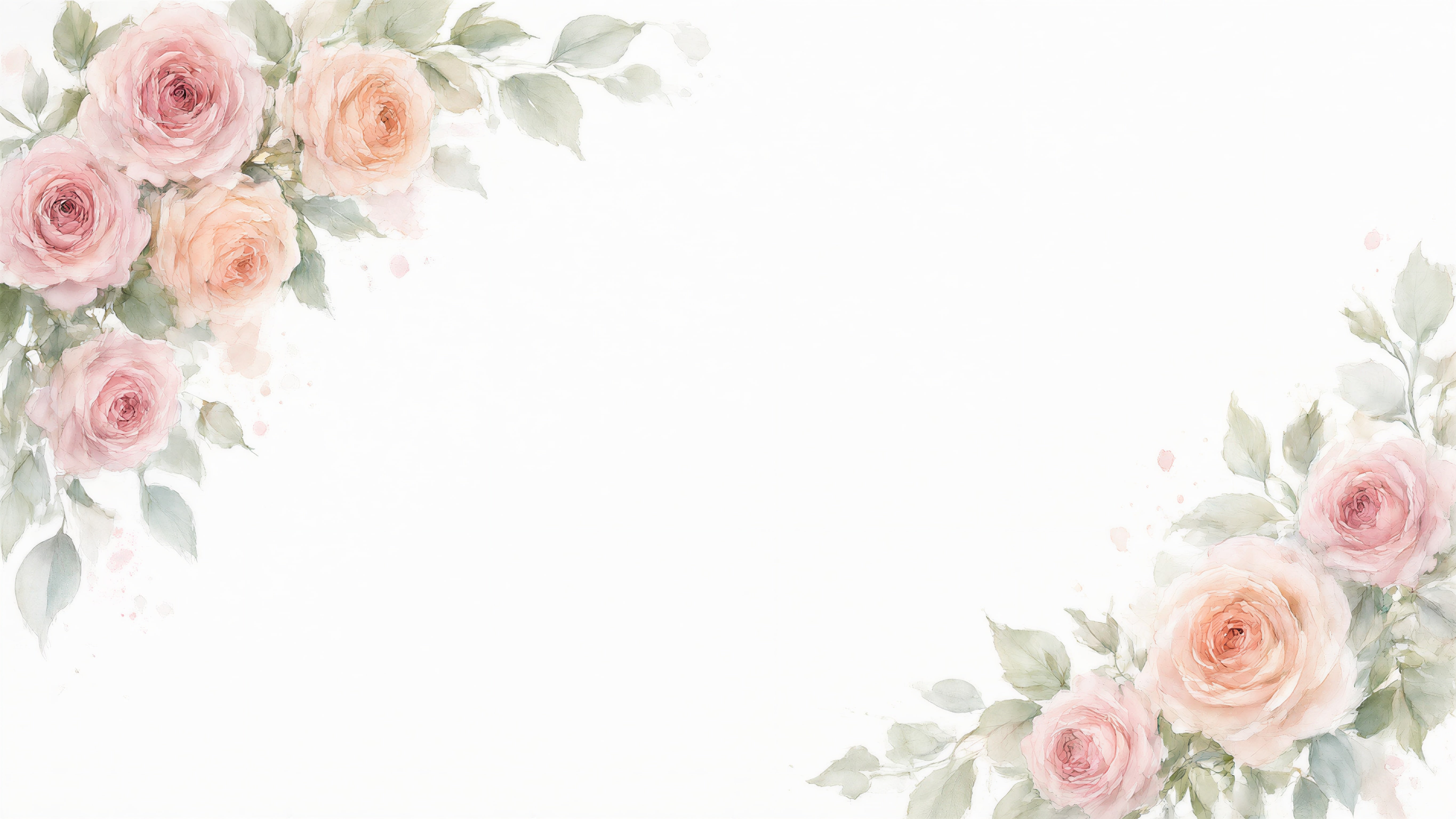
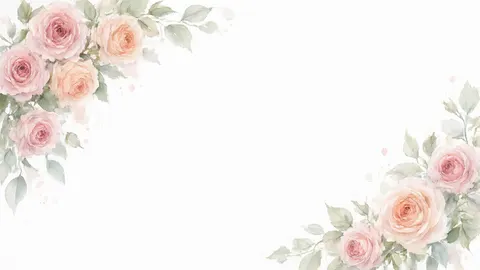 Watercolour rosesSlide 16:9 · 5461 × 3072 JPG · Qwen Image 3.0Download
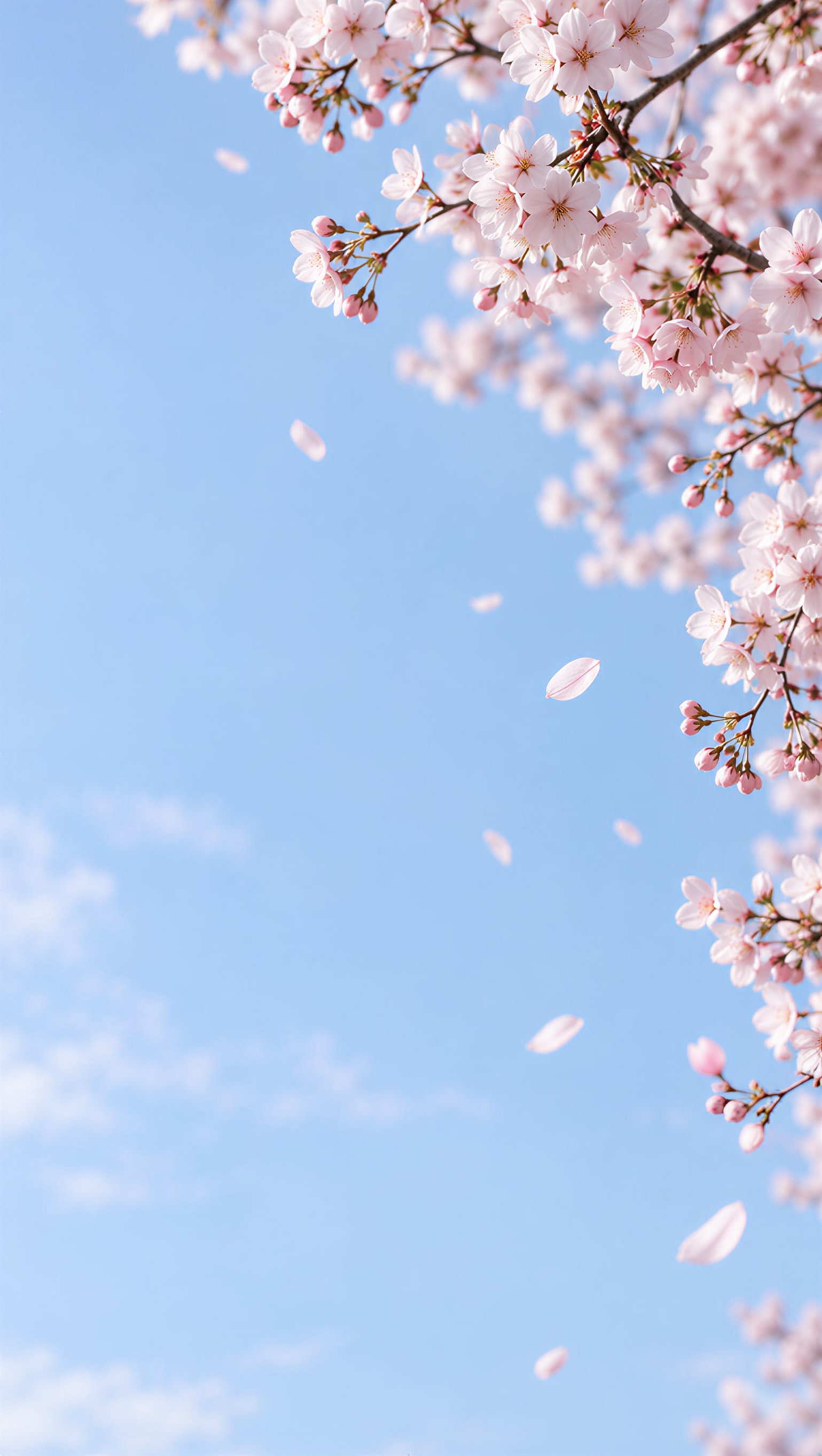
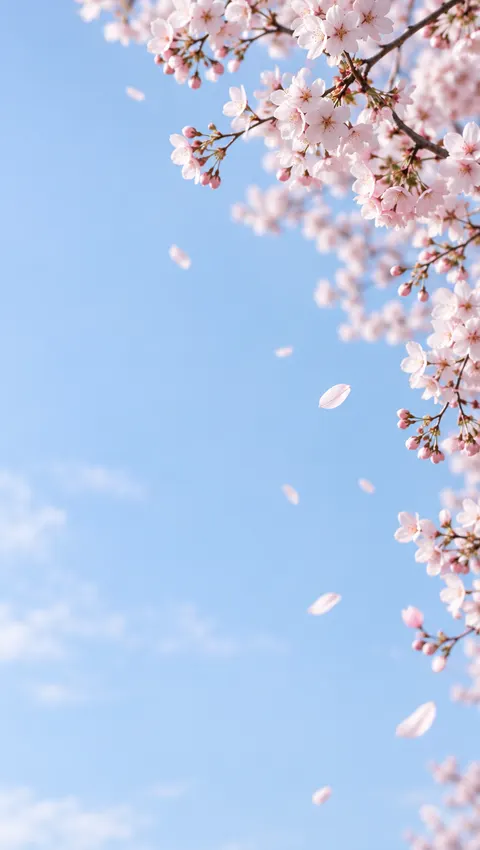 Cherry blossomPhone 9:16 · 1539 × 2725 JPG · GPT Image 2.5 SunburstDownload
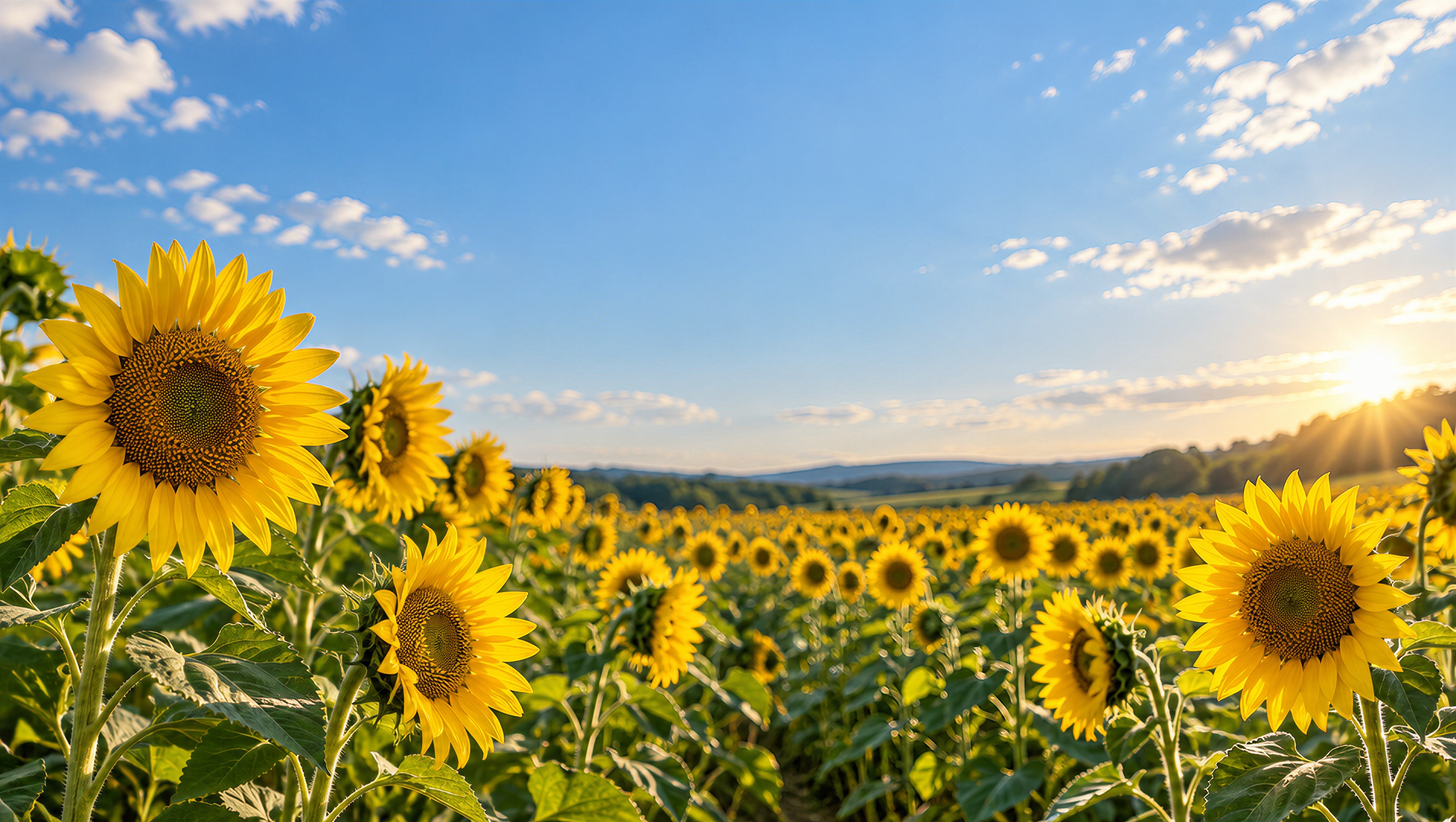
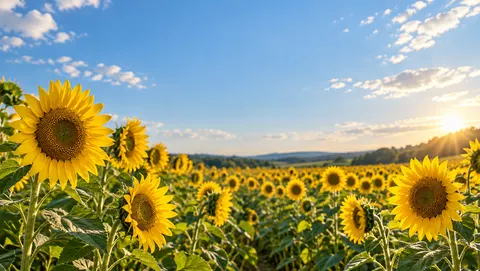 Sunflower fieldCall 16:9 · 5451 × 3078 JPG · GPT Image 2.5 SunburstDownload
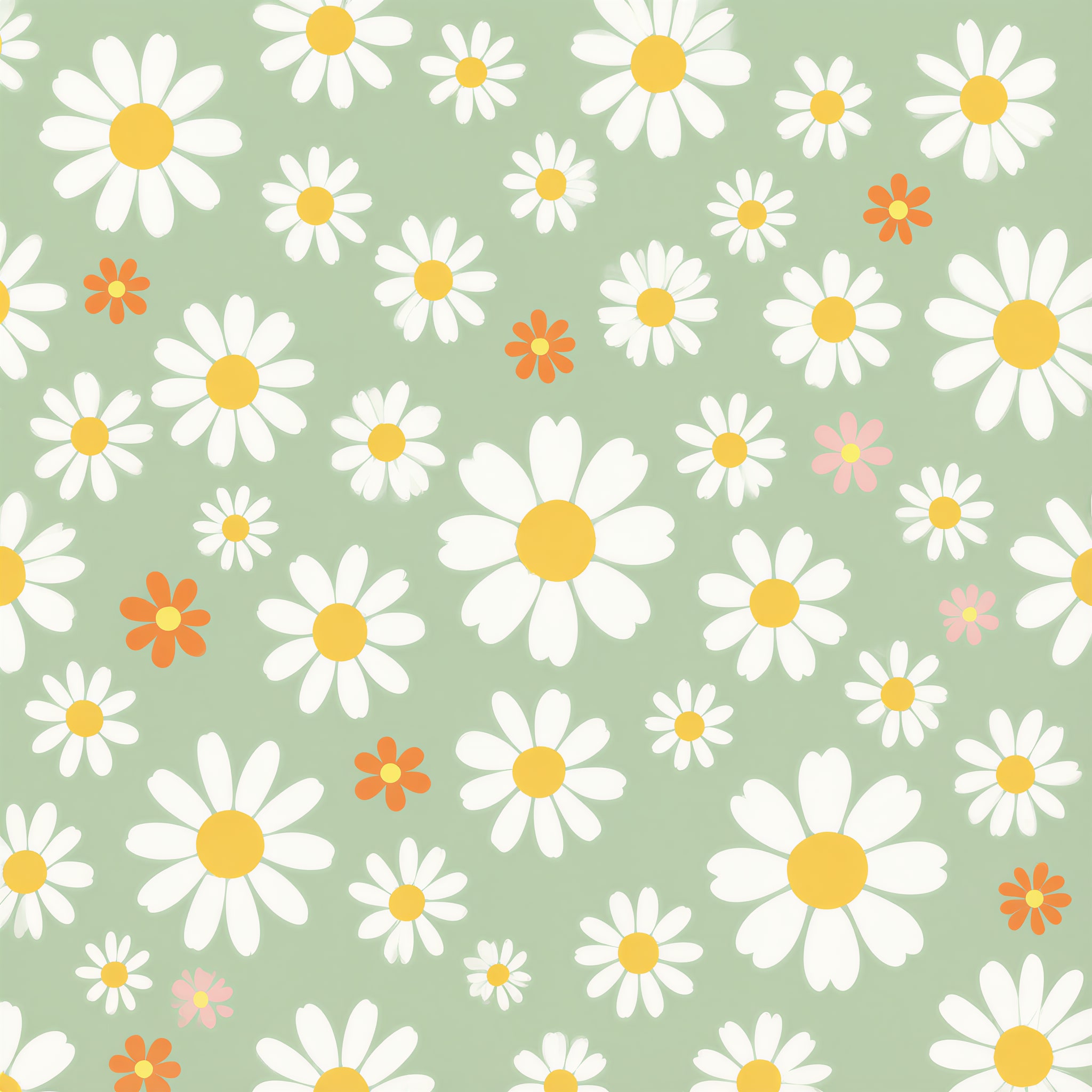
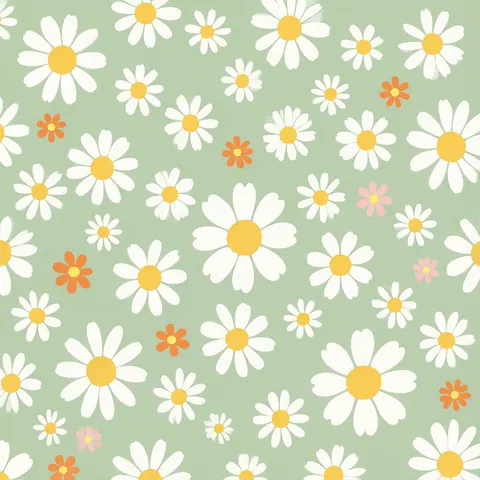 Retro daisy patternSquare 1:1 · 2048 × 2048 JPG · Qwen Image 3.0Download
How to
How to use the flower background
- Time needed
- Steps
- 4 steps
Step 1
Download one, or open the generator
Download a background below, or press “Make my flower background”. Image Studio opens with Qwen Image 3.0 and the pastel florals prompt. Sign in with Google, GitHub or Discord for starter credits.
Step 2
Pick the flowers and a shape
Keep the pastel florals or paste a prompt from the gallery or the ideas table. Set the size: 9:16 for a phone, 16:9 for a desktop, call or slide, 1:1 for a post.
Step 3
Create and check the space
Press Create and check the flowers leave room where your clock, icons, face or title will go; if not, say where they go and run it again.
Step 4
Upscale, download and use it
Run it through the Image Upscaler for a 2K or 4K file, download it, then set it as your wallpaper, upload it in Zoom or Teams, or add text in Edit Studio.
See it in the app

Open Remove & Erase and drop in a photo — products, people and pets all work.


Watch the tour · 1:34
Cutout, HD for hair & fur, Object Pick, Magic Eraser, new backgrounds, hand-offs & chat
Chapters
Tips
Get a flower background that fits and stays readable
Flowers are detailed. A good flower background keeps them to the edges or one side and leaves a calm area for whatever goes on top.
Pick the size before you press Create — Image Studio opens on Square 1:1. 9:16 for a phone, 16:9 for a desktop, call or slide, 1:1 for a post or pattern.
Say where the flowers go: “along the bottom third”, “in the top left and bottom right corners”, “on the right side”, and where the empty space is.
Name the flowers and the medium: poppies and cornflowers as a photo, roses as watercolour, pansies pressed flat. The medium sets the mood.
Write “pale pink” and “pale blue”, and call the little white filler flower gypsophila — the prompt filter blocks its common name.
Frames creep: “around the edges” often covers the top too. If the clock must be clear, say “the top third empty”.
Patterns from a prompt aren't exact: check the spacing, and don't expect the edges to tile seamlessly.
Models
Models for flower backgrounds
What each model is good at. Open any one straight in the generator.
- Free plan
Alibaba
Qwen Image 3.0
- Reference images
- Up to 3
- Output
- 1K or 2K · 15 ratios incl. 9:16, 16:9
Open Qwen Image 3.0Best for
Default here · free plan · pastel, pressed, watercolour, patterns
OpenAI
GPT Image 2.5 Sunburst
- Reference images
- Up to 16
- Output
- 1K to 4K · 15 ratios
Open GPT Image 2.5 SunburstBest for
Photo meadows, dark florals, blossom · lettering if you want words
ByteDance
Seedream 5.0 Pro
- Reference images
- Up to 10
- Output
- 1K / 1.5K / 2K · 15 ratios
Open Seedream 5.0 ProBest for
Painted and illustrated floral scenes
FAQ
Flower Background questions
8 questions

Where can I download a flower background?
Right on this page. The downloads section has eight flower backgrounds made with Kenerate — three 9:16 phone backgrounds, four 16:9 for a desktop, call or slide, and a 1:1 daisy pattern — as upscaled JPG files. Downloading them costs nothing and needs no account.
Link to this answerHow do I make a flower background?
Describe the flowers in Image Studio — which flowers, the medium (photo, watercolour, pressed, flat illustration) and where they go — end with “no text”, pick the shape and press Create. The button on this page opens Qwen Image 3.0 with the pastel florals prompt filled in.
Link to this answerIs it free to make a flower background?
Free to start. Sign in with Google, GitHub or Discord — no card — and a new account gets 25 credits. Qwen Image 3.0 is on the free plan at 9 credits an image, so the starter credits make two backgrounds; GPT Image 2.5 Sunburst uses 7.2 credits at 1K and the Image Upscaler 3 credits.
Link to this answerWhat is a good aesthetic flower background?
Pick one palette and one medium: pastel florals on blush, pressed flowers on cream paper, watercolour roses on white, or dark roses and peonies on black. Keep a calm area — the top third on a phone, one side or the centre on a desktop.
Link to this answerCan I get a floral background for an invitation or slide?
Yes. Ask for flowers in two corners or around the edges and “a wide plain centre for text”, as the watercolour roses here. Then add the words in Edit Studio or your slide app; a 16:9 file fits a slide and the download is about 5460 × 3075.
Link to this answerCan I use a flower background on Zoom or Teams?
Yes. Zoom asks for at least 1280 × 720 in PNG or JPG, and Teams takes JPG, PNG or BMP; the 16:9 downloads are JPGs well above that. The wildflower meadow and the sunflower field keep the middle calm so you don't blend into the flowers.
Link to this answerWhat size should a flower background be for a phone?
Use 9:16. The phone downloads here are 1536 × 2730 or 1539 × 2725 after upscaling; Image Studio makes them at 768 × 1365 or 768 × 1360, and the Image Upscaler takes them to 2K, 4K or 8K.
Link to this answerCan I use these flower backgrounds for anything?
Yes for personal use, calls, slides and posts: they are original Kenerate outputs with no logos or text. Kenerate's Terms say it claims no ownership of what you generate, though the US Copyright Office says purely prompt-made images may not be protected by copyright.
Link to this answerIn depth
Flower Background, explained
What works, what to avoid, and how to pick a model.
On this page
Which shape for which use?
Every model here starts on a square, so the shape is the first thing to set:
- Phone lock and home screen: 9:16. Made at 768 × 1365 (Qwen Image 3.0) or 768 × 1360 (GPT Image 2.5 Sunburst); the downloads are upscaled to 1536 × 2730 or 1539 × 2725.
- Desktop, Zoom, Teams and slides: 16:9. Made at 1365 × 768 or 1360 × 768 — already above Zoom's 1280 × 720 minimum — and upscaled to 5461 × 3072 or 5451 × 3078 for the downloads.
- Posts and patterns: 1:1, made at 1024 × 1024 and upscaled to 2048 × 2048 here.
- The Image Upscaler costs 3 credits a run and takes any background to 2K, 4K or 8K.
Flower background styles and the words that make them
The flower names and the medium carry the style. These worked here:
- Pastel: “soft illustrated flowers in pale pink, lilac, peach and cream, gentle gouache texture”.
- Meadow: “red poppies, blue cornflowers, white daisies and yellow buttercups, warm golden evening light”.
- Pressed: “real pressed and dried flowers laid flat on textured cream cotton paper, top-down flat lay”.
- Dark floral: “deep red roses, burgundy peonies, plum tulips on near-black, like an old Dutch still life”.
- Watercolour: “loose hand-painted watercolour roses in two corners, the centre plain white paper”.
- Pattern: “flat daisies with white petals and yellow centres scattered evenly over sage green, 1970s”.
What the models did that we didn't ask for
Each background here is the first try. The pressed flowers were asked to leave the top third mostly empty and framed it anyway. The meadow and the sunflower field each added a low sun, and the dark florals gained berry sprigs. The daisy pattern asked for two sizes and came back with many.
If an exact repeat matters (fabric, wrapping paper), make one flower and repeat it in a design tool; a prompt alone won't give an exact grid.
Downloading a flower background vs making your own
Most “flower background” results are stock libraries — Freepik, Vecteezy, Unsplash — each with its own licence and none sized for a particular screen. The eight here are original Kenerate outputs in the shapes above, upscaled, with no logos or lettering.
One caveat: the US Copyright Office's 2025 report ties copyright to human authorship, so a picture made entirely from a prompt may not be protected against others copying it.
By the Kenerate AI teamLast updated and reviewed
We build and run the Kenerate generator. Every example is a real output of the model named under it; models and presets were checked against the app's code.
Sources: Zoom Support — Changing your virtual background image · Microsoft Support — Change your background in Microsoft Teams meetings · US Copyright Office — Copyright and Artificial Intelligence (Part 2: Copyrightability, 29 January 2025) · Kenerate AI — Terms of Service