Phone 9:16 · desktop and Zoom 16:9 · square 1:1 · no text on any of them
Galaxy background — nebulae, spiral galaxies and the Milky Way for phone, desktop and calls
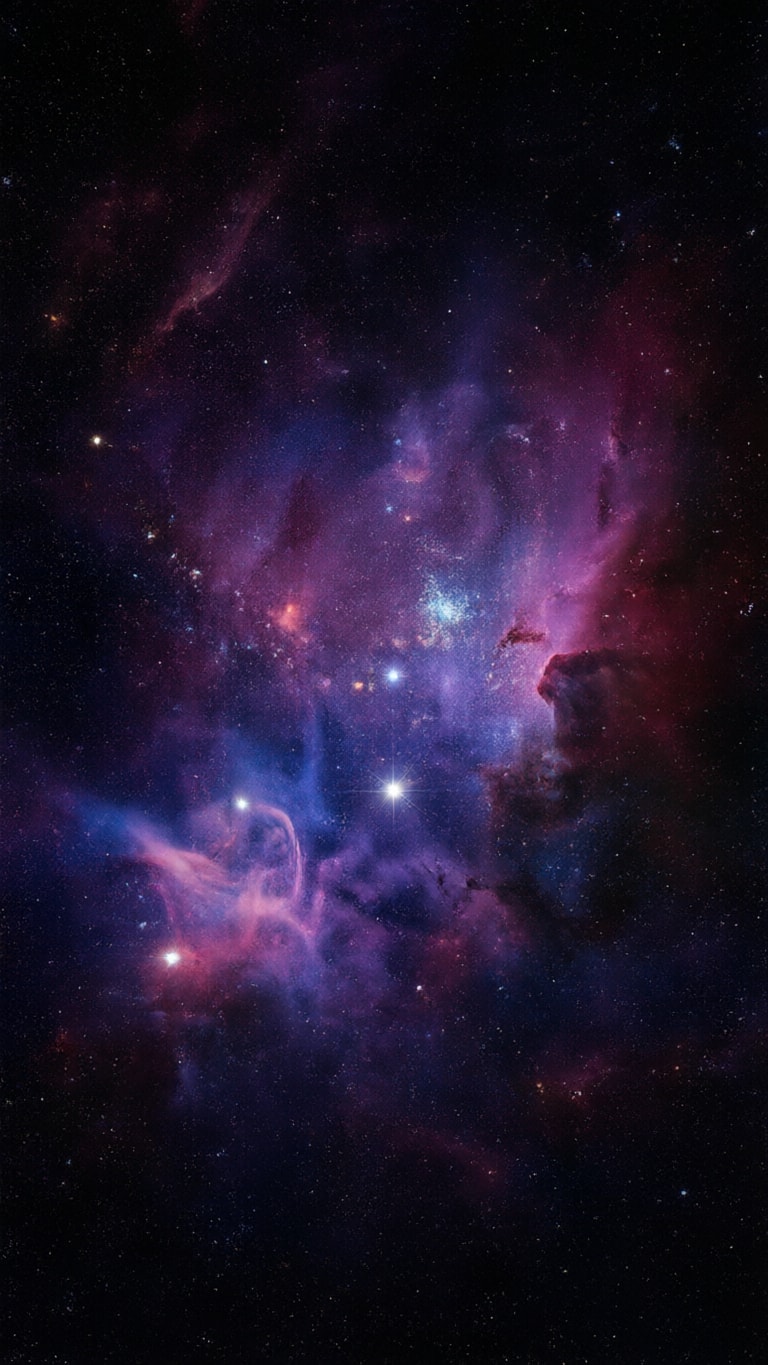
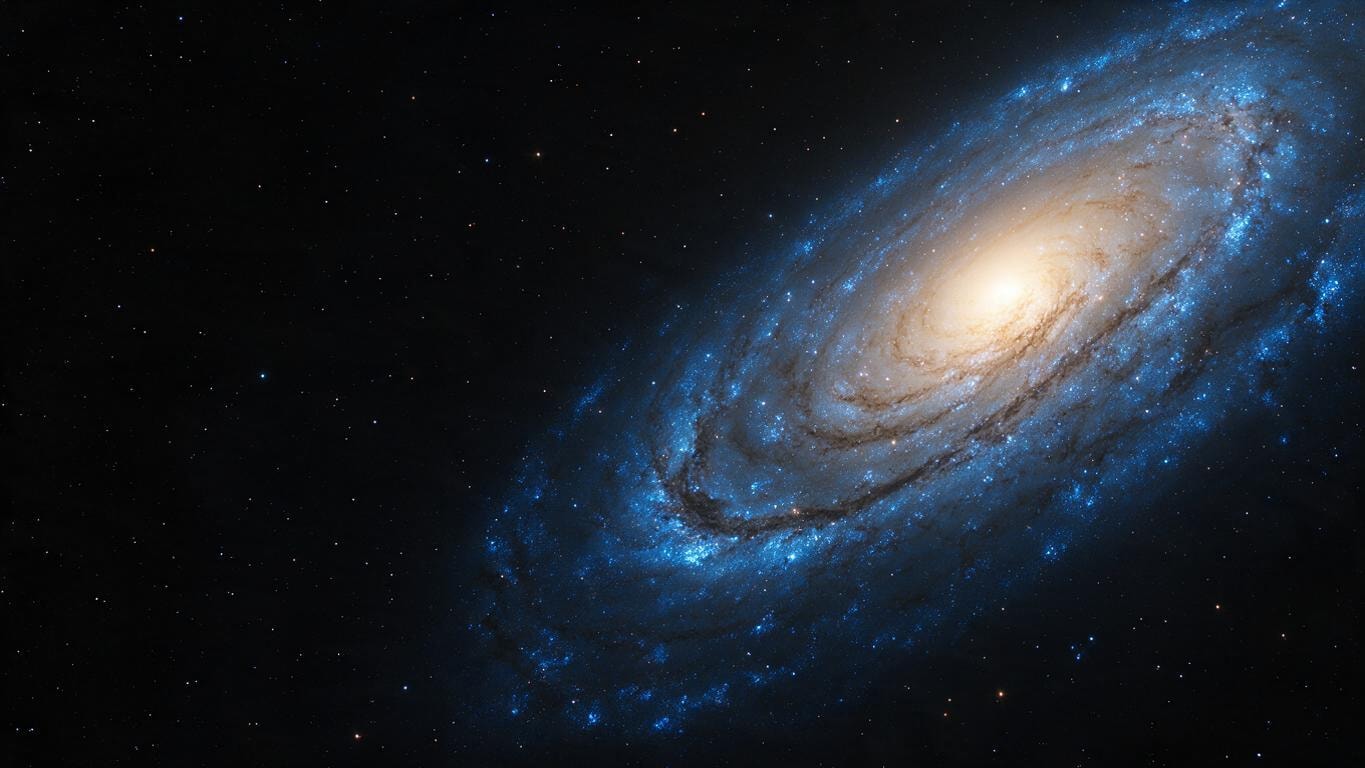
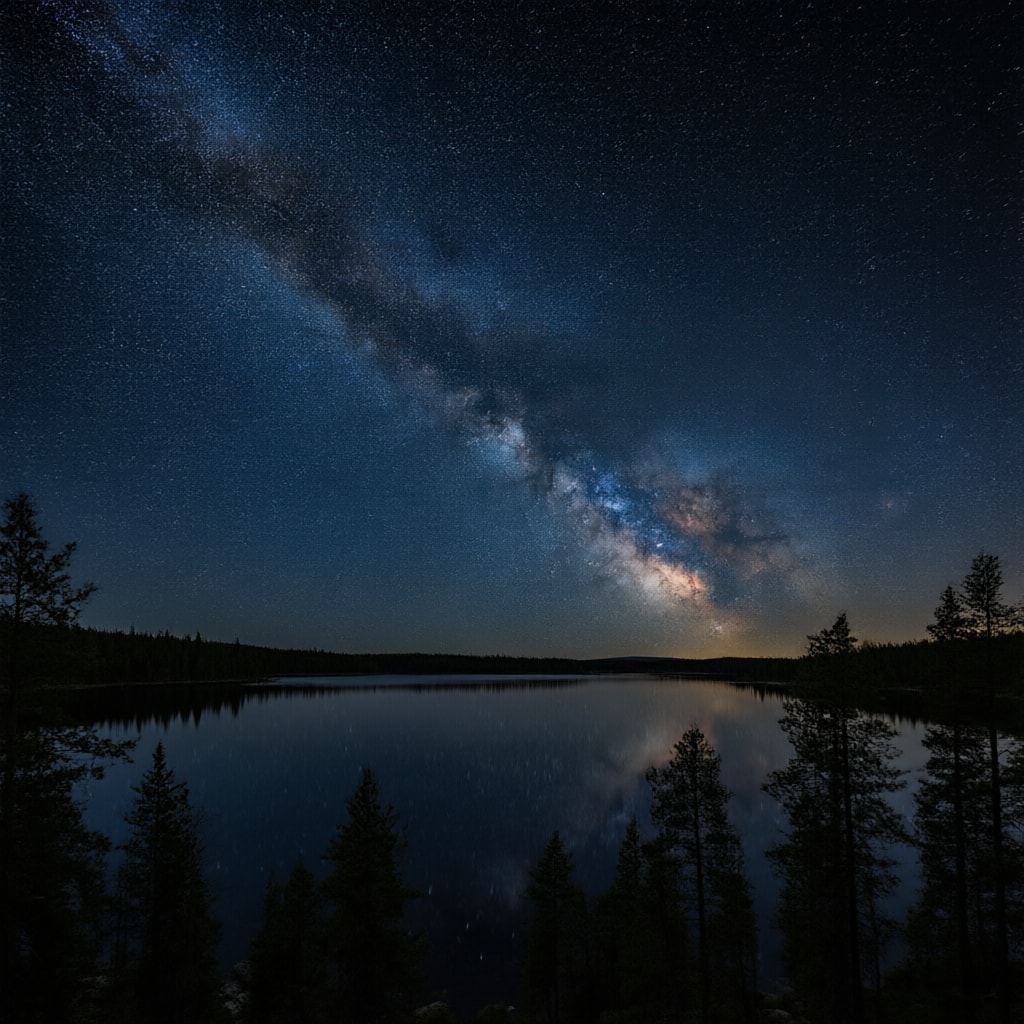
Eight original galaxy backgrounds made on Kenerate, each in the shape its use needs: a purple and blue nebula, a spiral galaxy, the Milky Way over a lake, a soft purple aesthetic galaxy, a title slide, a room for video calls and two painted takes. Download one or describe your own.
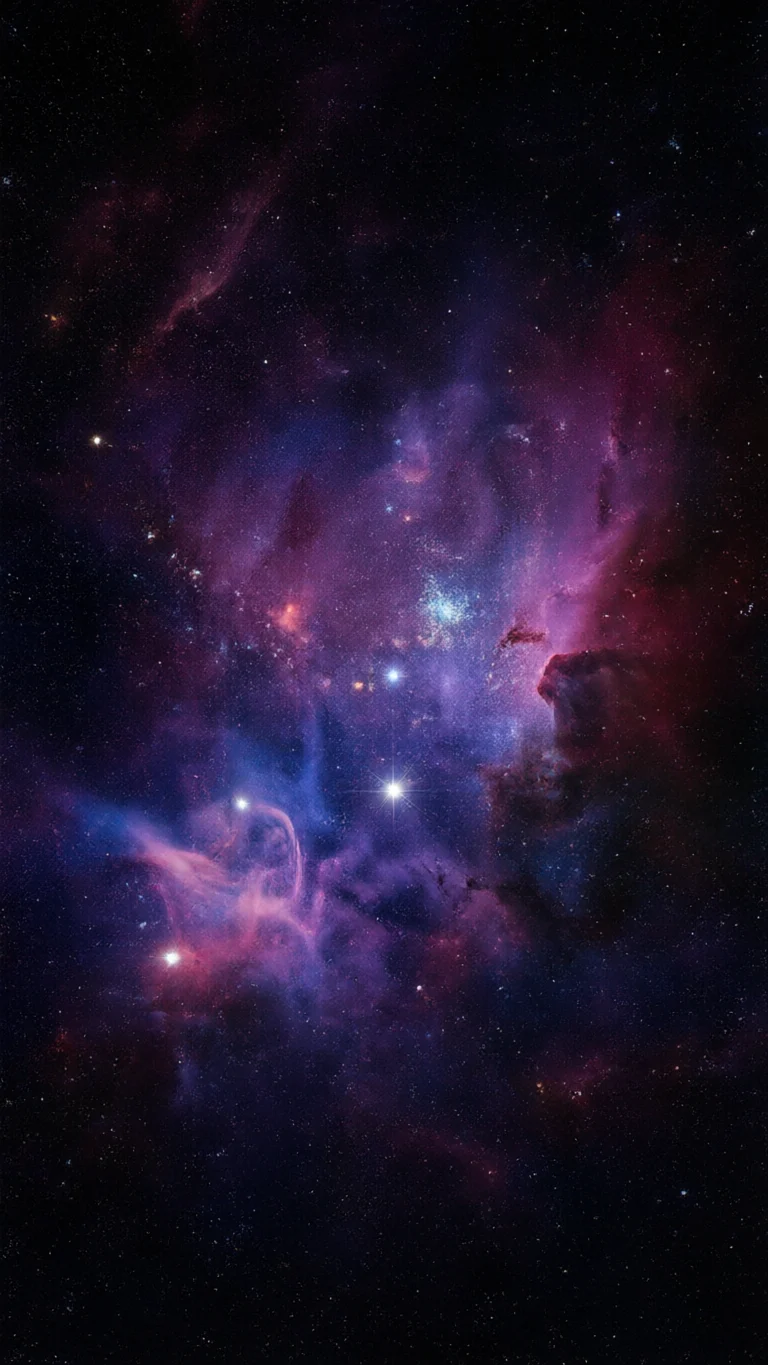
- 8 real galaxy backgrounds to download
- Phone 9:16, desktop 16:9, square 1:1
- No text or logos in any of them
- Every prompt to copy
Updated by the Kenerate AI team




Made with Kenerate
On this page
Quick answer

How do I make a galaxy background?
To make a galaxy background, describe it in Kenerate's Image Studio, such as “a purple and blue nebula in deep black space”, say where the empty space goes, end with “no text”, and pick the shape: 9:16 for a phone, 16:9 for a desktop or Zoom call, 1:1 for a post. Qwen Image 3.0 is on the free plan at 9 credits; the 8 here are free JPG downloads.
Key facts
- Backgrounds to download
- 8 — nebula, spiral galaxy, Milky Way over a lake, purple aesthetic, title slide, call room, paint pour, watercolour
- Shapes
- 9:16 (3) · 16:9 (3) · 1:1 (2)
- Made with
- Qwen Image 3.0 (5) · Seedream 5.0 Pro (3)
- Zoom
- At least 1280 × 720, PNG or JPG, cropped to your camera's shape (Zoom Support)
- Teams
- JPG, PNG or BMP (Microsoft Support)
- Text
- None in any image; add your own with Edit Studio's text tool
More galaxy background ideas
More galaxy background ideas: the prompt, the size and a tip
Not made on this page — prompts to try. Set the size in Image Studio before you press Create, and keep “no text” at the end.
| Background | Size · model | Prompt | Tip |
|---|---|---|---|
| Blue galaxy | 9:16 · Qwen Image 3.0 | Deep blue and cyan nebula clouds drifting across black space, bright blue-white stars, cool icy palette, cinematic astrophotography, no planets, no text | Swap the colour words to get red, green or gold galaxies |
| Pink galaxy aesthetic | 9:16 · Qwen Image 3.0 | Soft pink and peach cosmic clouds with glittering tiny stars, dreamy pastel galaxy, the centre softer and calmer, no planets, no text | Pastel galaxies keep white clock digits readable |
| Andromeda-style galaxy | 16:9 · Seedream 5.0 Pro | A huge spiral galaxy seen nearly edge-on, stretching diagonally across black space, golden core and blue arms, a smaller companion galaxy nearby, realistic, no text | Leave the corners dark for desktop icons |
| Galaxy pattern | 1:1 · Seedream 5.0 Pro | Seamless repeating pattern of tiny spiral galaxies, stars and nebula wisps in violet and teal on a dark navy background, evenly spaced, flat illustration, no text | Patterns tile well for phone cases and gift wrap mock-ups |
| Galaxy over a desert | 16:9 · Qwen Image 3.0 | The Milky Way core rising over red desert rock formations at night, deep blue sky full of stars, realistic long-exposure photo, no people, no text | A dark foreground band gives a call a solid base |
| Black hole | 16:9 · Seedream 5.0 Pro | A glowing orange accretion disc ringing a black hole, light bending around it, deep black space with stars, cinematic, centred, no text | Off-centre it if your face goes in the middle on a call |
Gallery
Galaxy background examples
Eight real galaxy backgrounds — three for a phone, three for a desktop, call or slide, two square. Open one to see its prompt and model; download them below.
Download
Download the galaxy backgrounds
JPG files at the size the model made them, no watermark and no text. The 16:9 files are 1365 × 768, above Zoom's 1280 × 720 minimum; the phone files are 768 × 1365 — run one through the Image Upscaler for a sharper 2K or 4K lock screen.
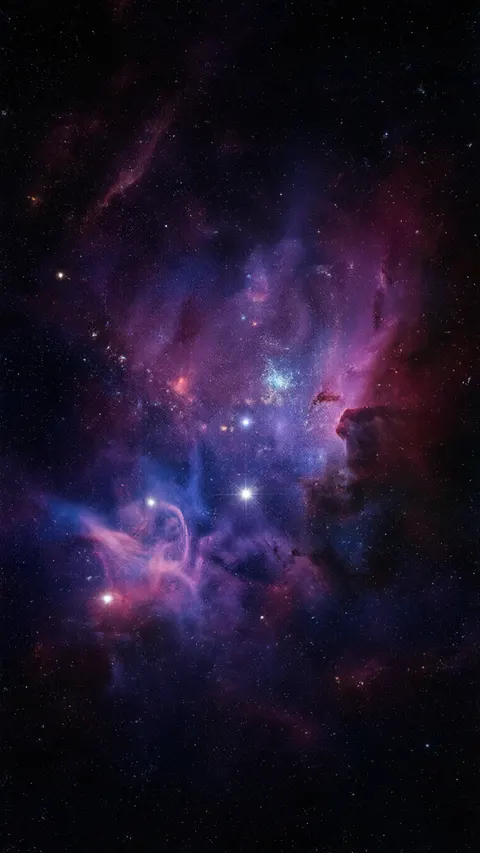 Purple and blue nebulaPhone 9:16 · 768 × 1365 JPG · Qwen Image 3.0Download
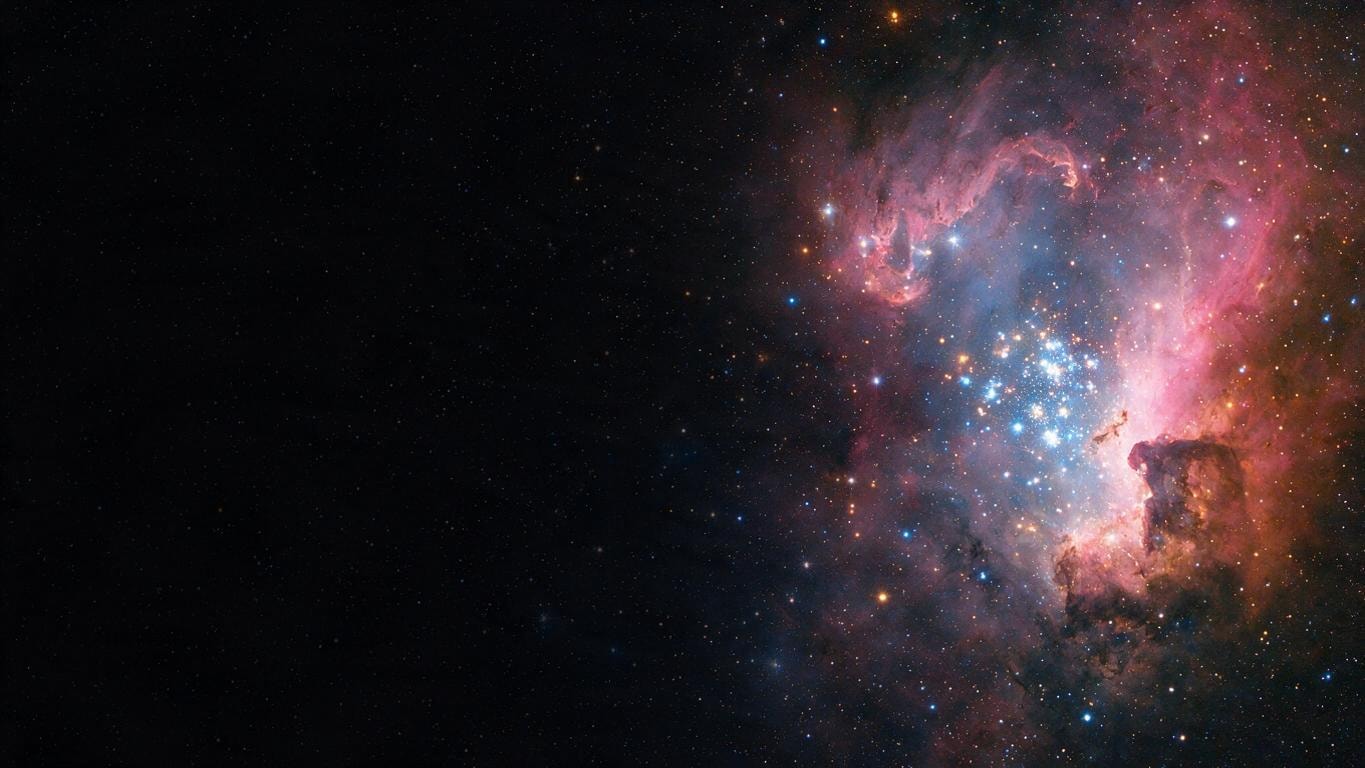
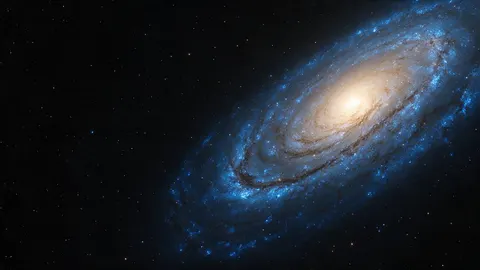 Spiral galaxyDesktop 16:9 · 1365 × 768 JPG · Seedream 5.0 ProDownload
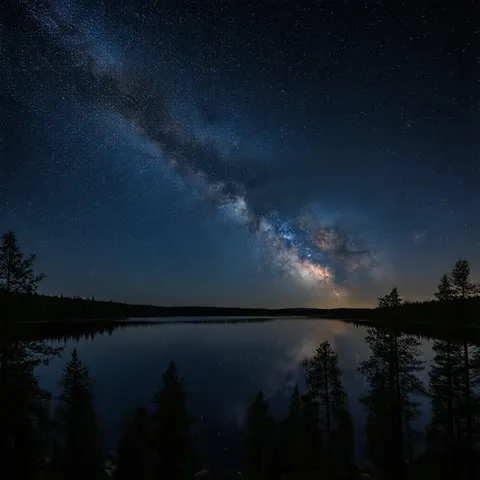 Milky Way over a lakeSquare 1:1 · 1024 × 1024 JPG · Qwen Image 3.0Download
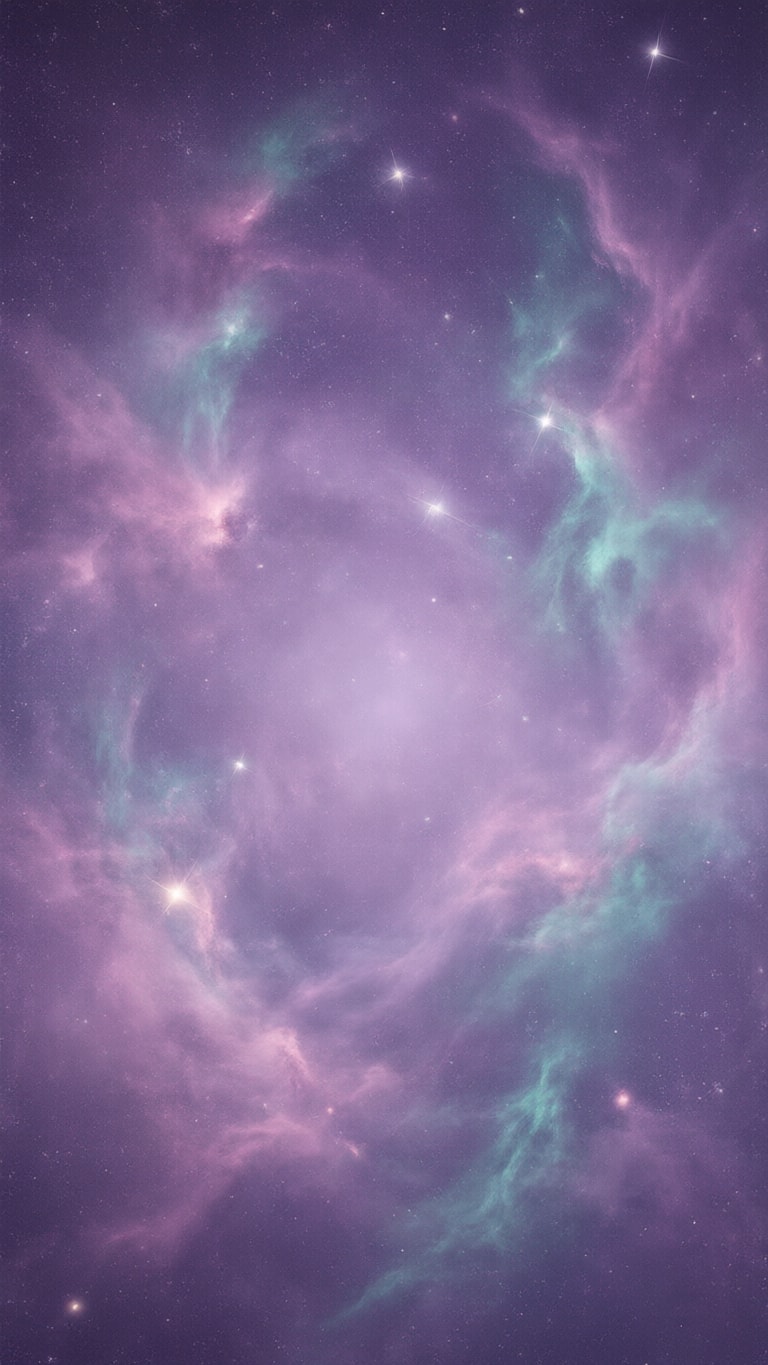
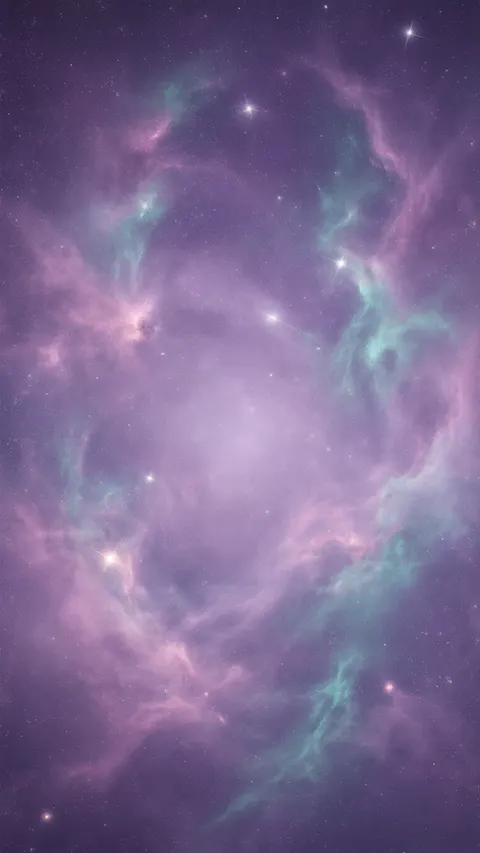 Purple galaxy, aestheticPhone 9:16 · 768 × 1365 JPG · Qwen Image 3.0Download
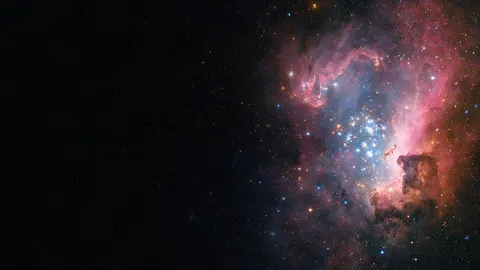 Nebula title slideSlide 16:9 · 1365 × 768 JPG · Seedream 5.0 ProDownload
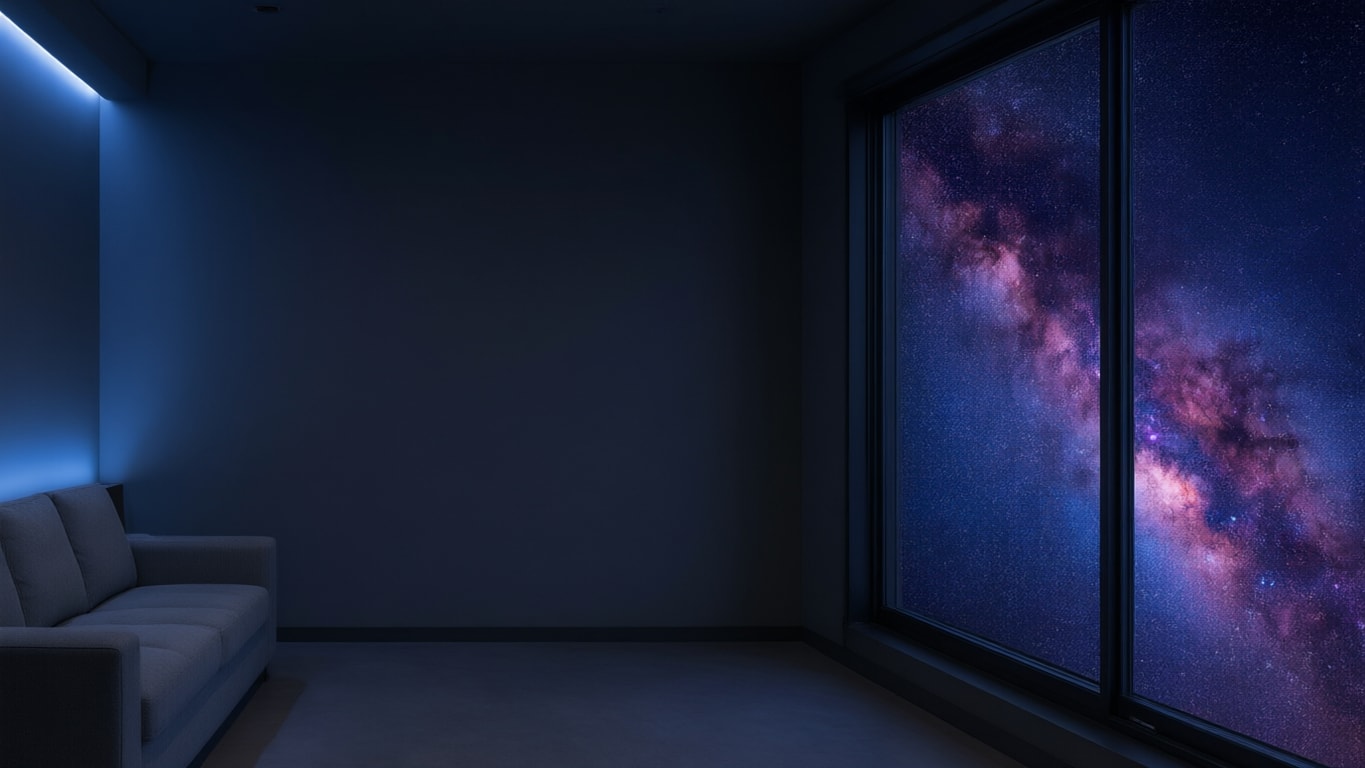
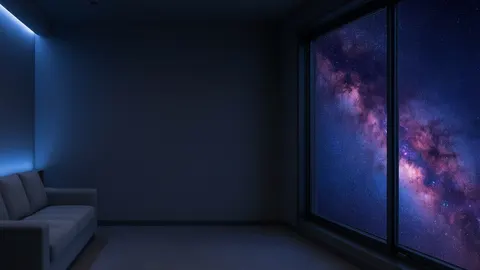 Galaxy window room for Zoom or TeamsCall 16:9 · 1365 × 768 JPG · Qwen Image 3.0Download
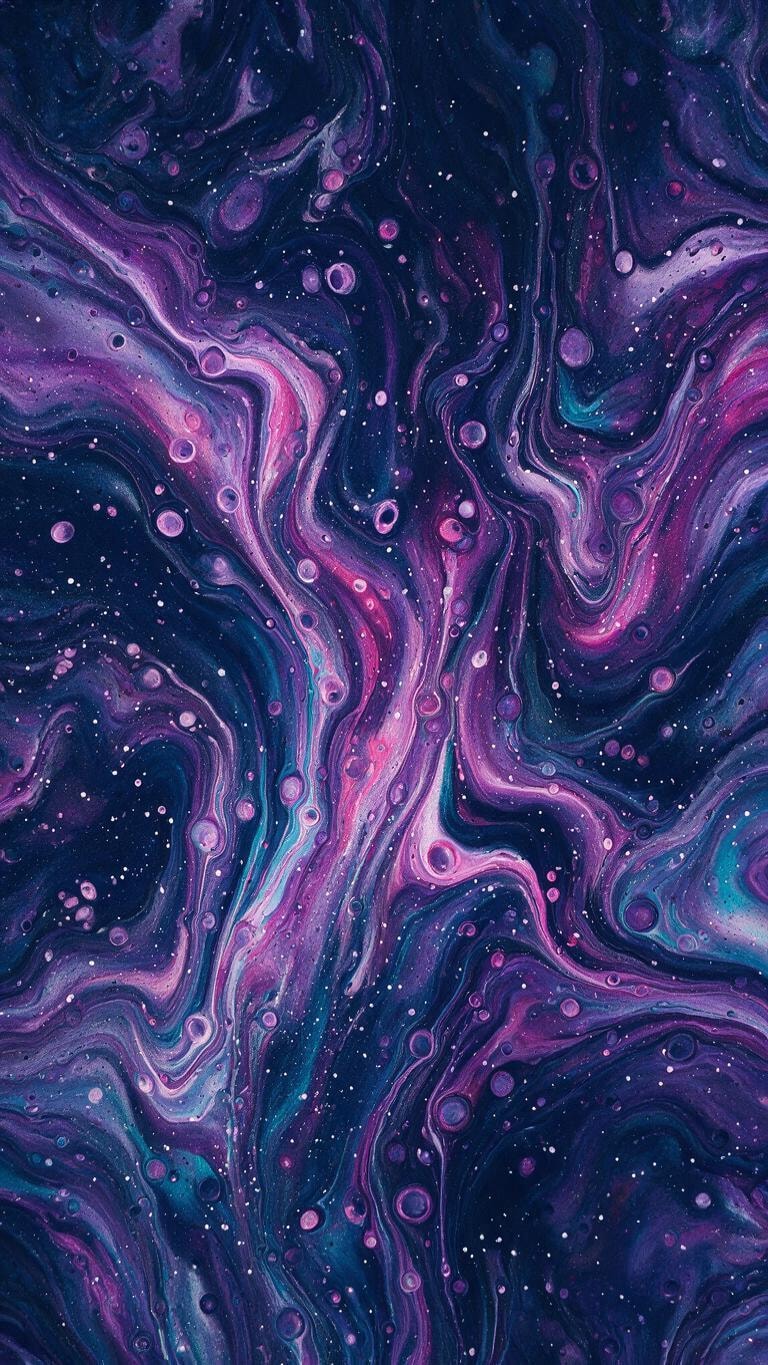
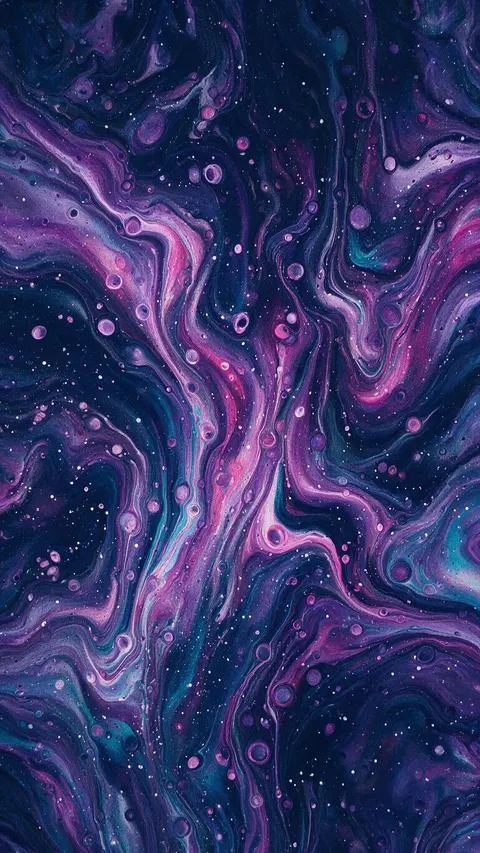 Galaxy paint pourPhone 9:16 · 768 × 1365 JPG · Seedream 5.0 ProDownload
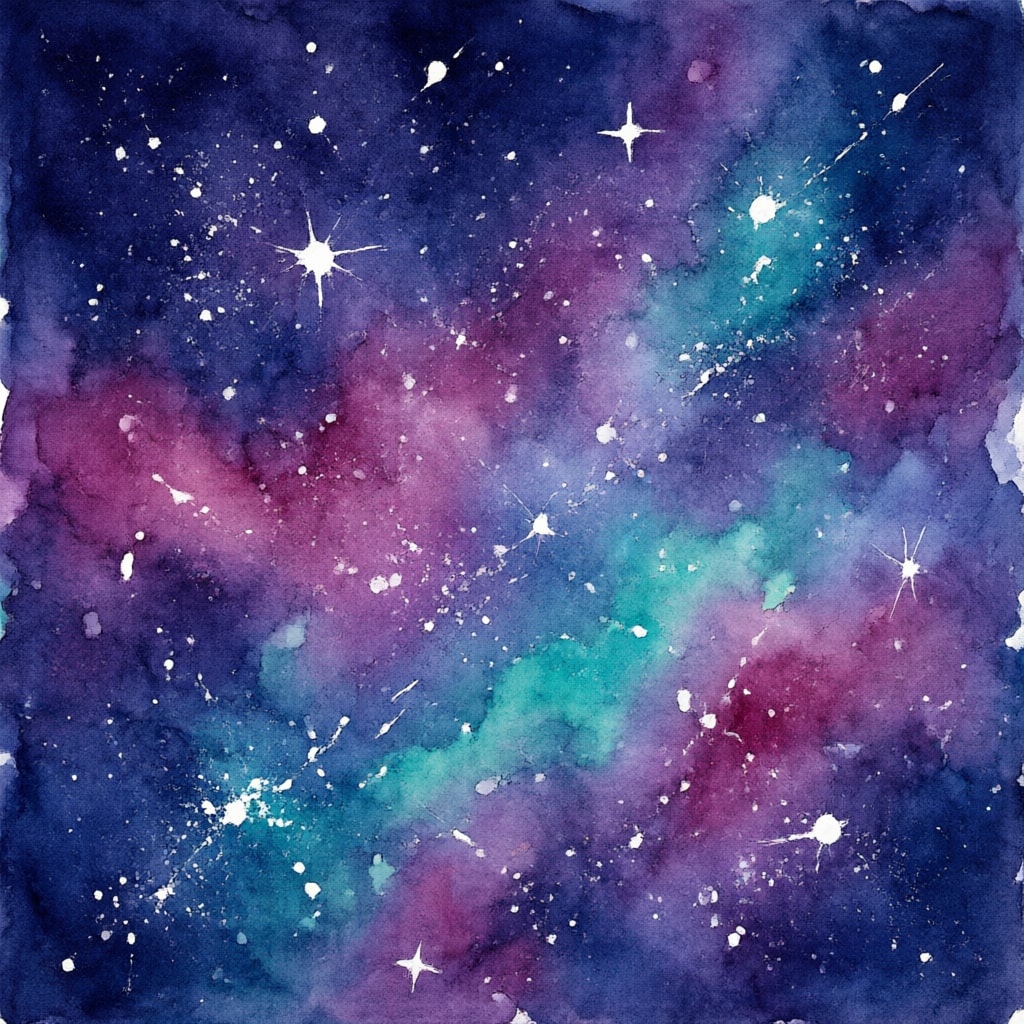
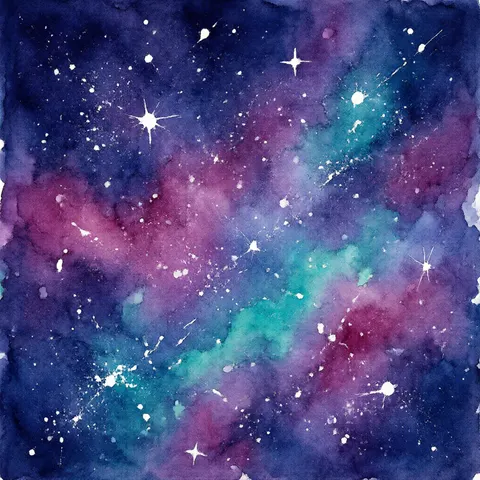 Watercolour galaxySquare 1:1 · 1024 × 1024 JPG · Qwen Image 3.0Download
How to
How to use the galaxy background
- Time needed
- Steps
- 4 steps
Step 1
Download one, or open the generator
Download a background below, or press “Make my galaxy background”. Image Studio opens with Qwen Image 3.0 and the nebula prompt. Sign in with Google, GitHub or Discord for starter credits.
Step 2
Pick a galaxy and a shape
Keep the nebula or paste a prompt from the gallery or the ideas table. Set the size: 9:16 for a phone, 16:9 for a desktop, call or slide, 1:1 for a post.
Step 3
Create and check the layout
Press Create and check the bright clouds sit where you want them and your clock, face or title has room; if not, say where the empty space goes and run it again.
Step 4
Download and use it
Download it and set it as your wallpaper, upload it in Zoom or Teams, or open it in Edit Studio to add text.
See it in the app

Open Remove & Erase and drop in a photo — products, people and pets all work.


Watch the tour · 1:34
Cutout, HD for hair & fur, Object Pick, Magic Eraser, new backgrounds, hand-offs & chat
Chapters
Tips
Get a galaxy background that fits and stays readable
Galaxy pictures are busy by nature; the trick is choosing where the busy part goes.
Pick the size before you press Create — Image Studio opens on Square 1:1. 9:16 for a phone, 16:9 for a desktop, call or slide, 1:1 for a post.
Name the colours: “purple, magenta and blue”, “lavender and pink with teal wisps”, “golden core and blue arms”. The model follows the palette you name.
Say where the empty space goes: “the left two thirds deep black, empty for a title” worked for the slide here.
For a lock screen, ask for “the centre softer and less busy” so the clock reads, as in the purple aesthetic galaxy.
On a call the room here is dark: turn on a lamp in front of you so your face stands out from a dark galaxy background.
End with “no planets” if you want pure nebula, and “no text” always — add words later with Edit Studio's text tool.
Models
Models for galaxy backgrounds
What each model is good at. Open any one straight in the generator.
- Free plan

Alibaba
Qwen Image 3.0
- Reference images
- Up to 3
- Output
- 1K or 2K · 15 ratios incl. 9:16, 16:9
Open Qwen Image 3.0Best for
Default here · free plan · nebulae, the Milky Way, watercolour

ByteDance
Seedream 5.0 Pro
- Reference images
- Up to 10
- Output
- 1K / 1.5K / 2K · 15 ratios
Open Seedream 5.0 ProBest for
Spiral galaxies, slides, paint pours

OpenAI
GPT Image 2.5 Sunburst
- Reference images
- Up to 16
- Output
- 1K to 4K · 15 ratios
Open GPT Image 2.5 SunburstBest for
Lettering in the picture, e.g. a name across the stars
FAQ
Galaxy Background questions
8 questions

Where can I download a galaxy background?
Right on this page. The downloads section has eight galaxy backgrounds made with Kenerate — three 9:16 phone backgrounds, three 16:9 for a desktop, call or slide, and two 1:1 squares — as JPG files. Downloading them costs nothing and needs no account.
Link to this answerHow do I make a galaxy background?
Describe it in Image Studio with the colours and the layout — “purple and blue nebula through the middle of black space”, “the left two thirds empty” — end with “no text”, pick the shape and press Create. The button on this page opens Qwen Image 3.0 with the nebula prompt filled in.
Link to this answerIs it free to make a galaxy background?
Free to start. Sign in with Google, GitHub or Discord — no card — and a new account gets 25 credits. Qwen Image 3.0 is on the free plan at 9 credits an image, so the starter credits make two backgrounds; Seedream 5.0 Pro uses 13.5 credits.
Link to this answerHow do I make a purple galaxy background?
Name purple in the prompt and say how soft you want it: “soft dreamy cosmic clouds in lavender, violet and pink with a few teal wisps” made the aesthetic purple galaxy here; “vivid purple, magenta and blue nebula” made the brighter one.
Link to this answerHow do I use a galaxy background in Zoom or Teams?
Use a 16:9 image with the brightest part at one edge, like the galaxy window room here. Zoom asks for at least 1280 × 720 in PNG or JPG, cropped to your camera's shape; Teams takes JPG, PNG or BMP. Galaxy backgrounds are dark, so light your face from the front.
Link to this answerWhat size is a galaxy background for a phone?
Use 9:16. The phone backgrounds here are 768 × 1365; run one through Kenerate's Image Upscaler for 2K or 4K if your screen is larger. Keep the brightest cloud away from the clock at the top.
Link to this answerAre these real photos of galaxies?
No. They are AI images in the style of astrophotography, made with Qwen Image 3.0 and Seedream 5.0 Pro; they do not show a specific real galaxy or nebula. For real telescope images, NASA's image library is the place to look.
Link to this answerWhat is the difference between a galaxy and a space background?
On this site, galaxy backgrounds show nebulae, spiral galaxies and the Milky Way; the space background page shows planets, Earth, the Moon, astronauts and star fields. Both have phone, desktop and square downloads.
Link to this answerIn depth
Galaxy Background, explained
What works, what to avoid, and how to pick a model.
On this page
Which shape for which use?
Every model here starts on a square, so the shape is the first thing to set:
- Phone lock and home screen: 9:16. The phone backgrounds here are 768 × 1365; keep the brightest cloud away from the clock at the top.
- Desktop, Zoom, Teams, Google Meet and slides: 16:9. Zoom asks for at least 1280 × 720; the 16:9 backgrounds here are 1365 × 768.
- Instagram and Facebook posts: 1:1, 1024 × 1024 here.
- Bigger than the model makes: the Image Upscaler takes any background to 2K, 4K or 8K.
Nebula, spiral galaxy or Milky Way?
People say “galaxy background” for three different pictures. A spiral galaxy is a whole galaxy seen from outside, with a bright core and arms — the spiral here. A nebula is a cloud of gas and dust inside a galaxy, where stars form; most purple and pink “galaxy” wallpapers are really nebulae, like the nebula and slide here. The Milky Way, our own galaxy, looks from Earth like a pale band across the night sky — the lake scene here (NASA Science, Galaxies).
Naming the one you want gets a different composition: “nebula clouds” fill the frame, “a spiral galaxy seen at an angle” gives one object with dark space around it, and “the Milky Way over a lake” adds a landscape.
Downloading a galaxy background vs making your own
Most “galaxy background” results are stock libraries — Vecteezy, Unsplash, Pinterest — plus real telescope images, each with its own licence and none sized for a particular use. The eight here are original Kenerate outputs in the shapes above. Kenerate's Terms say you own what you generate.
One caveat: the US Copyright Office's 2025 report ties copyright to human authorship, so a picture made entirely from a prompt may not be protected against others copying it.
By the Kenerate AI teamLast updated and reviewed
We build and run the Kenerate generator. Every example is a real output of the model named under it; models and presets were checked against the app's code.
Sources: Zoom Support — Changing your virtual background image · Microsoft Support — Change your background in Microsoft Teams meetings · NASA Science — Galaxies · US Copyright Office — Copyright and Artificial Intelligence (Part 2: Copyrightability, 29 January 2025) · Kenerate AI — Terms of Service