Desktop and Zoom 16:9 · phone and stories 9:16 · square 1:1 · no text on any of them
Halloween background — for video calls, invitations, posts and screens
Eight original Halloween backgrounds made on Kenerate, each in the shape its use needs: a decorated room for video calls, a moonlit hill with room for a title, a pumpkin flat lay and a watercolor invitation with space for text, a cute bat pattern, a cosy anime street and two dark phone backgrounds. Download one or describe your own.
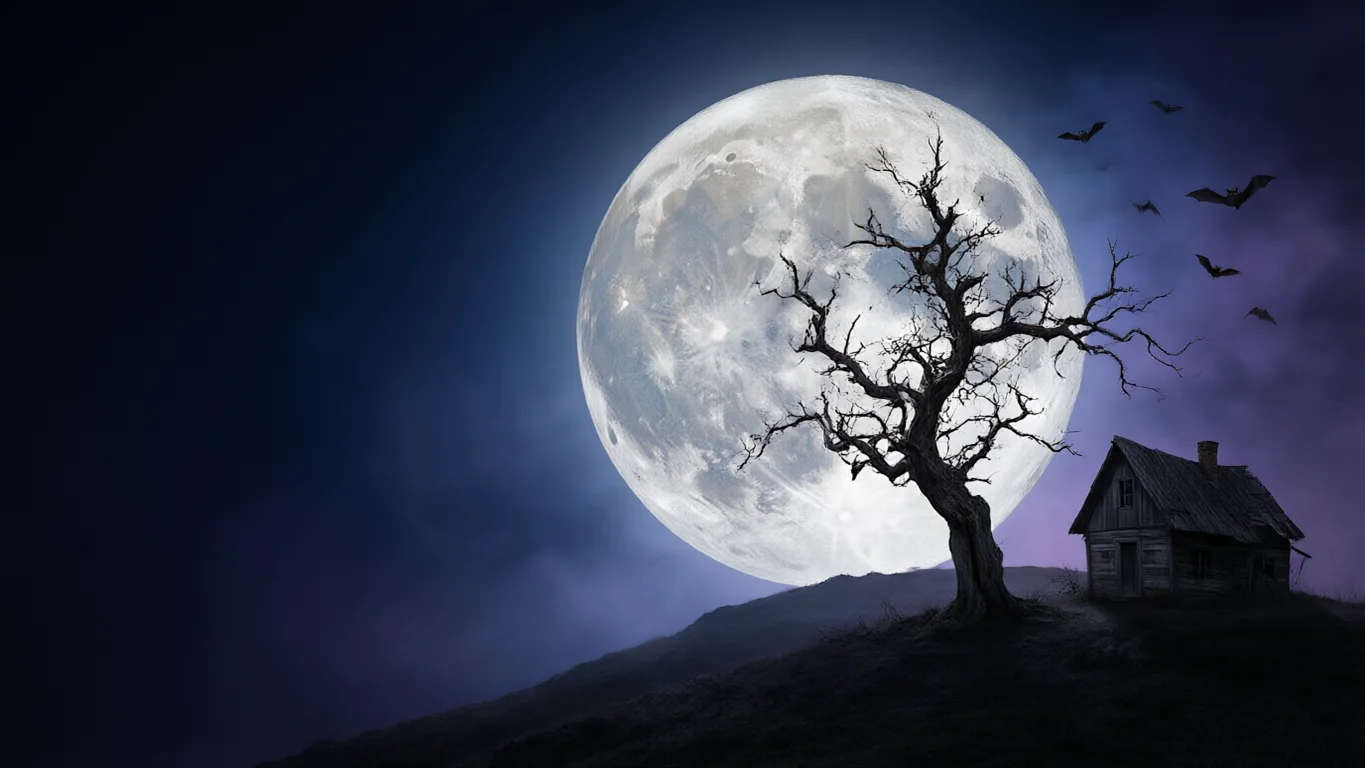
- 8 real Halloween backgrounds to download
- Phone 9:16, desktop and Zoom 16:9, square 1:1
- No text or logos in any of them
- Every prompt to copy
Updated by the Kenerate AI team




Made with Kenerate
On this page
Quick answer

How do I make a Halloween background?
To make a Halloween background, describe the scene in Kenerate's Image Studio, say where the empty space goes, end with “no text”, and pick the shape: 16:9 for a desktop or a Zoom call, 9:16 for a phone or story, 1:1 for a post. It opens on Qwen Image 3.0, a free-plan model at 9 credits; the eight below are JPGs to download.
Key facts
- Backgrounds to download
- 8 — Zoom room, moonlit hill, anime street, pumpkin flat lay, bat pattern, dark glow, watercolor invitation, gradient skyline
- Shapes
- 16:9 (3) · 9:16 (3) · 1:1 (2)
- Made with
- Qwen Image 3.0 (5) · Seedream 5.5 (2) · Seedream 5.0 Pro (1)
- Zoom
- At least 1280 × 720, PNG or JPG, cropped to your camera's shape (Zoom Support)
- Teams
- JPG, PNG or BMP (Microsoft Support)
- Halloween 2027
- Sunday 31 October
More Halloween background ideas
More Halloween background ideas: the prompt, the size and a tip
Not made on this page — prompts to try. Set the size in Image Studio before you press Create, and keep “no text” at the end.
| Background | Size · model | Prompt | Tip |
|---|---|---|---|
| Witch's study for calls | 16:9 · Qwen Image 3.0 | Inside a cosy witch's study with shelves of potion bottles, candles and a black cat asleep at the left edge, a round window with a full moon on the right, soft even light, the centre a plain stone wall, realistic, no people, no text, no signs | Even light and a plain centre keep Zoom's edge detection clean |
| Spider web corner frame | 1:1 · Qwen Image 3.0 | Top-down Halloween background on dark slate: a white spider web in the top left corner, small pumpkins and dried leaves in the bottom right corner, the rest plain slate for text, photographic, no text | Two filled corners and a plain middle make a ready frame for a caption |
| Party invitation, purple | 9:16 · Seedream 5.5 | Halloween party invitation background, flat illustration on deep purple: a garland of orange paper bats and pumpkins along the top, confetti stars, the middle two thirds plain purple for text, no text | Add the date and place in Edit Studio so every letter is right |
| Slide title background | 16:9 · Qwen Image 3.0 | Soft-focus Halloween table with glowing jack-o'-lanterns and candles along the bottom third, a wide dark plain area above with gentle bokeh, warm and cosy, no people, no text | Put the slide title in the dark area above the pumpkins |
| Pastel ghost border | 9:16 · Seedream 5.5 | Cute pastel Halloween background, small smiling ghosts, pumpkins and stars as a border around the edges on pale peach, the middle plain for text, simple rounded shapes, no text | A border pattern suits a story with a question sticker in the middle |
| Foggy cemetery gate | 16:9 · Seedream 5.0 Pro | Painterly old iron cemetery gate in fog at night under a full moon, autumn leaves on the path, spooky but calm, the right half plain misty sky, no people, no text | “Spooky but calm” keeps it atmospheric rather than scary |
Gallery
Halloween background examples
Eight real Halloween backgrounds — three for a desktop or call, three for a phone or story, two square. Open one to see its prompt and model; download them below.
Download
Download the Halloween backgrounds
JPG files at the size the model made them, no watermark and no text. The 16:9 files are 1365 × 768, above Zoom's 1280 × 720 minimum; the phone and story files are 768 × 1365 — run one through the Image Upscaler for a sharper 2K or 4K screen.
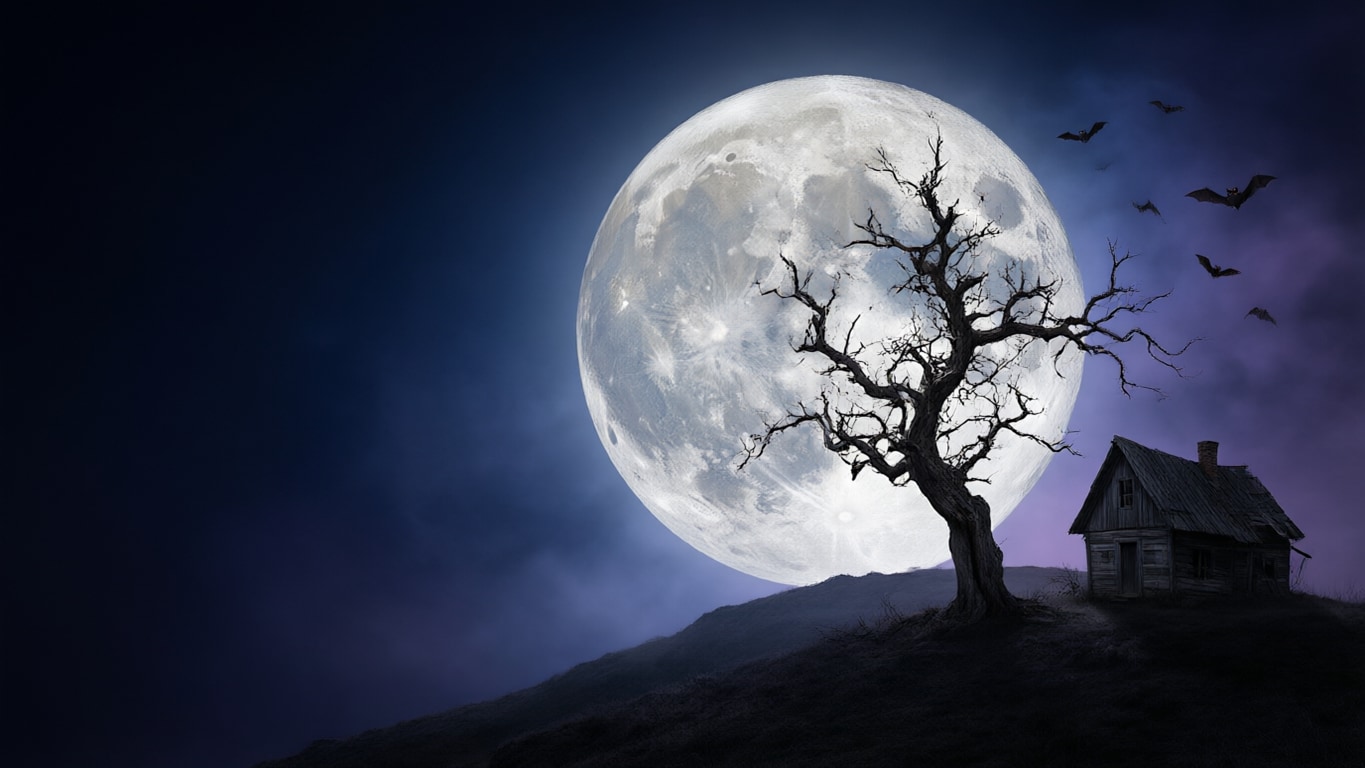
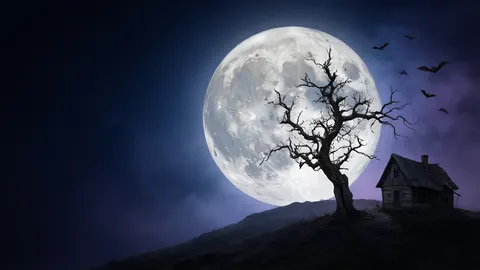 Full moon over a hillDesktop 16:9 · 1365 × 768 JPG · Qwen Image 3.0Download
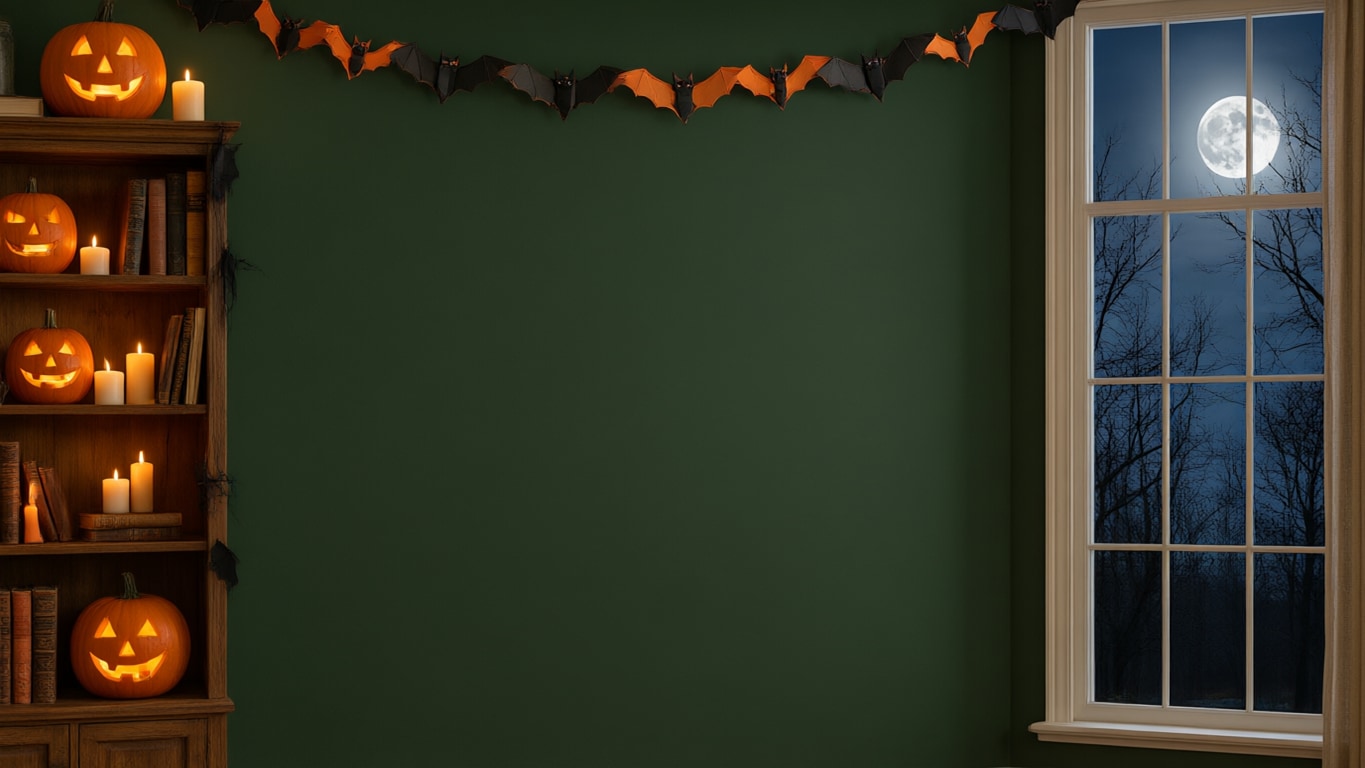
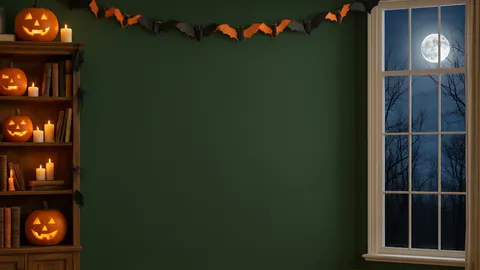 Decorated room for ZoomCall 16:9 · 1365 × 768 JPG · Qwen Image 3.0Download
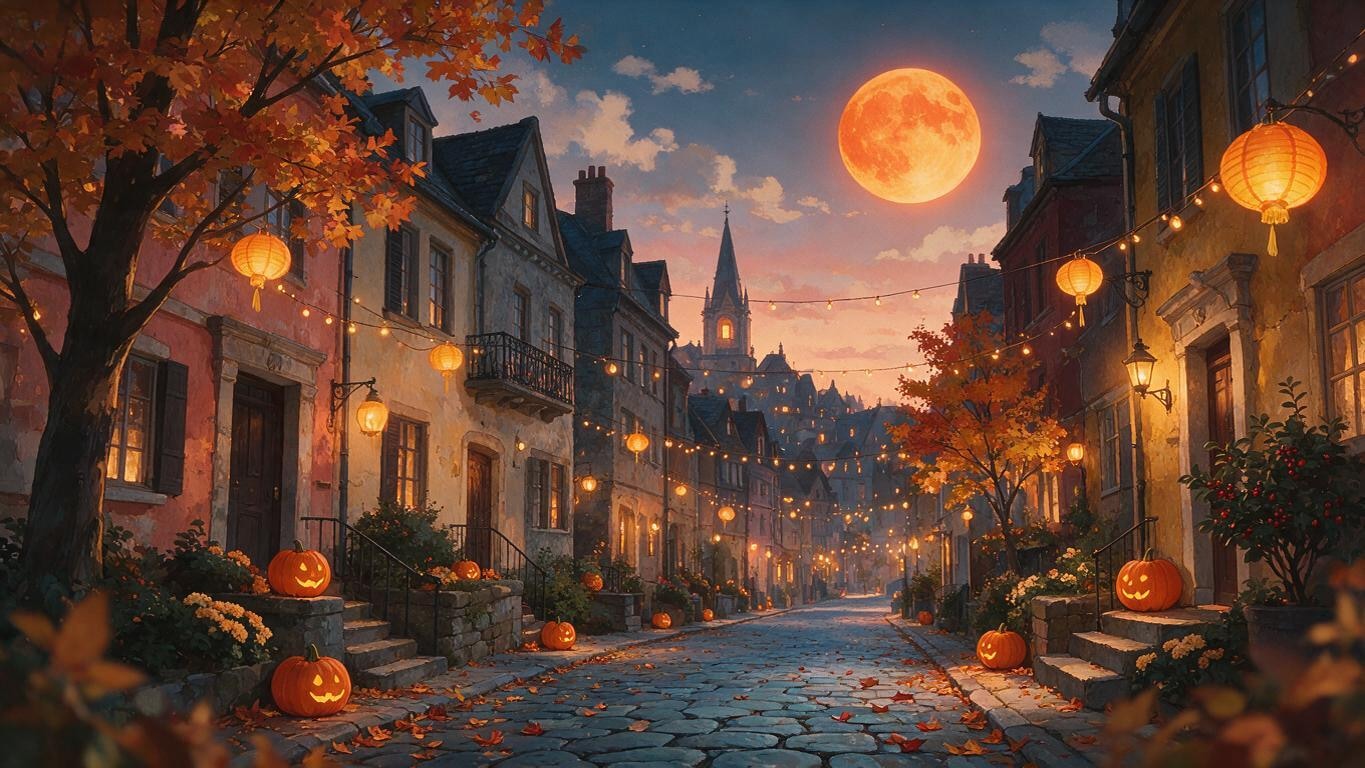
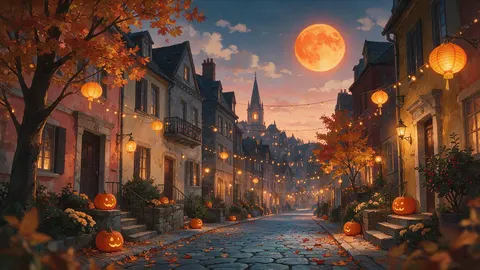 Anime Halloween streetDesktop 16:9 · 1365 × 768 JPG · Seedream 5.0 ProDownload
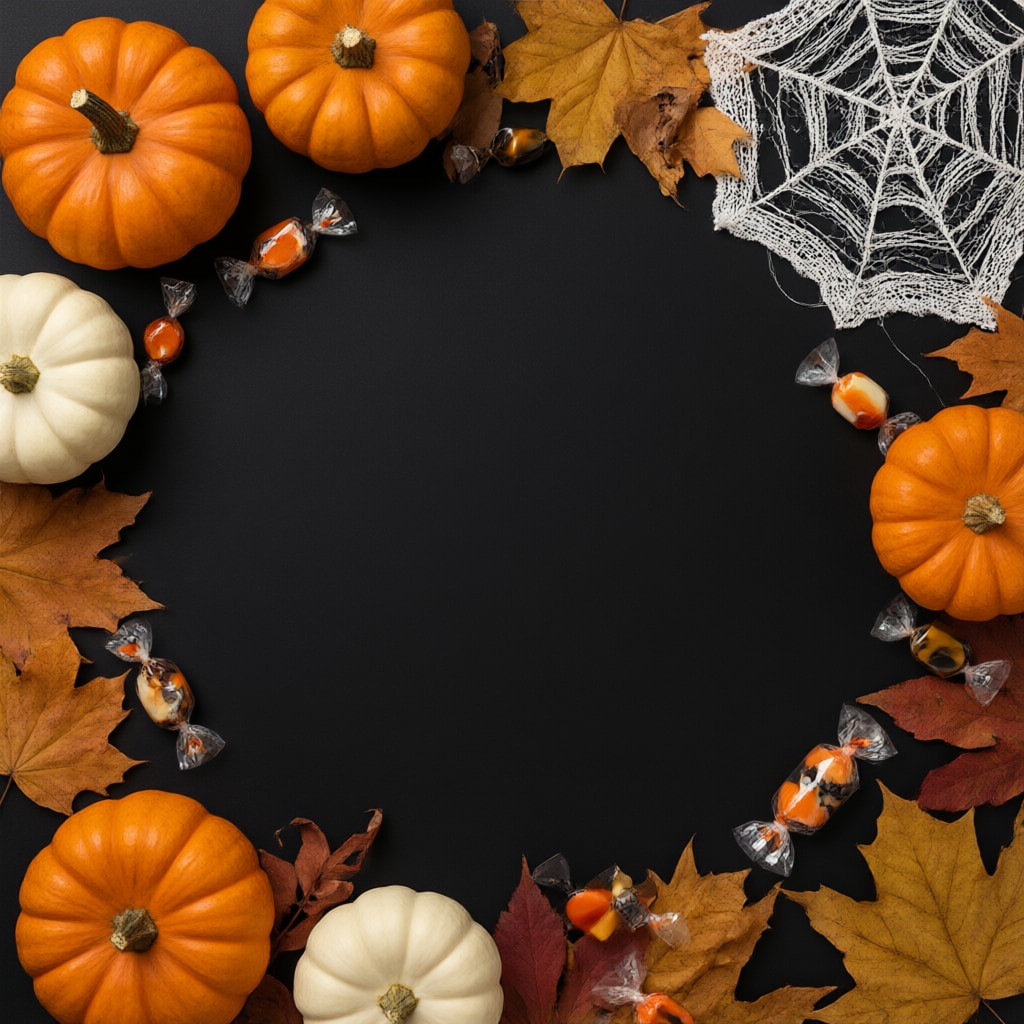
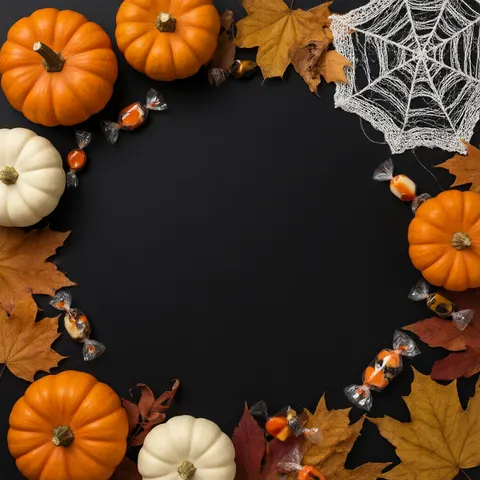 Pumpkin flat lay with room for textSquare 1:1 · 1024 × 1024 JPG · Qwen Image 3.0Download
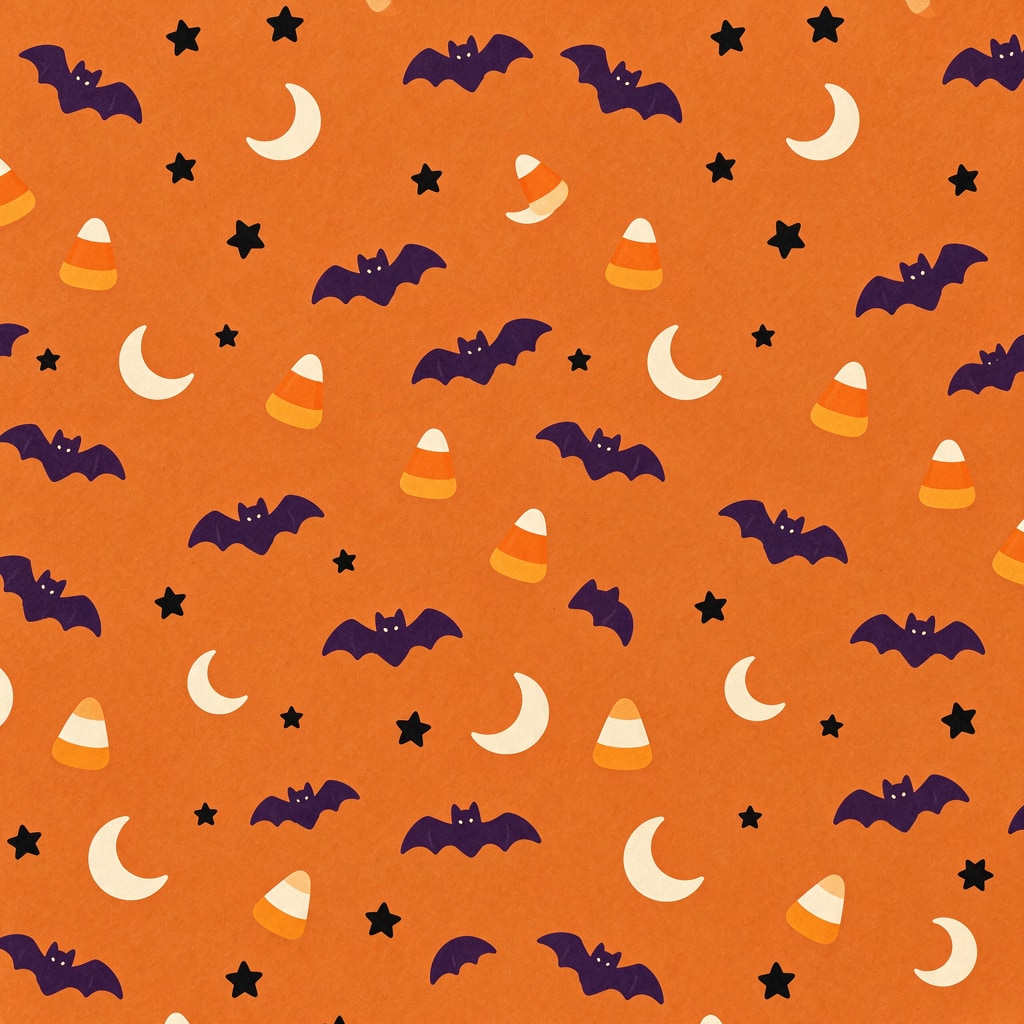
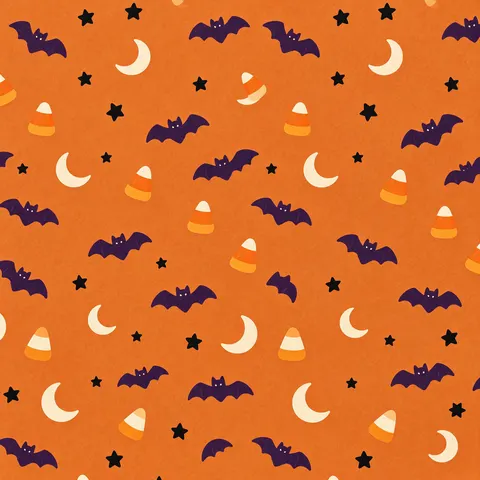 Cute bat and candy corn patternSquare 1:1 · 1024 × 1024 JPG · Seedream 5.5Download
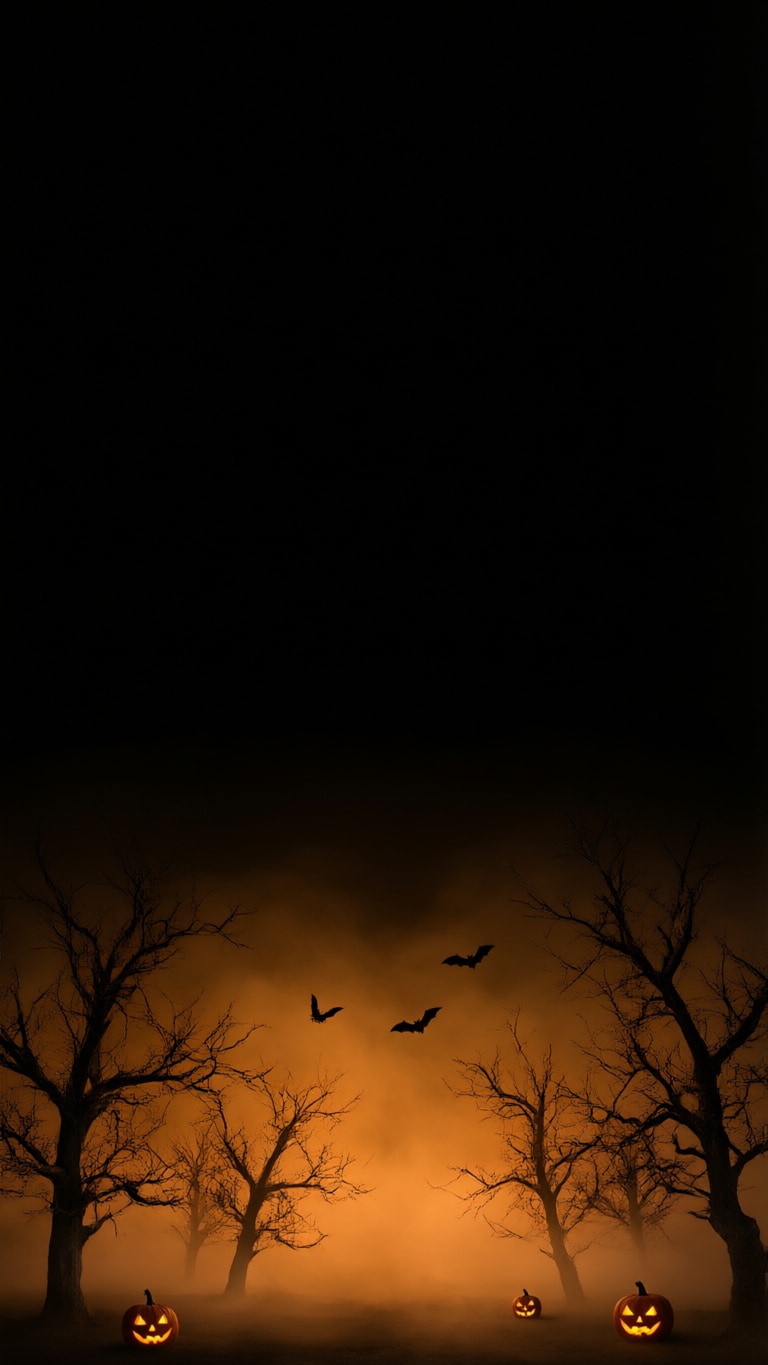
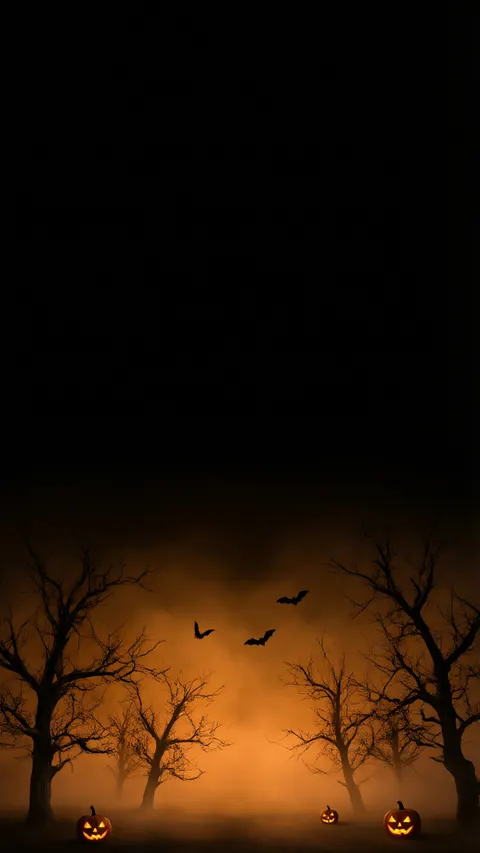 Dark background with orange glowPhone 9:16 · 768 × 1365 JPG · Qwen Image 3.0Download
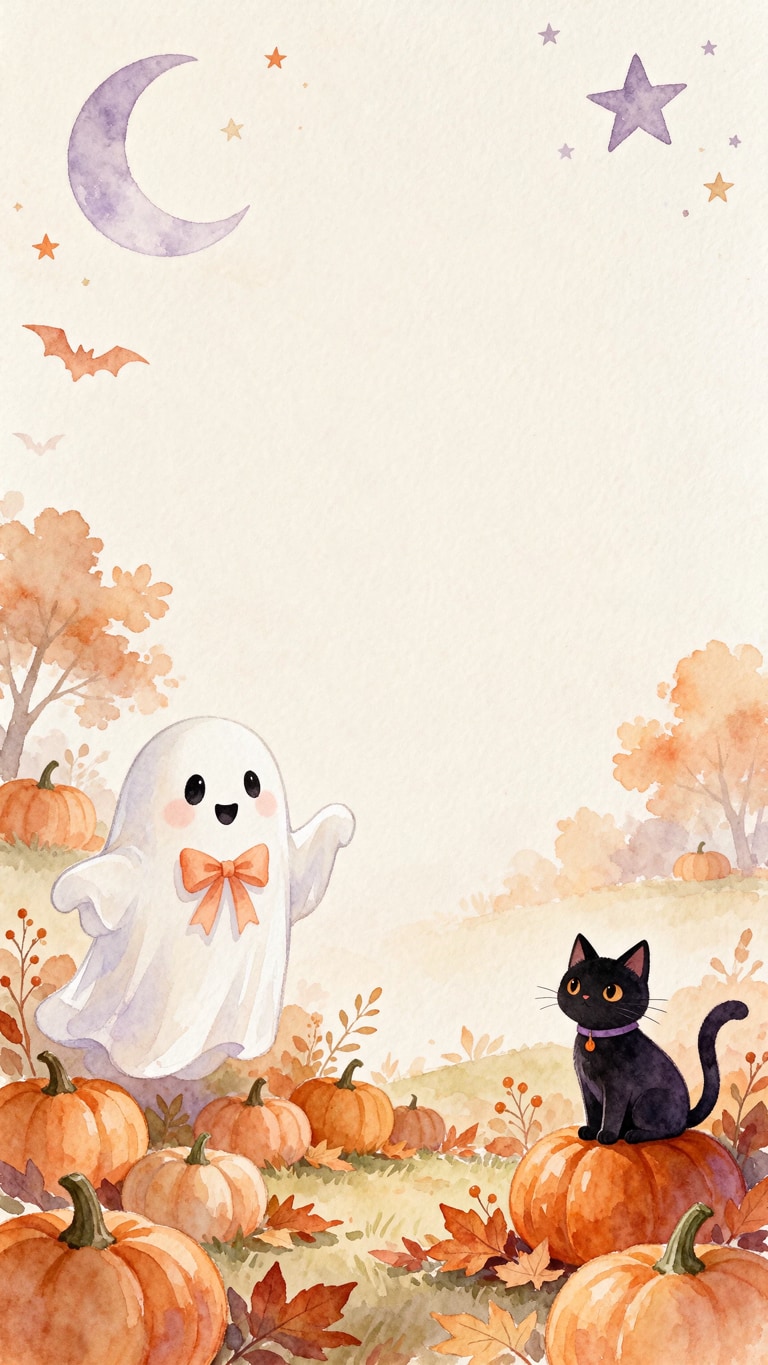
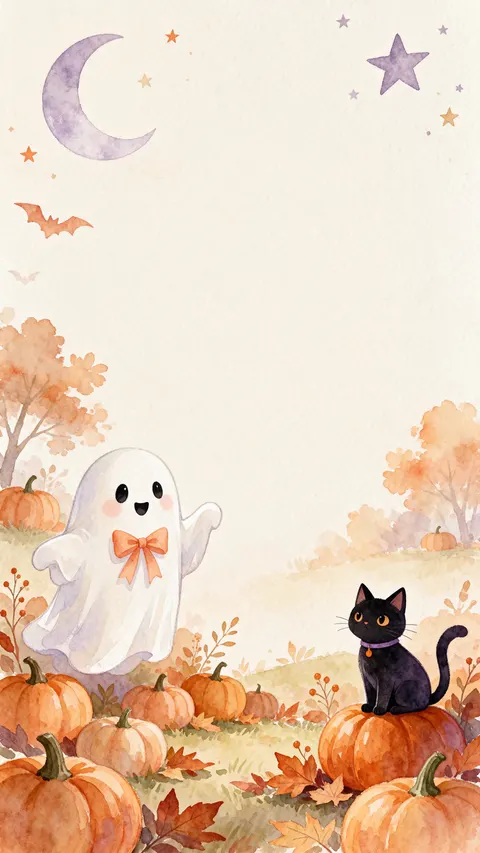 Watercolor invitation backgroundStory 9:16 · 768 × 1365 JPG · Seedream 5.5Download
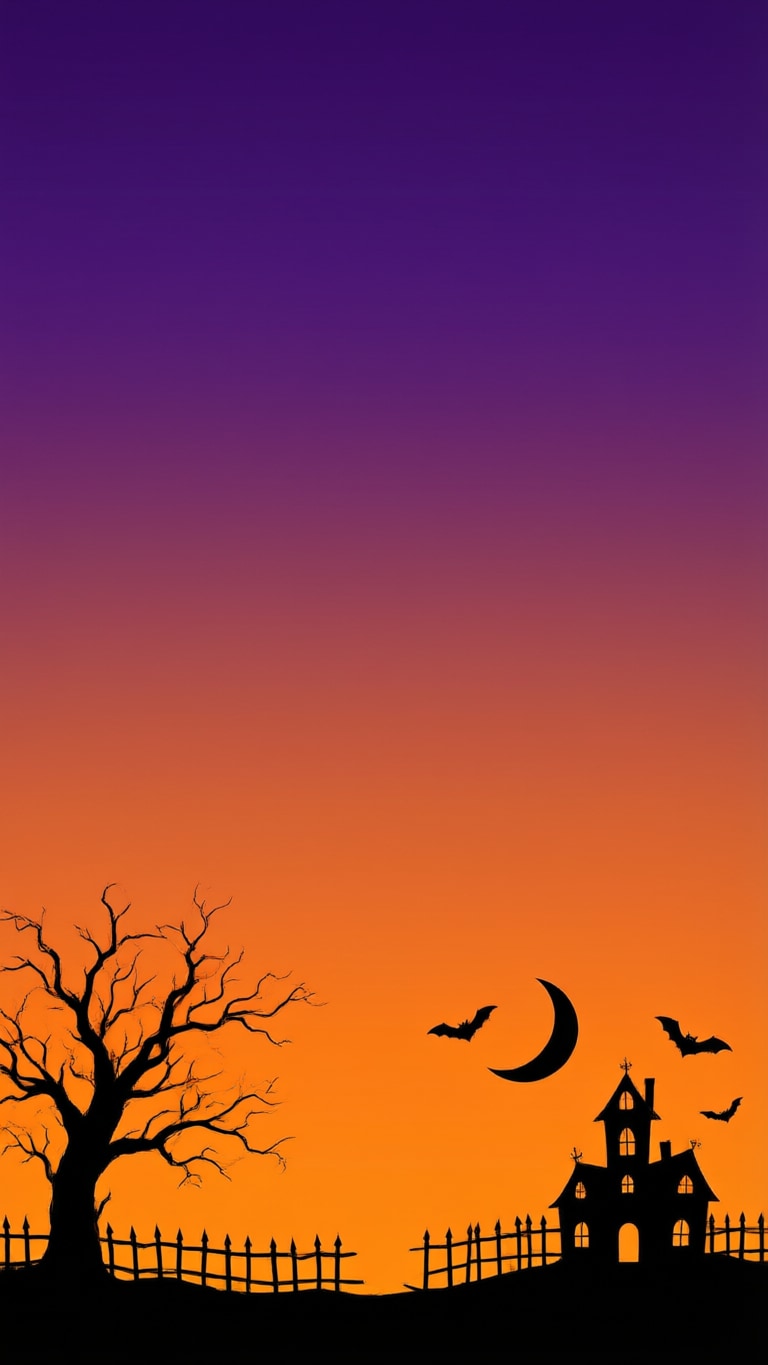
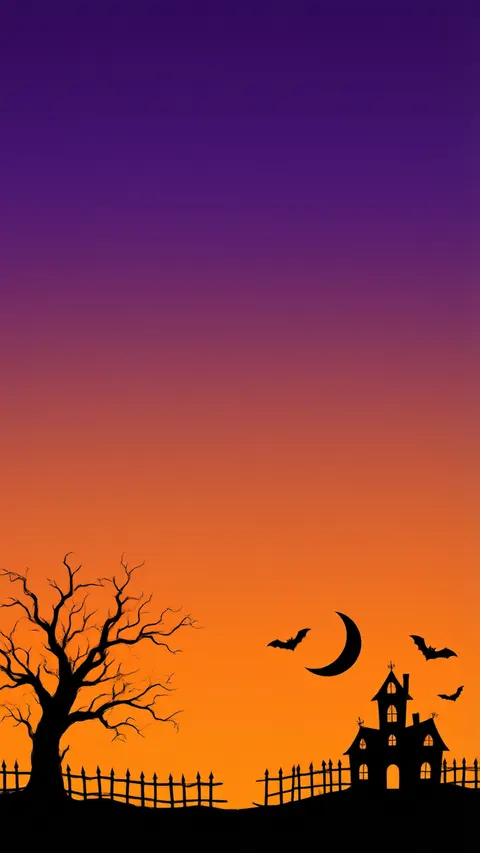 Purple-to-orange skylinePhone 9:16 · 768 × 1365 JPG · Qwen Image 3.0Download
How to
How to use the halloween background
- Time needed
- Steps
- 4 steps
Step 1
Download one, or open the generator
Download a background below, or press “Make my Halloween background”. Image Studio opens with Qwen Image 3.0 and the moonlit hill prompt. Sign in with Google, GitHub or Discord for starter credits.
Step 2
Pick a scene and a shape
Keep the moonlit hill or paste a prompt from the gallery or the ideas table. Set the size: 16:9 for a desktop, call or slide, 9:16 for a phone or story, 1:1 for a post.
Step 3
Create and check the layout
Press Create and check the open sky or plain block sits where you want it; if not, say where it goes and run it again.
Step 4
Download and use it
Download it and upload it in Zoom or Teams, set it as your wallpaper, or open it in Edit Studio to add your party details.
See it in the app

Open Remove & Erase and drop in a photo — products, people and pets all work.


Watch the tour · 1:34
Cutout, HD for hair & fur, Object Pick, Magic Eraser, new backgrounds, hand-offs & chat
Chapters
Tips
Get a Halloween background that fits and stays readable
Halloween scenes are dark and busy, so the empty part has to sit where your text, face or icons go.
Pick the size before you press Create — Image Studio opens on Square 1:1. 16:9 for a desktop, call or slide, 9:16 for a phone or story, 1:1 for a post.
Say where the open space goes: “the left half open dark sky”, “the centre a large plain black area for text”, “the middle a large plain cream area”.
On a call you sit in the middle, so put the shelves and the window at the edges of an evenly lit room, like the decorated room here.
For text, pick a plain colour block: white or orange letters read well on the black flat lay, dark purple on the cream watercolor.
Say “spooky but calm” or “cosy” for a friendly look, and “no people” so no masked figures appear.
End with “no text” and “no signs”, then add words with Edit Studio's text tool so the spelling is exactly yours.
Models
Models for Halloween backgrounds
What each model is good at. Open any one straight in the generator.
- Free plan

Alibaba
Qwen Image 3.0
- Reference images
- Up to 3
- Output
- 1K or 2K · 15 ratios incl. 9:16, 16:9
Open Qwen Image 3.0Best for
Default here · free plan · the moonlit hill, call room, flat lay and dark phone backgrounds
ByteDance
Seedream 5.5
- Reference images
- Up to 10
- Output
- 1K / 1.5K / 2K · 15 ratios
Open Seedream 5.5Best for
Cute patterns and watercolor invitations

ByteDance
Seedream 5.0 Pro
- Reference images
- Up to 10
- Output
- 1K / 1.5K / 2K · 15 ratios
Open Seedream 5.0 ProBest for
Anime-style background art (the Halloween street)
FAQ
Halloween Background questions
9 questions

Where can I download a Halloween background?
Right on this page. The downloads section has eight Halloween backgrounds made with Kenerate — three 16:9 for a desktop or call (1365 × 768), three 9:16 for a phone or story (768 × 1365) and two squares (1024 × 1024), as JPG files. Downloading them costs nothing and needs no account; making your own in Image Studio uses credits.
Link to this answerHow do I make a Halloween background?
Describe the scene in Image Studio, say where the open space goes — “a full moon on the right, the left half open dark sky” — end with “no text” and pick 16:9, 9:16 or 1:1. The button on this page opens Qwen Image 3.0 with the moonlit hill prompt filled in; every background in the gallery opens with its own prompt.
Link to this answerIs it free to make a Halloween background?
Free to start. Sign in with Google, GitHub or Discord — no card — and a new account gets 25 credits. Qwen Image 3.0 is on the free plan at 9 credits an image, so the starter credits make two backgrounds. Seedream 5.5 (6 credits), Seedream 5.0 Pro (13.5) and the Image Upscaler (3 credits a run) use credits from one-time packs.
Link to this answerHow do I use a Halloween background in Zoom or Teams?
Use a 16:9 image with the decoration at the edges and the centre plain, like the decorated room here. Zoom asks for at least 1280 × 720 in PNG or JPG, cropped to your camera's shape; the 16:9 files here are 1365 × 768 JPGs. Teams takes JPG, PNG or BMP.
Link to this answerCan I put text on a Halloween background?
Yes. The pumpkin flat lay leaves the centre plain black, the watercolor background leaves the middle plain cream, and the moonlit hill leaves the left half open sky. None of the eight has text in it; add your words with Edit Studio's text tool so the spelling is exactly yours.
Link to this answerWhat is a good aesthetic Halloween background?
Pick one palette and one idea: soft watercolor pumpkins and a ghost on cream, a black flat lay with orange pumpkins, a purple-to-orange skyline, or a cosy anime street with lanterns. Keep a plain area where your text or icons go.
Link to this answerIs there a cute Halloween background?
Yes, two: the bat, moon and candy corn pattern on orange, and the watercolor background with a smiling ghost and a black cat on a pumpkin. For more, try the pastel ghost border in the ideas table.
Link to this answerWhat size is a Halloween background for a phone or Instagram story?
Use 9:16. The phone and story backgrounds here are 768 × 1365; run one through Kenerate's Image Upscaler for 2K or 4K if your screen is larger. For a phone or desktop wallpaper already upscaled to 4K, see the Halloween wallpaper page.
Link to this answerWhen is Halloween 2027?
Halloween 2027 is on Sunday 31 October. Halloween is always 31 October; in 2026 it fell on a Saturday.
Link to this answerIn depth
Halloween Background, explained
What works, what to avoid, and how to pick a model.
On this page
Which shape for which use?
Every model here starts on a square, so the shape is the first thing to set:
- Zoom, Teams, Google Meet, desktop and slides: 16:9. Zoom asks for at least 1280 × 720; the 16:9 backgrounds here are 1365 × 768.
- Phone, Instagram and Facebook stories, digital invitations: 9:16, 768 × 1365 here — keep the top quiet for the clock or the story bar.
- Instagram and Facebook posts: 1:1, 1024 × 1024 here — the flat lay leaves the centre plain for a caption.
- Bigger than the model makes: the Image Upscaler takes any background to 2K, 4K or 8K.
Where to leave the empty space
A background is used behind something — your face on a call, the clock on a phone, the words on an invitation — so the open area has to be planned.
Saying where the empty part goes worked on all eight: “the left half open dark sky” (moonlit hill), “the centre of the room a plain dark green wall” (call room), “the centre a large plain black area for text” (flat lay), “the middle a large plain cream area” (watercolor), “pure black upper two thirds” (dark glow).
What we got, honestly
All eight are first tries. A few details differ from the prompts: the flat lay's plain centre came out round rather than square, the watercolor added a crescent moon and two small bats, the gradient skyline drew the crescent moon as a black silhouette, and the anime street has more of a painterly look than flat anime. None has stray lettering.
Most “Halloween background” results are stock libraries — Pinterest, Unsplash, Canva — each with its own licence. The eight here are original Kenerate outputs; Kenerate's Terms say you own what you generate. The US Copyright Office's 2025 report ties copyright to human authorship, so a picture made only from a prompt may not be protected against copying.
By the Kenerate AI teamLast updated and reviewed
We build and run the Kenerate generator. Every example is a real output of the model named under it; models and presets were checked against the app's code.
Sources: Zoom Support — Changing your virtual background image · Microsoft Support — Change your background in Microsoft Teams meetings · US Copyright Office — Copyright and Artificial Intelligence (Part 2: Copyrightability, 29 January 2025) · Kenerate AI — Terms of Service