

Thanksgiving: Thursday 26 November 2026
Happy Thanksgiving GIFs to send or make
Nine animated Thanksgiving GIFs you can download right now: turkeys, falling leaves, pumpkin pie, candlelight and lettered greetings. Want one with a name or an inside joke? Describe it and GPT Image 2.6 draws the frames for you.
- Nine ready-made GIFs to download
- Loops that play in chats and email
- Make your own with a name in it
- Same character in every frame
Updated by the Kenerate AI team




Made with Kenerate


On this page
Gallery
Happy Thanksgiving GIFs to download
Nine animated GIFs made on Kenerate. Each loop started as a 6-frame GPT Image 2.6 sprite sheet, cut into frames and joined into a GIF. We read the words on all six frames of every sheet: “Happy Thanksgiving”, “Thankful”, “Give Thanks” and “Gobble Gobble!” are spelled right in every frame. Open one to copy its prompt, or grab the .gif from the download list below.
Download
Download the GIFs
Each link opens the .gif file. Save it (right-click, or long-press on a phone) and send it as a picture, or paste it straight into a chat.
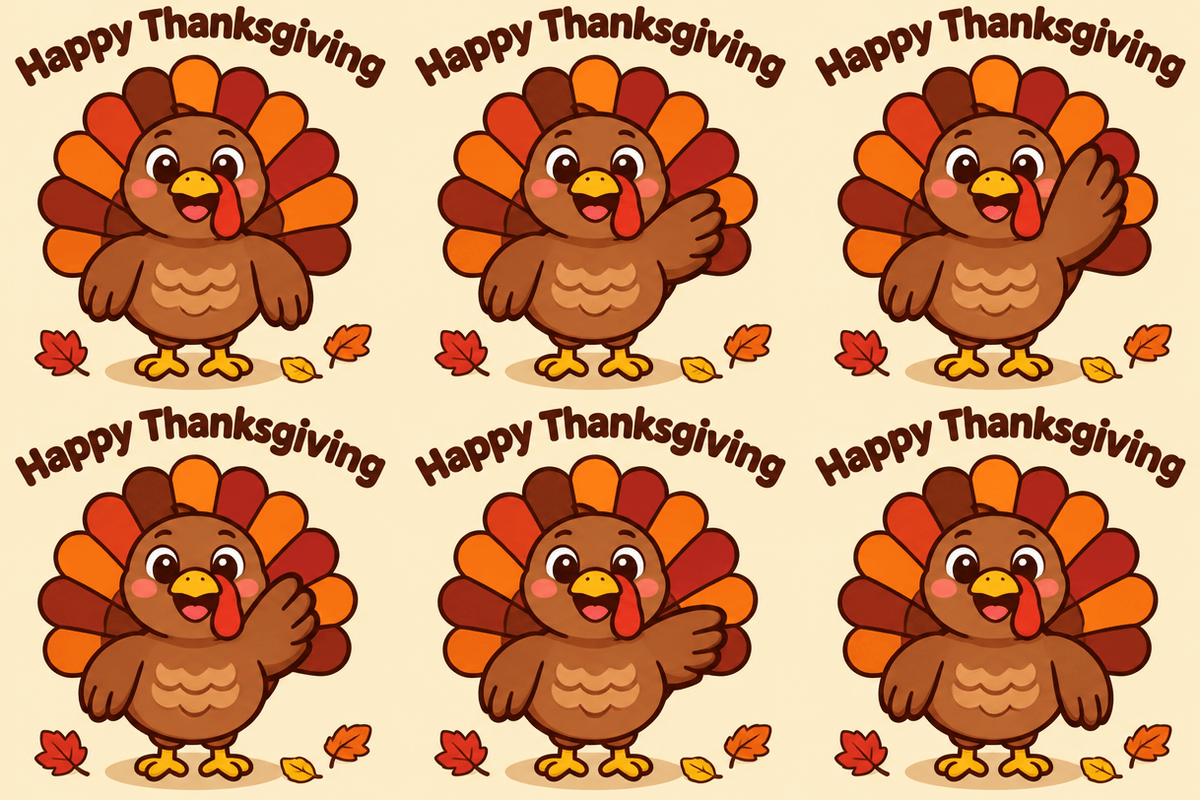
Waving turkey: Happy Thanksgiving (.gif)
400 × 400 px · 6 frames · 180 ms · loops
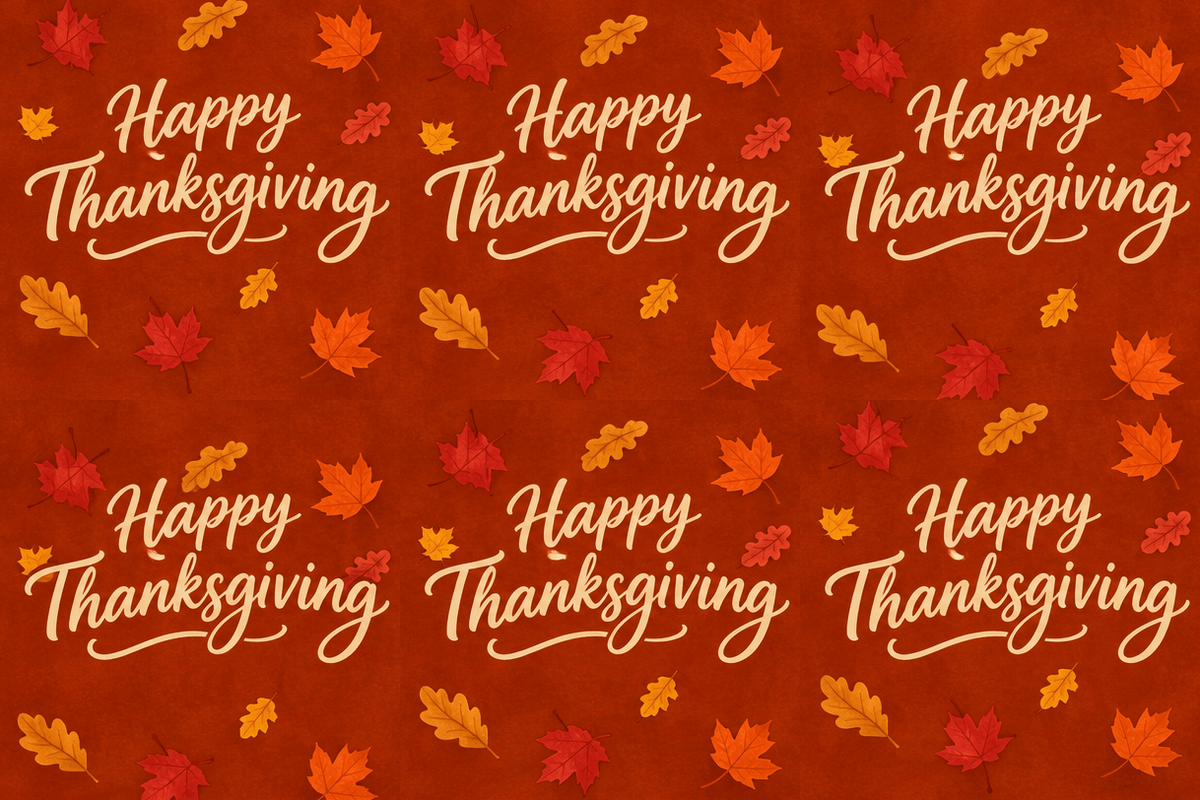
Falling leaves: Happy Thanksgiving (.gif)
400 × 400 px · 6 frames · 200 ms · loops
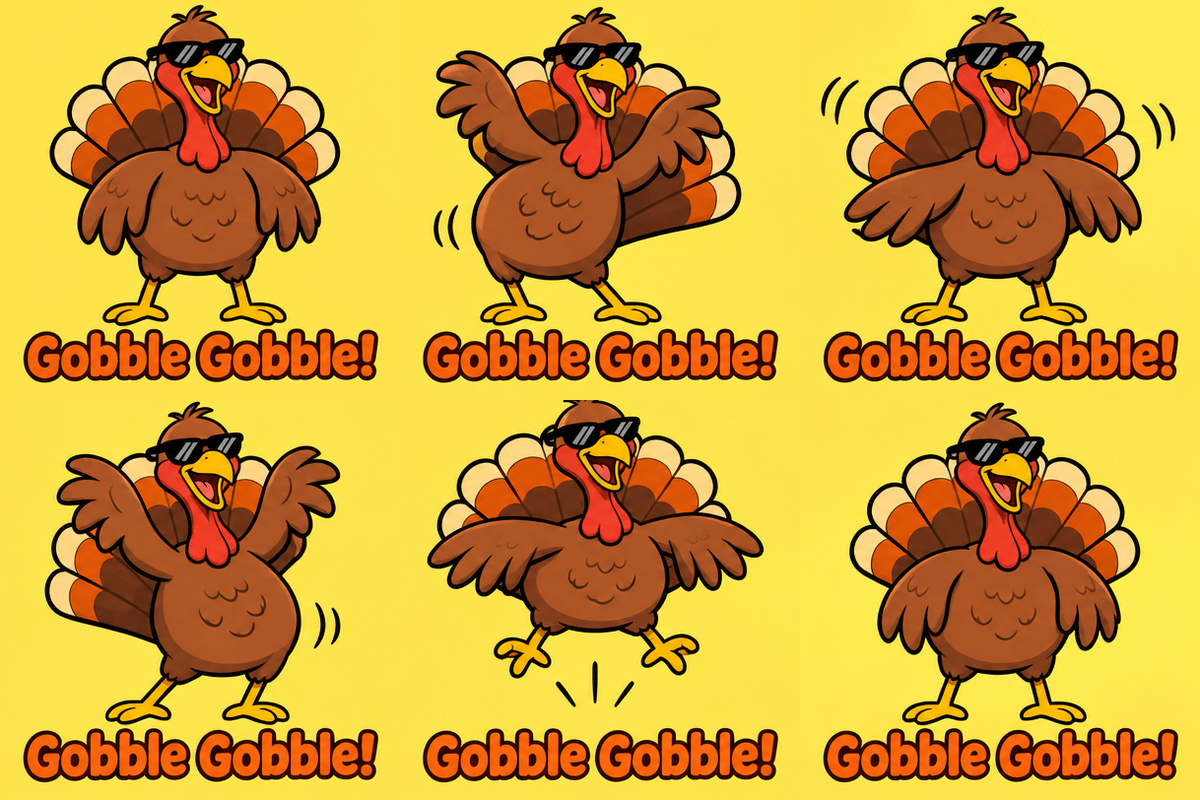
Funny turkey: Gobble Gobble! (.gif)
400 × 400 px · 6 frames · 170 ms · loops
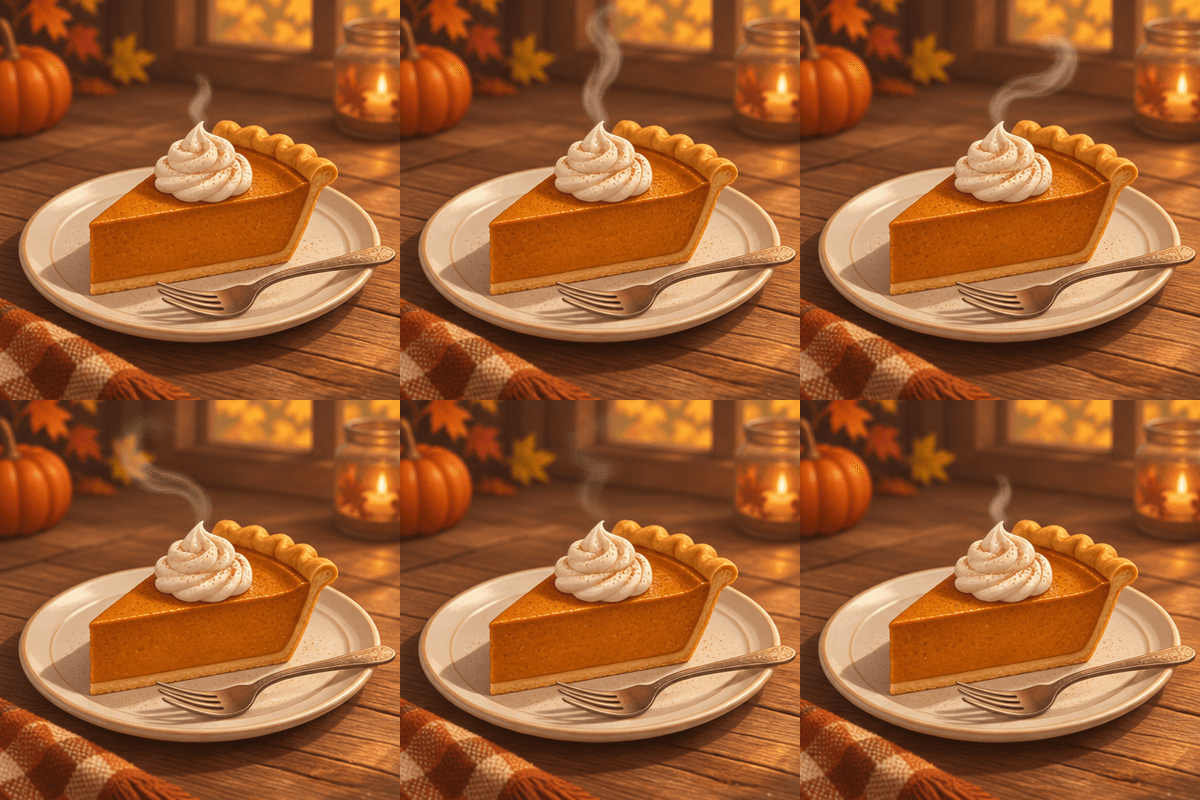
Pumpkin pie steam (.gif)
400 × 400 px · 6 frames · 220 ms · loops
“Thankful” gold sparkle (.gif)
400 × 400 px · 6 frames · 200 ms · loops
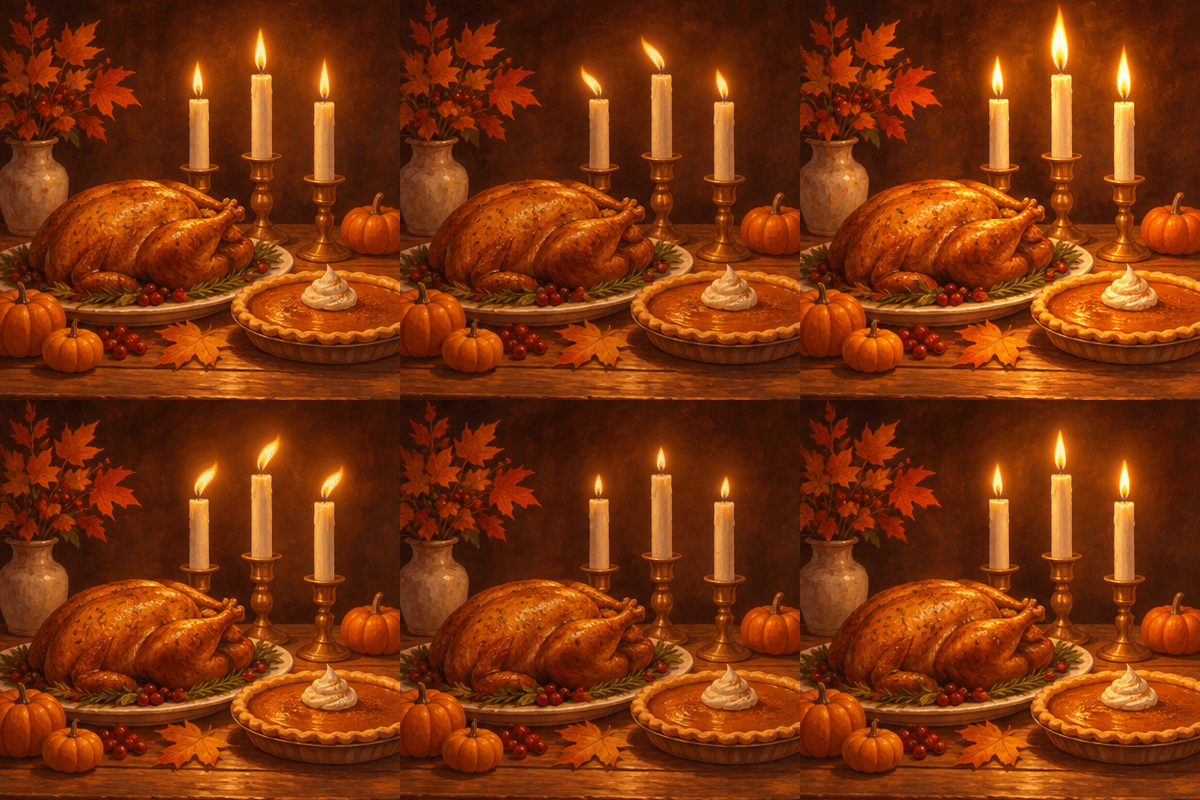
Candlelit Thanksgiving table (.gif)
400 × 400 px · 6 frames · 160 ms · loops
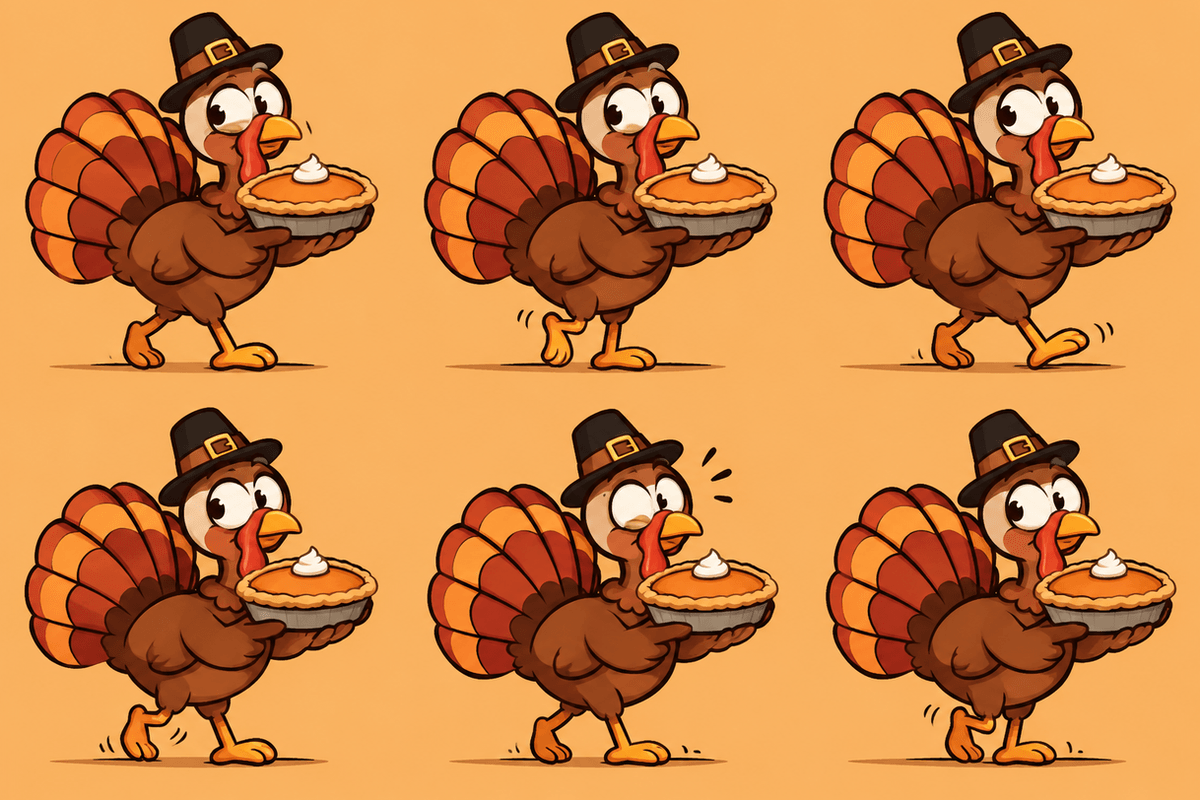
Turkey sneaks off with the pie (.gif)
400 × 400 px · 6 frames · 150 ms · loops
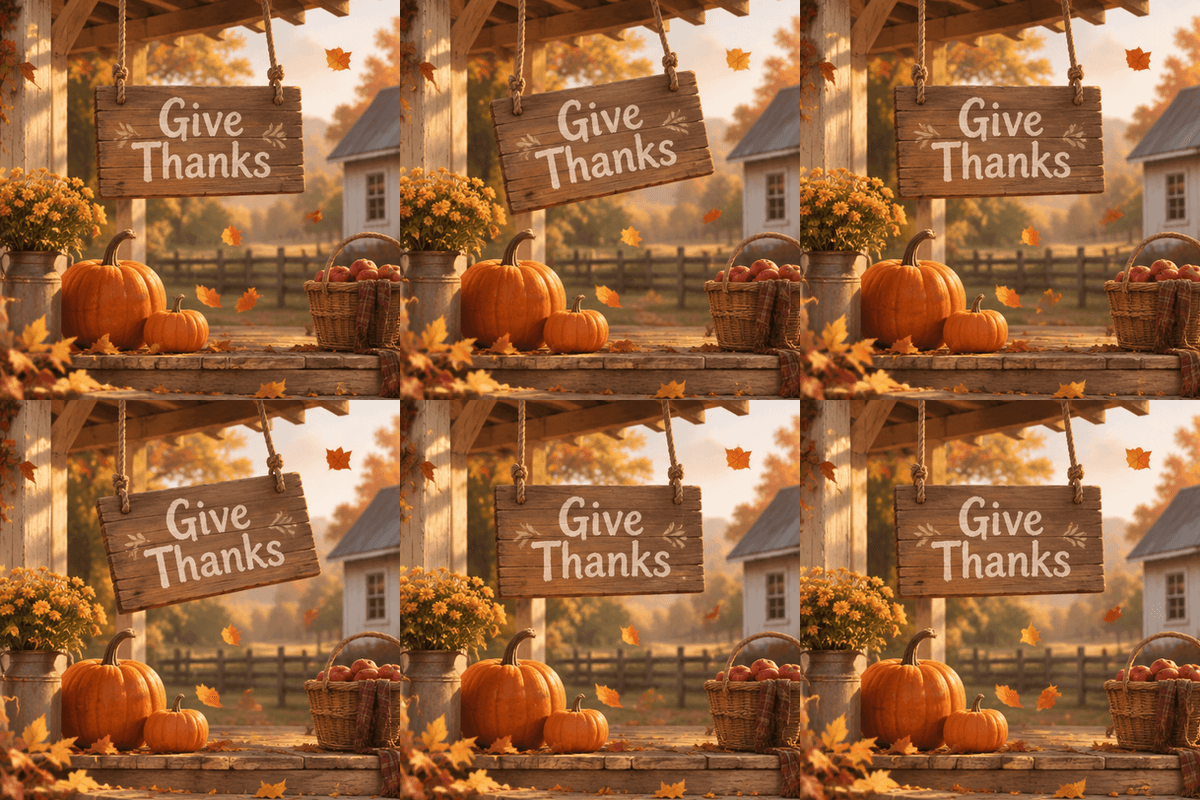
“Give Thanks” porch sign (.gif)
400 × 400 px · 6 frames · 240 ms · loops
Gold glitter wreath greeting (.gif)
400 × 400 px · 6 frames · 150 ms · loops
Quick answer

Where can I get a Happy Thanksgiving GIF?
Download one of the nine Happy Thanksgiving GIFs on this page — a waving turkey, falling leaves with “Happy Thanksgiving”, pumpkin pie steam, candlelight, a “Gobble Gobble!” dance, “Thankful” and “Give Thanks” lettering — open the .gif and save it, then send it in iMessage, WhatsApp, Slack, Discord or an email. Each is a 400 × 400 px, 6-frame loop. To make your own, open GPT Image 2.6 in Kenerate's Image Studio, set Format to GIF, choose 2 to 16 frames and the time per frame, and describe the motion with your greeting in quotes. A GIF costs the same as a still: 15 credits at medium quality and 1K, 9 at low.
Key facts
- Ready-made GIFs
- Nine, 400 × 400 px, 6 frames each
- Make your own
- GPT Image 2.6 Sunburst or Flare
- Frames
- 2–16 per GIF, 20–2,000 ms each
- Default
- 9 frames × 200 ms
- Loop
- Plays forever in chats, email and Slack
- Thanksgiving 2026 (US)
- Thursday 26 November
Where to send
Where to send a Thanksgiving GIF
A square GIF works almost everywhere. These are the places it goes most, and the one thing to know for each.
| Where it goes | Best shape | How to send it |
|---|---|---|
| iMessage or text | Square 1:1 | Save the .gif to Photos, then attach it. It plays in the thread |
| Square 1:1 | Attach it from your gallery or files. WhatsApp may turn it into a short looping clip | |
| Slack | Square 1:1 | Drag the .gif into a message. For a custom emoji, keep it square and small (Slack asks for under 128 KB) |
| Discord | Square 1:1 | Upload it or paste the link. It plays in the channel |
| Email or newsletter | Square, or wide for a header | Insert it as an image in the body. Some older Outlook versions show only the first frame, so make frame 1 a complete greeting |
| Website or blog | Any | Use it as a normal image. An animated WebP of the same loop is smaller |
Prompts
Thanksgiving GIF prompts to copy
Written for GIF output: open one, set Format to GIF under Advanced, and generate. The last one needs a photo of your pet.
- Subject
- A turkey, a pie, leaves, candles, a porch sign
- One motion
- Waves, wiggles, drifts, flickers, sparkles
- Words in quotes
- “Happy Thanksgiving”, “Thankful”, a name
- What stays put
- Same size, same spot, same background, seamless loop
Waving turkey greeting
A cute round cartoon turkey with orange, red and brown tail feathers waves one wing hello and smiles, the words “Happy Thanksgiving” in bold rounded brown letters above it, spelled the same in every frame. Flat cream background with a few fallen leaves, bold clean outlines, seamless loop.
Falling leaves with your words
The words “Happy Thanksgiving” in large cream script centred on a rust-orange background, red and gold maple leaves drifting down past them and looping back to the top. The words stay spelled the same and in the same place in every frame; only the leaves move.
Funny dancing turkey
A goofy cartoon turkey in small dark sunglasses wiggles its hips left and right, shakes its tail feathers and hops, the words “Gobble Gobble!” in chunky orange letters at the bottom, flat yellow background, bold outlines, seamless loop.
Pumpkin pie steam
A slice of pumpkin pie with whipped cream on a white plate on a wooden table, thin wisps of steam rising and curling. Only the steam moves; fixed camera, warm candlelight, food photography, seamless loop, no text.
More prompts (4)
Greeting with a name
Autumn leaves falling past the words “Happy Thanksgiving, Aunt Rosa!” in gold script on deep burgundy, spelled exactly the same in every frame, small pumpkins in the corners, seamless loop.
Thankful sparkle
The word “Thankful” in elegant gold script on deep burgundy, white sparkles twinkling around it in different spots. The word never moves or changes; only the sparkles do. Seamless loop.
Office Slack GIF
A small cartoon turkey at a laptop gives a thumbs up and a wink, the words “Happy Thanksgiving, team!” in bold brown letters above it, flat cream background, bold outlines, seamless loop.
Your pet in a pumpkin patch (upload a photo)
My dog sitting in a pumpkin patch wearing a small plaid scarf, wagging its tail while autumn leaves fall around it, the words “Happy Thanksgiving” in cream script above. Keep the same dog, fur colour and markings in every frame. Seamless loop.
How to
How to make a Happy Thanksgiving GIF
- Time needed
- Steps
- 4 steps
Step 1
Open GPT Image 2.6
Press “Make my Thanksgiving GIF”. Image Studio opens with GPT Image 2.6 Sunburst and the waving turkey prompt filled in. It needs a one-time credit pack.
Step 2
Set the format to GIF
Open Advanced and set Format to GIF. Pick 2–16 frames and a frame duration (20–2,000 ms); the default is 9 frames at 200 ms. Keep the shape at Square 1:1.
Step 3
Describe the motion and the words
Name the subject, the one thing that moves and the greeting in quotes. Add a name if you like: “Happy Thanksgiving, Aunt Rosa!”.
Step 4
Check every frame, then send
Play the loop and read the words on each frame. Download the GIF and send it in iMessage, WhatsApp, Slack or an email.
See it in the app

Open Image Studio and type what you want to see — subject, style, lighting and mood.


Watch the tour · 1:23
Prompts, styles, references, edit, Arena & chat
Chapters
Tips
How to get a Thanksgiving GIF that reads right
A GIF is a few drawings in a row. Say what moves, what stays put and what the words are.
Keep the words short and in quotes: “Happy Thanksgiving”, “Thankful”, “Gobble Gobble!”. Ask for them to be spelled the same in every frame.
Say what stays fixed: same turkey, same size, same spot, same background, fixed camera. Then name the one thing that moves.
Make the last pose lead back into the first (a wing that rises, waves and lowers) so the loop has no jump.
Flat or simple backgrounds loop cleanly; busy photo scenes flicker between frames and make bigger files.
Read every frame before you send it. Letters can slip in one frame while the other five are right.
The prompt filter blocks child words such as kid, child and baby. Write “family” or “family-friendly” instead.
Models
Tools for Thanksgiving GIFs on Kenerate
What each model is good at. Open any one straight in the generator.
OpenAI
GPT Image 2.6 Sunburst
- Reference images
- Up to 16
- Output
- GIF · 2–16 frames
Open GPT Image 2.6 SunburstBest for
Best frame-to-frame consistency and lettering
OpenAI
GPT Image 2.6 Flare
- Reference images
- Up to 16
- Output
- GIF · 2–16 frames
Open GPT Image 2.6 FlareBest for
Faster drafts of the same loop
Wan, Kling, Seedance
Image to video
- Reference images
- 1 image
- Output
- MP4, 5–10 s
Open Image to videoBest for
Longer, smoother motion than a GIF
Image Studio
Happy Thanksgiving images
FAQ
Happy Thanksgiving GIF questions
9 questions



Where can I get a Happy Thanksgiving GIF?
Right here: the nine GIFs on this page — a waving turkey, falling leaves, a “Gobble Gobble!” dance, pumpkin pie steam, “Thankful” and “Give Thanks” lettering, a candlelit table, a pie-stealing turkey and a gold wreath — are ready to download. Open a link in the download list, save the .gif and send it. Downloading them costs nothing and needs no account. They were made on Kenerate, so they aren't re-posts from a GIF library.
Link to this answerHow do I make my own Thanksgiving GIF with AI?
Open Image Studio with GPT Image 2.6 Sunburst (the button on this page fills in a turkey prompt), open Advanced and set Format to GIF, then pick the number of frames (2–16) and how long each one shows (20–2,000 ms). Describe the motion and put the greeting in quotes. A GIF costs the same as a still image: 15 credits at medium quality and 1K, 9 at low and 18 at high. GPT Image 2.6 needs a one-time credit pack; new accounts get 25 credits, which run the free-plan image models.
Link to this answerWhat size should a GIF be for iMessage, WhatsApp, Slack or email?
Square works everywhere: our GIFs are 400 × 400 px. iMessage and Discord play a GIF in the thread; WhatsApp may turn it into a short looping clip; Slack plays GIFs in messages, and a custom emoji has to be under 128 KB, so keep emoji GIFs small and simple. In email, insert the GIF as an image in the body; some older Outlook versions show only the first frame, so make frame 1 a complete greeting on its own.
Link to this answerDo these GIFs loop?
Yes. Every GIF on this page is set to loop forever, which is what chats and email apps expect. When you make your own, ask for a seamless loop and describe a motion whose last pose leads back into the first, like a wing that rises, waves and lowers, so there's no jump between the end and the start.
Link to this answerHow big is the file, and how do I keep it small?
Our GIFs are 400 × 400 px with 6 frames and weigh about 550 to 900 KB each; the falling-leaves one is the largest because every frame changes. File size grows with the number of frames, the pixel size and how busy the picture is. To keep a GIF small for Slack emoji or email, use fewer frames (6 to 9), a flat background, a few colours and simple motion, and shrink it to 128 px for an emoji. GIFs carry at most 256 colours per frame, so flat cartoon art looks cleaner than photos.
Link to this answerCan I add a name or my own message?
Yes. Put the exact words in quotes — “Happy Thanksgiving, Aunt Rosa!” or “Happy Thanksgiving, team!” — and ask for them to be spelled the same in every frame. Short lines work best. To put your pet in the GIF, upload its photo as a reference with GPT Image 2.6 and choose GIF: an edit adds 4.5 credits per uploaded image, so one photo at medium 1K comes to 19.5 credits.
Link to this answerWhy does the text change between frames?
The model draws every frame, and each one is another chance for a letter to slip. Keep the words short, quote them, say they stay the same size and in the same place in every frame, and make only something else move (leaves, sparkles, a wing). Play the loop and read each frame before you send it; if one frame is off, run it again.
Link to this answerWhen is Thanksgiving 2026?
In the United States, Thanksgiving is the fourth Thursday of November: Thursday 26 November 2026. Canadian Thanksgiving was Monday 12 October 2026. If you make your own GIF, do it a day or two ahead so you have time to check the words.
Link to this answerCan I use the GIFs for my business?
Yes for posts, emails and Slack. Kenerate's Terms say Kenerate claims no ownership of what you generate and you may use it commercially, subject to the Terms and the law; you're responsible for how you use it. The US Copyright Office ties copyright to human authorship, so a GIF made entirely from a prompt may not be protected against copying.
Link to this answerIn depth
Happy Thanksgiving GIFs, explained
What works, what to avoid, and how to pick a model.
On this page
How the GIFs on this page were made
Each GIF started as one GPT Image 2.6 Sunburst image at medium quality (15 credits): a sprite sheet of six frames in a 3 × 2 grid, the method OpenAI shows in its own Images 2.6 launch prompts. We cut the sheet into six square frames and joined them into a looping GIF and an animated WebP, with 150 to 240 ms per frame depending on the motion.
In Image Studio you don't need the sheet step: set Format to GIF and GPT Image 2.6 returns the animated GIF itself, with 2 to 16 frames at the timing you choose.
What our Thanksgiving tests showed
We made 14 sheets for these nine GIFs, all on GPT Image 2.6 Sunburst at medium quality:
- The lettering held up: every sheet that came back as a grid had its words spelled right in all six frames, including “Happy Thanksgiving” three times and “Gobble Gobble!”.
- Five of the first nine prompts came back as a single picture instead of a 6-frame sheet (the pie, the candles, “Thankful”, the porch sign and the gobble dance). Re-running them with “the same scene drawn six times” fixed all five on the next try.
- Flat cartoons loop most cleanly. In the painted scenes small details shift between frames, so the porch and the candlelit table shimmer a little as they play.
- The gold wreath adds a small flourish above the T of “Thanksgiving” in every frame — a quirk of the lettering style, not a misspelling.
Downloading a GIF vs making your own
Most “happy thanksgiving gif” results are GIF libraries: big, searchable, and full of the same turkeys every year. Downloading one of ours, or one from a library, is quickest. Making your own takes a minute or two and lets the GIF say exactly what you want — a name, the family's in-joke, the team channel — in the colours you like.
Thanksgiving GIF ideas that animate well
Pick motion with one moving part and the rest fixed:
- A turkey waving, dancing or tiptoeing off with the pie.
- Leaves falling past a fixed greeting.
- Steam over pie, coffee or cider.
- Candle flames flickering over a table.
- Sparkles or a shine sweeping across gold lettering.
- A sign swaying on a porch.
By the Kenerate AI teamLast updated and reviewed
We build and run the Kenerate generator. Every example is a real output of the model named under it; models and presets were checked against the app's code.
Sources: Introducing Images 2.6 — OpenAI · US Copyright Office — Copyright and Artificial Intelligence · Kenerate AI — Terms of Service · Kenerate Image Studio

Make your Happy Thanksgiving GIF
Sign in with Google, GitHub or Discord. GPT Image 2.6 runs on a one-time credit pack.
Tried it? Tell us how it went