

Pika Labs, the company behind pika.art and the Pika 1.5, 2.1, 2.2 and 2.5 models
Pika 2.2
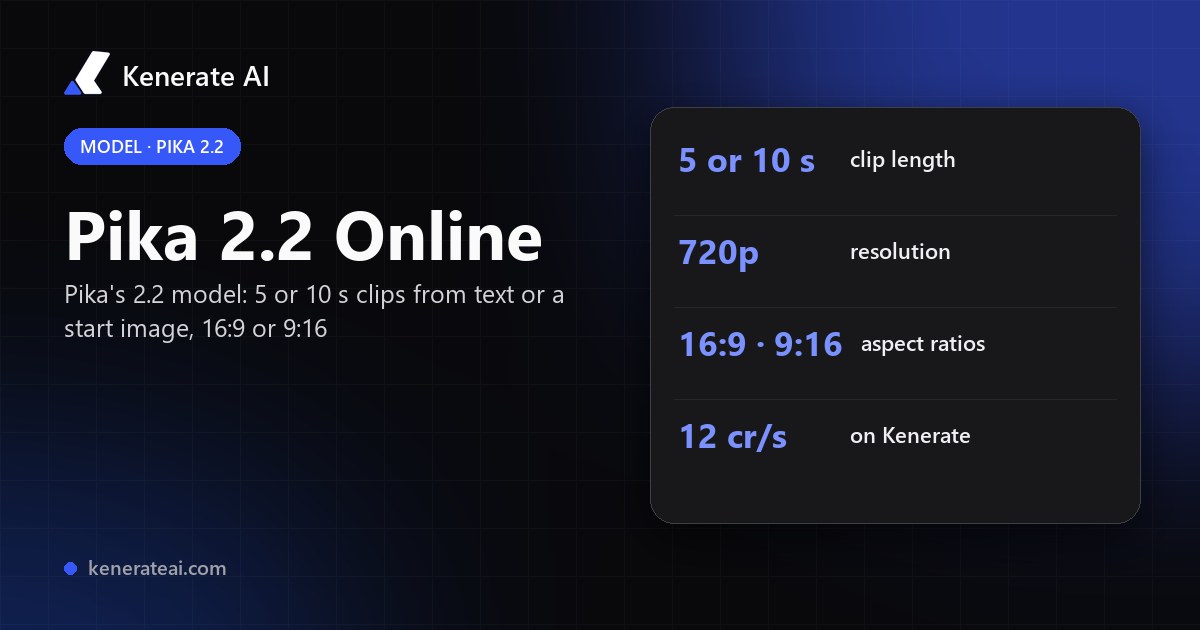
Pika Labs' 2.2 video model in your browser: 5 or 10 second clips from a text prompt or a start image, in 16:9 or 9:16 at 720p, for 12 credits a second — no Pika subscription.
- Release
- Early 2025 — covered by The Decoder on 1 March 2025, about a month after Pika 2.1
- What it added, per Pika
- Clips up to 10 seconds, 1080p output, and Pikaframes: upload a first and a last frame and Pika fills the motion between them (in Pika's own app)
- Modes on Kenerate
- Text to video and image to video (start frame + prompt). No end frame, so no Pikaframes
- Length
- 5 or 10 seconds
- Resolution and ratio
- 720p (1280×720 or 720×1280); 16:9 or 9:16, for text and image to video
- Sound
- None — Pika 2.2 clips are silent
- Real specs
- Official sources
- Free to start
- No watermark
Updated by the Kenerate AI team




On this page
What is Pika 2.2?

What is Pika 2.2?
Pika 2.2 is the video model Pika Labs released in early 2025, which raised Pika's clips to 10 seconds and 1080p and introduced Pikaframes keyframe transitions in Pika's own app. On Kenerate AI it runs as text to video and image to video: 5 or 10 seconds at 720p, 16:9 or 9:16, silent, for 12 credits a second — 60 credits for 5 seconds, 120 for 10. Pikaframes and end frames aren't available here.
Key facts
- Official name
- Pika 2.2
- API IDs
- pika/v2.2-t2v · pika/v2.2-i2v
- Maker
- Pika Labs
- Released
- Early 2025
- Clip length
- 5 or 10 s
- Resolution
- 720p on Kenerate
- Aspect ratios
- 16:9 · 9:16
- Sound
- None (silent)
- Inputs
- Text, or a start image + prompt
Models
Pika 2.2 on Kenerate
Every version in the generator, and what each is good at.
Pika Labs
Pika 2.2
- Reference images
- Start frame
- Output
- 5 or 10 s · 720p
Open Pika 2.2Best for
Playful, stylised clips at a low price
Pika Labs
Pika 2.1
- Reference images
- Start frame
- Output
- 5 or 10 s · 720p
Open Pika 2.1Best for
The earlier model, same specs and price
PixVerse
PixVerse V6
- Reference images
- 10 images · 2 clips
- Output
- 1–15 s · 360p–1080p
Open PixVerse V6Best for
Similar price at 720p, adds sound and 1080p
From our tests
Strengths and limits
Good at

- Simple and cheap: a flat 12 credits a second, so a 5-second clip is 60 credits with no resolution or sound settings to weigh up.
- Portrait or landscape for both text and image to video — 9:16 for Reels and Shorts, 16:9 for YouTube.
- Good for short, playful, stylised shots — the kind of clip Pika is known for.
- Runs without a Pika account or subscription, from the same credits as every other video model on Kenerate.
Limits
- No real Pika 2.2 clips on this page yet — we only show a model's own outputs, so run a 5-second test first.
- Not on Kenerate's free plan: video needs any one-time credit pack (from $15 for 1,300 credits).
- 720p only, silent, and only 5 or 10 seconds; no end frame, so Pikaframes, Pikaffects and Pikascenes aren't available here.
- Pika has since moved on to Pika 2.5 in its own app; for sound at a similar 720p price, or 1080p, try PixVerse V6.
How to
How to use Pika 2.2 on Kenerate
Step 1
Open the video studio
Go to /app/video and pick Pika 2.2 (the button on this page selects it). Video needs any one-time credit pack.
Step 2
Choose text or image
Text to video from a prompt, or image to video from a start image. A prompt is required for image to video too.
Step 3
Describe the motion
Write one clear action and the camera — "the corgi turns the wheel, slow push-in". Short, playful prompts suit Pika best.
Step 4
Pick length and ratio
Choose 5 or 10 seconds and 16:9 or 9:16. The credit cost (60 or 120) shows before you generate.
See it in the app

Open Video Studio in Text to Video mode and write the shot — subject, action, camera move and light.


Watch the tour · 1:19
Text, image & reference to video, models, edit, extend & chat
Chapters
FAQ
Pika 2.2 questions
9 questions

What is Pika 2.2?
Pika 2.2 is a video model from Pika Labs, released in early 2025. In Pika's own app it raised clip length to 10 seconds and resolution to 1080p, and introduced Pikaframes, a keyframe feature that generates the motion between a first and a last frame.
Link to this answerPika 2.2 vs 2.1 — what's the difference?
In Pika's app, 2.2 added 10-second clips and Pikaframes on top of 2.1's 1080p output. On Kenerate the two run the same way — text or image to video, 5 or 10 seconds, 720p, 16:9 or 9:16, silent — at the same 12 credits a second, so pick by look: run one prompt on both.
Link to this answerDoes Pika 2.2 support Pikaframes on Kenerate?
No. Pikaframes needs an end frame, and Pika 2.2 on Kenerate takes a start image only. For start-and-end-frame video, use a model that accepts an end frame, such as Vidu Q3 Pro.
Link to this answerHow much does Pika 2.2 cost on Kenerate?
12 credits a second: 60 credits for a 5-second clip and 120 for 10 seconds, for text or image to video. Credits come in one-time packs from $15 for 1,300, with no subscription.
Link to this answerIs Pika 2.2 free?
Not on Kenerate's free plan — video needs any one-time credit pack. Pika's own app has its own plans; check pika.art for its current prices.
Link to this answerHow long can Pika 2.2 videos be?
5 or 10 seconds per clip on Kenerate. In Pika's app, Pikaframes generations can be 1–10 seconds and other 2.2 generations are 5 or 10, per Pika's FAQ.
Link to this answerWhat resolution is Pika 2.2?
On Kenerate, 720p — 1280×720 for 16:9 or 720×1280 for 9:16. Pika's own app offers 2.2 at 720p or 1080p.
Link to this answerDoes Pika 2.2 have sound?
No. Pika 2.2 clips are silent. If you want sound in the same pass, PixVerse V6 or Vidu Q3 generate audio with the video.
Link to this answerIs Pika 2.2 the latest Pika model?
No. Pika has since released Pika 2.5 and relaunched its app; 2.2 remains available through APIs, and on Kenerate alongside Pika 2.1.
Link to this answerIn depth
Pika 2.2, in depth
Background, how to prompt it, and when to pick something else.
On this page
Pika 2.2 on Kenerate vs Pika's own app
Pika's app wraps 2.2 in its own tools — Pikaframes, Pikascenes, 1080p — and bills in Pika credits [2]. On Kenerate the model runs through its text-to-video and image-to-video endpoints, so you get the core model only:
Prompting Pika 2.2
Pika suits short, playful, stylised shots. Give one subject one clear action and one camera move — "the paper boat drifts down the river, camera follows" — rather than a scene with several events. For image to video, describe only what moves and keep the style words that match your picture; the prompt is required.
When to pick another model
Pika 2.2 is silent, 720p and fixed at 5 or 10 seconds on Kenerate. For sound or 1080p, PixVerse V6 runs 1–15 s from 13.5 credits a second at 720p (27 at 1080p). For a start and end frame, Vidu Q3 Pro takes both. Don't use real people's likenesses or copyrighted characters without permission.
By the Kenerate AI teamLast updated and reviewed
We run these models in the Kenerate generator. Model facts come from the makers' own pages; specs and limits were checked against our code; the examples are our own outputs.
Sources: Pika releases video model 2.2 with improved resolution and longer clips — The Decoder, 1 Mar 2025 · Frequently asked questions — Pika · Pika Labs launches video model 2.2 with longer 1080p videos and Pikaframes — AlternativeTo
