

PixVerse, the AI video company behind the V-series (V4.5, V5, V5.5, V5.6, V6) and the film-production model C1
PixVerse V6
PixVerse's flagship video model in your browser: 1–15 second clips with optional sound from text, a start image, or up to 10 reference images and 2 video clips, 360p to 1080p in eight aspect ratios. No PixVerse account.
- Release
- Launched 30 March 2026 as the new version of PixVerse's flagship model, a week before C1
- What's new, per PixVerse
- More accurate tracking shots, perspective shifts and reveals; character emotion held across frames; more realistic collisions and spatial relationships; multi-shot clips with sound from one prompt; multilingual text inside the frame
- Modes on Kenerate
- Text to video, image to video (start frame) and reference to video with up to 10 images and 2 video clips
- Length
- 1 to 15 seconds per clip, in whole seconds; with reference clips the output follows the clip's length
- Resolution and ratio
- 360p, 540p, 720p or 1080p; 16:9, 9:16, 1:1, 4:3, 3:4, 2:3, 3:2 or 21:9
- Sound and thinking
- Native audio generated with the video, switchable off for a cheaper silent clip; an optional thinking mode
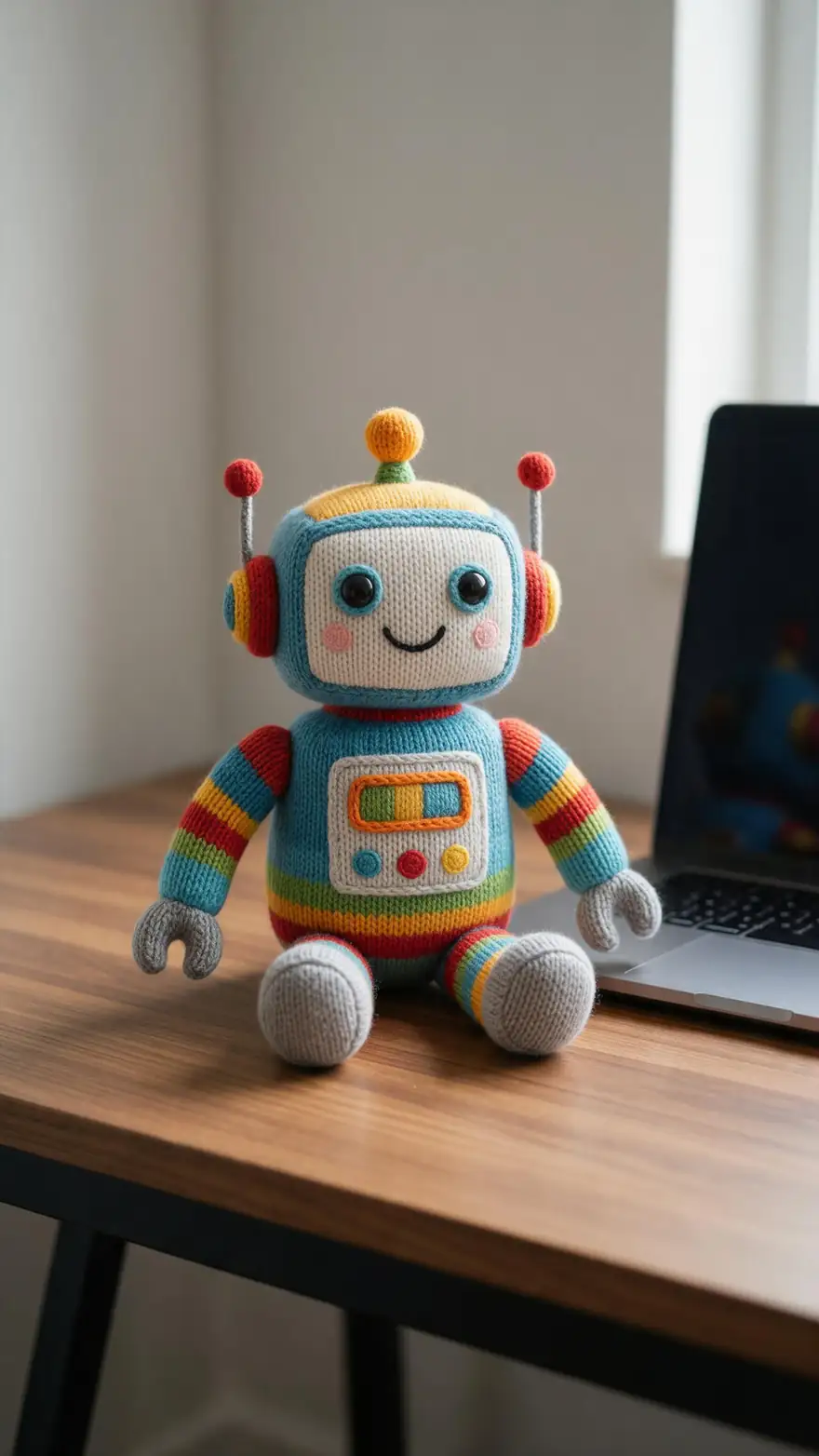
- Real outputs
- Official sources
- Free to start
- No watermark
Updated by the Kenerate AI team




Made with Kenerate

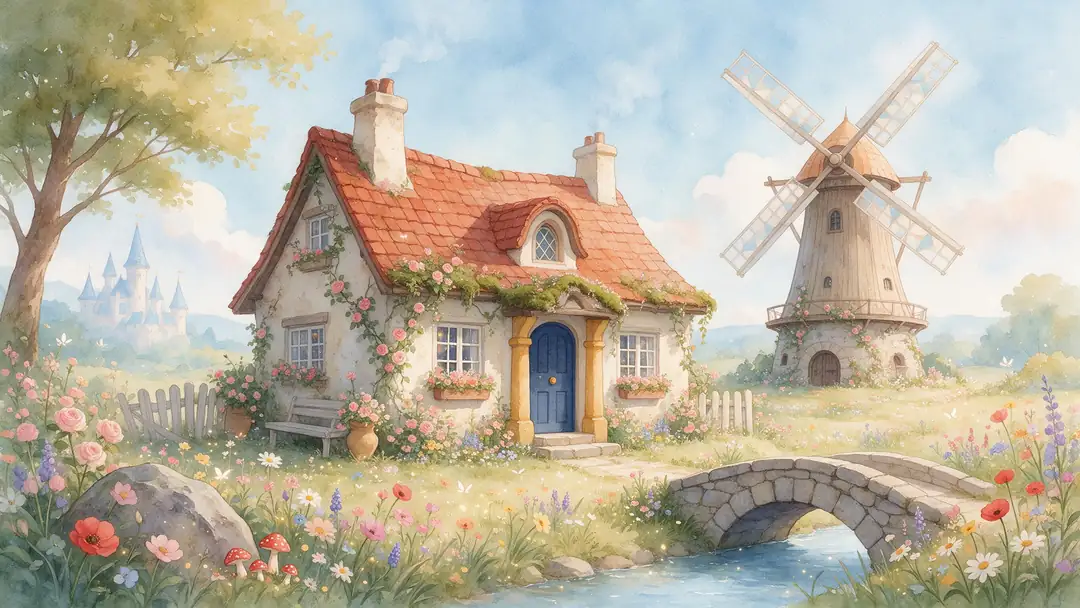
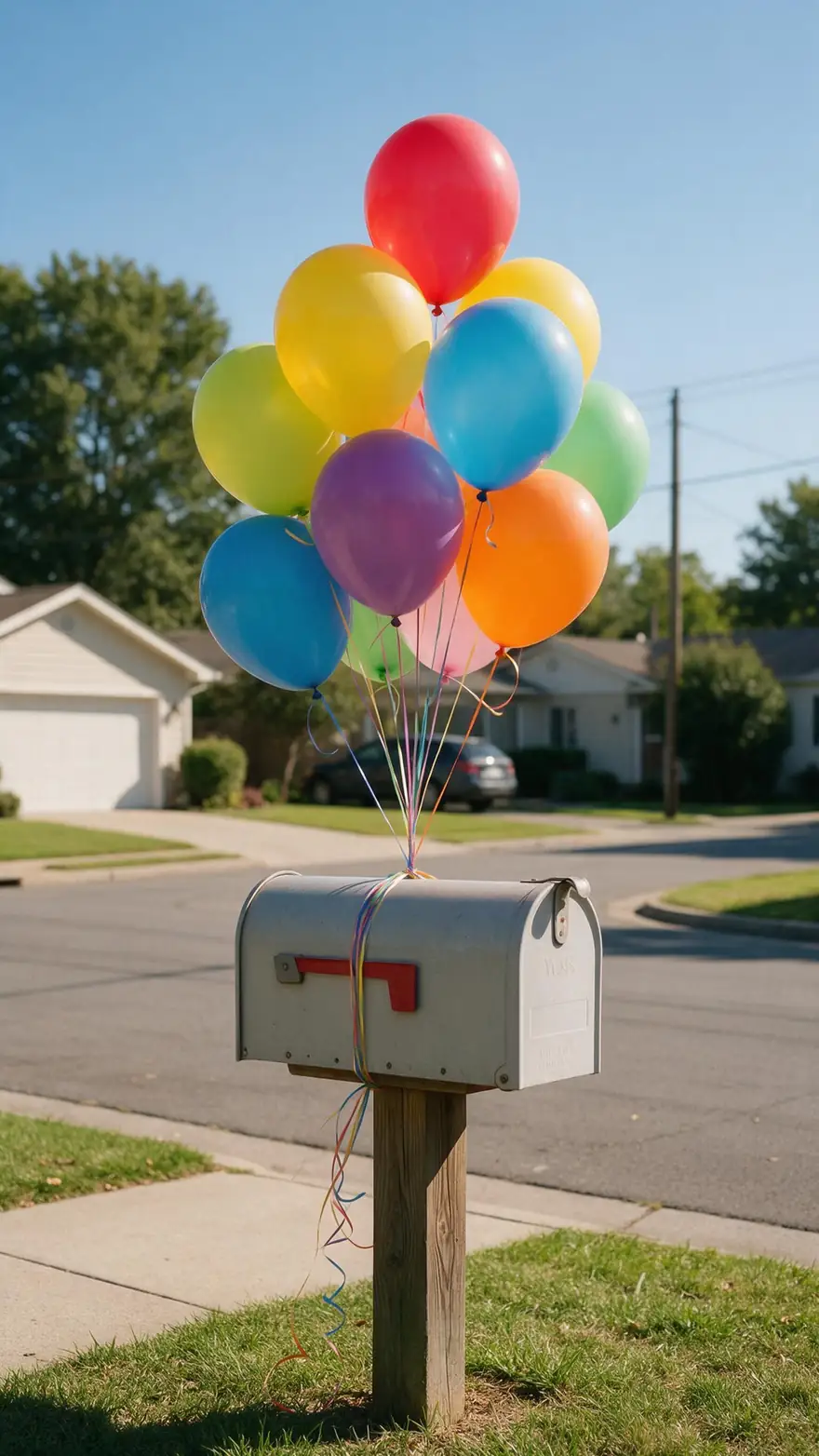
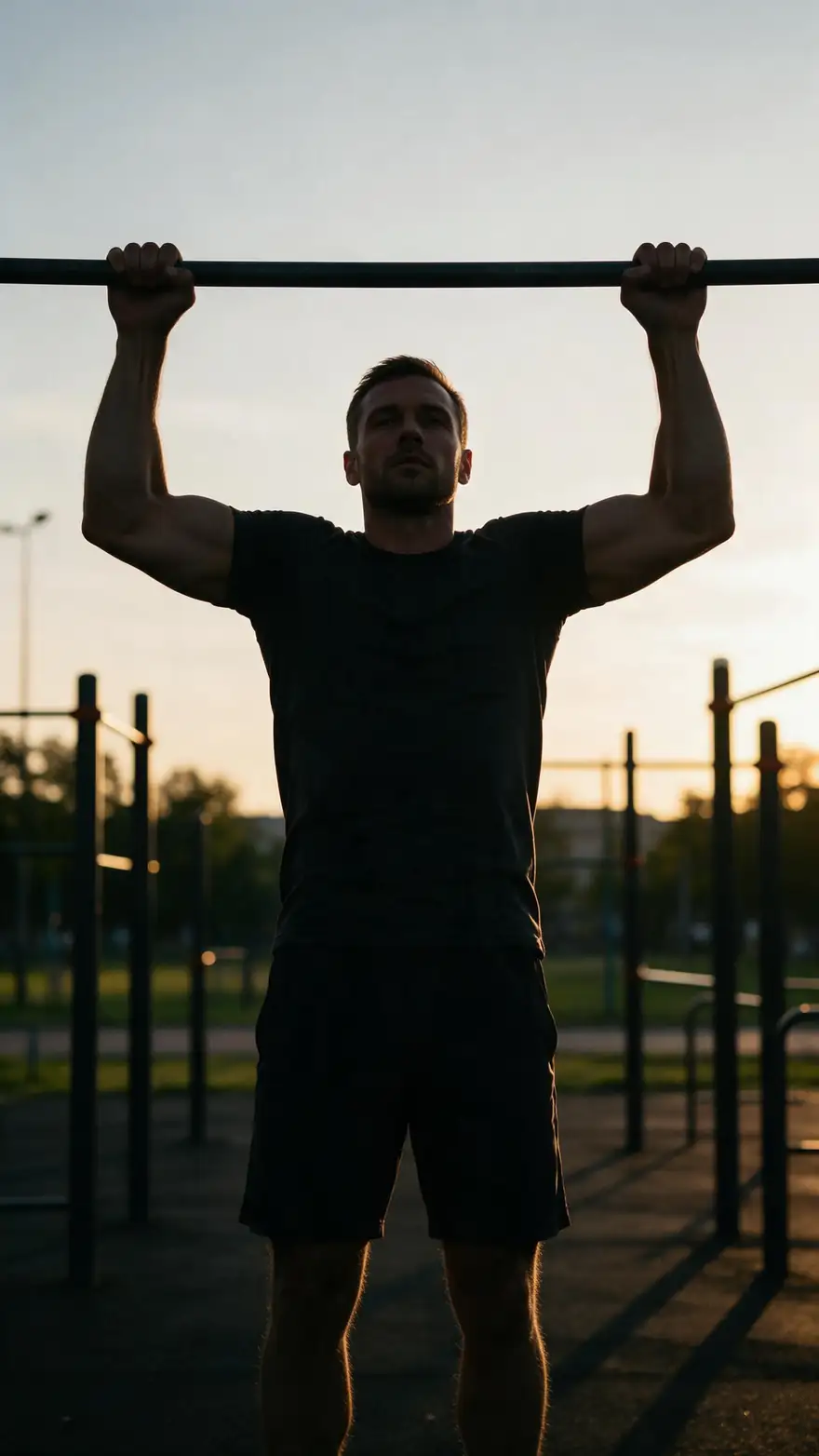
On this page
What is PixVerse V6?

What is PixVerse V6?
PixVerse V6 is PixVerse's flagship video model, launched on 30 March 2026, with more accurate camera moves, steadier character emotion, more realistic physics and multi-shot clips with native audio from one prompt. On Kenerate AI it makes 1–15 second clips at 360p–1080p from text, a start image or up to 10 images and 2 video clips, for 13.5 credits a second at 720p silent or 18 with sound — 68 or 90 credits for 5 seconds.
Key facts
- Official name
- PixVerse V6
- Model ID
- pixverse/pixverse-v6
- Maker
- PixVerse
- Launched
- 30 March 2026
- Clip length
- 1–15 s
- Resolution
- 360p · 540p · 720p · 1080p
- Aspect ratios
- 8, from 21:9 to 9:16
- References
- Up to 10 images + 2 clips
- Sound
- Native, toggle
- End frame
- No
Real clips
Real PixVerse V6 clips
Five unedited PixVerse V6 image-to-video clips from Kenerate's studio, 5 seconds at 720p with the model's own sound, each animated from a still.
Models
PixVerse V6 on Kenerate
Every version in the generator, and what each is good at.
PixVerse
PixVerse V6
- Reference images
- 10 images · 2 clips
- Output
- 1–15 s · 360p–1080p
Open PixVerse V6Best for
Flagship — social, product, multi-shot
PixVerse
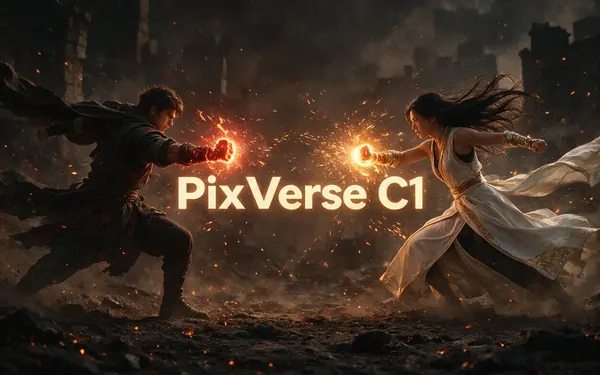
PixVerse C1
- Reference images
- 7 images
- Output
- 1–15 s · 360p–1080p
Open PixVerse C1Best for
Film model — action, VFX, storyboards
PixVerse
PixVerse v5.6
- Reference images
- Start frame
- Output
- 5–10 s · 360p–1080p
Open PixVerse v5.6Best for
Older, priced per clip
From our tests
Strengths and limits
Good at

- Cheap to test: 7.5 credits a second at 360p without sound, so a 5-second draft is 38 credits before you commit to 1080p.
- The widest references among the PixVerse models here: up to 10 images plus 2 video clips for characters, products and motion.
- Any whole-second length from 1 to 15, and eight aspect ratios including 21:9 widescreen and 2:3 / 3:2.
- Native sound in the same pass — effects, ambience and music from your prompt — or switch it off to save about a quarter.
Limits
- No end frame: V6 animates from a start image only.
- Not on Kenerate's free plan: video needs any one-time credit pack (from $15 for 1,300 credits).
- Reference video clips double the per-second rate, and the output length then follows the clip.
- Tops out at 1080p and 15 seconds; PixVerse itself says precise direction in complex scenes is still improving.
How to
How to use PixVerse V6 on Kenerate
Step 1
Open the video studio
Go to /app/video and pick Pixverse v6 (the button on this page selects it). Video needs any one-time credit pack.
Step 2
Choose the mode
Text to video, image to video with a start image, or reference to video with up to 10 images and 2 short clips of your characters, products or motion.
Step 3
Describe the shot
Write who moves, how, and where the camera goes; for several shots, number them in order. Add the sounds you want. A prompt is required in every mode.
Step 4
Pick length, resolution, ratio and sound
Choose 1–15 seconds, 360p to 1080p, one of eight ratios, sound on or off and thinking mode. The credit cost shows before you generate.
See it in the app

Open Video Studio in Text to Video mode and write the shot — subject, action, camera move and light.


Watch the tour · 1:19
Text, image & reference to video, models, edit, extend & chat
Chapters
FAQ
PixVerse V6 questions
10 questions

What is PixVerse V6?
PixVerse V6 is the flagship AI video model from PixVerse, launched on 30 March 2026. PixVerse says it renders camera moves such as tracking shots and reveals more accurately, keeps characters' emotions consistent across frames, handles collisions and spatial relationships more realistically, and makes multi-shot clips with native audio from a single prompt, at up to 1080p.
Link to this answerPixVerse V6 vs C1 — which should I use?
V6 is the general model: on Kenerate it's slightly cheaper (13.5 vs 15 credits a second at 720p, silent) and takes up to 10 images plus 2 video clips as references. C1, launched a week later, is tuned for action, fights, VFX and storyboards and takes up to 7 images. Use V6 for social, product and dialogue clips; try C1 when the shot is about motion and effects.
Link to this answerHow much does PixVerse V6 cost on Kenerate?
It's billed per second: 7.5, 10.5, 13.5 or 27 credits at 360p, 540p, 720p or 1080p without sound, and 10.5, 13.5, 18 or 34.5 with sound. A 5-second 720p clip is 68 credits silent or 90 with sound; a 15-second 1080p clip with sound is 518. Credits come in one-time packs from $15 for 1,300.
Link to this answerIs PixVerse V6 free?
Not on Kenerate's free plan — video needs any one-time credit pack, with no subscription. The cheapest V6 clip is 1 second at 360p without sound, for 8 credits; a 5-second 360p test is 38.
Link to this answerHow long can PixVerse V6 videos be?
1 to 15 seconds per clip, in whole seconds, at every resolution. When you add reference video clips, the output follows the length of the clip instead.
Link to this answerDoes PixVerse V6 have sound?
Yes. V6 generates audio and video together — effects, ambience, music and voices from your prompt. On Kenerate sound is a toggle; turning it off cuts the price by about a quarter (13.5 instead of 18 credits a second at 720p).
Link to this answerHow does PixVerse V6 reference to video work?
Upload up to 10 images — characters, products, outfits or locations — and up to 2 short video clips (15 seconds in total), then describe how they appear. Images cost nothing extra; reference clips make the output follow the clip and bill those seconds at twice the normal rate.
Link to this answerWhat resolution and aspect ratios does PixVerse V6 support?
360p, 540p, 720p and 1080p, in 16:9, 9:16, 1:1, 4:3, 3:4, 2:3, 3:2 or 21:9. Draft at 360p or 540p, then re-run the keeper at 1080p.
Link to this answerCan PixVerse V6 make multi-shot videos?
PixVerse says V6 can make multi-shot short films with native audio from a single prompt. Describe each shot in order — subject, action, camera — and keep each to one clear action; up to 15 seconds fits a few short shots.
Link to this answerWhat is pixverse/pixverse-v6?
It's the model ID API platforms use for PixVerse V6, with separate endpoints for text, image and reference to video. On Kenerate you don't need a PixVerse account or API key — the same model runs in the browser as kenerate/pixverse-v6.
Link to this answerIn depth
PixVerse V6, in depth
Background, how to prompt it, and when to pick something else.
On this page
PixVerse V6 vs C1 on Kenerate
V6 and C1 share lengths (1–15 s), resolutions (360p–1080p), aspect ratios and a sound toggle [1][2]. They differ in focus, references and price — per 5-second clip at 720p on Kenerate:
- PixVerse V6 — 68 credits silent, 90 with sound. Up to 10 images and 2 video clips (clip references double the rate), plus thinking mode. Social, marketing, product and general shots.
- PixVerse C1 — 75 silent, 98 with sound. Up to 7 reference images. Action, combat, VFX and storyboard-driven scenes.
Prompting V6 for camera and sound
PixVerse's launch post leads with camera work — tracking, perspective shifts, reveals — and emotion that holds across frames [1]. Name the camera move and its direction ("slow push-in", "tracking left with the cyclist"), give the character one clear feeling, and end with the sound ("cheerful beeps", "sizzling, crowd murmur"). For multi-shot clips, number the shots and keep each to one action. PixVerse notes that precise direction in complex scenes is still improving, so simplify busy shots [1].
PixVerse V6 on Kenerate vs PixVerse's own app
PixVerse sells V6 on its subscription plans and through its CLI and API [1][3]. On Kenerate you run it without a PixVerse account, pay per second from one credit balance shared with Seedance, Kling, Vidu, Veo and Wan, and buy one-time packs instead of a subscription. Don't use real people's likenesses or copyrighted characters without permission.
By the Kenerate AI teamLast updated and reviewed
We run these models in the Kenerate generator. Model facts come from the makers' own pages; specs and limits were checked against our code; the examples are our own outputs.
Sources: PixVerse launches V6, advancing AI video generation — PixVerse · PixVerse introduces C1, an AI video model for film production — PixVerse · PixVerse AI review 2026 — Fast.io
