

8 printable pages · easy to detailed · A4 and US Letter
Owl Coloring Pages — print one or make your own
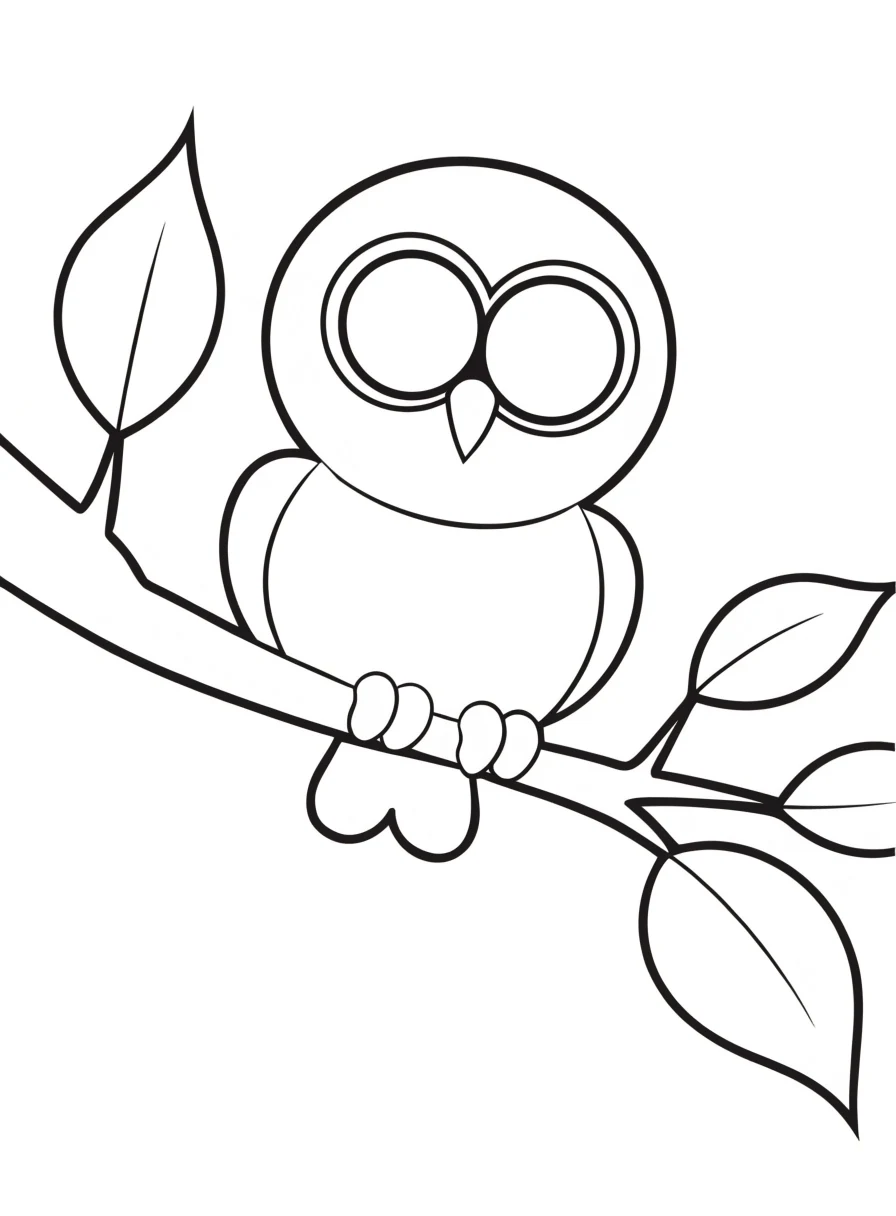
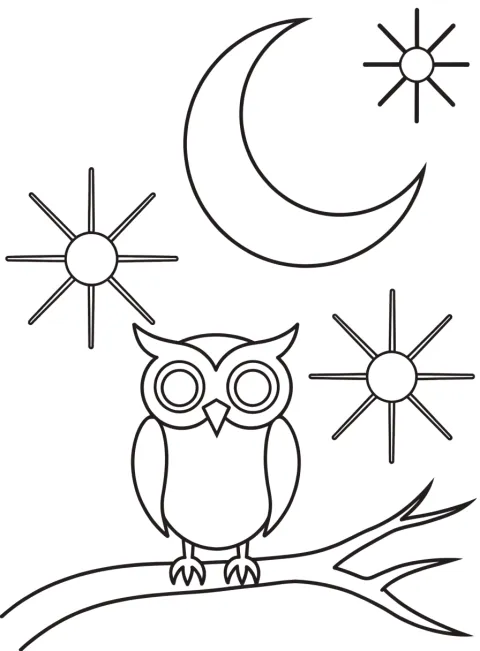
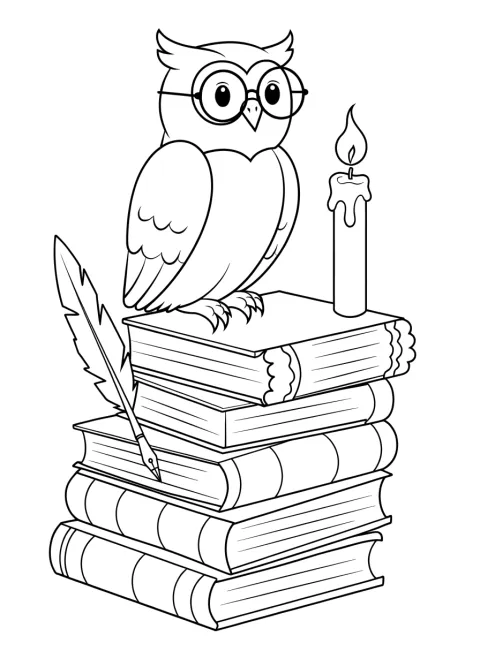
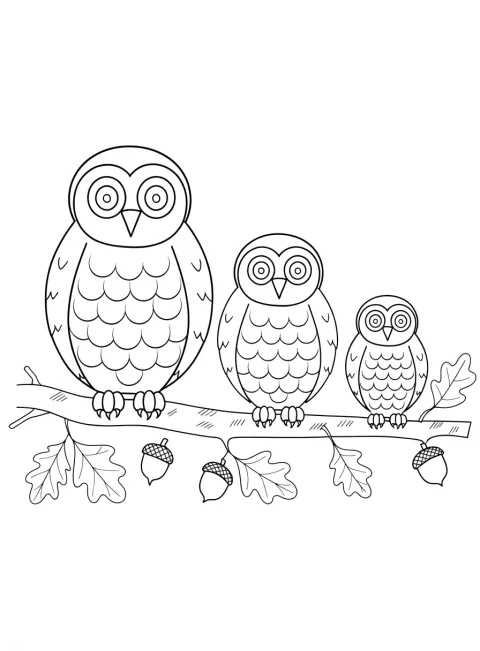
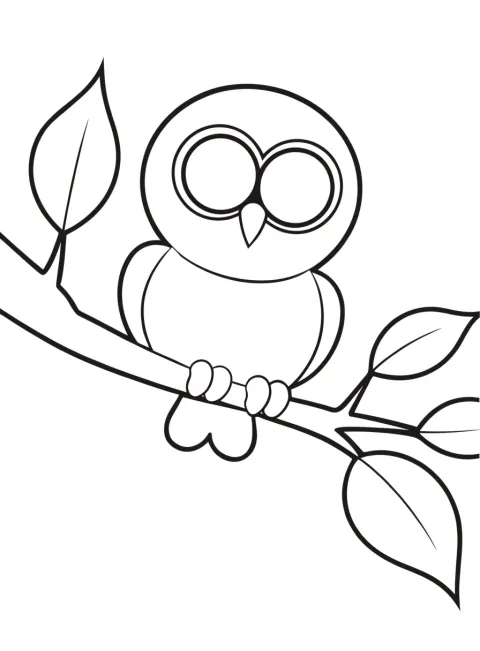
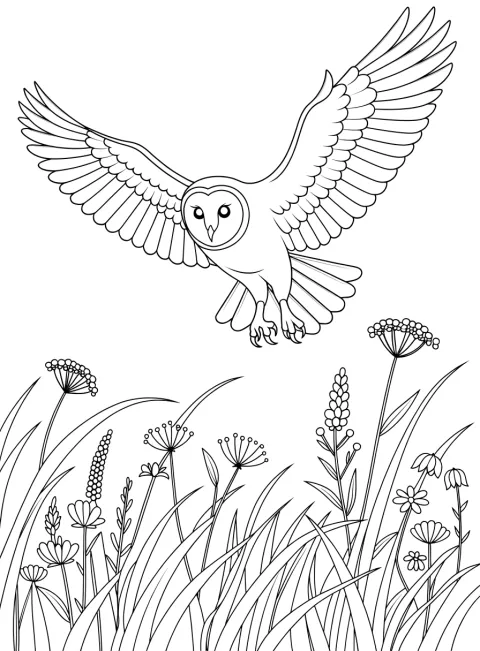
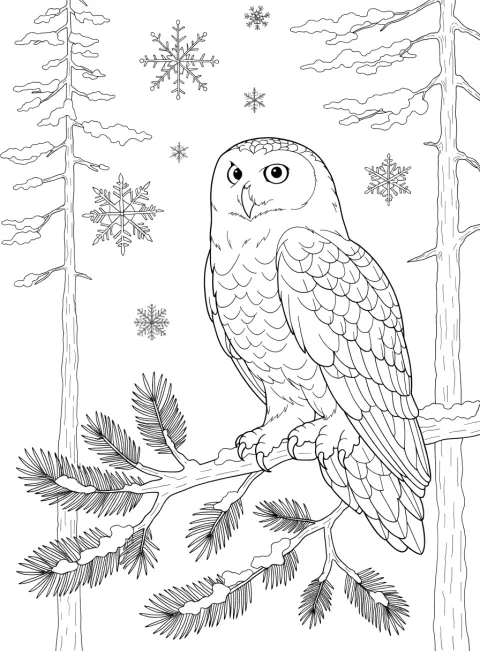
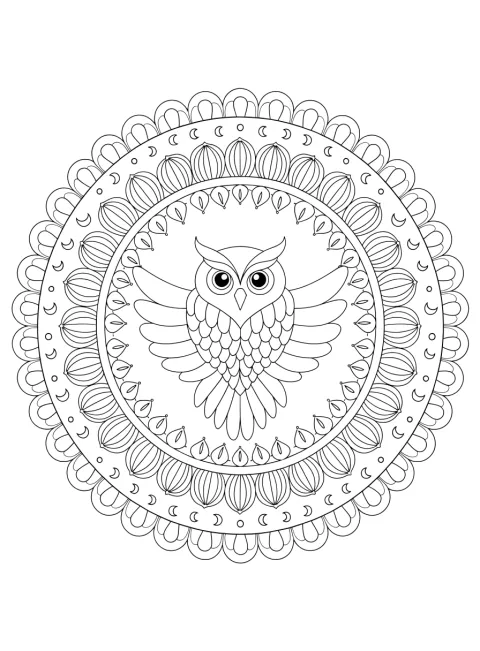
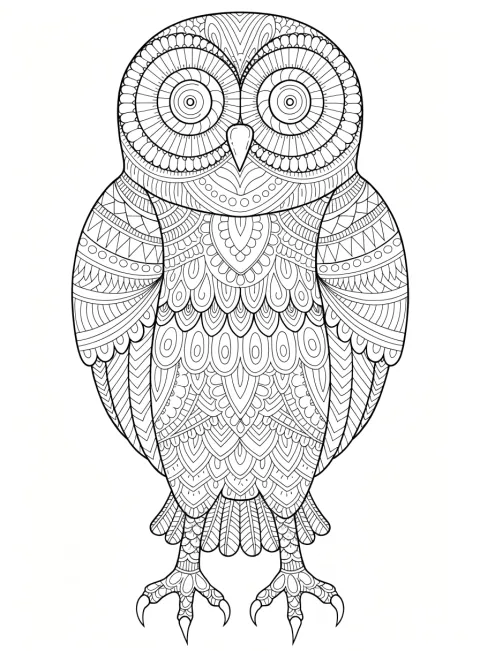
Eight original owl coloring pages to print — a round owl on a branch, an owl under the moon, three owls in a row, a barn owl in flight, an owl on a stack of books, a snowy owl, an owl mandala and a zentangle owl. Or describe your own owl and get a new black-and-white page in about a minute. Easy pages for beginners, detailed ones for adults.
- 8 pages to print right now
- Easy and detailed versions
- Every prompt shown
- Portrait 3:4 for A4 and US Letter
Updated by the Kenerate AI team




Made with Kenerate
On this page
Gallery
Printable owl coloring pages
Eight owl coloring pages, easy to detailed. Open one to see it full size, save it and print it, or press “Use this prompt” to make a new version.
Quick answer

Where can I get printable owl coloring pages?
Printable owl coloring pages are in the gallery below: eight original pages, from an easy owl on a branch to a barn owl in flight, a snowy owl, an owl mandala and a zentangle owl for adults. Print one “fit to page” on A4 or Letter. To make your own, open Recraft V4.1 (12 credits a page, 896 × 1216 px), describe the owl, pick portrait 3:4 and press Create.
Key facts
- Gallery
- 8 owl pages — 3 easy, 2 medium, 3 detailed
- Made with
- Recraft V4.1 (all 8 pages)
- Page size
- 896 × 1216 px, portrait 3:4
- Prints on
- US Letter and A4 with “fit to page”
- Line-art words
- Black and white line art, clean black outlines, no shading, no grey, pure white background
- Make your own
- Recraft V4.1 · Qwen Image 3.0 and Flux 2 Dev on the free plan
More ideas
More owl coloring page ideas: the prompt, the detail and a tip
Six more owls to make. Paste a prompt into Image Studio, set the size to portrait 3:4 before you press Create, and keep the line-art words at the end.
| Page | Detail | Prompt | Tip |
|---|---|---|---|
| Owl face close-up | Easy | Coloring page, the face of a smiling owl facing forward with big round eyes and feather tufts, black and white line art, bold clean black outlines, large simple shapes, easy to color, no shading, no grey, pure white background, no text | A face filling the page gives big areas for thick markers |
| Owl in a tree hollow | Easy | Coloring page, an owl peeking out of a round hollow in a big tree trunk with a few large leaves, black and white line art, bold clean black outlines, large simple shapes, easy to color, no shading, no grey, pure white background, no text | Ask for “a few large leaves” so the tree doesn't fill with tiny ones |
| Owl with a pumpkin | Easy | Coloring page, a cute owl sitting on a big pumpkin with autumn leaves around it, black and white line art, bold clean black outlines, large simple shapes, easy to color, no shading, no grey, pure white background, no text | A seasonal page for October; swap the pumpkin for a snowman in winter |
| Great horned owl portrait | Detailed | Coloring page, a portrait of a great horned owl with ear tufts and detailed feathers, each feather its own shape, detailed black and white line art, fine clean black outlines, no shading, no grey, pure white background, no text | “Each feather its own shape” keeps the detail as outlines, not grey texture |
| Owl and flowers frame | Medium | Coloring page, an owl sitting in the centre of an oval frame of roses, daisies and leaves, black and white line art, clean black outlines, medium detail, no shading, no grey, pure white background, no text | A frame page leaves room to write a name in the middle by hand |
| Owl with a name | Easy | Coloring page, a cute owl on a branch beside the word “OLIVE” in big bubble letters with a few stars, black and white line art, bold clean black outlines, no shading, no grey, pure white background | Switch to GPT Image 2.5 Sunburst for the name and read every letter before you print |
How to
How to use the owl coloring pages
- Time needed
- Steps
- 4 steps
Step 1
Print one from the gallery
Open an owl page, save the full-size image and print it “fit to page” on US Letter or A4, black ink only.
Step 2
Or open the generator
Press “Make my owl page”. Image Studio opens with Recraft V4.1 and the owl-on-a-branch prompt. Sign in with Google, GitHub or Discord.
Step 3
Describe your owl and pick 3:4
Change the subject — a barn owl, a snowy owl, an owl mandala — keep the line-art words at the end, and set the size to portrait 3:4.
Step 4
Check the lines, then print
Press Create. Look for grey shading, gaps in the outlines and stray letters; run it again if you see any, then download and print.
See it in the app

Open Image Studio and type what you want to see — subject, style, lighting and mood.


Watch the tour · 1:23
Prompts, styles, references, edit, Arena & chat
Chapters
Tips
Get an owl coloring page that prints clean
What made the eight pages above come out as clean outlines.
End every prompt with “black and white line art, clean black outlines, no shading, no grey, pure white background, no text”.
Pick the detail in words: “large simple shapes, easy to color” for an easy page, “intricate, fine clean lines” for a detailed one.
For feathers, write “each feather drawn as its own shape” — otherwise the model hatches them in grey.
For a night sky, add “no black fill in the sky”. Our owl-and-moon page came back white; the stars were drawn as rayed bursts.
Say “no letters on the books” when an owl sits on books, or the spines get fake words.
Set portrait 3:4 before you press Create — Image Studio opens on a square — and print “fit to page”.
Describe how the page looks, not who it is for: the prompt filter blocks age words, and “easy to color” gives the same result.
Models
Models for owl coloring pages
What each model is good at. Open any one straight in the generator.
Recraft
Recraft V4.1
- Output
- 5 ratios incl. 3:4 · 896 × 1216 px
Open Recraft V4.1Best for
Made all 8 pages · cleanest outlines
- Free plan

Alibaba
Qwen Image 3.0
- Reference images
- Up to 3
- Output
- 1K or 2K · 3:4 and 2:3
Open Qwen Image 3.0Best for
Free plan · good for easy pages
- Free plan

Black Forest Labs
Flux 2 Dev
- Reference images
- Up to 3
- Output
- Portrait up to 1536 × 2048
Open Flux 2 DevBest for
Free plan · cheapest page

OpenAI
GPT Image 2.5 Sunburst
- Reference images
- Up to 16
- Output
- 1K to 4K · 3:4 and 2:3
Open GPT Image 2.5 SunburstBest for
Names in bubble letters · 4K for sharp prints
FAQ
Owl Coloring Pages questions
8 questions

Where can I find printable owl coloring pages?
Right here: the gallery on this page has eight original owl coloring pages — an owl on a branch, an owl under the moon, three owls in a row, a barn owl in flight, an owl on a stack of books, a snowy owl, an owl mandala and a zentangle owl. Open one to see it full size, save the image and print it “fit to page”. Each page was made with Kenerate and shows the prompt that made it.
Link to this answerAre these owl coloring pages free?
Yes, the eight gallery pages cost nothing to save and print. Making a new page uses credits: Recraft V4.1 is 12 credits a page, Qwen Image 3.0 is 9 and Flux 2 Dev is 3, and those two are on the free plan. A new account gets 25 credits when you sign in with Google, GitHub or Discord, with no card.
Link to this answerHow do I make my own owl coloring page?
Describe the owl in Image Studio and end the prompt with “black and white line art, clean black outlines, no shading, no grey, pure white background, no text”. Set the size to portrait 3:4, press Create, check the lines and download. The button on this page opens Recraft V4.1 with the owl-on-a-branch prompt already filled in; every gallery page has a “Use this prompt” button too.
Link to this answerWhat size are the pages, and will they print on A4 or US Letter?
Yes. The pages are portrait 3:4 — 896 × 1216 pixels from Recraft V4.1 — which is almost exactly the shape of US Letter and leaves slim margins on A4. Choose “fit to page” in the print dialog. Bold pages print cleanly at that size; for the detailed pages, run Image Upscaler (3 credits) to 2K or 4K first, or make the page at 4K on GPT Image 2.5 Sunburst (21 credits).
Link to this answerHow do I make an easy owl coloring page?
Ask for one owl, “bold clean black outlines, large simple shapes, easy to color”, and only a few big extras — a branch, a few large leaves, a moon. The owl on a branch and the owl under the moon in the gallery were made that way, and suit beginners and all ages.
Link to this answerCan I get detailed owl coloring pages for adults?
Yes. Three of the eight pages are detailed: the snowy owl in a winter forest, the owl mandala and the zentangle owl. To make more, ask for “intricate detailed black and white line art for adults, fine clean black lines” and fill the owl or the background with patterns — paisley, swirls, scales, petals. Keep “no shading, pure white background” at the end so the detail stays as outlines.
Link to this answerWhy did my owl page come out grey or shaded?
Image models default to shaded pictures, and feathers invite grey hatching, so the line-art words must be in every prompt: “no shading, no grey, pure white background”, plus “each feather drawn as its own shape”. If grey still appears, run it again, or open it in Edit Studio and use Adjust with the Mono preset, which turns it grayscale and raises the contrast.
Link to this answerIn depth
Owl Coloring Pages, explained
What works, what to avoid, and how to pick a model.
On this page
How we made and checked the eight owl pages
Every page in the gallery is a real Kenerate output from Recraft V4.1, in portrait 3:4 (896 × 1216 px), from the prompt shown with the page. Before a page went in, we checked three things: no grey fill or shading, outlines that close so each area can be colored, and no stray letters. All eight passed on the first run. One honest note: on the snowy owl, the bark lines and the smallest snowflakes are drawn in a thinner, lighter line, so they print paler than the rest.
Easy, medium or detailed: which owl page to print
The detail is set by the prompt words, not by who the page is for.
- Easy — owl on a branch, owl under the moon, owl on books: one owl, bold outlines, big shapes. Good for crayons, thick markers and beginners.
- Medium — three owls, barn owl in flight: scalloped feathers and a full scene, still with open areas to color.
- Detailed — snowy owl, owl mandala, zentangle owl: fine lines and patterns for colored pencils and fine-tip pens.
Barn owl, snowy owl and owl mandala coloring pages
Barn owl coloring page: the heart-shaped face is the barn owl's mark — and wings spread wide give the most feathers to color. Ask for “each feather drawn as its own shape”.
Snowy owl coloring page: a snowy owl is mostly white, so the page works as an outline you can leave plain and color the forest around it, or shade the feathers in pale greys and blues.
Owl mandala coloring page: “round mandala … with an owl in the centre … symmetrical” keeps the rings even. For a mandala without an owl, see the mandala coloring pages.
How do I print owl coloring pages so they come out clean?
Five things make the difference:
- Shape: portrait 3:4 for US Letter and A4, printed with “fit to page”.
- Ink: black only (or grayscale) — the pages are pure outlines on white, so they use very little.
- Paper: plain paper for crayons and colored pencils; heavier paper or card for markers and paint.
- Resolution: bold pages print well as they are; upscale the detailed ones to 2K or 4K first so fine lines stay crisp.
- Line weight: if a printer fades thin lines, make the page again with “bold clean black outlines”.
By the Kenerate AI teamLast updated and reviewed
We build and run the Kenerate generator. Every example is a real output of the model named under it; models and presets were checked against the app's code.
Sources: US Copyright Office — Copyright and Artificial Intelligence (Part 2: Copyrightability, 29 January 2025) · Kenerate AI — Terms of Service · Kenerate Image Studio · Kenerate Edit Studio (text, crop and adjust)
