

8 printable pages · easy to detailed · A4 and US Letter
Puppy Coloring Pages — print one or make your own
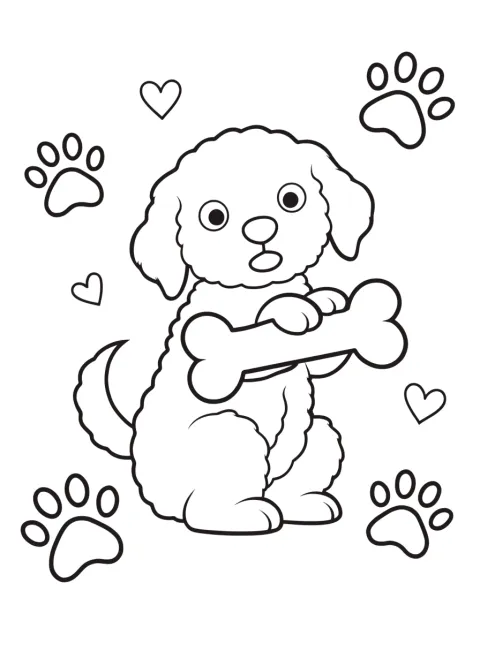
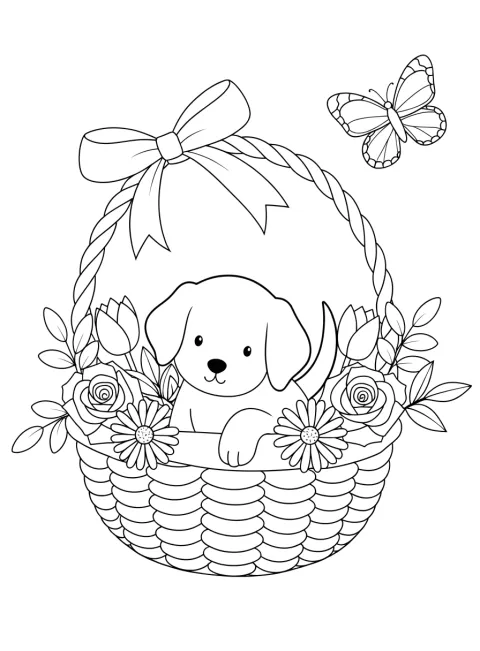
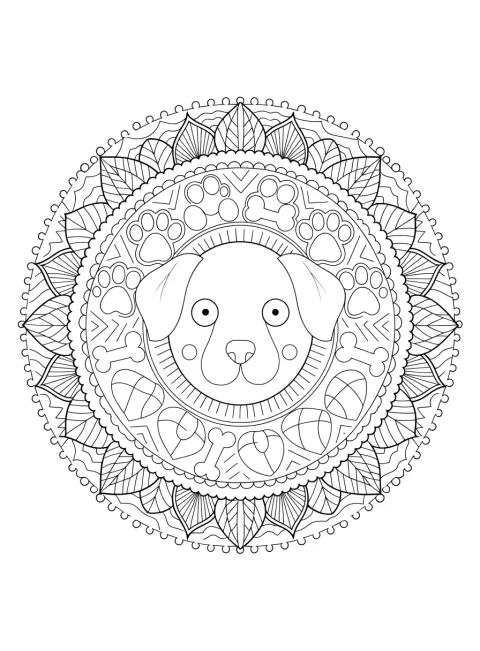
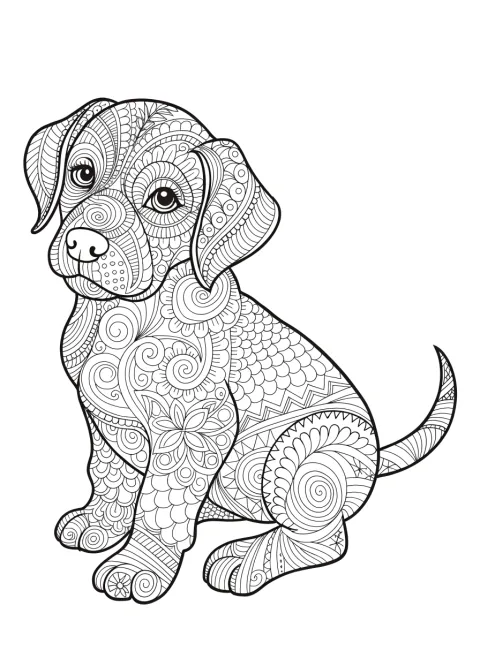
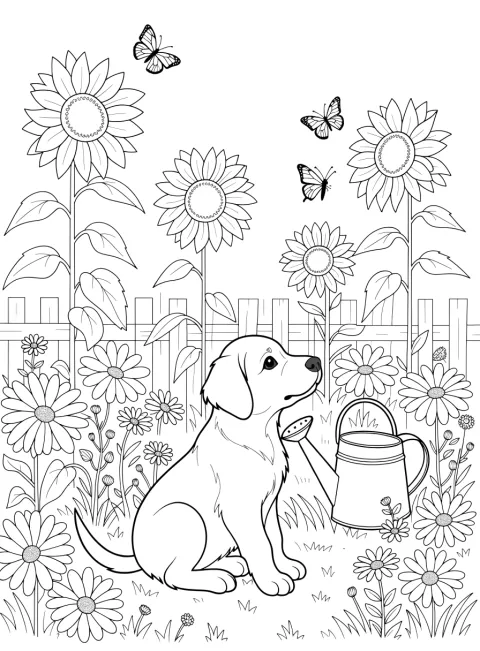
Eight original puppy coloring pages to print — a fluffy puppy with a bone, a puppy chasing a ball, a sleepy puppy in its bed, two puppies playing tug of war, a puppy in a flower basket, a puppy mandala, a pattern-filled puppy and a puppy in a sunflower garden. Or describe your own puppy and get a new black-and-white page in about a minute. Easy pages for beginners, detailed ones for adults.
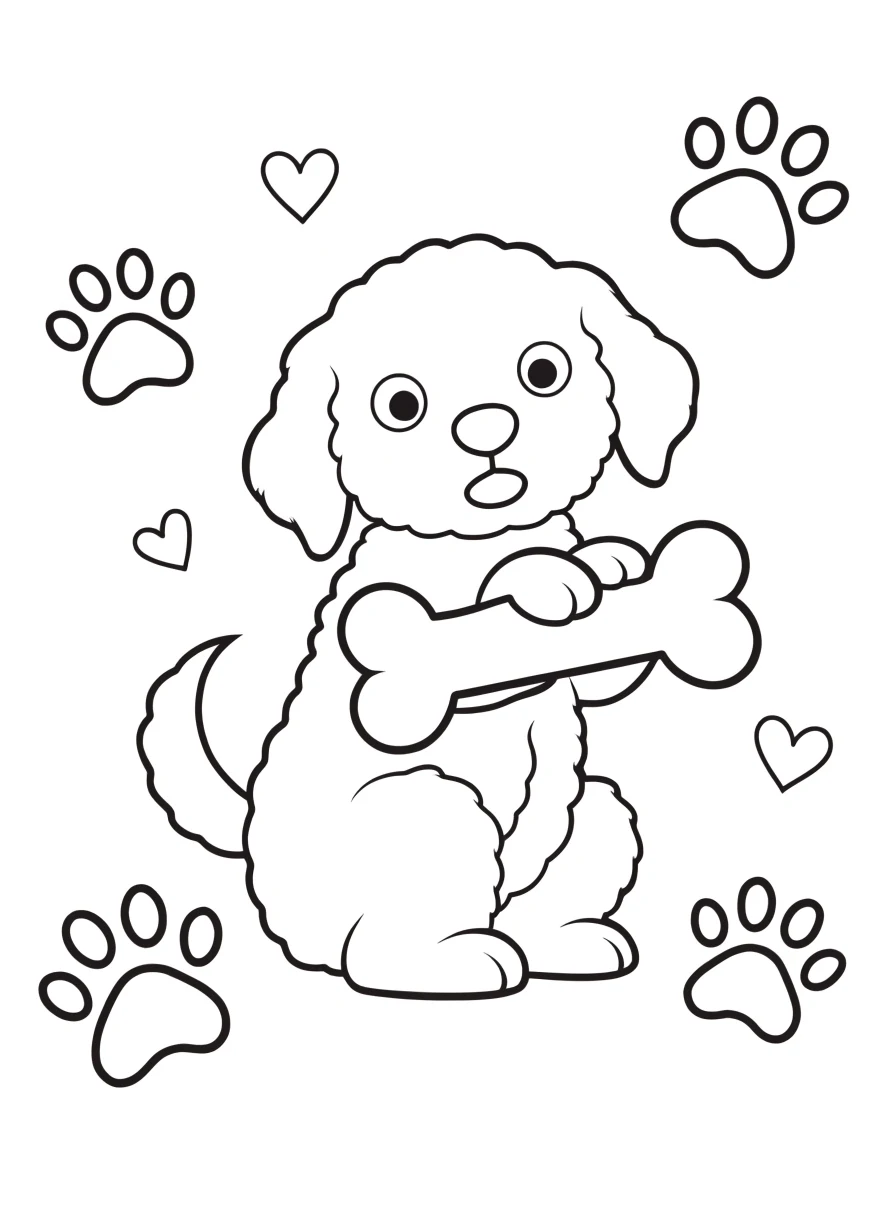
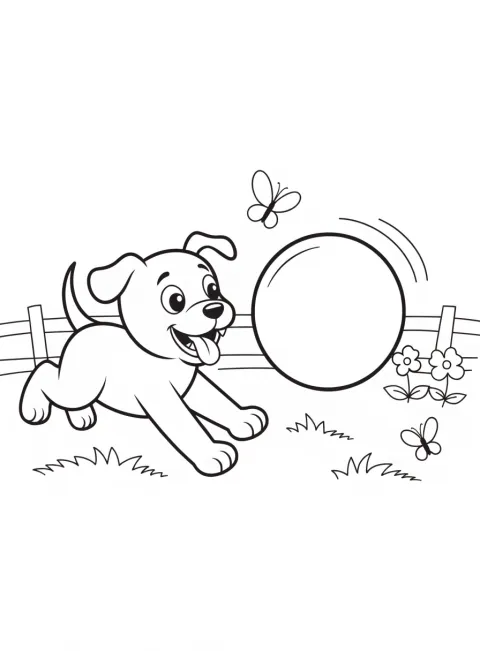
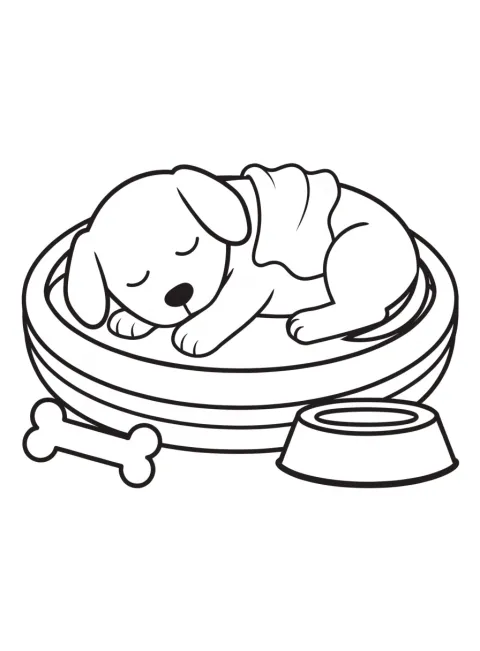
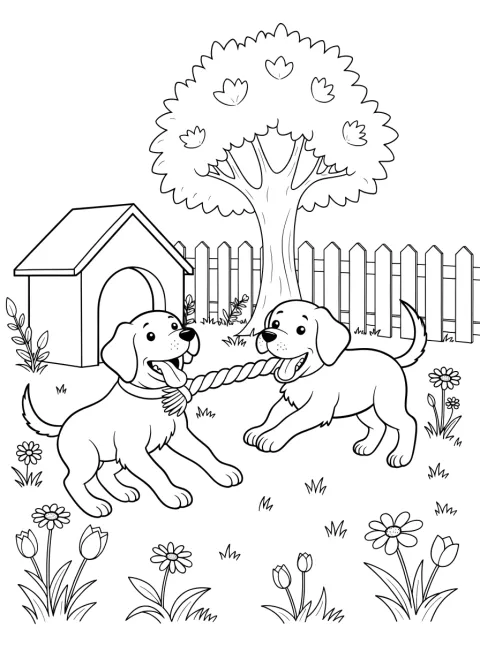
- 8 pages to print right now
- Easy and detailed versions
- Every prompt shown
- Portrait 3:4 for A4 and US Letter
Updated by the Kenerate AI team




Made with Kenerate
On this page
Gallery
Printable puppy coloring pages
Eight puppy coloring pages, easy to detailed. Open one to see it full size, save it and print it, or press “Use this prompt” to make a new version.
Quick answer

Where can I get printable puppy coloring pages?
Printable puppy coloring pages are in the gallery below: eight original pages, from an easy puppy with a bone and a sleepy puppy to two puppies at play, a puppy mandala and a pattern-filled puppy. Print one “fit to page” on A4 or Letter. To make your own, open Recraft V4.1 (12 credits a page, 896 × 1216 px), describe it, pick portrait 3:4 and press Create.
Key facts
- Gallery
- 8 puppy pages — 3 easy, 2 medium, 3 detailed
- Made with
- Recraft V4.1 (all 8 pages)
- Page size
- 896 × 1216 px, portrait 3:4
- Prints on
- US Letter and A4 with “fit to page”
- Line-art words
- Black and white line art, clean black outlines, no shading, no grey, pure white background
- Make your own
- Recraft V4.1 · Qwen Image 3.0 and Flux 2 Dev on the free plan
More ideas
More puppy coloring page ideas: the prompt, the detail and a tip
Six more puppies to make. Paste a prompt into Image Studio, set the size to portrait 3:4 before you press Create, and keep the line-art words at the end.
| Page | Detail | Prompt | Tip |
|---|---|---|---|
| Puppy in a gift box | Easy | Coloring page, a cute puppy peeking out of a gift box with a big bow, with a few balloons and confetti, black and white line art, bold clean black outlines, large simple shapes, easy to color, no shading, no grey, pure white background, no text | A birthday page — big box and balloons are quick to fill |
| Puppy in a raincoat | Easy | Coloring page, a cute puppy in a raincoat and rain boots splashing in a puddle under a few raindrops and a cloud, black and white line art, bold clean black outlines, large simple shapes, easy to color, no shading, no grey, pure white background, no text | Clothes on a puppy give clear areas to color in bright shades |
| Dalmatian puppy | Easy | Coloring page, a cute dalmatian puppy sitting with a fire hydrant, its spots drawn as outlined shapes, black and white line art, bold clean black outlines, large simple shapes, easy to color, no shading, no grey, pure white background, no text | “Spots drawn as outlined shapes” keeps the spots colorable, not filled black |
| Puppy and kitten friends | Medium | Coloring page, a puppy and a kitten curled up together on a cushion with a ball of yarn and a bone, black and white line art, clean black outlines, medium detail, no shading, no grey, pure white background, no text | “Kitten” is an animal word and passes the prompt filter |
| Puppy at the beach | Medium | Coloring page, a puppy digging in the sand beside a sandcastle, a bucket and spade, shells and a beach ball, black and white line art, clean black outlines, medium detail, no shading, no grey, pure white background, no text | Waves and sand ripples give the background easy bands to color |
| Puppy with a name | Easy | Coloring page, a cute puppy sitting beside the word “BUDDY” in big bubble letters with paw prints, black and white line art, bold clean black outlines, no shading, no grey, pure white background | Switch to GPT Image 2.5 Sunburst for the name and read every letter before you print |
How to
How to use the puppy coloring pages
- Time needed
- Steps
- 4 steps
Step 1
Print one from the gallery
Open a puppy page, save the full-size image and print it “fit to page” on US Letter or A4, black ink only.
Step 2
Or open the generator
Press “Make my puppy page”. Image Studio opens with Recraft V4.1 and the puppy-with-a-bone prompt. Sign in with Google, GitHub or Discord.
Step 3
Describe your puppy and pick 3:4
Change the subject — a puppy in a raincoat, a dalmatian puppy, a puppy mandala — keep the line-art words at the end, and set the size to portrait 3:4.
Step 4
Check the lines, then print
Press Create. Look for grey shading, gaps in the outlines and stray letters; run it again if you see any, then download and print.
See it in the app

Open Image Studio and type what you want to see — subject, style, lighting and mood.


Watch the tour · 1:23
Prompts, styles, references, edit, Arena & chat
Chapters
Tips
Get a puppy coloring page that prints clean
What made the eight pages above come out as clean outlines.
End every prompt with “black and white line art, clean black outlines, no shading, no grey, pure white background, no text”.
Say “cute puppy with floppy ears” — a round head, big eyes and short legs keep it looking young; “realistic portrait” tends to draw a grown dog.
Pick the detail in words: “large simple shapes, easy to color” for an easy page, “intricate, fine clean lines” for a detailed one.
Give the puppy something to do — hold a bone, chase a ball, pull a rope — so the page has one clear subject.
For busy scenes like the sunflower garden, add “every line the same dark black” so fur and petals don't come out pale.
Set portrait 3:4 before you press Create — Image Studio opens on a square — and print “fit to page”.
Describe how the page looks, not who it is for: the prompt filter blocks age words, and “easy to color” gives the same result.
Models
Models for puppy coloring pages
What each model is good at. Open any one straight in the generator.

Recraft
Recraft V4.1
- Output
- 5 ratios incl. 3:4 · 896 × 1216 px
Open Recraft V4.1Best for
Made all 8 pages · cleanest outlines
- Free plan

Alibaba
Qwen Image 3.0
- Reference images
- Up to 3
- Output
- 1K or 2K · 3:4 and 2:3
Open Qwen Image 3.0Best for
Free plan · good for easy pages
- Free plan

Black Forest Labs
Flux 2 Dev
- Reference images
- Up to 3
- Output
- Portrait up to 1536 × 2048
Open Flux 2 DevBest for
Free plan · cheapest page

OpenAI
GPT Image 2.5 Sunburst
- Reference images
- Up to 16
- Output
- 1K to 4K · 3:4 and 2:3
Open GPT Image 2.5 SunburstBest for
Names in bubble letters · 4K for sharp prints
FAQ
Puppy Coloring Pages questions
9 questions

Where can I find printable puppy coloring pages?
Right here: the gallery on this page has eight original puppy coloring pages — a puppy with a bone, a puppy chasing a ball, a sleepy puppy in its bed, two puppies playing tug of war, a puppy in a flower basket, a puppy mandala, a pattern-filled puppy and a puppy in a sunflower garden. Open one to see it full size, save the image and print it “fit to page”. Each page shows the prompt that made it.
Link to this answerAre these puppy coloring pages free?
Yes, the eight gallery pages cost nothing to save and print. Making a new page uses credits: Recraft V4.1 is 12 credits a page, Qwen Image 3.0 is 9 and Flux 2 Dev is 3, and those two are on the free plan. A new account gets 25 credits when you sign in with Google, GitHub or Discord, with no card.
Link to this answerHow do I make my own puppy coloring page?
Describe the puppy in Image Studio and end the prompt with “black and white line art, clean black outlines, no shading, no grey, pure white background, no text”. Set the size to portrait 3:4, press Create, check the lines and download. The button on this page opens Recraft V4.1 with the puppy-with-a-bone prompt already filled in; every gallery page has a “Use this prompt” button too.
Link to this answerWhat is the difference between puppy and dog coloring pages?
A puppy page draws a young dog: a round head, big eyes, floppy ears, short legs and soft fur, usually playing or asleep. A dog coloring page draws grown dogs and breeds. For adult dogs — a beagle, a husky, a dog portrait — see the dog coloring pages; for young dogs, print the eight pages here.
Link to this answerCan I make a coloring page of my own puppy's breed?
Yes. Name the breed and keep the puppy words: “a cute dalmatian puppy …” or “a cute corgi puppy with big ears …”. Ask for spots or patches “drawn as outlined shapes” so they stay colorable rather than filled in black. The ideas table has a dalmatian prompt to start from.
Link to this answerWhat size are the pages, and will they print on A4 or US Letter?
Yes. The pages are portrait 3:4 — 896 × 1216 pixels from Recraft V4.1 — which is almost exactly the shape of US Letter and leaves slim margins on A4. Choose “fit to page” in the print dialog. Bold pages print cleanly at that size; for the detailed pages, run Image Upscaler (3 credits) to 2K or 4K first, or make the page at 4K on GPT Image 2.5 Sunburst (21 credits).
Link to this answerCan I get detailed puppy coloring pages for adults?
Yes. Three of the eight pages are detailed: the puppy mandala, the pattern-filled puppy and the puppy in a sunflower garden. To make more, ask for “intricate detailed black and white line art for adults, fine clean black lines” and fill the puppy or the background with patterns — swirls, paisley, scales. On the garden page the fur strokes and daisy centres are a finer line than the outlines, so they print slightly paler.
Link to this answerWhy did my puppy page come out grey or shaded?
Image models default to shaded pictures, and soft fur invites grey hatching, so the line-art words must be in every prompt: “no shading, no grey, pure white background”, and for busy scenes “every line the same dark black”. If grey still appears, run it again, or open it in Edit Studio and use Adjust with the Mono preset, which turns it grayscale and raises the contrast.
Link to this answerIn depth
Puppy Coloring Pages, explained
What works, what to avoid, and how to pick a model.
On this page
How we made and checked the eight puppy pages
Every page in the gallery is a real Kenerate output from Recraft V4.1, in portrait 3:4 (896 × 1216 px), from the prompt shown with the page. Before a page went in, we checked three things: no grey fill or shading, outlines that close so each area can be colored, and no stray letters. One prompt was dropped: a “realistic golden retriever puppy portrait” came out looking like a grown dog with pale fur lines, so the sunflower-garden puppy took its place. Two honest notes: by the dog bed, the “chew toy” we asked for came out as a bone, and on the mandala the hearts are drawn as leaf shapes.
Easy, medium or detailed: which puppy page to print
The detail is set by the prompt words, not by who the page is for.
- Easy — puppy with a bone, puppy chasing a ball, sleepy puppy in its bed: one puppy, bold outlines, big shapes. Good for crayons, thick markers and beginners.
- Medium — two puppies playing tug of war, puppy in a flower basket: a full scene, still with open areas to color.
- Detailed — puppy mandala, pattern-filled puppy, puppy in a sunflower garden: fine lines and patterns for colored pencils and fine-tip pens.
Cute puppy, sleeping puppy and puppy mandala coloring pages
Cute puppy coloring page: big round eyes, a short muzzle and floppy ears make a dog read as a puppy. Give it one thing to hold or chase, as with the bone and the ball.
Sleeping puppy coloring page: curled up in a round bed with a blanket, eyes drawn as closed curves. Add a bowl and a toy for small extra shapes.
Puppy mandala coloring page: “round mandala … with a cute puppy face facing forward in the centre … symmetrical” keeps the rings even; paw prints and bones tie the pattern to the subject. For a mandala without a puppy, see the mandala coloring pages.
What colors should I use for a puppy? Golden, cream, chocolate, black, grey or white, often with a paler muzzle and belly. A dalmatian is white with black or liver spots; a beagle puppy is tan, white and black.
How do I print puppy coloring pages so they come out clean?
Five things make the difference:
- Shape: portrait 3:4 for US Letter and A4, printed with “fit to page”.
- Ink: black only (or grayscale) — the pages are pure outlines on white, so they use very little.
- Paper: plain paper for crayons and colored pencils; heavier paper or card for markers and paint.
- Resolution: bold pages print well as they are; upscale the detailed ones to 2K or 4K first so fine lines stay crisp.
- Line weight: if a printer fades thin lines, make the page again with “bold clean black outlines”.
By the Kenerate AI teamLast updated and reviewed
We build and run the Kenerate generator. Every example is a real output of the model named under it; models and presets were checked against the app's code.
Sources: US Copyright Office — Copyright and Artificial Intelligence (Part 2: Copyrightability, 29 January 2025) · Kenerate AI — Terms of Service · Kenerate Image Studio · Kenerate Edit Studio (text, crop and adjust)
