

Ramadan 2027 expected to begin around 8 February, subject to moon sighting
Ramadan Kareem images, greetings and wishes to share
Describe the picture and the greeting — a crescent and a lantern, a mosque skyline at dusk, an iftar table of dates and tea, a gold geometric frame — and get an original Ramadan image for WhatsApp, Instagram or a card. Eight real examples below, with their prompts.
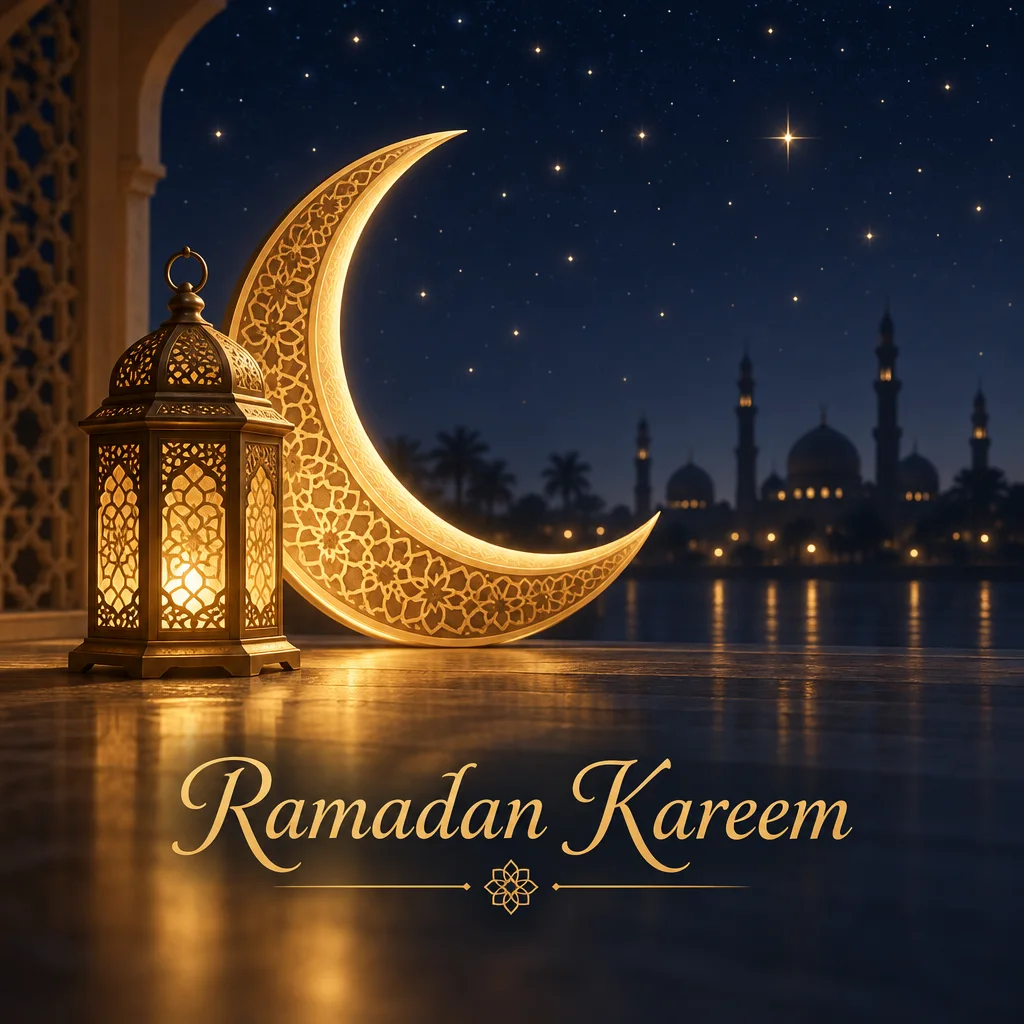
- 8 real examples to download
- “Ramadan Kareem” lettered in English
- Sizes for chats, posts and stories
- Add Arabic as typed text, then have it checked
Updated by the Kenerate AI team




Made with Kenerate
On this page
Quick answer

How do I make Ramadan Kareem images?
To make Ramadan Kareem images, describe the scene — a crescent moon and lantern, a mosque skyline at dusk, dates and tea — put the greeting in quotes and pick the shape: 1:1 for chats, 9:16 for stories. GPT Image 2.5 Sunburst (7.2 credits) lettered “Ramadan Kareem” correctly here; in our tests it misspelled Arabic, so add Arabic as typed text.
Key facts
- Examples on this page
- 8 — 3 with English lettering, 5 without text
- Ramadan 2027
- Expected to begin around Monday 8 February, subject to moon sighting
- Lettering
- English “Ramadan Kareem” and “Ramadan Mubarak” on GPT Image 2.5 Sunburst
- Arabic
- Not drawn by the model here — two tests misplaced dots; add it as typed text and have it checked
- Shapes
- 1:1 chats and posts · 4:5 posts · 9:16 stories and status · 16:9 banners
- Art
- Crescent moons, lanterns, mosque silhouettes, geometric patterns, dates and tea — no people
Two ways
Two ways to put the greeting on
English lettering can be drawn by the model. Arabic should be typed, not drawn, so every letter and dot is right.
English, drawn into the picture
Put the words in quotes and spell them out: “the words ‘Ramadan Kareem’ in elegant gold script in the lower third, spelled exactly R-a-m-a-d-a-n K-a-r-e-e-m”. GPT Image 2.5 Sunburst got “Ramadan Kareem” and “Ramadan Mubarak” right on every try here. Read every letter before you share it.
Arabic, typed on top
Make the picture with “no text” and a calm area, then open it in Edit Studio, add a Text layer and paste the exact words, such as رمضان كريم. Typed text keeps every letter and dot as you pasted it; still ask someone who reads Arabic to check the joins and the right-to-left order before you send it.
Size guide
Which shape for which screen
Image Studio opens on Square 1:1, so pick the shape before you press Create. Then say in the prompt where the greeting goes, and keep that area plain.
| Where it goes | Shape to pick | Where the words go |
|---|---|---|
| WhatsApp chat or a family group | 1:1 | Big and centred, or in the lower third. Short words read best in the small preview |
| WhatsApp status, Instagram or Facebook story | 9:16 | In the middle or lower third. Buttons and the reply bar cover the top and bottom edges |
| Instagram feed post | 4:5 or 1:1 | On the calm area — the centre of a geometric frame, the empty side of a table |
| Facebook or X banner, event header | 16:9 or 3:1 | On one side, with the lanterns or skyline on the other |
| Phone wallpaper | 9:16 | Low down, or leave it out. The clock sits on the top third |
| Printed card | 4:5 or 1:1 | Centred, with a margin. Make it at 2K for print |
Prompts
Ramadan greeting prompts to copy
Each prompt names the scene, spells the English greeting out or says “no text”, and leaves a calm area for typed words.
- Scene
- A crescent and lantern, a mosque at dusk, an iftar table
- Greeting in quotes
- “Ramadan Kareem”, spelled out letter by letter
- Or no text
- Then type Arabic in Edit Studio
- A calm area
- Plain sky or an empty table, so the words stay clean
Ramadan wishes, lanterns and dates
Ramadan wishes image: a brass lantern and a small bowl of dates on a cream linen cloth, warm evening light, the English words "Ramadan Mubarak" in dark gold serif letters at the top, spelled exactly R-a-m-a-d-a-n M-u-b-a-r-a-k, no other text, no people
Ramadan greetings, minimal crescent
Minimal Ramadan greeting: one thin gold crescent moon and a small star on a plain deep plum background, the English words "Ramadan Kareem" in small elegant gold capitals under it, lots of empty space, no other text
Suhoor table at night
Top-down suhoor table at night: bread, olives, labneh, dates and a pot of tea on a wooden table, a lit lantern at the edge, warm low light, an empty linen area on the left for a message, photographic, no people, no hands, no text
Geometric frame, blank
Ramadan card background: a gold Islamic geometric star pattern forming a frame around the edges, deep navy centre left plain for a typed message, soft glow, flat design, no text
More prompts (2)
Lantern string over a courtyard
A string of glowing paper fanous lanterns across an old courtyard with arches at dusk, warm gold light on stone, a crescent moon above, peaceful, photographic, no people, no text
Ramadan wallpaper for a phone
Vertical Ramadan phone wallpaper: a mosque silhouette with domes and minarets at the bottom against a dusk sky from indigo to rose, a thin crescent moon low on the right, the top third plain, no people, no text
Gallery
Ramadan Kareem image examples
Eight real Ramadan images — three with English lettering read letter by letter, five without text. Open one to see its prompt and the model that made it.
Download
Download the Ramadan Kareem images
JPG files at the size the model made them, no watermark — big enough for WhatsApp, Instagram and stories. The five without text have room to type your own greeting, in English or Arabic.
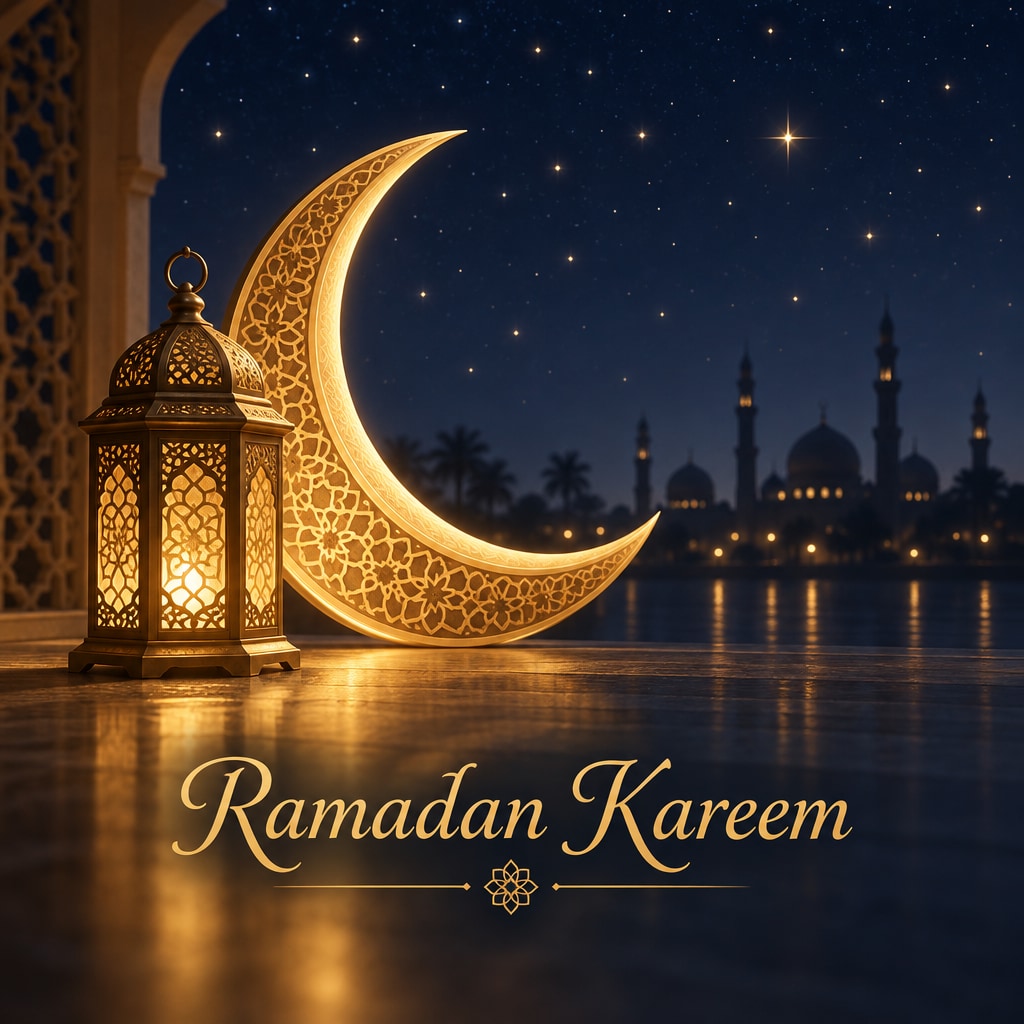
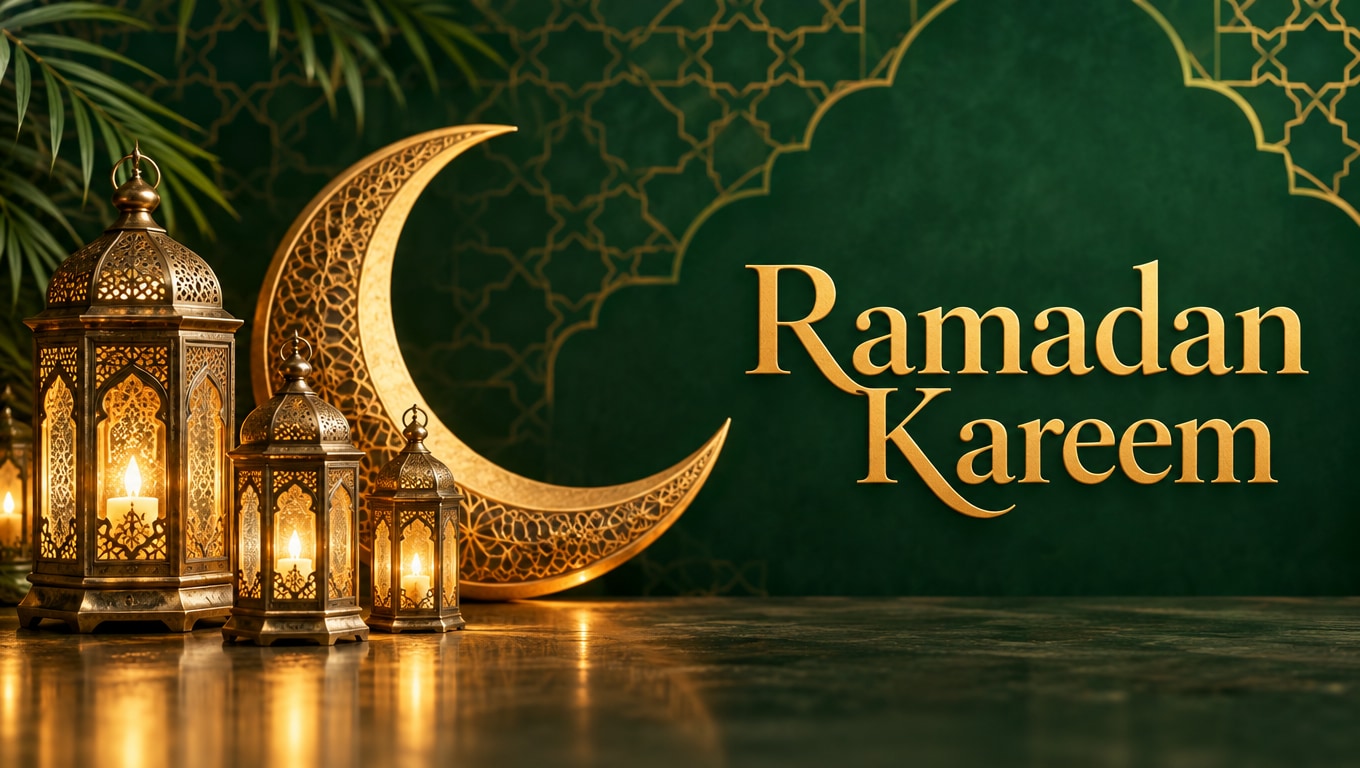
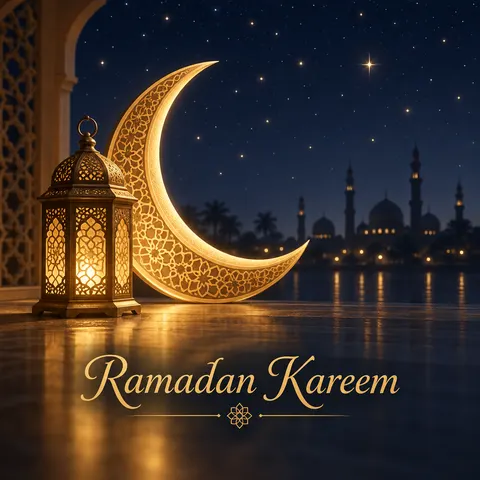 “Ramadan Kareem” crescent and lantern cardCard 1:1 · 1024 × 1024 JPG · GPT Image 2.5 SunburstDownload
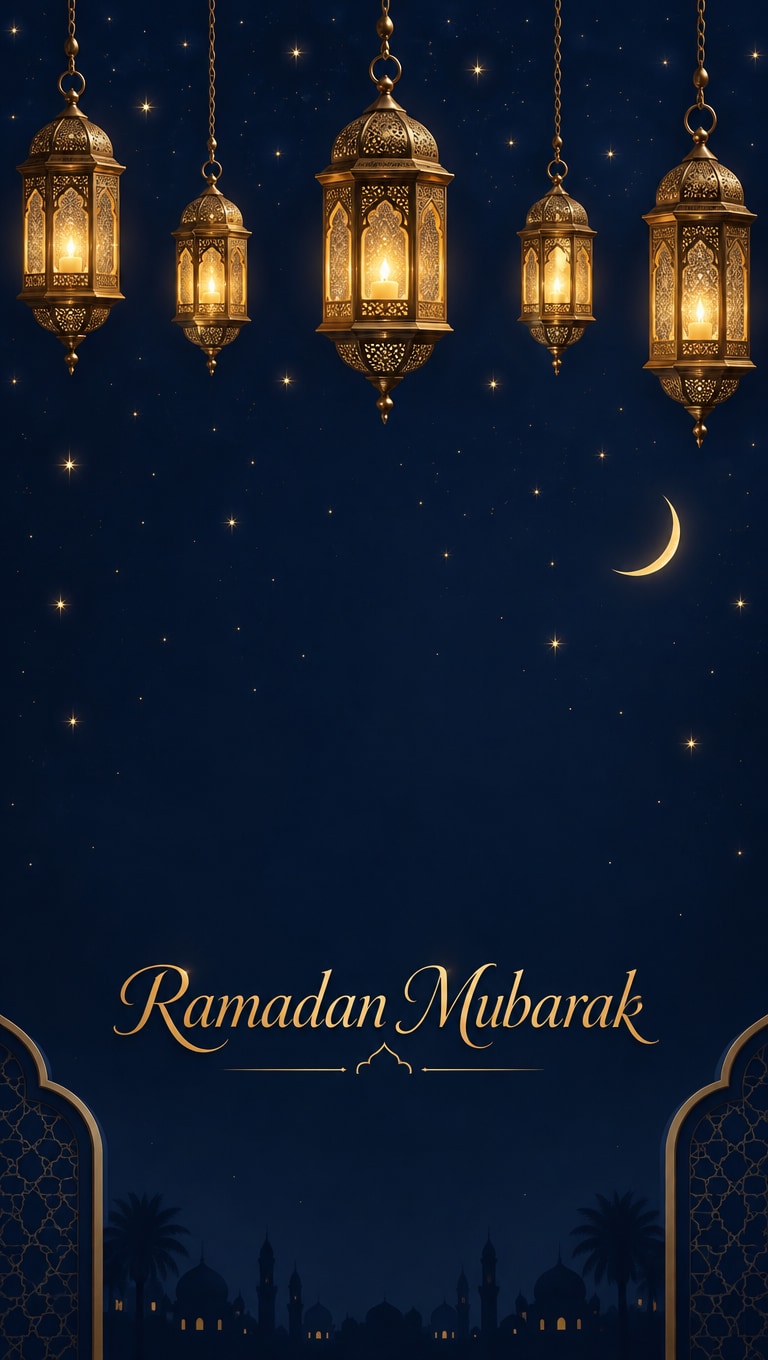
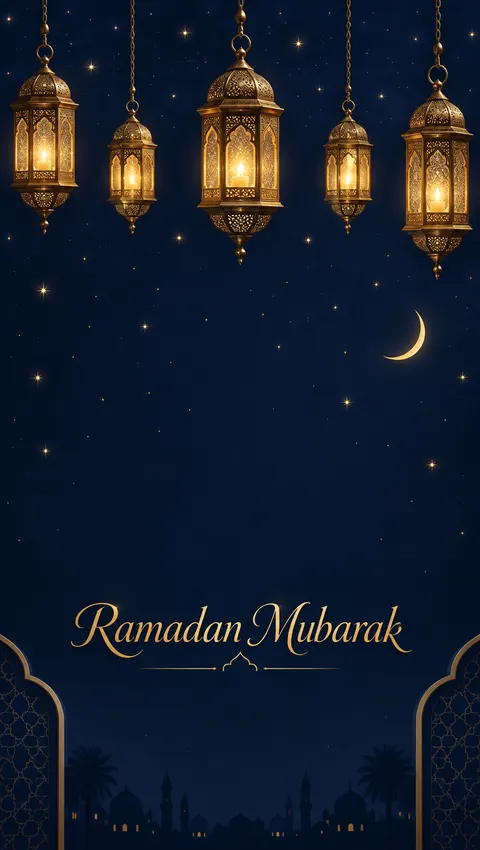 “Ramadan Mubarak” lantern storyStory 9:16 · 768 × 1360 JPG · GPT Image 2.5 SunburstDownload
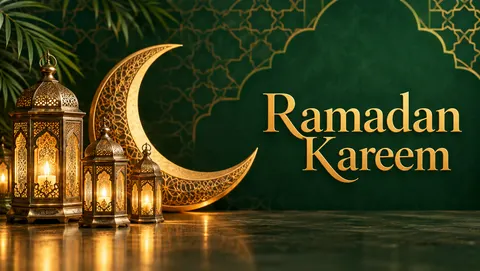 “Ramadan Kareem” emerald bannerBanner 16:9 · 1360 × 768 JPG · GPT Image 2.5 SunburstDownload
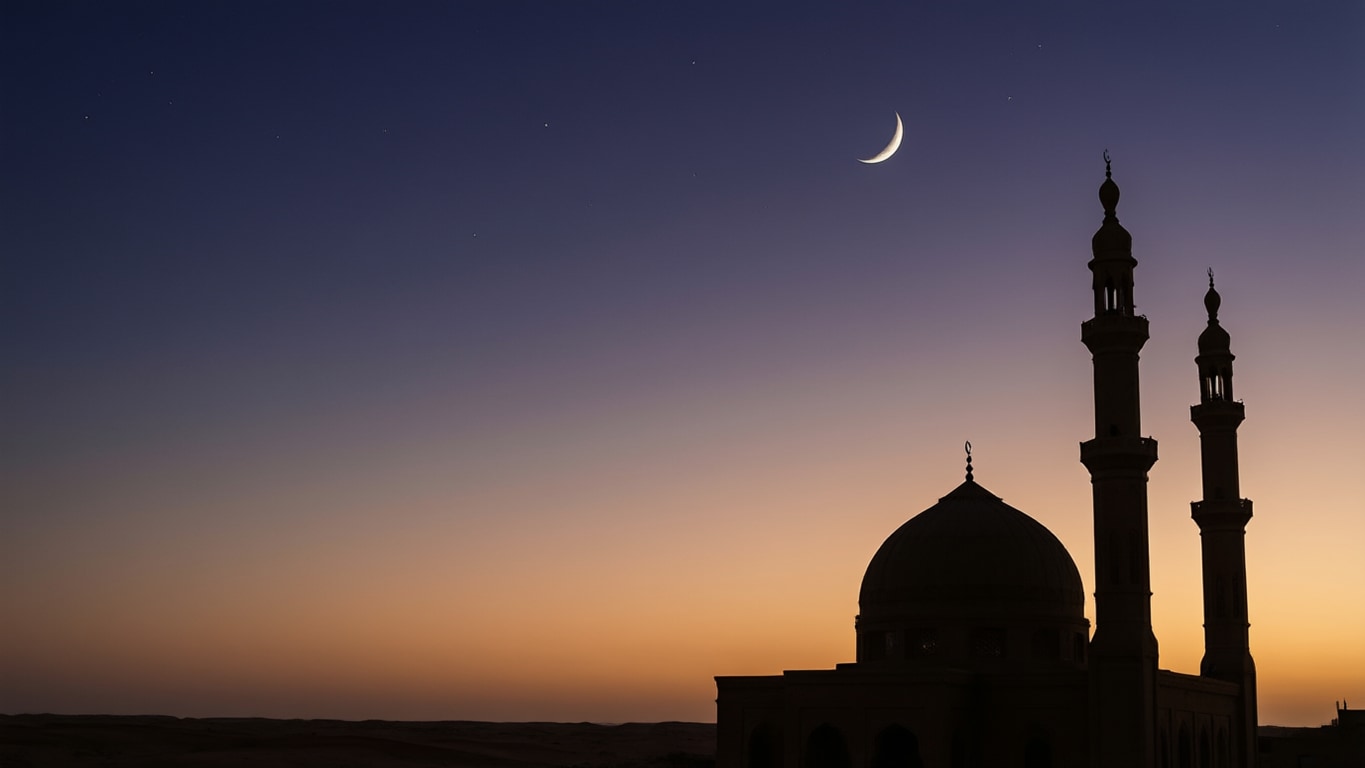
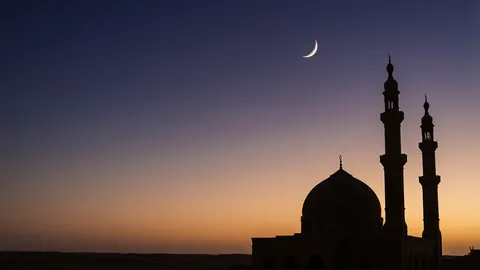 Mosque silhouette at duskDesktop 16:9 · 1365 × 768 JPG · Qwen Image 3.0Download
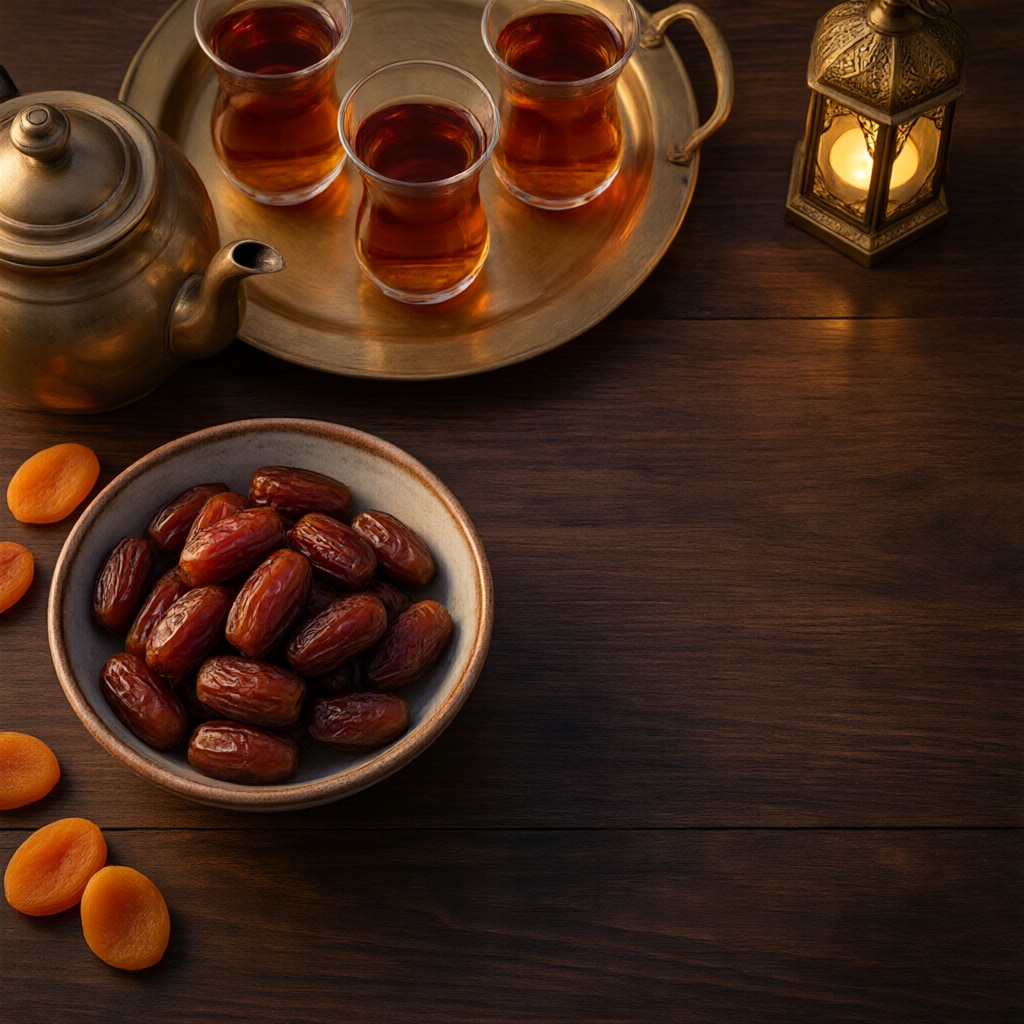
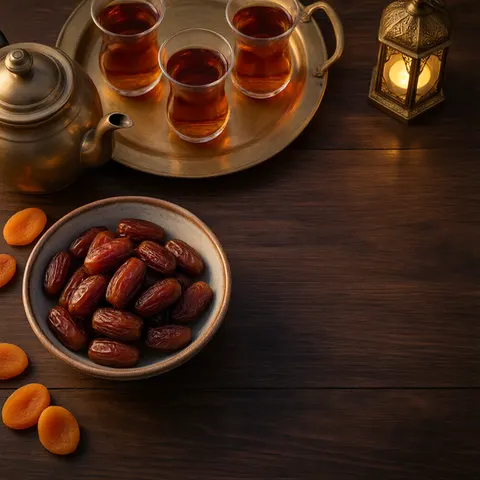 Iftar dates and teaPost 1:1 · 1024 × 1024 JPG · Qwen Image 3.0Download
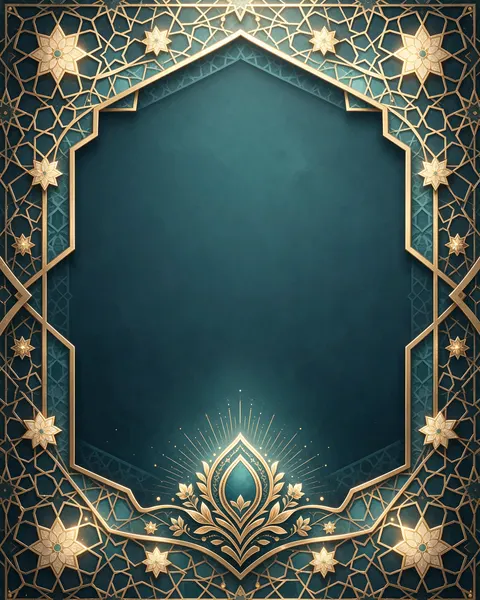 Gold geometric frame on tealCard 4:5 · 915 × 1144 JPG · Seedream 5.5Download
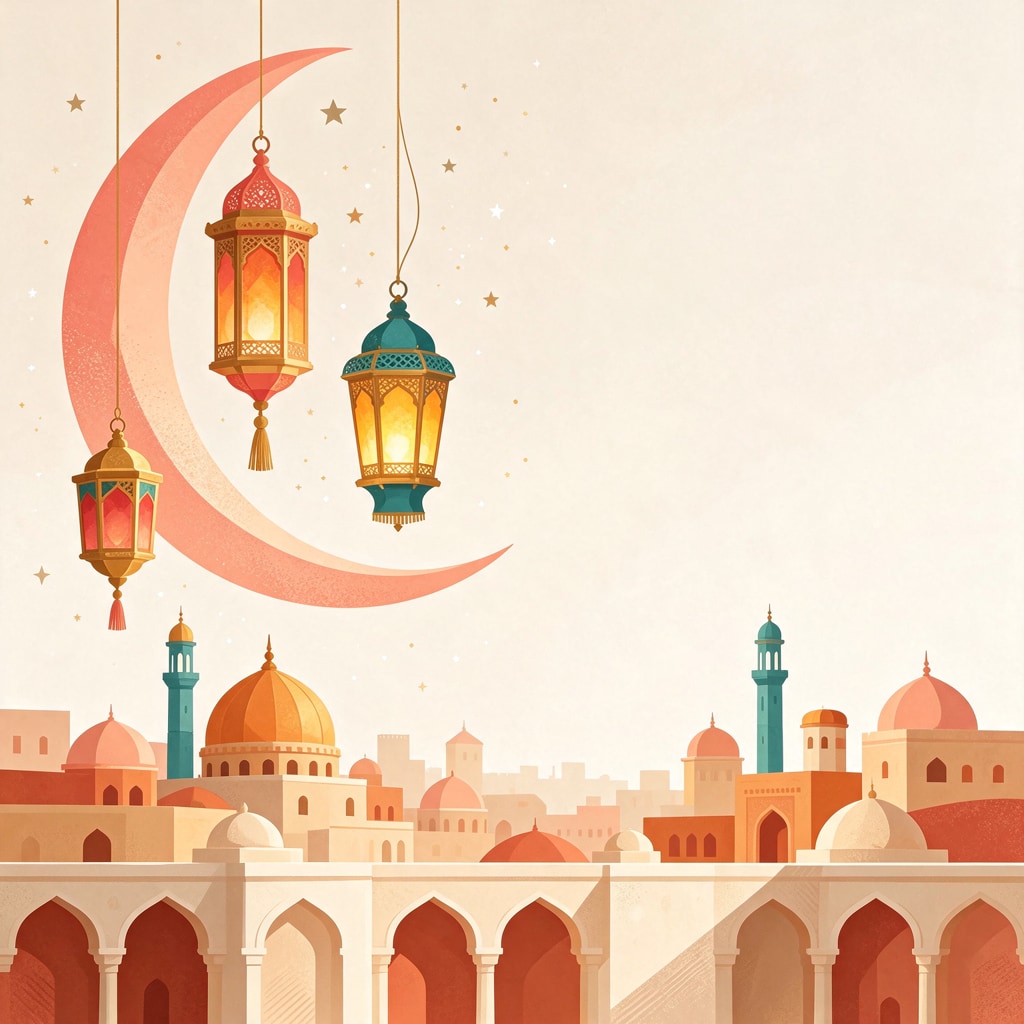
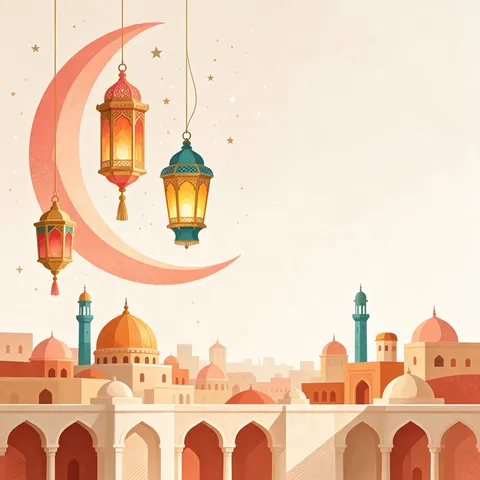 Flat illustration, lanterns and skylinePost 1:1 · 1024 × 1024 JPG · Seedream 5.5Download
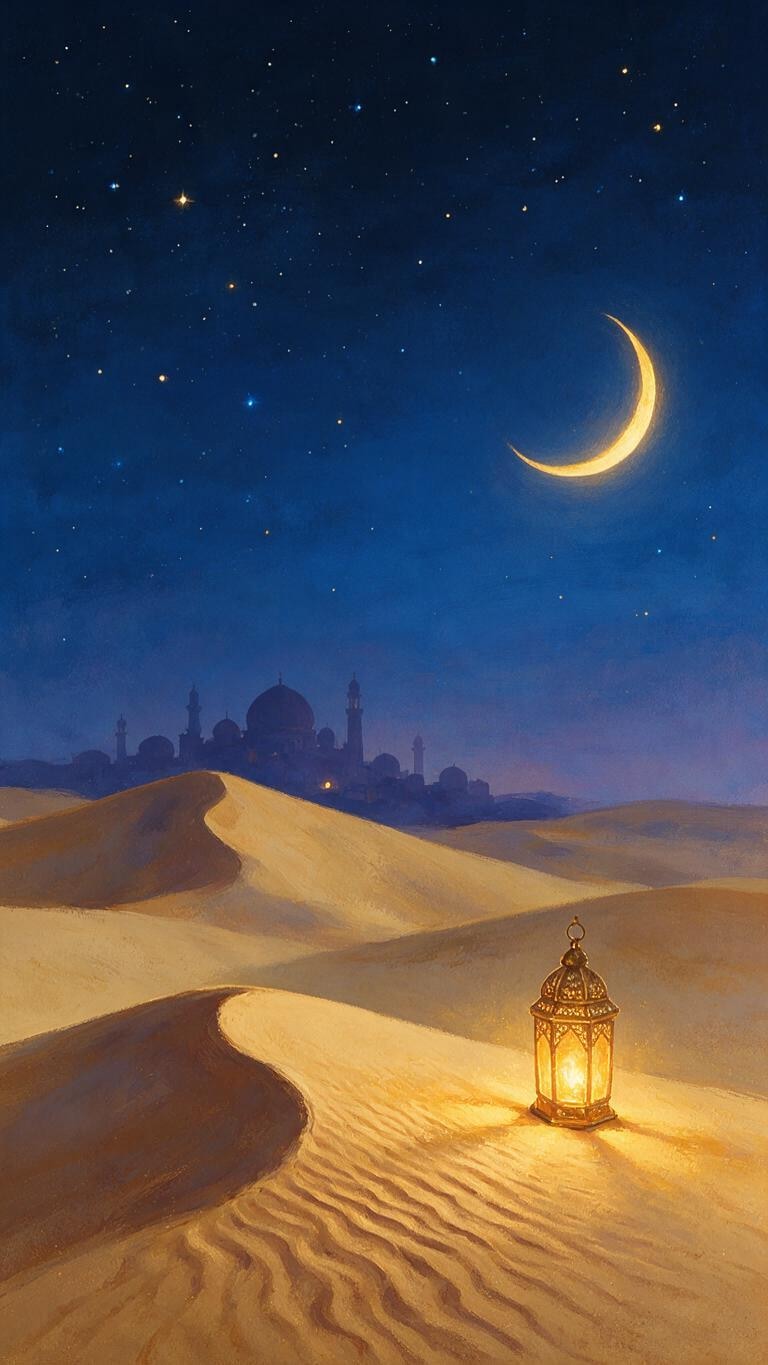
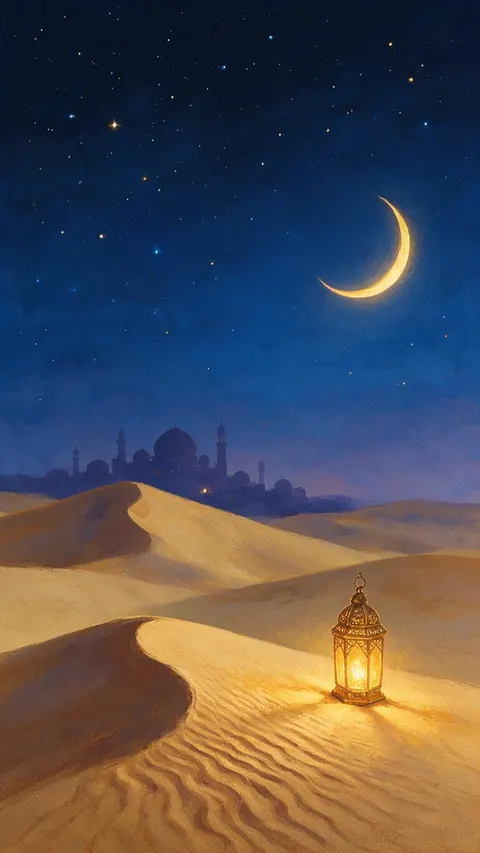 Desert night, crescent and lanternPhone 9:16 · 768 × 1365 JPG · Seedream 5.0 ProDownload
How to
How to make a Ramadan Kareem image
- Time needed
- Steps
- 4 steps
Step 1
Open the generator
Press “Make my Ramadan image”. Image Studio opens with GPT Image 2.5 Sunburst and the crescent and lantern prompt. Sign in with Google, GitHub or Discord for starter credits.
Step 2
Pick a scene, a greeting and a shape
Keep the card or paste a prompt from the gallery or the prompt guide. Put the English greeting in quotes, or write “no text” if you will type Arabic. Set the shape: 1:1, 4:5 or 9:16.
Step 3
Create and read every letter
Press Create. Read the English greeting letter by letter; if a letter is wrong, run it again or switch to “no text”.
Step 4
Add Arabic as text, then share
To add Arabic, open the image in Edit Studio, add a Text layer and paste the words. Ask a reader to check them, then download and share.
See it in the app

Open Image Studio and type what you want to see — subject, style, lighting and mood.


Watch the tour · 1:23
Prompts, styles, references, edit, Arena & chat
Chapters
Tips
Get a Ramadan image that reads right
Most greeting images go wrong in the words, the shape, or where the words sit.
Spell the English greeting out letter by letter in the prompt (R-a-m-a-d-a-n K-a-r-e-e-m) and read every letter before you share it.
Don't ask an image model for Arabic lettering: in our two tests it dropped or misplaced the dots. Type the Arabic in Edit Studio and have it checked.
Pick the shape before you press Create — Image Studio opens on Square 1:1. 9:16 for WhatsApp status and stories, 1:1 or 4:5 for posts.
Say where the calm area goes — “the centre plain for a message”, “an empty area on the right” — so typed text stays readable.
Keep it respectful: crescents, lanterns, geometric patterns, mosque silhouettes and food. Leave out people and religious figures.
Want “Ramadan Mubarak” instead? Change the words in quotes and spell them out the same way.
Models
Models for Ramadan images
What each model is good at. Open any one straight in the generator.

OpenAI
GPT Image 2.5 Sunburst
- Reference images
- Up to 16
- Output
- 1K to 4K · 15 ratios
Open GPT Image 2.5 SunburstBest for
Default here · English lettering (“Ramadan Kareem”, “Ramadan Mubarak”)
- Free plan

Alibaba
Qwen Image 3.0
- Reference images
- Up to 3
- Output
- 1K or 2K · 15 ratios
Open Qwen Image 3.0Best for
Free plan · photo scenes without text (mosque at dusk, iftar table)
ByteDance
Seedream 5.5
- Reference images
- Up to 10
- Output
- 1K / 1.5K / 2K · 15 ratios
Open Seedream 5.5Best for
Geometric frames and flat illustrations

ByteDance
Seedream 5.0 Pro
- Reference images
- Up to 10
- Output
- 1K / 1.5K / 2K · 15 ratios
Open Seedream 5.0 ProBest for
Painterly night scenes
FAQ
Ramadan Kareem image questions
8 questions

How do I make Ramadan Kareem images?
Describe the scene in Image Studio — a crescent moon and lantern, a mosque skyline at dusk, an iftar table of dates and tea — put “Ramadan Kareem” in quotes with the spelling written out, pick the shape and press Create. The button on this page opens GPT Image 2.5 Sunburst with the crescent and lantern card prompt filled in.
Link to this answerCan AI write “Ramadan Kareem” in Arabic?
Not reliably. We tested GPT Image 2.5 Sunburst on رمضان كريم and Nano Banana 2.1 on عيد مبارك: both drew the letter shapes but dropped or misplaced dots (the ض lost its dot, the ي had one dot instead of two) and added marks that are not real diacritics. Make the picture with “no text”, then add the Arabic as typed text in Edit Studio and ask an Arabic reader to check it.
Link to this answerWhen does Ramadan 2027 start?
Ramadan 2027 is expected to begin around Monday 8 February 2027, subject to the sighting of the crescent moon, so some countries may start a day later. Eid al-Fitr is expected around 9 or 10 March 2027, depending on whether the month lasts 29 or 30 days. Check your local announcement.
Link to this answerAre these Ramadan images free to download?
Yes, the eight images on this page download as JPG files at no cost and with no account. Making your own uses credits: a new account gets 25, GPT Image 2.5 Sunburst is 7.2 credits an image, and Qwen Image 3.0 (9 credits) is on the free plan for images without text.
Link to this answerWhat is the difference between Ramadan Kareem and Ramadan Mubarak?
Both are greetings for the month. “Ramadan Mubarak” means “blessed Ramadan”; “Ramadan Kareem” means “generous Ramadan”. Both are widely used in messages and cards; the images here show each in English.
Link to this answerWhat size should a Ramadan image be for WhatsApp?
Use 1:1 for a chat or a family group and 9:16 for a WhatsApp status. Keep the greeting in the middle or lower third of a status, because the app's buttons cover the top and bottom edges.
Link to this answerHow do I write Ramadan wishes on an image?
Leave a calm area in the picture (“the centre plain for a message”), then open it in Edit Studio and add a Text layer with your wishes in any language. Typed text keeps your exact spelling, unlike lettering drawn by the model.
Link to this answerIs it respectful to use AI for Ramadan greetings?
Keep the art to symbols people already share — crescent moons, lanterns, geometric patterns, mosque silhouettes, dates and tea — leave out people and religious figures, and have any Arabic checked by someone who reads it. That is how every image here was made.
Link to this answerIn depth
Ramadan Kareem images, explained
What works, what to avoid, and how to pick a model.
On this page
Why the Arabic is typed, not drawn
Arabic letters change shape with their neighbours, and many differ only by dots: ص and ض, ب and ي, ح and خ. Image models draw what looks like calligraphy, but our two tests on 15 November 2026 dropped or moved those dots — enough to change a word. A wrong greeting is worse than none.
So the images here carry English lettering only. For Arabic, paste the exact words into a Text layer in Edit Studio, which keeps what you paste, and ask someone who reads Arabic to check the joins and the right-to-left order.
Ramadan image styles and the words that make them
The styles in the gallery, and the words that made them:
- Night card: “golden crescent moon and a brass lantern, deep navy night sky, small stars”.
- Lantern story: “ornate brass lanterns hanging from the top edge, deep midnight blue”.
- Dusk skyline: “silhouette of a domed mosque with two minarets, dusk sky from indigo to apricot”.
- Iftar table: “top-down, bowl of dates, glasses of amber tea on a brass tray, warm evening light”.
- Geometric frame: “Islamic geometric star pattern in fine gold lines on deep teal, framing the edges”.
- Flat illustration: “flat vector, crescent, fanous lanterns in coral, teal and gold, skyline of domes”.
Ramadan and Eid dates in 2027
The Islamic calendar is lunar, so Ramadan starts about 11 days earlier each year. For 2027 it is expected to begin around Monday 8 February and Eid al-Fitr to fall around 9 or 10 March, but each country confirms the dates after the crescent moon is sighted.
By the Kenerate AI teamLast updated and reviewed
We build and run the Kenerate generator. Every example is a real output of the model named under it; models and presets were checked against the app's code.
Sources: Gulf News — When is Ramadan 2027? The expected date, moon sighting and Eid explained · Kenerate AI — Terms of Service · US Copyright Office — Copyright and Artificial Intelligence (Part 2: Copyrightability, 29 January 2025)

Make your Ramadan Kareem image
Free to start. Sign in with Google, GitHub or Discord, no card needed.
Tried it? Tell us how it went