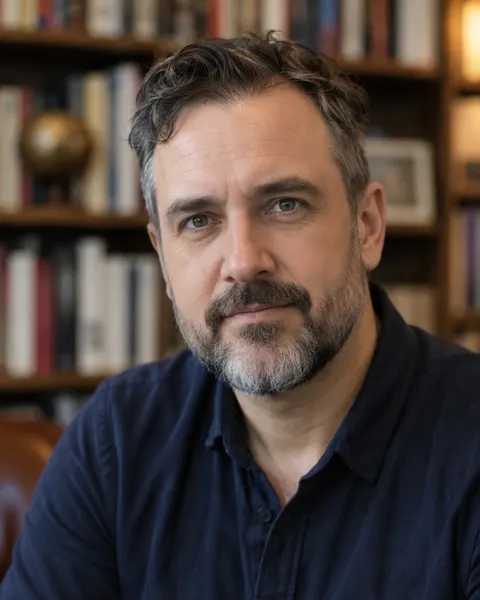
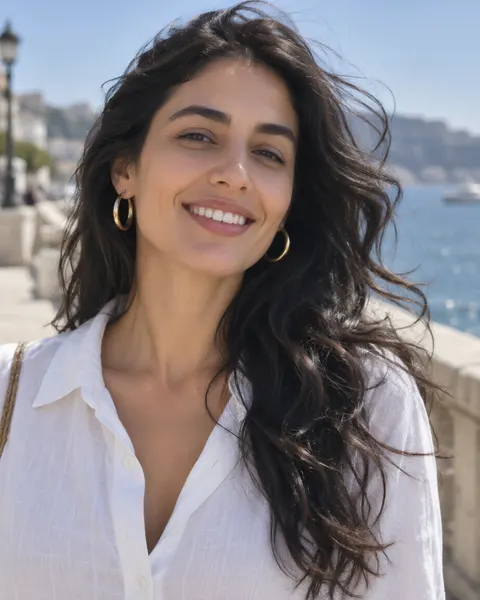
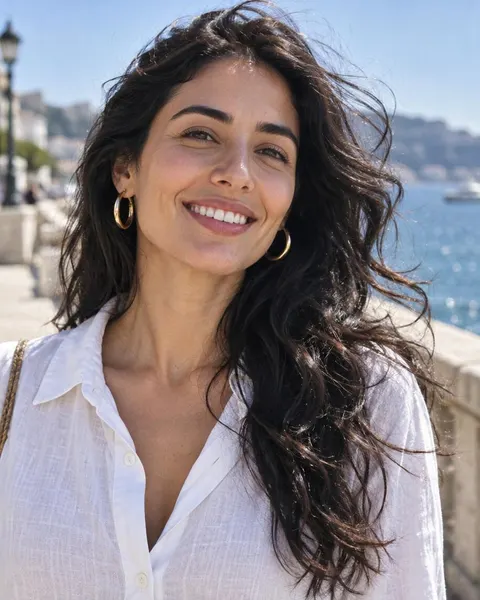
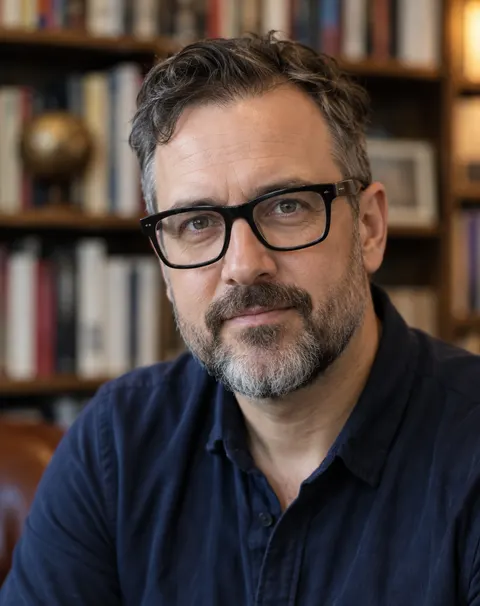
Thin frames · thick frames · sunglasses
Remove Glasses from Photo
Upload a portrait and the AI glasses remover takes off the frames and lenses, fills in the eyes, brows and the bridge of the nose, and leaves your face, hair and background as they were.
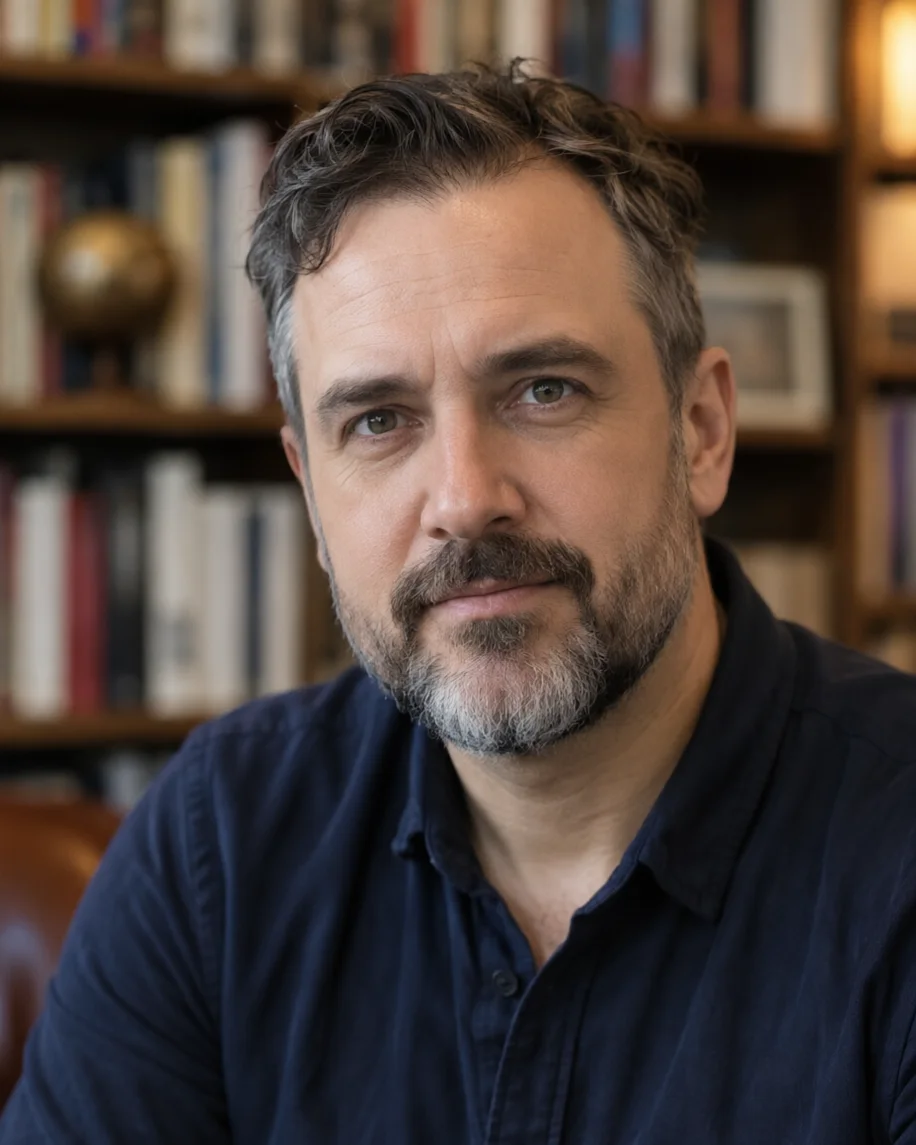
- Glasses and sunglasses
- Face and background kept
- Free-plan model
- No watermark
Updated by the Kenerate AI team




On this page
Quick answer

How do I remove glasses from a photo?
To remove glasses from a photo, upload the portrait to Kenerate's glasses remover and press Create. Qwen Image 3.0 takes off the frames and lenses and paints in the eyes, brows and nose bridge, in under a minute for 9.9 credits. With clear glasses it keeps your real eyes; behind sunglasses it has to draw new ones. Download without a watermark.
Key facts
- Removes
- Frames · lenses · glare · nose-pad marks
- Keeps
- Face, expression, hair, background
- Works on
- Thin frames, thick frames, sunglasses
- Default model
- Qwen Image 3.0 (free plan)
- Brush option
- Change Region in Edit Studio
- Watermark
- None
Before / after
Glasses removed: real before and after
Three portraits with thin frames, thick frames and sunglasses, one try each, plus the sunglasses photo on a second model. Drag the slider to compare.
How to
How to use the remove glasses from photo
- Time needed
- Steps
- 4 steps
Step 1
Open the glasses remover
Press “Add your photo”. Image Studio opens with the glasses-removal instruction in the prompt box. Sign in free for starter credits.
Step 2
Upload your photo
Add a clear portrait, selfie or headshot. JPG, PNG or WebP.
Step 3
Create
Keep Qwen Image 3.0 (free plan) or pick Seedream 5.0 Pro or Nano Banana 2.1, then press Create. For sunglasses, add your eye colour to the prompt.
Step 4
Compare and download
Compare the eyes with the original at full size, run it again if needed, and download without a watermark.
See it in the app

Open Image Studio and type what you want to see — subject, style, lighting and mood.


Watch the tour · 1:23
Prompts, styles, references, edit, Arena & chat
Chapters
Tips
Get eyes that still look like you
Clear glasses are easy; tinted lenses mean the AI has to guess.
Use a sharp, front-lit photo where your eyes are visible through the lenses; the model keeps more of the real eye shape and colour.
Sunglasses hide the eyes completely. Add your eye colour to the prompt, such as “brown eyes”, so the guess is closer.
Keep “keep my face and expression exactly the same” in the prompt so the nose and smile don't drift.
Only want the reflection gone? Ask to “remove the glare on the lenses, keep the glasses” instead.
In group photos name the person: “remove the glasses of the man on the left only”, or paint over them with Change Region.
Check the eyes at full size and run it again if one looks different from the other.
Models
Models for removing glasses
What each model is good at. Open any one straight in the generator.
- Free plan

Alibaba
Qwen Image 3.0
- Reference images
- Up to 3
- Output
- 1K or 2K
Open Qwen Image 3.0Best for
Default here · free plan · natural, soft result

ByteDance
Seedream 5.0 Pro
- Reference images
- Up to 10
- Output
- Up to 2K
Open Seedream 5.0 ProBest for
Sharper, crisper result in our sunglasses test
Google
Nano Banana 2.1
- Reference images
- Up to 14
- Output
- 1K to 4K
Open Nano Banana 2.1Best for
Add a glasses-free photo of yourself as a second image for your real eyes
FAQ
Remove Glasses from Photo questions
8 questions

How do I remove glasses from a photo?
Upload the photo to the glasses remover and press Create. Kenerate opens Image Studio with an instruction that removes the frames, lenses and nose marks and fills in your eyes, brows and the skin underneath, while keeping your face, hair and background. Download the result or run it again for a second take.
Link to this answerIs the glasses remover free?
Free to start. A new Kenerate account gets 25 free credits. One edit on Qwen Image 3.0, the free-plan model and the default here, costs 9.9 credits; Seedream 5.0 Pro costs 13.5 and Nano Banana 2.1 costs 21 at 1K. Credits come in one-time packs, no subscription, and results have no watermark.
Link to this answerCan it remove sunglasses?
Yes, but the eyes are made up. Dark lenses hide the eyes, so the model draws new eyes that fit your face, expression and lighting; they will not be your real eyes. Add your eye colour to the prompt, or with Nano Banana 2.1 add a second photo of yourself without sunglasses as a reference.
Link to this answerWill it change my eyes or face?
A little, sometimes. With clear lenses the model can see your eyes, but it still repaints them: in our examples one pair came back slightly narrower and another slightly bigger, because strong lenses shrink or enlarge eyes. The rest of the face stays the same. Compare at full size and run it again if the eyes don't look like yours.
Link to this answerCan I remove only the glare on my glasses?
Yes. Ask for “remove the reflection and glare on the lenses, keep the glasses and my eyes exactly the same”. The glare remover page shows that edit.
Link to this answerCan I remove glasses from one person in a group photo?
Yes. Name the person in the prompt, such as “the woman in the red coat only”, or open Edit Studio, choose Change Region, paint over that pair of glasses and describe the eyes underneath.
Link to this answerCan I use a photo with glasses removed for an ID or passport?
No. Official photos must show you as you are, and many passport rules already ask you to take glasses off for the photo itself. Retake the photo without glasses instead of editing one. Use this edit for profile pictures, previews and fun.
Link to this answerCan I edit someone else's photo?
Only with their permission. Changing a face still changes a real person's likeness: use your own photo or one the person agreed to, and never upload a photo of a minor. Kenerate's content rules apply to every edit.
Link to this answerIn depth
Remove Glasses from Photo, explained
What works, what to avoid, and how to pick a model.
On this page
How the glasses remover works
It is an instruction edit. Your photo and one sentence go to an image model's edit endpoint; the model repaints the area the glasses covered — eyes, lids, brows, the bridge of the nose and the shadow under the frames — to match the skin and light around it, and leaves the rest of the photo alone.
Clear glasses vs sunglasses
What the model can recover depends on what the lenses let through:
- Clear glasses: your eyes are visible, so the model keeps their colour and rough shape. Strong lenses make eyes look smaller (short sight) or bigger (long sight), so the result can look slightly different from the photo.
- Tinted lenses: some of the eye shows through, so the result is partly real, partly guessed.
- Dark sunglasses: nothing shows through. The eyes are invented to fit your face; use a reference photo if they have to be yours.
What it doesn't do
It edits photos, not video. It can't bring back detail that was never in the photo, and it shouldn't be used to make an official photo look glasses-free. If a run changes your nose, smile or eye colour, run it again or add “do not change anything else”.
By the Kenerate AI teamLast updated and reviewed
We build and run the Kenerate generator. Every example is a real output of the model named under it; models and presets were checked against the app's code.
Sources: U.S. Department of State — Passport photo requirements (no eyeglasses) · Kenerate AI — Terms of Service (content rules)