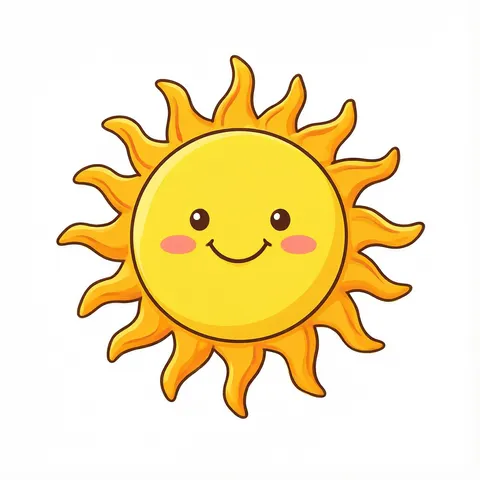
Smiling sun · watercolor · boho · line art · sunglasses · Hello Sunshine · transparent PNG
Sun clipart as transparent PNGs
Describe the sun — a smiling cartoon sun, a soft watercolor sun, a boho half-sun, a black-and-white outline, a sun in sunglasses, a “Hello Sunshine” banner — and get an original image on a plain background. One more step in Remove BG cuts it out as a transparent PNG for summer flyers, classroom sheets, party invites, stickers and slides.
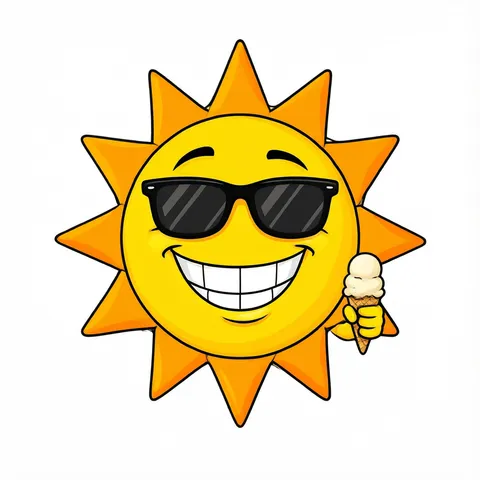
- 6 real examples, each cut out
- Cartoon, watercolor, boho, line art or lettering
- Transparent PNG in one step
- Free-plan models, starter credits on sign-up
Updated by the Kenerate AI team




Made with Kenerate
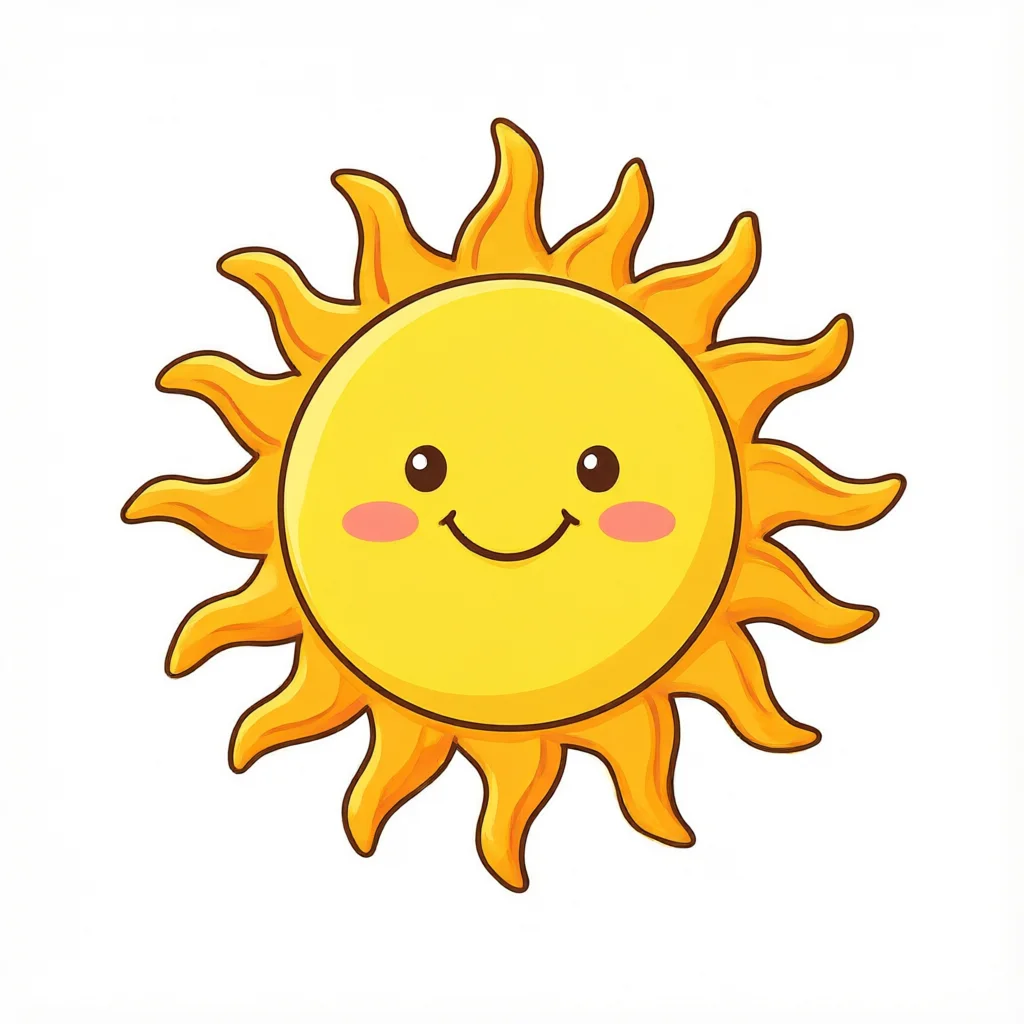
{throw Error("Attempted to call IG_BASE() from the server but IG_BASE is on the client. It's not possible to invoke a client function from the server, it can only be rendered as a Component or passed to props of a Client Component.")}/sunclip-smile-cut-chk-sm.webp)
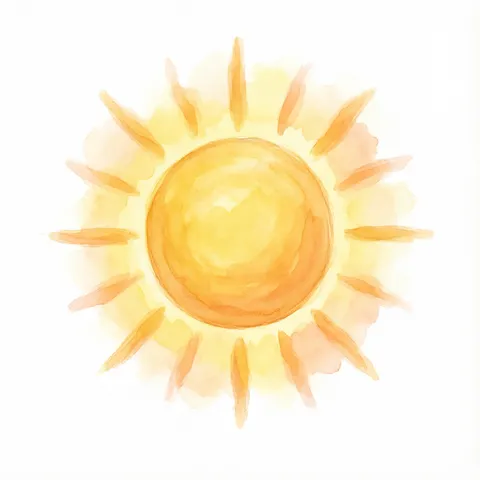
{throw Error("Attempted to call IG_BASE() from the server but IG_BASE is on the client. It's not possible to invoke a client function from the server, it can only be rendered as a Component or passed to props of a Client Component.")}/sunclip-watercolor-cut-chk-sm.webp)
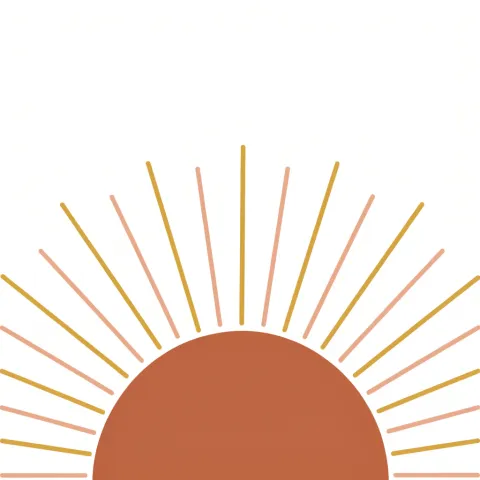
{throw Error("Attempted to call IG_BASE() from the server but IG_BASE is on the client. It's not possible to invoke a client function from the server, it can only be rendered as a Component or passed to props of a Client Component.")}/sunclip-boho-cut-chk-sm.webp)
{throw Error("Attempted to call IG_BASE() from the server but IG_BASE is on the client. It's not possible to invoke a client function from the server, it can only be rendered as a Component or passed to props of a Client Component.")}/sunclip-sunglasses-cut-chk-sm.webp)
{throw Error("Attempted to call IG_BASE() from the server but IG_BASE is on the client. It's not possible to invoke a client function from the server, it can only be rendered as a Component or passed to props of a Client Component.")}/sunclip-line-cut-chk-sm.webp)
{throw Error("Attempted to call IG_BASE() from the server but IG_BASE is on the client. It's not possible to invoke a client function from the server, it can only be rendered as a Component or passed to props of a Client Component.")}/sunclip-hello-cut-chk-sm.webp)
On this page
Quick answer

How do I make sun clipart with a transparent background?
To make sun clipart, describe one sun — smiling cartoon, watercolor, boho half sun, black and white outline, a sun in sunglasses — name the style and end with “isolated on a plain white background, no shadow”. Qwen Image 3.0 (free plan, 9 credits) made four of the six examples below; Remove BG turned each into a transparent PNG with Kenerate Cutout (1.2 credits) or Cutout HD (3 credits).
Key facts
- Examples on this page
- 6 — smiling, watercolor, boho, sunglasses, line art, “Hello Sunshine”
- Made with
- Qwen Image 3.0 (4) · Recraft V4.1 (boho) · GPT Image 2.5 Sunburst (lettering)
- Transparent PNG
- Remove BG · Kenerate Cutout, or Cutout HD for soft watercolor edges
- Line art
- The white inside the outline is cut out too — the PNG is lines only
- Styles
- Cartoon · watercolor · boho · line art · lettering
- Use
- Kenerate claims no ownership of outputs; commercial use allowed under the Terms
- Sizes
- 1024 × 1024 squares · 1248 × 832 for the lettered banner
Sun clipart ideas
More sun clipart ideas: the prompt, the style and a tip
Copy a prompt into Image Studio, keep “isolated on a plain … background, no shadow” at the end, then cut it out in Remove BG for a transparent PNG.
| Clipart | Style | Prompt | Tip |
|---|---|---|---|
| Sun clipart black and white | Line art | Sun clipart of a round sun with a friendly face and straight rays, black and white line art, bold clean black outlines, no shading, no grey, isolated on a plain pure white background, no text | Doubles as a coloring page; for full printable pages see the summer coloring pages |
| Simple sun icon | Flat vector | Sun clipart icon of a simple yellow circle with eight short rounded rays, flat vector, bold clean outlines, isolated on a plain pure white background, no shadow, no text | Fits weather apps, slides and charts at any size |
| Sun and cloud | Cute cartoon | Sun clipart of a smiling yellow sun peeking out from behind a fluffy white cloud, cute cartoon illustration, bold clean outlines, isolated on a plain light sky blue background, no shadow, no text | White cloud on light blue, not white on white, so the cut-out keeps the cloud |
| Sunset clipart | Flat vector | Sun clipart of a big orange sun setting over calm blue sea waves, flat vector illustration, warm sunset colors, isolated on a plain pure white background, no shadow, no text | Ask for a round frame if you want a badge shape |
| Celestial sun | Gold line art | Sun clipart of a celestial sun with a calm face and wavy rays, fine gold line art, mystical tarot style, isolated on a plain dark navy background, no text | Gold lines cut out cleanly from a dark navy background |
| Sun with a hat | Cute cartoon | Sun clipart of a cheerful cartoon sun wearing a straw sun hat and sunglasses, bright yellow and orange, bold clean outlines, isolated on a plain pure white background, no shadow, no text | Good for summer camp and beach party flyers |
| Sun sticker sheet | Flat vector | Sun clipart sticker sheet of six separate small suns in different styles — smiling, sleepy, winking, boho, starburst, sun with cloud — flat vector, matching warm palette, evenly spaced in a 3 by 2 grid, isolated on a plain pure white background, no shadow, no text | Crop the suns apart after the cut-out |
| Retro sunburst | Retro | Sun clipart of a retro 70s sunburst with orange, mustard and brown stripes radiating from a half circle, flat vector, isolated on a plain pure white background, no shadow, no text | Pairs with groovy lettering for party invites |
Gallery
Sun clipart: 6 real examples, cut out
Each pair is the image as the model made it and the transparent PNG after Remove BG, shown on a checkerboard. Open one to compare the two and copy the prompt.
How to
How to use the sun clipart
- Time needed
- Steps
- 4 steps
Step 1
Open the generator
Press “Make my sun clipart”. Image Studio opens with Qwen Image 3.0 and the smiling-sun prompt. Sign in with Google, GitHub or Discord for starter credits.
Step 2
Pick a style
Keep the smiling sun or paste a prompt from the table — watercolor, boho, line art, sun and cloud, sunset, a sticker sheet. Keep the plain-background words at the end.
Step 3
Create and check it
Press Create. Check the rays, the face and any words; run it again if a shadow, a crop or stray text crept in.
Step 4
Make it a transparent PNG
Open the image in Remove BG and run Kenerate Cutout (Cutout HD for watercolor), then download the PNG and drop it into your flyer, worksheet or slide.
See it in the app

Open Image Studio and type what you want to see — subject, style, lighting and mood.


Watch the tour · 1:23
Prompts, styles, references, edit, Arena & chat
Chapters
Tips
Get sun clipart that cuts out clean
Clipart lives or dies on a plain background and clear outlines.
End every prompt with “isolated on a plain pure white background, no shadow” — the cut-out then has nothing to argue with.
A yellow sun separates easily from white; a white cloud next to it should go on light blue instead, so the cut-out keeps the cloud.
Use Cutout HD for watercolor washes and soft glows; plain Cutout is enough for flat vector suns with bold outlines.
Name the rays: “wavy”, “straight”, “triangle”, “long and short”. It changes the look more than any colour word.
Line art comes out as lines only: Remove BG clears the white inside the circle too, so put a fill colour behind it in your design if you need one.
Ask for the whole sun “centred with space around it”; our boho half sun ran its outer rays off the edge of the frame.
Add “no text” unless you want words. For “Hello Sunshine” or “Good Morning” use GPT Image 2.5 Sunburst and read every letter.
Models
Models for sun clipart
What each model is good at. Open any one straight in the generator.
- Free plan

Alibaba
Qwen Image 3.0
- Reference images
- Up to 3
- Output
- 1K or 2K · 1:1 and more
Open Qwen Image 3.0Best for
Made the smiling, watercolor, sunglasses and line-art suns · free plan

OpenAI
GPT Image 2.5 Sunburst
- Reference images
- Up to 16
- Output
- 1K to 4K
Open GPT Image 2.5 SunburstBest for
Made the “Hello Sunshine” banner · lettering
- Free plan

Black Forest Labs
Flux 2 Dev
- Reference images
- Up to 3
- Output
- Up to 2048 px
Open Flux 2 DevBest for
Free plan · cheapest drafts

OpenAI
GPT Image 1.5
- Reference images
- Up to 10
- Output
- 1024 × 1024 · 1024 × 1536 · 1536 × 1024
Open GPT Image 1.5Best for
Transparent background option · PNG straight out of the model
FAQ
Sun Clipart questions
7 questions

How do I make my own sun clipart?
Describe one sun in Image Studio — smiling, watercolor, boho, line art — name the style and end the prompt with “isolated on a plain pure white background, no shadow”. Press Create, then open the image in Remove BG and run Kenerate Cutout to get a transparent PNG. Every example on this page was made that way, and each shows its prompt.
Link to this answerIs this sun clipart free?
Free to start. Sign in with Google, GitHub or Discord — no card — and a new account gets 25 credits. Qwen Image 3.0 is on the free plan at 9 credits an image and Flux 2 Dev at 3, and a Kenerate Cutout costs 1.2 credits, so the starter credits cover two finished PNGs.
Link to this answerHow do I get sun clipart as a PNG with a transparent background?
Make the sun on a plain background, open it in Remove BG and run Kenerate Cutout (1.2 credits) or Cutout HD (3 credits, better for watercolor glows), then download the PNG. Or pick GPT Image 1.5 and turn on its transparent background option (12 credits): the PNG comes straight out of the model.
Link to this answerHow do I make black and white sun clipart?
Ask for “black and white line art, bold clean black outlines, no shading, no grey” on a plain white background. After Remove BG the PNG is lines only — the white inside the circle is cleared too — so it sits on any colour and doubles as a coloring outline.
Link to this answerHow do I make boho sun clipart?
Ask for a half sun or a simple circle with thin straight rays in earthy colours — terracotta, mustard, blush — in a “minimalist flat vector” style. Recraft V4.1 made the boho sun on this page; ask for “centred with space around it” so no rays run off the edge, as ours did.
Link to this answerCan I add words like “Hello Sunshine” to sun clipart?
Yes. Put the exact words in quotes and use GPT Image 2.5 Sunburst (7.2 credits at 1K), which handles lettering far better than the free-plan models. The “Hello Sunshine” banner on this page came out spelled correctly on the first try; read every letter before you print.
Link to this answerCan I use the sun clipart commercially?
Kenerate's Terms say Kenerate claims no ownership of what you generate and you may use it commercially, subject to the Terms and the law. Keep to generic suns rather than famous cartoon characters or brand mascots, and note that the US Copyright Office's 2025 report ties copyright to human authorship, so a picture made only from a prompt may not be protected.
Link to this answerIn depth
Sun Clipart, explained
What works, what to avoid, and how to pick a model.
On this page
How we made the six examples
Each example is a first try: four from Qwen Image 3.0, the boho sun from Recraft V4.1 and the banner from GPT Image 2.5 Sunburst. Each was cut out in Remove BG — Cutout HD for the watercolor glow, plain Cutout for the flat cartoon, boho, line-art and lettered suns — then checked on a dark checkerboard for missing areas and leftover background.
Two things to know: the boho half sun sits on the bottom edge and its outermost rays run off the sides of the frame, and Cutout cleared the white inside the line-art sun, so that PNG is outlines only.
Where to use sun clipart
A transparent PNG sits on any colour, so one sun works across everything you make for summer:
- Summer flyers, pool party and BBQ invites — the sun in sunglasses.
- Classroom worksheets, weather charts and newsletters — the line-art sun saves ink.
- Wall prints, cards and boho decor — the boho or watercolor sun.
- Social posts, shop banners and stickers — the “Hello Sunshine” banner.
- Slides and weather icons — a simple flat sun icon from the ideas table.
Transparent PNG, white background or JPG?
PNG stores a full alpha channel, so the area around the sun is truly empty and the clipart sits on any background. JPG has no transparency: save a cut-out as JPG and the empty area turns white again.
If your design has a plain white page anyway, the original is fine. For coloured backgrounds, photos or slides, cut it out first in Remove BG and keep it as PNG.
By the Kenerate AI teamLast updated and reviewed
We build and run Kenerate Image Studio and Remove BG. Every sun clipart here is a real first-try output of the model named under it, cut out with the Remove BG mode named in its caption (16 November 2026). Models, modes and limits were checked against the app's code.
Sources: US Copyright Office — Copyright and Artificial Intelligence (Part 2: Copyrightability, 29 January 2025) · W3C — Portable Network Graphics (PNG) Specification, Third Edition · Kenerate AI — Terms of Service · Kenerate Image Studio · Kenerate Remove BG