8 downloads · iPhone · Android · desktop up to 5461 × 3072 · Valentine's Day: Sunday 14 February 2027
Valentine wallpaper — download one or make your own
Eight original Valentine wallpapers to download — pastel hearts, a dark minimal neon heart, red roses on pink silk, a retro heart pattern, paper-cut hearts, a dark rose, a heart-shaped cloud and heart bokeh. Or describe your own, pick your screen's shape, and get a wallpaper with the clock, widgets and app icons kept clear.
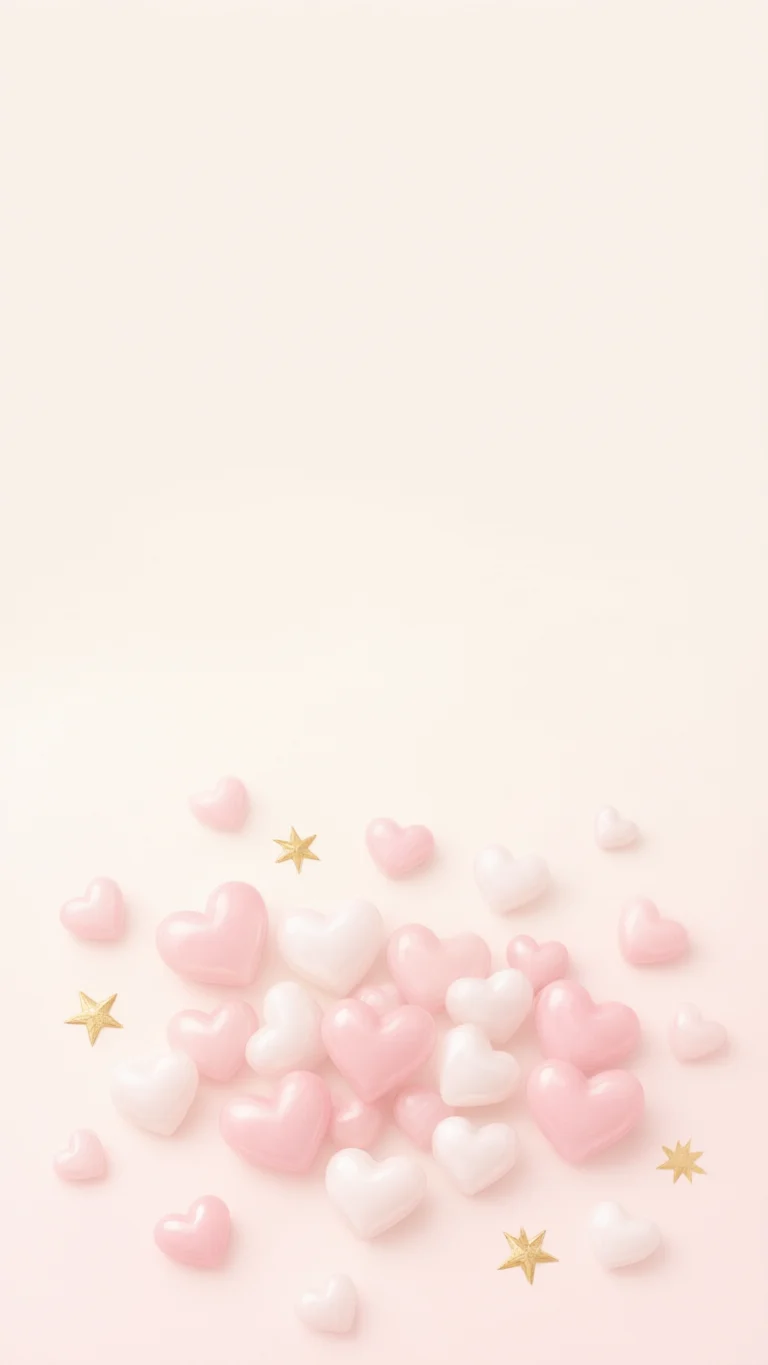
- 8 wallpapers to download
- Aesthetic, dark, pastel and retro
- Phone 1536 × 2730 · desktop 5461 × 3072
- Clock and icons kept clear
Updated by the Kenerate AI team




Made with Kenerate
On this page
Quick answer
How do I get a Valentine wallpaper for my phone or desktop?
Valentine wallpapers to download are below: four for phones (1536 × 2730, 9:16) and four for desktops (5461 × 3072, 16:9) — pastel hearts, a dark neon heart, roses, a retro heart pattern, a heart cloud and bokeh. To make your own, open Qwen Image 3.0 (free plan, 9 credits), describe it, set 9:16 or 16:9 and press Create; the Image Upscaler takes it to 4K for 3 credits.
Key facts
- Downloads
- 8 Valentine wallpapers — 4 phone, 4 desktop · JPG
- Phone size
- 1536 × 2730 (9:16) · upscaled to 2K
- Desktop size
- 5461 × 3072 (16:9) · upscaled to 4K, larger than a 3840 × 2160 screen
- Made with
- Qwen Image 3.0 (all 8) · Image Upscaler
- Styles
- Aesthetic pastel · dark minimal · romantic roses · retro pattern · paper-cut · dreamy sky · bokeh
- Valentine's Day 2027
- Sunday 14 February
More Valentine wallpaper ideas
More Valentine wallpaper ideas: the prompt, the size and a tip
Copy a prompt, set the size in Image Studio before you press Create, and keep “no text” at the end unless you want words in the picture.
| Wallpaper | Size · model | Prompt | Tip |
|---|---|---|---|
| Cute cartoon hearts | 9:16 · Qwen Image 3.0 | Cute Valentine phone wallpaper, small smiling cartoon hearts with rosy cheeks scattered across a pale lilac background, flat illustration, soft pastel colors, the top third plain, no text | Keep the faces small so they sit between the app icons |
| Heart gradient lock screen | 9:21 · Qwen Image 3.0 | Minimal Valentine lock screen wallpaper, smooth gradient from deep rose at the bottom to pale pink at the top, one small glossy heart in the lower third, lots of empty space, no text | 9:21 fits tall iPhones and Androids with less cropping |
| Love letter flat lay | 16:9 · Qwen Image 3.0 at 2K | Valentine desktop wallpaper, flat lay of a sealed pink envelope, a few dried roses, a ribbon and scattered paper hearts on a cream linen table on the right, soft daylight, the left half plain linen, no text | Windows icons sit on the left, so keep that side plain; on a Mac, mirror it |
| Galentine's pattern | 9:16 or 16:9 · Qwen Image 3.0 | Valentine pattern wallpaper, seamless flat pattern of coffee cups, cherries, hearts and tiny stars in red, pink and cream, evenly spaced, no text | A pattern has no subject to crop, so one prompt fits a phone and a desktop |
| Neon “love” sign | 9:16 · GPT Image 2.5 Sunburst | Dark Valentine phone wallpaper, a pink neon sign reading “love” in script on a dark brick wall in the lower third, soft glow, the top half dark and plain | Words need GPT Image 2.5 Sunburst; read every letter before you set it |
| Ultrawide rose panorama | 21:9 · Qwen Image 3.0 | Ultrawide Valentine desktop wallpaper, a long row of red and pink roses along the bottom edge, soft pink sky fading to cream above, gentle bokeh, no text | Keep the roses low so the taskbar or dock does not cover the best part |
Gallery
Valentine wallpaper examples
Eight real Valentine wallpapers — four for phones, four for desktops. Open one to see its prompt and the model that made it; the full-size files are in the downloads below.
Download
Download the Valentine wallpapers
Each file is the wallpaper above, upscaled with Kenerate's Image Upscaler: phone wallpapers at 1536 × 2730, desktop wallpapers at 5461 × 3072 (larger than a 3840 × 2160 4K screen). JPG, no watermark.
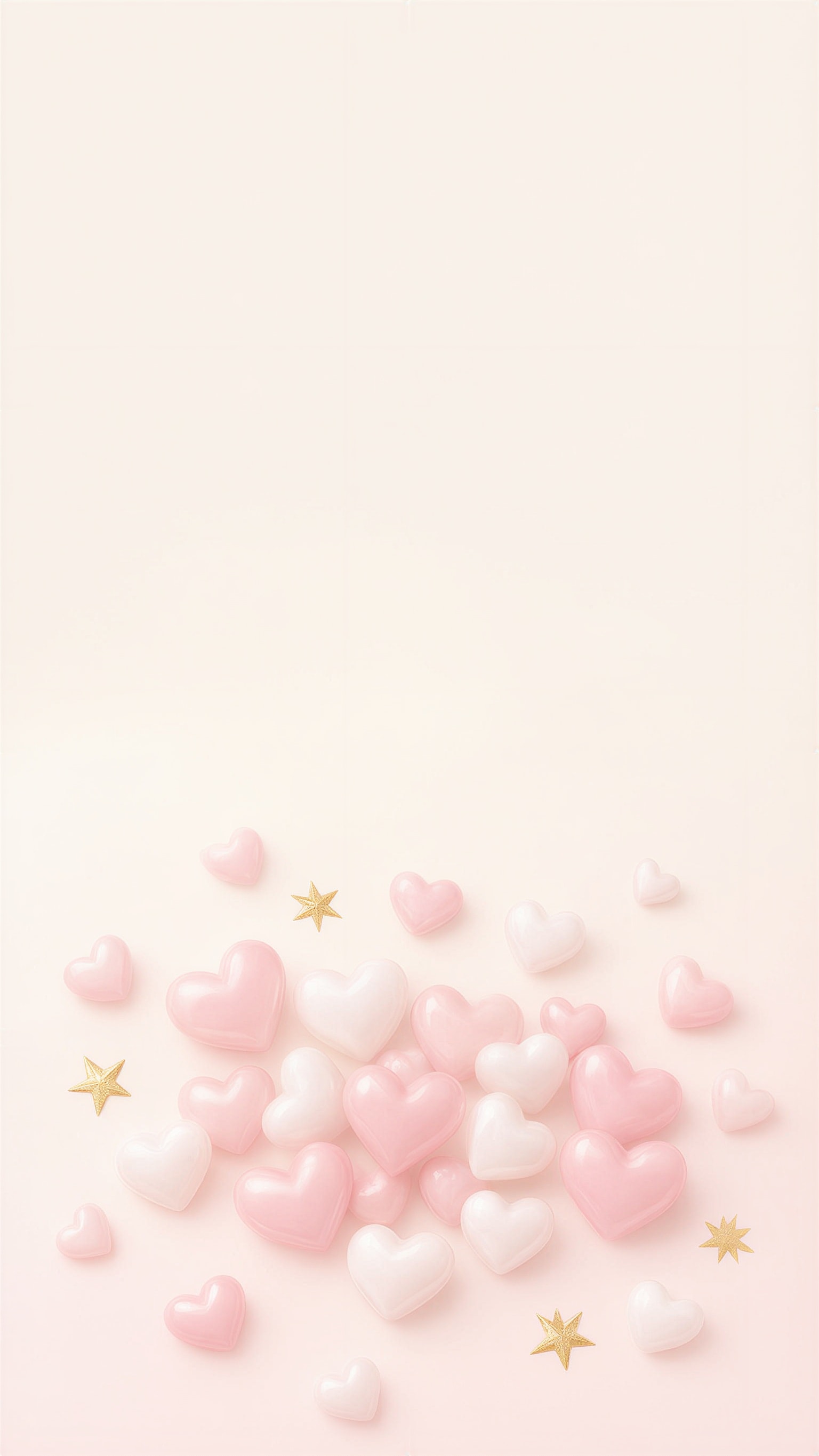
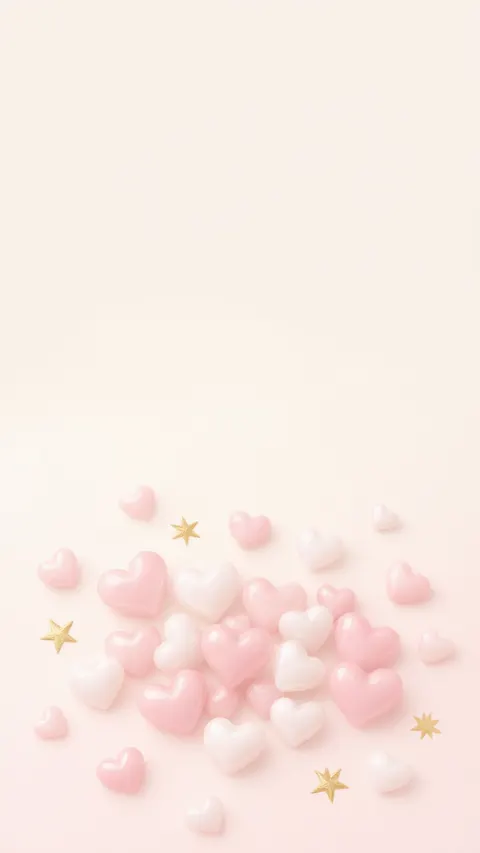 Aesthetic pastel heartsPhone · 1536 × 2730 JPG · Qwen Image 3.0Download
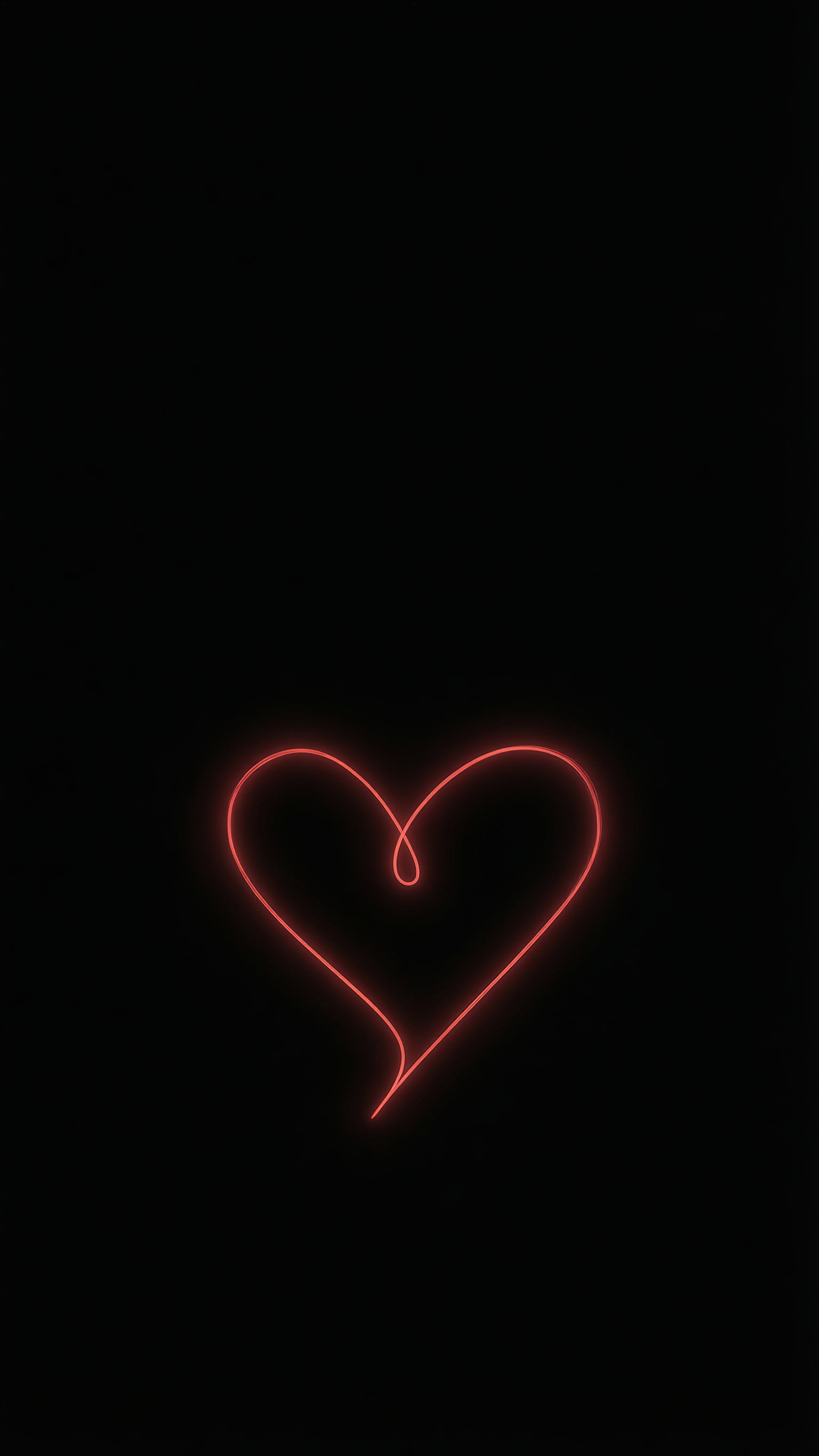
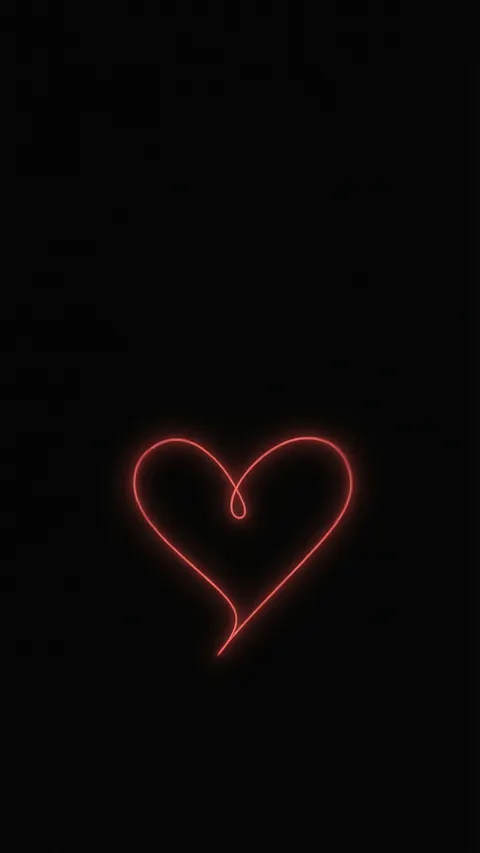 Dark minimal neon heartPhone · 1536 × 2730 JPG · Qwen Image 3.0Download
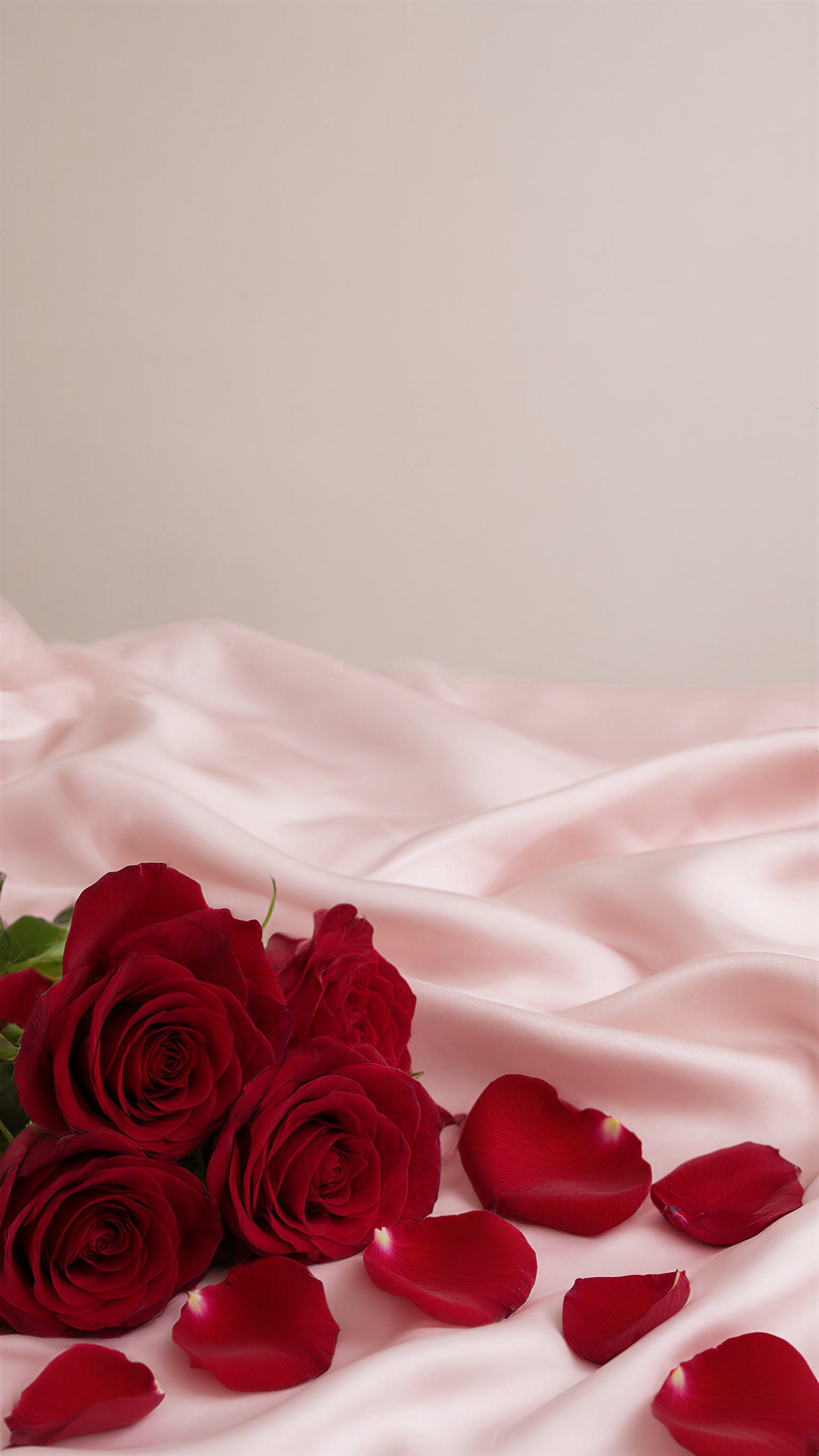
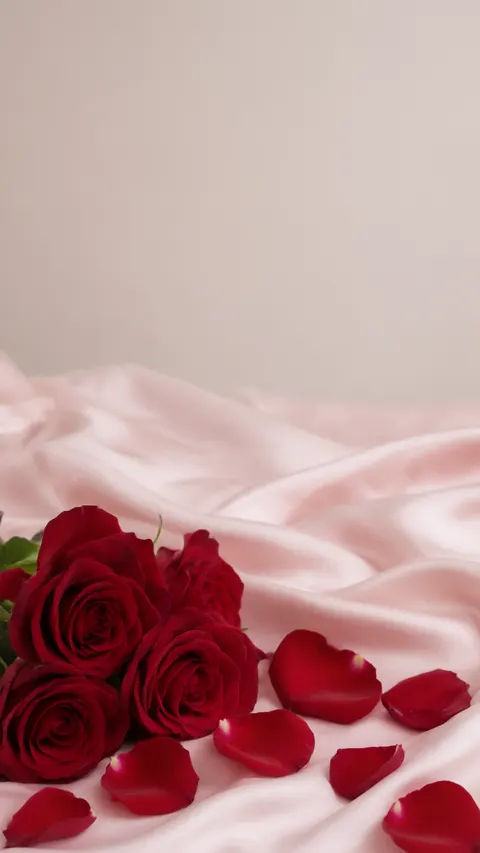 Red roses on pink silkPhone · 1536 × 2730 JPG · Qwen Image 3.0Download
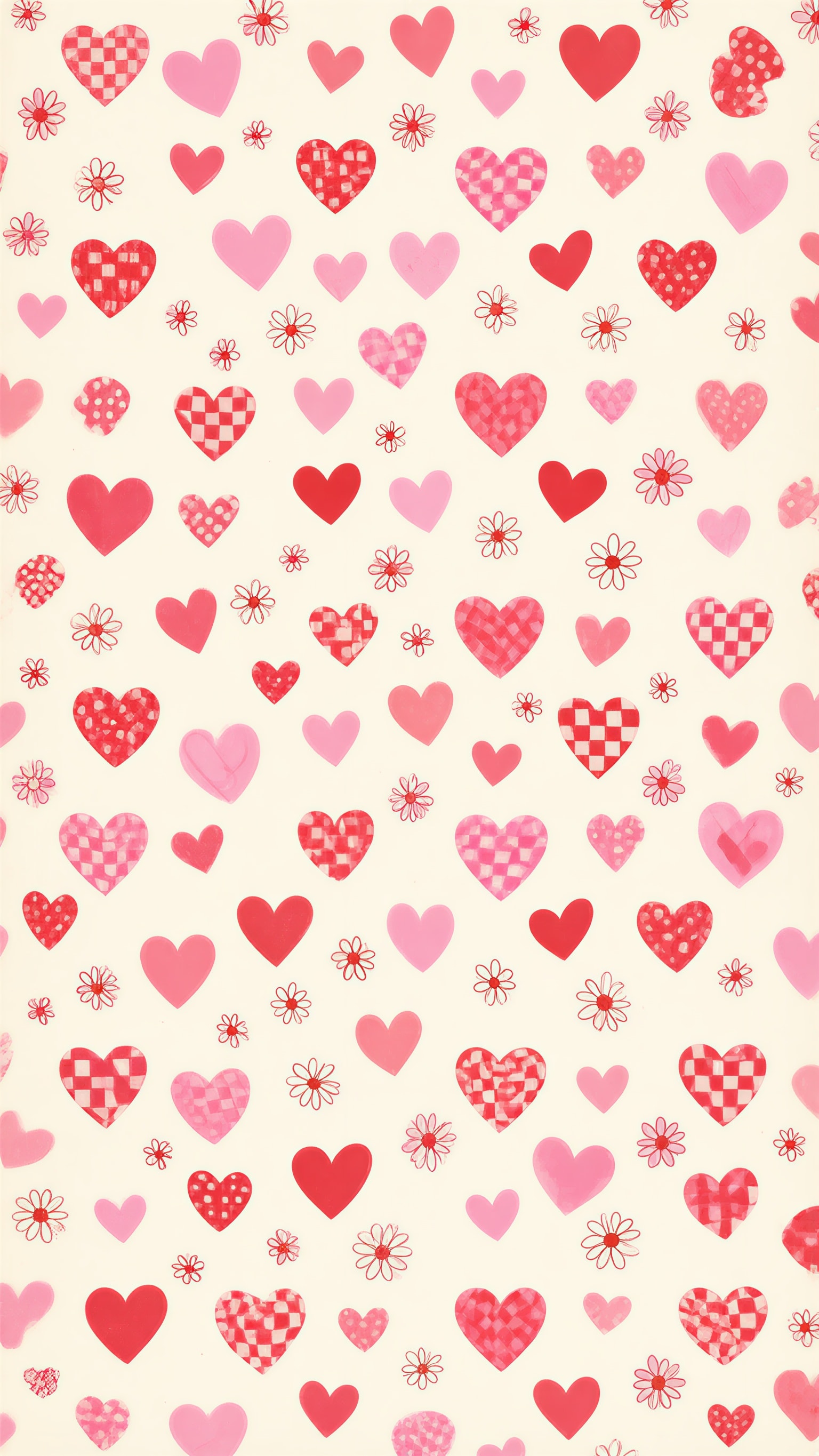
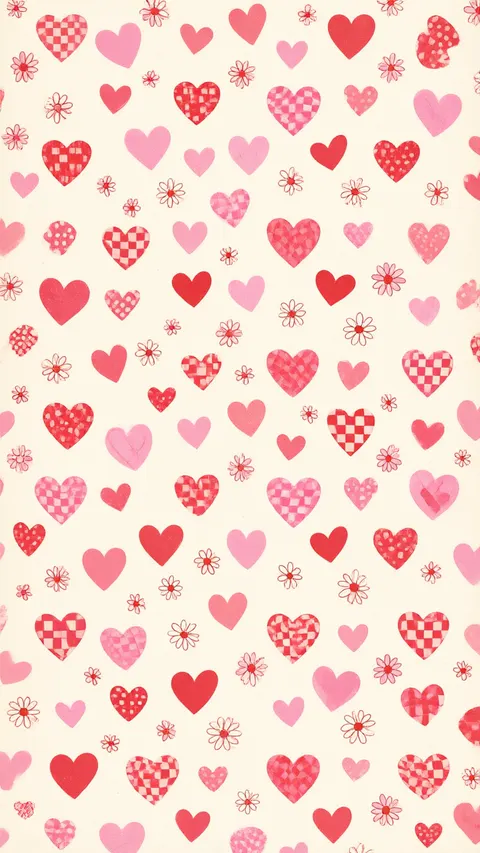 Retro heart patternPhone · 1536 × 2730 JPG · Qwen Image 3.0Download
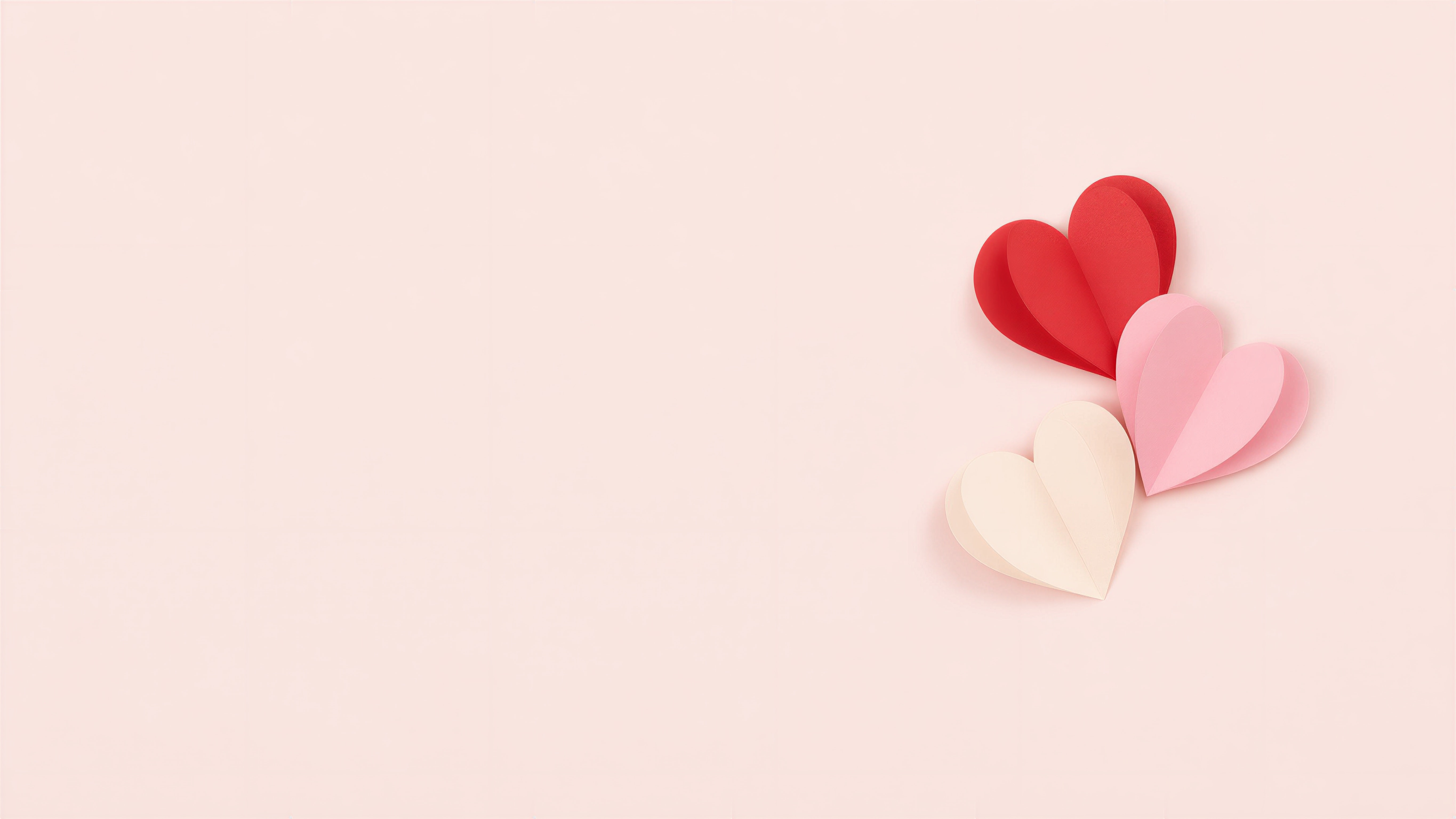
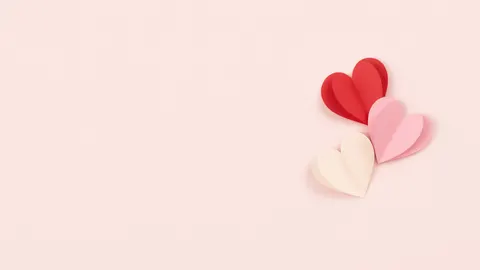 Paper-cut hearts, minimal pastelDesktop · 5461 × 3072 JPG · Qwen Image 3.0Download
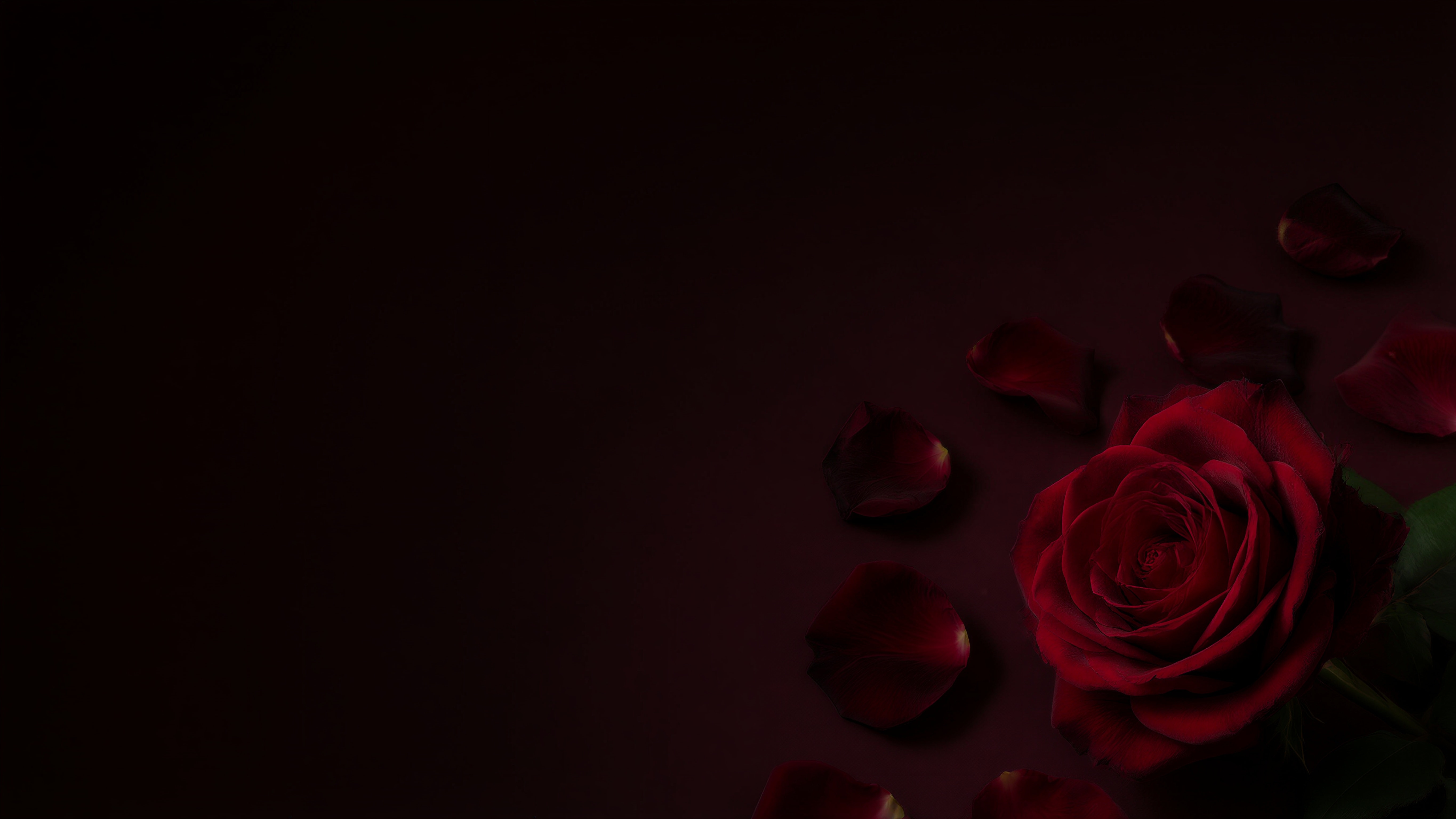
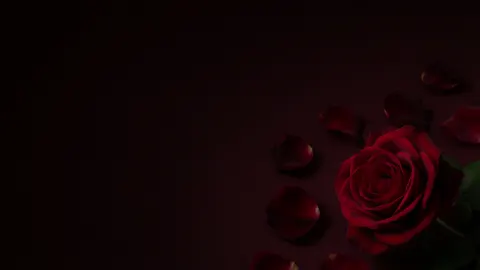 Dark rose and petalsDesktop · 5461 × 3072 JPG · Qwen Image 3.0Download
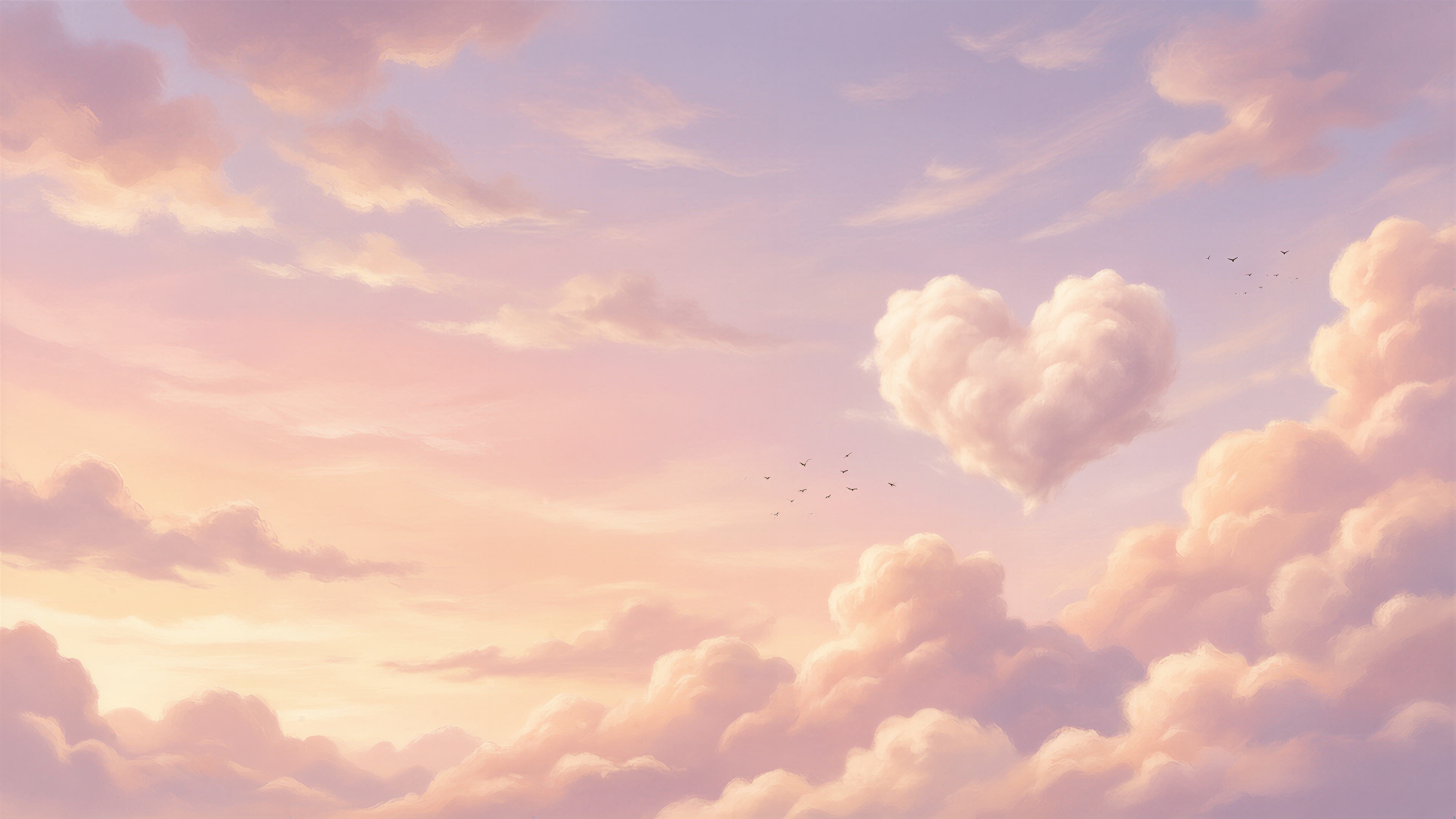
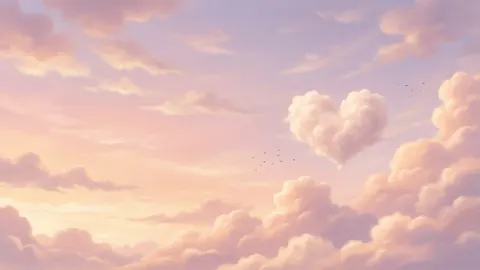 Heart-shaped cloud at sunsetDesktop · 5461 × 3072 JPG · Qwen Image 3.0Download
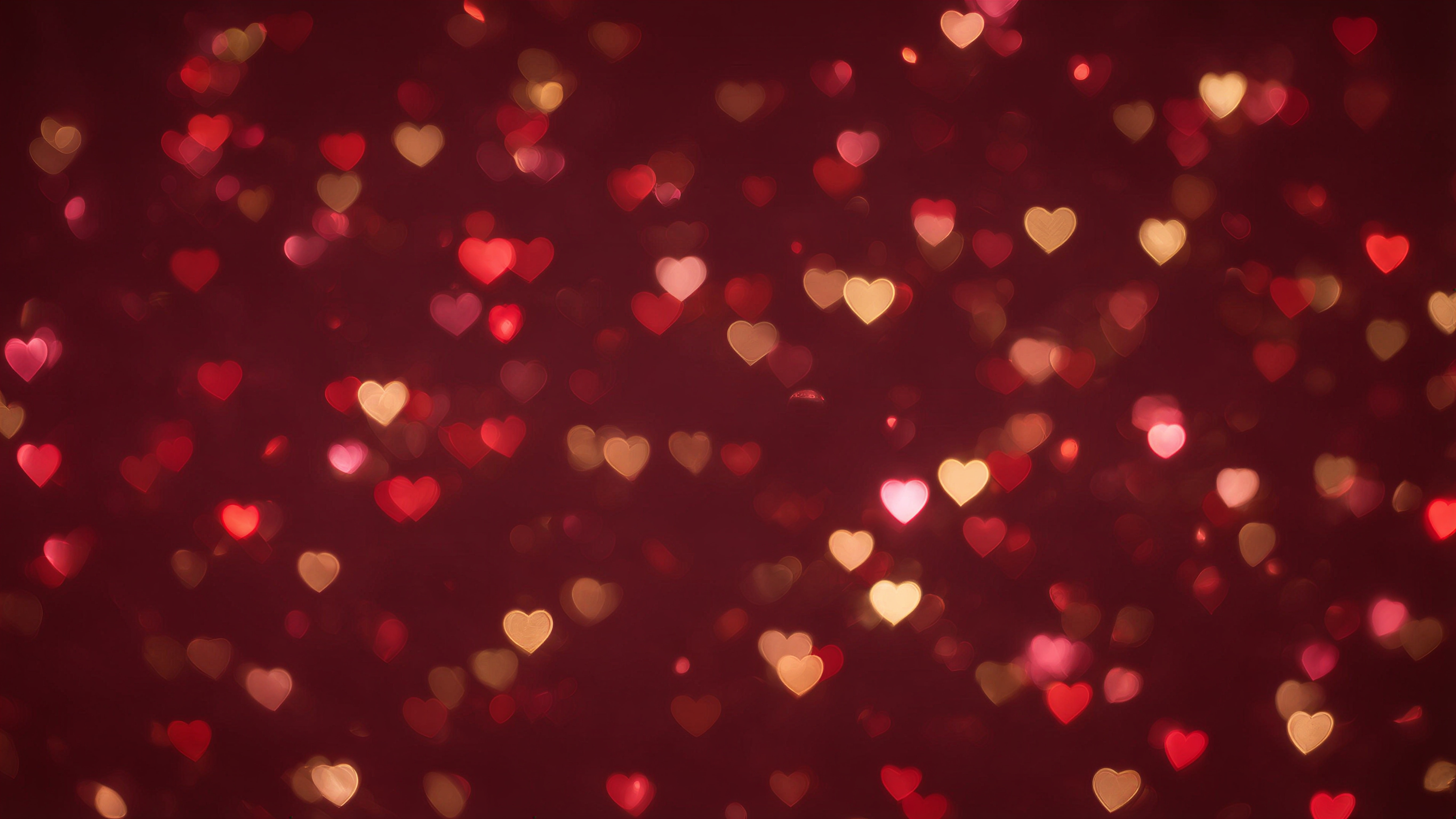
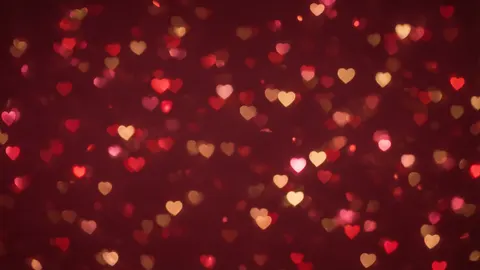 Heart bokeh lightsDesktop · 5461 × 3072 JPG · Qwen Image 3.0Download
How to
How to use the valentine wallpaper
- Time needed
- Steps
- 4 steps
Step 1
Download one, or open the generator
Download a wallpaper below the gallery, or press “Make my Valentine wallpaper”. Image Studio opens with Qwen Image 3.0 and the pastel hearts prompt. Sign in with Google, GitHub or Discord for starter credits.
Step 2
Pick a style and your screen's size
Keep the pastel hearts or paste a prompt from the gallery or the ideas table. Set the size: 9:16 or 9:21 for a phone, 16:9 for a desktop, 21:9 for an ultrawide.
Step 3
Create and check the clock area
Press Create. Check that the top of a lock screen is plain and the hearts or roses sit clear of the icons; if not, say where they go and run it again.
Step 4
Upscale and set it
For a sharp phone or a 4K monitor, open it in the Image Upscaler (2K, 4K or 8K). Download it and set it as your lock screen, home screen or desktop.
See it in the app

Open Image Studio and type what you want to see — subject, style, lighting and mood.


Watch the tour · 1:23
Prompts, styles, references, edit, Arena & chat
Chapters
Tips
Get a Valentine wallpaper that fits your screen
A wallpaper fails in three places: the shape, the clock, and the icons.
Pick the size before you press Create — Image Studio opens on Square 1:1. 9:16 or 9:21 for phones, 16:9 or 21:9 for desktops.
Keep the top third of a lock screen plain so the clock, date and widgets stay readable — like the cream sky above the pastel hearts.
Home screens are covered in icons: a pattern, a dark background or one small heart works better than a busy scene.
Dark wallpapers keep white app labels readable and suit OLED phones; one thin glowing shape stays calm behind a full grid of icons.
On a desktop, say which side stays plain — “the left half calm and plain for desktop icons” — so files don't sit on the subject.
End with “no text”. Write “pale pink”, never “baby pink” — the prompt filter blocks the word inside the color name.
Models
Models for Valentine wallpapers
What each model is good at. Open any one straight in the generator.
- Free plan
Alibaba
Qwen Image 3.0
- Reference images
- Up to 3
- Output
- 1K or 2K · 15 ratios incl. 9:21, 21:9
Open Qwen Image 3.0Best for
Made all 8 wallpapers · free plan

OpenAI
GPT Image 2.5 Sunburst
- Reference images
- Up to 16
- Output
- 1K to 4K · 15 ratios
Open GPT Image 2.5 SunburstBest for
Made at 4K · “love” and name lettering
ByteDance
Seedream 5.5
- Reference images
- Up to 10
- Output
- 1K / 1.5K / 2K · 15 ratios incl. 9:21
Open Seedream 5.5Best for
Cute, illustrated and pattern wallpapers
FAQ
Valentine Wallpaper questions
9 questions

Where can I download a Valentine wallpaper?
Right on this page. The downloads section has eight Valentine wallpapers made with Kenerate — four phone wallpapers at 1536 × 2730 and four desktop wallpapers at 5461 × 3072, as JPG files. Downloading them costs nothing and needs no account; making your own in Image Studio uses credits.
Link to this answerHow do I make my own Valentine wallpaper?
Describe it in Image Studio — pastel hearts, a dark neon heart, red roses, a heart-shaped cloud — say which part stays plain, pick your screen's size and press Create. The button on this page opens Qwen Image 3.0 with the pastel hearts prompt filled in; every wallpaper in the gallery opens with its own prompt.
Link to this answerIs it free to make a Valentine wallpaper?
Free to start. Sign in with Google, GitHub or Discord — no card — and a new account gets 25 credits. Qwen Image 3.0 is on the free plan at 9 credits an image at 1K or 2K, so the starter credits make two wallpapers. GPT Image 2.5 Sunburst, Seedream 5.5 and the Image Upscaler (3 credits a run) use credits from one-time packs; the Starter pack is $15 for 1,300 credits.
Link to this answerWhat size is a Valentine wallpaper for iPhone?
Pick 9:16, or the extra-tall 9:21 on Qwen Image 3.0, GPT Image 2.5 Sunburst or Seedream 5.5. Recent iPhones are taller than 9:16, so iOS crops the sides of a 9:16 picture to fill the screen — keep the hearts near the centre and the top third plain for the clock. The phone downloads here are 1536 × 2730 (9:16) and fit Android phones too.
Link to this answerCan I get a Valentine desktop wallpaper in 4K?
Yes. The four desktop wallpapers here are 5461 × 3072, larger than a 3840 × 2160 4K screen; they were made at 1365 × 768 and upscaled with the Image Upscaler at its 4K setting. For your own, make it at 4K on GPT Image 2.5 Sunburst (21 credits), or upscale any wallpaper to 4K or 8K for 3 credits a run.
Link to this answerHow do I get an aesthetic or dark Valentine wallpaper?
Name the palette, not just “aesthetic”: “soft pale pink and cream, glossy pastel hearts, tiny gold stars” for pastel; “deep black, one thin glowing red line heart” for dark minimal; “cherry red, bubblegum pink and cream, 1970s pattern” for retro; “pink, peach and lilac sunset sky” for dreamy. Keep one subject and lots of plain space.
Link to this answerCan I use these as a Valentine's background for Zoom or a design?
Yes. The desktop files are 16:9, the shape of a video call, and the paper hearts, heart cloud and bokeh leave plain space for you or for text. For a call, set the image as your virtual background in the app; for a flyer or post, place your words over the plain area. Making your own background works the same way: say where the empty space goes.
Link to this answerWhen is Valentine's Day 2027?
Valentine's Day is 14 February every year; in 2027 it falls on a Sunday. Set the wallpaper on 1 February and it carries you through the month.
Link to this answerHow is this different from the AI wallpaper generator?
This page is for Valentine's wallpapers on your own phone and computer: eight downloads, Valentine prompts, screen shapes, the clock and icons, and 4K. The AI wallpaper generator covers wallpapers in any theme all year.
Link to this answerIn depth
Valentine Wallpaper, explained
What works, what to avoid, and how to pick a model.
On this page
How we made the eight Valentine wallpapers
Every wallpaper is a first-try output of Qwen Image 3.0 at 768 × 1365 (phone) or 1365 × 768 (desktop), from the prompt shown with it. The downloads are the same pictures run through the Image Upscaler: 2K for phones (1536 × 2730) and 4K for desktops (5461 × 3072). What we kept as it came: the dark wallpaper's heart is one loose line with a small loop at the top and an open tail at the bottom, and the retro pattern put its checks inside the hearts rather than as separate wavy checks.
Valentine wallpaper styles and the words that make them
A style is a palette plus a few mood words:
- Aesthetic pastel: “soft pale pink and cream, glossy pastel hearts, tiny gold stars, dreamy soft light”.
- Dark minimal: “deep black, one thin glowing red line heart, soft bloom, lots of empty dark space”.
- Romantic: “deep red roses and petals on pale pink silk, soft window light”.
- Retro: “cherry red, bubblegum pink and cream, 1970s pattern of hearts and daisies”.
- Dreamy: “pastel sunset sky in pink, peach and lilac, a heart-shaped cloud”.
- Bokeh: “out-of-focus heart-shaped lights in red, pink and gold on deep wine red”.
Valentine's backgrounds for calls, posts and designs
The same pictures work as Valentine's backgrounds. The four desktop files are 16:9 — the shape of Zoom, Teams and Google Meet backgrounds and of a slide — and three of them (paper hearts, heart cloud, bokeh) keep a wide plain area for a face or for text. For a square post, make it at 1:1; for a story, use a phone wallpaper.
Keep the clock and icons clear
A wallpaper is mostly covered. On a lock screen the clock, date and widgets sit across the top third; on a home screen the icons cover almost everything and the dock covers the bottom; on a desktop the icons line the left (Windows) or right (Mac) edge.
Say where the calm area goes in the prompt — “the top third calm and plain”, “lots of empty space”, “the left half calm and plain for desktop icons” — and keep the subject near the centre, because phones crop the sides.
By the Kenerate AI teamLast updated and reviewed
We build and run the Kenerate generator. Every example is a real output of the model named under it; models and presets were checked against the app's code.
Sources: US Copyright Office — Copyright and Artificial Intelligence (Part 2: Copyrightability, 29 January 2025) · Kenerate AI — Terms of Service · Kenerate Image Studio · Kenerate Image Upscaler (2K, 4K, 8K)