

Sale posters · web banners · story sizes · readable text
Black Friday Poster Maker
Make a Black Friday or Cyber Monday poster, web banner or story with the sale wording written into the image. Pick the Print preset for a 2:3 poster at 4K, or a 16:9 banner or 9:16 story for social.
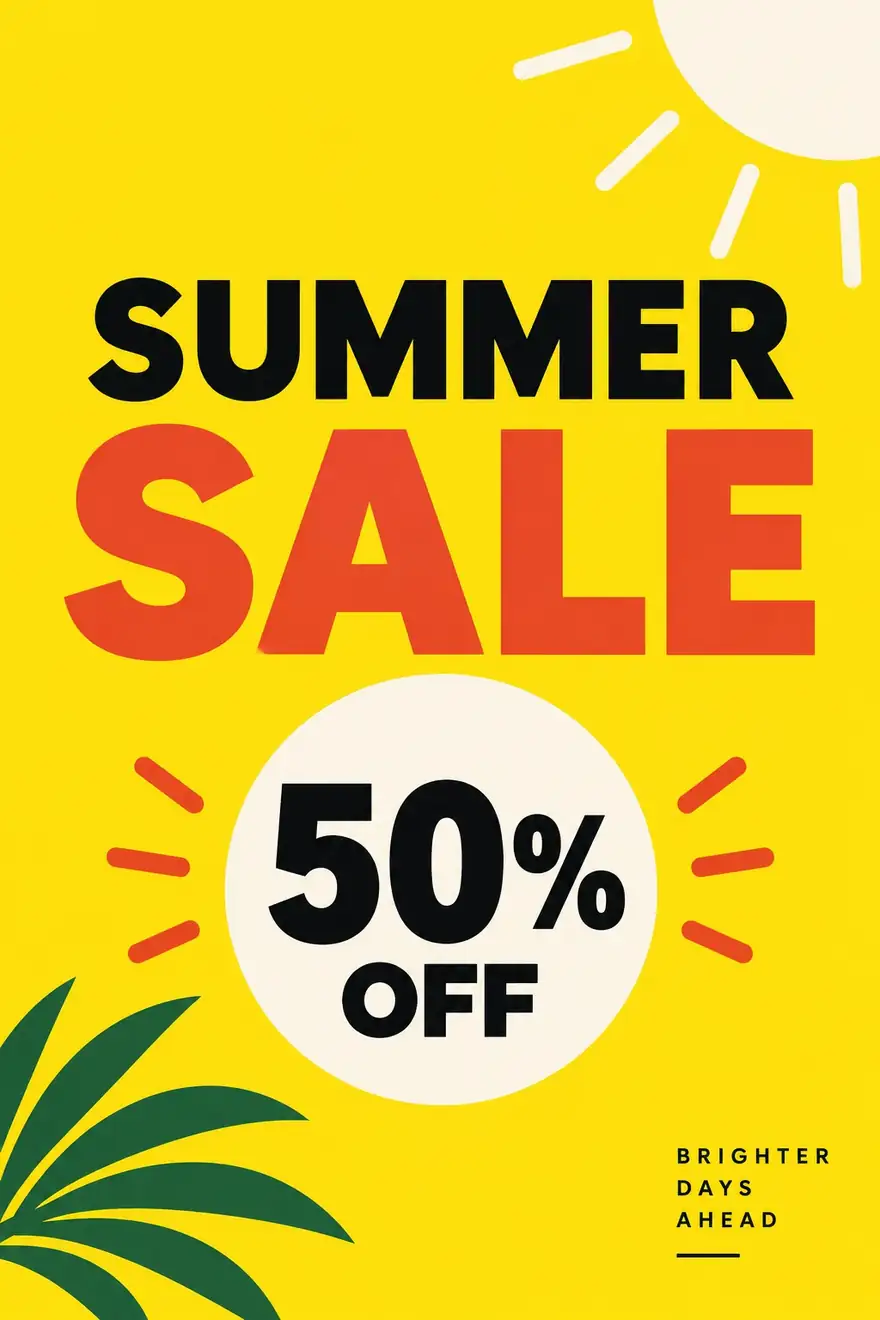
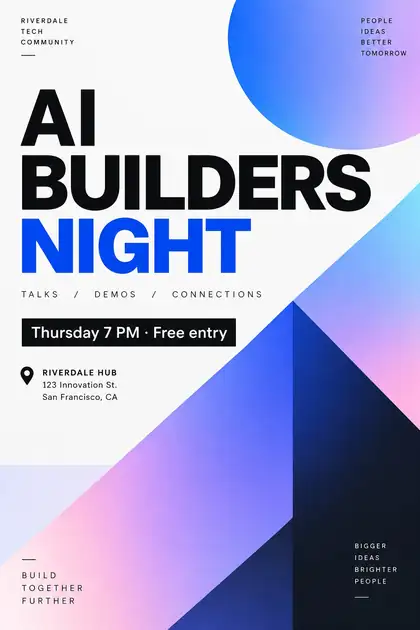
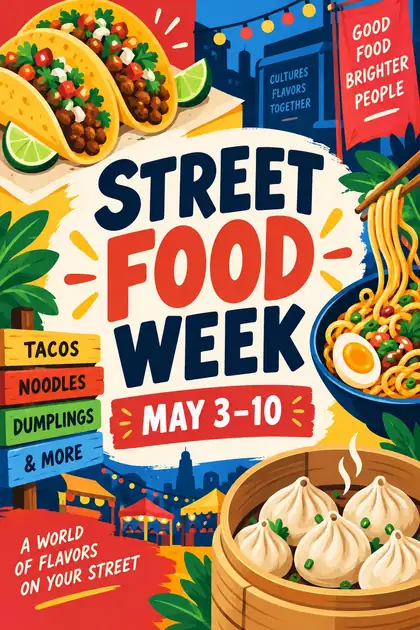
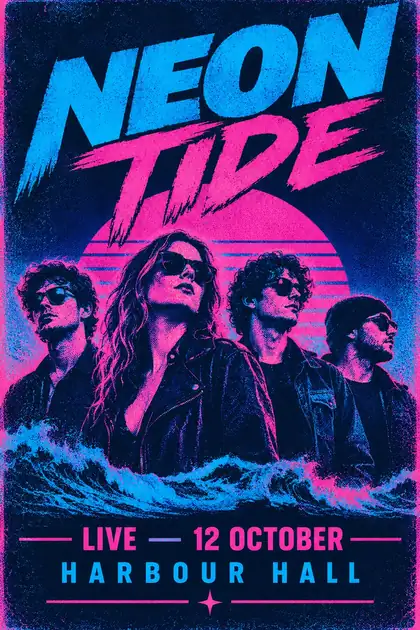
- Real text in the image
- Print 2:3 at 4K
- Banner 16:9 and story 9:16
- No watermark
Updated by the Kenerate AI team




Made with Kenerate
On this page
Quick answer

What is a Black Friday poster maker?
A Black Friday poster maker turns a short brief into a sale poster or banner with the wording already in the image: the sale line, the date and the call to action. Kenerate AI uses GPT Image 2.5 Sunburst for text-heavy sale graphics, with a Print preset at 2:3 and 4K, 16:9 banners and 9:16 stories. Black Friday falls on 27 November 2026.
Key facts
- Best for sale text
- GPT Image 2.5 Sunburst · GPT Image 2
- Print preset
- 2:3 at 4K
- Banner
- 16:9 (web and YouTube headers)
- Story / Reel
- 9:16
- Credits from
- 7.2 per image (GPT Image 2.5, medium 1K)
- Max references
- Up to 16 (GPT Image 2.5 Sunburst)
- Watermark
- None
Gallery
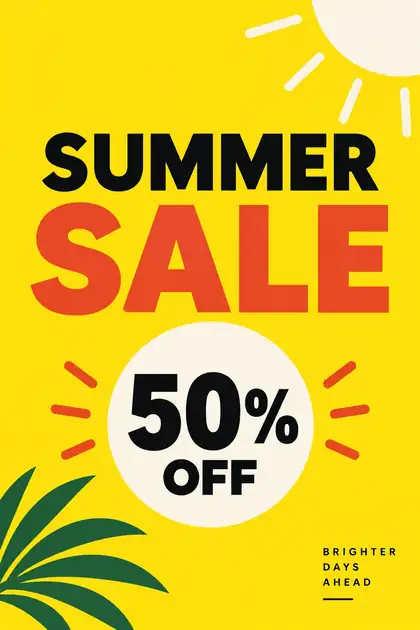
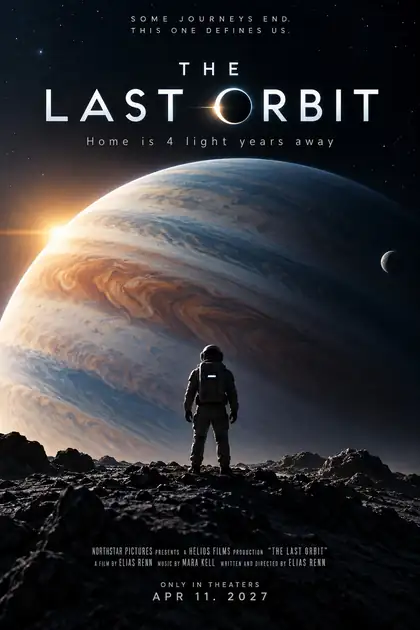
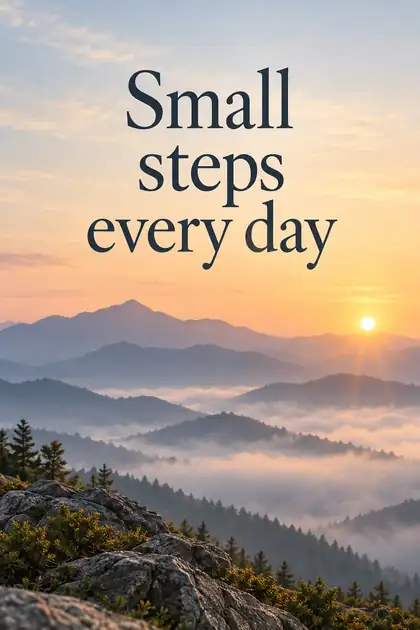
Poster examples with real text
Real GPT Image 2 outputs at medium quality, 1K. Every title, date and line of sale copy was generated in the image, not added afterwards.
How to
How to use the black friday poster maker
- Time needed
- Steps
- 4 steps
Step 1
Pick the format
2:3 with the Print preset for a poster, 16:9 for a web banner, 9:16 for a story or Reel.
Step 2
Pick a text-savvy model
GPT Image 2.5 Sunburst or GPT Image 2 in the Image Studio.
Step 3
Write the sale copy
Headline, offer and date in quotes, where each goes, and the visual style.
Step 4
Check and download
Proofread the numbers and dates, then download without a watermark.
See it in the app

Open Image Studio and type what you want to see — subject, style, lighting and mood.


Watch the tour · 1:23
Prompts, styles, references, edit, Arena & chat
Chapters
Tips
How to get clean sale text
What worked in our tests.
Put every word in quotes: 'BLACK FRIDAY', '40% OFF', 'ENDS 30 NOV'.
Keep the offer short: one headline, one discount line, one date.
Say where the text goes: headline at the top, date and button at the bottom.
Name the size first: 2:3 for print, 16:9 for a web banner, 9:16 for a story.
Use your own real offer. Write the exact percentage and end date yourself.
Proofread every number and date before you publish.
Models
Which model to use for sale posters and banners
What each model is good at. Open any one straight in the generator.

OpenAI
GPT Image 2.5 Sunburst
- Reference images
- Up to 16
- Output
- 1K–4K
Open GPT Image 2.5 SunburstBest for
Precise text for sale graphics
OpenAI
GPT Image 2
- Reference images
- Up to 16
- Output
- 1K–4K
Open GPT Image 2Best for
Most reliable text in our tests
Google
Nano Banana 2.1
- Reference images
- Up to 14
- Output
- Up to 4K
Open Nano Banana 2.1Best for
Keeps your product exact from a photo
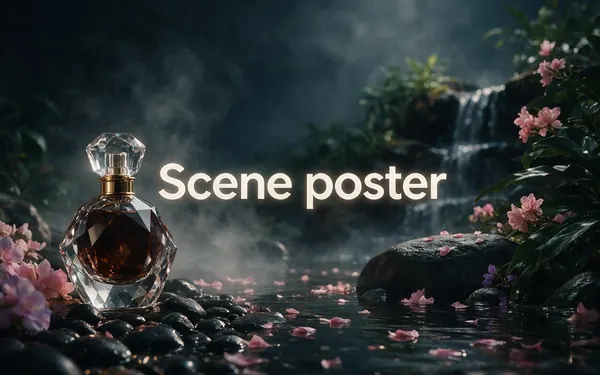
Marketing Studio · Posters
Scene poster
- Reference images
- 1–9 product photos
- Output
- 4:5
Open Scene posterBest for
Your real product in a ready-made scene
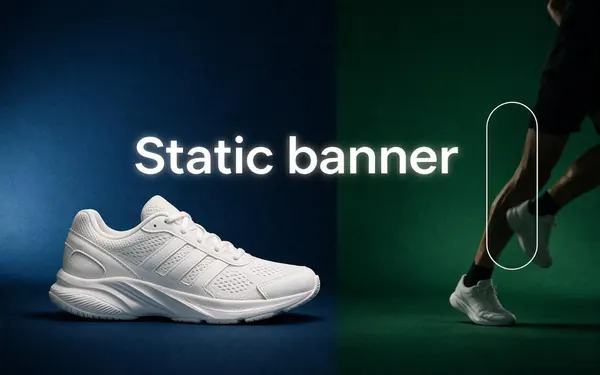
Marketing Studio · Posters
Static banner
- Reference images
- 1–9 product photos
- Output
- 1:1
Open Static bannerBest for
A product ad with a headline and button
FAQ
Black Friday Poster Maker questions
8 questions

What is a Black Friday poster maker?
A Black Friday poster maker is a tool that writes a sale headline, offer and date into a finished poster or banner from a text description. Kenerate AI runs GPT Image 2.5 Sunburst and GPT Image 2 for this, with a 2:3 Print preset at 4K, 16:9 banners and 9:16 stories.
Link to this answerWhat size is a Black Friday poster?
Use the Print preset, 2:3 at 4K, for a printed poster. 2:3 matches common poster sizes such as 24×36 and 12×18 inches. For a web banner use 16:9, and for an Instagram or TikTok story use 9:16.
Link to this answerIs there a free Black Friday poster maker?
A free Kenerate account can make images on the free models. GPT Image 2.5 Sunburst and GPT Image 2 use credits, and each image shows its price before you generate it. Downloads have no watermark.
Link to this answerHow much does a Black Friday poster cost to make?
A GPT Image 2.5 Sunburst image at medium quality and 1K costs 7.2 credits. GPT Image 2 costs 18 credits at the same setting and 54 at 4K. Prices come from the model settings in the app and can change.
Link to this answerCan I use a product photo in a sale poster?
Yes. In the Marketing Studio, the Scene poster and Static banner styles place your real product photo in a finished ad with a headline and button. Nano Banana 2.1 can also keep a product exact from a reference photo.
Link to this answerCan I use AI sale posters for my shop?
Yes, as long as the offer, prices and dates are your own and true. Do not claim a discount you do not give, and do not copy a real brand's logo or a real person's face into your poster.
Link to this answerIn depth
Black Friday Poster Maker, explained
What works, what to avoid, and how to pick a model.
On this page
Black Friday and Cyber Monday design: what to put on the poster
Sale graphics do best when the offer reads in a second. Keep the headline to a few words, the discount as a single number, and the end date close to the button.
- Headline: the sale name, such as BLACK FRIDAY or CYBER MONDAY.
- Offer: one number, such as 40% OFF, or one clear deal.
- Date: the day it ends, such as ENDS 30 NOV. Black Friday is 27 November 2026.
- Button or link: SHOP NOW, or the URL where people buy.
Keep the text honest
AI images can add small extra words or a wrong number. Read every line before you publish, and keep the discount, the terms and the date identical to your store's offer page.
By the Kenerate AI teamLast updated and reviewed
We build and run the Kenerate generator. Every example is a real output of the model named under it; models and presets were checked against the app's code.
