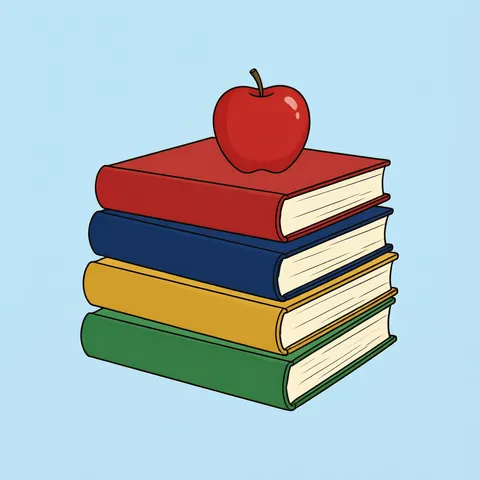
Book stack · open book · storybook · cute book · reading set · Happy Reading banner · transparent PNG
Book clipart as transparent PNGs
Describe the books — a stack of hardcovers with an apple, one open book, a storybook spilling stars, a cute waving book, glasses and tea on a pile of paperbacks, a “Happy Reading” banner — and get an original image on a plain background. One more step in Remove BG cuts it out as a transparent PNG for worksheets, library posters, newsletters and slides.
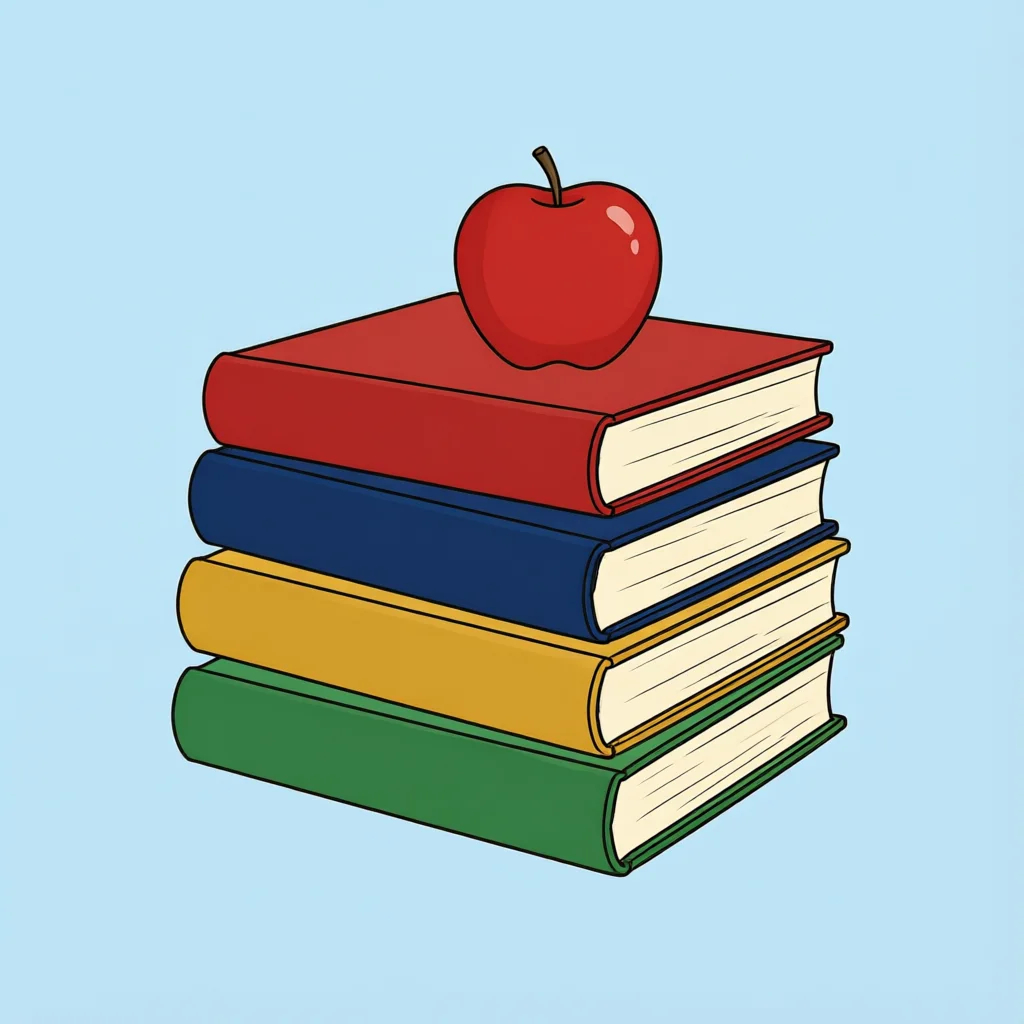
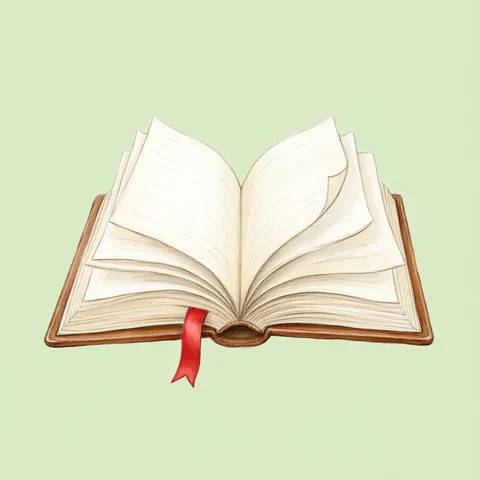
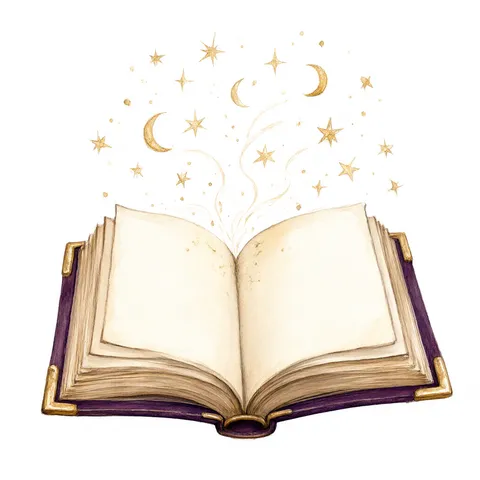
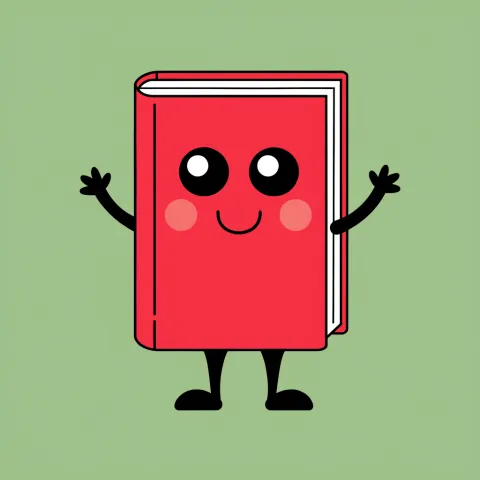
- 6 real examples, each cut out
- Flat vector, cartoon, watercolor or lettering
- Transparent PNG in one step
- Free-plan models, starter credits on sign-up
Updated by the Kenerate AI team




Made with Kenerate
{throw Error("Attempted to call IG_BASE() from the server but IG_BASE is on the client. It's not possible to invoke a client function from the server, it can only be rendered as a Component or passed to props of a Client Component.")}/bkclip-stack-cut-chk-sm.webp)
{throw Error("Attempted to call IG_BASE() from the server but IG_BASE is on the client. It's not possible to invoke a client function from the server, it can only be rendered as a Component or passed to props of a Client Component.")}/bkclip-open-cut-chk-sm.webp)
{throw Error("Attempted to call IG_BASE() from the server but IG_BASE is on the client. It's not possible to invoke a client function from the server, it can only be rendered as a Component or passed to props of a Client Component.")}/bkclip-magic-cut-chk-sm.webp)
{throw Error("Attempted to call IG_BASE() from the server but IG_BASE is on the client. It's not possible to invoke a client function from the server, it can only be rendered as a Component or passed to props of a Client Component.")}/bkclip-cute-cut-chk-sm.webp)
{throw Error("Attempted to call IG_BASE() from the server but IG_BASE is on the client. It's not possible to invoke a client function from the server, it can only be rendered as a Component or passed to props of a Client Component.")}/bkclip-reading-cut-chk-sm.webp)
{throw Error("Attempted to call IG_BASE() from the server but IG_BASE is on the client. It's not possible to invoke a client function from the server, it can only be rendered as a Component or passed to props of a Client Component.")}/bkclip-banner-cut-chk-sm.webp)
On this page
Quick answer

How do I make book clipart with a transparent background?
To make book clipart, describe the books — a stack of hardcovers, an open book — name the style and end with “isolated on a plain flat light blue background, no shadow, no text”: the blue keeps the cream pages. Qwen Image 3.0 (free plan, 9 credits) made four of the six examples below; Remove BG turned each into a transparent PNG with Kenerate Cutout (1.2 credits) or Cutout HD (3 credits).
Key facts
- Examples on this page
- 6 — book stack, open book, storybook with stars, cute book, reading set, “Happy Reading” banner
- Made with
- Qwen Image 3.0 (4) · Recraft V4.1 (cute book) · GPT Image 2.5 Sunburst (banner)
- Transparent PNG
- Remove BG · Kenerate Cutout for flat shapes, Cutout HD for watercolor pages and glasses
- Pages
- Drawn on light blue or pale green, so the cut-out keeps the cream pages
- Titles
- Write “no text, no titles” — covers stay blank for your own words
- Use
- Kenerate claims no ownership of outputs; commercial use allowed under the Terms
- Reading dates
- World Book Day 23 April · National Library Week in April
Book clipart ideas
More book clipart ideas: the prompt, the style and a tip
Copy a prompt into Image Studio, keep “isolated on a plain … background, no shadow, no text” at the end, then cut it out in Remove BG for a transparent PNG.
| Clipart | Style | Prompt | Tip |
|---|---|---|---|
| Single closed book | Flat vector | Book clipart of one closed red hardcover book standing slightly open at an angle, cream pages visible, flat vector illustration, bold clean outlines, isolated on a plain flat light blue background, no shadow, no text, no titles | One book per image is easiest to use as a bullet point or an icon |
| Bookshelf | Flat vector | Book clipart of a short wooden bookshelf with a row of colorful books, two leaning books and a small potted plant at one end, flat vector, bold clean outlines, isolated on a plain flat light blue background, no shadow, no text, no titles | Ask for “no titles” or the spines fill with made-up words |
| Black and white book | Line art | Book clipart of an open book with a few closed books stacked behind it, black and white line art, bold clean black outlines, no shading, no grey, isolated on a plain pure white background, no text | Line art stays on white — there are no white areas to lose; doubles as a coloring sheet |
| Book with a bookmark and coffee | Watercolor | Book clipart of one open book lying flat with a red ribbon bookmark, a cup of coffee and two autumn leaves beside it, soft watercolor illustration, isolated on a plain pale blue background, no shadow, no text | Cutout HD keeps the soft watercolor edges and the steam |
| Book with a graduation cap | Flat vector | Book clipart of a stack of three books with a black graduation cap and a rolled diploma tied with a red ribbon on top, flat vector, bold clean outlines, isolated on a plain flat light blue background, no shadow, no text, no titles | Good for graduation invitations, award certificates and yearbooks |
| Book worm | Cute cartoon | Book clipart of a cute cartoon green worm wearing round glasses peeking out of a hole in a red apple resting on an open book, flat vector, bold clean outlines, isolated on a plain flat light blue background, no shadow, no text | A classic library and classroom mascot |
| Open book with a castle | Watercolor | Book clipart of an open storybook with a small castle, trees and a winding path rising out of its pages like a pop-up, soft watercolor illustration, isolated on a plain pale blue background, no shadow, no text | Fantasy and fairy-tale themes for book fair flyers |
| “Read More” lettering | Lettering | Book clipart of the words “Read More” in bold navy hand-lettered script above a small stack of colorful books, flat vector, isolated on a plain pure white background, no shadow, no other text | Use GPT Image 2.5 Sunburst and read every letter |
Gallery
Book clipart: 6 real examples, cut out
Each pair is the image as the model made it and the transparent PNG after Remove BG, shown on a checkerboard. Open one to compare the two and copy the prompt.
How to
How to use the book clipart
- Time needed
- Steps
- 4 steps
Step 1
Open the generator
Press “Make my book clipart”. Image Studio opens with Qwen Image 3.0 and the book-stack prompt. Sign in with Google, GitHub or Discord for starter credits.
Step 2
Pick the books and a style
Keep the stack or paste a prompt from the table — a bookshelf, a book worm, a graduation stack, a banner. Keep the plain-background words at the end.
Step 3
Create and check it
Press Create. Check the pages, the covers and any words; run it again if a title or shadow crept in.
Step 4
Make it a transparent PNG
Open the image in Remove BG and run Kenerate Cutout (Cutout HD for watercolor or glasses), then download the PNG and drop it into your worksheet, poster or slide.
See it in the app

Open Image Studio and type what you want to see — subject, style, lighting and mood.


Watch the tour · 1:23
Prompts, styles, references, edit, Arena & chat
Chapters
Tips
Get book clipart that cuts out clean
Clipart lives or dies on a plain background and clear outlines — and books have pale pages.
Book pages are cream or white, so ask for “a plain flat light blue background” (or pale green) — on white the pages can be cut away with the background.
Write “no text, no titles” — otherwise the covers and spines fill with made-up words.
Use Cutout HD for watercolor books and for glasses: it handled the lenses over the reading set here. Plain Cutout is enough for flat vector stacks.
Loose sparkles and stars survive the cut-out when they are solid shapes, as on the storybook here; very faint swirls may fade.
Name the cover colors (“red, navy blue, mustard yellow and green”) so a stack looks planned, not random.
For a “Happy Reading” or “Read More” banner use GPT Image 2.5 Sunburst and read every letter.
Models
Models for book clipart
What each model is good at. Open any one straight in the generator.
- Free plan

Alibaba
Qwen Image 3.0
- Reference images
- Up to 3
- Output
- 1K or 2K · 1:1 and more
Open Qwen Image 3.0Best for
Made the stack, open book, storybook and reading set · free plan
Recraft
Recraft V4.1
- Output
- 5 ratios
Open Recraft V4.1Best for
Made the cute book · flat shapes, bold outlines

OpenAI
GPT Image 2.5 Sunburst
- Reference images
- Up to 16
- Output
- 1K to 4K
Open GPT Image 2.5 SunburstBest for
Made the “Happy Reading” banner · lettering
- Free plan

Black Forest Labs
Flux 2 Dev
- Reference images
- Up to 3
- Output
- Up to 2048 px
Open Flux 2 DevBest for
Free plan · cheapest drafts
OpenAI
GPT Image 1.5
- Reference images
- Up to 10
- Output
- 1024 × 1024 · 1024 × 1536 · 1536 × 1024
Open GPT Image 1.5Best for
Transparent background option · PNG straight out of the model
FAQ
Book Clipart questions
8 questions

How do I make my own book clipart?
Describe the books in Image Studio — a stack of hardcovers, an open book, a storybook, a bookshelf — name the style and end the prompt with “isolated on a plain flat light blue background, no shadow, no text”. The button on this page opens Qwen Image 3.0 with the book-stack prompt; then cut the result out in Remove BG.
Link to this answerIs this book clipart free?
Free to start. Sign in with Google, GitHub or Discord — no card — and a new account gets 25 credits. Qwen Image 3.0 is on the free plan at 9 credits an image and Flux 2 Dev at 3, and a Kenerate Cutout costs 1.2 credits, so the starter credits cover two finished PNGs.
Link to this answerHow do I get book clipart as a PNG with a transparent background?
Make the clipart on a plain background, open it in Remove BG and run Kenerate Cutout (1.2 credits) or Cutout HD (3 credits, better for watercolor pages and glasses), then download the PNG. Or pick GPT Image 1.5 and turn on its transparent background option (12 credits): the PNG comes straight out of the model.
Link to this answerWhy put book clipart on a blue background?
Because book pages are cream or white. The stack and reading set here were made on light blue and the open book on pale green, and the cut-out removed the color and kept every page edge; on a white background pale pages can be removed with it.
Link to this answerHow do I stop made-up words on the covers?
Add “no text, no titles” to the prompt, as every book example here does. Then write your own title on the PNG in Edit Studio's text tool or in your design app.
Link to this answerCan I make an open book clipart?
Yes. Ask for “one open book seen from the front with its pages fanning up” and “blank pages”; the watercolor open book here came out that way on the first try and kept its red ribbon bookmark after Cutout HD.
Link to this answerCan I add “Happy Reading” or other words?
Yes. Put the exact words in quotes and use GPT Image 2.5 Sunburst, which made the “Happy Reading” banner here, then read every letter before you use it.
Link to this answerCan I use the clipart commercially?
Kenerate's Terms say Kenerate claims no ownership of what you generate and you may use it commercially, subject to the Terms and the law. Keep to generic books rather than real covers, titles or publisher logos, and note that the US Copyright Office's 2025 report ties copyright to human authorship, so a picture made only from a prompt may not be protected.
Link to this answerIn depth
Book Clipart, explained
What works, what to avoid, and how to pick a model.
On this page
How we made the six examples
Each example is a first try: four from Qwen Image 3.0, the cute book from Recraft V4.1 and the banner from GPT Image 2.5 Sunburst. Each was cut out in Remove BG — Kenerate Cutout for the flat stack, cute book and banner, Cutout HD for the watercolor open book, the storybook and the reading set with its glasses — and checked on a checkerboard. Between 66 % and 74 % of each PNG is fully transparent.
Where to use book clipart
A transparent PNG sits on any color, so one stack or one open book works across everything you make:
- Classroom worksheets, reading logs and newsletters — the stack with the apple and the cute book.
- Library posters, book fair flyers and reading-challenge charts — the storybook and the banner.
- Book club invitations and bookshop signs — the reading set with glasses and tea.
- Blog headers, slides and social posts about books — any of the six on a colored background.
- Graduation and award certificates — a book stack with a cap from the ideas table.
Book clipart through the year
Book clipart is needed all year, with peaks at back-to-school in August and September, National Library Week in April and World Book Day on 23 April (UNESCO's World Book and Copyright Day).
PNG or JPG for clipart?
PNG stores a full alpha channel, so the area around the books is truly empty and the clipart sits on any background. JPG has no transparency: save a cut-out as JPG and the empty area turns white or black.
If your design has a plain white page anyway, the original on white is fine. For colored backgrounds, photos or slides, cut it out first in Remove BG and keep it as PNG.
By the Kenerate AI teamLast updated and reviewed
We build and run Kenerate Image Studio and Remove BG. Every clipart here is a real first-try output of the model named under it, cut out with the Remove BG mode named in its caption (18 November 2026). Models, modes and limits were checked against the app's code.
Sources: US Copyright Office — Copyright and Artificial Intelligence (Part 2: Copyrightability, 29 January 2025) · W3C — Portable Network Graphics (PNG) Specification, Third Edition · UNESCO — World Book and Copyright Day (23 April) · Kenerate AI — Terms of Service · Kenerate Image Studio · Kenerate Remove BG