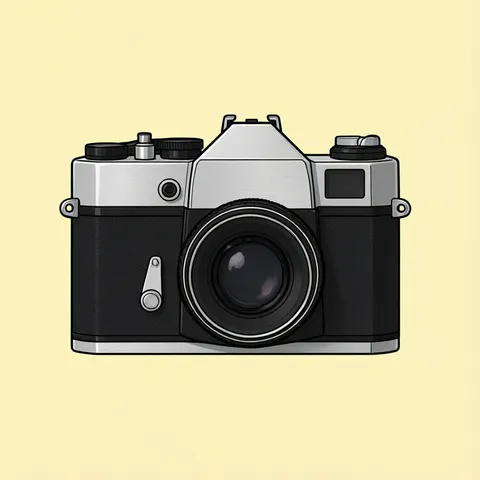
Film camera · instant camera · bellows camera · DSLR · cute camera · Say Cheese banner · transparent PNG
Camera clipart as transparent PNGs
Describe the camera — a silver-topped film camera, a pink instant camera with a photo sliding out, an antique bellows camera on a tripod, a black DSLR, a cute camera with a face, a “Say Cheese!” banner — and get an original, logo-free image on a plain background. One more step in Remove BG cuts it out as a transparent PNG for photo-booth signs, studio flyers, icons and slides.
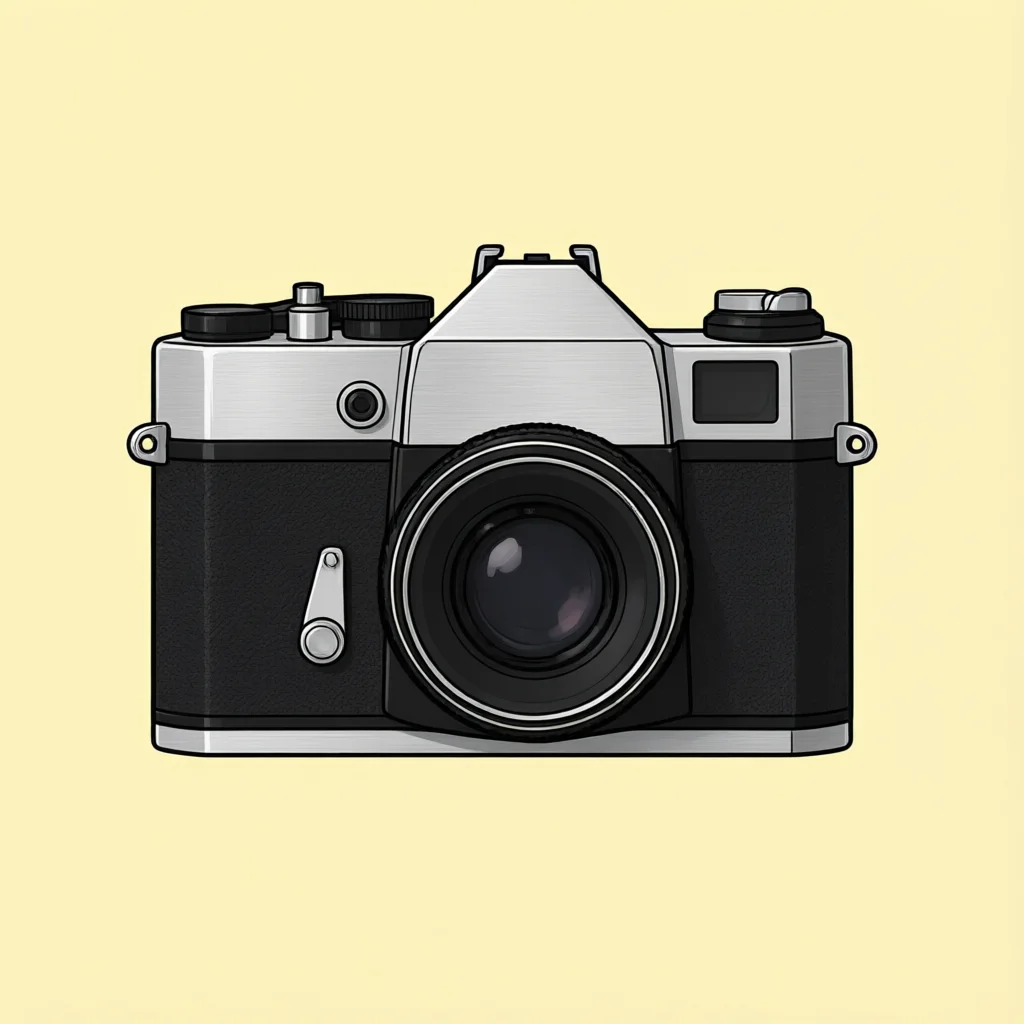
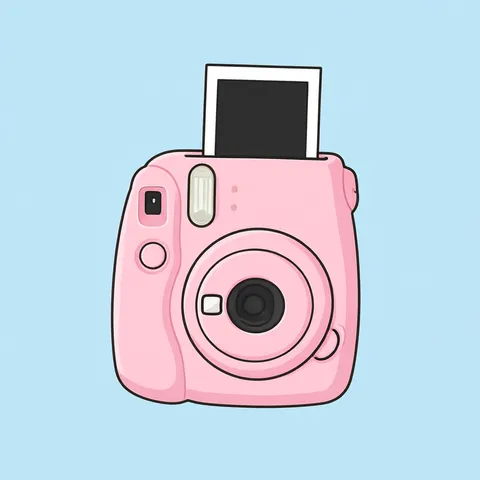
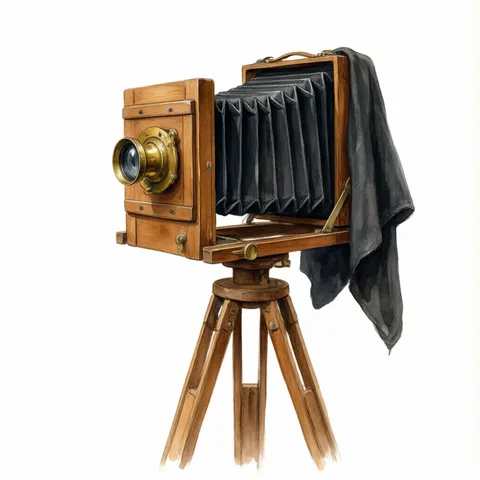
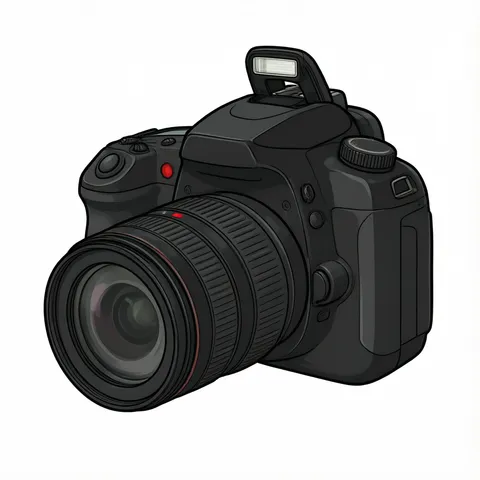
- 6 real examples, each cut out
- Flat vector, cartoon, watercolor or lettering
- Generic cameras, no logos
- Free-plan models, starter credits on sign-up
Updated by the Kenerate AI team




Made with Kenerate
{throw Error("Attempted to call IG_BASE() from the server but IG_BASE is on the client. It's not possible to invoke a client function from the server, it can only be rendered as a Component or passed to props of a Client Component.")}/cmclip-film-cut-chk-sm.webp)
{throw Error("Attempted to call IG_BASE() from the server but IG_BASE is on the client. It's not possible to invoke a client function from the server, it can only be rendered as a Component or passed to props of a Client Component.")}/cmclip-instant-cut-chk-sm.webp)
{throw Error("Attempted to call IG_BASE() from the server but IG_BASE is on the client. It's not possible to invoke a client function from the server, it can only be rendered as a Component or passed to props of a Client Component.")}/cmclip-bellows-cut-chk-sm.webp)
{throw Error("Attempted to call IG_BASE() from the server but IG_BASE is on the client. It's not possible to invoke a client function from the server, it can only be rendered as a Component or passed to props of a Client Component.")}/cmclip-dslr-cut-chk-sm.webp)
{throw Error("Attempted to call IG_BASE() from the server but IG_BASE is on the client. It's not possible to invoke a client function from the server, it can only be rendered as a Component or passed to props of a Client Component.")}/cmclip-cute-cut-chk-sm.webp)
{throw Error("Attempted to call IG_BASE() from the server but IG_BASE is on the client. It's not possible to invoke a client function from the server, it can only be rendered as a Component or passed to props of a Client Component.")}/cmclip-banner-cut-chk-sm.webp)
On this page
Quick answer

How do I make camera clipart with a transparent background?
To make camera clipart, describe the camera — a film camera, an instant camera — name the style and end with “isolated on a plain flat pale yellow background, no shadow, no logos, no brand name”. Qwen Image 3.0 (free plan, 9 credits) made four of the six examples below; Remove BG turned each into a transparent PNG with Kenerate Cutout (1.2 credits) or Cutout HD (3 credits).
Key facts
- Examples on this page
- 6 — film camera, instant camera, bellows camera, DSLR, cute camera, “Say Cheese!” banner
- Made with
- Qwen Image 3.0 (4) · Recraft V4.1 (cute camera) · GPT Image 2.5 Sunburst (banner)
- Transparent PNG
- Remove BG · Kenerate Cutout for flat cameras, Cutout HD for the watercolor bellows camera
- Silver and white parts
- Film camera on pale yellow, instant camera on light blue — the silver top and photo border stayed
- Brands
- Every prompt says “no logos, no brand name”; none of the six shows one
- Use
- Kenerate claims no ownership of outputs; commercial use allowed under the Terms
Camera clipart ideas
More camera clipart ideas: the prompt, the style and a tip
Copy a prompt into Image Studio, keep “isolated on a plain … background, no shadow, no logos” at the end, then cut it out in Remove BG for a transparent PNG.
| Clipart | Style | Prompt | Tip |
|---|---|---|---|
| Camera icon | Flat icon | Camera clipart of a simple camera icon, rounded rectangle body, one circle lens and a small flash, solid black flat icon, no outline details, centered, isolated on a plain pure white background, no shadow, no text, no logos | Solid black icons cut out cleanly with plain Cutout and scale down to 32 px |
| Camera line art | Line art | Camera clipart of a vintage film camera with a neck strap, black and white line art, bold clean black outlines, no shading, no grey, isolated on a plain pure white background, no text, no logos | Line art stays on white; doubles as a coloring sheet |
| Retro camcorder | Flat vector | Camera clipart of a retro 1990s camcorder with a side handle strap, a fold-out screen and a red record light, flat vector, bold clean outlines, isolated on a plain flat pale yellow background, no shadow, no text, no logos, no brand name | Write “no brand name” — camcorders often come back with a made-up badge |
| Camera with a flash burst | Cute cartoon | Camera clipart of a cute red cartoon camera with a big yellow flash burst and small sparkles above it, flat vector, bold clean outlines, isolated on a plain flat light blue background, no shadow, no text, no logos | The flash burst reads as “photo booth” on party signs |
| Watercolor film camera | Watercolor | Camera clipart of a vintage rangefinder film camera with a brown leather strap, soft watercolor illustration, loose brush strokes, isolated on a plain pale blue background, no shadow, no text, no logos, no brand name | Cutout HD keeps the soft watercolor edges and the strap |
| Instant photos and camera | Flat vector | Camera clipart of a mint green instant camera with three blank instant photos fanned out beside it, flat vector, bold clean outlines, isolated on a plain flat light pink background, no shadow, no text, no logos | Blank photos leave room for your own pictures or words |
| Film roll and canister | Flat vector | Camera clipart of a 35mm film canister with a strip of film curling out of it, flat vector, bold clean outlines, isolated on a plain flat pale yellow background, no shadow, no text, no logos, no brand name | Pairs with the film camera on studio and darkroom flyers |
| “Smile!” lettering | Lettering | Camera clipart of the word “Smile!” in bold black hand-lettered script with a small camera and a flash burst beside it, flat vector, isolated on a plain pure white background, no shadow, no other text, no logos | Use GPT Image 2.5 Sunburst and read every letter |
Gallery
Camera clipart: 6 real examples, cut out
Each pair is the image as the model made it and the transparent PNG after Remove BG, shown on a checkerboard. Open one to compare the two and copy the prompt.
How to
How to use the camera clipart
- Time needed
- Steps
- 4 steps
Step 1
Open the generator
Press “Make my camera clipart”. Image Studio opens with Qwen Image 3.0 and the film-camera prompt. Sign in with Google, GitHub or Discord for starter credits.
Step 2
Pick a camera and a style
Keep the film camera or paste a prompt from the table — an icon, a camcorder, instant photos, a film roll, a banner. Keep the plain-background and no-logo words at the end.
Step 3
Create and check it
Press Create. Check the lens, the buttons and that no brand name crept onto the body; run it again if one did.
Step 4
Make it a transparent PNG
Open the image in Remove BG and run Kenerate Cutout (Cutout HD for watercolor), then download the PNG and drop it into your sign, flyer or slide.
See it in the app

Open Image Studio and type what you want to see — subject, style, lighting and mood.


Watch the tour · 1:23
Prompts, styles, references, edit, Arena & chat
Chapters
Tips
Get camera clipart that cuts out clean
Clipart lives or dies on a plain background and clear outlines — and cameras have silver, chrome and white parts.
Silver tops, chrome rings and white photo borders go on pale yellow or light blue, as the film and instant cameras did here — on white they can fade into the background.
Write “no logos, no brand name” every time: models like to print a maker's name on the body or the lens ring.
Black cameras (DSLR, film bodies) separate cleanly from white; the DSLR here was made on white.
Use Cutout HD for watercolor cameras and wooden tripods, as on the bellows camera; plain Cutout is enough for flat vector cameras.
Keep the whole camera in frame — ask for “the full tripod” or “centered with space around it”, or legs and straps get cropped, as the bellows camera's tripod was.
For a “Say Cheese!” banner use GPT Image 2.5 Sunburst and read every letter, including the exclamation mark.
Models
Models for camera clipart
What each model is good at. Open any one straight in the generator.
- Free plan

Alibaba
Qwen Image 3.0
- Reference images
- Up to 3
- Output
- 1K or 2K · 1:1 and more
Open Qwen Image 3.0Best for
Made the film, instant, bellows and DSLR cameras · free plan
Recraft
Recraft V4.1
- Output
- 5 ratios
Open Recraft V4.1Best for
Made the cute camera · flat shapes, bold outlines

OpenAI
GPT Image 2.5 Sunburst
- Reference images
- Up to 16
- Output
- 1K to 4K
Open GPT Image 2.5 SunburstBest for
Made the “Say Cheese!” banner · lettering
- Free plan

Black Forest Labs
Flux 2 Dev
- Reference images
- Up to 3
- Output
- Up to 2048 px
Open Flux 2 DevBest for
Free plan · cheapest drafts

OpenAI
GPT Image 1.5
- Reference images
- Up to 10
- Output
- 1024 × 1024 · 1024 × 1536 · 1536 × 1024
Open GPT Image 1.5Best for
Transparent background option · PNG straight out of the model
FAQ
Camera Clipart questions
8 questions

How do I make my own camera clipart?
Describe the camera in Image Studio — a film camera, an instant camera, a DSLR, a camera icon — name the style and end the prompt with “isolated on a plain flat pale yellow background, no shadow, no logos, no brand name”. The button on this page opens Qwen Image 3.0 with the film-camera prompt; then cut the result out in Remove BG.
Link to this answerIs this camera clipart free?
Free to start. Sign in with Google, GitHub or Discord — no card — and a new account gets 25 credits. Qwen Image 3.0 is on the free plan at 9 credits an image and Flux 2 Dev at 3, and a Kenerate Cutout costs 1.2 credits, so the starter credits cover two finished PNGs.
Link to this answerHow do I get camera clipart as a PNG with a transparent background?
Make the clipart on a plain background, open it in Remove BG and run Kenerate Cutout (1.2 credits) or Cutout HD (3 credits, better for watercolor), then download the PNG. Or pick GPT Image 1.5 and turn on its transparent background option (12 credits): the PNG comes straight out of the model.
Link to this answerHow do I keep brand logos off the camera?
Add “no text, no logos, no brand name” to the prompt, as every camera here does, and check the body, the lens ring and the strap before you use it. If a name still appears, run the prompt again or remove it in Edit Studio.
Link to this answerCan I make a camera icon?
Yes. Ask for “a simple camera icon, solid black flat icon, centered” on white — the first prompt in the ideas table. A solid icon cuts out cleanly with plain Cutout and stays readable at small sizes.
Link to this answerHow do I make vintage camera clipart?
Name the era and the parts: “vintage 35mm film camera, black leather body, brushed silver top” or “antique wooden bellows camera on a tripod, brass lens”. Watercolor suits the antique look; cut it out with Cutout HD, as the bellows camera here was.
Link to this answerCan I add “Say Cheese!” or other words?
Yes. Put the exact words in quotes and use GPT Image 2.5 Sunburst, which made the “Say Cheese!” banner here, then read every letter before you use it.
Link to this answerCan I use the clipart commercially?
Kenerate's Terms say Kenerate claims no ownership of what you generate and you may use it commercially, subject to the Terms and the law. Keep to generic cameras without a maker's name or logo, and note that the US Copyright Office's 2025 report ties copyright to human authorship, so a picture made only from a prompt may not be protected.
Link to this answerIn depth
Camera Clipart, explained
What works, what to avoid, and how to pick a model.
On this page
How we made the six examples
Each example is a first try: four from Qwen Image 3.0, the cute camera from Recraft V4.1 and the banner from GPT Image 2.5 Sunburst. Each was cut out in Remove BG — Kenerate Cutout for the flat film, instant, DSLR and cute cameras and the banner, Cutout HD for the watercolor bellows camera — and checked on a checkerboard. Between 57 % and 80 % of each PNG is fully transparent, and none of the six shows a brand name.
Where to use camera clipart
A transparent PNG sits on any color, so one camera works across everything you make:
- Photo-booth signs and wedding or party props — the “Say Cheese!” banner and the instant camera.
- Photography studio flyers, price lists and gift cards — the film camera or the DSLR.
- Photo club newsletters, class slides and history lessons — the bellows camera next to the DSLR shows more than a century of cameras.
- App and website icons, highlight covers and buttons — the camera icon from the ideas table.
- Scrapbook pages and stickers — the cute camera and the pink instant camera.
Which camera says what
Pick the camera for the message. A 35 mm film camera (36 × 24 mm frames on 135 film) says retro and analog; an instant camera says parties and photo booths; a bellows camera on a tripod says history and old studios; a DSLR with a zoom lens says professional photography; a flat icon says “photos” in an interface.
PNG or JPG for clipart?
PNG stores a full alpha channel, so the area around the camera is truly empty and the clipart sits on any background. JPG has no transparency: save a cut-out as JPG and the empty area turns white or black.
If your design has a plain white page, the original on white is fine. For colored backgrounds, photos or slides, cut it out first in Remove BG and keep it as PNG.
By the Kenerate AI teamLast updated and reviewed
We build and run Kenerate Image Studio and Remove BG. Every clipart here is a real first-try output of the model named under it, cut out with the Remove BG mode named in its caption (18 November 2026). Models, modes and limits were checked against the app's code.
Sources: US Copyright Office — Copyright and Artificial Intelligence (Part 2: Copyrightability, 29 January 2025) · W3C — Portable Network Graphics (PNG) Specification, Third Edition · Wikipedia — 135 film (36 × 24 mm frame) · Kenerate AI — Terms of Service · Kenerate Image Studio · Kenerate Remove BG