

ByteDance; paper arXiv 2412.09262, "LatentSync: Taming Audio-Conditioned Latent Diffusion Models for Lip Sync with SyncNet Supervision"
LatentSync
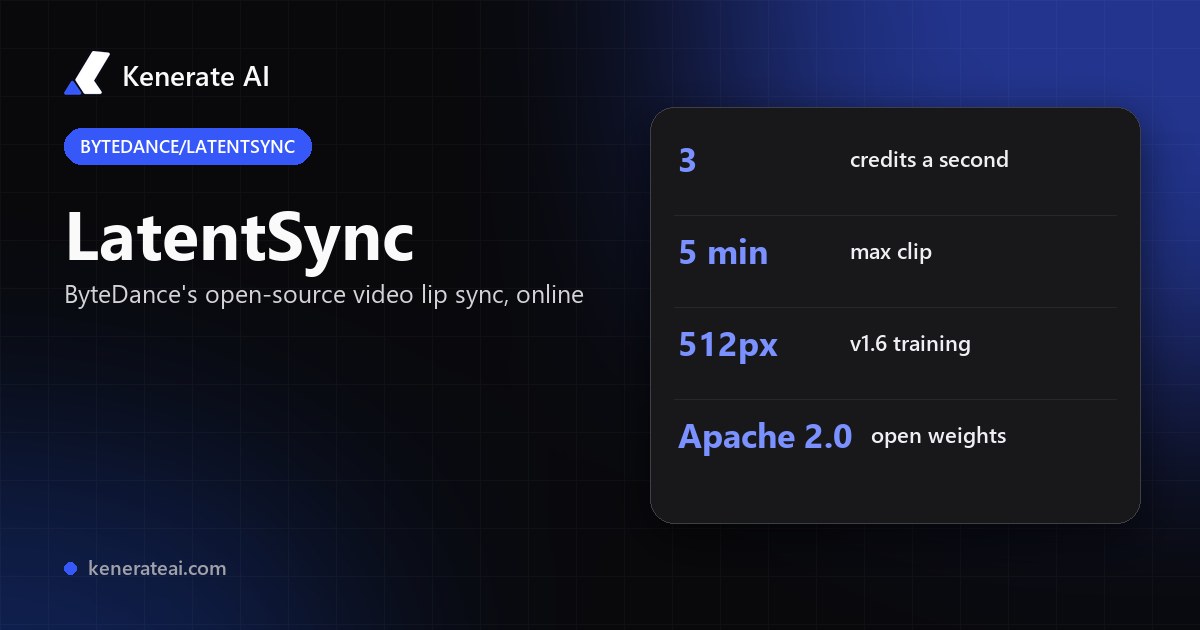
ByteDance's open-source LatentSync in your browser: upload a talking-head video and a new voice track, and it re-draws the mouth to match the speech. Up to 5 minutes per clip at 3 credits a second — no GPU, no ComfyUI.
- What it does
- Video-to-video lip sync: keeps your footage and re-generates the mouth region so it matches a new speech track. There is no photo-only mode
- How it works
- Audio-conditioned latent diffusion on Stable Diffusion; Whisper audio embeddings enter the U-Net through cross-attention; trained with SyncNet, LPIPS and TREPA losses
- Versions
- 1.5 (14 March 2025) adds a temporal layer for steadier frames and better Chinese videos; 1.6 (11 June 2025) is trained on 512×512 video to reduce blur
- Length on Kenerate
- Speech and video up to 5 minutes; anything under 3 seconds is billed as 3
- Best footage
- Talking heads: one face, visible mouth, steady framing
- Open-source settings
- inference_steps 20–50 (quality vs speed) and guidance_scale 1.0–3.0 (sync accuracy vs jitter), per the repo
- Real specs
- Official sources
- Free to start
- No watermark
Updated by the Kenerate AI team




On this page
What is LatentSync?

What is LatentSync?
LatentSync is an open-source (Apache 2.0) lip-sync model from ByteDance, first published in December 2024 (arXiv 2412.09262), that takes an existing video and a speech track and regenerates the mouth area so the lips match the new audio. It works in the latent space of Stable Diffusion with Whisper audio features and SyncNet supervision; version 1.6 (June 2025) is trained at 512×512. On Kenerate AI it runs in Avatar Talk at 3 credits a second, for clips up to 5 minutes.
Key facts
- Official name
- LatentSync
- Repo ID
- bytedance/LatentSync
- Maker
- ByteDance
- First published
- December 2024 (arXiv 2412.09262)
- Latest version
- 1.6 — 11 June 2025
- Licence
- Apache 2.0 (open weights)
- Inputs
- Video + speech audio
- Length on Kenerate
- 3 s to 5 min
- Self-host VRAM
- 8 GB (1.5) · 18 GB (1.6)
Models
LatentSync on Kenerate
Every version in the generator, and what each is good at.
ByteDance
LatentSync
- Reference images
- 1 video · 1 audio
- Output
- Up to 5 min
Open LatentSyncBest for
Cheapest re-voicing for talking-head footage, tests and bulk dubbing
MeiGen-AI
InfiniteTalk Fast · Video
- Reference images
- 1 video · 1 audio
- Output
- Up to 10 min
Open InfiniteTalk Fast · VideoBest for
Longer videos; moves the head and expression too, not just the lips
VEED
VEED Lipsync 2
- Reference images
- 1 video · 1 audio
- Output
- Up to 5 min
Open VEED Lipsync 2Best for
Clean, fast re-voicing; the output runs as long as the speech
Sync Labs
Sync Lipsync 3
- Reference images
- 1 video · 1 audio
- Output
- Up to 5 min
Open Sync Lipsync 3Best for
The most precise mouth shapes; choose cut, loop, bounce, pad or retime
Sync Labs
Sync React-1
- Reference images
- 1 video · 1 audio
- Output
- Up to 15 s
Open Sync React-1Best for
Re-acts the face with an emotion, not just the lips
From our tests
Strengths and limits
Good at

- Lowest price for video lip sync here: 3 credits a second, 180 credits for a full minute.
- Keeps your footage — only the mouth area is regenerated, so lighting, background and framing stay as shot.
- Long enough for real work: up to 5 minutes of speech in one clip.
- Open source (Apache 2.0) — the same model you'd self-host, without the 8–18 GB GPU.
Limits
- No LatentSync clips on this page yet — test a short clip of your own footage first.
- Mouth only: the head and expression don't change with the new audio. InfiniteTalk or React-1 re-perform more of the face.
- Built for talking heads; side profiles, covered mouths, fast motion or several faces in frame sync less reliably.
- It needs a video — for a single photo, use a talking-photo engine such as InfiniteTalk or Kenerate Avatar in the same studio.
How to
How to use LatentSync on Kenerate
Step 1
Open Avatar Talk
Go to /app/avatar-talk, choose Lip sync a video and pick LatentSync (the button on this page selects it).
Step 2
Upload the video
Add a clip of up to 5 minutes where one person faces the camera and the mouth is clearly visible. Use your own footage or footage you have the rights and consent to re-voice.
Step 3
Add the new speech
Upload a clean voice track, or make one in Kenerate's voice studio. Remove music and background noise first for the tightest sync.
Step 4
Generate
Check the credit cost (3 a second, 3 s minimum) and generate. Download the MP4 when it's ready.
See it in the app

Open Video Studio in Text to Video mode and write the shot — subject, action, camera move and light.


Watch the tour · 1:19
Text, image & reference to video, models, edit, extend & chat
Chapters
FAQ
LatentSync questions
9 questions

What is LatentSync?
LatentSync is ByteDance's open-source lip-sync model. Given a video of someone talking and a new audio track, it regenerates the mouth region frame by frame so the lips match the new speech. The paper (arXiv 2412.09262) was first published in December 2024, and the code and weights are on GitHub under bytedance/LatentSync.
Link to this answerHow does LatentSync work?
It's an audio-conditioned latent diffusion model built on Stable Diffusion. Whisper converts the audio into embeddings that steer the U-Net through cross-attention, while reference and masked frames from your video keep the face and scene intact. Training adds SyncNet, LPIPS and TREPA losses so the lips stay in sync and the frames stay steady.
Link to this answerWhat's new in LatentSync 1.6 vs 1.5?
LatentSync 1.5 (14 March 2025) added a temporal layer for steadier frames, improved Chinese-language videos and cut training memory. LatentSync 1.6 (11 June 2025) was trained on 512×512 video to reduce the blurry mouth area of earlier versions, and needs about 18 GB of VRAM to run locally versus 8 GB for 1.5.
Link to this answerIs LatentSync free?
The model is free to download and self-host under the Apache 2.0 licence, if you have a suitable GPU. On Kenerate it costs 3 credits a second; Avatar Talk only needs a verified email, so the 25 starter credits on a new account cover a short test clip of about 8 seconds.
Link to this answerHow much does LatentSync cost on Kenerate?
3 credits per second of speech, with a 3-second minimum. A 30-second clip is 90 credits, one minute is 180 and a full 5-minute video is 900. That makes it the cheapest video lip sync in Avatar Talk.
Link to this answerCan I use LatentSync in ComfyUI?
Yes, community ComfyUI nodes and hosted ComfyUI workflows exist for LatentSync, but you need a local GPU and the model files. On Kenerate you skip the setup: upload a video and audio in the browser and it runs on our side.
Link to this answerIs there a LatentSync API?
ByteDance publishes the code, not a hosted API; several cloud platforms host it. If you want to use it without code, Kenerate runs LatentSync in Avatar Talk: upload the video and the speech, and the credit cost shows before you generate.
Link to this answerWhat's a good LatentSync alternative?
In the same studio: InfiniteTalk Fast · Video (4.5 credits a second, up to 10 minutes) also moves the head and expression; VEED Lipsync 2 (22.5) gives clean, quick re-voicing; Sync Lipsync 3 (40.5) has the most precise mouth shapes; Sync React-1 (50.1, up to 15 s) changes the emotion too. You can run each on the same clip and compare.
Link to this answerWhich videos work best with LatentSync?
Front-facing talking heads with one person, steady framing, good light and an unobstructed mouth. Clean speech without music helps a lot. Profiles, hands over the face, beards hiding the lips or several faces in one shot give weaker results.
Link to this answerIn depth
LatentSync, in depth
Background, how to prompt it, and when to pick something else.
On this page
What a LatentSync video costs
LatentSync is billed per second of speech, at one flat rate:
- Under 3 s — 9 credits (billed as 3 seconds).
- 30 s — 90 credits. A social clip or ad variant.
- 1 min — 180 credits. A short explainer in a new language.
- 5 min — 900 credits. The longest single clip.
How LatentSync works
Older lip-sync tools first predict mouth landmarks or 3D motion, then render a face from them. LatentSync skips that middle step: it runs diffusion directly in Stable Diffusion's latent space, using masked frames of your video plus a reference frame so identity and background stay put, and Whisper audio embeddings to decide the mouth shape for each frame [1][2].
During training it decodes an estimate of each clean frame and scores it with SyncNet (lip sync), LPIPS (image quality) and TREPA (temporal consistency), which is how it keeps lips in sync without the flicker diffusion models are known for [1][2]. Version 1.5 added a temporal layer; version 1.6 moved training to 512×512 to sharpen the mouth [1].
Getting good results
Start from footage where the speaker faces the camera and the mouth is clearly visible for the whole clip. Match the new speech to roughly the length of the video, cut out music and noise, and keep one face in frame. If the result looks too static for a big change in tone, try InfiniteTalk Fast · Video, which also moves the head and expression. Only re-voice people who have agreed to it.
By the Kenerate AI teamLast updated and reviewed
We run these models in the Kenerate generator. Model facts come from the makers' own pages; specs and limits were checked against our code; the examples are our own outputs.
Sources: bytedance/LatentSync — GitHub · LatentSync: Taming Audio-Conditioned Latent Diffusion Models for Lip Sync with SyncNet Supervision — arXiv 2412.09262
