Blinks · group photos · laughing eyes
Open Eyes in Photo
Someone blinked in the best shot? Upload it and the AI draws open eyes that fit the face, the expression and the light. Add another photo of the same person and the eyes come out much closer to theirs.
- Portraits and group shots
- Add a reference photo
- Free-plan model
- No watermark
Updated by the Kenerate AI team




On this page
Quick answer

How do I open closed eyes in a photo?
To open closed eyes in a photo, upload it to Kenerate's eye opener and press Create. Qwen Image 3.0 draws open eyes that match the face, expression and light, in under a minute for 9.9 credits. The eyes are drawn by AI, not recovered, so they may not look exactly like the person's; add a second photo of them with open eyes for a closer match.
Key facts
- Fixes
- Blinks · half-closed eyes · squeezed-shut laughs
- Works on
- Portraits, selfies, group photos
- What it is
- AI-drawn eyes, not the person's real ones
- Closer match
- Add a photo with their eyes open (Nano Banana 2.1)
- Default model
- Qwen Image 3.0 (free plan)
- Watermark
- None
Before / after
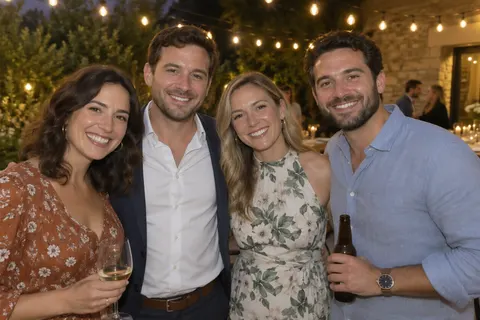
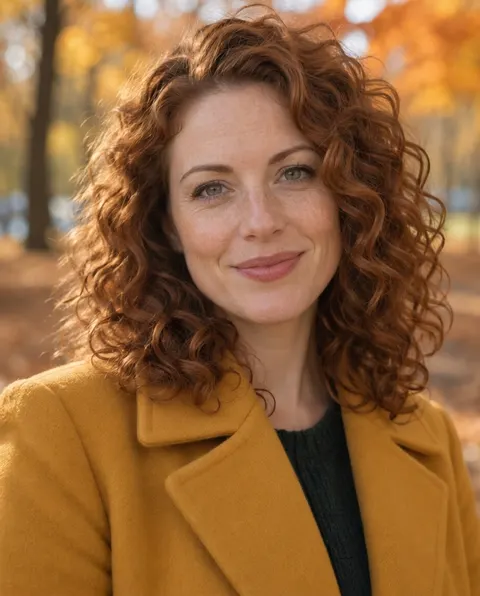
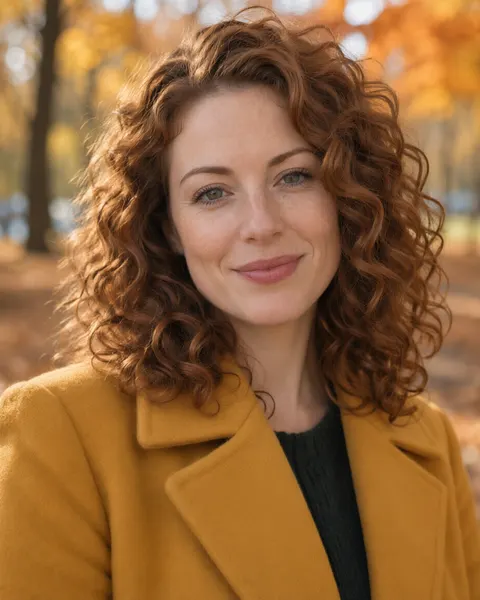
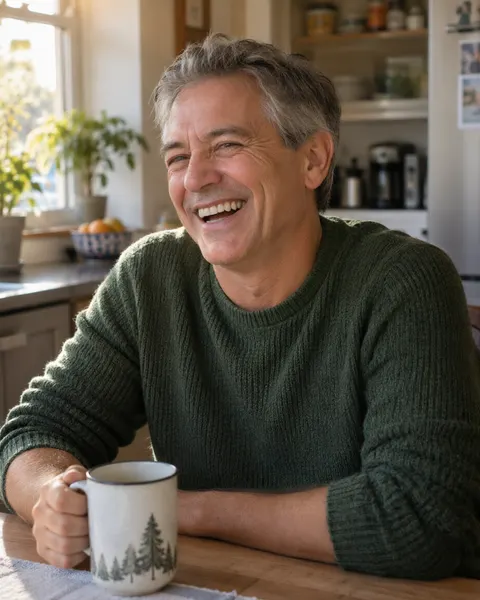
Open eyes: real before and after
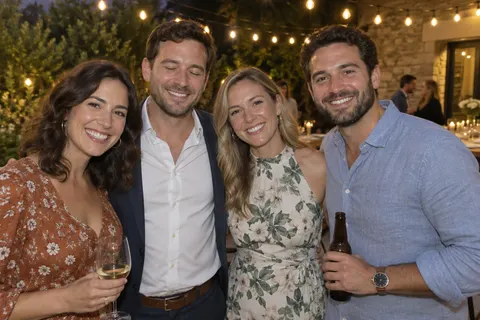
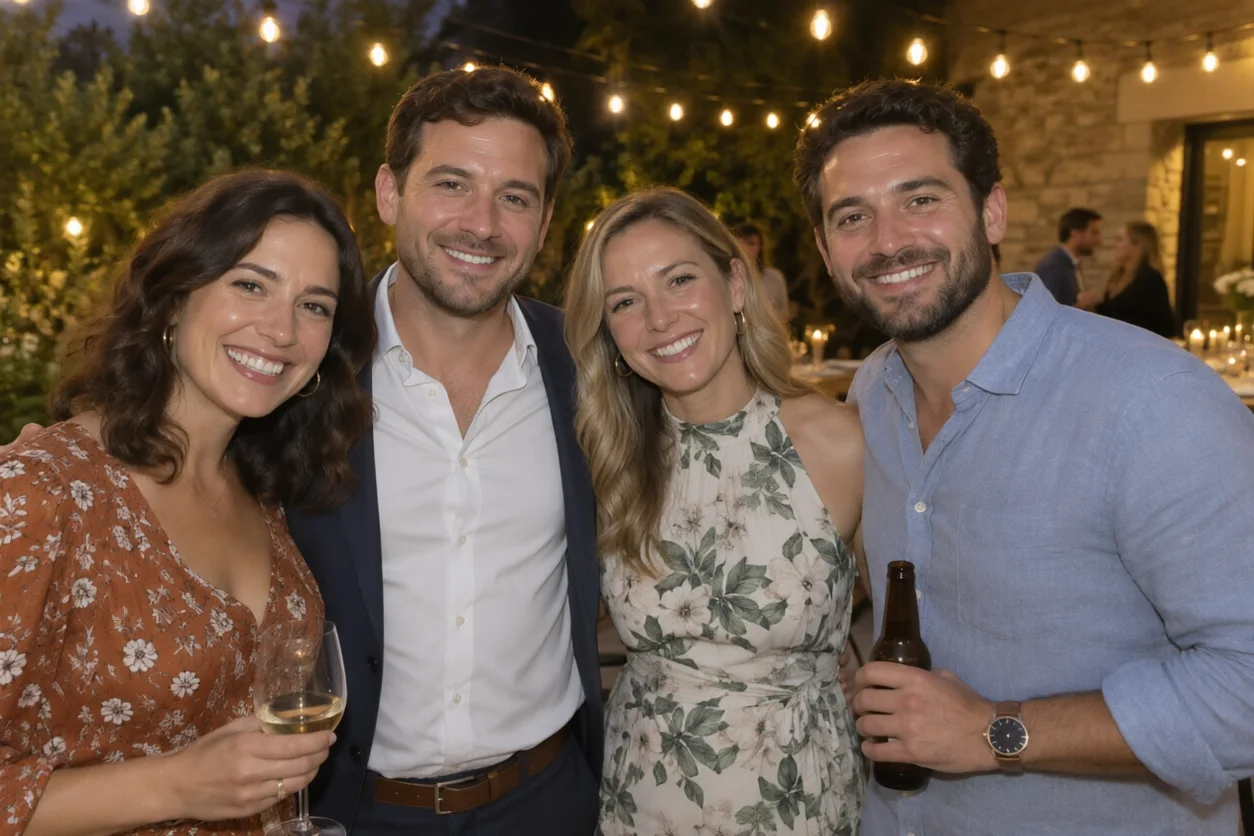
A group shot, a blink and a laugh, one try each. The blink is fixed twice: with a reference photo of her and without. Drag the slider to compare.
How to
How to use the open eyes in photo
- Time needed
- Steps
- 4 steps
Step 1
Open the eye opener
Press “Add your photo”. Image Studio opens with the open-eyes instruction in the prompt box. Sign in free for starter credits.
Step 2
Upload the photo
Add the photo where someone blinked. For a closer match, also upload a photo of the same person with their eyes open as a second image.
Step 3
Say who and how
In a group shot, name the person by position and clothes. Pick Nano Banana 2.1 if you added a reference photo, or keep Qwen Image 3.0 (free plan).
Step 4
Create and compare
Press Create, compare the eyes with other photos of the person at full size, and download without a watermark.
See it in the app

Open Image Studio and type what you want to see — subject, style, lighting and mood.


Watch the tour · 1:23
Prompts, styles, references, edit, Arena & chat
Chapters
Tips
Get eyes that look like the person
The model invents what the eyelids hid, so give it something to go on.
Best fix: add a second photo of the same person with open eyes, ideally from the same shoot, and pick Nano Banana 2.1.
No second photo? Add the eye colour to the prompt: “brown eyes”, “green eyes”.
In a group photo, name the person by position and clothes: “the man second from the left in the blazer only”.
Say where they should look: “looking at the camera” or “looking at the woman next to him”.
Big laughs squeeze the eyes; opening them can shrink the smile. Ask for “smiling, half-open eyes” to keep the moment.
Compare at full size: if the eyes look mismatched or stare, run it again.
Models
Models for opening eyes
What each model is good at. Open any one straight in the generator.
- Free plan

Alibaba
Qwen Image 3.0
- Reference images
- Up to 3
- Output
- 1K or 2K
Open Qwen Image 3.0Best for
Default here · free plan · guesses the eyes from the face
Google
Nano Banana 2.1
- Reference images
- Up to 14
- Output
- 1K to 4K
Open Nano Banana 2.1Best for
Best with a second photo of the person · closest eyes in our test

ByteDance
Seedream 5.0 Pro
- Reference images
- Up to 10
- Output
- Up to 2K
Open Seedream 5.0 ProBest for
Also takes reference photos
FAQ
Open Eyes in Photo questions
8 questions

How do I open closed eyes in a photo?
Upload the photo to the eye opener and press Create. Kenerate opens Image Studio with an instruction that draws natural open eyes matching the face, expression and lighting and keeps everything else. For eyes that look like the person's, also upload a photo of them with open eyes and pick Nano Banana 2.1.
Link to this answerAre the opened eyes the person's real eyes?
No. A closed eyelid hides the eye, so there is nothing in the photo to recover: the model draws new eyes that fit. Without help they can differ in shape or colour, as the Qwen example above shows. A second photo of the same person with open eyes brings the result much closer, but it is still drawn by the model.
Link to this answerIs it free to open eyes in a photo?
Free to start. A new Kenerate account gets 25 free credits. One fix on Qwen Image 3.0, the free-plan model and the default here, costs 9.9 credits. Nano Banana 2.1, the best choice with a reference photo, costs 21 credits at 1K, and extra reference images don't add to that. No watermark.
Link to this answerCan I fix one person who blinked in a group photo?
Yes. Name them by position and clothes, such as “the man second from the left in the dark blazer only”, and say to keep everyone else the same. The group example above was fixed that way in one try. For more control, use Change Region in Edit Studio and paint over just their eyes.
Link to this answerCan I use another photo of the person as a reference?
Yes, and it is the best way to get their real eyes. Upload the blinked photo first and a photo with open eyes second, then say “open her eyes in image 1 using her eyes from image 2”. Nano Banana 2.1 takes up to 14 images and Qwen Image 3.0 up to 3.
Link to this answerWhy do the eyes look strange or staring?
Usually because the expression doesn't fit open eyes, such as a big laugh, or because the light on the new eyes doesn't match. Ask for “smiling, half-open eyes” or “relaxed eyes with the same soft light”, and run it again. Comparing with other photos of the person helps you pick the best try.
Link to this answerDoes it work on old or blurry photos?
It works best on sharp photos where the face is big enough to show eyelids and lashes. On tiny faces in a crowd or blurry photos the result can look painted. Restore or upscale the photo first, then open the eyes.
Link to this answerCan I edit someone else's photo?
Only with their permission. Opening someone's eyes still changes a real person's face: use your own photos or ones the people in them agreed to, don't pass the edit off as unretouched where that matters, and never upload a photo of a minor. Kenerate's content rules apply to every edit.
Link to this answerIn depth
Open Eyes in Photo, explained
What works, what to avoid, and how to pick a model.
On this page
How the eye opener works
It is an instruction edit. Your photo and one sentence go to an image model's edit endpoint; the model repaints the eye area with open eyes that fit the face, the expression and the light, and leaves the rest of the photo as it was. With a second photo of the person, the model can copy their eye shape and colour instead of guessing.
Three ways to fix a blink
Pick by what you have:
- Just the blinked photo: Qwen Image 3.0 with the default prompt; add the eye colour if you know it.
- Another photo of the same person: upload both and use Nano Banana 2.1 for the closest match.
- One person in a big group: name them, or paint over their eyes with Change Region in Edit Studio.
Avoid blinks when you take the photo
Take several shots in a row (burst mode) and pick the one where everyone's eyes are open; the more people in the photo, the more shots you need. Counting down out loud helps, as does asking everyone to close their eyes and open them on “three”. Keep one of the extra shots: it is the best reference photo for fixing a blink later.
By the Kenerate AI teamLast updated and reviewed
We build and run the Kenerate generator. Every example is a real output of the model named under it; models and presets were checked against the app's code.
Sources: Kenerate Image Studio · Kenerate AI — Terms of Service (content rules)